
Share this tool:
 |
Description:
QuillBot is still best known for paraphrasing, but the live product is broader than that. Its current website positions QuillBot as a writing suite built around rewriting, grammar correction, AI detection, plagiarism checking, humanizing, summarizing, citation generation, translation, chat, and even image generation. That makes it less of a single-purpose paraphraser and more of an editing-and-verification workspace for students, professionals, and everyday writers.
The clearest way to understand QuillBot is this: it is strongest after you already have text. Some tools are best for generating from scratch. QuillBot is more useful when you need to rewrite, tighten, fix, shorten, humanize, check, cite, or verify something you have already drafted. That editing-first posture is still what makes the product distinctive.
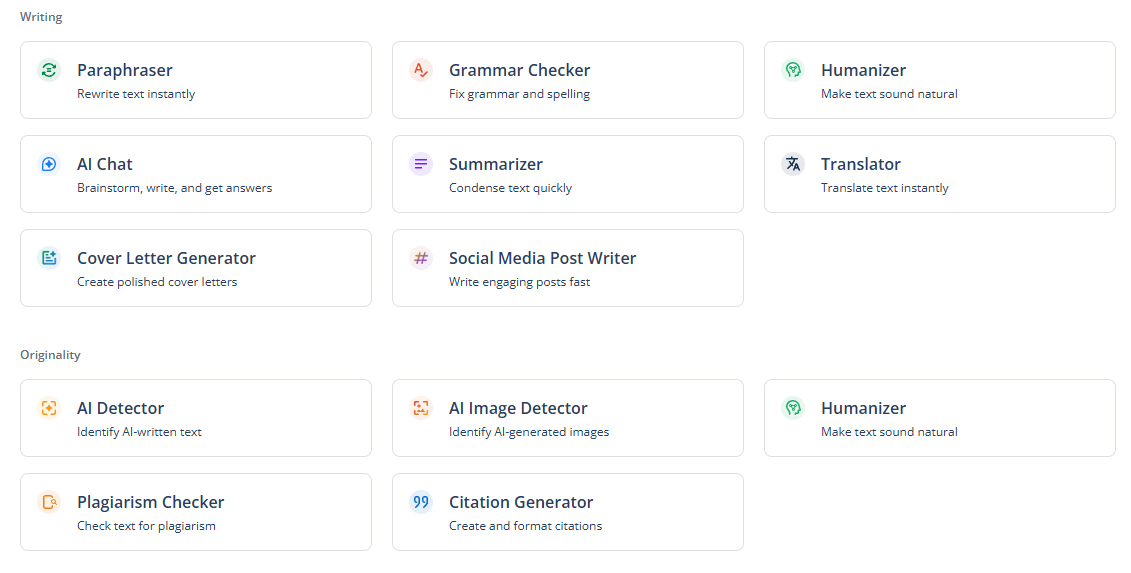
Rewrites text to improve clarity, comprehension, and tone, with synonym suggestions built into the workflow.
Reworks AI-generated text to sound more natural and engaging, with modes and controls exposed in the product.
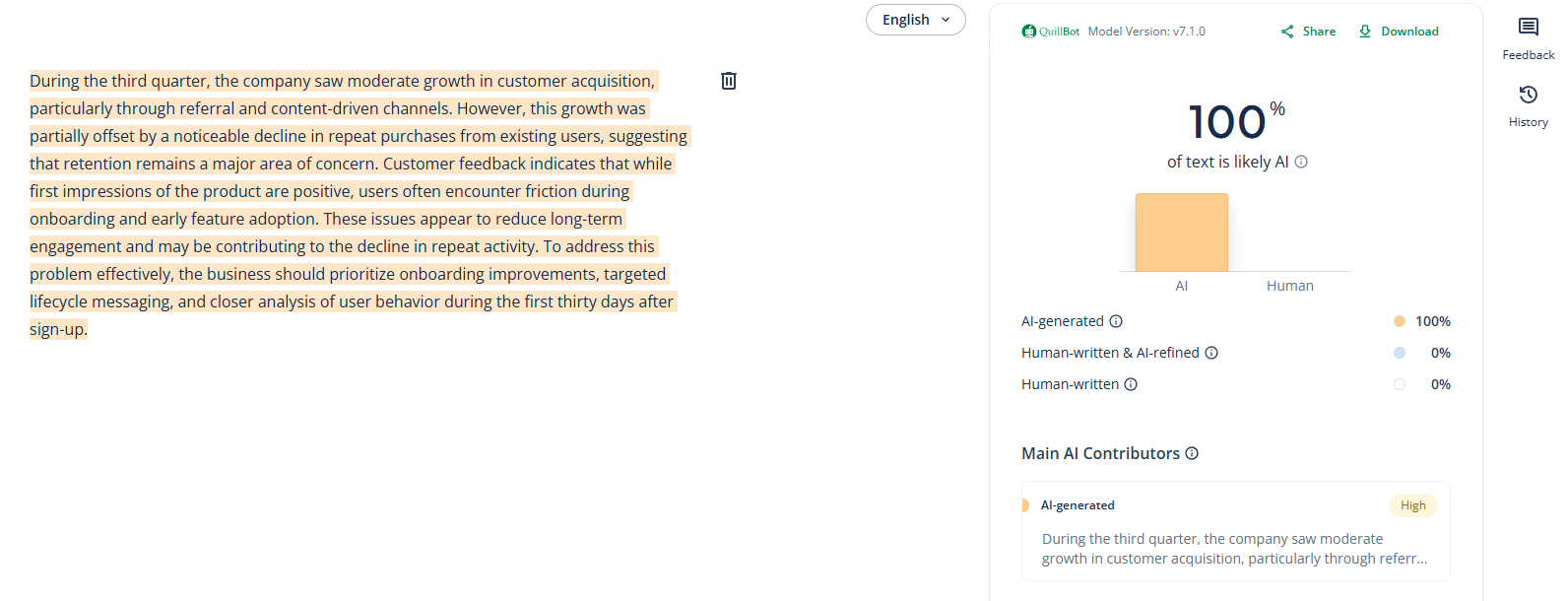
Analyzes text for likely AI-generated content and produces a report-based result.
Scans documents for copied material and provides detailed plagiarism analysis.
Fixes grammar, spelling, and punctuation in one tool.
Condenses articles, research papers, and documents into shorter key-point summaries.
Creates citations in APA, MLA, Chicago, Harvard, and other formats.
QuillBot’s product guide lists Translate as part of the core tool suite.
Included in the current tool lineup, with help documentation covering general writing and question-answering use.
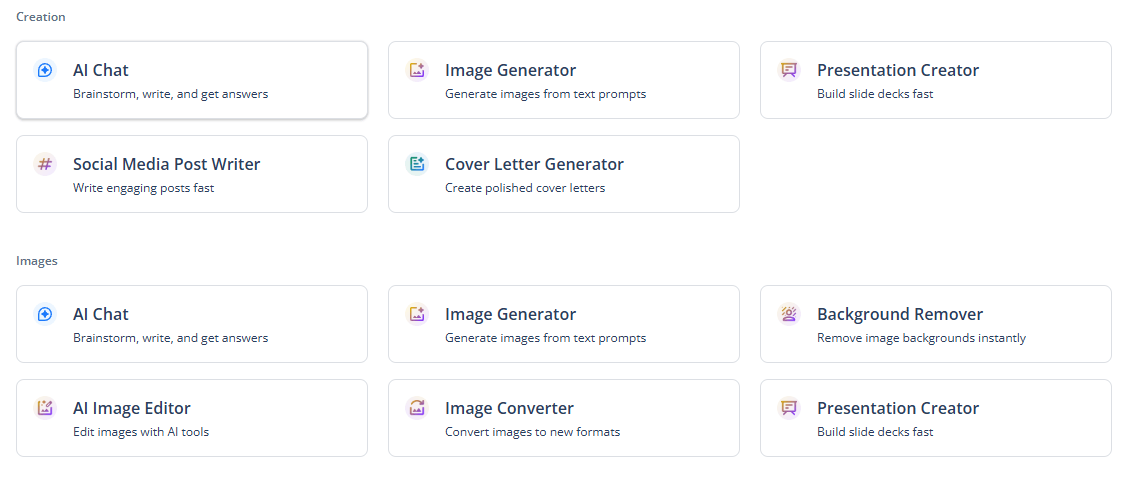
QuillBot’s live navigation and tools page now include an image generator as part of the broader suite.
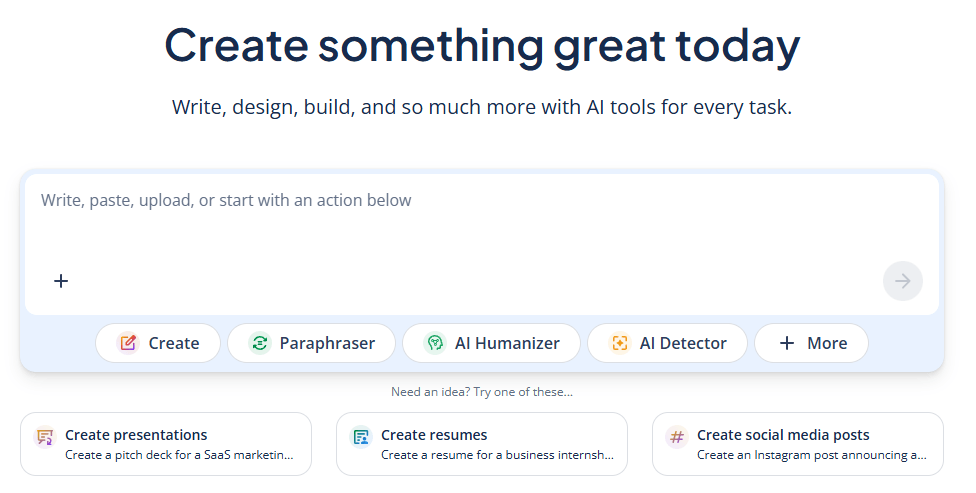
You can paste these prompts and try them out in the AI Chat.
Resume draft from experience notes
Before using this prompt: paste your work history, skills, achievements, and target role.
Prompt:
“Create a professional one-page resume for a candidate applying for a [JOB TITLE] role. Use the experience and skills below to write a strong professional summary, polished work experience bullets, and a concise skills section. Make the bullet points achievement-focused and use clear, modern resume language.”
Presentation outline from a topic
Before using this prompt: paste the topic, audience, and goal of the presentation.
Prompt:
“Create a presentation outline on the topic below. Organize it into a strong title slide, introduction, 3 to 5 main sections, supporting points for each section, and a conclusion. Make it suitable for a [TYPE OF AUDIENCE] and keep the flow clear and logical.”
Proposal draft
Before using this prompt: paste the project details, objectives, scope, timeline, and client context.
Prompt:
“Write a professional proposal based on the details below. Include a short introduction, project goals, scope of work, expected outcomes, timeline, and closing statement. Keep the writing persuasive but not overly salesy.”
Professional email draft
Before using this prompt: paste the context, recipient, and goal of the email.
Prompt:
“Write a professional email based on the situation below. Keep it clear, polite, and concise. Make sure the purpose is obvious, the tone fits a workplace setting, and the closing feels natural.”
Portfolio case study
Before using this prompt: paste the project details, your role, challenges, process, and results.
Prompt:
“Write a portfolio case study for the project below. Include the project background, the problem, my role, the process, the solution, and the outcome. Keep it clear, professional, and suitable for a portfolio website or PDF.”
QuillBot works best as a revision layer. Its paraphrasing tool is still the center of gravity, and the official page describes it as a way to rewrite, edit, and change tone to improve clarity and comprehension. That sounds simple, but it remains the main practical reason many users choose QuillBot over a generic chatbot: it is designed around taking existing text and reshaping it quickly.
Its second major strength is that it covers the rest of the editing pass in the same ecosystem. The grammar checker handles grammar, spelling, and punctuation; the summarizer condenses longer text into key points; the citation generator creates references in major academic styles; and the detector/checker tools handle originality and AI-use concerns. That means QuillBot is increasingly useful not just for rewriting sentences, but for moving a draft toward submission or publication readiness.
A third strength is that QuillBot is unusually explicit about verification-oriented tools. Many writing assistants stop at helping you sound better. QuillBot also offers an AI Detector and a Plagiarism Checker, and its site consistently places them alongside the drafting tools rather than treating them as separate products. For students and academic-style users, that bundled workflow is one of the product’s most practical advantages.
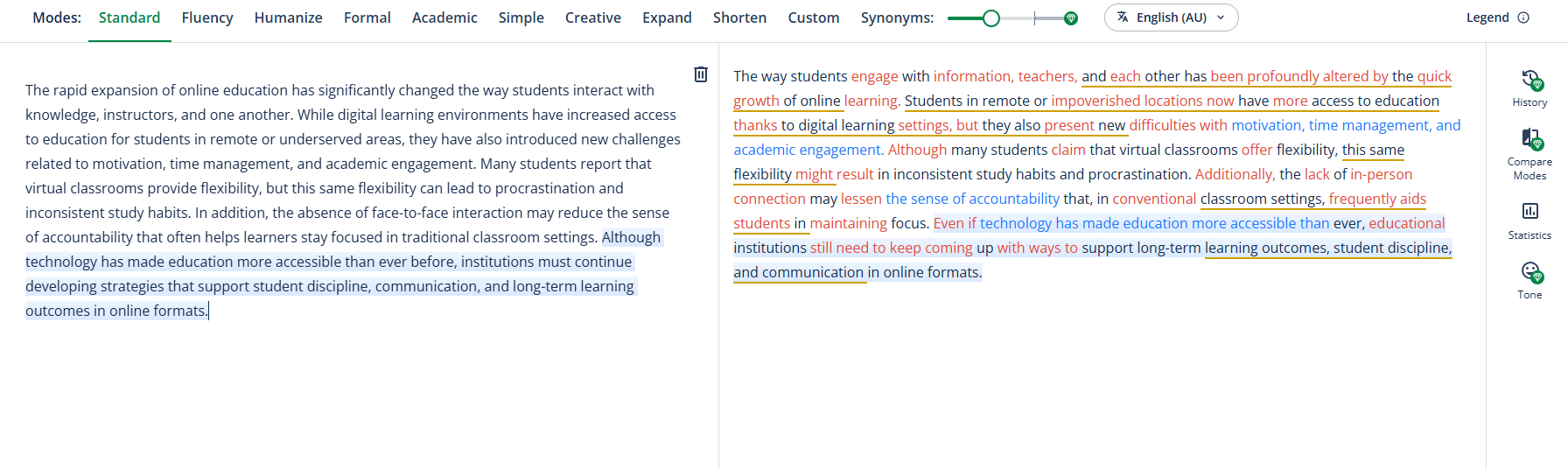
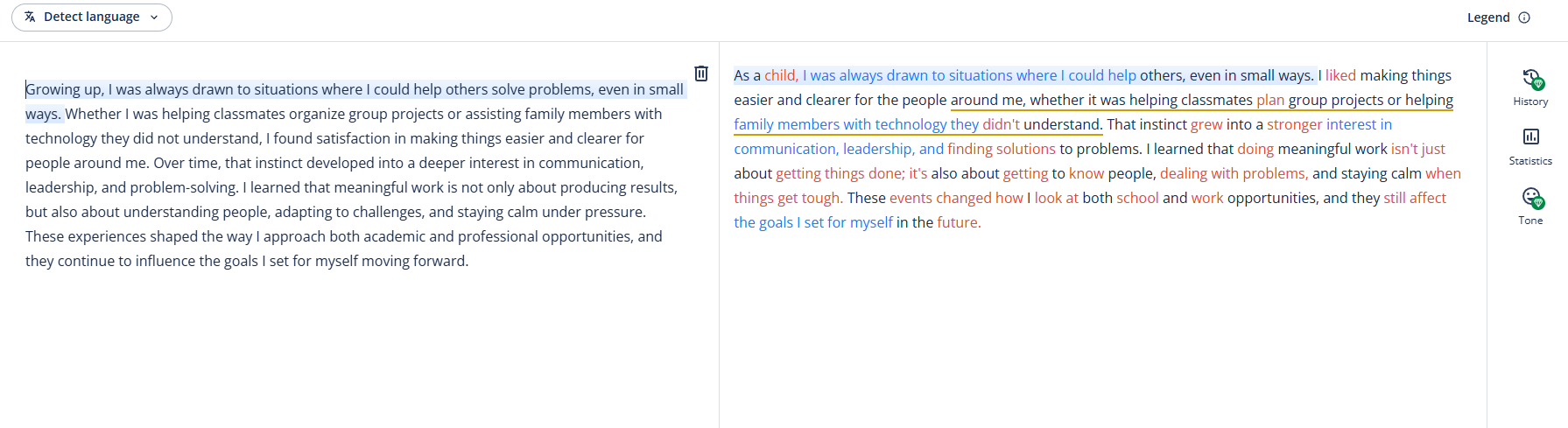
The paraphraser is still the flagship. That is the product’s identity, and it is the feature most likely to get daily use. QuillBot’s paraphrasing page also highlights a built-in thesaurus-style synonym picker, which reinforces how sentence-level rewriting remains central to the experience.
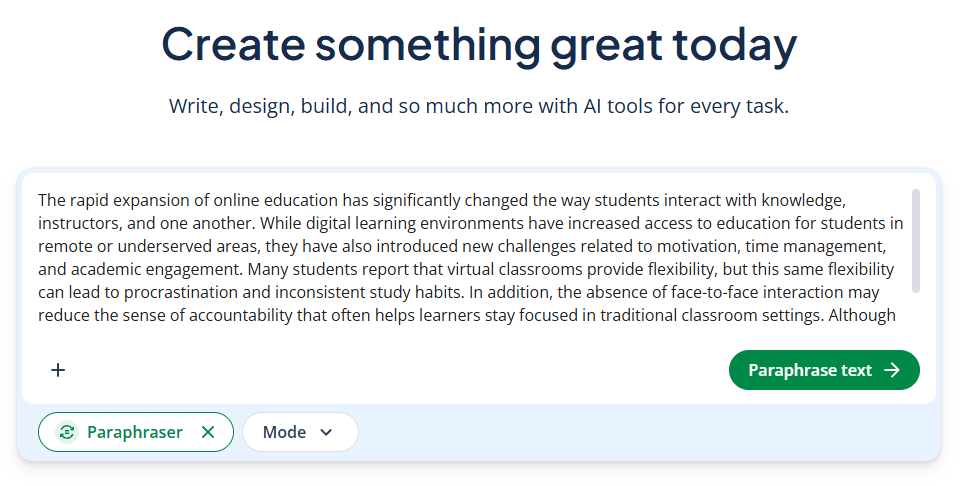
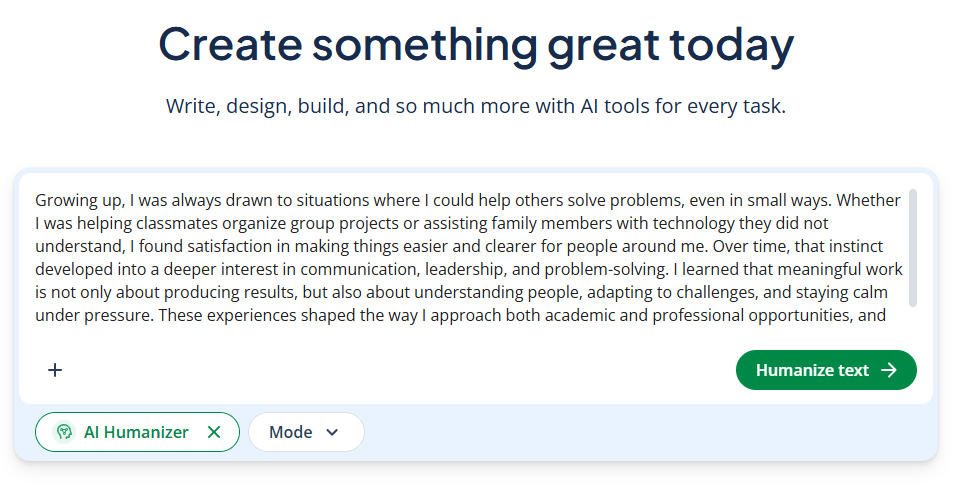
The humanizer is one of the more modern additions. QuillBot describes it as a way to humanize text from ChatGPT, Claude, Gemini, and other AI systems so the writing reads as more natural, engaging, and impactful. That makes QuillBot more relevant in a market where many users are no longer starting from their own raw text, but from AI-generated drafts that need cleanup.
The detector and plagiarism checker form a second important layer. They serve different purposes: the detector is about probable AI authorship, while the plagiarism checker is about text originality and source overlap. QuillBot’s site gives both of these prominent placement, which suggests the company sees “write better” and “verify better” as equally important parts of the workflow.
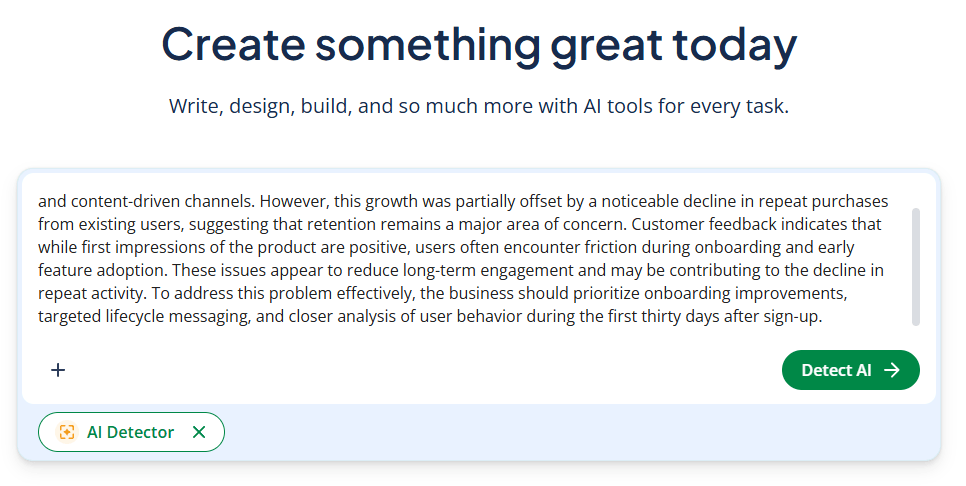
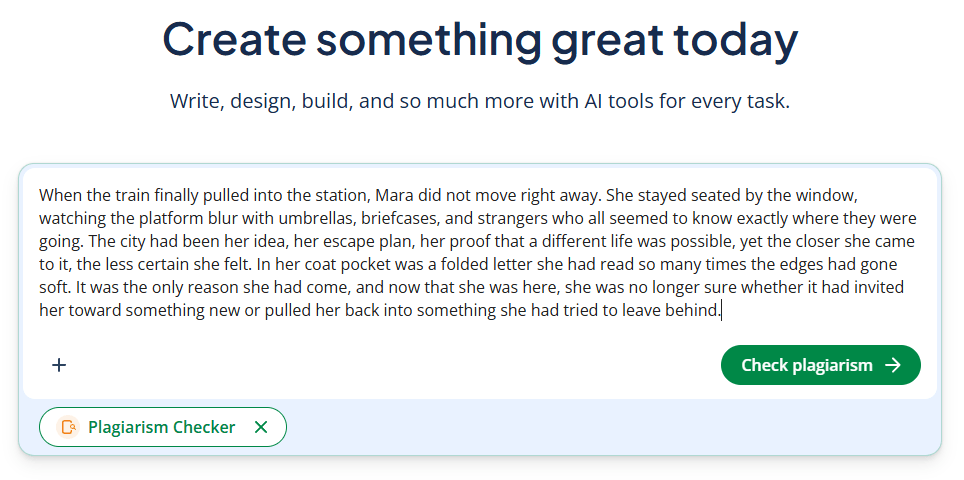
QuillBot’s workflow is easy to understand because each tool has a clear job. You paste text into the paraphraser, grammar checker, humanizer, summarizer, or detector depending on what you need, then move to the next tool. The help center reinforces this product structure by organizing the suite into separate tool categories rather than one monolithic editor.
That modular design is one of QuillBot’s strengths. It makes the tool approachable for students and casual writers because you do not need to learn a big workspace before getting value. At the same time, it can feel a little less unified than more document-centered writing platforms. You are often moving between specialized tools rather than working inside one deeply integrated editor. This is an inference based on QuillBot’s current product structure and help-center layout.
The editing flow is especially strong for sentence- and paragraph-level refinement. QuillBot is not most compelling when you want an AI to think through a complex article strategy from scratch. It is more compelling when you already have a draft and need better wording, cleaner grammar, shorter summaries, more natural phrasing, or formal citations.
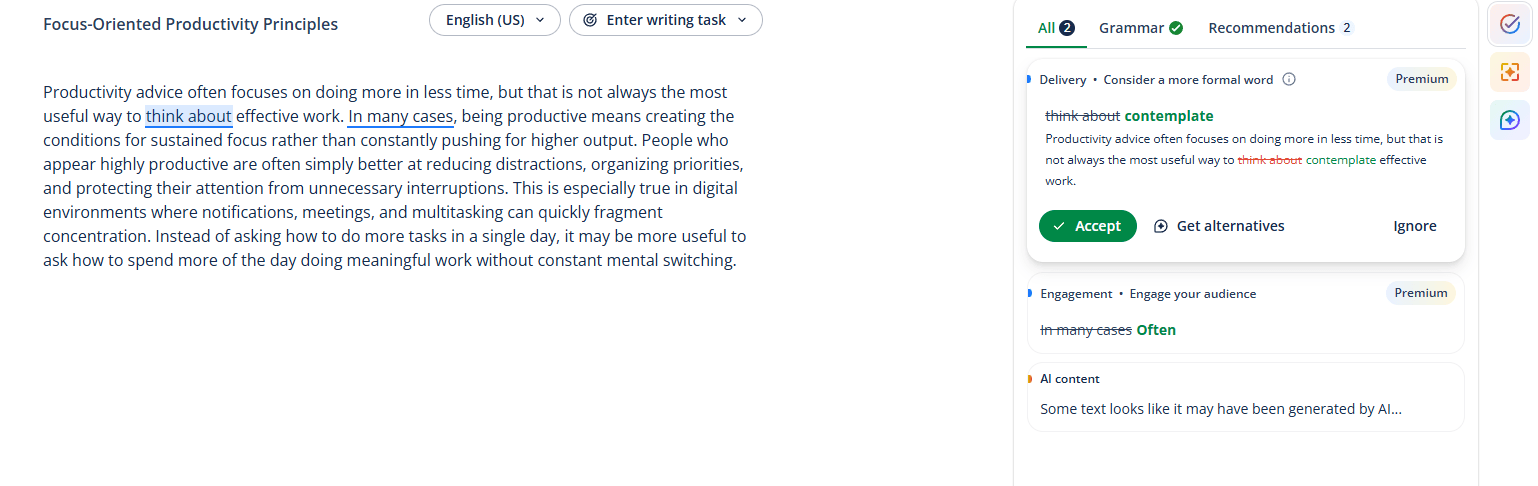
QuillBot feels built for utility, not voice. Its best outputs are usually cleaner, clearer, shorter, or more polished versions of text you already have. That is why the product is especially popular in academic, workplace, and productivity-oriented writing contexts. The official messaging across the paraphraser, grammar checker, and summarizer pages is consistently about clarity, comprehension, and efficiency rather than originality or creative style.
The AI Humanizer slightly shifts that balance by trying to make text sound more natural and engaging, but even that is still a refinement tool rather than a full creative writing system. QuillBot’s core competence remains transformation of existing text, not deep invention.
That is also where some caution is needed. Tools like AI detectors and humanizers are useful, but they are not magic guarantees. The product can help users revise text and check signals, but a detector result should still be treated as a heuristic rather than absolute proof of authorship. That is an inference from the nature of AI detection tools in general; QuillBot itself presents the detector as an analyzer/report tool rather than a certainty engine.
QuillBot is a strong fit for students, essay writers, researchers, and office users who spend more time refining text than inventing from scratch. Its strongest use cases are paraphrasing awkward passages, checking grammar, condensing source material, generating citations, and running originality checks before submission.
It is also useful for users working with AI-generated drafts. The Humanizer and AI Detector make more sense in exactly that scenario: draft something with another AI, then use QuillBot to naturalize it, inspect it, and revise it further.
Where QuillBot looks less ideal is for users who want deep long-form content strategy, collaborative editorial workflows, or a highly integrated knowledge workspace. Its strength is tool-by-tool writing improvement, not full publishing-system orchestration. This is an inference based on the current public product lineup.
QuillBot sits between a grammar checker and a general AI writer. Compared with simple grammar tools, it offers a much broader rewriting and verification stack. Compared with open-ended chatbots, it gives users more structure for specific writing tasks like paraphrasing, citation, summarization, and plagiarism checking.
That middle position is why it still makes sense. It is not the most expansive AI writing platform, but it is more practical than a blank chat window for many academic and professional editing tasks.
The biggest limitation is that QuillBot’s tools are broad, but still somewhat modular. That makes the suite easy to understand, but less cohesive than products built around one unified document environment. This is an inference from the separate-tool structure shown on the site and in the help center.
The second limitation is that QuillBot is strongest at refinement, not deep original generation. It has AI Chat and newer AI features, but the product’s clearest public strengths are still paraphrasing, grammar correction, summarization, and checking.
The third is that tools like AI detectors and humanizers should be used carefully. They can be useful indicators and editing aids, but they are not substitutes for judgment, source ethics, or original thinking. The site presents them as practical tools, but responsible use still matters.
QuillBot remains a very practical AI writing suite because it focuses on what many users actually need most: rewriting, fixing, summarizing, citing, checking, and verifying text that already exists.
Its strongest features are the paraphraser, humanizer, AI detector, plagiarism checker, grammar checker, and summarizer, with citation generation and related tools rounding out the workflow.
It is best for students, researchers, professionals, and everyday writers who want an editing-first AI assistant rather than a blank generative chatbot.
The main caveat is that QuillBot is more of a writing refinement system than a full creative writing platform.
TAGS: Productivity Copywriting
Related Tools:

Allows businesses to build, customize, and deploy AI agents

AI-powered data analysis platform

Analyzes your documents to help you understand information
Simplifies creation of visual content for marketing
Assists in creating classroom content

Integrates Chat-GPT into web browsing