

Share this tool:
 |
Description:
Kater AI is a decision-focused analytics platform for teams that already have business data but struggle to turn it into clear next steps. Instead of stopping at charts and dashboards, Kater uses Data Playbooks, a shared semantic layer, AI agents, and live notebook-style logic to guide users through the right questions, the meaning behind the numbers, and what action to take next.
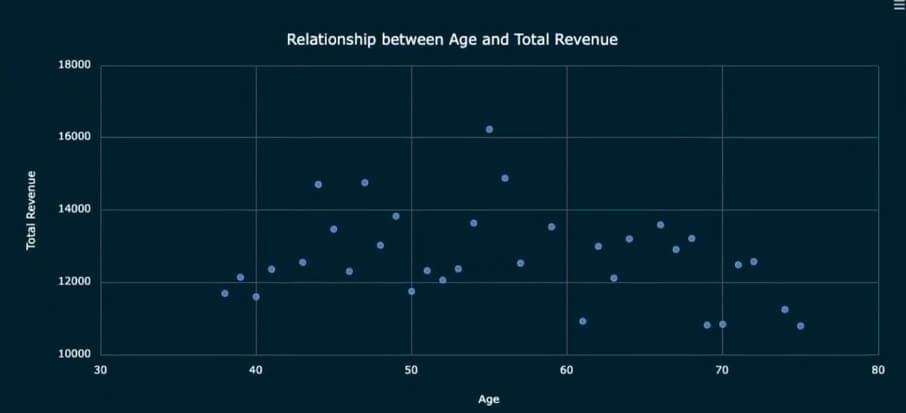
Kater AI sits somewhere between business intelligence, semantic modeling, and AI-assisted analytics. It is not just a chatbot that writes SQL from plain English. In fact, Kater says it does not use AI to write SQL for non-technical users. Instead, it relies on defined YAML data model files so business users get answers from controlled logic rather than loose AI-generated queries.
That choice matters. Many AI analytics tools promise “ask your data anything,” but that approach can break down when metric definitions are messy or when AI writes a plausible but wrong query. Kater’s angle is more disciplined: data teams build the trusted structure, then stakeholders use that structure to explore business questions with less back-and-forth.
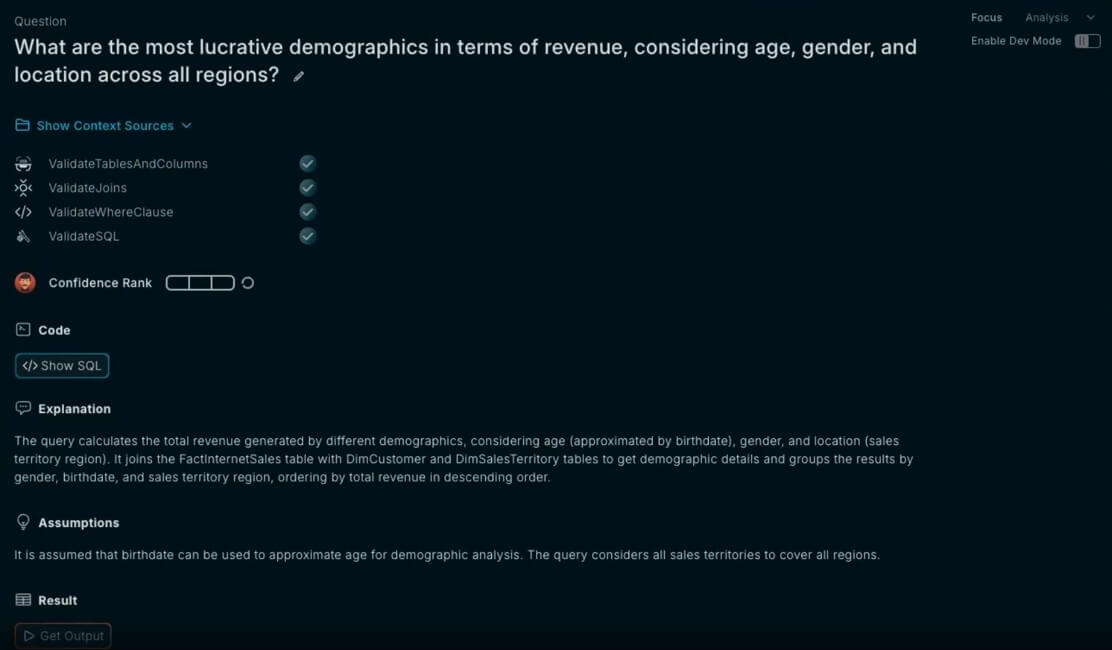
The product is built around the idea that companies often know what happened, but not what to do about it. Kater’s About page frames the gap clearly: static dashboards can show that revenue is down, but they rarely define the path to a decision or action.
Kater is strongest when a company has recurring business questions that require judgment, not just reporting. For example, “Why did revenue drop?” usually leads to follow-up questions about segments, products, sales channels, geography, churn, customer behavior, timing, pricing, and operational changes. A dashboard may show the decline. A good analyst knows what to check next.
Kater tries to capture that analyst logic inside Data Playbooks. These Playbooks act like structured decision trees that guide users through insights and next steps instead of leaving them to interpret charts alone.
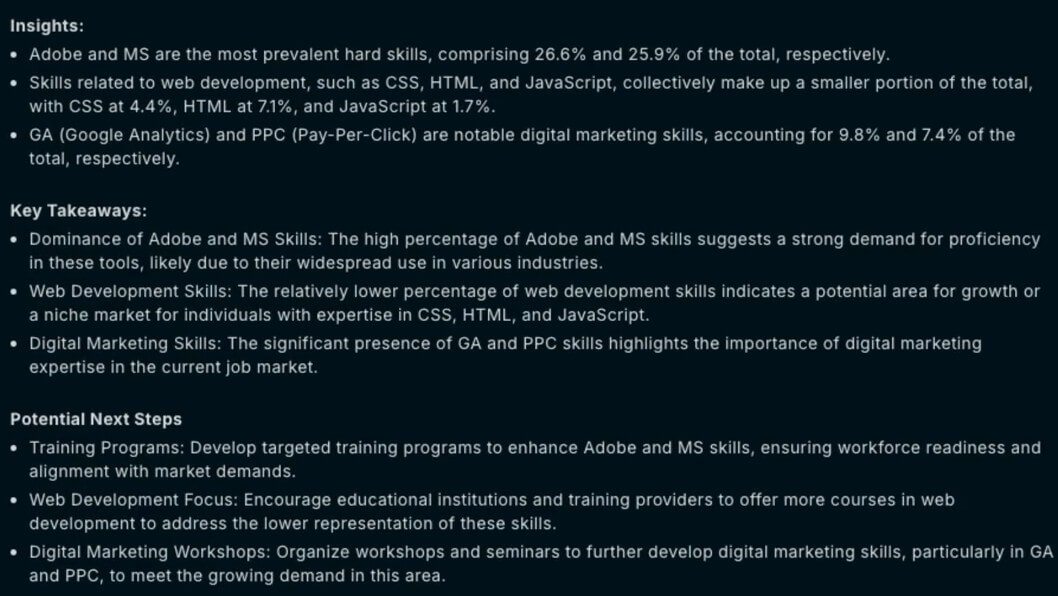
This makes Kater more interesting for mature data teams than for casual spreadsheet users. It is built for companies that already care about definitions, governance, warehouse connections, and repeatable analysis. If the data foundation is weak, Kater may still help, but the team will need to fix the structure before the tool can shine.
| Feature | What it means in practice |
|---|---|
| Data Playbooks | Structured decision trees that guide users through business questions, insights, and next steps. |
| Butler AI | An AI layer designed to answer follow-up questions using Playbook logic and business context. |
| Shared semantic layer | Keeps teams aligned around the same definitions and metric logic. |
| Live notebook nodes | Kater’s docs describe Playbook nodes as live Jupyter notebooks that execute based on real-time data. |
| Governance controls | Supports access, privacy, compliance, PII labeling, credential security, and unified data controls. |
| Warehouse connections | Kater lists Snowflake, BigQuery, Databricks, Redshift, and MS-SQL as supported warehouse integrations. |
Kater’s homepage also states that Butler AI can answer many follow-up questions because Playbooks capture business logic in a way that mirrors how an analyst would explain it.
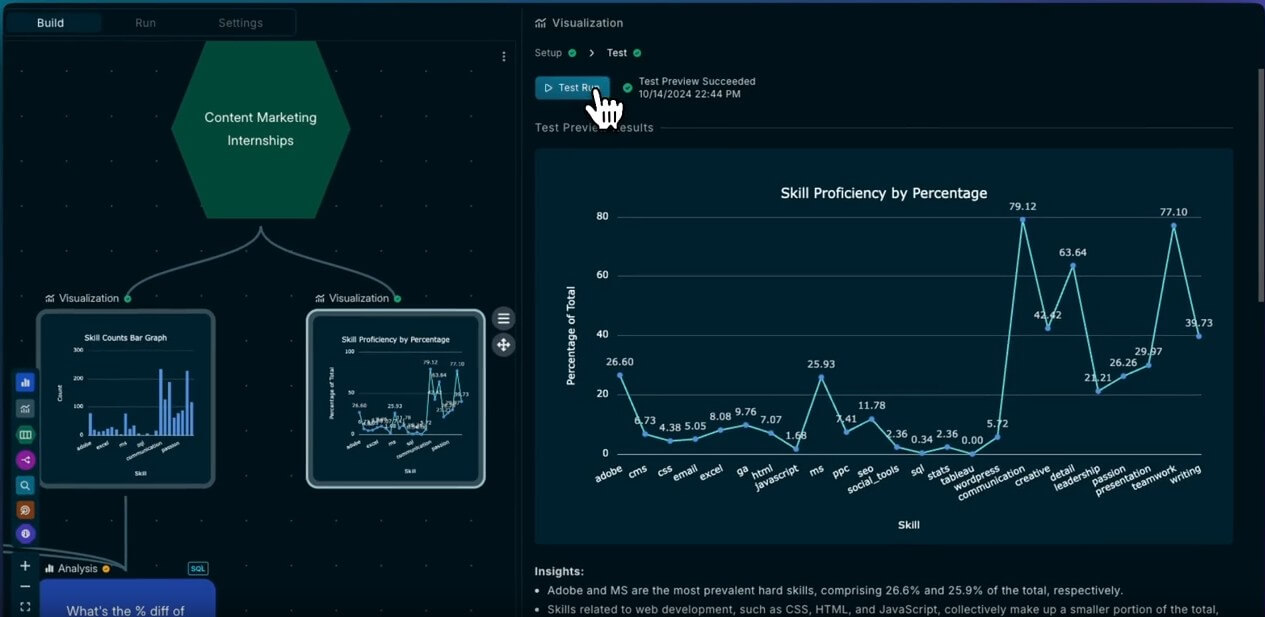
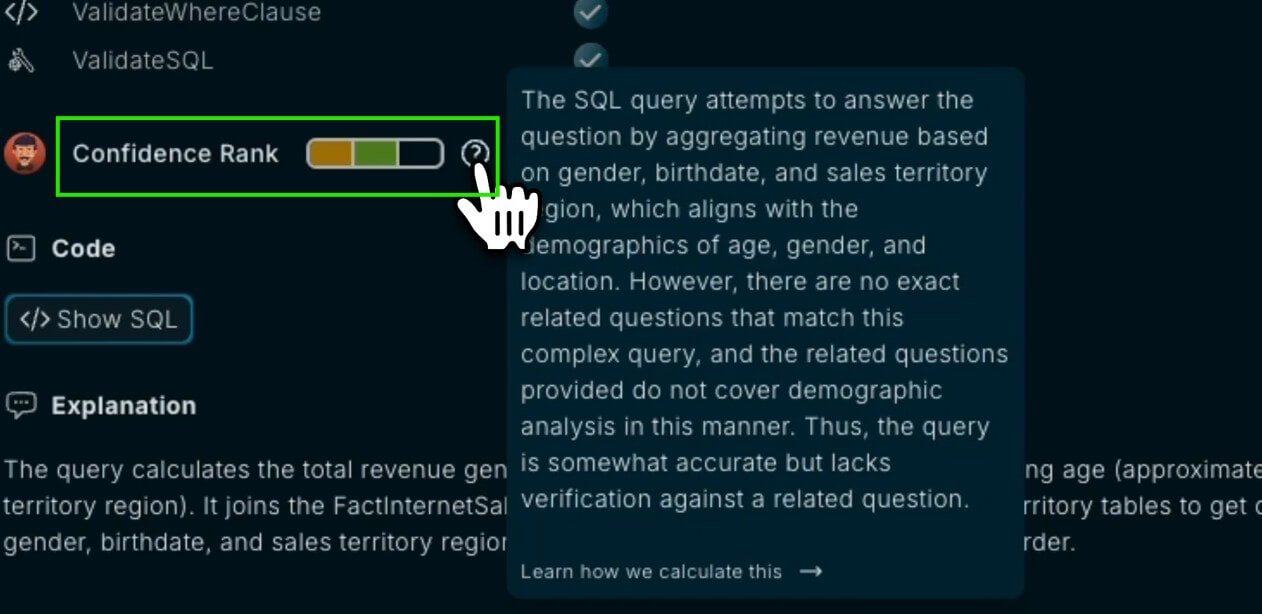
The most important thing to understand is that Kater is not trying to remove the data team. It is trying to reduce repetitive data-team bottlenecks by making expert logic reusable.
Data professionals define models, write or assist with SQL, set up Playbooks, and shape the decision paths. Stakeholders then use those Playbooks to explore the business without needing to know which table to query or which metric definition is correct. Kater says its product is built for both data professionals and “data inquisitors,” meaning people who need answers but do not want to wrestle with dashboards or burden analysts for every follow-up.
That workflow is practical. It respects a hard truth in analytics: business users do not always know what to ask first. Kater’s Business Question Mapping is meant to work more like a guided business conversation, where the structure points people toward the right path.
The trade-off is setup effort. A company needs someone to define the Playbooks, maintain the semantic layer, and decide which paths reflect the business correctly. This is not a light plug-in for quick charting. It is more like an analytics operating layer.
Kater’s best product decision may be its refusal to let generative AI freely write SQL for business users. That sounds less flashy, but it is safer for serious business analysis. The platform says AI helps data team members write SQL while building Playbooks, but non-technical users receive answers through defined YAML data models.
That creates a useful balance. AI still helps speed up analytics work, but the final user-facing system depends on controlled models and reusable logic. For finance, operations, growth, sales, and executive reporting, that matters more than novelty.
Kater also emphasizes security and governance. Its homepage lists SOC 2 compliance, ISO 27001 certification, encryption in transit and at rest, secure credential storage, PII column labeling, self-hosted or managed LLM options, and unified governance controls.
Kater AI is a strong fit for teams that need repeatable diagnostic analytics. It is useful when stakeholders keep asking similar “why did this happen?” questions and analysts keep rebuilding variations of the same investigation.
Good use cases include revenue diagnostics, churn analysis, sales pipeline reviews, customer segmentation, product performance analysis, operational anomaly review, KPI variance analysis, and executive decision support.
It also fits companies that already use modern data infrastructure. Kater’s website mentions integrations with Snowflake, BigQuery, Databricks, Redshift, and MS-SQL, plus references to tools such as dbt, ETL systems, BI platforms, and data catalogs in its onboarding form. It is less useful for a small team with limited data maturity, no warehouse, and no clear metric definitions. In that case, a simpler dashboard tool or spreadsheet workflow may come first.
- Start with one high-value business question instead of trying to model the whole company at once. Revenue decline, churn movement, sales conversion drop, or inventory change are better starting points than a broad “explain our business” setup.
- Treat Playbooks as reusable analyst thinking. The goal is not just to answer one question, but to capture the decision path so the next person does not need to restart the analysis from scratch.
- Keep the semantic layer tight. Kater’s value depends on shared definitions. If teams disagree on what “active customer,” “pipeline,” “gross revenue,” or “retention” means, the Playbooks will inherit that confusion.
Kater AI is not the simplest analytics tool. Its strength is structured decision-making, but that also means it needs structured data thinking. A team must be willing to define logic, manage models, and keep Playbooks current.
The tool may also feel too controlled for users who want open-ended natural language querying. Kater’s safer approach is intentional, but some users may expect the looser “ask anything” style found in other AI analytics tools.
Another trade-off is that Kater’s value depends on data maturity. If the warehouse is messy, metrics are inconsistent, and teams do not know which decisions matter, the platform cannot solve that by itself. It can organize and scale good analyst logic, but it cannot replace the hard work of agreeing on what the business should measure.
Kater AI is best for companies that want analytics to lead to decisions, not just more dashboards. Its strongest ideas are Data Playbooks, trusted semantic modeling, AI-assisted follow-up questions, and live decision logic that helps stakeholders understand what to check next.
It is a strong fit for data-mature teams that need repeatable diagnostic analysis across revenue, operations, sales, product, or executive reporting. The main caveat is setup discipline: Kater works best when the company is ready to define its data logic, not when it is still guessing what its core metrics mean.
TAGS: Productivity
Related Tools:

Provides real-time understanding and smart assistance for meetings

Built for tracing, evaluating, monitoring, and improving AI agents

AI writing assistant that helps refine stories

Generates quiz questions from slide content

AI-powered Telegram bot

Streamlines the grading process for educators