

Share this tool:
 |
Description:
Slay School is an AI study tool built around a clear student problem: class material piles up faster than students can turn it into useful review. The platform takes notes, files, videos, links, and handwritten material, then turns them into flashcards, quizzes, summaries, and study aids. Its strongest value is not that it replaces studying. It helps convert passive material into active recall work, which is where exam preparation often starts to improve.
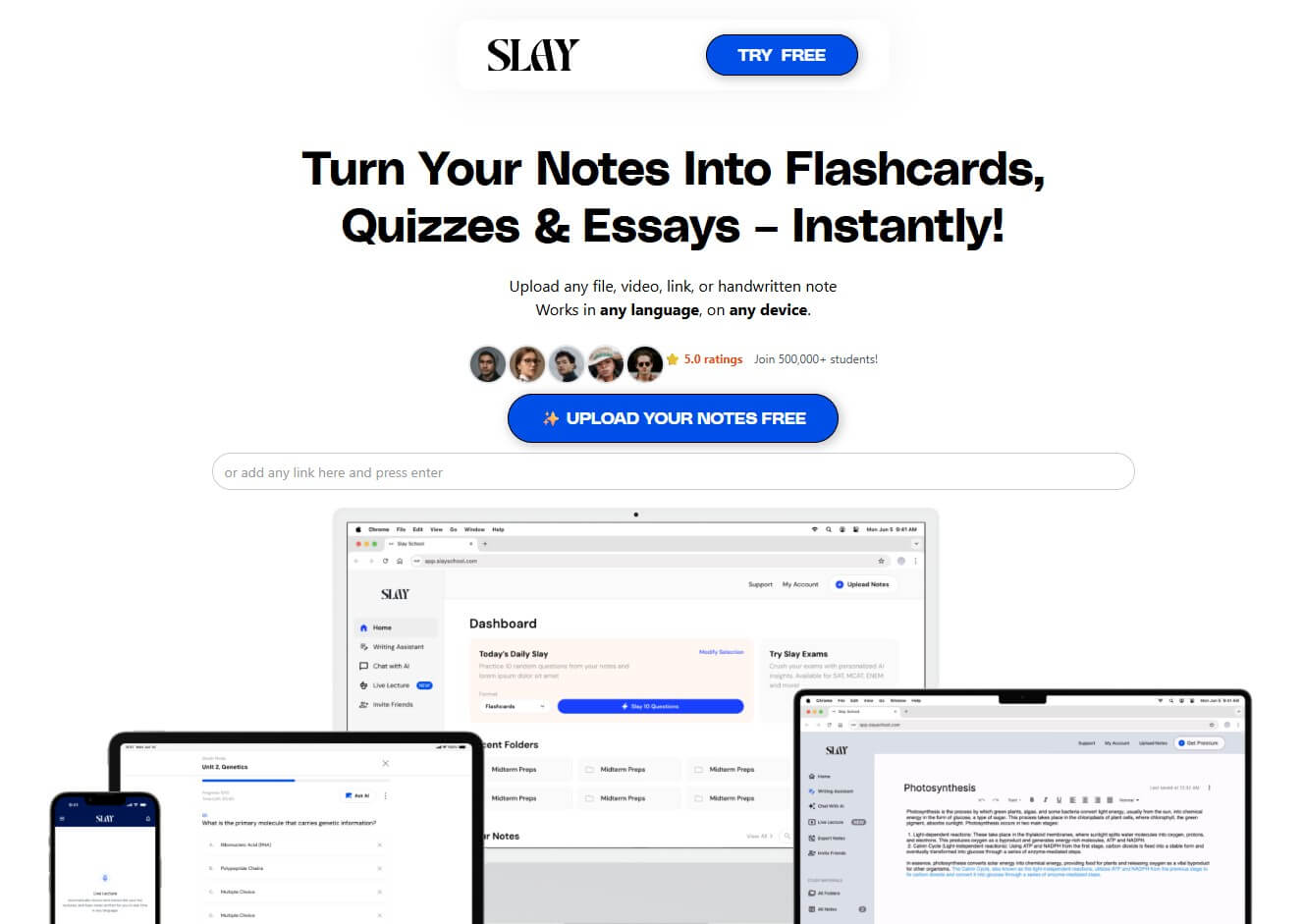
Slay School can turn notes, links, videos, and uploaded material into flashcards quickly.
The Chrome extension can generate multiple-choice questions and study guides from online content.
The platform supports files, videos, links, handwritten notes, and digital content, which makes it flexible for different study habits.
The mobile app listing describes Slay School as useful for revising exams, organizing lectures, generating lecture summaries, and creating flashcards.
The Chrome extension listing says students can export to Anki and Quizlet or study directly inside the Slay School app.
Slay School’s official site says it works in any language and on any device, while the Chrome extension listing says it works on Chrome browsers in any language.
Slay School is best understood as an AI note-to-study platform. Students bring in source material, and the system generates study content from it. The official website says users can upload any file, video, link, or handwritten note, and the mobile listings describe the app as turning notes, lectures, and links into flashcards, quizzes, and essays.
That makes it different from a general AI chatbot. A chatbot can make flashcards if you ask it carefully, but Slay School builds the workflow around studying. The product is designed for creating decks, reviewing questions, summarizing material, and moving that content into tools students already use.
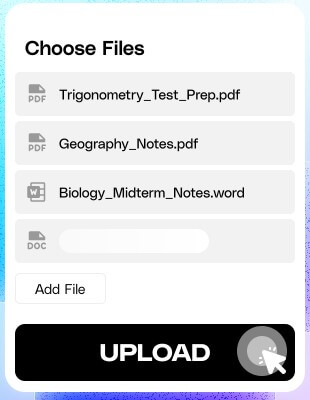
The simplest way to think about it:
| Layer | What It Does | Why It Matters |
|---|---|---|
| Input | Accepts notes, files, videos, links, and handwriting | Starts from real class material |
| Generation | Creates flashcards, quizzes, summaries, and study guides | Reduces setup time |
| Practice | Lets students test themselves | Moves beyond rereading |
| Export | Sends flashcards to Anki or Quizlet | Fits existing study habits |
| Browser Extension | Builds study aids from web pages | Useful for online courses and readings |
Slay School is strongest when students already have learning material but have not turned it into something testable. This is a common gap. Notes can be detailed but hard to review. Lecture recordings can be useful but too long to revisit. PDFs can contain the right information but not in a study-friendly format.
Slay School helps by turning those materials into smaller review pieces. A lecture can become notes and flashcards. A web page can become a study guide. A PDF can become multiple-choice questions. A handwritten page can become a deck that students can edit and reuse. The Chrome extension also supports generating flashcards, multiple-choice questions, study guides, and summaries from pages on the internet, which makes it useful for students who study from online material.
This is the right use case: not “do the work for me,” but “turn my material into practice I can use.”
The workflow is simple enough for students to understand quickly: upload material, generate study aids, review the output, then practice or export. That is a good fit for exam prep because the tool removes the slowest part of the process, creating review material from scratch.
The strongest workflow looks like this:
| Step | What To Do | Why It Helps |
|---|---|---|
| Add material | Upload notes, lecture content, PDFs, videos, links, or handwriting | Gives the AI a source to work from |
| Generate | Create flashcards, questions, summaries, or study guides | Saves preparation time |
| Review | Edit weak or unclear cards | Improves accuracy |
| Practice | Answer questions and test recall | Builds retention |
| Export | Move cards to Anki or Quizlet if preferred | Keeps your normal routine |
The review step matters. AI-generated flashcards are drafts, not perfect study assets. Students should delete weak cards, fix wording, and make sure each card tests one idea. A card that asks “Explain cellular respiration” is often too broad. A better card asks for one part of the process, one definition, or one comparison.
Slay School’s best feature is its ability to turn study material into flashcards fast. That sounds simple, but it solves a real student problem. Flashcards are useful, but making them manually can take hours. Slay School shortens that setup time so students can spend more time reviewing.

The quiz feature is just as important. Flashcards help with recall, while quizzes test whether the student can recognize, apply, or explain the idea. The Chrome extension’s support for multiple-choice questions and study guides makes it practical for students using web-based lessons, course pages, or exam prep content.
The best results come when students combine both. Use flashcards for definitions, formulas, dates, terms, and key facts. Use quizzes for application, comparisons, and exam-style practice.
Export support is one of Slay School’s smarter decisions. Many serious students already use Anki or Quizlet, and they may not want to move their whole study life into a new app. Slay School can act as the creation layer: generate the deck, clean it up, then export it to the system where the student already reviews.
That makes the tool easier to adopt. Students do not have to abandon their current habits. They can use Slay School to speed up content creation and use Anki, Quizlet, or the Slay School app for the actual review.
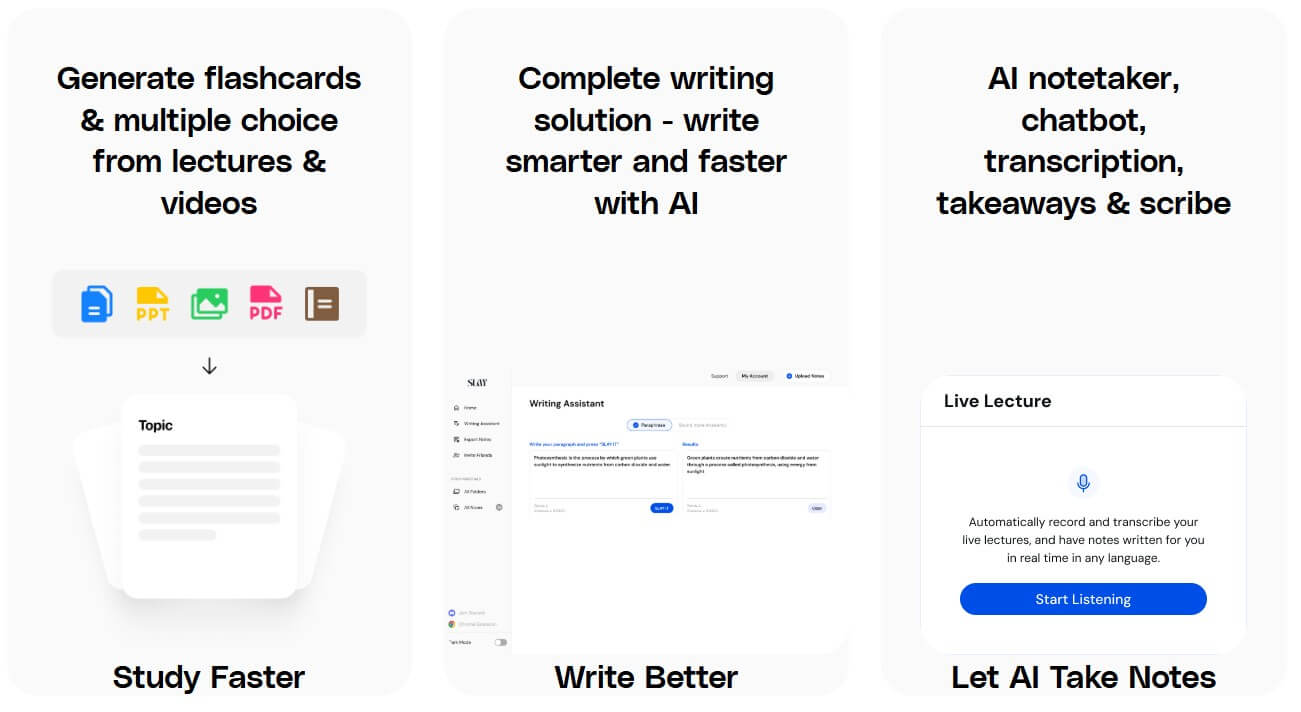
Slay School is a strong fit for students who need to turn large amounts of material into flashcards and practice questions.
Students can use it after class to convert lectures or notes into study aids while the material is still fresh.
The Chrome extension is useful for turning web pages, videos, and digital content into flashcards, summaries, and multiple-choice questions.
The Chrome extension listing specifically mentions students preparing for exams such as USMLE, NCLEX, and MCAT, which makes sense because those workflows involve dense content and repeated recall.
Slay School can help create shared decks or question sets from the same source material, which is useful for classmates reviewing together.
The mobile app listing also mentions essays, lecture summaries, and organizing study material, so the tool can support more than flashcards alone.
- Use Slay School right after class, not only the night before an exam. The earlier you turn notes into cards, the more time you have to review.
- Do not accept every generated card. Edit the deck. Keep questions short, specific, and testable.
- Use the original source to check accuracy. AI may miss context, overstate a point, or create a card that sounds right but does not match the lesson.
- Export only cleaned-up decks. Sending a messy deck into Anki or Quizlet just moves the problem somewhere else.
- Use quizzes for weak areas. If you keep missing the same concept, ask for more practice questions around that topic.
The first limitation is accuracy. Slay School can create study material quickly, but students still need to check the output. AI-generated cards can be vague, incomplete, or wrong.
The second limitation is source quality. Clear notes, focused PDFs, readable handwriting, and good lecture material will usually produce better results. Messy inputs lead to weaker outputs.
The third limitation is that more cards do not always mean better studying. A smaller deck with clean, useful questions is better than a large deck full of vague prompts.
The fourth limitation is academic integrity. Slay School can support essays and study help, but students should use those tools for planning, revision, and understanding, not for submitting AI-generated work as their own.
Slay School is best for students who already have learning material and need a faster way to turn it into active study. Its strongest value is converting notes, lectures, links, videos, and handwritten content into flashcards, quizzes, summaries, and study guides.
It is especially useful for exam prep, lecture review, online courses, and students who already use Anki or Quizlet. The main caveat is quality control: Slay School can save time, but the best results still come from reviewing, editing, and studying the generated material instead of trusting it blindly.
TAGS: Productivity
Related Tools:

Assists users in solving mathematical problems

Records, transcribes, and summarizes meetings

Offers features like advanced content generation

Summarizes meetings to help teams capture key information

Enhances the process of online course creation

AI-powered research assistant