

Share this tool:
 |
Description:
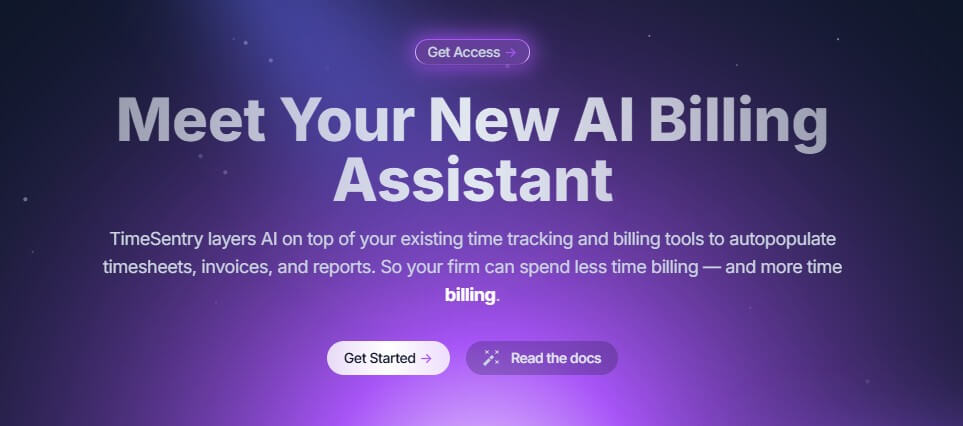
TimeSentry is an AI-powered time tracking and billing platform built for professionals who bill by the hour. Its core promise is not just “track time faster.” It tries to reconstruct billable work from the tools people already use, then turn that activity into reviewable time entries, invoices, and reports.
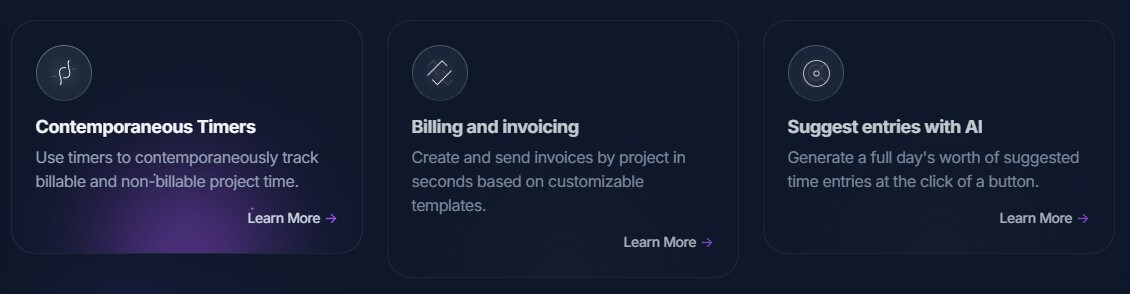
| Feature | What it does | Why it matters |
|---|---|---|
| AI Time Capture | Suggests time entries from work activity | Reduces manual timesheet work |
| Contemporaneous Timers | Tracks billable and non-billable project time as it happens | Useful when users still want direct control |
| Billing and Invoicing | Generates invoices from approved time entries | Connects time capture to revenue |
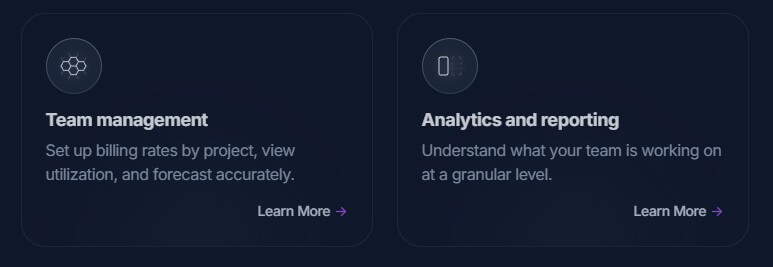
| Team Management | Supports billing rates, utilization views, and forecasting | Helps managers review team performance |
| Analytics and Reporting | Shows project and team activity at a granular level | Gives firms better operational visibility |
| Integrations | Connects with email, calendar, chat, practice management, accounting, and payment tools | Makes the system more useful inside existing workflows |
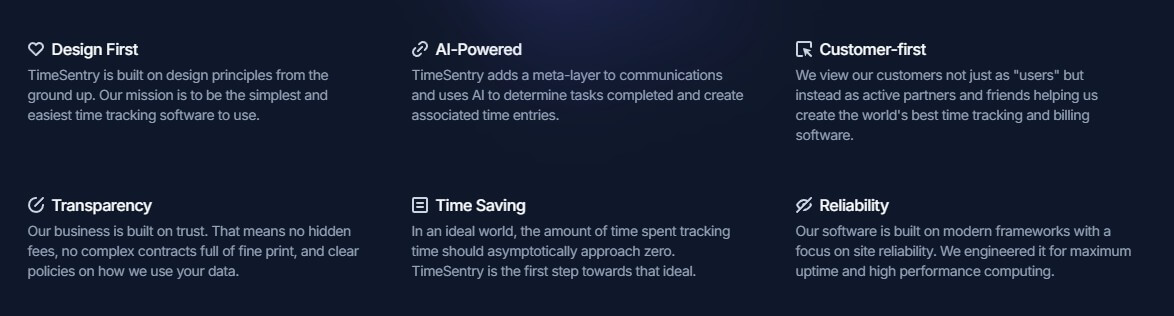
TimeSentry is best understood as an AI layer for professional services administration. It connects to everyday work systems, such as email, calendars, chat, meetings, project tools, practice management platforms, accounting software, and payment systems, then uses those signals to suggest time entries and billing narratives. Its FAQ says it analyzes activity across tools like Outlook, Gmail, Teams, Slack, Asana, Clio, and more to reconstruct what someone worked on, for which client, and for how long.
That makes it different from a basic timer app. Traditional time tracking asks users to start a timer, stop it, pick a client, write a description, and remember what happened hours later. TimeSentry still supports contemporaneous timers, but its stronger feature is suggested time entries based on context. The homepage says users can generate a full day’s worth of suggested entries with AI, then review them before moving forward.
TimeSentry is strongest for firms where missed time becomes lost revenue. Lawyers, consultants, accountants, agencies, and other hourly teams often spend billable hours across email, calls, meetings, documents, and project tools. The hard part is not only tracking the duration. It is writing a defensible billing narrative after the fact.
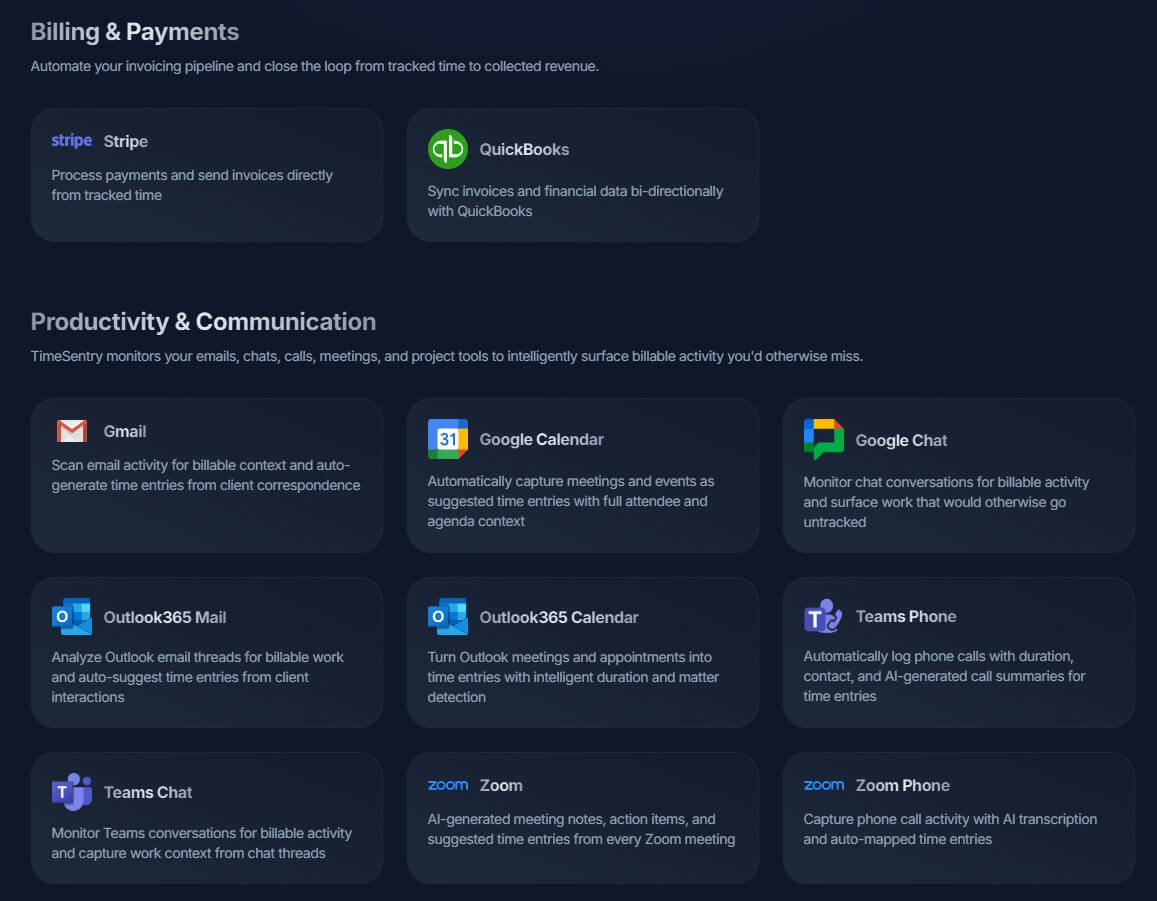
TimeSentry’s approach is useful because it tries to capture the work where it happens. The integrations page says it can scan email activity for billable context, turn calendar meetings into suggested entries, monitor chat conversations for billable activity, capture phone calls, and generate meeting notes and suggested time entries from Zoom meetings.
The practical benefit is less end-of-day reconstruction. Instead of asking, “What did I do today?” the user reviews draft entries and fixes what the AI missed.
The most important part of TimeSentry is the review loop. AI-generated time entries are helpful only if professionals can inspect, adjust, and approve them. TimeSentry’s FAQ says generated entries can be reviewed, adjusted, and submitted, and that managers can review, approve, or reject team members’ submitted entries.
That review layer matters. In professional services, a time entry is not just a productivity record. It can become part of a client invoice, matter file, project report, or internal utilization analysis. The AI can reduce friction, but the professional still needs to verify client, matter, duration, and narrative.
TimeSentry also appears to be expanding capture methods beyond email and calendar. Its changelog notes desktop tracking for macOS and Windows-style workflows, where the desktop app detects application usage and drafts time entries. It also describes document-change tracking in Word and photo-to-time-entry through MMS for handwritten notes, whiteboards, or receipts.
TimeSentry’s deeper value is that time tracking flows into firm administration. The homepage says users can create and send invoices by project using customizable templates, set billing rates by project, view utilization, forecast, and review profitability reports with qualitative project insight.
That makes it more relevant for firms than for solo productivity users. A freelancer may only need a timer and invoice tool. A firm needs approvals, rates, projects, clients, reports, accounting sync, and a clearer path from work performed to invoice sent.
TimeSentry also supports practice management workflows. Its integrations list includes Clio, MyCase, Lawmatics, and Clio EU, with sync for matters, contacts, billing data, cases, and time entries depending on the system.
Integrations are central to the product. TimeSentry lists tools across billing and payments, productivity and communication, practice management, and HR or payroll. Publicly listed integrations include Stripe, QuickBooks, Gmail, Google Calendar, Outlook mail and calendar, Teams Phone, Teams Chat, Zoom, RingCentral, Slack, Asana, Notion, Clio, MyCase, Lawmatics, Deel, and others.
This breadth matters because AI time tracking only works well when it has enough context. A calendar event alone may show a meeting. Email may show the client issue. A document session may show the actual work product. Together, these signals can create a better draft than any single timer.
TimeSentry makes a useful distinction between contextual time reconstruction and surveillance-style monitoring. Its FAQ says it does not rely on spyware or screenshots and instead uses contextual signals from work tools to understand activity. It also says data is encrypted in transit and at rest, authentication uses Auth0, integration credentials are not stored directly, and integrations connect through official OAuth flows that users can revoke.
That said, firms should still review policies before deployment. Connecting inboxes, calendars, calls, and practice systems is sensitive. The feature can be valuable, but it should be rolled out with clear consent, role permissions, and rules about what data is captured.
TimeSentry is best for law firms, consulting firms, accounting practices, agencies, and professional services teams that lose time because employees forget to log work. It is especially useful for document-heavy, meeting-heavy, and email-heavy workflows where billing narratives matter.
It is less ideal for people who only need simple personal time tracking, teams that do not bill by the hour, or organizations that are not ready to connect core work systems to an AI time platform.
The main limitation is dependency on clean context. If client names, project structures, calendars, and practice management data are messy, AI suggestions will need more correction.
The second trade-off is review discipline. TimeSentry can draft entries, but it should not become an unchecked billing engine. Professional users still need to confirm accuracy before invoices go out.
The third limitation is fit. This is a firm administration tool, not a lightweight stopwatch. Teams that only want basic timers may find it heavier than necessary.
TimeSentry AI is strongest as an AI billing assistant for professional services firms that need better time capture, cleaner narratives, faster invoicing, and stronger reporting. Its main advantage is the way it pulls context from real work tools rather than relying only on manual timers. It is best for hourly professionals and firms that already live across email, calendars, meetings, documents, and practice systems. The main caveat is that AI time tracking still needs thoughtful setup and human review, especially when the output becomes billable client work.
TAGS: Productivity
Related Tools:

Automates and optimizes the job application process

Improves team communication and project management

Automates employee and customer support
AI-powered mobile keyboard app that enhances typing efficiency

Summarizes various types of documents

Automates content creation and improves writing