

Share this tool:
 |
Description:
Superhuman Mail is an AI email client for people who live in their inbox and want email to feel faster, cleaner, and easier to control. It combines a speed-focused interface, keyboard shortcuts, AI writing, inbox automation, reminders, read statuses, calendar tools, and team collaboration features. The best reason to use it is not just that it writes emails. It is that it changes the daily email workflow around focus, follow-up, and response speed.
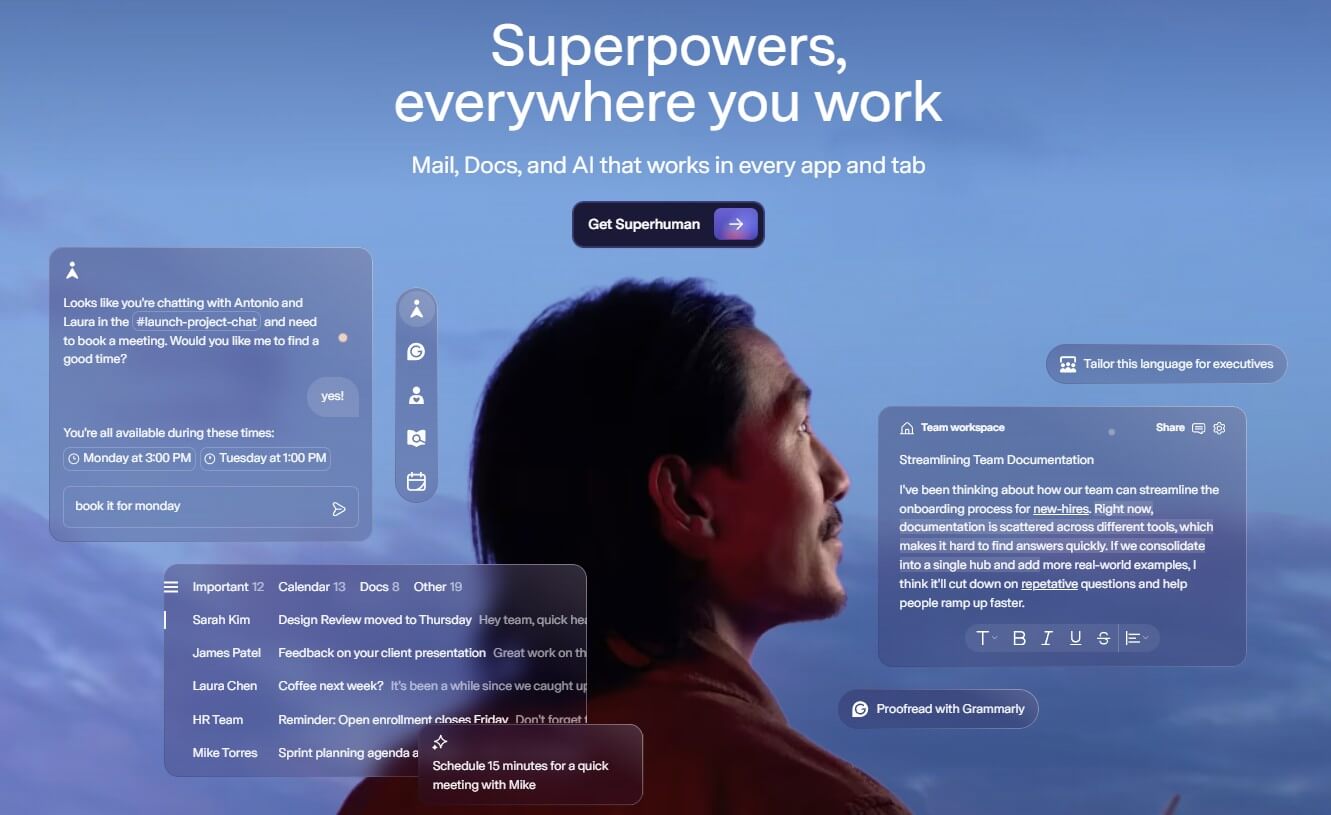
Superhuman is now part of a broader productivity suite that includes Mail, Grammarly, Coda, and Go, but this review focuses on Superhuman Mail, the email product most users mean when they say “Superhuman.” The official homepage describes Mail as the product for moving through your inbox faster, responding to what matters, following up on time, and writing with AI that sounds like you.
At its core, Superhuman is a replacement email interface for supported Gmail and Microsoft 365 accounts. That detail matters. It is not a generic AI email add-on that sits beside your current inbox. It becomes the place where you read, triage, write, schedule, search, and follow up. Superhuman’s help center says Superhuman Mail currently supports Google or Microsoft 365-hosted accounts, and connects through Gmail and Microsoft APIs.
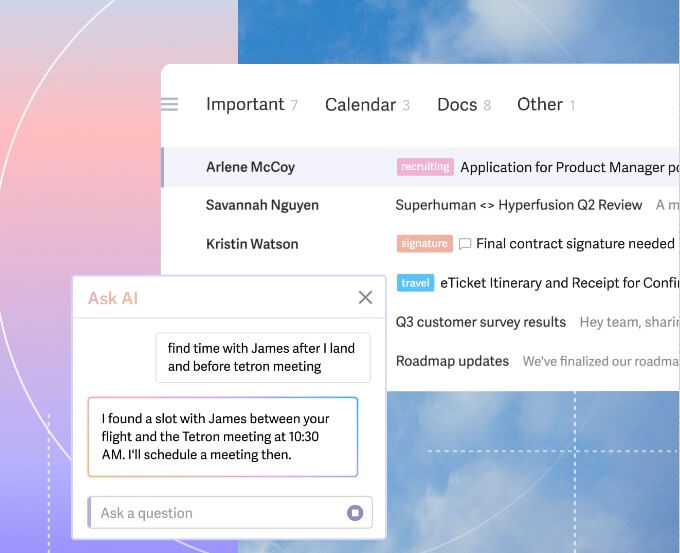
Superhuman is strongest for users whose inbox is both communication hub and task list. Sales leaders, founders, executives, recruiters, operators, investors, and customer-facing teams often deal with the same problem: important emails hide among newsletters, updates, notifications, cold pitches, and low-priority threads.
Superhuman’s answer is not one single AI feature. It is a stack of small workflow improvements that add up: Split Inbox for focus, reminders for follow-up, snippets for repeat replies, read statuses for timing, AI summaries for faster scanning, and AI drafts for faster responses. That makes Superhuman feel more like an operating system for email than a writing assistant.
| Feature | What it does | Why it matters |
|---|---|---|
| Split Inbox | Separates emails from teams, VIPs, tools, or other categories | Helps users focus on messages that need attention first |
| AI Auto Labels | Automatically separates categories such as marketing, cold pitches, and social updates | Reduces inbox noise and supports focused processing |
| AI Writing and Drafts | Turns short notes into full emails in your tone using context from inbox, calendar, web, and uploaded knowledge | Speeds up replies without starting from a blank page |
| Auto Drafts | Drafts follow-ups, responses, and scheduling replies automatically | Gives users a head start on likely next actions |
| Reminders and Read Statuses | Tracks follow-ups and shows when recipients read a message and on which device | Helps with timing, follow-up discipline, and relationship-heavy email |
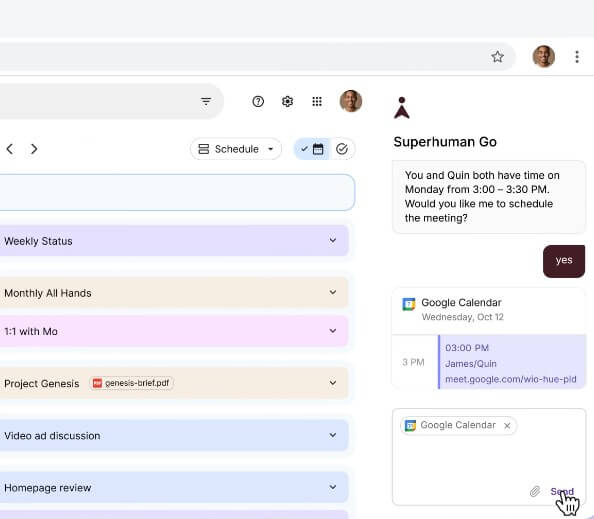
| Calendar Workflow | Finds availability, creates events, shares times, and checks multiple Google and Outlook calendars from the inbox | Keeps scheduling close to email communication |
Superhuman has a sharper learning curve than a normal inbox, but that is part of the product’s identity. It is built around speed, command menus, keyboard shortcuts, and repeatable actions. Users who only want a familiar Gmail or Outlook layout may need time to adjust. Users who enjoy fast keyboard-driven tools will understand the appeal faster.
The product is at its best when the user builds habits around it. Split out important categories. Use reminders instead of keeping follow-ups in your head. Turn repeated phrases into snippets. Let Auto Labels filter noise. Use AI summaries to scan threads before reading every line.
The workflow is less useful when someone treats Superhuman like a prettier inbox. Its value comes from changing behavior, not just adding AI buttons.
Superhuman’s AI layer is more useful than a basic “write this email” tool because it is close to your real email context. Auto Summarize can show a one-line summary above a conversation and expand when needed, which helps with long threads. Ask AI can search across inbox, calendar, and web-style context, so users do not have to remember the exact sender or subject line.
Auto Drafts are the more practical feature for busy users. Superhuman can draft replies for messages that need a response, follow-up emails before a reminder returns, and scheduling replies when someone asks to meet. That does not mean users should send everything untouched. It means the first draft is waiting when they open the message.
The strongest AI use here is reducing small decision fatigue. Instead of asking a chatbot to write each reply, Superhuman tries to prepare the likely next step inside the inbox.
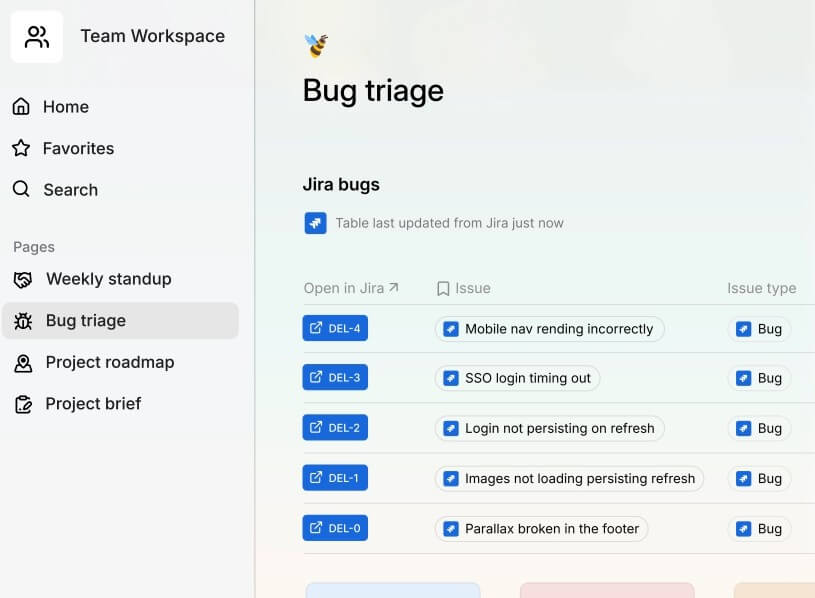
Superhuman is also useful for team-based email. Its product page says users can share a live view of an email with teammates, and teammates can comment even if they do not use Superhuman. That is helpful when a thread needs legal review, deal input, executive approval, or customer success context.
For sales and relationship-heavy work, read statuses, reminders, snippets, and split inboxes are practical. They help users follow up at the right time, avoid losing key conversations, and reuse polished messaging without rewriting the same reply.
A newer technical angle is the Superhuman Mail MCP Server. Superhuman says it lets AI tools such as Claude and ChatGPT connect to a user’s Superhuman inbox and calendar, allowing those assistants to search email, draft replies, manage events, and send messages after authentication. That will matter most to users already building AI workflows around external assistants.
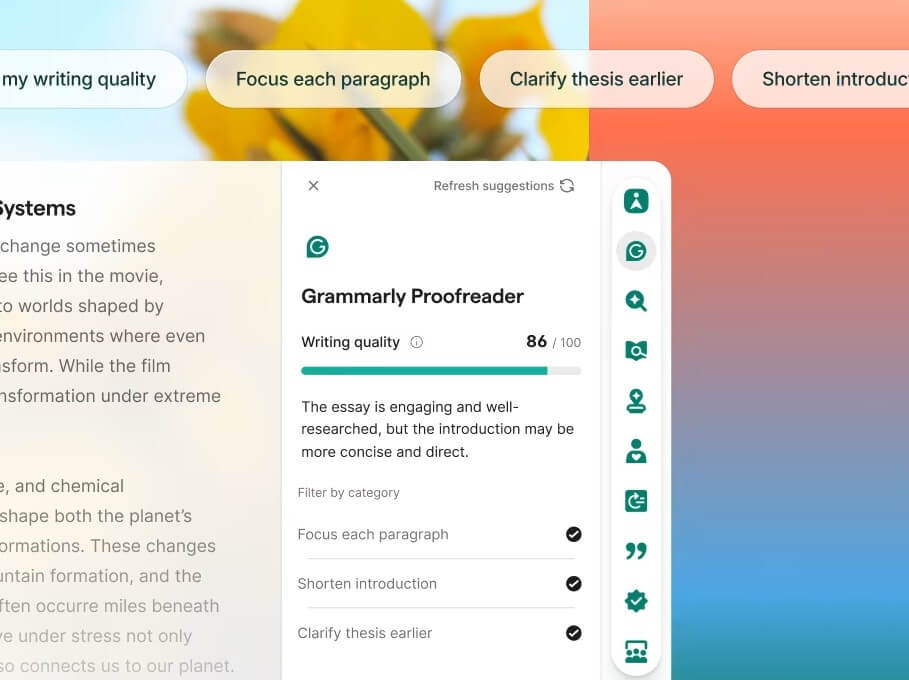
The broader Superhuman suite matters because Superhuman is no longer only an email product. Mail remains the focus of this review, but the suite also includes Coda for collaborative docs and structured work, Grammarly for writing support, and Go for AI assistance across apps.
For users who only want faster email, Superhuman Mail is the core product to evaluate. For teams already using connected docs, writing assistance, and AI workflows, the broader suite may make Superhuman more valuable as a cross-app productivity layer.
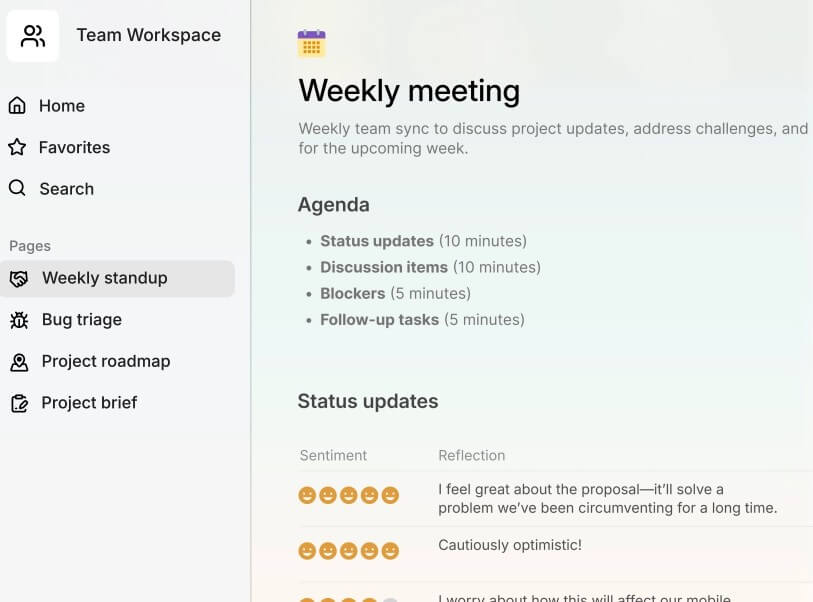
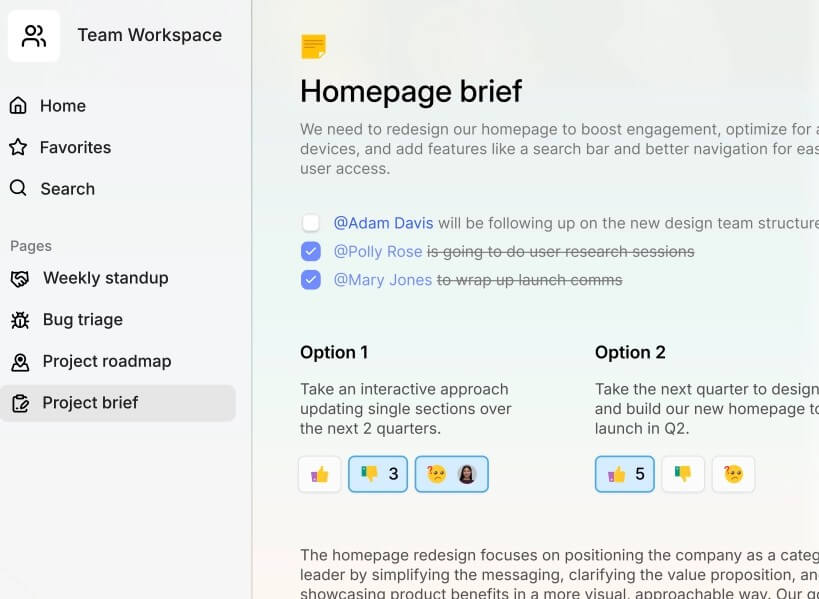
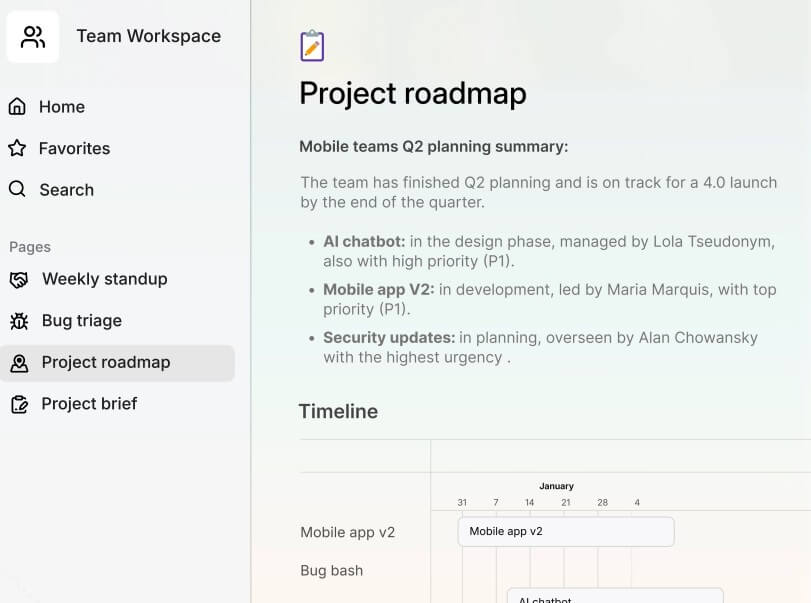
Executives and founders: Superhuman is a good fit for leaders who need to move through high-volume email quickly while preserving follow-up discipline.
Sales and partnerships: Reminders, read statuses, snippets, split inboxes, and AI drafts are useful for prospect follow-ups, deal threads, and relationship management.
Recruiting: Recruiters can use it for candidate replies, scheduling, outreach, and tracking messages that need response.
Customer-facing teams: Account managers and customer success teams can keep important client conversations separate from inbox noise.
Operators and project leads: Superhuman works well when email contains approvals, scheduling, vendor coordination, and internal task handoffs.
Power users who like keyboard workflow: The product is much less compelling if you do not want to learn a faster email system.
The biggest limitation is account support. Superhuman Mail is built for Google and Microsoft 365-hosted accounts, so teams using unsupported mail setups need to check compatibility before committing.
There is also a learning curve. Superhuman rewards users who adopt shortcuts, commands, splits, reminders, and inbox discipline. If someone wants a low-change Gmail experience, the product may feel like too much.
AI output still needs review. Auto Drafts and AI writing can save time, but email is high-context. Tone, timing, legal sensitivity, and relationship history matter. A polished draft can still be too brief, too warm, too assertive, or missing a detail.
Privacy also deserves attention. Superhuman’s help center says Write with AI queries and responses are not stored, while Instant Reply and Auto Summarize queries and responses are stored for 90 days. It also says Ask AI stores emails through a SOC 2-compliant third-party vendor, with encryption in transit and at rest, and a zero data retention agreement with LLM providers. Teams should still review internal rules before enabling AI features broadly.
Superhuman is one of the strongest email tools for people who handle high-volume, high-stakes communication. Its real advantage is the full workflow: focused inboxes, fast commands, AI summaries, auto drafts, reminders, read statuses, scheduling, and collaboration. It is best for power users and teams that treat email as a core work system. The main caveat is that Superhuman asks users to learn a new way of working, and that is only worth it if email volume is a serious daily problem.
TAGS: Productivity
Related Tools:

Captures meetings, manages tasks, and organizes documents

Summarizes articles on the web

Transforms ideas into clear, actionable project plans

Simplifies task management

Enables teams to capture, access, and verify information

Summarizes and take notes from videos