

Share this tool:
 |
Description:
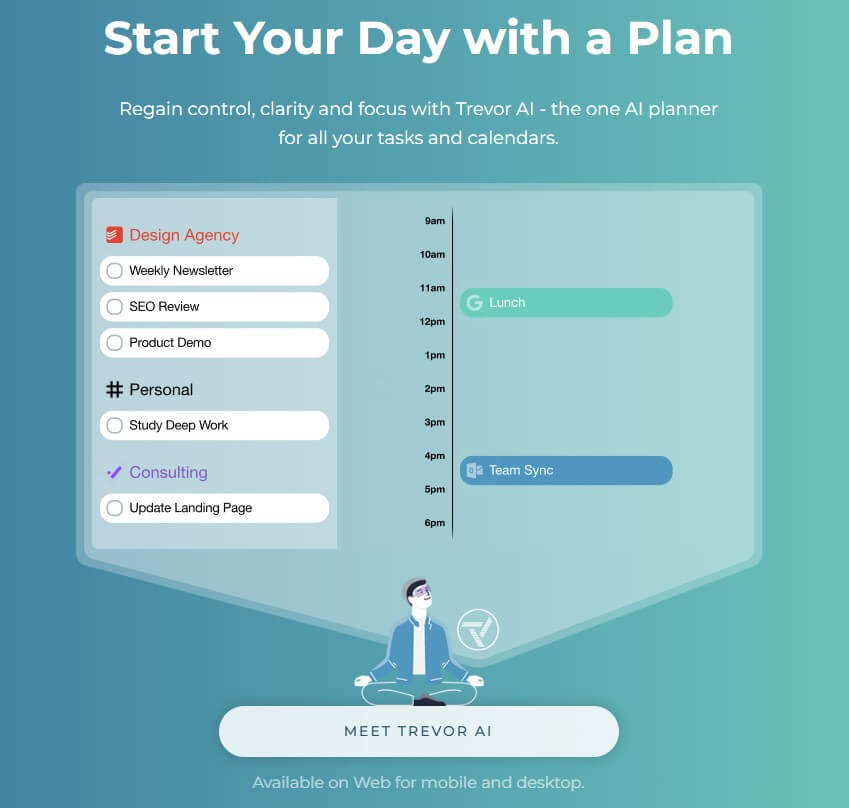
Trevor AI is a daily planning and time-blocking app for people who have more tasks than clear time to do them. Its main job is to connect your to-do list with your calendar, then help you schedule tasks into real time slots using AI suggestions, drag-and-drop planning, and calendar sync.
| Feature | What it does | Why it matters |
|---|---|---|
| AI Time Blocking | Estimates task duration, reviews availability, and suggests when to schedule tasks | Turns task lists into realistic calendar blocks |
| One-Click Planning | Generates a daily or weekly plan from tasks and available calendar time | Reduces the time spent manually arranging the day |
| Drag-and-Drop Scheduling | Lets users manually move tasks into time slots | Keeps planning visual and easy to adjust |
| Two-Way Calendar Sync | Syncs scheduled tasks with Google Calendar and Microsoft calendars | Keeps tasks and calendar events aligned across devices |
| Task Tool Integrations | Connects with Todoist, Google Tasks, Microsoft To Do, Google Calendar, Microsoft Calendar, Outlook, Office 365, and Apple Calendar | Lets users plan from tools they already use |
| Conversational AI Assistant | Creates, edits, completes, removes, searches, and schedules tasks through chat-style instructions | Gives users a faster planning interface while keeping confirmation control |
Trevor AI is not a full project management suite, and it is not mainly a meeting scheduler. It is a personal planning assistant built around one practical question: when will this task actually get done?
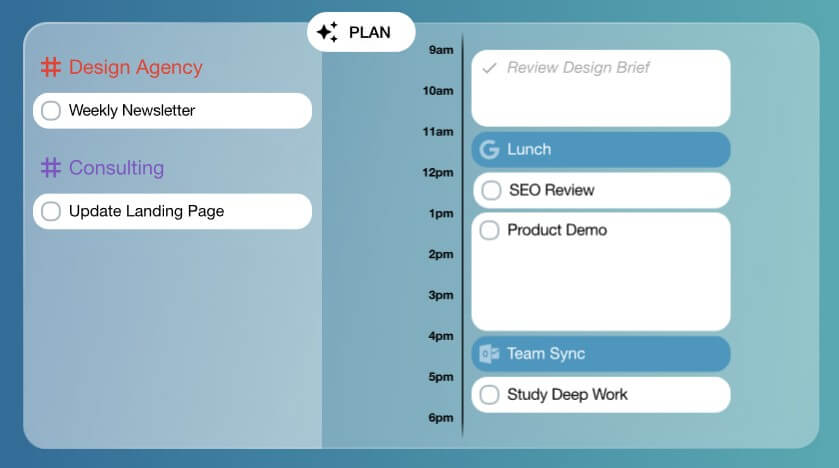
That is the key difference between Trevor and a standard to-do list. A to-do app can store tasks. Trevor pushes those tasks into your calendar so each item has a real block of time attached to it. Trevor’s homepage says its AI can estimate task duration, analyze your availability, suggest time blocks, and place tasks into your calendar.
This makes Trevor useful for users who already know what they need to do but struggle with when to do it. The app gives structure to the day without forcing users into a heavy project system.
Trevor is strongest at daily and weekly planning. Its “Plan My Day” workflow is designed to create a schedule from your tasks and available calendar space, while still letting you stay in control. Trevor says it adapts across planning sessions and helps predict better times for tasks over time.
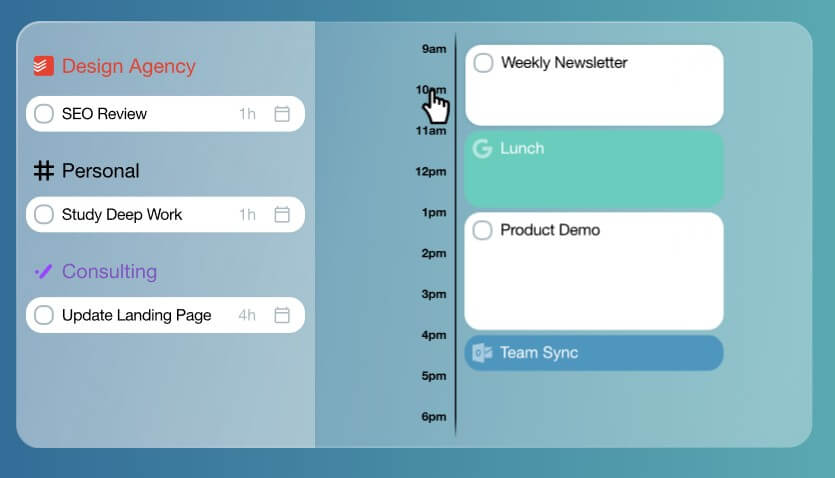
That balance matters. Some AI scheduling tools feel too automatic. Others are too manual. Trevor sits in the middle. You can let AI suggest a plan, or you can drag tasks into the calendar yourself. That makes it less intimidating for people who want help planning but do not want an algorithm fully controlling their day.
The best use case is a busy individual with many small and medium tasks: students, freelancers, founders, remote workers, academics, consultants, and professionals who live between task lists and calendars.
The workflow is simple enough for beginners. Add or sync tasks, connect a calendar, review your available time, then schedule tasks into the day. You can do that manually with drag and drop, through AI suggestions, or by asking Trevor through its conversational interface.
This is where Trevor feels lighter than tools like Motion. Motion is broader, with more emphasis on team work, project management, and automatic rescheduling. Trevor is more focused on personal task planning. That narrower scope is part of the appeal. It is easier to understand because the product is not trying to manage every part of work.
The user still needs to make decisions. Trevor can suggest times, but the quality of the schedule depends on how well the task list is written. If a task says “work on project,” Trevor has less to work with. If it says “draft client proposal, 90 minutes, due Thursday,” the schedule becomes more useful.
Calendar integration is one of Trevor’s most important features. With Google Calendar, Trevor says scheduled tasks create corresponding calendar events across devices, and users can assign default scheduling calendars or specific calendars for different task lists.
For Microsoft users, Trevor supports Outlook and Microsoft 365 calendar workflows with two-way real-time sync. Its Microsoft calendar page also notes that Trevor is focused on scheduling tasks, not appointments or meetings such as Microsoft Teams meetings.
That distinction is important. Trevor is not trying to replace Calendly. It is not a booking tool for other people to schedule time with you. It is a tool for turning your own work into calendar blocks.
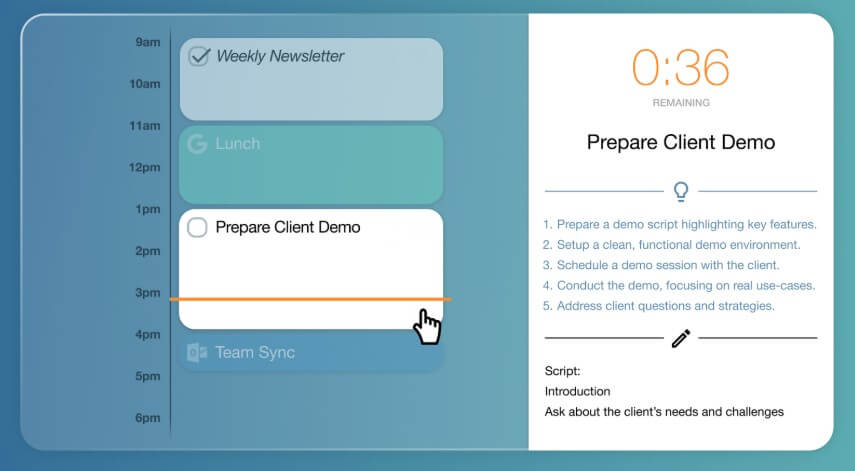
Trevor’s AI layer is practical rather than flashy. It helps organize tasks, predict task duration, suggest better time slots, and break tasks into more manageable steps. Trevor’s FAQ says the AI can predict duration, category, priority, and optimal scheduling slots.
The conversational AI interface adds another layer. According to Trevor’s docs, users can manage tasks, scheduling, calendar events, lists, settings, and integrations through natural language. The important safeguard is that Trevor shows a preview and asks for confirmation before proposed changes are applied.
That is the right kind of AI control for planning. Scheduling is personal. Users need help, but they also need final say.
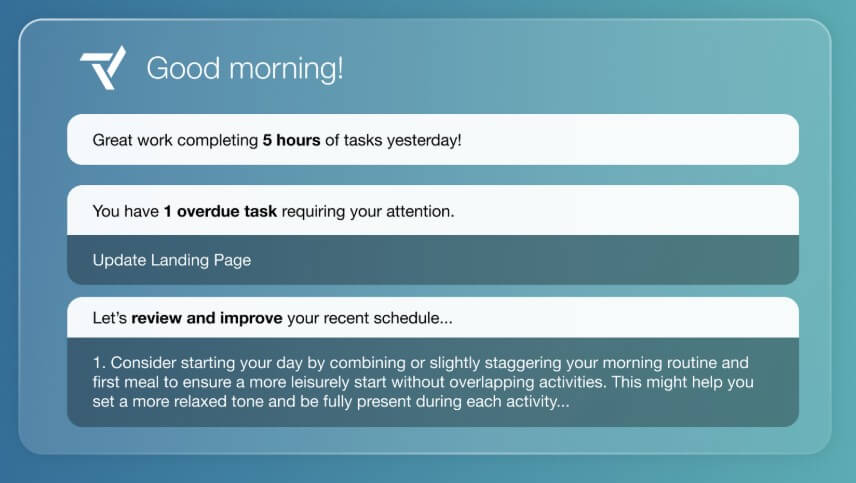
Trevor also includes progress and reporting tools. Its documentation says the Progress & Reports dashboard can show scheduled task hours per day, time invested in each task list, scheduled tasks by list, and scheduled versus completed tasks over time. Users can also generate reports for selected time periods and projects.
This is useful for freelancers, consultants, students, and anyone who wants to see where time is going. It also gives Trevor a light time-audit function without turning it into a full time-tracking platform.
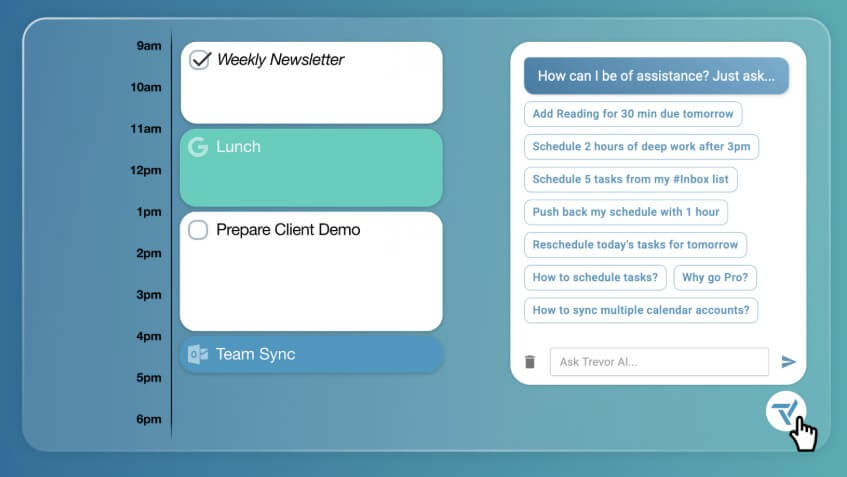
Trevor AI works best for personal productivity, student planning, freelance work, founder schedules, academic workloads, remote work, creative projects, and anyone who wants to plan work around real calendar availability.
It is especially useful when task lists feel overwhelming. Trevor helps convert vague workload into a visible day. Instead of seeing twenty unscheduled tasks, you see which ones fit today, which ones need to move, and where your time is already committed.
It is less ideal for teams that need deep project management, resource planning, dashboards, dependencies, or client collaboration. In those cases, a broader project platform may be better.
The first limitation is scope. Trevor is focused on task scheduling. That focus keeps it clean, but it also means it is not a full workspace, meeting scheduler, or enterprise project manager.
The second trade-off is input quality. AI planning works better when tasks have clear names, durations, priorities, and deadlines. A messy task list will still produce a messy plan.
The third issue is habit. Trevor works best when users plan daily or weekly and keep tasks updated. If you ignore the schedule or rarely review your calendar, the tool loses much of its value.
Trevor AI is a strong choice for people who want a lighter, more controlled way to turn tasks into calendar blocks. Its best features are AI time-blocking, drag-and-drop planning, calendar sync, task integrations, and conversational scheduling. It is best for individuals who need structure without adopting a heavy productivity system. The main caveat is that Trevor helps you plan the work, but you still need clear tasks, realistic time estimates, and the discipline to follow the schedule.
TAGS: Productivity
Related Tools:

AI search engine for research

Creates customized educational assessments

Automates data extraction from unstructured documents

Streamlines project coordination and automates invoicing

Deploys AI agents for a variety of tasks

Provides real-time transcription for meetings and conversations