

Share this tool:
 |
Description:
- Introduction
- What Shortwave Actually Is
- Where Shortwave Is Strongest
- Strong Features and Capabilities
- AI Assistant and Search Quality
- Writing and Reply Workflow
- Todos, Stars, and Email as Task Management
- Team and Automation Features
- Workflow and Ease of Use
- Limitations and Trade-Offs
- Best Use Cases
- Final Takeaway
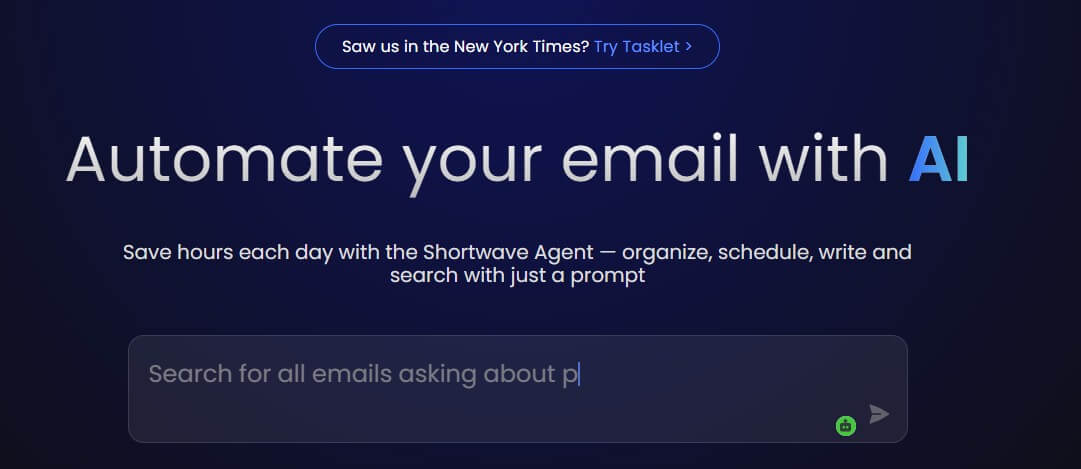
Shortwave is an AI-focused email client built around one clear idea: your inbox should help you decide what matters, act on it faster, and reduce the amount of manual sorting you do every day. It is not just an AI writer attached to email. The stronger pitch is that Shortwave combines Gmail-based email management, AI search, summaries, todos, scheduling help, inbox splits, bundles, and team collaboration into one more opinionated email workflow.
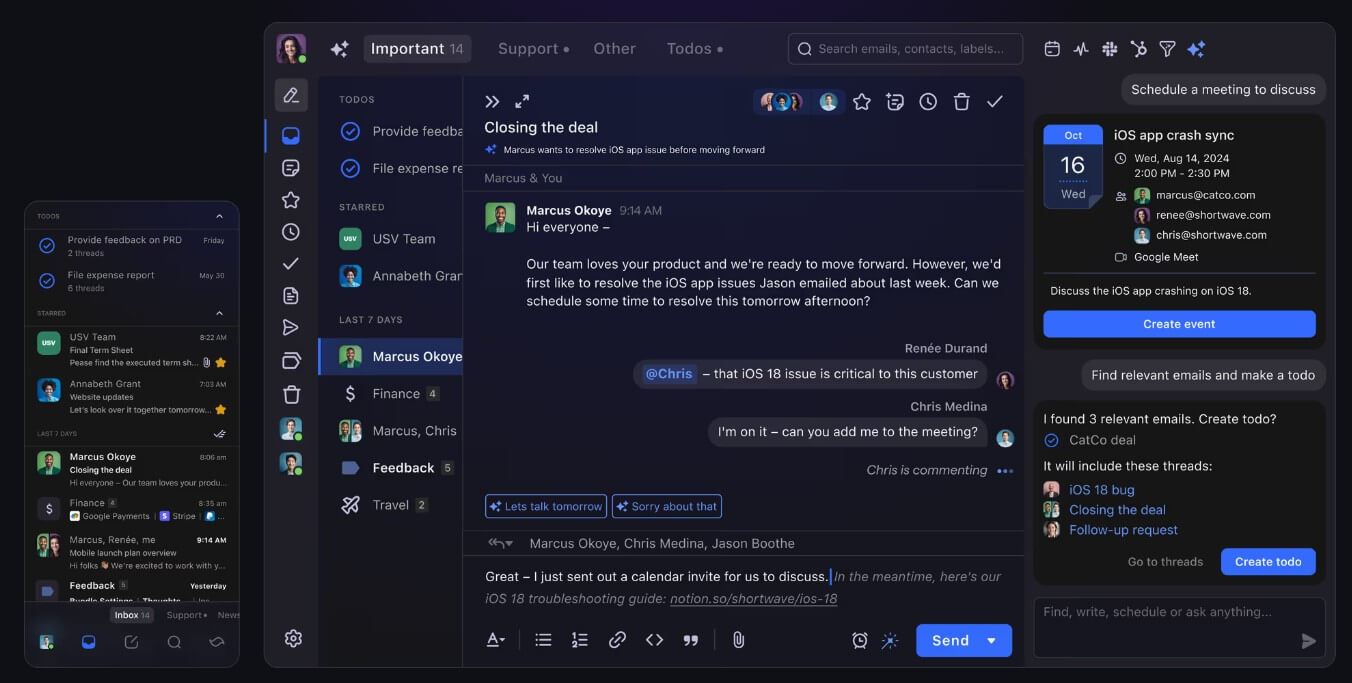
Shortwave is an alternative interface for Gmail and Google Workspace users. You sign in with your existing Gmail account, and Shortwave reorganizes the email experience around faster triage, cleaner reading, and AI help inside the inbox. The Google Workspace listing describes it as an AI-powered email app for organization, writing, search, scheduling, delivery schedules, todos, and bundles.
That distinction matters. Shortwave is not trying to replace email as a protocol. It is trying to replace the way you work through Gmail. If Gmail feels too noisy, too manual, or too search-dependent, Shortwave gives you a more structured way to process messages.
Its best fit is not someone who checks email twice a week. It is better for people whose inbox is part of their operating system: founders, sales teams, operators, recruiters, consultants, support-adjacent teams, and anyone who needs to turn email into decisions and follow-ups.
Shortwave is strongest when the problem is not writing one email, but managing a constant stream of them.
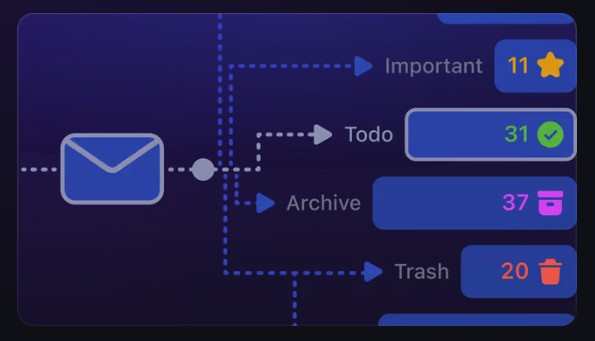
The inbox organization tools are a big part of that. Shortwave supports Splits, which divide one large inbox into focused tabs based on importance, labels, senders, or custom queries. The company describes Splits as a way to check important tabs often while skimming lower-priority mail later.
Bundles are another useful layer. Instead of letting newsletters, updates, promotions, and repeated notifications take over the inbox, Shortwave groups related emails so they can be skimmed and handled in batches. Its Workspace listing describes Bundles as a way to group related emails for bulk processing. This is where Shortwave feels more like a productivity system than a standard email skin. The product is built around triage first, writing second.

| Feature | What it does | Why it matters |
|---|---|---|
| AI Assistant | Answers questions, writes, summarizes, searches, and helps organize email | Keeps AI help inside the inbox instead of forcing copy-paste into a chatbot |
| Inbox Splits | Divides email into focused tabs | Helps separate important mail from noise |
| Bundles | Groups similar emails for batch handling | Makes newsletters, updates, and notifications less distracting |
| Todos and Stars | Turns emails into visible tasks or grouped todos | Useful when email is also your task queue |
| AI Search | Finds and analyzes emails using context, not just exact keywords | Better for messy email history |
| Team Collaboration | Supports shared threads, comments, and assignees | Helps teams work on email without forwarding everything |
Shortwave’s AI Assistant is the center of the product’s newer direction. The official docs describe it as a conversational assistant built into email, available across web, desktop, iOS, and Android. It can organize the inbox, write and improve drafts, search for answers, analyze email, manage calendar-related tasks, and connect with other tools.
The useful part is context. Shortwave says the assistant can understand what is on your screen, including the current email, contacts, drafts, calendar events, settings, and relevant message history. That makes it more practical than a general chatbot for email work because it does not start from a blank prompt.
This matters most for questions like: “What did this customer ask for last month?”, “Which investor emails need replies?”, “Summarize the unread threads about the launch,” or “Find customers I followed up with who have not responded.” Shortwave’s blog says the assistant can run multiple searches and calendar lookups while answering more complex requests. The caveat is trust. Any AI that reads and summarizes email should still be checked before you act on it. Shortwave can reduce search time, but it should not replace review for legal, financial, hiring, or customer-sensitive decisions.
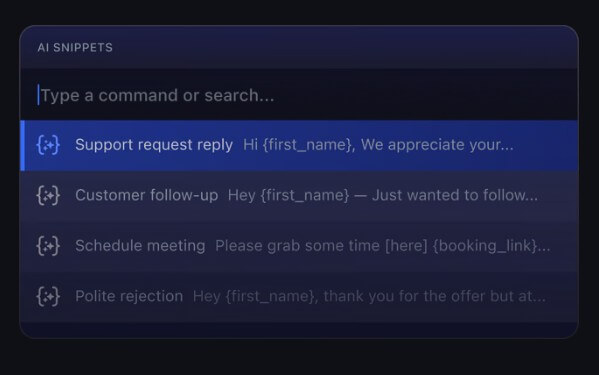
Shortwave includes AI writing, draft improvement, translation, and personalized suggestions. Its homepage says the AI learns from sent emails so it can write closer to the user’s voice, and it also offers autocomplete suggestions while you type, including links, facts, and phrases from email history.
That makes the writing workflow useful in three common cases: starting a reply, cleaning up a rough draft, and turning thread context into a response. It is especially helpful when the reply needs to reference something buried in the conversation. Instead of manually scanning the thread, the AI can help pull the context forward. Still, this is not a dedicated long-form writing studio. Shortwave’s writing tools are best for practical email: follow-ups, scheduling notes, customer replies, internal updates, quick summaries, and polite rewrites.
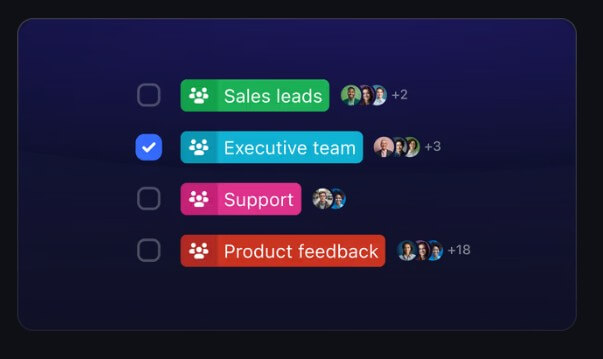
One of Shortwave’s more practical ideas is treating email as work, not just communication. Stars keep urgent threads visible at the top of the inbox, while Todos support more complex task organization, including named tasks and grouped emails. Shortwave describes Todos as an AI-assisted workflow for managing bigger tasks inside the inbox.
This is useful because many people already use email as a messy task list. Shortwave makes that behavior more deliberate. A customer request can become a todo. Several related threads can be grouped under one task. A quick urgent item can stay starred until handled. The limitation is that this works best if your team accepts email as part of the task system. If your company already lives in Linear, Asana, Jira, ClickUp, or another project tool, Shortwave’s todos may work better as a personal triage layer than as the source of truth.
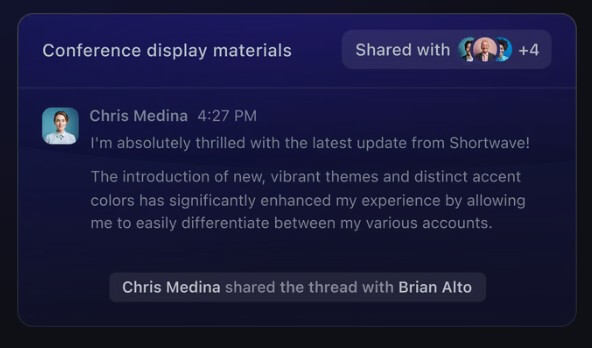
Shortwave also has a team angle. Its team docs describe live thread sharing, assignees, comments, shared labels, and searchable team email context. Shared emails can also become accessible to the AI Assistant, which means the assistant can draw on team-level email history where configured.
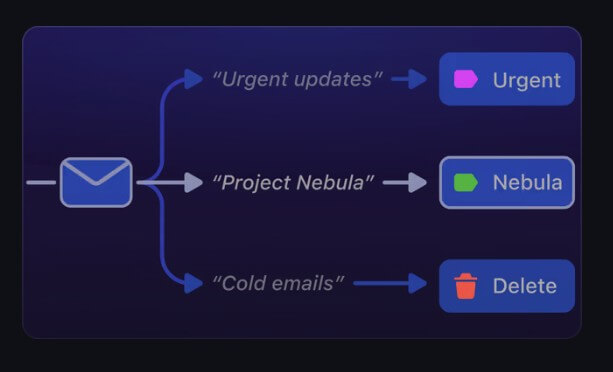
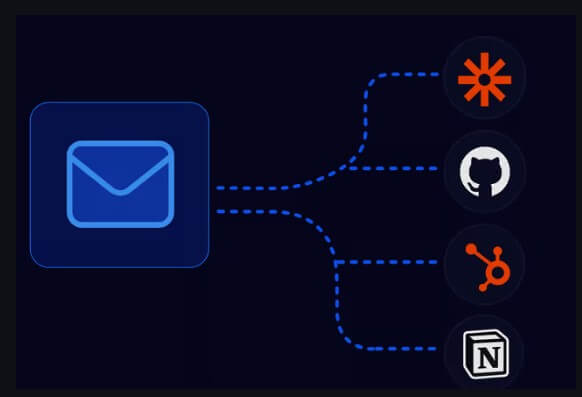
There is also a growing automation layer. Shortwave’s homepage mentions integrations with Slack, Calendar, Notion, Asana, HubSpot, and more, and its AI filters can label, star, archive, or take other actions based on plain-English rules.
For heavier automation, Shortwave now integrates with Tasklet, its sister product. The integration can create drafts inside Shortwave, manage todos, add comments, and connect email workflows with other apps. That is useful, but it also moves Shortwave from “better inbox” toward workflow system. Teams should start small: labels, splits, todos, then AI filters. Automating too much too early can make the inbox harder to audit.
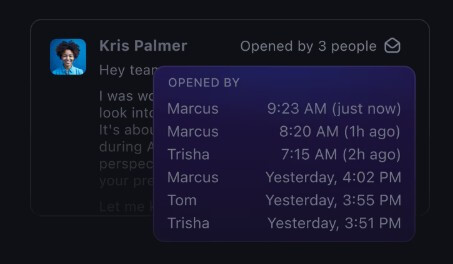
Shortwave will feel familiar to Gmail users, but not identical. It supports Gmail-style migration patterns, Gmail label syncing, keyboard shortcuts, multiple accounts, and desktop or mobile access. Its multiple-account docs say users can sign into Gmail or Google Workspace accounts and switch between them across devices.
The biggest adjustment is mental. Gmail is flexible but cluttered. Shortwave is more structured and opinionated. Splits, bundles, stars, todos, done states, and AI-assisted organization all push you toward a processing system. That is a strength for busy users. It may feel like extra setup for people who prefer a simple chronological inbox.
The main limitation is provider fit. Shortwave is built around Gmail and Google Workspace. Other email providers can be routed through Gmail using forwarding and send-as setup, but Shortwave’s own docs describe that as a workaround where Gmail receives forwarded mail from other accounts.
Second, the AI features are only as useful as your email context and habits. If your inbox is full of messy labels, duplicate notifications, old filters, and mixed personal or business threads, it may take setup before Shortwave feels clean.
Third, automation needs supervision. AI filters, todo creation, and summaries can save time, but they can also hide or misclassify important messages if configured poorly.
Finally, Shortwave is not for users who only want a minimal email client. It rewards people who want an inbox method. If you do not want to tune labels, splits, notifications, or AI behaviors, the product may feel heavier than necessary.
Shortwave is best for Gmail-heavy professionals who need faster inbox triage, cleaner follow-up tracking, and AI help grounded in their real email history. It is a strong fit for founders managing investor, customer, and team threads; sales or partnerships teams handling follow-ups; consultants managing client-specific inbox views; and operators who need email to become a task system.
It is less ideal for users outside the Gmail ecosystem, people who only need occasional AI writing help, or teams that already have strict task and communication systems elsewhere.
Shortwave is one of the more useful AI email clients because it does not treat AI writing as the whole product. Its real strength is the full inbox workflow: AI search, summaries, writing help, Splits, Bundles, Todos, team comments, and automation that sits close to where email work happens. It is best for busy Gmail and Google Workspace users who want to turn email into a more organized productivity system. The main caveat is that Shortwave works best when you commit to its method. Without setup and review, it can become another smart layer on top of an already noisy inbox.
TAGS: Productivity
Related Tools:

Automates candidate sourcing and evaluation

Create fashion models and backgrounds from simple descriptions

Integrates AI into Google Sheets

Lets users build automated AI workflows
Transforms plain text into accurate formulas
Generates summaries of webpage content