

Share this tool:
 |
Description:
SaveDay is an AI bookmark manager and personal knowledge hub for people who save a lot of web content but struggle to find or use it later. It lets you capture links, articles, videos, images, files, highlights, notes, and reminders, then search and ask questions across what you saved. The main value is not just bookmarking. It is turning saved material into something searchable, summarized, and easier to revisit.
SaveDay is best understood as a capture-first knowledge management tool. You save information from the browser, mobile app, web app, or Telegram bot, then organize it into a library where you can search, tag, highlight, summarize, and ask questions.
That makes it different from a traditional bookmark folder. A normal bookmark stores a page. SaveDay tries to preserve the useful parts around that page: the link, the key ideas, your notes, highlights, reminders, and the ability to retrieve it later even if you do not remember the exact title.
The official site describes SaveDay as a tool to “capture, organize and utilize your knowledge,” with support for browser extensions, mobile apps, web app access, Edge, and Telegram.
| SaveDay Layer | What It Does | Why It Matters |
|---|---|---|
| Capture | Saves links, images, videos, articles, files, and online content | Reduces scattered saving across apps |
| Summarization | Creates key points from long articles and YouTube videos | Helps you review before rereading |
| Notes and Highlights | Adds web highlights, sticky notes, and timestamp notes | Keeps context attached to the source |
| Search | Finds saved content by keyword or how you remember it | Solves the “I saved it somewhere” problem |
| Q&A | Lets you ask questions based on saved items | Turns your library into a working reference |
| Reminders | Prompts you to return to saved content | Helps saved items avoid becoming a graveyard |
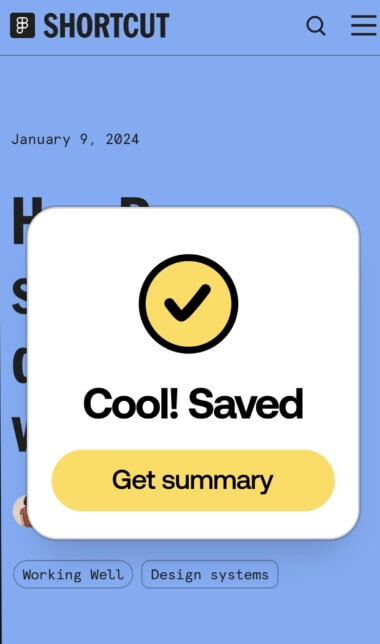
SaveDay lets users save web links, images, videos, photos, podcasts, audio, and other content directly from the extension or app.
The tool can generate key points from long articles and YouTube videos, which is useful when you want the main ideas before opening the full source again.
Users can highlight website text, add sticky notes, attach notes to highlights, and manage those notes in the browser sidebar.
SaveDay supports keyword search and more intuitive retrieval across saved content, which helps when you remember the idea but not the title.
The Telegram bot supports asking questions based on saved content and includes a source button for checking where an answer came from.
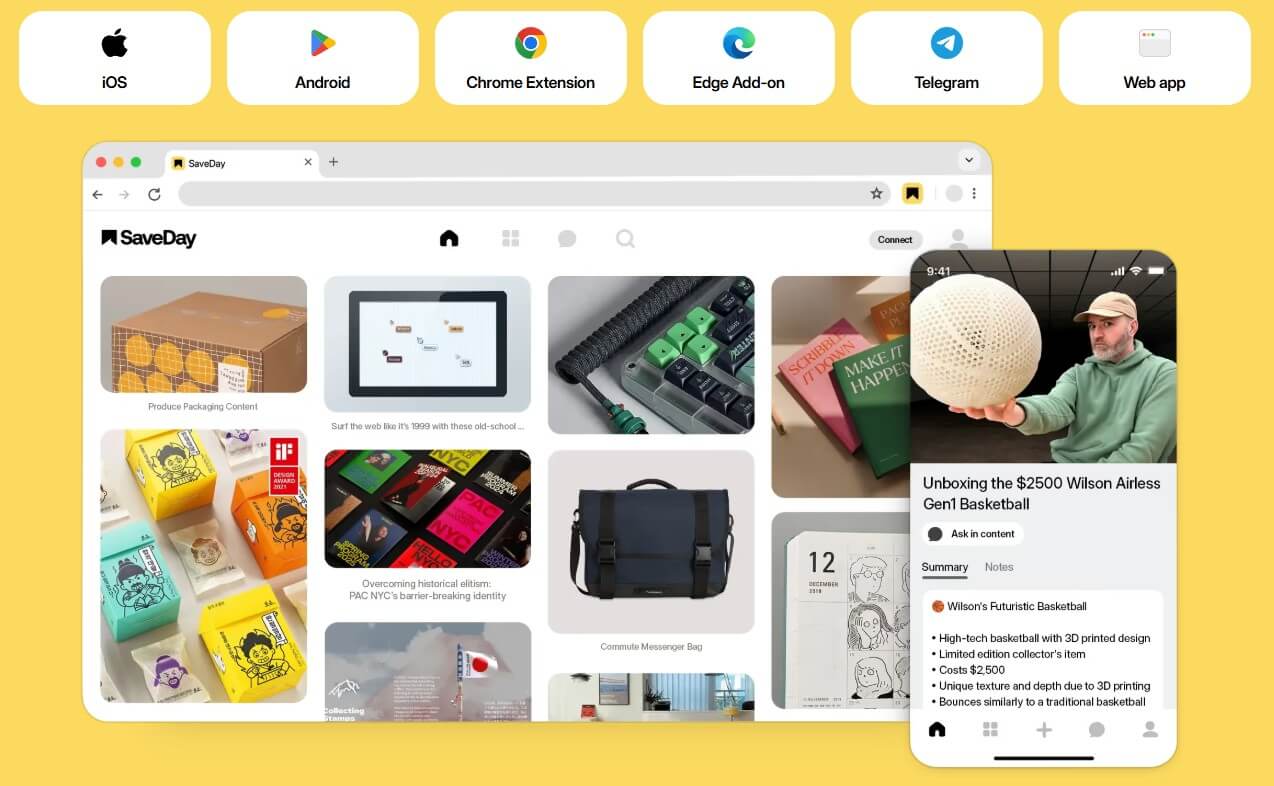
SaveDay works across Chrome, Edge, iOS, Android, Telegram, and the web app, so capture can happen from more than one device.
SaveDay is strongest for people who collect information constantly: students, researchers, content creators, marketers, founders, writers, product managers, and heavy readers. These users often save links in too many places, including browser bookmarks, messaging apps, notes apps, email drafts, and screenshots. SaveDay gives that habit a more organized home.
The browser extension is especially important. It lets users save images, videos, links, and selected content while browsing. It also supports web highlights, sticky notes, side-menu access, key points, and saved-item management.
The Telegram bot is another useful angle. SaveDay’s help center says the bot can save, search, generate key points, set reminders, manage saved content, and answer questions based on saved items. That is practical for people who already use Telegram as a quick capture inbox.
The workflow is simple: save something, organize it later if needed, generate key points, add notes or highlights, then search or ask questions when you want to reuse it.
For everyday use, SaveDay works best as a light capture layer. You see an article, video, image, or useful thread, save it, and move on. Later, you can open your library, search by topic, review highlights, or generate a summary.
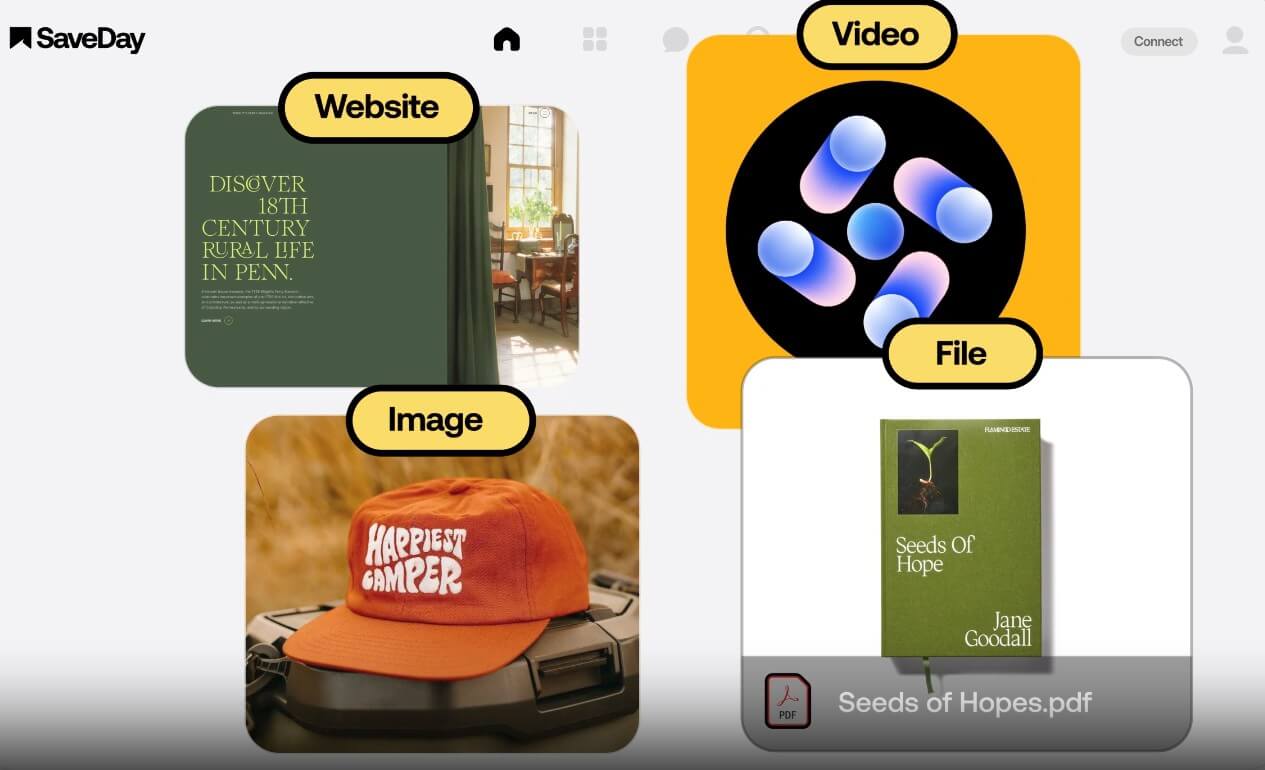
The extension workflow is the most direct. You can save content from the browser icon or side menu, generate key points for articles and YouTube videos, use the sidebar to view notes, and highlight important text while reading.

The web app works more like the library. SaveDay’s help center describes it as a place to save items, tag them, search them, and retrieve content. That makes it the better place to clean up your saved material after the capture stage.
The best part of SaveDay is the combination of summary and annotation. Many bookmark tools help you save. Fewer help you understand or reuse what you saved.
The YouTube summarizer can turn lengthy videos into concise content, and SaveDay says the summaries can be generated in multiple languages. It also supports social-ready designs from key points, which may appeal to creators who repurpose ideas into posts.
The article summarizer does a similar job for long articles, industry news, blog posts, and long-form content. It is useful when you want to know whether a piece deserves deeper reading.
Highlights and sticky notes are more personal. They let you attach your own thinking to a source. This matters because summaries tell you what the source says, but notes tell you why you cared.
Search is one of SaveDay’s most important features because saving is only useful if you can find the item again. The Chrome Web Store listing says SaveDay supports keyword search and contextual retrieval “by the way you think,” across languages.
This is where SaveDay has a stronger practical case than normal browser bookmarks. Most people do not remember exact page titles. They remember loose fragments: “that article about AI note-taking,” “the YouTube video with the productivity framework,” or “the quote about customer research.” Search that understands context can reduce the time spent hunting through folders.
The Q&A feature also pushes SaveDay toward a personal knowledge base. Instead of only searching for a saved source, you can ask a question based on what you saved and then open the source to verify it.
Save articles, videos, notes, and highlights into one searchable library.
Capture sources, summarize long readings, add notes, and return to saved material before writing or exams.
Save ideas, quotes, references, videos, and examples, then turn highlights or key points into reusable material.
Collect pages, product references, messaging examples, and industry articles in one place.
Summarize long videos, save timestamp notes, and return to key parts later.
Highlight articles, add sticky notes, and use summaries to decide what deserves a full read.
- Use SaveDay as an inbox first, then organize later. Trying to tag everything perfectly at capture time slows the workflow.
- Generate key points for long content, but still open the original source when accuracy matters.
- Use highlights for exact wording and sticky notes for your own thoughts. Mixing the two makes saved content harder to review later.
- Create collections around projects, not vague topics. “Q2 newsletter research” is more useful than “marketing.”
- Use reminders for content you genuinely plan to revisit. Too many reminders turn into noise.
SaveDay is strongest as a capture and retrieval tool, not as a full writing workspace. If you want deep note structuring, databases, templates, and long-form project pages, Notion or Obsidian may still feel more flexible.
The second limitation is cleanup. Automatic organization helps, but a large saved library still needs some human judgment. If you save everything without reviewing anything, search improves the mess but does not remove it.
The third limitation is summary dependence. AI summaries are useful, but they can miss nuance. For research, legal, health, technical, or financial material, the summary should be a starting point, not the source of truth.
The fourth limitation is trust and privacy awareness. SaveDay’s website says saved content is private and that only the user can access saved information, while its Chrome Web Store listing includes privacy declarations. Users handling sensitive work should still review the privacy policy and decide what content belongs in the tool.
SaveDay is best for people who constantly save online information and need a faster way to capture, summarize, search, and reuse it. Its strongest value is the full loop: save from anywhere, generate key points, highlight what matters, add notes, set reminders, and ask questions across saved content.
It is a strong fit for students, creators, researchers, marketers, and knowledge workers. The main caveat is that SaveDay works best when you treat it as an active knowledge hub, not a place to dump links you never review.
TAGS: Productivity
Related Tools:

Summarizes articles on the web

Streamlines creation of business plans

Enhances writing productivity

Optimizes learning by enabling smart note-taking

AI meeting assistant that tracks participation

Designed to automate data analysis and preparation