

Share this tool:
 |
Description:
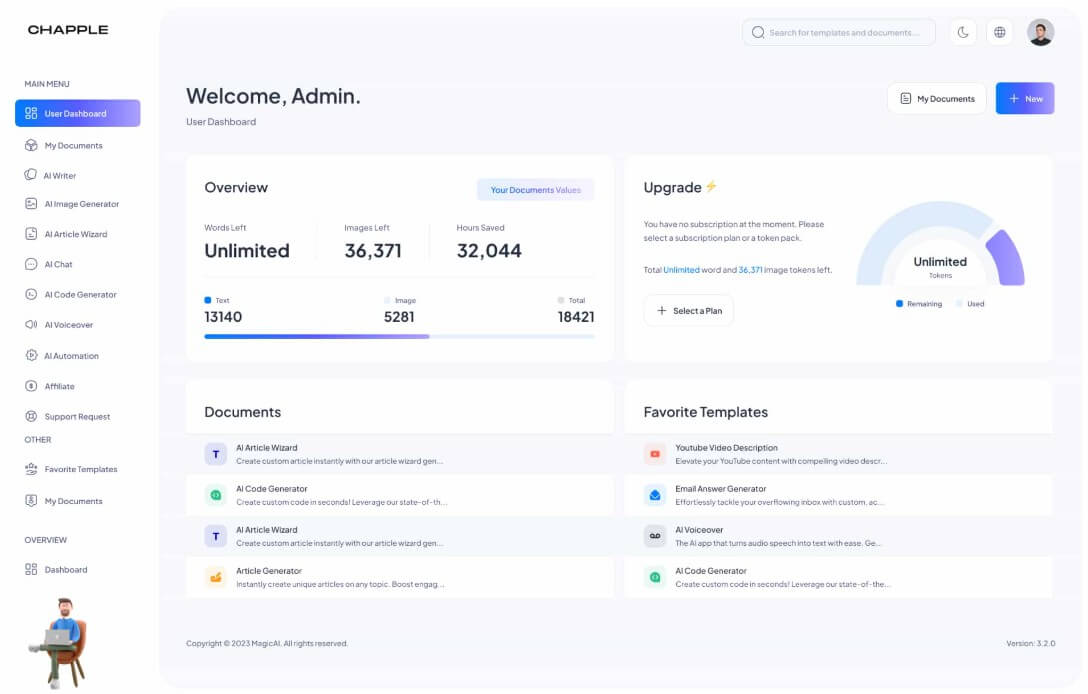
Chapple AI is a broad AI creation platform for users who want several everyday AI tools in one place. Instead of focusing only on writing, it combines text generation, image creation, code generation, chatbot assistance, speech-to-text, document editing, file management, and many content templates. Its main appeal is convenience: marketers, freelancers, creators, students, and small teams can handle many basic AI tasks without jumping between separate apps.
| Feature | What it does | Why it matters |
|---|---|---|
| AI Writer | Generates and edits text for blogs, emails, ads, summaries, and other content | Useful for quick first drafts and routine writing |
| AI Image Generator | Creates visuals from text prompts | Helps users produce fast image concepts for marketing or creative work |
| AI Code Generator | Generates code from plain-language requests | Useful for snippets, simple pages, and beginner coding help |
| AI ChatBot | Answers questions and supports general brainstorming | Gives users an interactive assistant inside the same platform |
| Transcription | Turns speech recordings into text | Helpful for notes, interviews, meetings, and content repurposing |
| File and Document Tools | Supports file organization, editing, and content refinement | Makes the platform feel more like a workspace than a single generator |
Chapple AI is best understood as a general-purpose AI content workspace. The platform includes AI Content, AI Image, AI Code, AI ChatBot, and Transcription as core product areas, which makes it broader than a standard AI copywriting tool.
That breadth is the point. A user can draft a blog intro, summarize text, generate product copy, create social captions, ask a chatbot for ideas, produce simple code, transcribe a recording, or generate an image from the same platform. Chapple is not trying to be the deepest specialist in every category. It is trying to be a useful hub for common content and creation tasks.
This makes it a better fit for practical output than for advanced creative direction. If you need a polished brand campaign, production-grade software, or expert visual editing, you will still want specialist tools and human review. But if you need fast drafts and a wide set of generators, Chapple’s structure makes sense.
Chapple is strongest for users who create across several formats during the same workday. A marketer might need a blog outline, product description, ad headline, newsletter draft, Instagram caption, and image idea. A freelancer might need client emails, landing page copy, summaries, and proposal language. A student might use it for explanations, proofreading, essay structure, and speech-to-text notes.
The official feature list supports that kind of mixed workflow. Chapple includes tools for post titles, text summaries, product descriptions, article generation, YouTube descriptions and titles, Instagram captions and hashtags, social media posts, Google Ads headlines, email generation, newsletters, grammar correction, TL;DR summaries, custom generation, speech-to-text, code generation, bullet points, proofreading, rephrasing, resume building, sales pitches, support ticket replies, and more.
That is a lot of surface area. The best way to use Chapple is not to expect one magic button. It works better as a menu of smaller tools that help remove blank-page friction.
Writing is still the most important part of Chapple AI. The platform’s Intelligent Writing Assistant is designed to generate text quickly, then let users edit, export, or publish the result.
The template library is where Chapple becomes more useful for non-expert prompt writers. Instead of opening a blank chat and deciding how to ask for help, users can choose a specific content type. That matters for common tasks like product descriptions, social posts, email replies, summaries, blog sections, ad copy, and SEO-focused content.
The main benefit is speed. The limitation is originality. Template-based AI writing can sound polished but generic if users do not add real details, examples, audience context, or brand voice. Chapple can help get a first draft on the page, but the user still needs to shape it into something specific. For SEO and marketing content, this matters even more. Chapple includes SEO-oriented tools and meta description generation, but search-friendly content still needs fact-checking, useful examples, internal expertise, and a clear point of view.
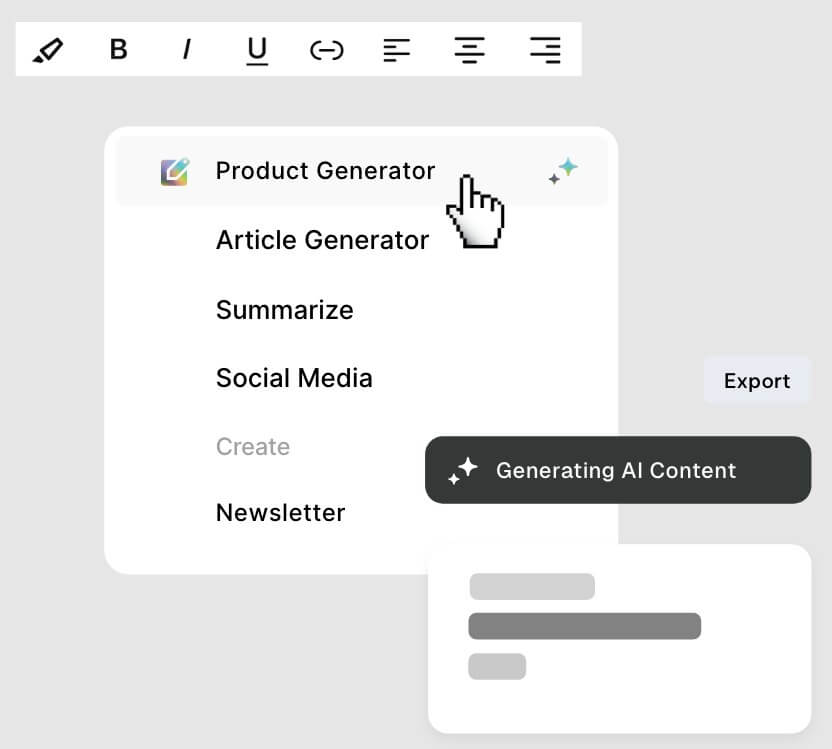
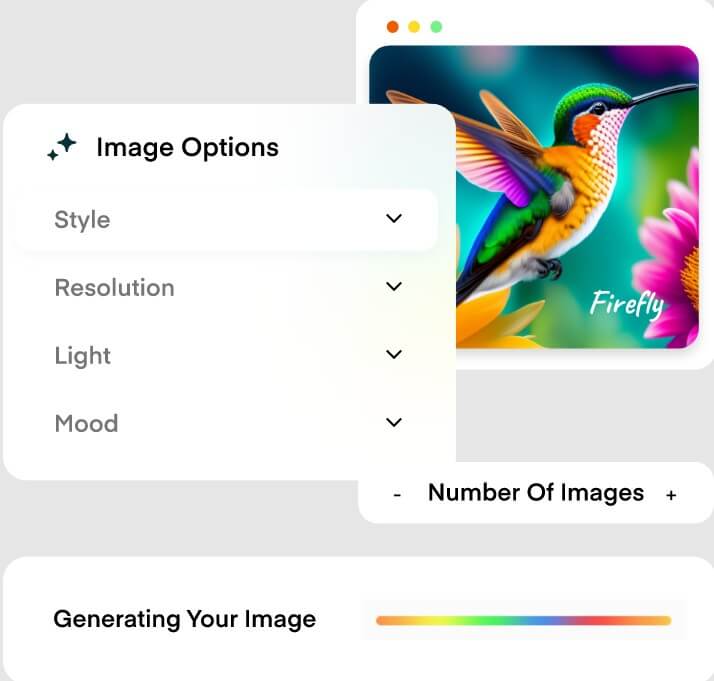
Chapple’s AI Image Generator adds a useful visual layer. The platform says users can create images and graphics for a wide range of uses.
This is helpful for fast concept work: blog headers, social visuals, ad mockups, presentation images, product mood boards, and creative direction. It is not the same as a full design studio. Users who need exact brand layouts, layered editing, consistent characters, or advanced image refinement may want a dedicated image platform.
The quality of the output will depend heavily on the prompt. Strong visual prompts should include the subject, setting, style, lighting, composition, format, and intended use. Weak prompts will often create generic-looking assets.
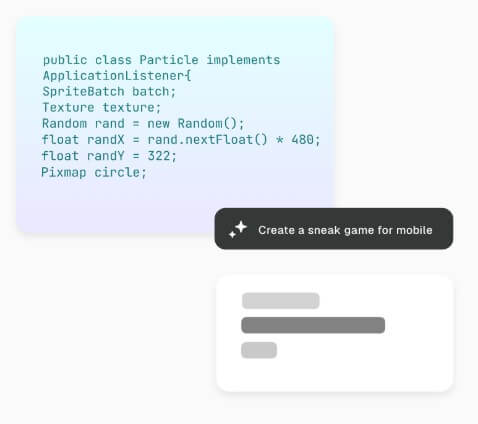
The code generator is a practical addition because it expands Chapple beyond marketing content. Chapple says its code tool is designed to help users generate custom code and speed up coding tasks.
This is useful for simple snippets, landing page sections, HTML/CSS blocks, small scripts, and learning examples. It should not be treated as production-ready without review. Code needs testing, security checks, accessibility review, and cleanup before serious use.
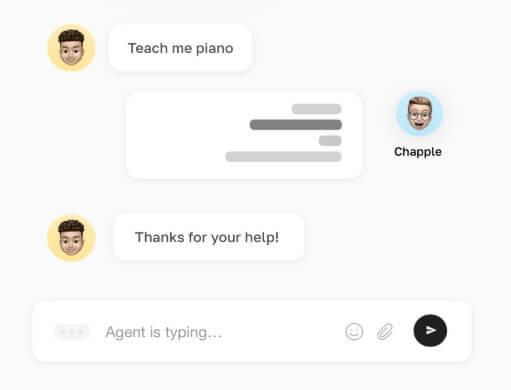
The chatbot is the flexible part of the platform. Chapple describes it as a virtual assistant for instant answers across different topics. It is useful for brainstorming, rewriting, planning, quick research-style questions, and turning rough ideas into more structured outputs.
Transcription is also worth noting. Chapple says users can upload recordings and convert speech into text in a few clicks. That is useful for creators who record voice notes, interviews, podcast ideas, meetings, or rough spoken drafts and want to turn them into editable content.
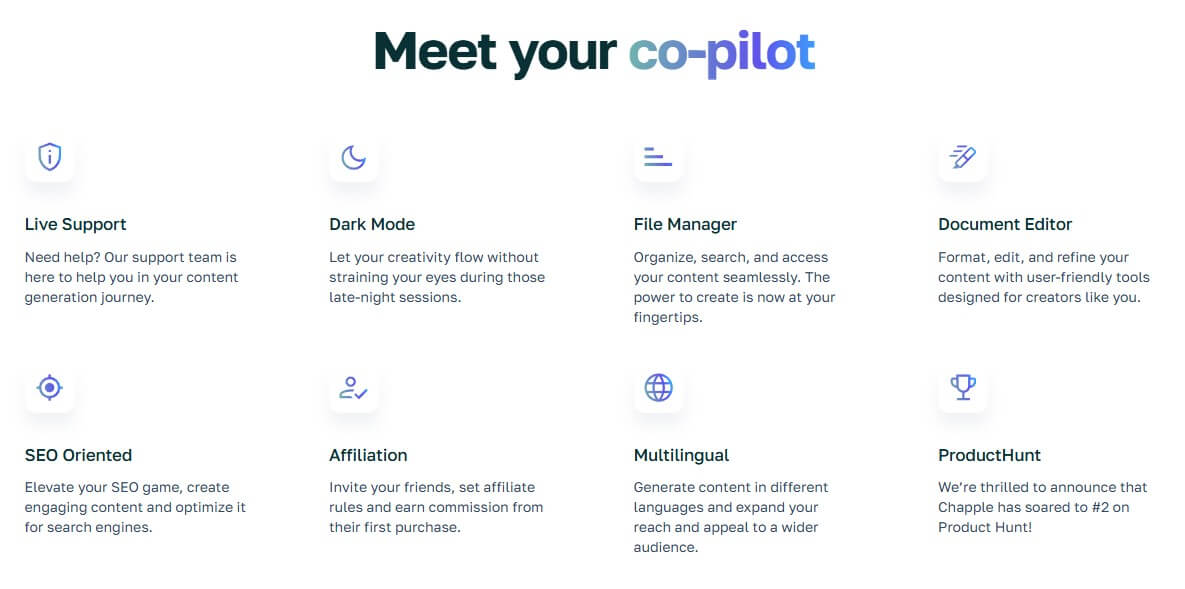
Chapple is built around accessibility. Its feature set includes a document editor, file manager, dark mode, multilingual generation, and live support. These are not flashy features, but they matter for everyday use. A file manager helps keep generated work from becoming scattered. A document editor makes it easier to clean up drafts before exporting. Multilingual support helps users create content for different audiences.
The workflow is simple: choose the relevant tool, enter the topic or instruction, generate the result, then edit. That simplicity is good for beginners. Advanced users may find it less controlled than a specialized AI studio with deeper model settings, brand memory, workflow automation, or collaboration controls.
Chapple AI works best for fast, mixed-format content creation. It is a good fit for social media posts, blog drafts, product descriptions, ad copy, email replies, newsletters, summaries, basic image concepts, audio transcription, and simple coding help.
It is especially useful for solo creators, freelancers, students, ecommerce sellers, small business owners, and marketing teams that need many small assets rather than one highly specialized workflow.
It is less ideal for teams that need deep brand governance, advanced SEO research, professional image editing, complex development environments, or strict enterprise controls.
The main trade-off is depth. Chapple covers a lot of ground, but broad platforms often feel thinner than specialist tools in each category. A dedicated design tool will usually offer better visual control. A serious coding assistant will usually provide stronger development context. A full SEO platform will usually give deeper keyword, competitor, and optimization data.
The second limitation is review quality. AI-generated text, images, code, and summaries can save time, but they still need human judgment. Factual content should be checked. Brand copy should be edited. Code should be tested. Transcripts should be reviewed for errors.
There is also a risk of generic output. Chapple’s templates are convenient, but users get better results when they provide audience details, tone, examples, constraints, and clear goals.
Chapple AI is best for users who want one broad workspace for everyday AI creation. Its strongest value is the combination of writing tools, image generation, code support, chatbot help, transcription, templates, file management, and document editing. It is a strong fit for creators, freelancers, students, marketers, ecommerce sellers, and small teams that need quick drafts and flexible output across formats. The main caveat is that Chapple is a generalist. It can speed up a lot of work, but the best results still need clear direction, careful editing, and specialist tools when the project demands deeper control.
TAGS: Productivity
Related Tools:

Merges documents, spreadsheets, and apps to help teams collaborate

Summarizes various types of documents

Transforms video content into concise summaries and articles

Enables teams to capture, access, and verify information
Optimizes learning by enabling smart note-taking

Helps users explore biomedical and life sciences research