
Share this tool:
 |
Description:
Saima is an AI video assistant built for people who learn or work through long video content. Its main idea is simple: video should move at the pace your brain can understand, not at the fixed pace chosen by the speaker. The tool combines adaptive playback speed, silence skipping, voice boosting, timestamped notes, shared workspaces, and collaboration features into one browser-based viewing layer.
Saima is not a general AI chatbot, video editor, or course platform. It is closer to an intelligent video companion. You watch videos on supported platforms, and Saima adjusts the experience around speed, clarity, focus, and note-taking.
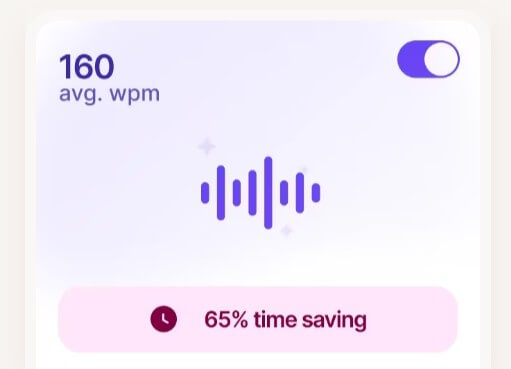
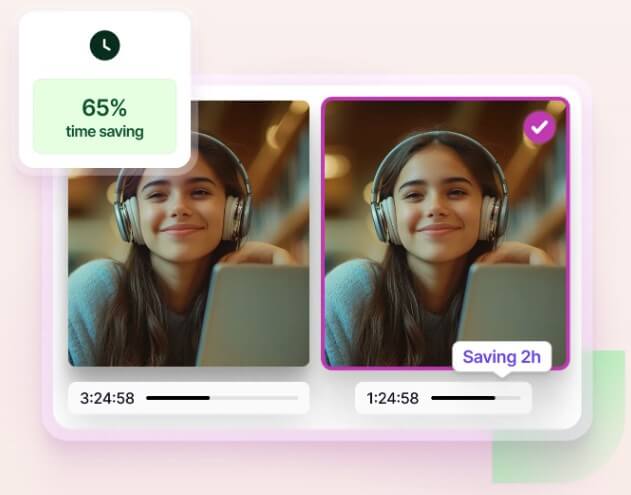
The product’s core feature is its AI-based video speed controller. Saima says users choose a words-per-minute rate, and the system dynamically adjusts playback speed to match their comprehension pace. The goal is to reduce the manual back-and-forth of speeding up, slowing down, rewinding, and pausing.
That makes Saima most useful for educational and training content: online courses, lectures, tutorials, onboarding videos, certification programs, conference talks, and internal learning libraries. It can also help with YouTube learning, but it is less about entertainment and more about making information-dense videos easier to process.
Saima is strongest when the problem is not access to content, but endurance. Many people can find videos. The harder part is staying focused long enough to finish them, especially when the speaker moves too slowly, pauses often, has uneven audio, or speaks faster than the learner can comfortably follow.
The adaptive speed controller is the clearest reason to use it. Manual playback controls are blunt. You pick 1.25x, 1.5x, or 2x and hope it works. Saima’s pitch is more personal: match the playback speed to your processing ability, then adjust in real time instead of forcing one speed across the whole video.
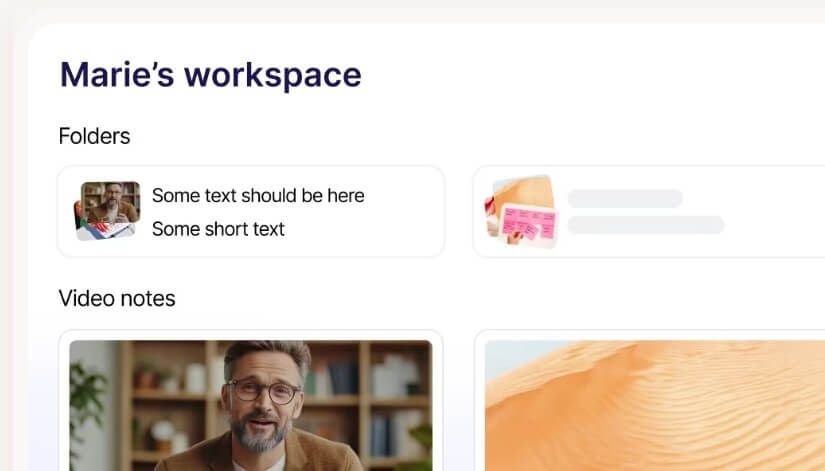
The second strength is reducing friction around notes. Saima lets users take notes directly on videos, tag exact moments, use voice notes, organize notes in a workspace, download notes as PDFs, and share them with others. That is more useful than taking notes in a separate app while trying to remember the timestamp manually.
| Feature | What it does | Why it matters |
|---|---|---|
| AI Video Speed Controller | Adjusts playback speed around a user’s words-per-minute comprehension rate | Helps users move faster without losing the thread |
| Skip Silence | Detects and skips long pauses or silent sections | Cuts wasted time in lectures, tutorials, and training videos |
| Voice Booster | Normalizes and boosts speaker audio | Useful for quiet speakers, uneven volume, noisy recordings, and ESL learners |
| Video Notes | Adds timestamped notes directly to videos | Makes review easier and keeps notes tied to the right moment |
| Collaboration Workspace | Organizes videos, notes, folders, and shared comments | Helps teams or classes discuss learning material in one place |
| Platform Coverage | Works across major video-learning platforms and many online videos | Makes it practical beyond one course provider |
The speed controller is the center of Saima’s product. It is not just a faster playback button. Saima describes WPM as a measure of how many words a person can process in a minute, and the tool uses that idea to tune video speed for comprehension, memorization, and focus.
This is useful because learning videos rarely move at the right pace for everyone. Some speakers are slow and repetitive. Others talk quickly, use dense terms, or switch topics too fast. A fixed playback speed can help, but it does not adapt when the video changes pace. Saima’s adaptive model tries to make video watching feel less mechanical.
The feature will matter most to people who watch a lot of structured content: students, online learners, analysts, developers, marketers, sales teams, and employees moving through training modules. It is less important for short videos or content you watch casually.

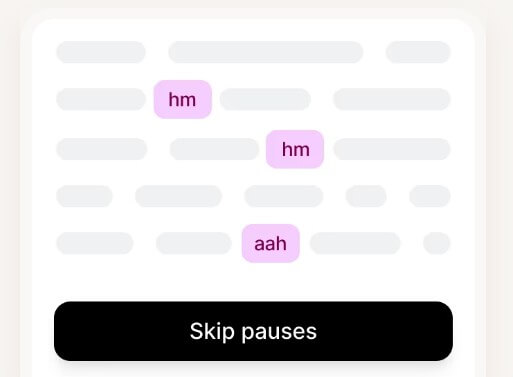
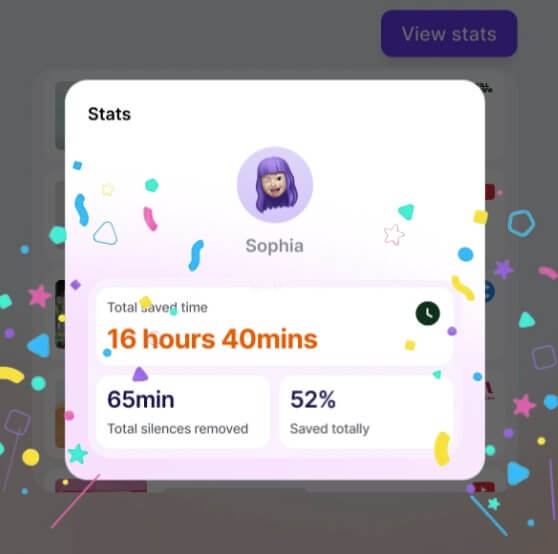
Skip Silence is one of Saima’s most practical features. It automatically removes long pauses and silent moments so the video keeps moving. Saima says the feature identifies sections where there is no speech and skips them in real time.
This sounds small until you use content with long dead spaces: recorded lectures, webinar Q&A sections, coding tutorials, screen recordings, and training videos with slow transitions. Skipping silence can make the experience feel tighter without changing the actual message.
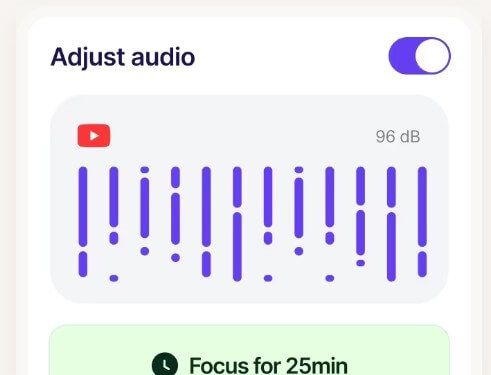
Voice Booster solves a different but related problem. Saima says it normalizes voice volume so the speaker stays clearer and more consistent across videos. The company positions it as helpful for focus, comprehension, education, and corporate training.
The most obvious audience here is non-native speakers, but it also helps anyone dealing with quiet audio, uneven microphones, or background noise. It does not turn poor recordings into studio-quality lessons, but it can reduce the strain of listening.
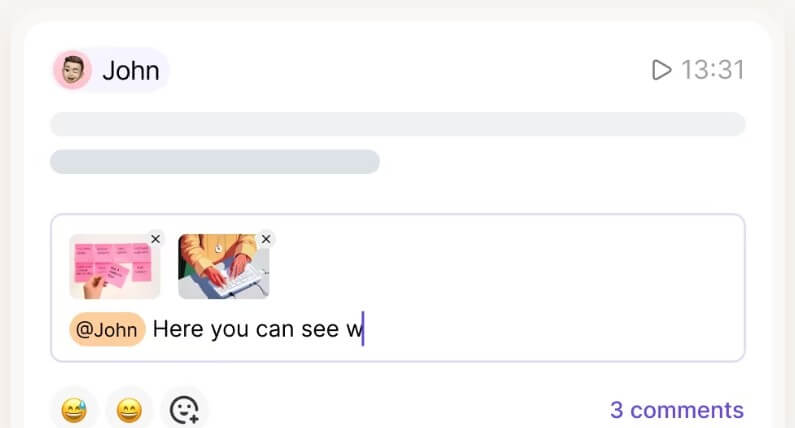
Saima’s note-taking layer is what keeps it from being just a speed-control extension. The tool supports notes tied to exact video moments, shared notes, real-time collaboration, voice notes, organized workspaces, and PDF downloads.
This matters for review. A normal note like “review model deployment section” is vague. A timestamped note tied to the exact part of the video is more useful. For teams, it also creates a shared reference point. A manager can assign training content, teammates can comment on specific moments, and learners can discuss the same clip without sending messy timestamps back and forth.
For education, this fits lectures, flipped classrooms, group study, and course review. For companies, it fits onboarding, sales training, product walkthroughs, compliance refreshers, and internal knowledge sharing.

Saima’s workflow is fairly direct: install the extension, sign in, set your preferences, open a video, and use the Saima controls while watching. Its Coursera guide says users can customize settings through an AI-generated test that identifies a preferred WPM consumption speed, then use the extension while viewing course content.
The learning curve depends on how much you use. If you only want faster playback and silence skipping, it should feel simple. If you want shared notes, folders, collaboration, and workspace organization, there is more setup involved.
That is not a bad trade-off. It means Saima can be lightweight for individuals and more structured for teams. Still, users who only need YouTube’s built-in speed control may not need the full product.
Saima is a strong fit for students taking online courses, especially when lectures are long or hard to follow. It also makes sense for professionals who watch tutorials, certification lessons, webinars, internal training, and product education videos.
It is especially useful for non-native English speakers, people who need clearer audio, learners who lose focus during slow videos, and teams that want shared notes on the same material. Saima’s Chrome listing also points to students, lifelong learners, professionals, teams, and non-native English speakers as key audiences.
It is less useful for people who rarely watch long-form educational video, users who prefer reading transcripts, or teams that already have a full learning management system with strong built-in note and collaboration tools.
Saima’s biggest limitation is that its value depends on your video habits. If your learning mostly happens through books, podcasts, live classes, or short clips, it may not change much.
The second trade-off is platform dependence. Saima works across many video platforms, but the smoothest experience will still depend on the browser, video player, permissions, and how the content is hosted. Browser-extension tools can feel less reliable on locked-down enterprise sites or unusual embedded players.
Privacy also deserves attention. The Chrome Web Store listing says the extension processes personal information, user activity, and website content, while also stating that the developer does not sell data to third parties and does not use or transfer data for unrelated purposes. Users and institutions should review those details before using it with sensitive training or private video content.
Finally, adaptive speed is not always better. Some material needs pauses. Complex math, legal explanations, medical training, or dense technical content may require slower viewing and manual review. Saima helps manage speed, but it cannot replace judgment about when to stop and think.
Saima is best for people who spend serious time learning from videos and want that time to feel less passive. Its strongest features are adaptive playback speed, silence skipping, voice clarity, timestamped notes, and shared video workspaces. It is a good fit for students, online learners, training teams, non-native speakers, and professionals who use video as a core learning source. The main caveat is that Saima works best when video is already a major part of your workflow. For casual watching, it may be more tool than you need.
TAGS: Productivity
Related Tools:
Corrects data-entry errors

Turns data, text, and visuals into dynamic spreadsheets

Records, transcribes, and summarizes video meetings
AI-powered mobile keyboard app that enhances typing efficiency

Simplifies creation of animated faces

Creates customized educational assessments