

Share this tool:
 |
Description:
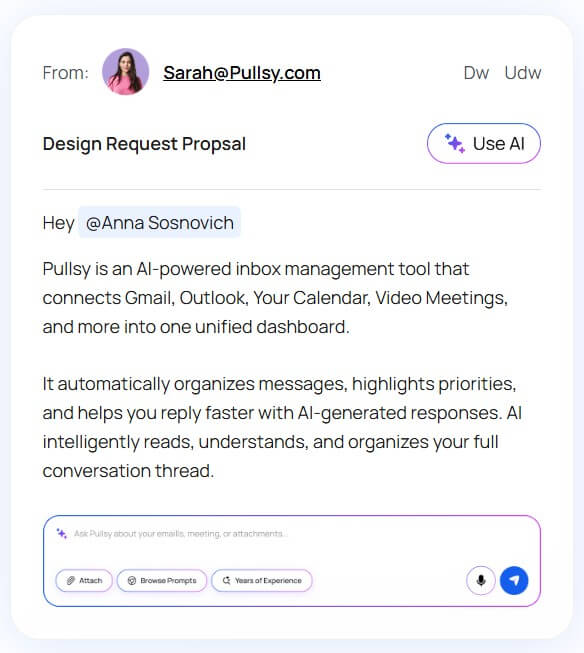
Pullsy is an AI email management assistant built for people who spend too much of the day sorting, searching, and replying to messages. It connects to Gmail or Microsoft 365, brings inbox activity into a focused dashboard, highlights what needs attention, and drafts replies that users can review before sending.
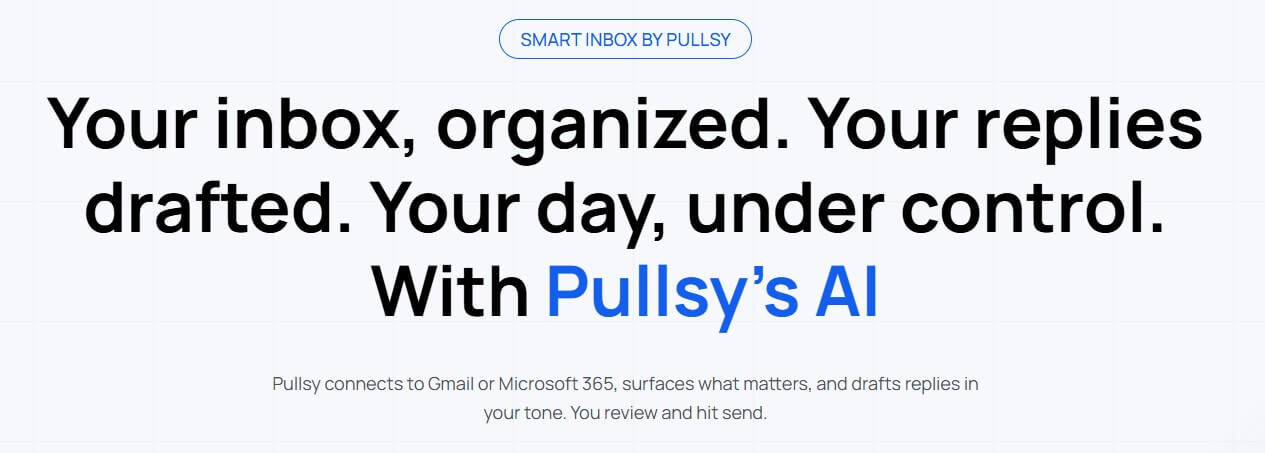
The main idea behind Pullsy is not complicated: it tries to turn your inbox into a more manageable work queue. Instead of treating every message the same, Pullsy uses AI to categorize email, detect priority, suggest actions, draft replies, and give you a clearer view of what is happening across your communication channels.
That positioning matters. Pullsy is not a general writing assistant like Compose AI, and it is not a broad team workspace like Notion or ClickUp. It sits closer to an AI inbox layer. The tool is designed around the problems that show up when email becomes operational: missed follow-ups, buried attachments, scattered meeting context, slow replies, and too much manual sorting.
Pullsy’s public materials describe support for Gmail, Outlook, calendar connections, and more integrations coming over time. Its help center also says users can sign up with Google or Microsoft and connect Gmail or Outlook accounts during setup.
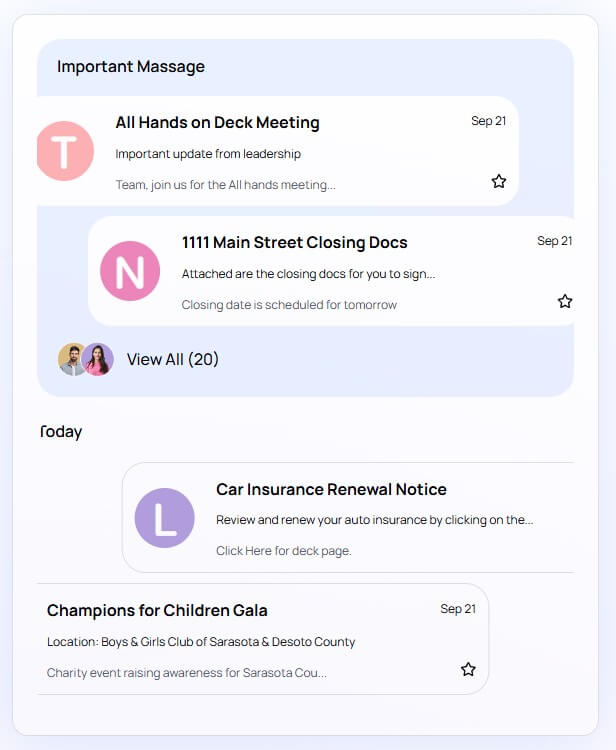
Pullsy is strongest when email is not just communication, but part of the job itself. That includes sales, client service, operations, recruiting, executive support, consulting, freelancing, and customer-facing work.
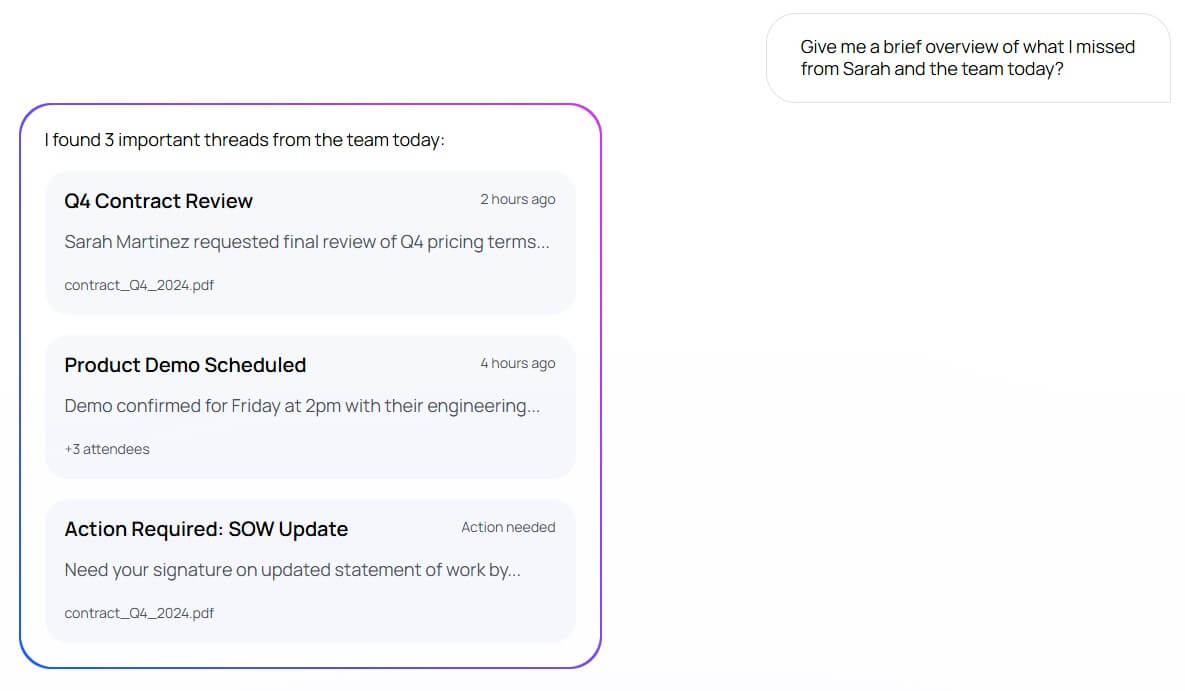
The value is less about writing one perfect email and more about handling many small email decisions faster. Which messages need a reply? Which are just FYI? What did Sarah send last week? What thread needs a signature? What should I review before the next meeting?
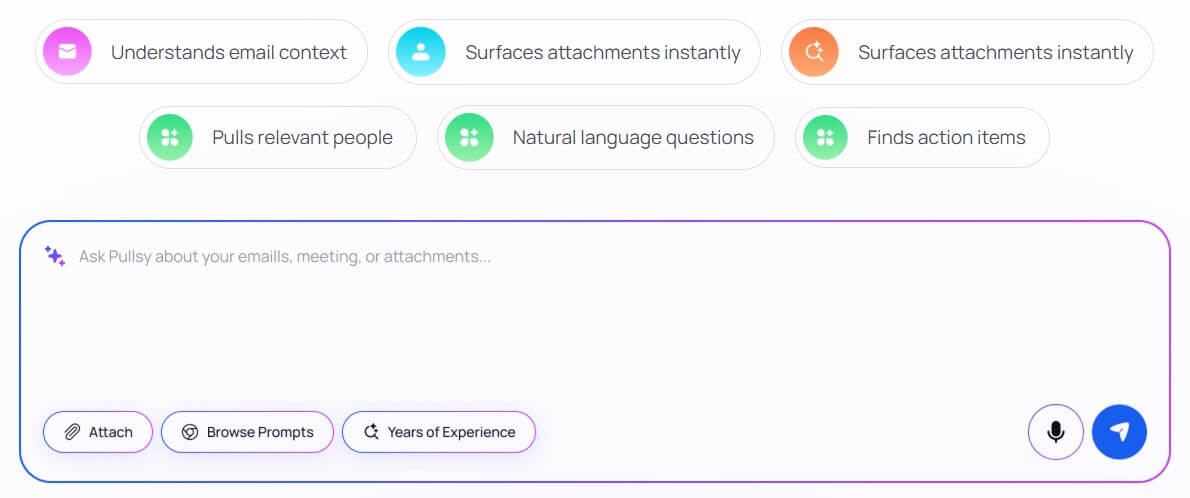
That is where Pullsy’s “Ask Pullsy” and dashboard features become useful. The official site describes Ask Pullsy as a way to search, filter, and understand emails through natural language, including summaries, relevant people, attachments, and action items.
| Feature | What it does | Why it matters |
|---|---|---|
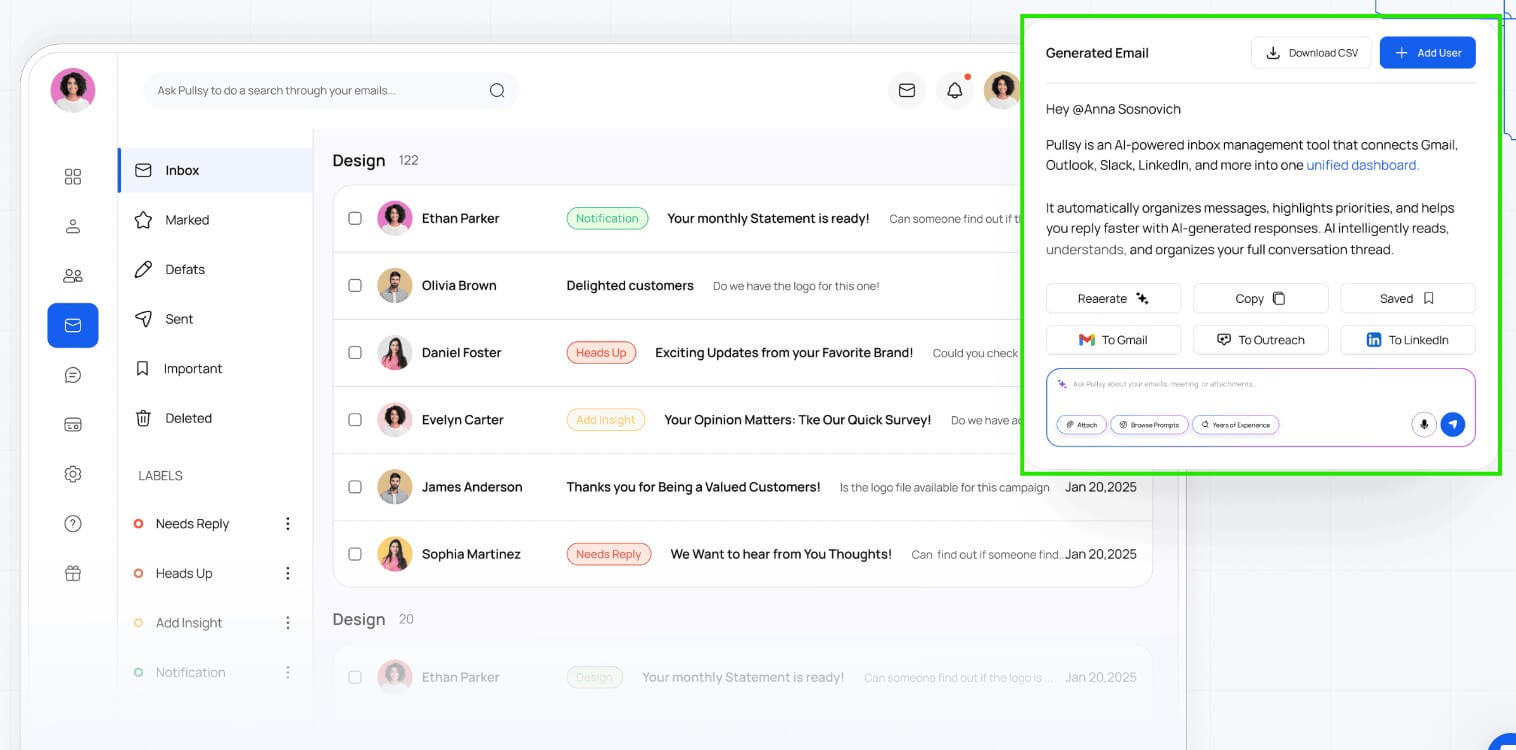
| Smart AI Drafts | Reads email thread context and generates reply drafts for the user to review before sending | Reduces the time spent starting replies from scratch |
| Tone Control | Lets users choose tones such as professional, friendly, or quick, with broader style options described on the site | Helps replies match the situation and relationship |
| Priority Detection | Highlights important messages and separates urgent work from lower-value inbox noise | Helps users focus on what needs action first |
| Ask Pullsy | Lets users ask natural language questions about their inbox, such as what needs a response today or what happened in a specific thread | Makes inbox search more conversational and useful |
| Calendar Context | Connects calendar data and surfaces meeting-related emails, upcoming events, and meeting prep context | Helps users prepare for meetings without digging through threads |
| Inbox Analytics | Shows email activity, active threads, top contacts, peak hours, and category distribution | Helps users understand email load and communication patterns |
Pullsy’s setup is built around connecting an email account, granting the required permissions, and letting the system sync and categorize messages. The help center lists Gmail or Outlook, email account credentials, and a modern browser as prerequisites, then walks users through sign-up, provider authorization, email connection, and dashboard review.
The practical workflow is likely to work best as a daily triage system. In the morning, you check priority messages and active threads. Before meetings, you review calendar-linked context. During the day, you use Ask Pullsy to find threads, summarize conversations, or locate action items. When replying, you use AI drafts as a starting point, edit them, then send.
This is a sensible design because it keeps email work inside a structured flow. The risk with many AI assistants is that they add another place to check. Pullsy avoids some of that by organizing the inbox around categories, dashboard signals, and direct questions. The interface also seems more operational than decorative. Dashboard sections include received today, sent today, active threads, weekly activity, email distribution, top contacts, labels, and peak hours. Those are useful metrics for people who want to understand their email load, not just clear today’s messages.
Pullsy’s most sensitive feature is reply drafting. Email tone matters, and a bad AI reply can create more work than it saves. Pullsy addresses this by keeping the user in control. Its site and security page both state that Pullsy drafts replies for review and does not send messages without user action.
That is the right approach. For professional communication, AI should shorten the path to a usable draft, not take over judgment. Pullsy’s draft system appears strongest for common reply types: confirmations, follow-ups, scheduling responses, requests for documents, polite declines, quick status updates, and threads where the next action is obvious.
The more nuanced the email, the more review matters. Sensitive client issues, legal language, negotiation, HR matters, and emotionally loaded replies still need human editing. Pullsy can help frame the response, but users should not treat the draft as finished just because it sounds polished.
Pullsy has to meet a higher trust bar than a normal writing app because email contains private, financial, client, and internal business data. Its security page says the product uses encryption in transit and at rest, least-privilege production access, scoped permissions, and Google OAuth verification. It also says SOC 2 Type II is in progress, not completed, and that CASA has been completed for its Google integration.
That distinction matters. “In progress” is not the same as audited certification, so teams with strict procurement requirements should review Pullsy’s security materials before rollout. Pullsy also says it does not sell user data and does not permit vendors processing customer content to use that content for their own purposes outside delivering Pullsy’s functionality.
Pullsy is a strong fit for executives, founders, sales teams, consultants, support teams, recruiters, agency operators, and freelancers who manage high-volume inboxes. It is especially useful when email contains tasks, meetings, documents, client requests, and follow-ups.
It also makes sense for people with multiple inboxes or recurring communication patterns. If you answer similar questions, track many threads, or need to know what changed since yesterday, Pullsy’s categorization and Ask Pullsy features can save time.
It is less compelling for light email users. If you only receive a few important messages a day, your normal inbox may be enough. Pullsy becomes more valuable when email volume creates real friction.
The first limitation is dependency on connected accounts. Pullsy only becomes useful after it has access to enough email and calendar context, which means users must be comfortable granting permissions.
The second limitation is AI judgment. Priority detection, categorization, and reply drafting can help, but they should not be treated as perfect. Important messages may still need manual review, especially during the first setup period.
The third limitation is workflow fit. Pullsy is built around email intelligence, not full project management. It can surface action items, but it does not replace a task system, CRM, help desk, or shared team operating system.
There is also a maturity caveat. Some wording on the public site points to features and integrations that are still expanding. Teams should verify the current supported integrations before planning a wider rollout.
- Start with one inbox before connecting everything. This makes it easier to judge whether Pullsy’s categories and priorities match how you work.
- Use Ask Pullsy for retrieval, not just summaries. Queries like “What emails need my response today?” or “Summarize the conversation with John Smith” are directly aligned with the examples in Pullsy’s setup guide.
- Treat AI drafts as first drafts. The best workflow is review, tighten, then send.
- Check the dashboard weekly. Peak hours, active threads, and top contacts can reveal where email is draining time or creating unnecessary back-and-forth.
Pullsy is best understood as an AI control layer for busy inboxes. Its strongest value is helping users sort messages, find what matters, prepare for meetings, and draft replies without starting from a blank screen. It is best for professionals and teams whose email volume creates real operational drag. The main caveat is trust: because Pullsy works with sensitive inbox data and AI-generated decisions, users should review permissions, security posture, and every draft before making it part of their daily workflow.
TAGS: Productivity
Related Tools:

Offers features like advanced content generation

Records, transcribes, and summarizes meetings

Built for tracing, evaluating, monitoring, and improving AI agents

Transforms ideas into professional designs

AI-enhaanced calendar for scheduling
Enhances focus and efficiency in work or study