
Share this tool:
 |
Description:
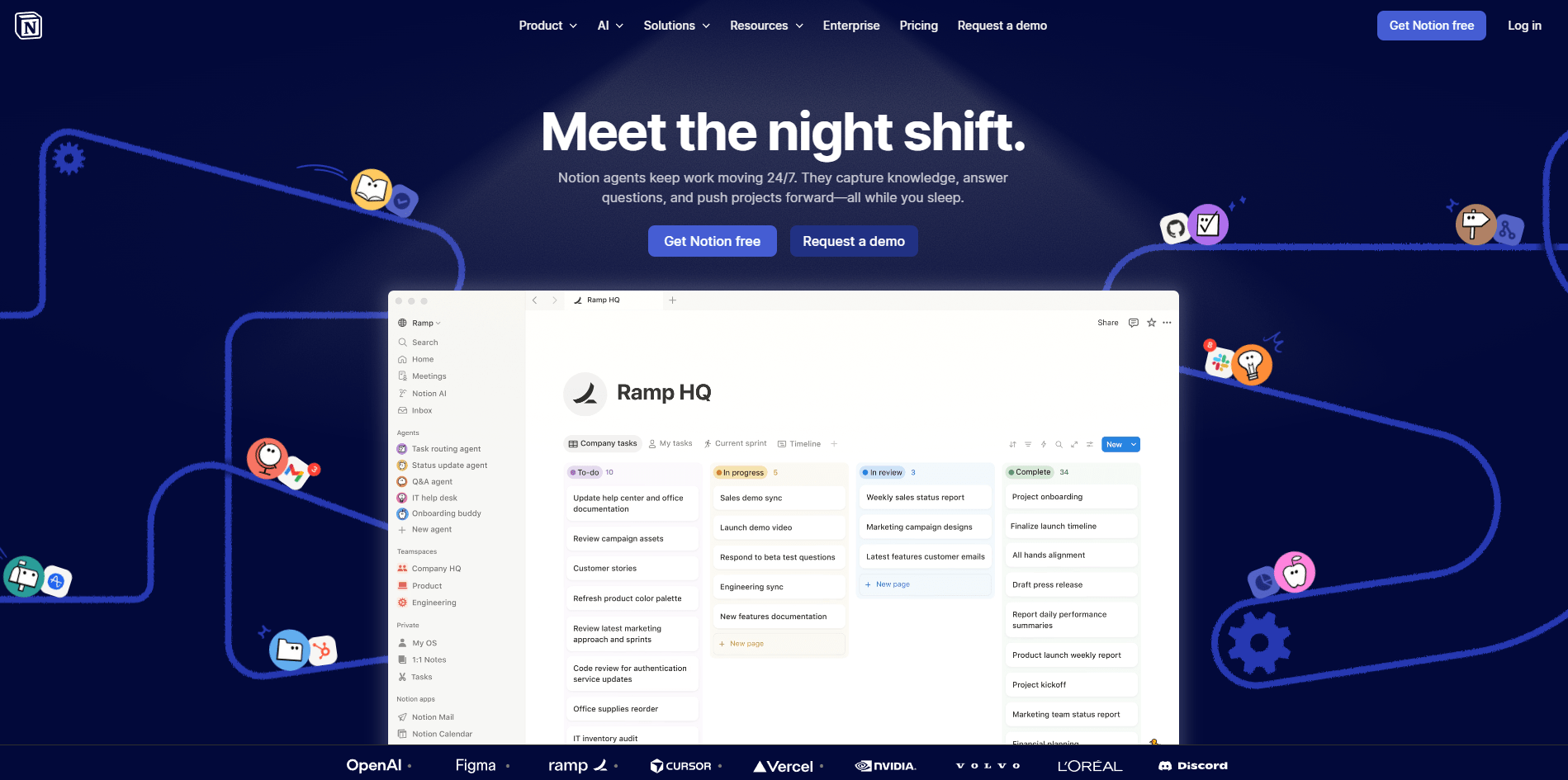
Notion AI is a workspace layer that sits across notes, databases, search, meeting capture, and now agent-style automation. That matters because the value of Notion AI is not that it can draft a paragraph. Plenty of tools can do that. The value is that it can use the pages, databases, files, meetings, and connected tools your team already works in, then turn that context into usable outputs without forcing you into a separate AI app.
The easiest way to understand Notion AI is to break it into five layers.
| Layer | What it does | Why it matters |
|---|---|---|
| Core AI in docs | Drafts, rewrites, summarizes, translates, and answers questions in pages | Good for everyday writing and cleanup inside the editor. |
| Database AI | Autofills summaries, key info, translations, and custom outputs into database properties | This is one of Notion AI’s most practical strengths for operational work. |
| Enterprise Search | Searches across Notion plus connected tools like Slack, Google Drive, GitHub, Jira, Teams, SharePoint, and OneDrive | This is what makes Notion AI more useful than a generic chatbox for teams. |
| AI Meeting Notes | Transcribes meetings, creates summaries, surfaces action items, and keeps them searchable in Notion | Strong fit for teams that already live in Notion and want meeting outputs to become work items. |
| Agent layer | Notion Agent, Skills, and Custom Agents for recurring work and background automation | This pushes Notion AI beyond assistant behavior into workflow execution. |
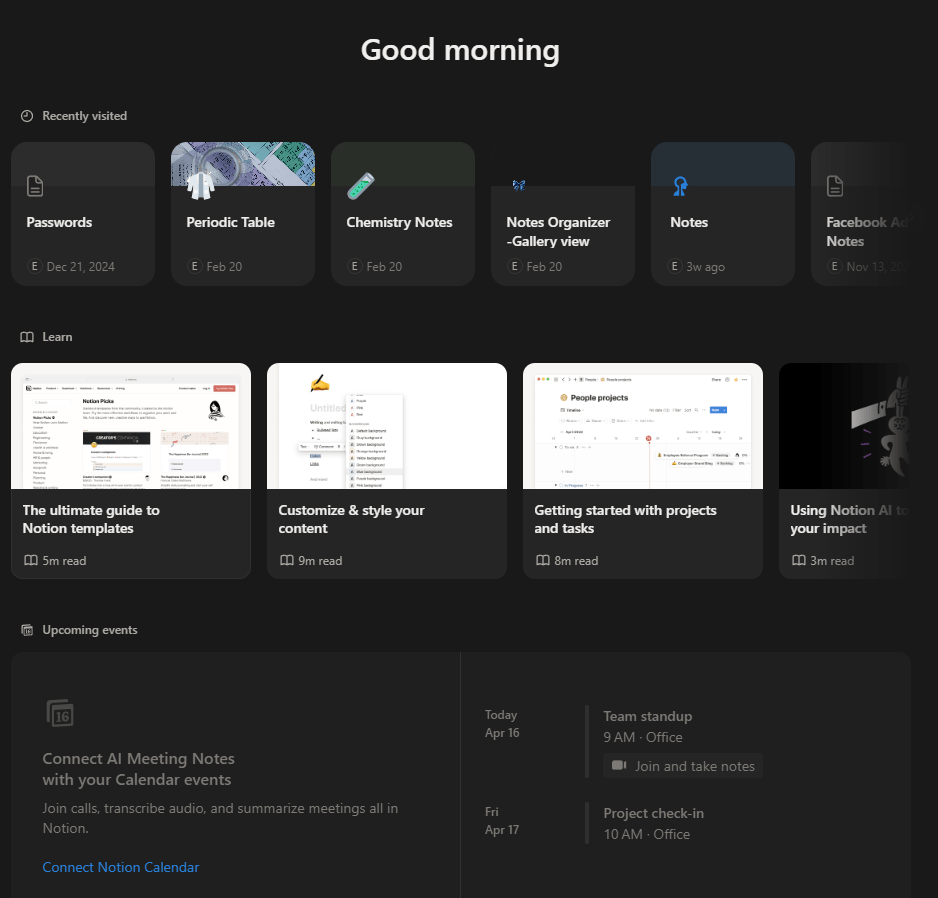
That layered structure is why Notion AI can feel much stronger in real work than it first appears. In a blank page, it is a competent writing assistant. In a mature workspace with connected tools and clean databases, it becomes much more valuable.
Good for multi-source answers and report-style work, especially when your useful context is spread across Notion, files, connected apps, and the web.
One of the strongest reasons a company would choose Notion AI over a generic writing assistant. It can search across Slack, Google Drive, GitHub, Jira, Teams, SharePoint, OneDrive, and more, while respecting existing permissions.
Very practical for teams, but the best experience is in the desktop app because it can capture both mic and system audio. Browser use is more limited, especially for virtual meetings and headphone setups.
Excellent for turning unstructured page content into structured fields. This is where Notion AI starts saving real time instead of just helping with text generation.
A smart middle ground between one-off prompting and full automation. Since skills are just pages, they are shareable, editable, and reusable across the workspace.
The most ambitious layer. They can run in the background, react to events, and use workspace context. This is the part of Notion AI that makes the platform feel more like an AI-enabled operating system than an editor with autocomplete.
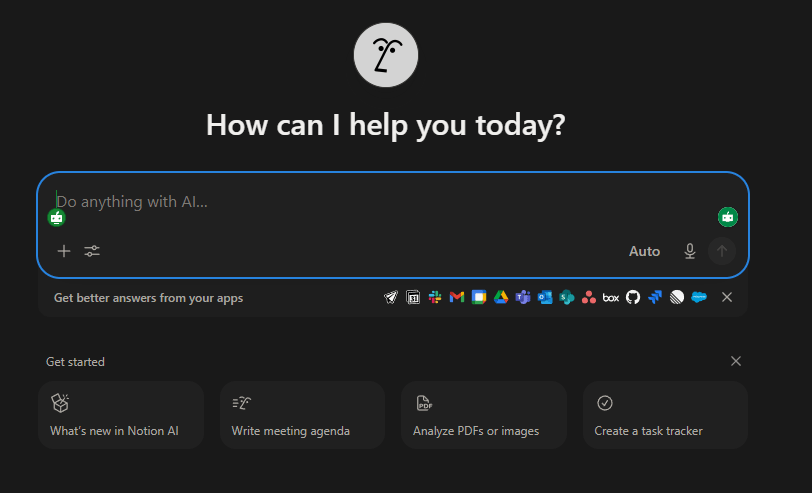
- Workspace-aware answers: Notion AI can search your workspace, uploaded files, connected apps, and the web, then answer from that combined context. Research Mode specifically supports sources from Notion, connectors, and web content, and lets users choose which sources it should search.
- Meeting capture that feeds follow-through: AI Meeting Notes does more than just transcription. It summarizes, extracts action items, and keeps the result inside the same system where tasks and documentation already live. That makes it more useful than a standalone transcript tool for teams already using Notion as an operating system.
- Database enrichment: AI Autofill is one of the more underrated parts of the product. You can have Notion generate summaries, key info, translations, or custom outputs directly in database properties. This is especially useful for CRM cleanup, research libraries, content pipelines, hiring notes, and project tracking.
- Native workflow automation: Custom Agents can run on schedules and triggers, use docs and databases as context, react to events, and take actions like posting reports or updating records. Skills add a lighter-weight layer for reusable on-demand AI actions.
- Context without constant copy-paste: Notion AI’s biggest practical advantage over standalone chat tools is that your docs, structured data, and connected systems are already there. You do less manual setup for recurring work.
For simple writing, Notion AI is easy. If you already know Notion, the AI layer feels naturally embedded rather than bolted on. You can ask questions, rewrite text, summarize content, translate, and generate inside the same editor where you are already working. That part is smooth.
The more advanced layers are where the learning curve starts. Enterprise Search is straightforward once connectors are in place, but its value depends heavily on permissions, connected sources, and how organized your workspace is. Research Mode is useful, but only if your team has enough internal content and connected sources to make the answers materially better than a normal web-backed AI search.
Custom Agents are the biggest jump in complexity. Notion has made setup lighter by allowing teams to define agents with instructions and let them run in the background on triggers and schedules, but this is still a system for people who think in workflows, not just prompts. It is best for recurring processes like weekly summaries, triage, routing, enrichment, and coordination.
Here is the practical version:
| Plan situation | What you get |
|---|---|
| Free / Plus | Limited trial usage of Notion AI features. |
| Business / Enterprise | Notion AI included, with core features like Notion Agent, AI Meeting Notes, and Enterprise Search. |
| Custom Agents | Available on Business and Enterprise; currently tied to Notion credits for ongoing automation, with credits beginning May 4, 2026. |
That pricing structure tells you who Notion AI is really for. Individuals can try it, but the full product is clearly aimed at teams using Notion seriously enough to benefit from search, meeting capture, and automation.
Notion AI is strongest for teams that already use Notion as a central hub. Product, operations, marketing, startup, and internal knowledge teams are the clearest fit. It works well when you need to turn messy documents into structured summaries, search scattered internal knowledge, generate recurring status updates, enrich database records, and move meeting outcomes directly into ongoing work.
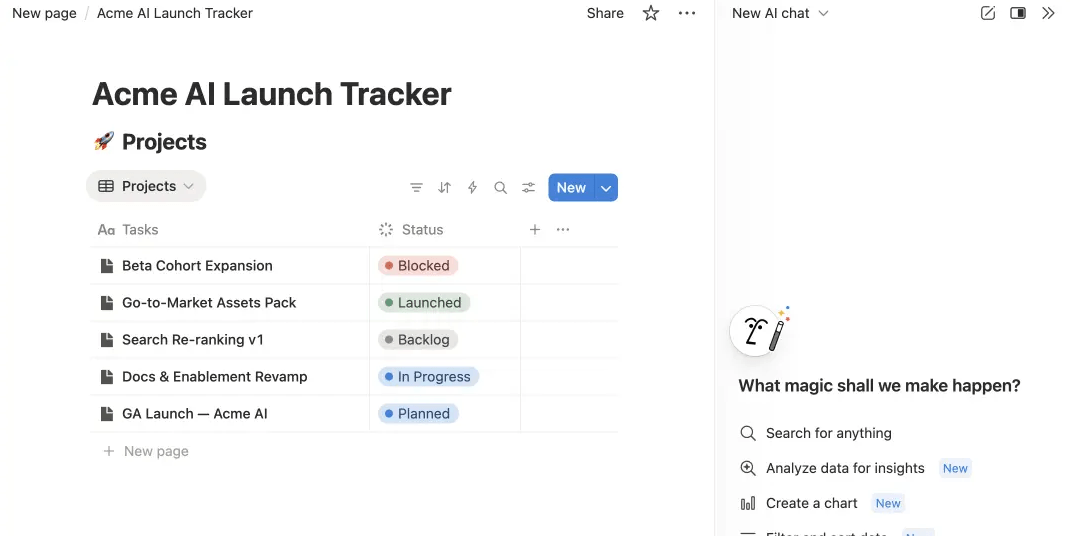
It is also a good choice for smaller teams that want one AI layer across notes, task systems, simple research, and recurring internal processes instead of paying for separate point solutions. That said, it is less compelling if your team barely uses databases, keeps little institutional knowledge in Notion, or mainly wants best-in-class standalone chat reasoning.
Notion AI is not the deepest specialist in every category. Its writing help is good, but not the main reason to buy it. Its standalone chat intelligence may feel less compelling than a dedicated frontier model app when you want heavy reasoning, coding depth, or long exploratory conversations. Its value comes from context and workflow integration, not from being the absolute best raw chatbot. This comparison is an inference from Notion’s own product emphasis on workspace context, search, meetings, and automation.
There are also practical rollout and maturity caveats. AI Meeting Notes is still in beta. Research Mode is beta. Some connectors or integrations are beta or still coming soon. Custom Agents are also beta, and the credit model adds a new cost layer for teams that want always-on automation.
Meeting capture also has real constraints. On browser, only mic input is reliably transcribed, and system audio limitations make desktop the better option for many calls. For some teams, that will matter a lot.
- Use Notion AI first where it has real context advantage: meeting follow-up, database enrichment, internal Q&A, and recurring summaries. That is where it most clearly beats a generic external chatbot.
- Clean up your workspace before judging the AI. Search quality and agent usefulness rise when pages are structured, databases are maintained, and connectors are configured thoughtfully. This is partly inference, but it follows directly from how Notion AI searches and uses workspace context.
- Use Skills for repeatable editor tasks and Custom Agents for recurring background workflows. That split keeps the system simpler and avoids overbuilding too early.
Notion AI is best understood as an AI workspace layer, not a writing add-on. Its strongest value comes from combining internal knowledge search, meeting capture, database enrichment, and agent-style automation inside a system teams already use.
It is best for organizations that genuinely run work in Notion and want AI to reduce coordination overhead, not just generate text. The main caveat is that the best parts depend on setup, workspace quality, connected apps, and increasingly on higher-tier plans.
TAGS: Productivity Copywriting Content Creation
Related Tools:

Transforms voice recordings into organized notes
Record, edit, and produce high-quality videos
AI-enhanced copywriting tool
Helps you write polished, and effective content

Creates AI applications without code
Simplifies presentation and document creation