
Share this tool:
 |
Description:
Revocalize AI is an AI voice platform focused on studio-style vocal transformation, custom voice models, AI singing, voice conversion, text-to-speech, text-to-singing, vocal mastering, and DAW-based production. Its strongest value is not just that it can generate synthetic voices. It is that it connects browser voice tools, trained voice models, a VST plugin, and API access into one voice production system.
Converts uploaded or recorded vocals into another AI voice model while preserving the input performance structure.
Lets users create custom AI voice models from prepared vocal audio and train them through the dashboard or API.
Provides a VST-style production workflow for Logic Pro, Ableton Live, FL Studio, Pro Tools, Studio One, Cubase, and related studio setups.
The API documentation lists both humanlike speech generation and text-to-singing as supported Revocalize use cases.
The web generator includes Auto-Pitch, while the homepage highlights pitch, volume, and speed controls for singing or speech.
Includes a separate AI mastering workflow for processing finished tracks by genre.
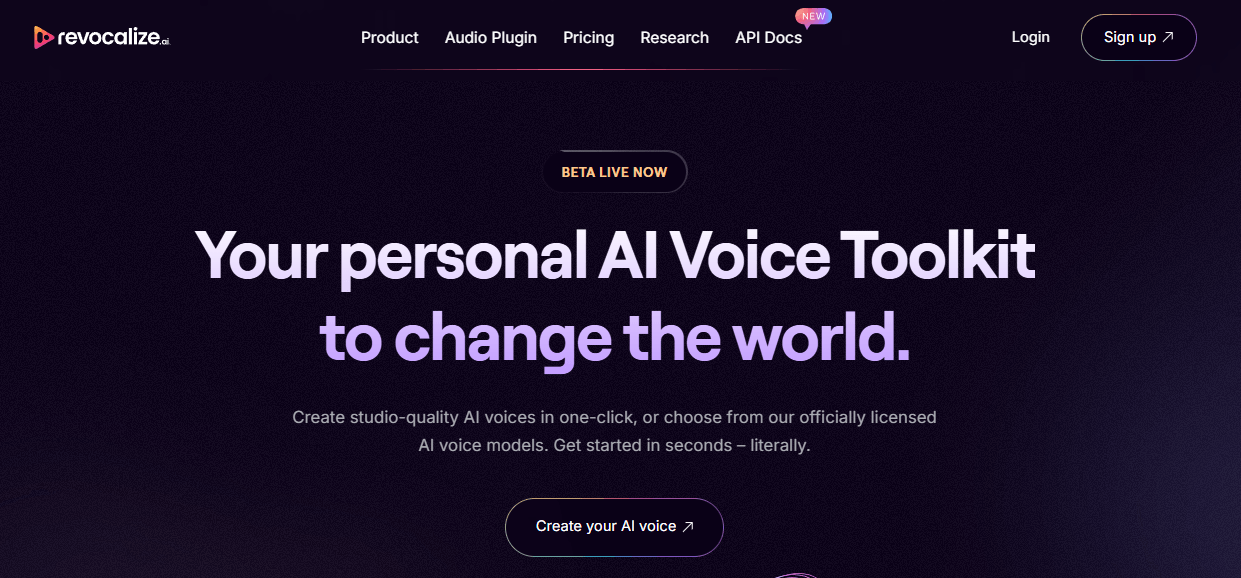
Revocalize AI is best understood as an AI vocal production toolkit. It lets users create AI voices, convert one voice into another, work with licensed or available voice models, train custom voice models, and use AI voice processing inside music and media workflows. The company describes the product as a way to create studio-quality AI voices or choose from officially licensed AI voice models, while its API documentation says Revocalize trains humanlike AI voice models for voice-to-voice conversion, text-to-singing, and speech.
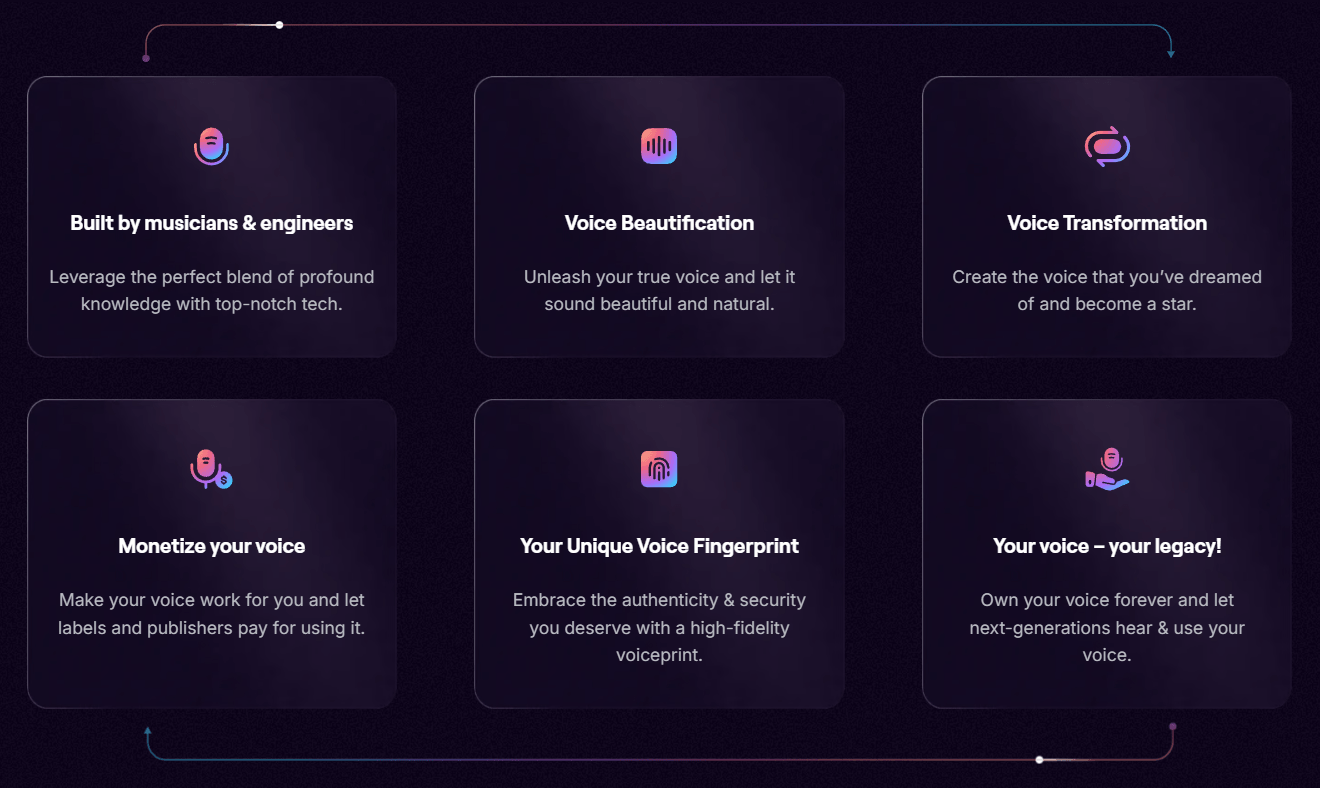
That matters because Revocalize is not only a narration tool. It is heavily shaped around music and vocal identity. The platform talks about singing voice conversion, voice beautification, harmonizing, auto-pitch, modulation, and DAW plugin use. That puts it closer to a music-production voice system than a basic text-to-speech website.
The product has four main layers:
| Layer | What it does | Why it matters |
|---|---|---|
| Web voice generator | Upload or record audio and convert it into an AI voice. | Best for quick voice-to-voice experiments. |
| Custom voice model training | Creates a voice model from prepared vocal recordings. | Useful for artists, brands, and creators with consented voice data. |
| VST plugin | Brings AI voice conversion into DAWs like Logic Pro, Ableton, FL Studio, Pro Tools, Studio One, and Cubase. | More practical for music producers than a browser-only workflow. |
| API | Lets developers build voice conversion, model training, TTS, text-to-singing, dubbing, and voiceover workflows. | Useful for apps, platforms, and scalable voice products. |
The key idea is simple: Revocalize is strongest when you already have a vocal performance or voice identity and want to transform, enhance, reproduce, or deploy it in another form.
Revocalize AI is strongest at voice-to-voice transformation.
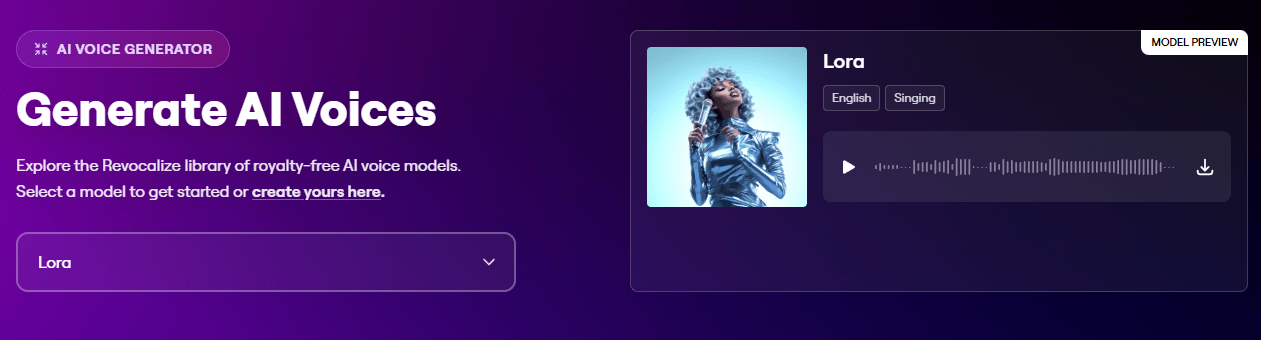
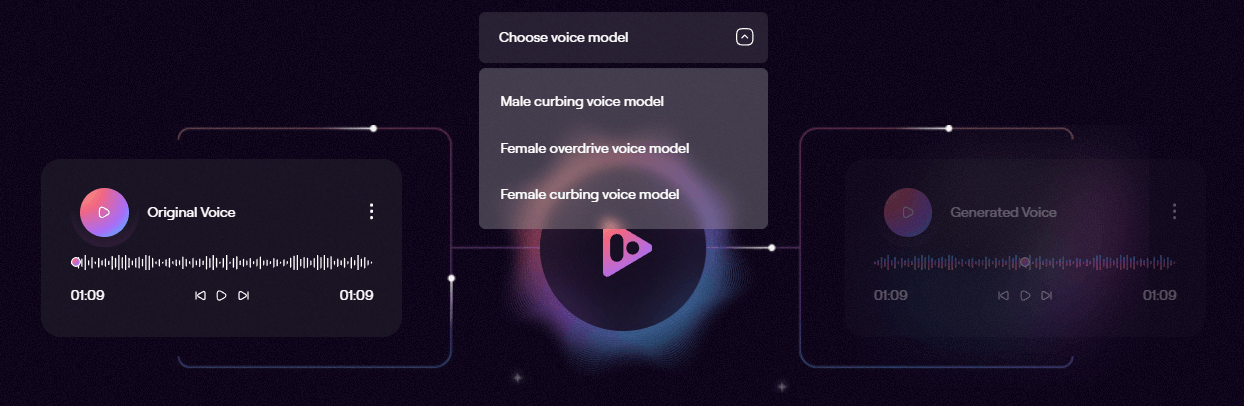
The homepage explains the core experience as taking an input voice and transforming it into another voice while capturing unique vocal harmonics. Its voice generator page also shows a workflow where users upload or record audio, choose a model, and run the conversion.
That workflow is important because voice-to-voice conversion is different from normal text-to-speech. With TTS, the user types words and gets a generated reading. With voice conversion, the input performance matters. The timing, phrasing, emotion, pitch movement, and delivery come from the source vocal. Revocalize then changes the vocal identity or tone around that performance.
For music producers, that is a big distinction. A rough guide vocal can become a more polished demo vocal. A songwriter can test how a song might feel with different voice types. A producer can create vocal variations without booking repeated recording sessions. The VST plugin makes this even more practical because it allows vocal conversion directly inside common DAWs, with a workflow that includes choosing a voice, capturing audio, processing in the cloud, blending with Dry/Wet, previewing, and downloading the result.
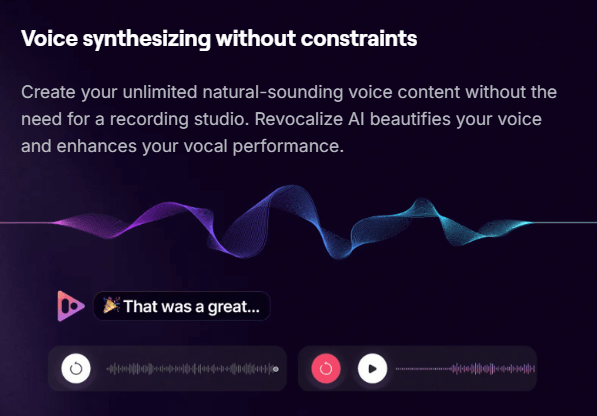
Revocalize also has a broader production angle. The platform includes AI audio mastering, where users upload a track and choose a genre such as acoustic, classical, pop, RnB, rock, jazz, electronic, techno, hip hop, trap, or lo-fi. That makes it useful for more than raw voice generation, although voice transformation remains the main reason to use it.
Revocalize works best when you think in vocal workflows, not isolated features.
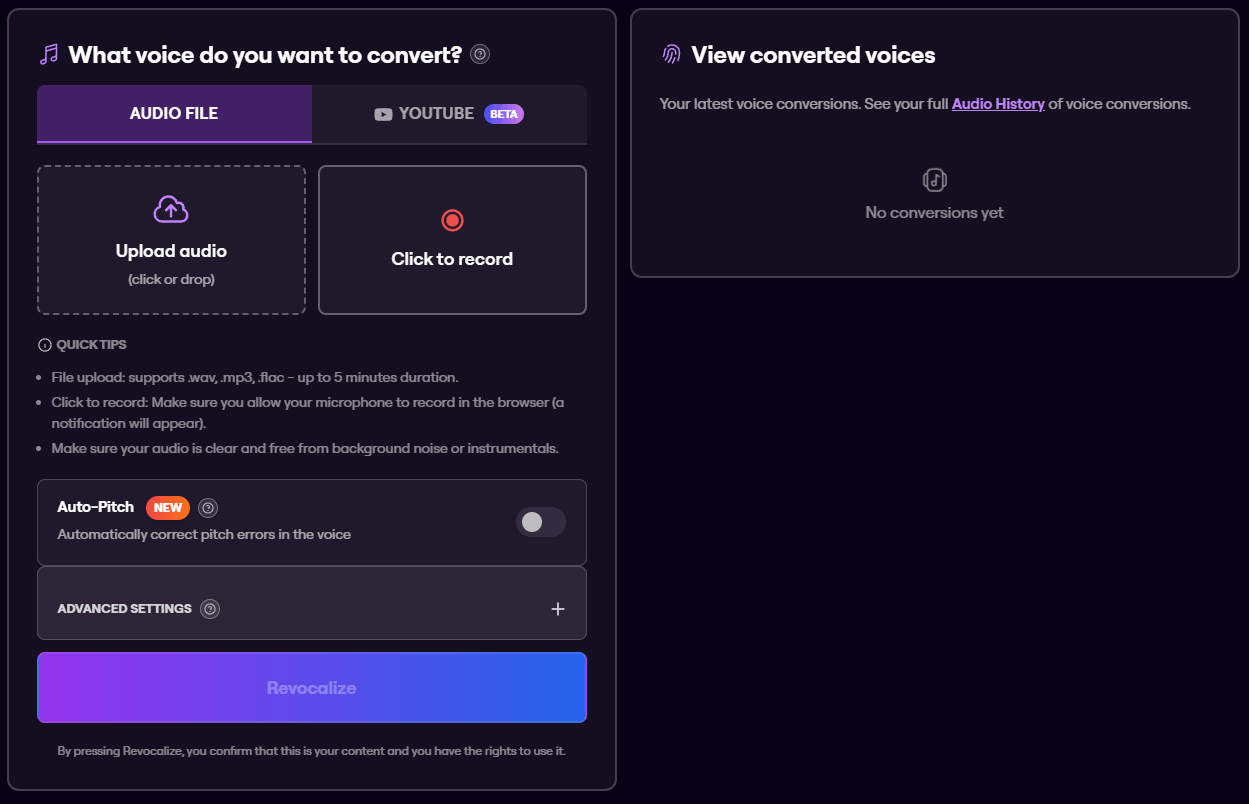
For a quick browser conversion, the process is straightforward. Upload a WAV, MP3, or FLAC file, or record directly in the browser. Choose a voice model. Make sure the source audio is clear and free from background noise or instrumentals. Use Auto-Pitch if pitch correction is needed. Then run the conversion and review the generated voices in audio history. The voice generator page lists file support for WAV, MP3, and FLAC, with uploads up to 5 minutes, and recommends clean audio without background noise or instrumentals.
For custom voice creation, the workflow is more technical. Revocalize’s documentation recommends dry acapella voice files, a folder structure with an audio directory, and a model.json file containing model metadata. It also says users can record training audio through the Revocalize dashboard if they do not already have prepared audio files.
For producers, the VST plugin is the more natural workflow. Install the plugin, load it inside a DAW, choose an AI voice, capture the vocal section, process it through Revocalize, then preview or download the result. The plugin page also recommends keeping recordings short for faster processing and notes that pitch and Dry/Wet can be automated from the DAW.
For developers, the API workflow is built around endpoints for voice conversion, checking task status, retrieving available models, creating models, and training models. The API documentation describes Revocalize as a beta API and explains that users create an account and get an API key before building with it.
Revocalize’s output quality depends heavily on the input vocal.
That is true of almost every serious voice conversion system, but it matters more here because Revocalize is often used for singing. Singing conversion is harder than spoken voice generation. Pitch, vibrato, breath, consonants, emotion, room sound, backing music, and microphone quality all affect the result.
Revocalize’s own training guidance is clear about this. It recommends dry acapella voice files, high-quality recordings, quiet environments, consistent volume, consistent sample rate, consistent bit depth, and consistent file format. That is the practical clue: the cleaner the source vocal, the better the model and conversion are likely to be.
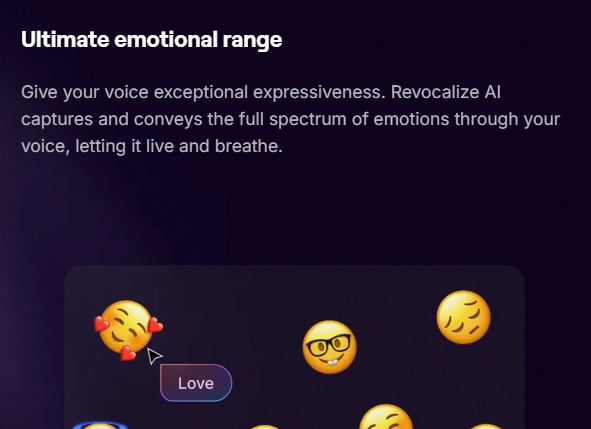
The control set is useful, but it is not the same as manually producing a singer in a studio. Revocalize gives users levers like model choice, Auto-Pitch, pitch transposition, number of generations, Dry/Wet blending in the plugin, and voice model selection. The API conversion endpoint supports a transpose parameter from -12 to 12 semitones and a generations_count parameter from 1 to 10.
That generation count is especially useful because voice conversion is rarely perfect in one pass. Multiple generations give users more chances to pick the most natural take, especially on expressive vocals.
Custom voice models are one of Revocalize AI’s most important capabilities.
The API documentation says users can create a pending model by uploading a ZIP file with training audio, then train that model before using it for synthesis. The required ZIP structure includes a model.json metadata file and an audio folder containing the training files.
This is where Revocalize becomes more serious than a novelty voice changer. A custom model can be useful for an artist who wants to preserve or expand their own vocal identity, a brand that needs a consistent synthetic voice, a producer building repeatable demo workflows, or a developer creating personalized voice products.
The trade-off is that custom voice training is only as good as the source material. Random phone recordings, compressed audio, background noise, reverb-heavy vocals, and inconsistent takes will make the model less reliable. Revocalize’s own documentation pushes users toward dry, high-quality, consistent audio for exactly that reason.
The model API also shows that available voice models include metadata such as gender, age category, base language, vocal traits, genre, voice type, and vocal range. That kind of information matters for music use because a model is not just “male” or “female.” Range, genre, tone, and voice type affect whether a vocal conversion sounds believable.
The VST plugin is one of Revocalize AI’s clearest differentiators.
A browser tool is fine for experiments, but music producers usually work inside a DAW. Revocalize’s plugin supports Logic Pro, Ableton Live, FL Studio, Pro Tools, Studio One, and Cubase, and it lets users convert vocals into AI voices from within the production environment.
That workflow is much better for actual music production because it keeps vocal conversion close to the track. A producer can capture a phrase, process it, blend it with Dry/Wet, preview the converted output, and keep moving without constantly exporting and re-uploading full files.
This is especially useful for:
| Production task | Why Revocalize helps |
|---|---|
| Demo vocals | Test how a song feels with different vocal identities. |
| Harmonies | Generate alternate vocal layers or supporting textures. |
| Reference tracks | Create more polished references before a final vocalist records. |
| Vocal experiments | Try different timbres, ranges, and emotional styles. |
| Producer workflows | Keep voice conversion closer to the DAW instead of a separate web-only process. |
The key caveat is that Revocalize is not a full DAW replacement. It transforms and processes vocals, but users still need their normal production tools for arrangement, mixing, editing, comping, tuning decisions, effects, and final mastering choices.
Revocalize AI is not only for musicians using the web app.
The API documentation describes use cases across music production, advertising, social media content, conversational AI, podcasts, voice cloning, voice conversion, text-to-speech, text-to-singing, singing voice conversion, voice translation, voice dubbing, voice effects, and voiceover.
That makes the API layer useful for product teams building voice features into apps. A developer could build a custom voice conversion workflow, a branded voice system, a dubbing pipeline, a podcast production tool, or a music creation product. The available API areas include voice conversion, voice models, and training custom AI voice models.
The API is still labeled beta in the official documentation and product navigation. That does not make it unusable, but it does mean serious teams should test reliability, speed, account limits, documentation completeness, and support before building a production dependency around it.
- Music producers: Revocalize is strongest for producers who want to test vocal identities, create alternate vocal takes, generate harmonies, convert rough guide vocals, or work with AI voices inside a DAW.
- Independent artists: Artists can use it to experiment with their own vocal identity, improve rough performances, or create custom vocal ideas without needing a full studio session every time.
- Songwriters and demo creators: Songwriters can use voice conversion to make rough songs feel closer to a finished pitch demo before sharing with collaborators, publishers, or performers.
- Content creators: Creators working on voiceovers, social clips, podcast segments, or character-style audio can use Revocalize for voice transformation and synthetic voice production.
- Brands and agencies: Advertising and branded audio teams can use the platform when they need repeatable voice identity, custom audio variations, or faster voice production workflows.
- Developers: The API makes sense for teams building voice conversion, synthetic singing, dubbing, conversational voice, podcast, or creator tools into larger products.
- Use dry vocals whenever possible. Reverb, delay, backing tracks, room noise, and instrument bleed all make conversion harder.
- Keep short test clips before converting longer material. The plugin page specifically recommends 10–30 second recordings for faster processing, which is also a good creative habit when testing voices.
- Choose voice models by range and genre, not just tone. A model that sounds good on a pop chorus may not fit a low rap vocal, jazz phrase, or classical line.
- Use multiple generations when quality matters. The API supports generating up to 10 variations, which is useful because small differences in phrasing and artifacts can make one output much better than another.
- Do not skip consent and rights checks. Revocalize’s voice generator requires users to confirm that the content is theirs and that they have the rights to use it. Its Terms also state that users are responsible for uploaded or created content and must not infringe others’ rights.
- Use the VST plugin for production work and the browser for quick tests. The web app is faster for casual experiments, but the plugin fits better when working inside a real track.
Revocalize AI’s biggest limitation is that the best results require clean audio. This is not a tool where messy source material always becomes polished output. Noisy vocals, weak microphones, clipping, heavy effects, and instrumental bleed can all reduce quality. The company’s own training guide recommends dry acapella files and consistent high-quality audio for best results.
The second limitation is that voice conversion still needs human review. AI vocals can sound impressive, but singers, producers, and editors will still hear artifacts in difficult phrases, especially around sibilance, breath, vibrato, consonants, fast runs, and emotional peaks.
The third limitation is ethical and legal sensitivity. Voice cloning and vocal identity tools can be powerful, but they also create risk. Revocalize places responsibility on users for uploaded and created content, including avoiding infringement of others’ rights. That means users should only train or convert voices they have the right to use.
The fourth limitation is that Revocalize is specialized. It is excellent for AI voice and vocal transformation, but it is not a complete audio post-production suite. You still need a DAW or editor for arrangement, cleanup, timing, mixing, mastering choices, and publishing prep.
The fifth limitation is that the developer layer is labeled beta. That is fine for experimentation and early builds, but developers should validate stability, documentation, account behavior, and output consistency before committing it to a production system.
Revocalize AI is a strong fit for music-first AI voice work. Its best use is turning real vocal performances into new AI voice outputs, training custom voice models, testing vocal identities, creating demo vocals, producing harmonies, and bringing AI voice conversion into a DAW workflow.
It is most valuable for producers, artists, songwriters, audio creators, agencies, and developers who need more than generic text-to-speech.
The main caveat is that quality and trust depend on the source audio, the chosen model, and the rights behind the voice being used. With clean vocals and responsible use, Revocalize AI can be a serious creative tool rather than just a voice-changing novelty.
TAGS: Voice/Audio Modulation
Related Tools:

Allows creators to desig 2D and 3D games
Design and build visually stunning games
AI tool for voice modulation

Enables user to create and modify music

Converts text to speech
Enables users to create and publish engaging 2D games