
Share this tool:
 |
Description:
- Introduction
- Strong Features and Capabilities
- What Voice.ai Actually Is
- The Main Product Layers
- What Voice.ai Does Best
- Real-Time Voice Changing
- Voice Universe and Community Voices
- Voice Cloning and Custom Voices
- Text-to-Speech and Voiceover Workflows
- Voice Agents and Developer Platform
- Workflow and Ease of Use
- Best Use Cases
- Practical Tips
- Limitations and Trade-Offs
- Final Takeaway
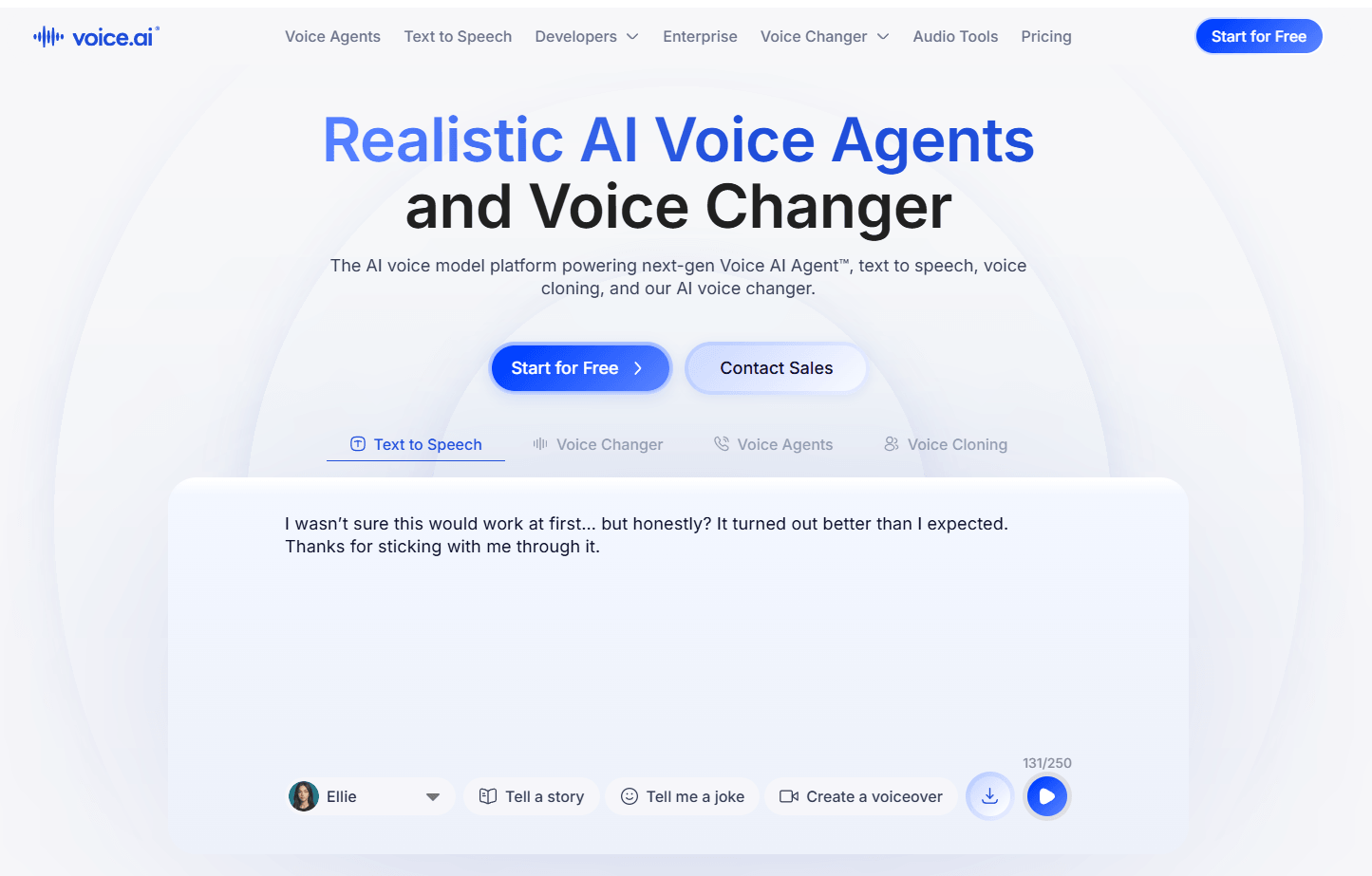
Voice.ai is an AI voice platform that started from a very clear consumer use case: changing your voice in real time for games, calls, chats, and streams. It has since expanded into a broader voice ecosystem with a real-time voice changer, a large user-generated voice library, custom voice cloning, text-to-speech, online audio tools, and developer APIs for voice agents and speech generation.
Lets users change their microphone voice live across games, calls, chats, and streaming workflows.
Provides access to thousands of community-created voices for character, gaming, creator, and entertainment use.
Allows users to create custom AI voices from uploaded audio samples and save them for future speech generation workflows.
Converts written scripts into AI voiceovers, with Voice.ai saying users can choose from thousands of voices or clone new ones.
Supports changing pre-recorded clips into different voices for soundboards, messaging, and content creation.
Offers APIs and SDKs for TTS, voice agents, voice cloning, knowledge bases, phone numbers, analytics, and web app integration.
Voice.ai is best understood as two products sitting under one brand.
The first product is the consumer voice changer. This is the part most users will notice first: speak into your microphone, choose a voice, and send the transformed voice into apps like Discord, Zoom, Skype, WhatsApp, Google Meet, Teamspeak, games, and other PC/Mac voice workflows. Voice.ai describes the app as a real-time AI voice changer for games, calls, and chats, with thousands of voices available through its community voice library.
The second product is the voice AI platform. This includes text-to-speech, voice cloning, APIs, SDKs, pronunciation dictionaries, voice agents, knowledge bases, analytics, phone number workflows, and developer tools. The developer documentation positions Voice.ai as a system for building real-time voice AI experiences, from conversational assistants to automated call center workflows. That split matters because different users will experience Voice.ai very differently. A gamer may only care about real-time voice changing in Discord. A YouTuber may use it for character clips and soundboards. A developer may care more about TTS APIs, cloned voices, voice agents, and streaming audio.
| Layer | What it does | Why it matters |
|---|---|---|
| Real-Time Voice Changer | Changes your microphone voice live across apps and games. | Best for streamers, gamers, calls, and roleplay. |
| Voice Universe | Offers a large library of user-generated voices. | Makes the tool feel community-driven and flexible. |
| Voice Cloning | Lets users create custom AI voices from audio samples. | Useful for creators, voiceover workflows, and personalized voice content. |
| Text-to-Speech | Turns written text into AI-generated speech. | Better for scripted content, narration, and voiceover production. |
| Online Audio Tools | Includes voice changer, enhancer, vocal remover, echo remover, reverb remover, stem splitter, and related tools. | Helpful for quick audio cleanup and creator workflows. |
| Developer APIs and SDKs | Supports TTS, cloning, voice agents, phone numbers, knowledge bases, analytics, and web integrations. | Makes Voice.ai more than a desktop voice changer. |
This is why Voice.ai should not be reviewed only as a novelty voice filter. The real-time app is still the most accessible part, but the platform has clearly moved toward creator, business, and developer voice workflows.
Voice.ai’s strongest feature is real-time voice transformation.
Traditional voice changers usually work by adjusting pitch, speed, formants, or adding effects. That can be fun, but it often sounds like a modified version of your own voice. Voice.ai positions its system differently: it uses speech-to-speech voice technology so the output can preserve parts of the speaker’s timing and delivery while changing the apparent voice identity.
That makes it especially useful for live contexts. A streamer can shift into a character voice. A gamer can use a different voice in an online lobby. A VTuber can create a more consistent vocal persona. A creator can record short clips for a soundboard. A casual user can add personality to calls or group chats.
The second major strength is the Voice Universe. Voice.ai describes Voice Universe as a large library of user-generated voices that can be used for gaming, livestreaming, group chats, and character-style expression. That gives the platform a different feel from tools that only offer a small fixed list of preset voices.
The third strength is that Voice.ai now has a serious developer layer. The documentation includes text-to-speech, voice cloning, voice agents, pronunciation dictionaries, phone numbers, knowledge bases, analytics, and web SDK support. That makes it relevant for companies building voice-enabled products, not just people changing their voice in Discord.
The real-time voice changer is the heart of Voice.ai’s consumer product.
The workflow is straightforward: choose a voice, route your microphone through Voice.ai, then select the Voice.ai audio device inside the app you want to use. Voice.ai’s Discord guide, for example, explains selecting the Voice.ai virtual cable as the microphone source inside Discord’s Voice & Video settings.
This kind of setup is especially useful because it works through the audio input path. Once configured, it can be used across many apps instead of being locked inside one specific platform. Voice.ai lists compatibility with apps and games including Discord, Zoom, WhatsApp, Skype, Google Meet, Messenger, Telegram, Viber, TeamSpeak, Minecraft, Fortnite, Valorant, and League of Legends.
In real use, the quality will depend on the microphone, connection, device performance, background noise, and selected voice. The tool may feel more convincing in playful or character-based settings than in serious professional settings. For streaming, gaming, and roleplay, a slightly exaggerated output can be part of the appeal. For business calls or polished narration, users will want to test carefully before relying on it.
Voice Universe is one of the biggest reasons Voice.ai feels different from a basic voice changer.
Instead of giving users only a small set of default voice filters, Voice.ai offers a large user-generated voice library. The company describes Voice Universe as a place to choose from thousands of community-created voices, including cartoon, celebrity, politician, superhero, horror, and other character-style voices.
That opens up a lot of creative use cases, but it also comes with responsibility. Voice imitation technology can be fun for parody, gaming, and fictional characters, but users need to be careful with impersonation, consent, deception, and platform rules. Voice.ai itself has an ethics page acknowledging that the ability to replicate voices creates both positive use cases and misuse concerns, and it says it offers a fake-speech detection API to help prevent misuse. The practical takeaway is simple: Voice Universe is powerful, but users should treat it as a creative voice library, not a license to deceive people.
Voice cloning is where Voice.ai becomes more useful for creators and production workflows.
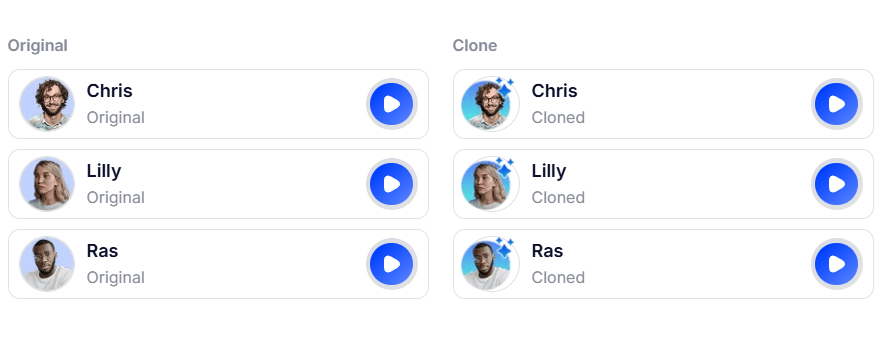
Voice.ai says users can create custom voices by uploading high-quality audio samples, then save those cloned voices for future use. The developer guide also describes a Voice Cloning API where users upload audio samples in MP3, WAV, or PCM format, track processing status, and manage the resulting voice library through REST API workflows.
This is useful for several groups.
Creators can build a consistent voice identity for narration, character work, or branded content. Game developers can create prototype voices for characters. Podcasters can experiment with stylized segments. Businesses can build repeatable voice experiences across apps, assistants, or customer support tools.
The key limitation is that voice cloning should be consent-based. The tool is technically capable of cloning voices, but responsible use matters. Users should only clone voices they own, have permission to use, or are clearly allowed to use under the relevant rights and platform rules.
Voice.ai’s text-to-speech tool is better suited for scripted content than the live voice changer.
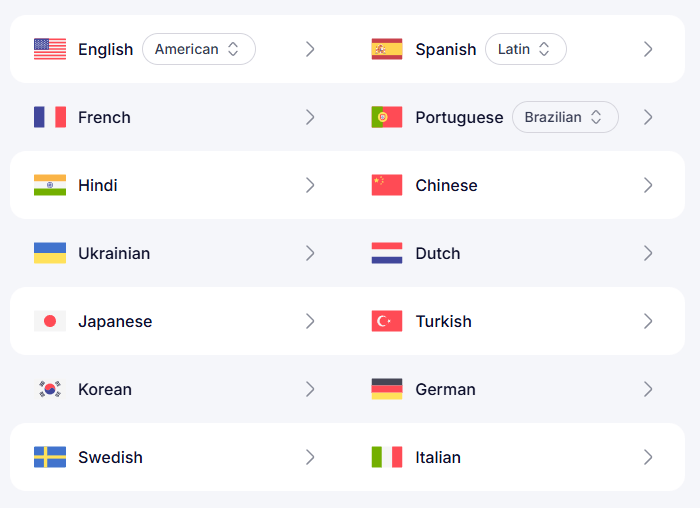
Instead of speaking in real time, users type or paste text, choose a voice and language, generate speech, and download the finished audio. Voice.ai says its TTS platform can be used for voiceovers, audiobooks, podcasts, content creation, game development, conversational AI, and accessibility workflows. It also says users can choose from thousands of realistic AI voices and support more than 30 languages and regional accents.
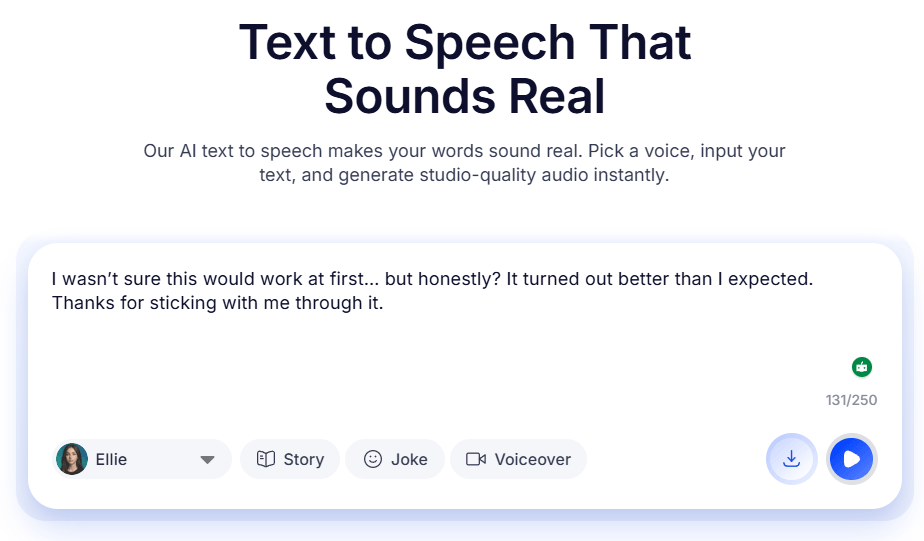
This makes TTS the better choice when the words are already written and consistency matters. A YouTube creator making a scripted explainer, for example, may get better results from TTS than from live voice changing. A developer creating an app voice may also prefer the TTS API because it can generate repeatable audio from structured inputs.
The developer side adds more control. Voice.ai’s docs describe TTS features such as instant voice cloning, real-time streaming, MP3/WAV/PCM output, and model parameters like temperature and top-p.
Voice.ai’s developer platform is one of the most important parts of the product’s current direction.
The docs describe Voice.ai as a way to build real-time voice AI experiences using TTS and intelligent voice agents. Voice agents can handle phone calls, answer questions, connect to knowledge bases, support natural turn-taking, and provide analytics for call history, transcripts, recordings, and behavior.
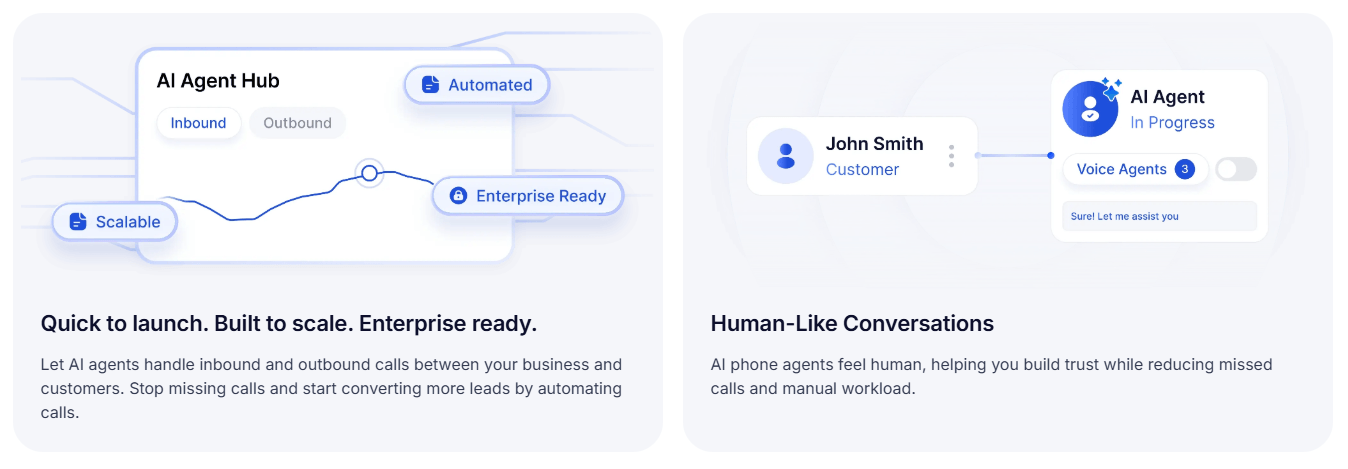
That moves Voice.ai into a different category. It is no longer only a voice changer for entertainment. It also competes in the world of AI voice infrastructure, customer support agents, sales assistants, appointment scheduling tools, and voice-enabled applications.
The Web SDK is especially relevant for developers. Voice.ai says its JavaScript/TypeScript SDK can connect to voice agents, use TTS, manage agents, manage knowledge bases, handle phone numbers, access analytics, and work with webhooks.
The pronunciation dictionary feature is another serious production detail. It lets users create versioned pronunciation rules, upload PLS files, apply dictionaries to TTS requests, and assign dictionaries to voice agents. That matters for brand names, product names, acronyms, technical terms, and multilingual pronunciation control.
Voice.ai is easy to start, but it has layers.
For casual users, the real-time voice changer is the main entry point. Download the app, choose a voice, set up the virtual microphone, and use it inside a game, chat, meeting, or streaming app. The learning curve is mostly around audio routing. Once the microphone is set correctly, the rest is straightforward.
For creators, the workflow becomes more flexible. They can use real-time voice changing, record short voice clips, create soundboard audio, use TTS for scripted voiceovers, or clone voices for repeatable content. Voice.ai’s own pages position the tool around creators, gamers, streamers, soundboards, voiceovers, and custom audio clips.
For developers, the workflow is more technical. They need API keys, SDK setup, endpoint testing, voice management, agent configuration, knowledge base setup, analytics, and pronunciation control. That is not difficult for a development team, but it is a different product experience from the consumer app.
- Gaming and roleplay: Voice.ai is a strong fit for players who want character voices in Discord, Minecraft, Fortnite, Among Us, Valorant, League of Legends, or other voice-based game sessions.
- Streaming and VTubing: Streamers can use real-time voice changes, character voices, and soundboard clips to make broadcasts more varied and interactive.
- Discord and group chats: Voice.ai is especially practical for casual voice chats because it works as a virtual microphone and can be used directly inside Discord’s audio settings.
- Creator soundboards: Users can convert recorded clips into different voices and use them for soundboards, messaging, skits, or short-form content.
- Scripted voiceovers: Text-to-speech is better for creators who need repeatable narration, audiobooks, podcast segments, video voiceovers, or game dialogue drafts.
- Voice-enabled products: Developers can use the APIs and SDKs for voice agents, conversational apps, customer support, phone workflows, knowledge-base agents, analytics, and TTS systems.
- Use a clean microphone. Voice conversion works better when the input is clear, consistent, and low-noise.
- Test voices before going live. Some voices will fit your natural speaking pattern better than others.
- Use real-time voice changing for live interaction, but use TTS for scripted narration. The two workflows serve different jobs.
- Keep soundboard clips short. Voice.ai is especially useful for quick character lines, jokes, reactions, and repeatable voice moments.
- Be careful with imitation. Avoid using cloned or community voices in ways that could mislead, impersonate, harass, or violate someone’s rights.
- Use pronunciation dictionaries for serious TTS or agent work. They are especially useful for product names, unusual words, acronyms, and brand-specific pronunciation.
Voice.ai’s biggest trade-off is realism versus context. A voice may sound impressive in a game lobby or stream, but the same voice might feel less appropriate in a formal meeting, professional voiceover, or customer-facing business call. The intended use matters.
The second limitation is setup friction. Real-time voice changers depend on audio routing. Users may need to select the Voice.ai virtual microphone or virtual cable inside each app, and misconfigured microphone settings can make the tool seem broken even when the voice engine is working.
The third limitation is ethical risk. Voice.ai openly acknowledges that voice replication creates misuse concerns. Its ethics page mentions both positive uses and the need to prevent misuse, including fake-speech detection. That is a useful commitment, but the responsibility still falls heavily on users to avoid deceptive or harmful use.
The fourth limitation is quality variability. Voice output depends on the selected voice, input quality, latency, device performance, and speaking style. Some voices will sound much more convincing than others.
Finally, Voice.ai can feel like several products at once. The real-time voice changer, online TTS, Voice Universe, cloning system, audio tools, and developer platform are connected, but they serve different audiences. That breadth is useful, but new users should start with the workflow they actually need instead of trying to learn everything at once.
Voice.ai is one of the more complete AI voice platforms because it covers both playful real-time voice changing and more serious voice infrastructure.
The real-time voice changer is the easiest way in, especially for gamers, streamers, Discord users, VTubers, and creators. The larger platform becomes more interesting when you add Voice Universe, custom voice cloning, text-to-speech, pronunciation control, APIs, SDKs, and voice agents.
Its strongest fit is users who want expressive voice transformation across live apps or repeatable AI voice workflows for content and products. The main caveat is responsible use. Voice cloning and impersonation-style tools are powerful, so users should treat them as creative technology that requires consent, transparency, and good judgment.
TAGS: Voice/Audio Modulation
Related Tools:

Automates voice interactions to enhance communication

Enables users to create 2D games for various platforms

Enhances voice in real-time

Converts text to speech

Design and build immersive 2D and 3D experiences

Enables to create cross-platform 2D and 3D games