
Share this tool:
 |
Description:
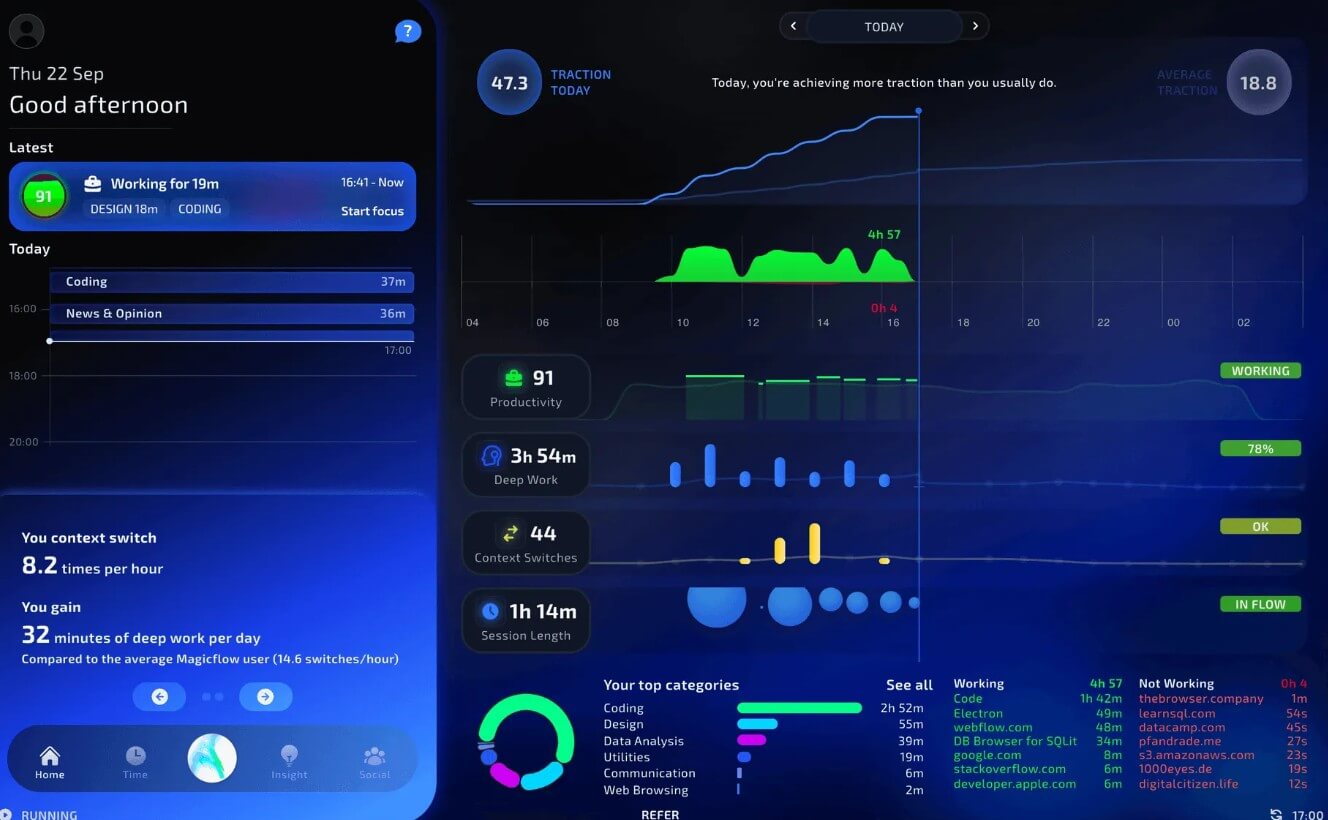
Magicflow is a productivity tracking and focus coaching tool for people who want to understand how they work, not just how many hours they spend at a computer. It tracks app usage, focus sessions, context switches, distractions, and productivity patterns, then turns that data into insight about what helps or hurts your deep work.
Magicflow is not a task manager, project board, AI chatbot, or writing assistant. It is closer to a personal productivity coach built around time tracking and focus analysis.
The product’s core promise is simple: measure what you work on, show where your attention goes, and help you protect the conditions that lead to better focus. Its homepage positions it for founders and makers who want deep work, while the download page emphasizes identifying and eliminating what stops users from staying focused.
That positioning matters. Many productivity tools help you list tasks. Magicflow is more interested in the quality of your working time. It asks a different question: when are you in flow, what interrupts you, and what can you change?
Magicflow is strongest for people who have flexible, self-directed workdays. Founders, solo makers, developers, writers, designers, students, consultants, and remote workers often struggle less with knowing what to do and more with staying in the right mental state long enough to finish it.
This is where Magicflow makes sense. The tool tracks how much time you spend in apps, how long your sessions last, and how often you get distracted. Its blog explains that Magicflow uses this data to learn more about your productivity habits and help you understand what works best for you.
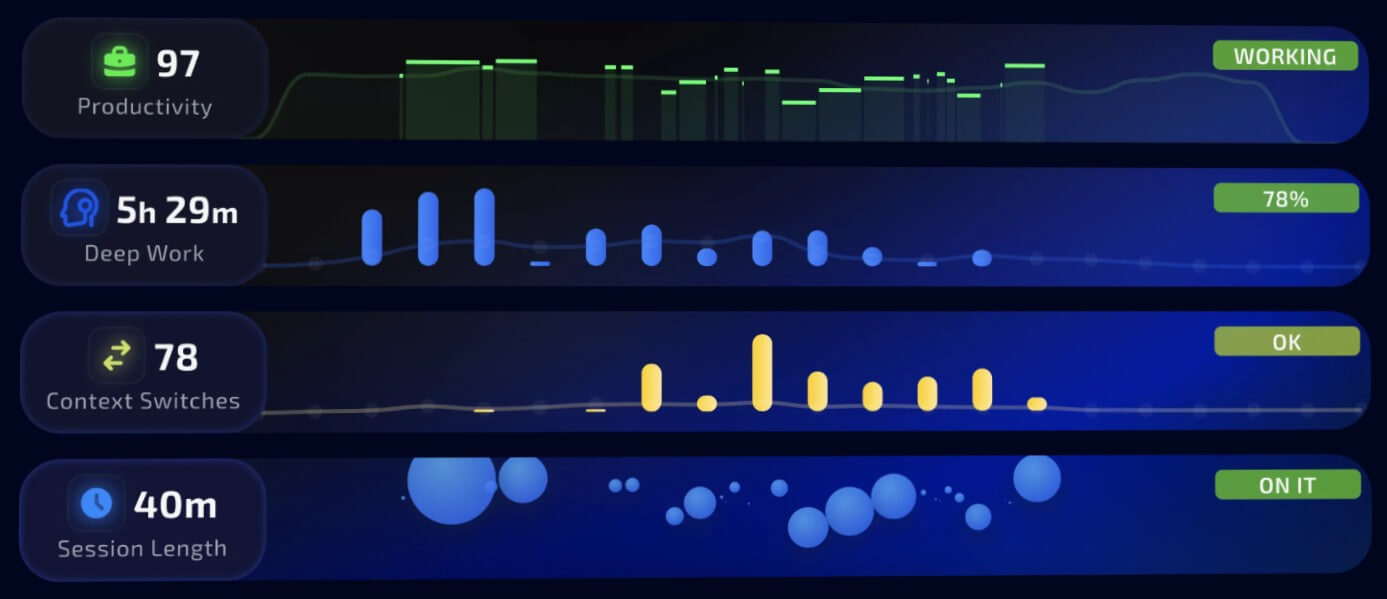
That makes it useful for pattern spotting. You may think Slack is the problem, but the data might show that your bigger issue is switching between small tasks every few minutes. You may assume you work best late at night, but your tracked sessions may show better focus earlier in the day. The value is not the data by itself. It is the behavior change that can come from seeing your patterns clearly.
Magicflow tracks time spent across apps, helping users see where their workday actually goes.
The product is built around showing how switching between tasks and apps affects productivity, which is especially useful for knowledge workers.
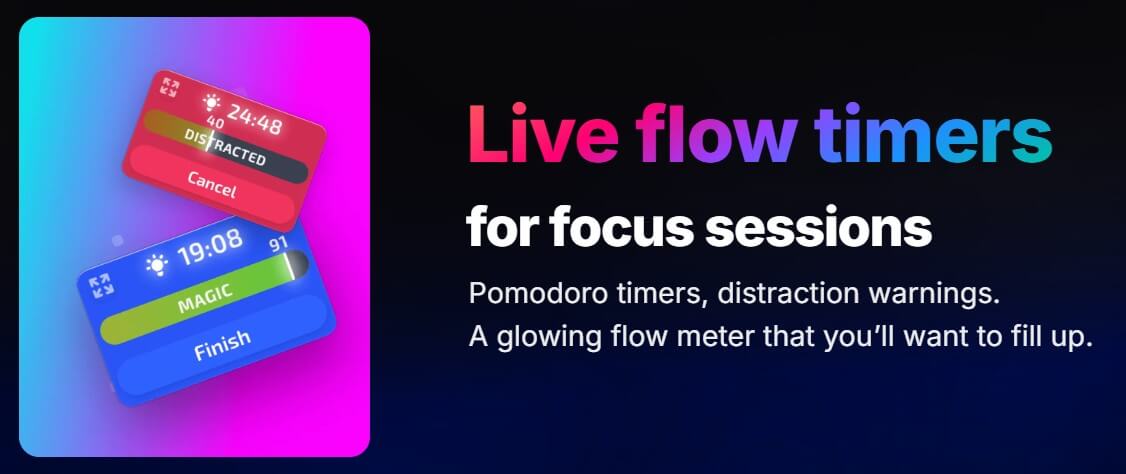
Users can start focus sessions to stay in the zone, supported by timers and distraction warnings.
Magicflow shows live productivity feedback rather than only static end-of-day reports.
The homepage says the tool provides recommended focus actions, which gives it more of a coaching angle than a passive tracker.
Magicflow’s blog describes explorable graphs and habit learning designed to show what helps or hurts a user’s focus.
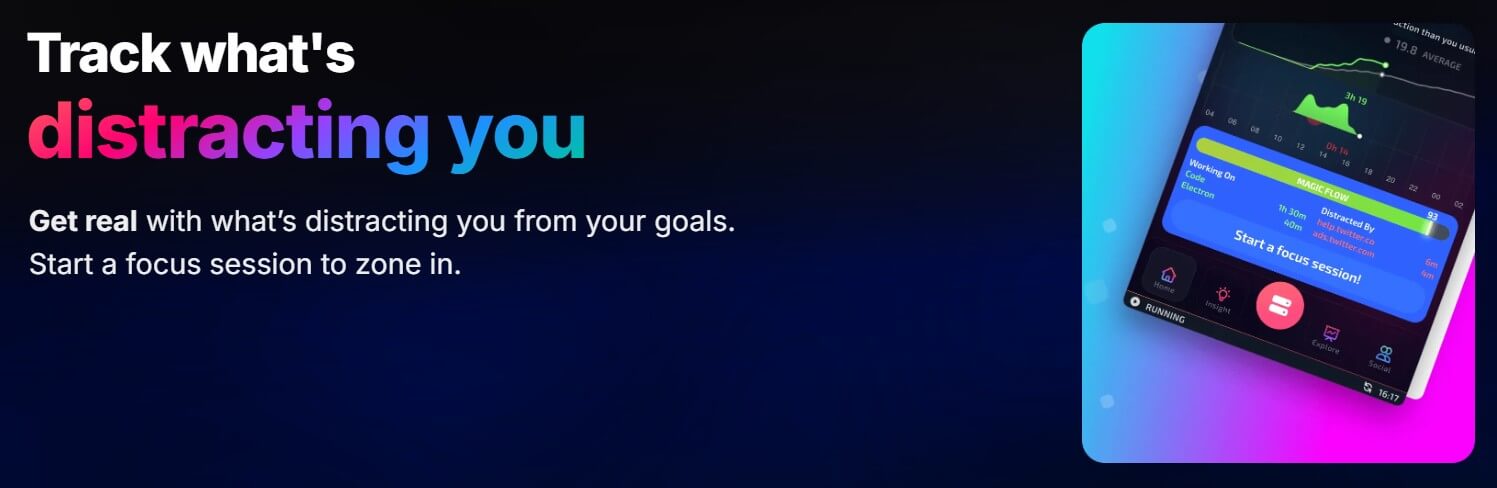
The basic workflow is straightforward: install the desktop app, let it track your activity, then review what your work patterns look like. When you need a focused block, you start a focus session. Magicflow supports Pomodoro-style timers, distraction warnings, and a “flow meter” that gives live feedback during focused work.
That makes the product easier to adopt than a full productivity operating system. You do not need to rebuild your task process or migrate your projects into a new app. Magicflow sits underneath your work and observes how your time and attention behave.
The main habit change is review. If you install the app but never look at the insights, it becomes another background tracker. The useful workflow is to check patterns weekly: what apps caused the most switching, which work blocks were most focused, when distractions increased, and what actions might help next week.
Magicflow’s best user is probably not someone looking for a motivational dashboard. It is someone willing to adjust their calendar, notification settings, meeting load, app habits, and break schedule based on what the data shows.
Magicflow uses AI in a more restrained way than many newer AI tools. It is not generating blog posts or answering questions. It uses tracked productivity data to help users understand focus patterns and recommend ways to improve. The official blog describes Magicflow as a productivity tracker that uses AI to help users focus and understand how habits such as sleep and exercise may affect productivity.
That is a sensible use of AI because productivity data is personal. Generic advice like “avoid distractions” is not very helpful. Magicflow’s stronger idea is to connect the advice to actual behavior: how long your sessions are, how often you switch apps, what pulls you away, and which patterns repeat.
The caveat is that productivity coaching is only as useful as the data and the user’s willingness to act on it. Magicflow can point to patterns, but it cannot remove your meetings, silence your team chat, or decide which work matters most. The human part still matters.
Magicflow is a good fit for founders who need uninterrupted building time, developers who want to reduce context switching, writers trying to protect deep work blocks, remote workers with fragmented schedules, students managing study focus, and makers who want better awareness of where their time goes.
It is also useful for people who suspect their day is being eaten by small distractions but cannot prove it. Magicflow can make those patterns visible. That visibility is often the first step toward changing them.
It is less useful for highly structured shift work, roles where most time is not spent on a computer, or teams that mainly need collaborative project management. Magicflow is personal productivity infrastructure, not a company task system.
Productivity trackers need more trust than simple timer apps because they observe app usage and work behavior. Magicflow’s privacy policy says user data is used only to provide the Magicflow service, and that the company does not sell, share, or use that data for other purposes. It also says personal data is encrypted in transit and at rest, though no system can be guaranteed completely secure.
That is encouraging, but users should still be thoughtful. If your work involves sensitive client materials, regulated information, or strict employer security rules, review the privacy policy and your organization’s policies before installing any activity-tracking software.
Magicflow’s main limitation is that it measures focus, not priority. You can spend three uninterrupted hours on the wrong task and still have a high-focus session. The tool can help protect attention, but it cannot replace planning or judgment.
The second trade-off is that tracking can become another source of pressure. Some users may love seeing metrics. Others may find constant productivity feedback stressful. Magicflow will work best for people who treat the data as guidance, not a scorecard.
The third limitation is category fit. If you need a project management board, calendar scheduler, meeting assistant, or AI writing tool, Magicflow is not that. Its value is narrower: attention tracking, distraction awareness, and focus coaching.
Magicflow is best for people who want to understand and improve the quality of their work time. Its strongest features are automatic productivity tracking, context-switch visibility, focus sessions, distraction warnings, real-time metrics, and AI-assisted insight into what helps or hurts deep work.
It is a strong fit for founders, makers, developers, writers, students, and remote workers who spend much of their day on a computer. The main caveat is that Magicflow can show you the patterns, but you still have to change the habits.
TAGS: Productivity
Related Tools:
Automates candidate sourcing and evaluation
Helps teams plan, organize, and automate projects
Transforms video content into concise summaries and articles

Email assistant that automatically generates replies
Lets users build automated AI workflows

Cloud platform for video and audio AI applications