

Share this tool:
 |
Description:
Trupeer AI is built for teams that need product videos and documentation but do not want every tutorial to become a video-production project. You record a workflow, upload or capture the screen activity, and Trupeer uses AI to turn that recording into a cleaner video, written guide, or both.
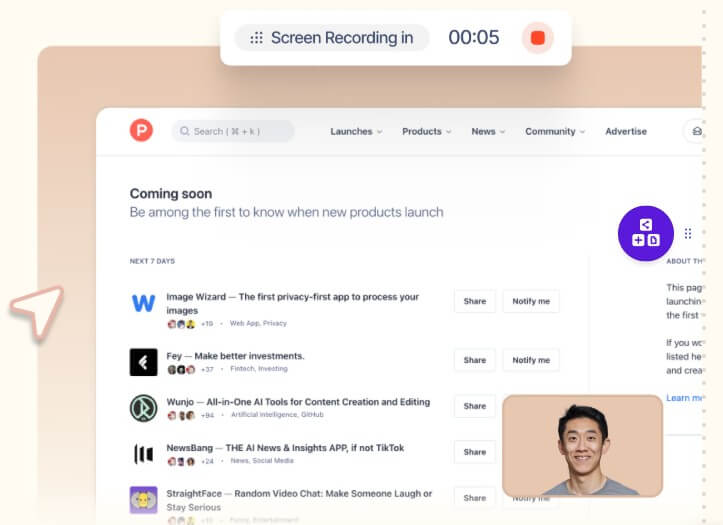
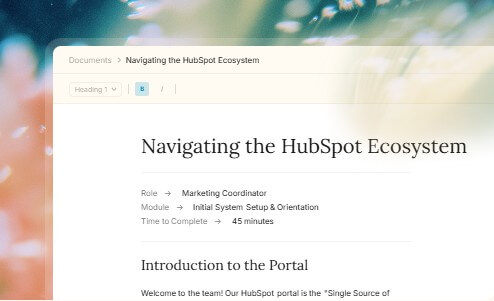
Trupeer is not just a screen recorder. It is closer to an AI production layer for product education. The official site describes it as a tool for creating product videos and step-by-step documentation from screen recordings, with AI handling much of the editing work.
That matters because most teams do not struggle to record a screen. They struggle to turn a rough recording into something customers, prospects, or employees can follow. A raw Loom-style walkthrough often has pauses, cursor wandering, unclear narration, missed steps, and uneven pacing. Trupeer’s value is in cleaning up that messy middle.
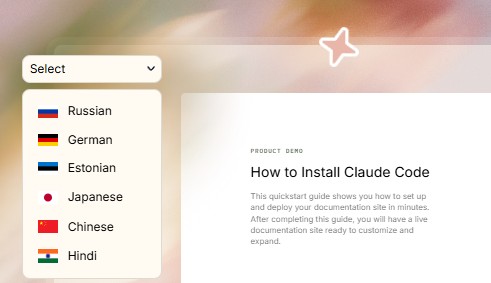
The platform covers video, documentation, translation, and knowledge-base use cases. Its homepage highlights studio-quality videos from screen recordings, automatic translation for videos and docs in 65+ languages, and a knowledge base with AI search.
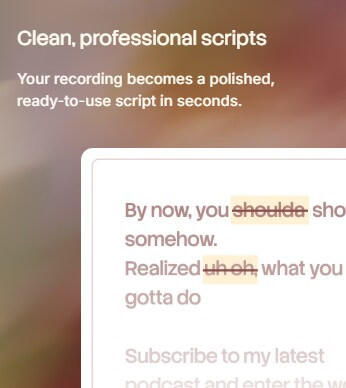
Trupeer is strongest when a company needs repeatable product education. That includes feature walkthroughs, customer onboarding, sales demo leave-behinds, internal training, SOPs, support guides, and software rollout materials.
The tool is especially useful for SaaS teams. A product manager can record a new feature once. Customer success can turn it into an onboarding guide. Sales can use a polished demo video before or after a call. Support can publish a help article. Training teams can reuse the same workflow as an internal lesson.
That reuse is the important part. Trupeer is not only about making one better video. It helps turn one workflow into several formats that different teams can use.
| Feature | What it does | Why it matters |
|---|---|---|
| AI Screen Recording | Captures or uploads workflow recordings | Gives AI a real process to work from |
| Product Video Generation | Turns rough recordings into edited demo videos | Reduces manual editing work |
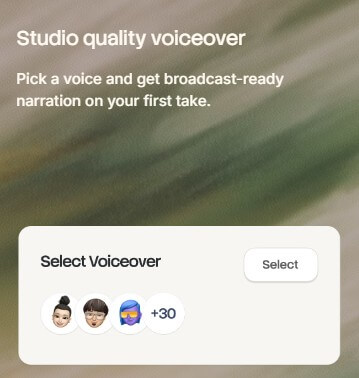
| AI Voiceovers | Adds narration to product videos | Useful when the original recording has no clean audio |
| Smart Zooms and Annotations | Highlights UI actions and important areas | Makes tutorials easier to follow |
| Step-by-Step Documentation | Converts recordings into written guides with screenshots | Helps support, training, and SOP workflows |
| Translation | Localizes videos and docs into 65+ languages | Useful for global customers and teams |
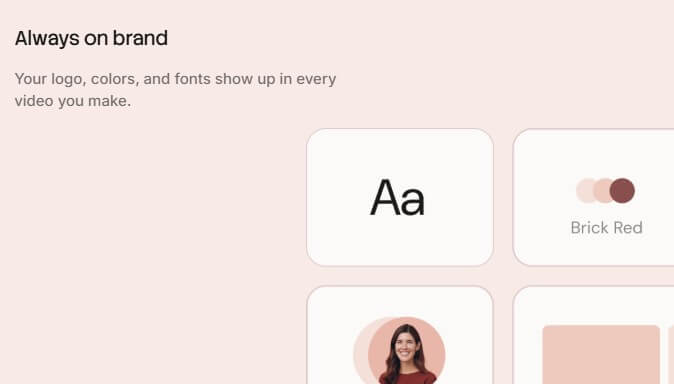
| Brand Controls | Applies branding, layouts, and pronunciation rules | Keeps output more consistent across teams |
| Export and Embed | Supports publishing into tools such as Zendesk, Notion, and Intercom | Makes guides easier to distribute |
The strongest feature is the pairing of video and documentation. Many tools do one or the other. Trupeer’s documentation page says users can upload a recording and get a formatted document with steps and screenshots, while its video tool page says recordings can be turned into product demo videos with voiceovers, zooms, captions, annotations, transitions, and brand styling.
The workflow is designed around recording first. Trupeer’s product demo page describes the basic process as recording a product workflow with the Chrome extension, then letting AI add zooms, voiceovers, captions, and edits automatically.
This is a smart workflow because it starts with reality. Instead of asking users to write a script from scratch, Trupeer watches the actual product path. That helps the final guide stay grounded in the real interface.
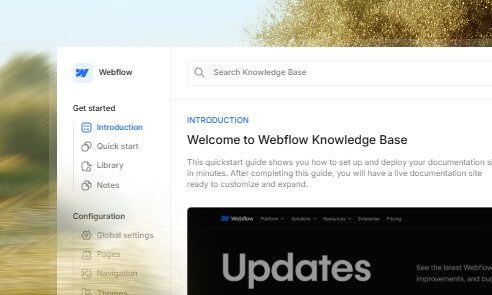
The documentation workflow follows the same logic. Trupeer says it can detect actions, understand what is happening, and turn the recording into structured steps with screenshots. The documentation page also mentions editing the text, swapping screenshots, adjusting branding, and translating guides before sharing.
The trade-off is that the source recording still matters. If the user records a confusing workflow, clicks around too much, opens irrelevant screens, or skips important context, the AI has less to work with. Trupeer can clean up a recording, but it cannot fully replace a good walkthrough plan.
Trupeer’s video feature is built for product demos, not cinematic production. That is the right lane. The goal is to make software walkthroughs look polished enough for customers, prospects, and internal teams without hiring a video editor for every update.
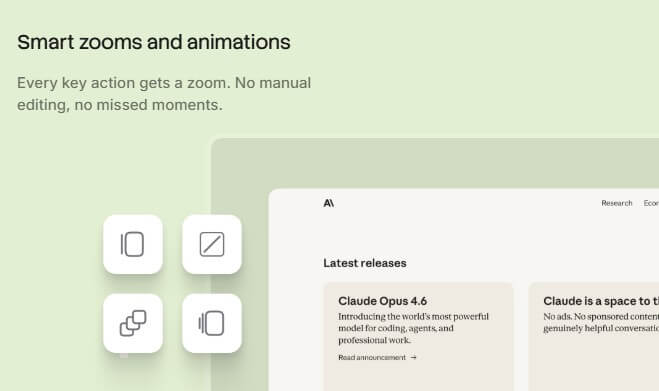
The useful editing features are the practical ones: smart zooms, captions, annotations, transitions, highlights, brand styling, and multilingual narration. These are exactly the details that make a screen recording easier to understand.
Voiceover quality also matters. A screen recording with poor microphone audio can make a good feature feel rough. Trupeer’s AI voiceover layer helps teams separate the recording from the narration. The custom pronunciation feature is a thoughtful addition because product names, company names, acronyms, and technical terms often sound wrong in AI-generated voiceovers. Trupeer says users can add custom pronunciations through Brand Kit so key terms are spoken correctly.

The documentation side may be just as valuable as the video side. Trupeer’s documentation page lists use cases for customer support, product documentation, sales leave-behinds, L&D, IT rollouts, and operations SOPs.
That makes the tool useful beyond marketing. A support team can turn a frequent ticket into a help doc. An IT team can document how to adopt a new internal tool. Operations can standardize a process so different employees follow the same steps.
Trupeer also supports exporting or embedding documentation into tools such as Zendesk, Notion, and Intercom. That matters because a guide is only useful if people can find it where they already look for help.
Trupeer is a strong fit for SaaS product teams that ship features often and need release walkthroughs. It is also useful for customer success teams that need onboarding videos, support teams that need help-center content, and sales teams that want demo leave-behinds prospects can replay.
Training and operations teams can use it for SOPs, internal tutorials, tool rollout guides, and repeatable process documentation. The video page specifically points to product updates, customer success guides, marketing launch content, L&D training, pre-sales demos, and sales use cases.
Trupeer’s biggest limitation is that it still depends on the quality of the workflow being recorded. Clear steps, a focused screen, and a clean process will produce better output than a rambling recording.
It is also not a replacement for product strategy, instructional design, or support taxonomy. Trupeer can create guides quickly, but teams still need to decide which guides matter, how they should be organized, when they should be updated, and what tone fits the audience.
Another trade-off is review. AI-generated documentation and narration should be checked before publishing. Product details, UI labels, edge cases, and compliance wording can matter, especially in customer-facing help content.
Trupeer AI is a practical tool for turning screen recordings into polished product videos, walkthroughs, SOPs, and documentation. Its strongest value is the full workflow: record once, then generate video, written steps, voiceover, translations, branded output, and shareable materials. It is best for SaaS teams, support, customer success, sales, L&D, IT, and operations teams that need to explain software clearly at scale. The main caveat is that Trupeer speeds up production, but the best results still require a focused recording, careful review, and ongoing content maintenance.
TAGS: Productivity
Related Tools:
Automates post-meeting tasks by listening to conversations

Enhances productivity by automating tasks

Records, transcribes, and summarizes meetings
Offers features like advanced content generation

Automates and optimizes the job application process

Improves team communication and project management