

Share this tool:
 |
Description:
- Introduction
- Prompt You Can Try First
- What Gamma Actually Is
- What Gamma Does Best
- Core Features and Capabilities
- Workflow and Ease of Use
- Gamma Agent: The Most Important Current Layer
- Design and Layout Control
- Importing Existing Content
- Publishing, Exporting, and Delivery
- Best Use Cases
- Limitations and Trade-Offs
- Final Takeaway
Gamma is an AI-first visual communication tool for creating presentations, documents, webpages, social content, and graphics without starting from a blank slide. Its strongest value is speed: it helps users move from a rough idea or source file to a polished, shareable format faster than traditional slide software, while still leaving room for editing, styling, and human judgment.

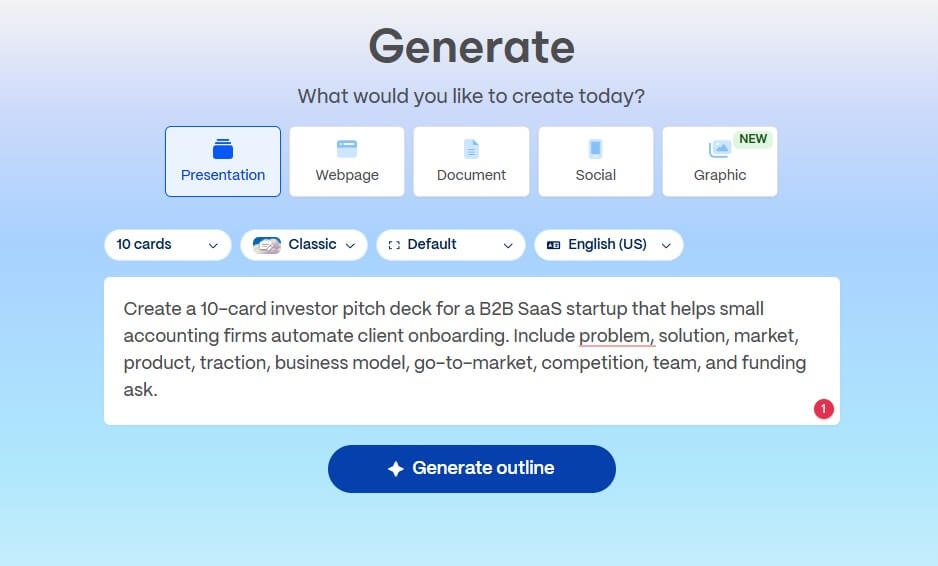
Use this when you want to test Gamma’s core deck-generation workflow:
Prompt:
“Create a 10-card investor pitch deck for a B2B SaaS startup that helps small accounting firms automate client onboarding. Include problem, solution, market, product, traction, business model, go-to-market, competition, team, and funding ask.”



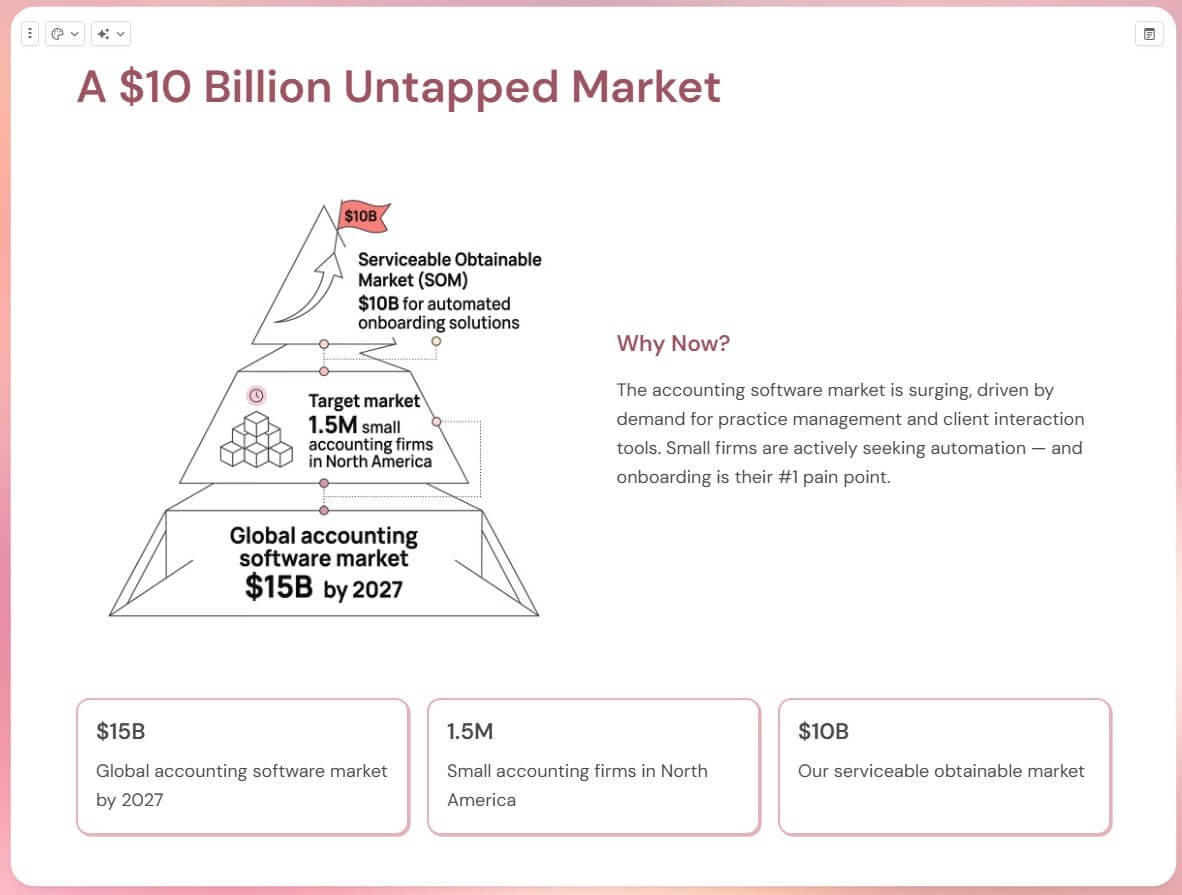
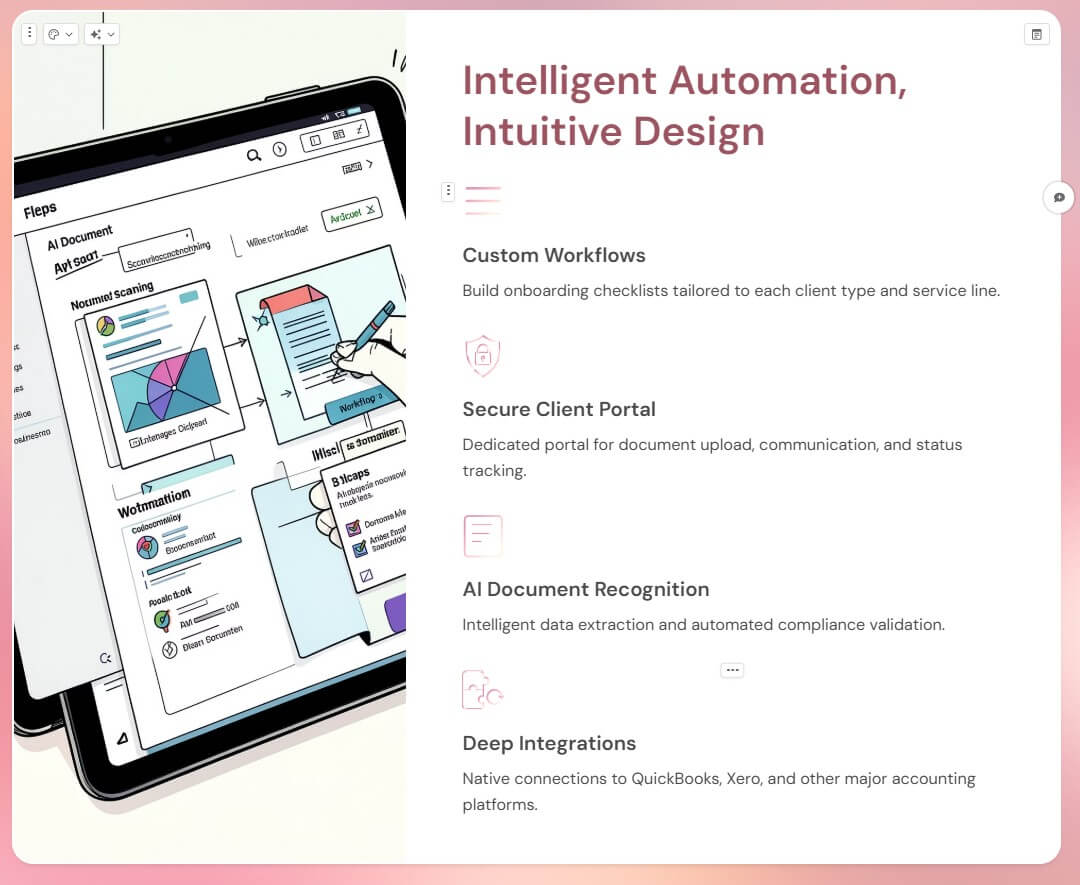
This prompt works because it gives Gamma a clear format, audience, topic, and card structure. It is specific enough to produce a usable first draft, but not so rigid that the tool has no room to create layouts or improve the flow.
Gamma is often described as an AI presentation maker, but that undersells it. The current product is broader than slide generation. Gamma’s official site positions it around presentations, documents, websites, social media, API-based generation, and graphics, which makes it closer to a visual content workspace than a PowerPoint clone.
The key difference is Gamma’s card-based structure. Instead of building fixed slides from scratch, users work with “cards” that can act like slides, document sections, webpage blocks, or flexible canvases. Gamma’s help center describes cards as the core building blocks of presentations, documents, and webpages, and notes that they can adjust to fit content while keeping the layout organized.
That matters because many business materials do not fit neatly into one format anymore. A pitch can become a deck, a proposal can become a webpage, a training guide can become a visual document, and a client update can be shared as a link. Gamma is built for that kind of flexible delivery.
Gamma’s best use case is turning messy source material into something presentable. This could be a startup idea, meeting notes, a product brief, a lesson plan, a client proposal, a research summary, or an old deck that needs a cleaner structure.
The product is strongest at the first 70 percent of the work. It can create structure, suggest hierarchy, generate layouts, add visual polish, and make the material easier to scan. That is often the slowest part of making a deck or document. Instead of choosing fonts, section breaks, layouts, and image placement manually, users can start with an AI-generated draft and refine from there.
It is less suited to cases where every pixel must follow strict brand rules or where the message requires deep strategic thinking before any design work begins. Gamma can make content look polished quickly, but polish is not the same as clarity. A good user still has to check the story, tighten the argument, and make sure the material fits the audience.
Gamma can create a first draft from a topic, prompt, outline, or pasted source material. Its help center describes Generate mode as the option for drafting an initial version based on a topic.
Users can bring in existing text, documents, presentations, webpages, and other source material instead of starting from scratch. Gamma supports plain import for pulling in content and AI-assisted import for restyling or transforming it during creation.
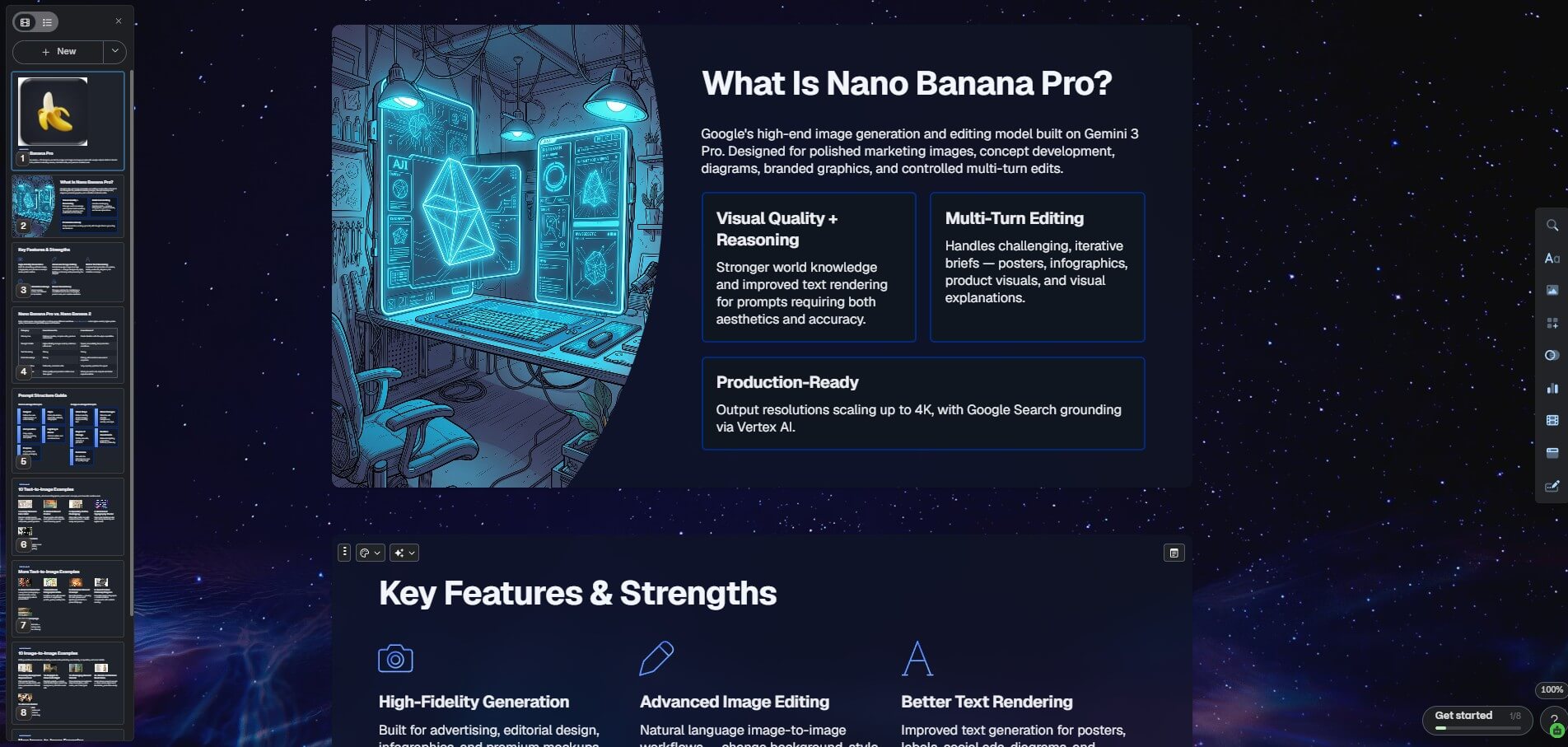
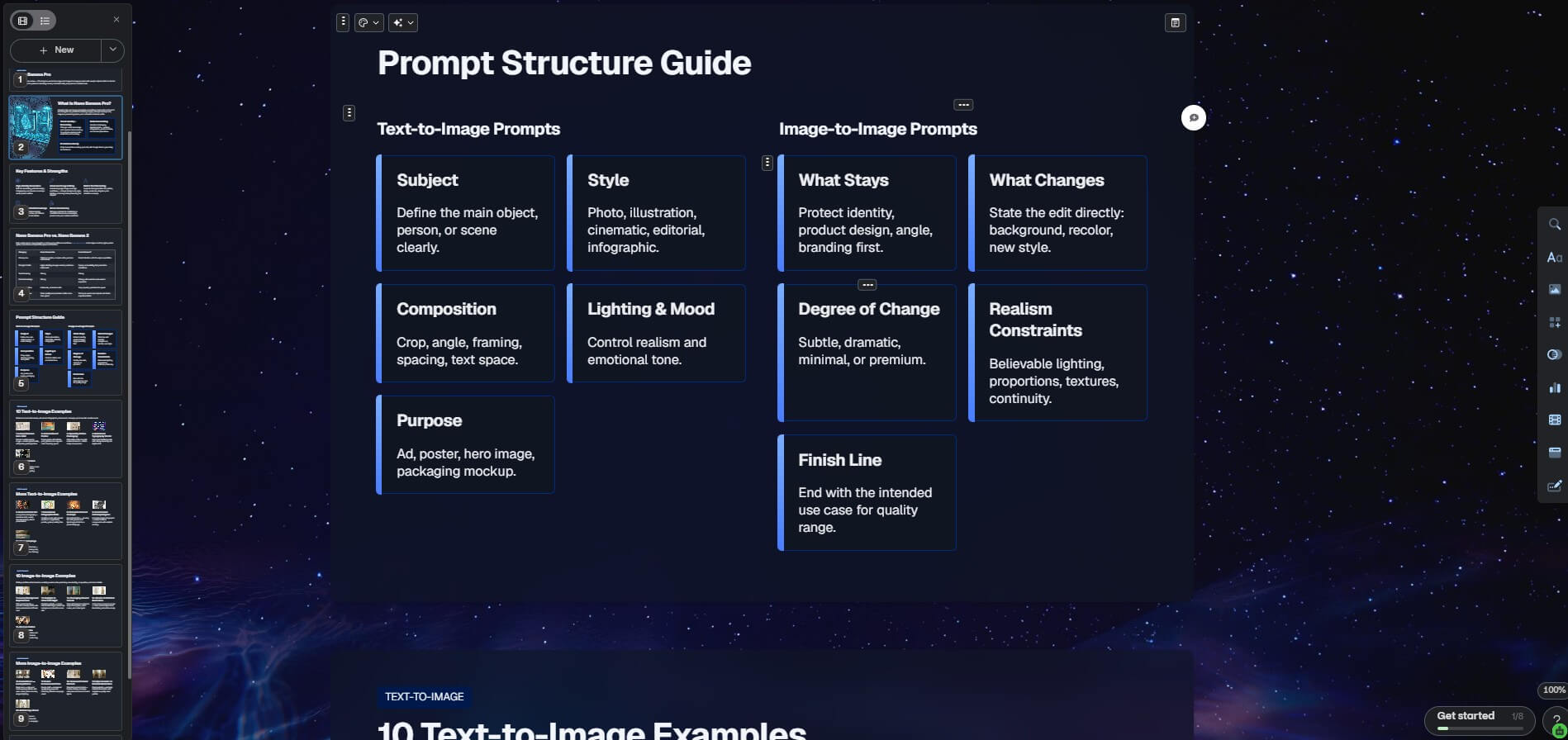
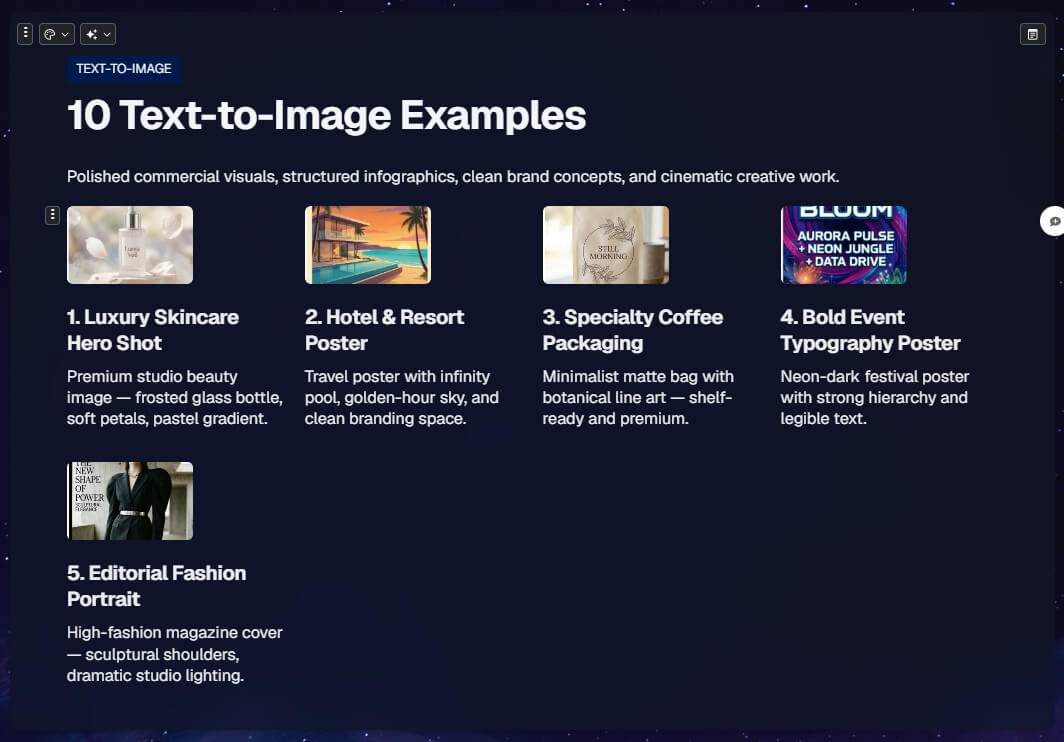
Cards can be manually added, AI-generated, resized, styled, and arranged into presentations, documents, or webpages. This gives Gamma a more flexible structure than a traditional slide-only tool.
Gamma Agent can help edit content, search the web, read links, work with screenshots, restyle a deck, add cards, translate, summarize, and make changes across multiple cards. Gamma’s help center currently labels Agent as Beta.
Gamma supports exporting to PDF, PNG, and PowerPoint, and the help center notes that Google Slides can be used by uploading the exported PPTX. Users can also export individual cards.
Gamma’s developer documentation says the Gamma API can generate presentations, documents, websites, and social posts from text, with asynchronous generation and status polling.
Gamma’s creation workflow is one of its biggest advantages because it supports several starting points. If you only have an idea, you can generate from a prompt. If you already have text, you can paste it and let Gamma format it. If you have an existing file or webpage, you can import it and turn it into editable Gamma cards. Gamma’s help center specifically identifies Generate, Paste, and Import as the main creation modes.
That flexibility makes Gamma useful for different kinds of users. A founder can start with a rough pitch idea. A consultant can import a Word document and turn it into a client briefing. A teacher can paste a lesson outline and shape it into a visual class handout. A marketer can start with campaign notes and create a landing-page-style presentation.
Editing is also more approachable than in many traditional design tools. Users can type directly into cards, use the slash command to insert content, drag media from the insert menu, or ask Agent to generate and revise content. The result is a workflow that feels closer to editing a modern web document than building a slide deck box by box.
The caveat is that easy editing can still lead to soft thinking. Gamma reduces design friction, but it does not automatically make the underlying message sharper. The best results usually come when users bring a clear audience, purpose, and structure to the tool.
Gamma Agent is one of the more important parts of the current platform because it extends AI support beyond the first draft. Many AI presentation tools are useful at generation but weaker during revision. Gamma Agent is designed to help after the deck, document, or webpage already exists.
According to Gamma’s help center, Agent can search the web for real-time information, read URLs, make edits across all cards, change the theme, extract information from images, add cards, fix spelling and grammar, translate text, and summarize content.
This is useful because real presentation work is iterative. A first draft may need an executive summary, fewer words, a stronger closing, updated statistics, a different tone, or a cleaner theme. Asking Agent to “make this shorter,” “turn this into a more executive version,” or “add a summary card” is faster than revising every card manually.
Gamma is good at helping non-designers produce materials that look organized and modern. Its card styling tools allow users to adjust layouts, accent images, background treatments, and visual structure. The help center describes card layouts as visual building blocks that combine text with accent images, with options for image placement and background styling.
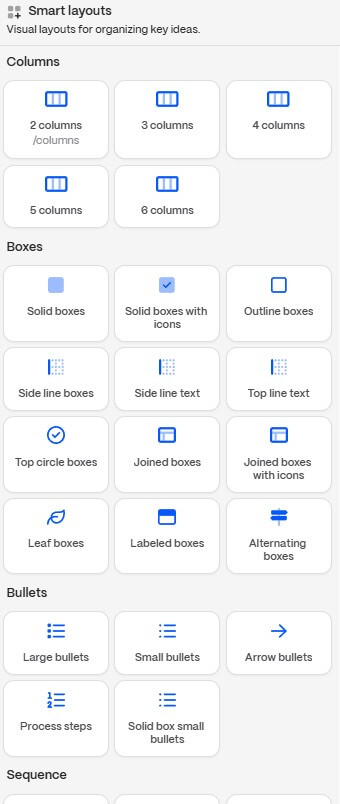
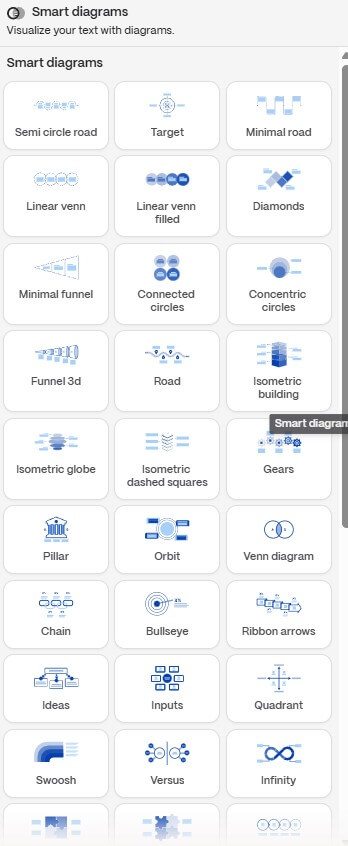
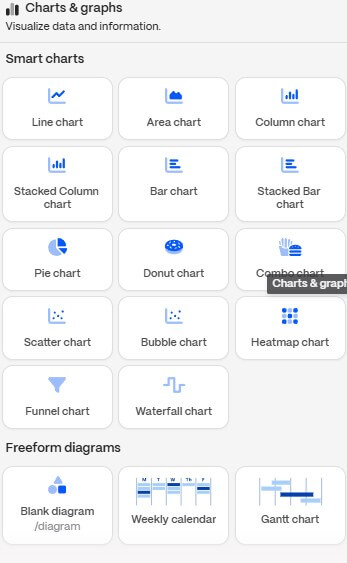
This is where Gamma often feels stronger than a plain AI writing tool. It is not just producing text. It is making decisions about visual hierarchy, spacing, card flow, and presentation format. That is valuable for people who know what they want to say but struggle to make it look good.
However, Gamma is not a full replacement for a designer or a strict enterprise presentation system. Designers may miss deeper control over grids, custom animations, master layouts, and brand governance. Gamma’s strength is speed and taste, not unlimited manual precision.
Importing is one of Gamma’s most practical features because many users are not starting from zero. They already have a deck, document, webpage, or outline that needs to be cleaned up.
Gamma supports importing content from sources such as PowerPoint, Google Docs, webpages, and Notion. The help center explains that plain import pulls in text content, while import with AI can restyle or transform the content during creation.
There is an important limit: Gamma’s help center says imported styles and layouts may not carry over because the importer currently focuses on text. Styling and layout may need to be added manually or with AI afterward. That is not a dealbreaker, but it sets the right expectation. Importing is best for converting content, not perfectly preserving the original design.
Gamma works well when the final output needs to be shared in different ways. Users can present from Gamma, share a link, publish as a webpage, or export to common file formats. Export options include PDF, PNG, and PowerPoint, with individual card export also available.
This matters because the same content often has multiple audiences. A sales deck may need a live presentation version and a PDF follow-up. A proposal may work better as a link than an attachment. A course module may need both a visual document and a presentation format.
The main thing to remember is that Gamma’s native format is often where the work feels most natural. Exports are useful, but the responsive, card-based experience is part of the product’s identity.
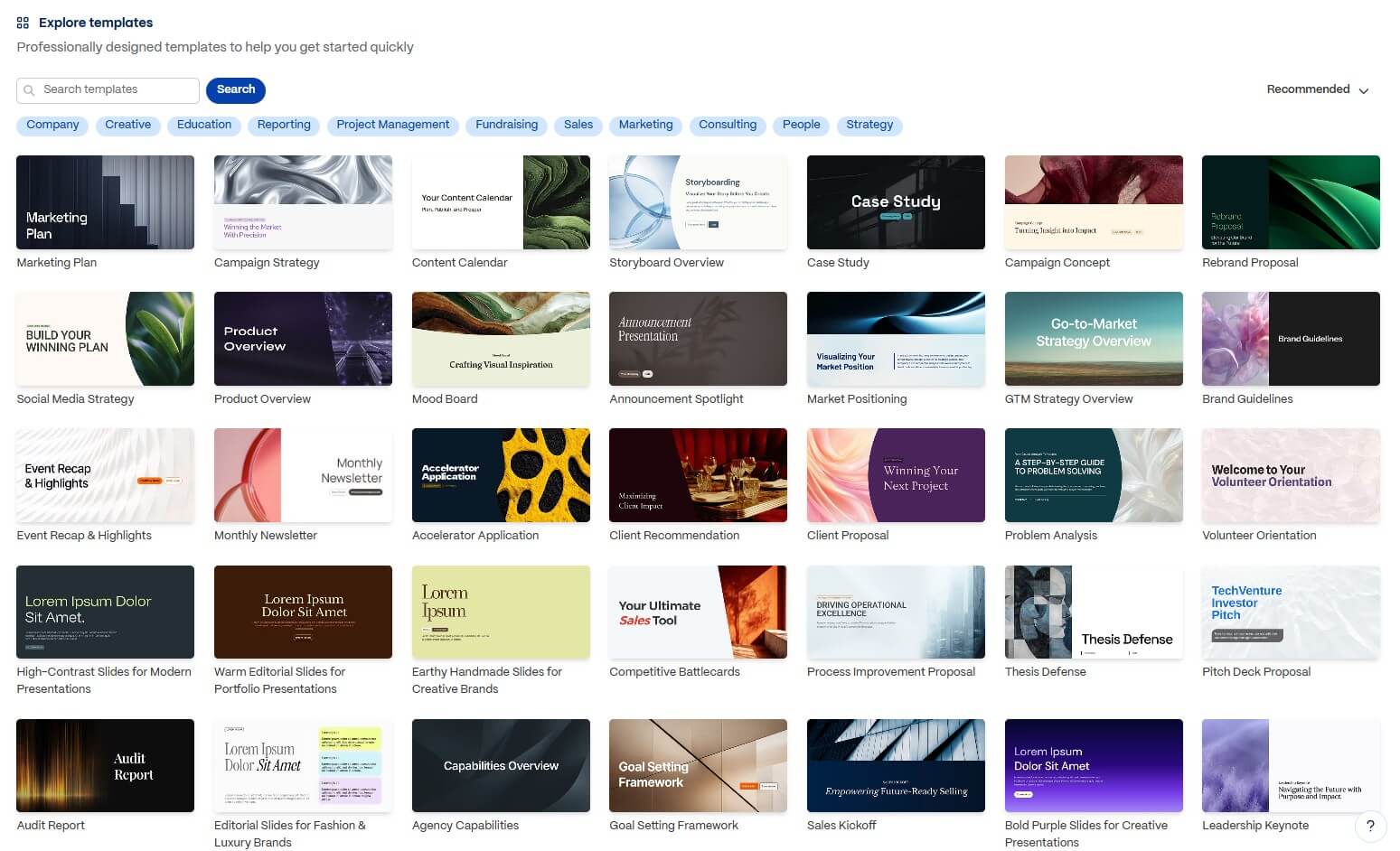
Gamma is a strong fit for startup pitch decks, sales presentations, consulting proposals, internal strategy updates, product explainers, training guides, lesson materials, workshop decks, lightweight webpages, and visual reports.
It is especially useful for founders, marketers, consultants, educators, sales teams, and operators who need good-looking communication quickly but do not want to spend hours formatting slides. It also works well for people who often repurpose the same idea into several formats.
For teams, Gamma can help standardize first drafts and reduce the time spent on layout work. For solo users, it can act like a design assistant that turns rough thinking into a cleaner structure.
The biggest limitation is that Gamma can make unfinished thinking look finished. A deck may appear polished even if the argument is weak, the data is thin, or the audience fit is off. That is the main risk with any AI design tool.
The second limitation is precision. Gamma is easier and faster than traditional slide software for many projects, but users who need heavy design control may still prefer PowerPoint, Keynote, Figma, or a dedicated brand template system.
The third limitation is import fidelity. Gamma can bring in content from other sources, but imported styling may not transfer cleanly, so users should expect to restyle imported material.
The fourth limitation is AI reliability. Agent can search, summarize, translate, and edit, but factual content still needs checking. This matters most for investor decks, client proposals, research reports, and any material that will be used for decisions.
Gamma is best for people who need polished visual communication faster than traditional slide or design tools allow. Its strongest value is the full workflow: generate from an idea, import existing content, edit with flexible cards, refine with Gamma Agent, then share or export the result.
It is a strong fit for founders, consultants, marketers, educators, sales teams, and operators who create decks, documents, webpages, and visual briefs often. The main caveat is that Gamma can handle structure and design quickly, but it cannot replace editorial judgment. The user still has to make sure the story is accurate, clear, and worth presenting.
TAGS: Productivity Presentations
Related Tools:

Helps teams plan, manage, and track their work

Provides tools for audio editing and mixing

AI-powered Telegram bot

Creates professional slide decks from prompts

Improves team communication and project management

Enhances digital note-taking and sketching