
Share this tool:
 |
Description:
- Introduction
- Strong Features and Capabilities
- What Inbox Zero Actually Is
- Where Inbox Zero Is Strongest
- AI Chat and Rule-Based Automation
- Cleanup: Newsletters, Archives, and Cold Email
- Reply Zero and Follow-Up Tracking
- Integrations and Daily Workflow
- Privacy, Open Source, and Self-Hosting
- Best Use Cases
- Limitations and Trade-Offs
- Final Takeaway
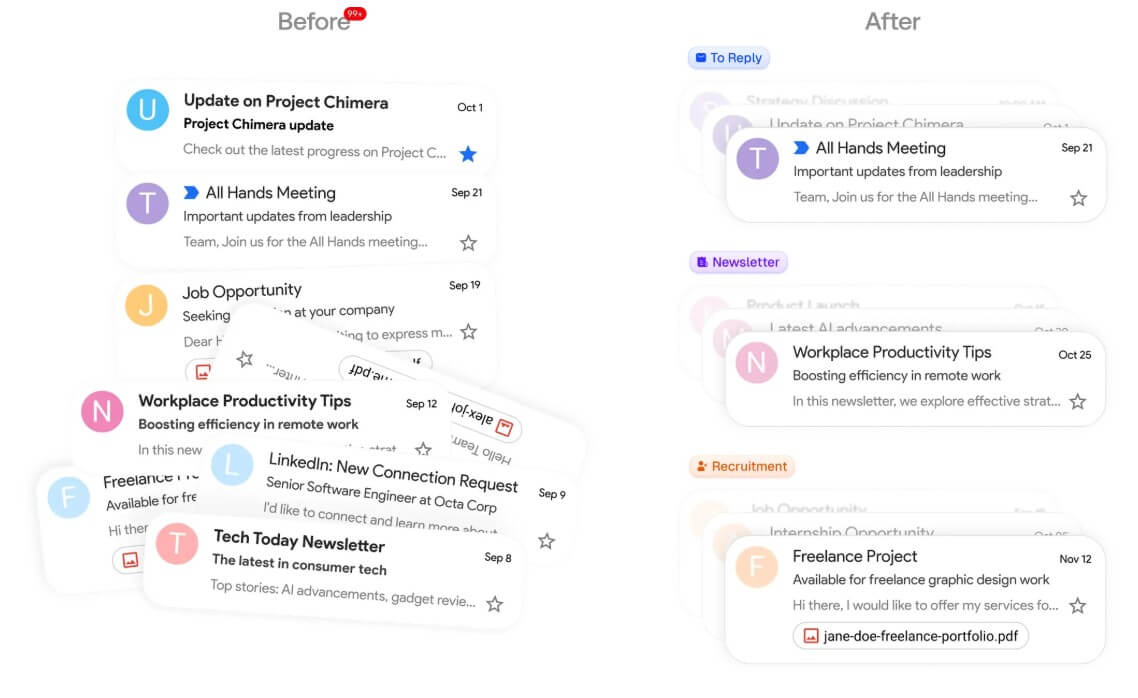
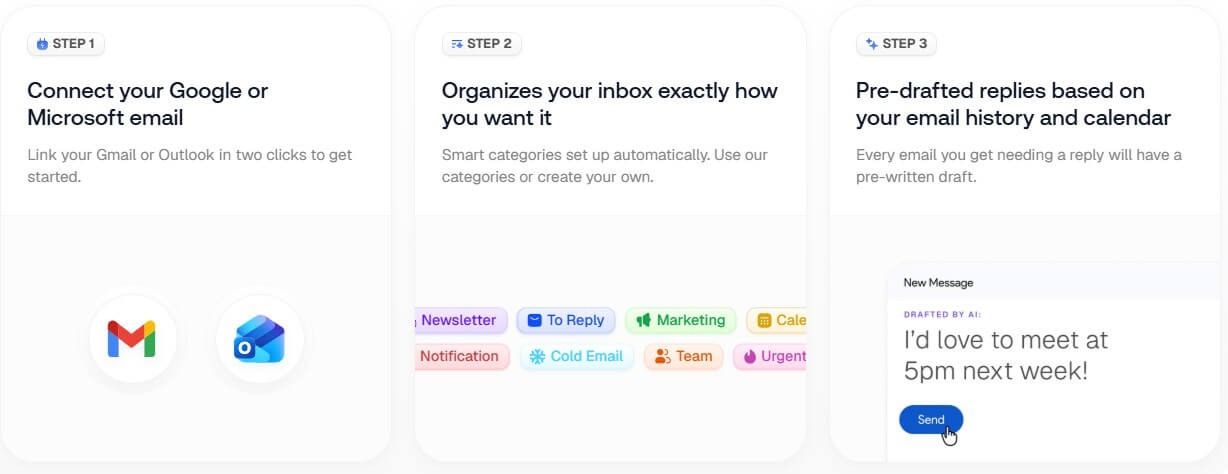
Inbox Zero is an AI email assistant for people who want to spend less time sorting, replying to, archiving, and cleaning up email. It works alongside Gmail, Google Workspace, Outlook, and Microsoft 365 rather than replacing your current inbox, which is one of its more practical choices. The main value is not that it gives you another place to read email. It helps automate the repetitive parts of inbox management inside the email system you already use.
| Feature | Practical value |
|---|---|
| AI Chat | Lets you manage email, rules, settings, and cleanup through plain English instructions. |
| AI Rules | Automates repeated inbox actions such as labeling, archiving, forwarding, and drafting replies. |
| Bulk Unsubscriber | Helps unsubscribe from newsletters and marketing emails, with options to archive or approve senders. |
| Cold Email Blocker | Uses AI filters to block or reduce unwanted cold outreach. |
| Reply Zero | Tracks emails that need replies and prepares drafts so important responses are less likely to slip. |
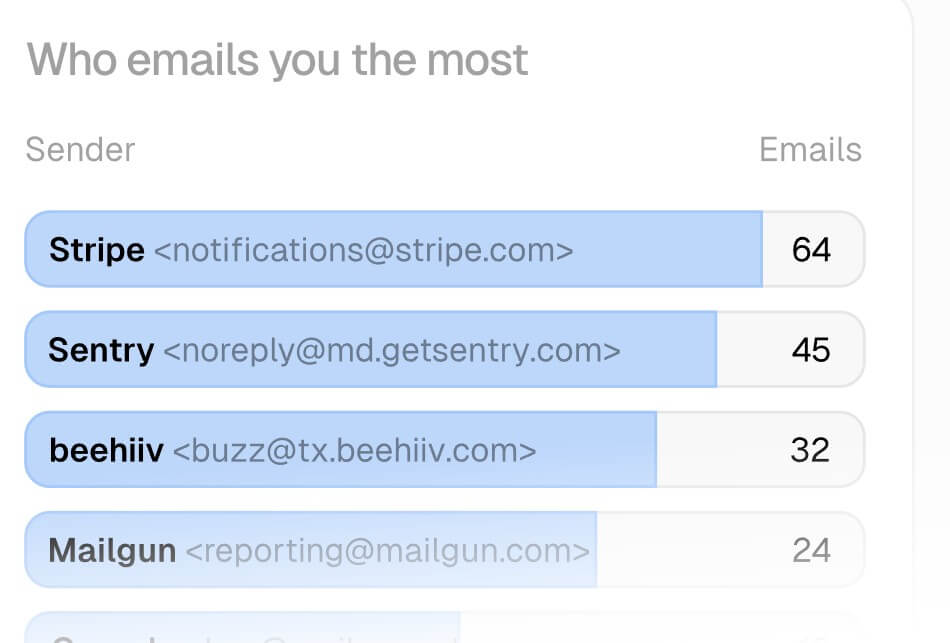
| Analytics | Shows who emails you most, response patterns, and opportunities to clean up your workflow. |
The feature set is broad, but the strongest pieces are the ones that remove email noise before it reaches your attention.
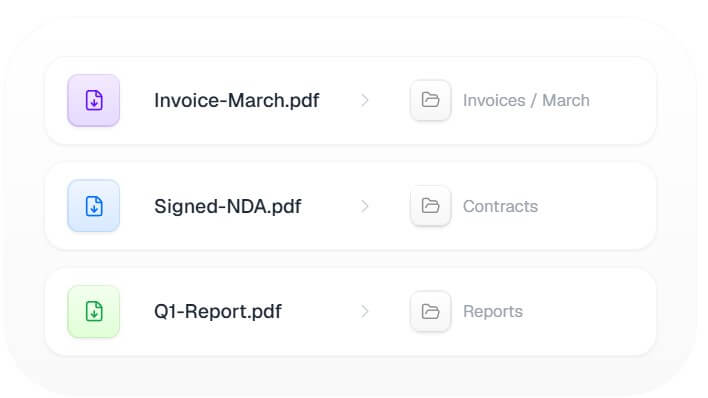
Inbox Zero is a layer of AI automation for your inbox. It can label messages, draft replies, unsubscribe from newsletters, block cold email, archive old messages, create digests, organize attachments, and help you track emails that need a response. Its documentation describes the product as supporting AI chat, an AI personal assistant, meeting briefs, attachment filing, Slack integration, bulk unsubscribe, cold email blocking, analytics, calendar integration, Reply Zero, browser tabs, and an API.
That makes it different from a normal email client. Superhuman, Gmail, Outlook, and Apple Mail focus mainly on reading and sending mail. Inbox Zero is more about reducing the volume and decision fatigue around email. It does not ask you to move your whole communication workflow into a new client. You keep using Gmail or Outlook, while Inbox Zero handles the background organization and automation.
The product is also open source, which is unusual in this category. The GitHub repository describes it as a 24/7 AI email assistant that organizes your inbox, pre-drafts replies, manages your calendar, organizes attachments, and lets you chat from Slack or Telegram.
Inbox Zero is strongest for people whose inbox is full of repeat patterns: newsletters, cold outreach, receipts, scheduling emails, founder updates, investor messages, customer replies, internal threads, and follow-ups that are easy to miss.
Its best use is not “write every email for me.” That would be risky. Its better use is “reduce the number of low-value email decisions I make each day.” Bulk unsubscribe removes obvious clutter. Cold email blocking filters unwanted outreach. Reply Zero helps surface messages that need a response. AI rules can label, archive, draft, or forward based on instructions.
That is the right direction for an AI email tool. Email is not just a writing problem. It is a triage problem.
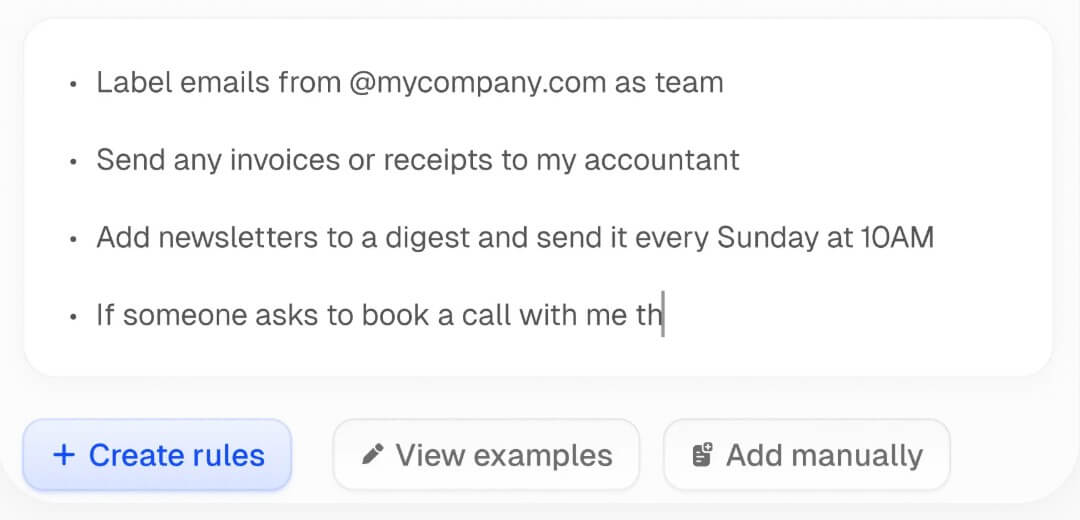
Inbox Zero’s AI Chat is the central control point. The docs describe it as a way to manage the inbox through natural language. You can ask it to search, archive, reply, forward, send, bulk archive, unsubscribe, create rules, edit rules, configure meeting briefs, or set up scheduled check-ins.
This matters because email rules are useful, but most people do not maintain them well. Gmail and Outlook filters can become messy fast. Inbox Zero’s plain-English rule setup makes the idea easier: tell the assistant what should happen, then let it convert that intent into repeatable inbox behavior.
The caution is that automation needs boundaries. It is safer to start with low-risk actions like labeling newsletters, archiving known promotional senders, or drafting replies without sending them. Once the rules prove reliable, users can expand automation into more important workflows.
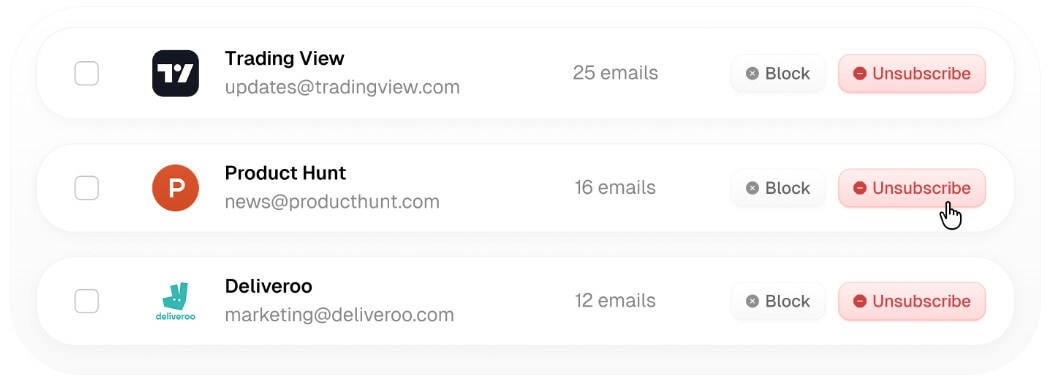
Inbox cleanup is one of Inbox Zero’s clearest wins. The bulk unsubscriber is built for newsletter and marketing overload, which is one of the most common reasons inboxes become unmanageable. Instead of unsubscribing message by message, users can review senders and decide whether to unsubscribe, auto-archive, or approve them.
The cold email blocker is also useful, especially for founders, executives, recruiters, creators, and anyone whose public email address attracts outreach. The value is not only blocking spam. It is reducing the repeated “should I read this?” decision that drains attention across the day.
Bulk archiving rounds this out. Many inboxes are not messy because every message matters. They are messy because old messages were never cleared. A fast archive workflow helps users reset without deleting useful history.
Reply Zero is one of the more practical features because it focuses on the emails that still need human attention. Most email tools treat the inbox as a single stream. Reply Zero tries to separate messages that need a response from everything else, then prepares drafts where useful.
That is a better fit for real work. The goal is not a perfectly empty inbox for its own sake. The goal is to avoid missing important replies while ignoring the noise. For people who receive hundreds of emails a week, this distinction matters.
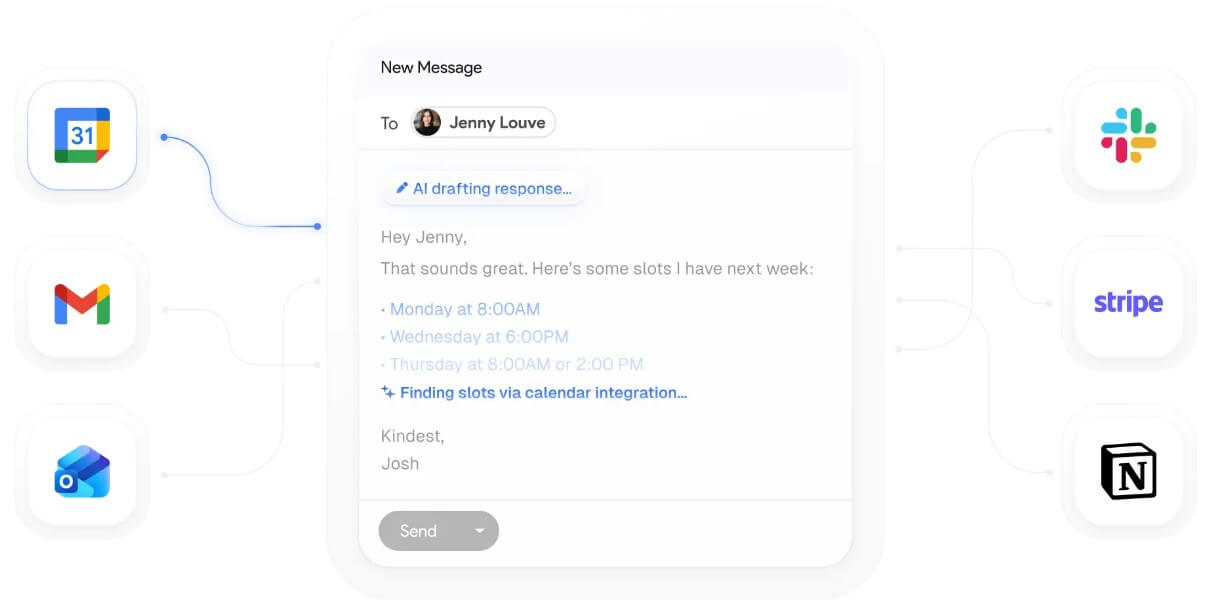
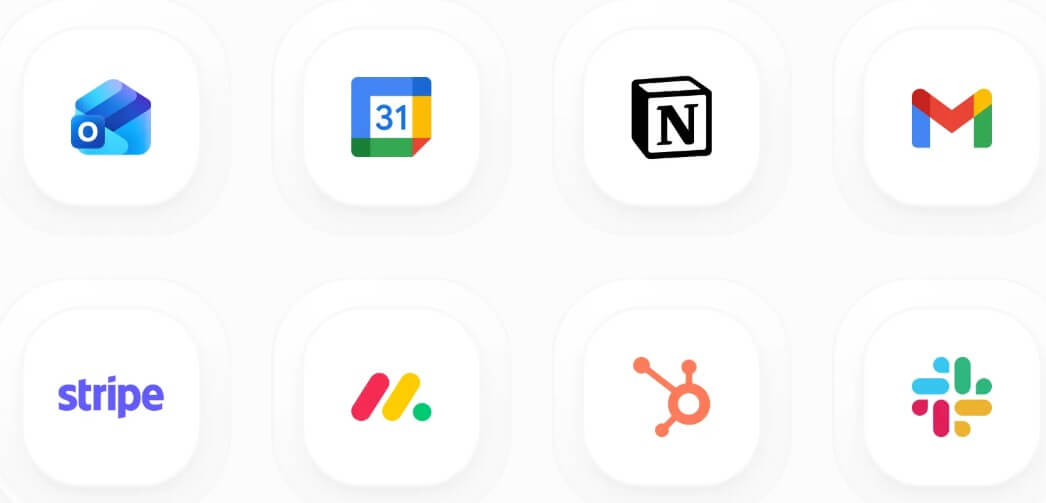
Inbox Zero supports Gmail and Outlook accounts, including Google Workspace, personal Gmail, Microsoft 365, and personal Outlook accounts. It also supports Slack and Telegram access, so users can interact with the assistant outside the web dashboard.
The Slack and Telegram angle is useful for quick triage. A founder or executive can ask what needs attention, review drafts, or check why a rule archived something without opening a full inbox session. The product also includes meeting briefs and calendar integration, which can pull email and calendar context into pre-meeting preparation.
For teams with technical needs, the API adds another layer. Inbox Zero’s API documentation says users can manage emails and automation rules programmatically, with scoped API keys tied to a specific inbox account.
Email tools need more trust than most productivity apps. Inbox Zero’s open-source approach helps here. Its homepage says it is privacy-first, does not use data for AI training, is SOC 2 Type II certified, and can be self-hosted for more control.
That does not mean every user should self-host. Most people will use the managed version because running email infrastructure is not light work. But the option matters. Technical teams can inspect the code, review behavior, or deploy their own instance if their privacy requirements justify the extra setup.
Inbox Zero is a strong fit for founders, executives, recruiters, consultants, sales leaders, creators, and operators who receive too much email but cannot ignore it. It is especially useful for people who get a mix of important threads and recurring low-value messages.
It also fits users who want AI email help without switching email clients. If your team already lives in Gmail or Outlook, Inbox Zero’s “work alongside your inbox” model is easier to adopt than a full email-client replacement.
It is less ideal for casual users with light email volume. If you only receive a few important messages a day, the setup may be more than you need.
The biggest limitation is trust. Any tool that reads, labels, archives, drafts, or routes email needs careful setup. Even with open source and security claims, users should start with conservative automations.
The second trade-off is AI judgment. Cold email detection, reply tracking, and rule execution can be helpful, but edge cases will happen. A strict rule could archive something important. A draft could sound close to your style but miss context. The user still needs review habits.
The third limitation is provider coverage. Inbox Zero supports Google and Microsoft email accounts, which covers many users, but people using other email systems may not fit the workflow.
Inbox Zero is best for busy professionals who want AI to reduce email clutter, not replace their judgment. Its strongest value is the mix of bulk unsubscribe, cold email blocking, AI rules, reply tracking, analytics, open-source transparency, and Gmail or Outlook compatibility. The main caveat is that email automation should be introduced carefully. Start with cleanup and draft-only workflows, then expand once the rules prove they can handle your inbox without creating new problems.
TAGS: Productivity
Related Tools:

Designed to enhance learning and productivity
Syncs multiple calendars and automates scheduling

Merges documents, spreadsheets, and apps to help teams collaborate

Organizes your inbox and drafts personalized replies

Enhances productivity for researchers

Create, customize, and deploy AI applications