

Share this tool:
 |
Description:
Merlin is an all-in-one AI assistant that works as a browser extension, web app, and mobile app. Its main pitch is convenience: instead of opening separate tools for ChatGPT, Claude, Gemini, document summaries, webpage chat, email drafting, and YouTube summaries, Merlin brings many of those tasks into one interface.
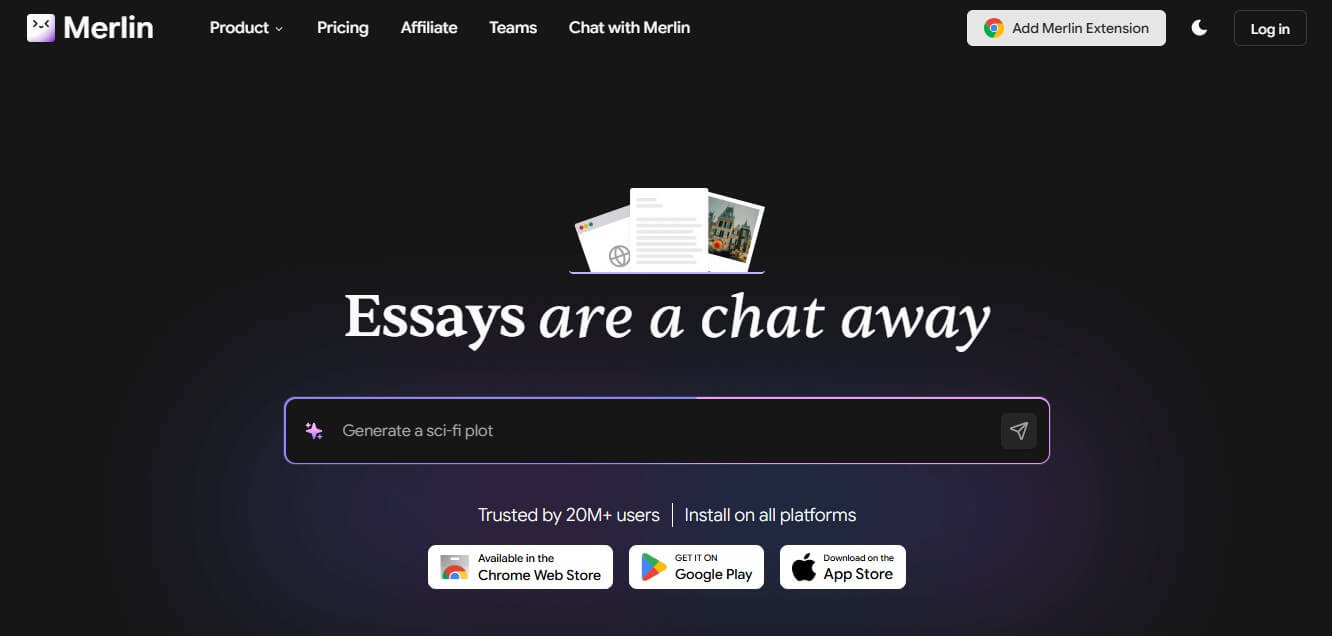
Merlin is best described as a multi-model AI productivity layer for everyday online work. The official site says Merlin works as both a Chrome extension and web app, with access to models such as ChatGPT, GPT-4, Claude, DeepSeek, Opus, Llama, Mistral, and Gemini. It also supports summaries for YouTube videos, blogs, documents, PDFs, and PPTs, plus social media replies and email writing across platforms such as LinkedIn, X, and Gmail.
That makes Merlin broader than a simple AI chatbot. It is trying to sit across the places where people read, write, research, and respond. The Chrome extension is the clearest version of the product because it can be opened on a webpage with Ctrl+M or Cmd+M, and Merlin says it adds buttons or contextual access on sites such as YouTube, Gmail, LinkedIn, and X.
The value is not that Merlin replaces every model-specific product. The value is that it reduces switching. If you often bounce between webpages, PDFs, YouTube videos, emails, and AI chat windows, Merlin gives you one assistant layer that travels with the work.
Prompt:
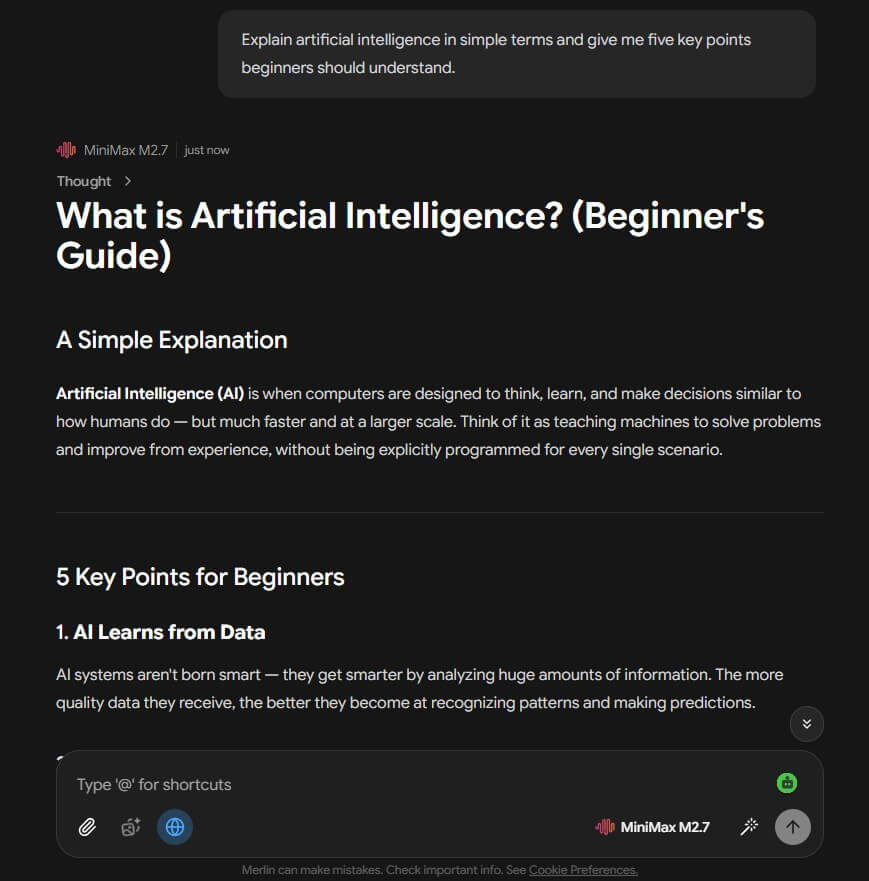
“Explain artificial intelligence in simple terms and give me five key points beginners should understand.”
Prompt:
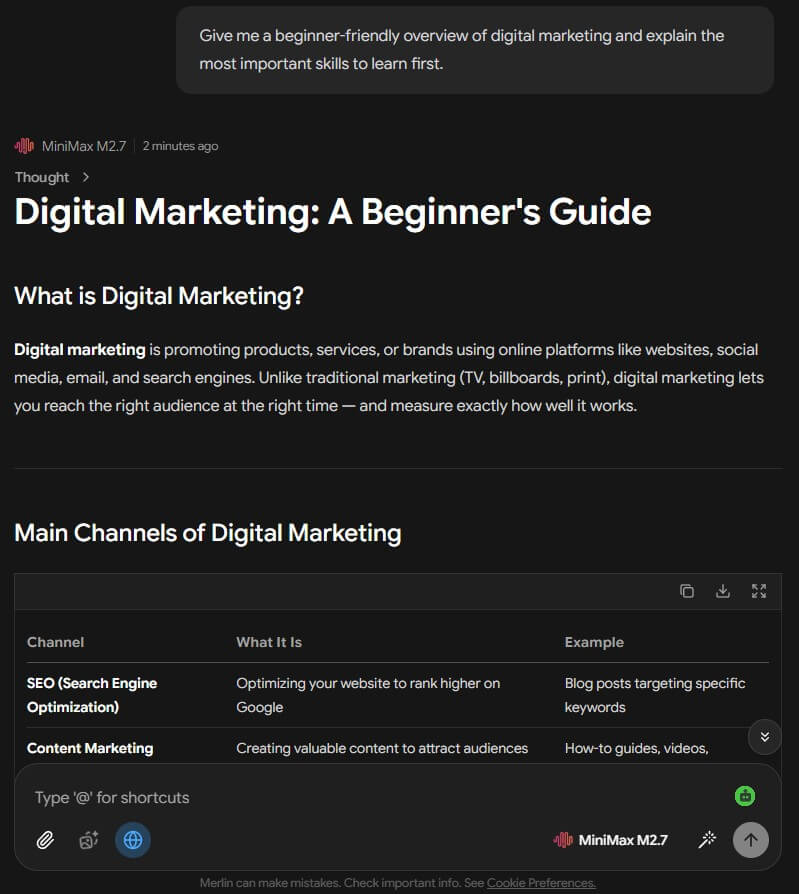
“Give me a beginner-friendly overview of digital marketing and explain the most important skills to learn first.”
Prompt:
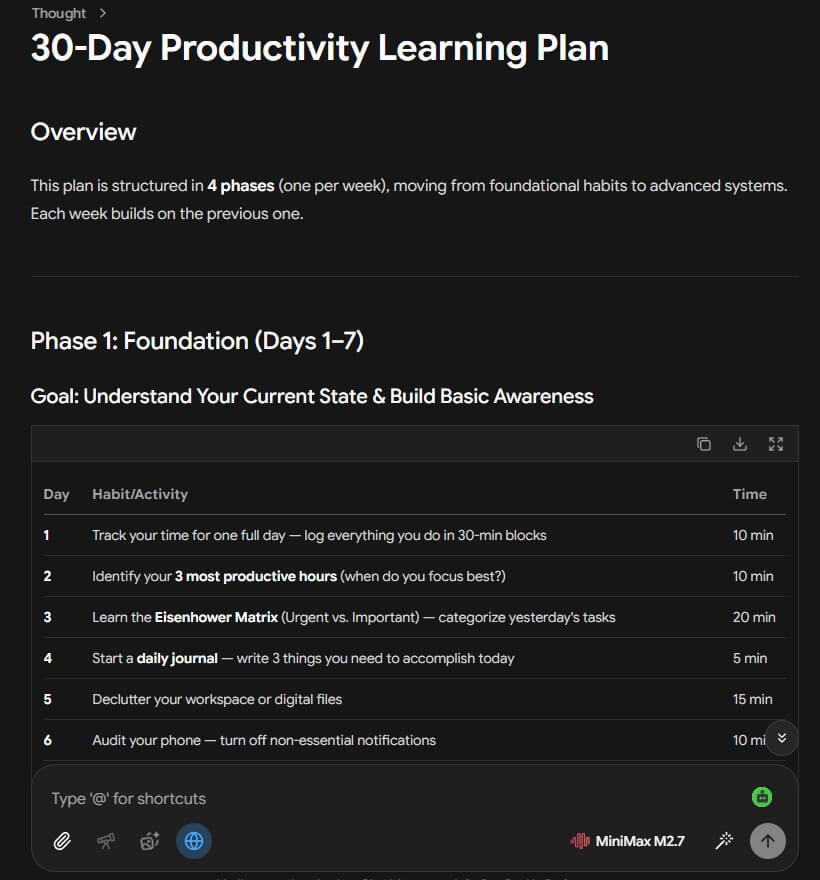
“Create a step-by-step plan for learning productivity habits over the next 30 days.”
Merlin is strongest for people who want AI help inside the browser rather than inside one separate chat app. It is useful when you are reading an article, checking search results, reviewing a document, replying to an email, or trying to summarize a video before deciding whether it is worth your time.
The browser-native workflow matters. On the Chrome Web Store, Merlin is described as a browser agent for researching and chatting with websites, videos, and documents, with real-time web and file integration. The listing also notes that one account works across Chrome, Edge, iOS, Android, Windows, and Mac.
That cross-platform angle is helpful, but the strongest experience is still likely on desktop, where browser context matters most.
Merlin lets users access several major AI model families from one interface, which is useful when one model is better for reasoning, another for writing, and another for quick answers.
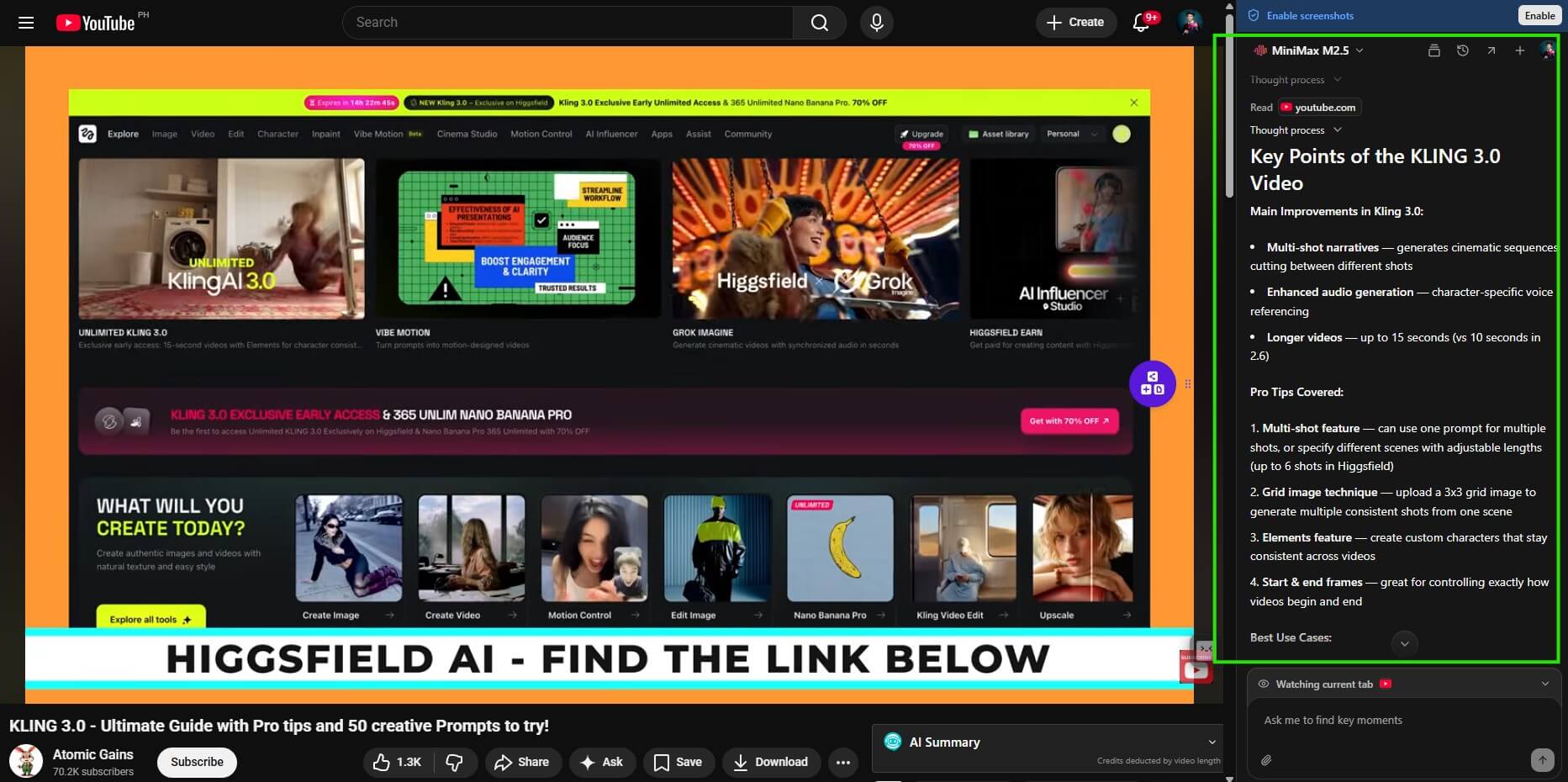
Merlin can open as a side panel on websites to summarize, translate, extract points, and answer questions about page content.
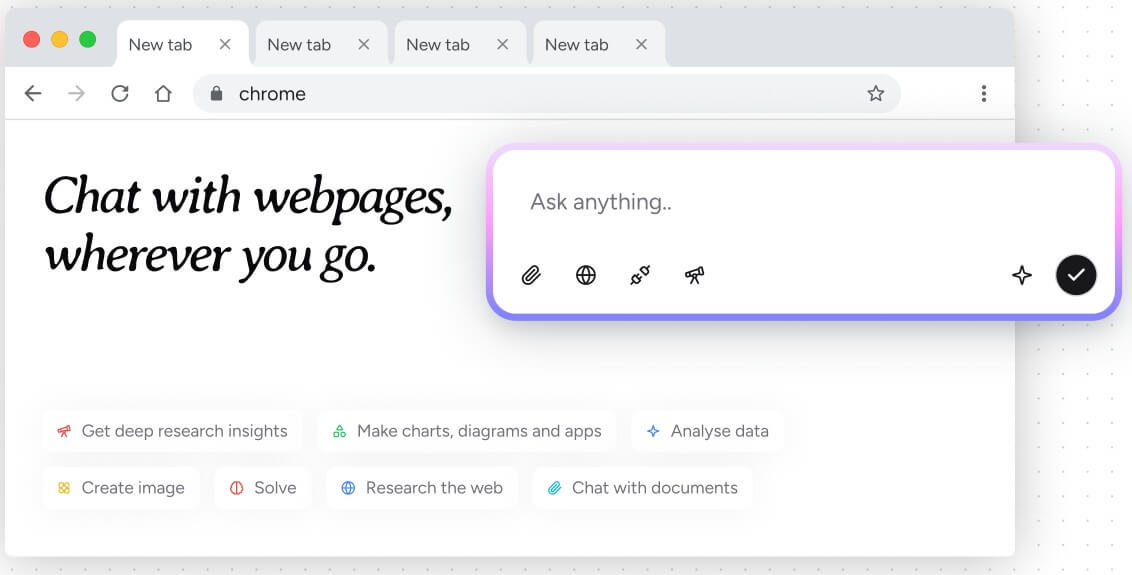
Merlin’s DocChat can summarize documents and answer questions based on uploaded PDFs, DOCs, PPTs, text files, and other formats.
Merlin offers dedicated summary workflows for long articles, blogs, documents, and YouTube videos.
Merlin supports drafting, rewriting, tone changes, outlines, emails, social posts, and other browser-based writing tasks.
Merlin’s help content describes Projects as containers for documents, instructions, model settings, conversation history, and access controls, which can be used to create specialized assistants.
Merlin’s basic workflow is easy to understand. Install the extension, sign in, pin it if needed, and use the shortcut or toolbar icon when you want help. For article summaries, Merlin says its summary button appears near the top-right corner of an article page. For documents, the DocChat workflow involves opening Merlin, selecting a PDF or file, then choosing whether to summarize or chat with it.
The interface is useful because it meets different tasks where they happen. Search support appears near research. Gmail help appears near email. YouTube summaries appear near videos. Page chat appears inside the browsing session.
That said, Merlin’s breadth can also make the product feel crowded. A focused summarizer or email assistant may be easier to understand on day one. Merlin gives you more surface area, but that means users need to learn which feature to use for which job.
| Layer | What it does | Why it matters |
|---|---|---|
| Browser extension | Adds AI to websites, search, Gmail, LinkedIn, X, YouTube, and pages | Best for in-context work |
| Web app | Central AI chat and tool access | Better for longer sessions |
| Mobile app | AI chat and tools on Android, with desktop sync described in the app listing | Useful for continuity across devices |
| Projects | Turns files, context, and instructions into custom assistants | Good for repeat workflows and knowledge bases |
| Crafts and analysis tools | Generates artifacts such as code, diagrams, dashboards, or documents | Useful for users who want outputs beyond chat |
Merlin’s Android listing also describes support for model families including ChatGPT, Grok, DeepSeek, Gemini, Claude, Meta Llama, and Perplexity, plus tools for PDFs, image generation, YouTube summaries, and translation.
Merlin’s output quality depends on the model selected, the task, and the context available. This is an important point. A summary of a clean article is different from a summary of a cluttered webpage. A PDF Q&A task is different from a general chat question. A short Gmail reply is different from a long research brief.
The practical advantage is model choice. If Merlin gives you access to several model families in one place, you can use faster models for light work and more capable models for harder writing, analysis, or reasoning tasks. The downside is that users may not always know which model is best. Merlin gives flexibility, but flexibility can create decision fatigue.
Document chat is one of the more useful areas because it narrows the task. Instead of asking a general chatbot to “help with this PDF,” Merlin’s DocChat is designed for document summarization and question answering. That makes it a stronger workflow for students, researchers, analysts, HR teams, and anyone reading long files.
Merlin is a strong fit for students who need article summaries, PDF Q&A, research help, and quick explanations. It is also useful for professionals who write emails, review documents, scan reports, research competitors, or draft LinkedIn and social posts.
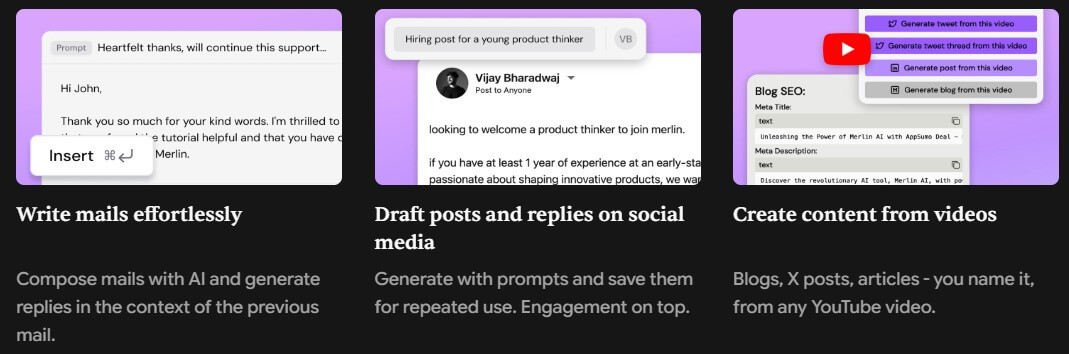
Content marketers can use Merlin for outlines, rewrites, summaries, and quick research across pages. Sales and customer success teams may find value in LinkedIn, Gmail, and webpage assistance. Founders and solo operators may like having one AI layer for research, writing, documents, and brainstorming.
Merlin is less ideal for people who want one highly specialized tool. A dedicated writing app may offer more editorial structure. A dedicated research platform may provide stronger source management. A dedicated coding assistant may fit development workflows better. Merlin’s strength is range, not extreme depth in one category.
The first trade-off is feature overload. Merlin tries to cover chat, search, writing, summaries, files, translation, images, custom assistants, and analysis. That can be useful, but it can also feel busy if you only need one simple job done.
The second limitation is trust and privacy awareness. The Chrome Web Store privacy section says Merlin handles personally identifiable information and location, while also declaring that data is not sold to third parties and is not used for unrelated purposes. Users working with sensitive business, legal, medical, or personal documents should still review the privacy policy and avoid sending confidential content unless it fits their rules.
The third caveat is model clarity. Merlin references many model families, but model availability and behavior can change over time. Users should check the current model picker inside the app before building a workflow around a specific model.
Merlin is best for users who want AI help across the browser, not only inside a standalone chatbot. Its strongest value is convenience: webpage chat, article summaries, YouTube summaries, document Q&A, writing help, and multi-model access in one place.
It works especially well for students, researchers, marketers, founders, and professionals who read and write across many online tools. The main caveat is breadth. Merlin can do a lot, but users who need deep specialization, strict data controls, or a calmer interface may prefer a narrower tool.
TAGS: Productivity AI Chat/Assistant
Related Tools:

Enhances emotional well-being through interactive AI chatbot
AI-powered chatbot that automates customer support interactions

Automates chat interactions with customizable chatbots

Answers questions, generates content, and analyzes information

AI-driven scriptwriting software

Provides advanced features for ChatGPT