

Share this tool:
 |
Description:
- Introduction
- What Boltic Actually Is
- Where Boltic Is Strongest
- Strong Features and Capabilities
- Workflow Builder and Automation Logic
- AI and Intelligent Document Processing
- Data Platform Layers: Database, Storage, Gateway, and SDK
- Workflow and Ease of Use
- How Boltic Compares to Other Automation Platforms
- Best Use Cases
- Limitations and Trade-Offs
- Final Takeaway
Boltic, also called Fynd Boltic in its documentation, is an AI-powered automation and data operations platform for teams that want to connect apps, move data, automate processes, and add AI into business workflows. It is not just a Zapier-style connector tool and not only a data pipeline product. Its current direction is broader: workflows, integrations, AI agents, MCP servers, gateway, database, storage, serverless compute, monitoring, and SDKs in one platform.

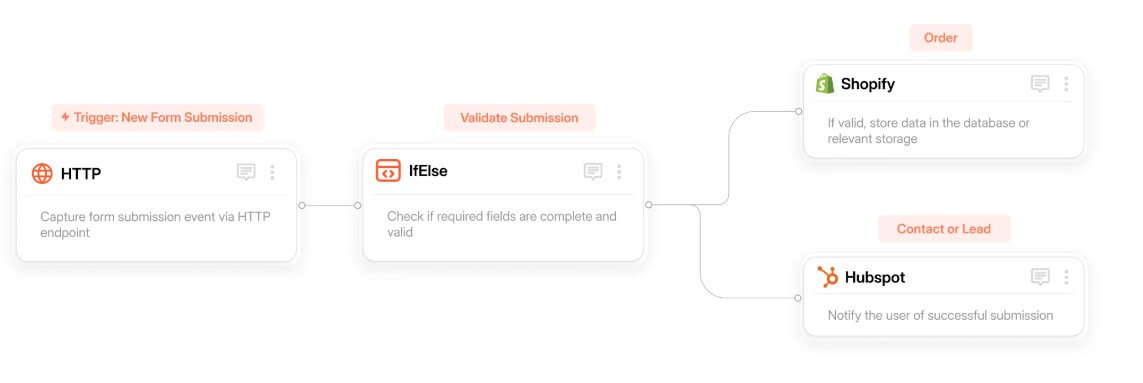
The simplest way to understand Boltic is as a low-code automation layer for business operations and data workflows. You build workflows on a visual canvas, connect triggers and actions, use integrations to move data between tools, add AI steps when reasoning or extraction is needed, and monitor executions after they run. Boltic’s workflow documentation describes it as a no-code or low-code automation tool where each workflow begins with a trigger and continues through activities that run in sequence or parallel.
That makes Boltic useful for teams that have outgrown manual spreadsheets, copy-paste reporting, one-off scripts, and disconnected SaaS tools. A workflow might start when a record changes, pull data from a database, transform it with an AI step, send an email, post to Slack, update another app, and store the result. The docs give a similar example of extracting information from a Fynd Boltic Database, processing it through OpenAI, and sending insights through Gmail.
The platform also includes a broader enterprise data layer. Its documentation lists services for Workflows, MCP, Pipes, Gateway, Database, Monitor, Storage, CLI, and SDK. That tells you where Boltic is going: not only automating tasks, but becoming a central operating fabric for data movement, app connectivity, and AI-assisted execution.
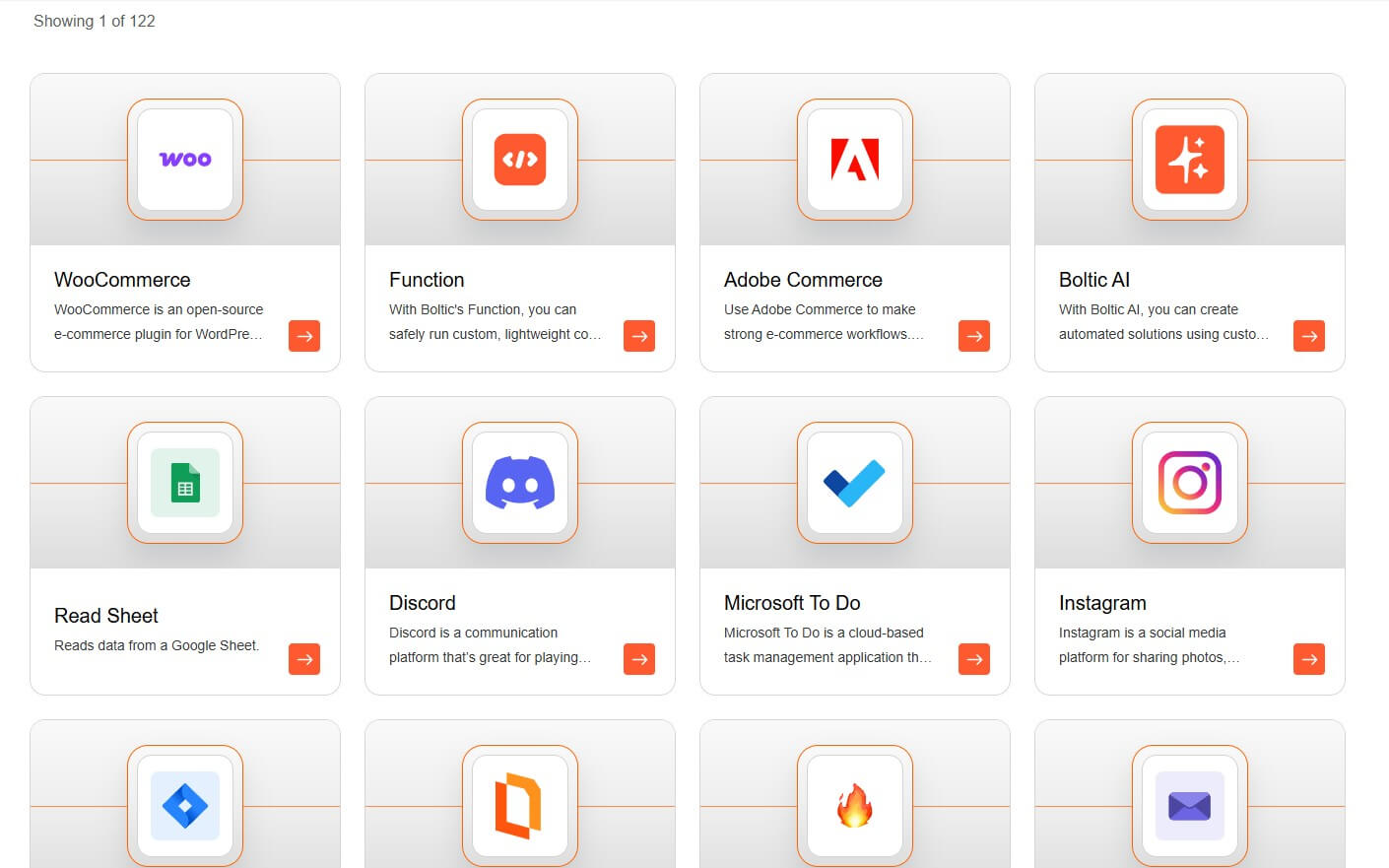
Boltic is strongest when workflows combine structured data, business apps, and AI logic. Basic automation tools can handle simple triggers, but Boltic becomes more interesting when the process needs extraction, transformation, routing, validation, monitoring, and repeatable execution.
Its official site positions the platform around automating data extraction, reducing manual effort, and accelerating workflows with intelligent AI. It also highlights large-scale workflow execution and a wide integration ecosystem, with the homepage referencing hundreds of integrations.
The clearest fit is operations work. Think finance teams processing documents, support teams routing tickets, data teams syncing records, ecommerce teams updating product or order information, or internal teams generating recurring reports. These are not glamorous workflows, but they are the ones where automation saves real time.
| Feature | Practical value |
|---|---|
| Visual Workflow Builder | Lets teams create multi-step workflows with triggers, actions, branching, and integrations through a canvas. |
| AI Functions | Supports tasks such as text generation, summarization, sentiment analysis, and data extraction inside workflows. |
| Integrations | Connects workflows to third-party apps, databases, APIs, communication tools, and business systems. |
| Database | Provides a no-code database layer for storing, editing, sharing, and automating structured data. |
| MCP Support | Lets teams create and host MCP servers so AI assistants can access tools and perform actions. |
| Monitoring and Execution History | Tracks workflow runs, status, duration, triggers, identifiers, and recent execution activity. |
The feature set is broad, but the best part is the connection between these layers. Boltic is not only saying “connect app A to app B.” It is trying to let teams build operational workflows where data, AI, integrations, and monitoring live together.
Boltic’s workflow builder is the product’s core. A workflow starts with a trigger, such as a scheduled time, a webhook event, a database update, or an app event. Triggers define the condition that causes the automation to run. Boltic’s trigger documentation explains that a trigger is the starting point of every workflow and is required before a workflow can execute automatically.
After the trigger, users connect activities. These might pull data, call an API, update a table, send a notification, run an AI step, or execute custom logic. Boltic also supports custom JavaScript and Python through its Function activity, which is useful when a workflow needs logic that a standard connector cannot handle.
That mix of visual automation and custom code is important. Pure no-code tools are easier at first, but they can become limiting. Pure code gives more control, but requires developer time. Boltic sits in the middle, giving business and technical teams a shared workspace.
Boltic’s AI angle is practical rather than decorative. Its native Boltic AI integration supports automation tasks like text generation, summarization, sentiment analysis, and data extraction without requiring external authentication for that built-in node. The integration page also says teams can route data to custom AI models or specialized endpoints when needed.
That matters because AI is most valuable in automation when it handles messy inputs. A workflow can read text, classify it, extract fields, summarize a document, or decide how to route an item. Boltic also has an Intelligent Document Processing use case around AI-powered extraction, with references to template-based OCR and document field extraction in its documentation.
For finance, operations, healthcare, logistics, and compliance-heavy teams, this is one of the more useful areas. The platform can help turn documents and semi-structured inputs into workflow-ready data. The caveat is that extraction should still be reviewed in high-stakes settings. AI can reduce manual work, but it should not be treated as automatically correct.
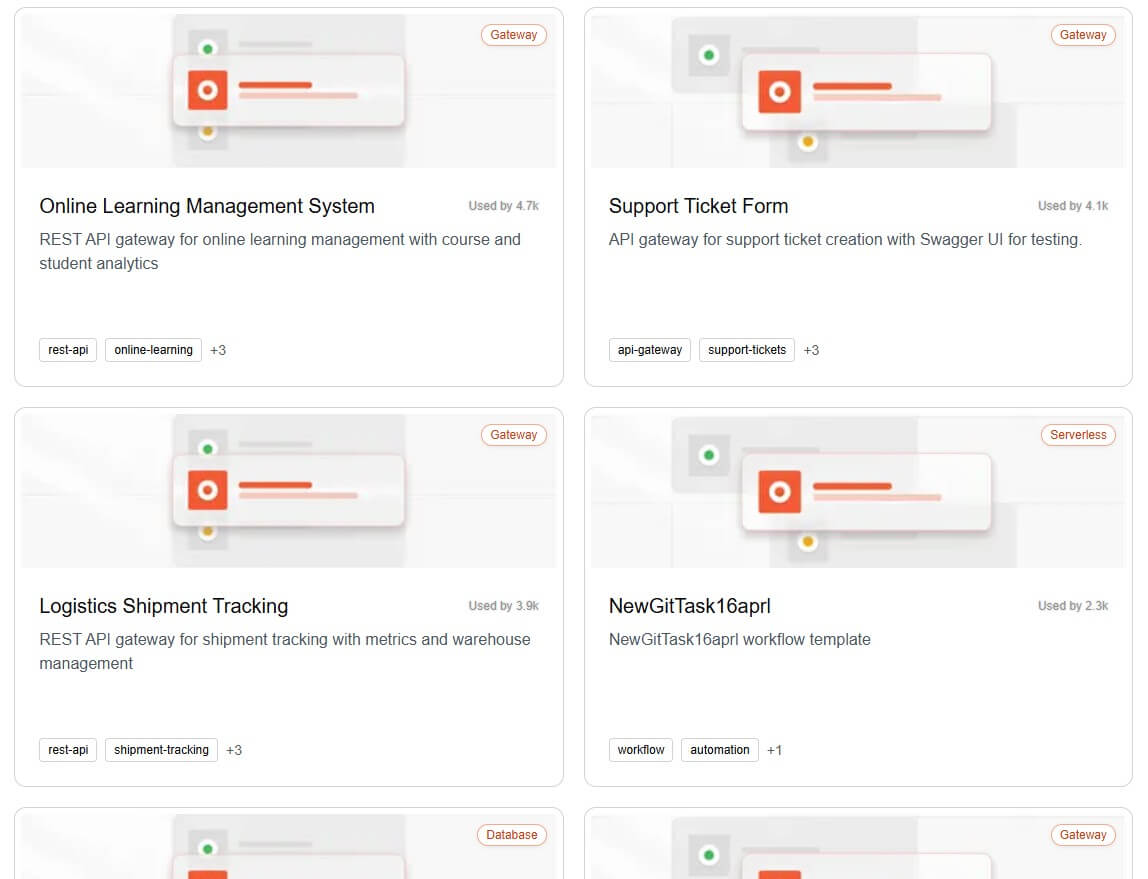
Boltic’s broader platform layers give it more depth than a basic automation builder. The Database product is a no-code tool for structured data management, while Boltic Tables workflows can add, update, delete, and fetch rows using static values or dynamic data from previous workflow steps.
Storage adds a secure and scalable file-management layer, and the SDK gives developers a TypeScript-friendly way to work with Boltic services across web, mobile, Node.js, and serverless environments.
The Gateway and MCP pieces are more technical but important. Gateway is positioned as a unified layer for managing, routing, and securing APIs and integrations, while MCP helps AI assistants access business tools without custom API wiring for every action. For a non-technical user, these may sound like extra infrastructure. For a team building repeatable automation, they matter. Workflows become easier to maintain when the data, file storage, app actions, API access, and monitoring are part of the same platform.


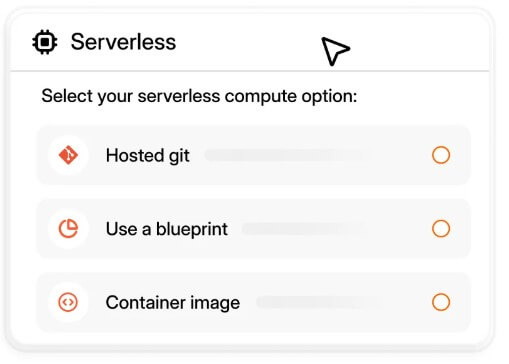
Boltic is easier than writing every integration by hand, but it is not a toy. The visual workflow canvas helps reduce setup friction, templates can speed up common use cases, and the product page highlights Fynd Boltic Express as a way to describe what you need and generate workflows faster.
Still, good automation requires planning. Users need to define triggers, permissions, error handling, data mapping, approval points, and what should happen when a workflow fails. Boltic’s execution history helps here because teams can review every run of a workflow version, including status, trigger, duration, and identifiers.
The best users will treat Boltic as an operations system, not just a shortcut tool. Build small workflows first. Watch how they run. Add AI after the process is stable. Then scale the automation once the team trusts the output.
Zapier is broader on app count and is strongly positioned around no-code AI workflows, agents, chatbots, tables, forms, canvas, enterprise functions, and thousands of connected apps. Make is strong for visual automation and agentic workflows that teams can see and control, with many AI app integrations. n8n is a better fit for technical teams that want visible workflow control, deeper code flexibility, and deployment on their own infrastructure or n8n’s cloud.
Boltic’s angle is more data-operations oriented. It feels closer to an automation platform built for enterprises that care about workflows, structured data, AI extraction, integrations, storage, monitoring, APIs, and governance. It may not be the first choice for someone who wants the largest consumer app ecosystem. It is more appealing when automation is tied to data movement, operational workflows, and internal systems.
Boltic is a strong fit for finance operations, document processing, data sync, internal reporting, support routing, ecommerce operations, logistics workflows, customer data updates, scheduled checks, and recurring business process automation.
It is especially useful when a workflow crosses several systems. For example, a team may need to capture form data, enrich it, classify it with AI, save it in a database, notify a team, and update a CRM. Boltic’s workflow, database, AI, integration, and monitoring layers are well matched to that kind of work.
It is less ideal for users who only need one simple personal automation. In that case, a lighter tool may be easier.
The first limitation is complexity. Boltic covers many areas, which is useful for serious teams but may feel heavy for beginners. Users who only want a quick email-to-spreadsheet automation may not need the full platform.
The second trade-off is setup quality. AI-powered workflows need clean inputs, clear rules, test cases, and monitoring. If a workflow is poorly mapped, Boltic will not magically fix the process.
The third caveat is governance. A platform that can move data, run code, call APIs, and trigger AI actions needs careful permissions. Teams should define who can build, edit, publish, and monitor workflows before scaling usage.
Boltic is best for teams that want AI-powered workflow automation connected to real data operations. Its strongest value is the combination of visual workflows, integrations, AI functions, document extraction, no-code databases, MCP, storage, gateway, SDKs, and execution monitoring. The main caveat is that Boltic rewards structured thinking. It can automate serious business processes, but the best results come from teams that define their workflows clearly, test them carefully, and use AI where it improves the process rather than where it only sounds impressive.
TAGS: Productivity
Related Tools:

Cloud platform for video and audio AI applications

Helps teams document access internal information

Automatically plans and organizes your schedule
Automates formula generation in spreadsheets

Corrects data-entry errors

AI-powered research assistant