
Share this tool:
 |
Description:
WasItAI is an AI image detection tool built for one main question: was this image made by AI or by a human? It is aimed at people who need a quick authenticity signal, such as artists, photographers, journalists, marketplace teams, researchers, and everyday users checking suspicious visuals online.
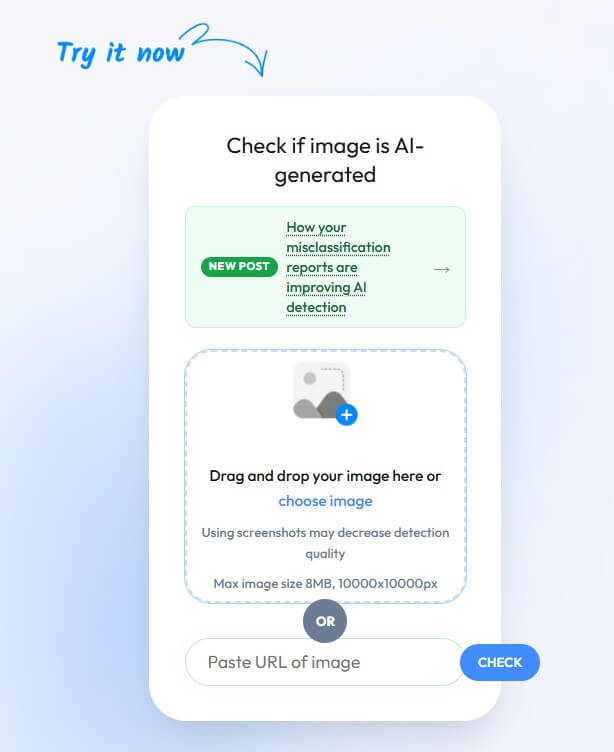
WasItAI analyzes uploaded images and returns a result that indicates whether the image is likely AI-generated or human-created. The official site describes it as an AI image detector that analyzes a photo or image in seconds and helps users decide whether it came from an AI generator or a real human source.
The workflow is simple. You upload an image or enter an image URL, the platform analyzes it, then it returns a result. WasItAI also says registered users can access detailed reports with confidence scores, while API access is available for users who want to connect detection into a larger workflow.
This makes WasItAI closer to a verification aid than a creative tool. It does not generate images, edit files, or improve image quality. It gives a probability-based signal about origin.
WasItAI’s public explanation says the detector analyzes characteristics and patterns inside an image, then compares those features against a database of real and AI-generated images to estimate the image’s origin. That is the right level of detail for most users. You do not need to understand computer vision to use it, but you do need to understand that the result is statistical.
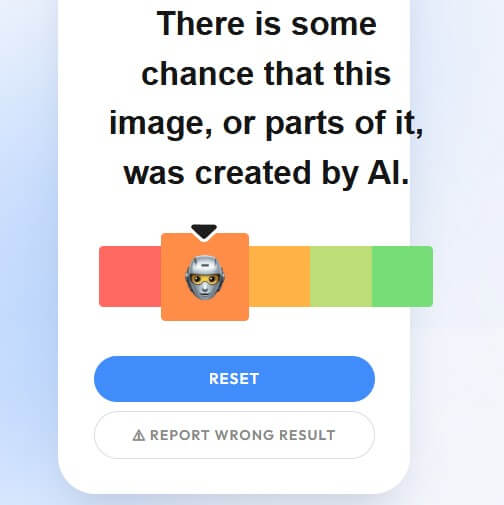
A useful way to read the output is: “This image has signs that resemble AI-generated images” or “This image looks more like a human-made or camera-created image.” It should not be read as: “This is proven fake” or “This is proven real.”
That distinction matters because AI image generation keeps improving. WasItAI’s own terms say AI content detection is probabilistic and may produce false positives and false negatives. The same terms also warn users not to treat results as ground truth or as a replacement for human expert review.
| Feature | What It Means for Users |
|---|---|
| Image upload checking | Run a photo or image through the detector |
| URL-based checking | Analyze an image from a link when supported |
| Confidence score | See how strongly the tool leans toward its result |
| Detailed reports | Get more context than a basic yes-or-no answer |
| Dashboard access | Manage checks through an account-based workspace |
| API access | Add detection to business or platform workflows |
The feature set is narrow, but that is not a weakness by itself. WasItAI is trying to solve one problem quickly. The stronger question is whether the result is reliable enough for the decision you are making.
WasItAI is strongest as a first-pass image authenticity checker. It is useful when you see a suspicious profile picture, product image, viral news photo, AI art claim, travel listing, or social post and want a quick read before trusting it.
It is also useful for artists and photographers. The company’s blog says user feedback from artists, photographers, researchers, and everyday users has shaped recent improvements. It specifically mentions work on reducing false positives for artwork, stylized images, renders, edited photos, and other difficult cases that can resemble AI-generated content.
That is important because image detectors often struggle with creative work. A painting, 3D render, heavily edited photo, or stylized portrait can look “synthetic” even when a human made it. WasItAI appears aware of that issue, and its recent blog update is more honest than many detector tools. It says the team adjusted predictions to feel more balanced in ambiguous cases and does not claim the detector will ever be perfect.
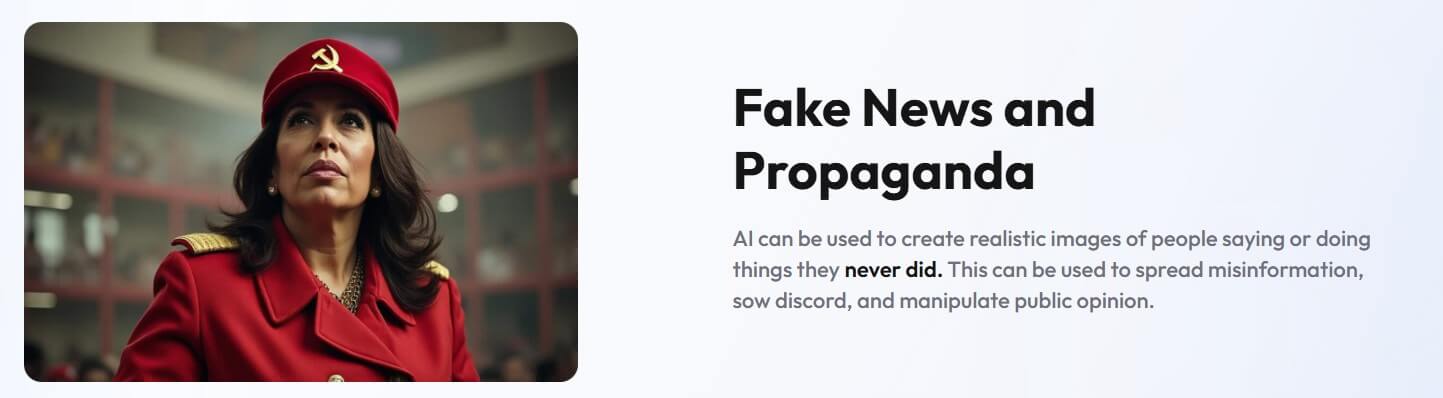
These examples show the kinds of image-risk scenarios where an AI image detector can be useful as an early screening tool.
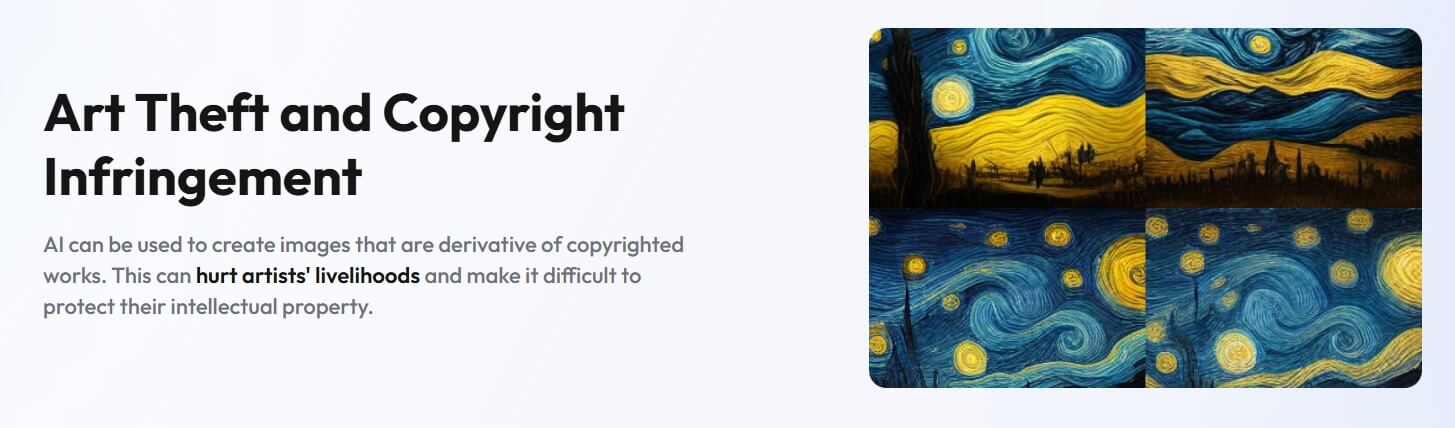
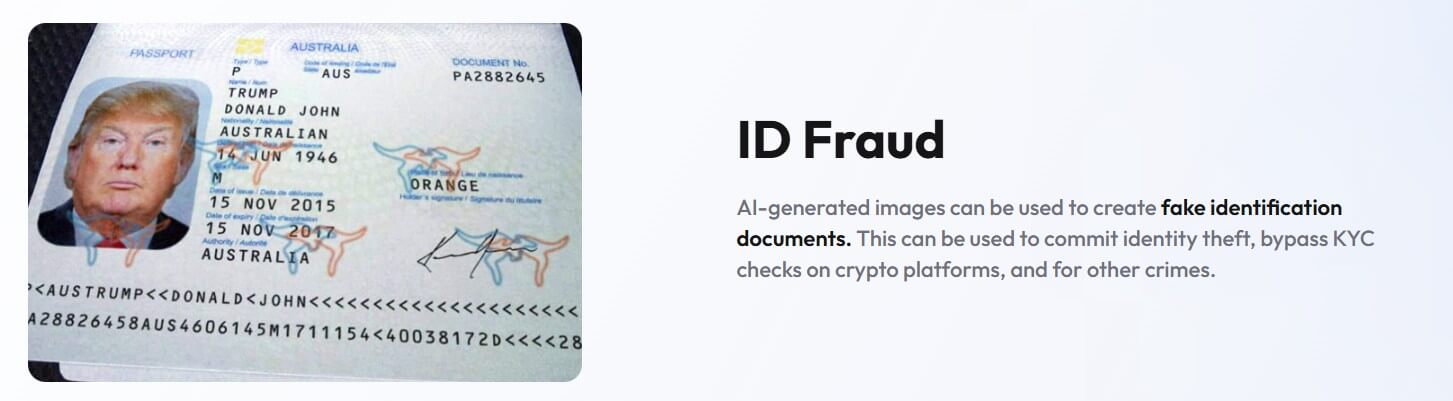
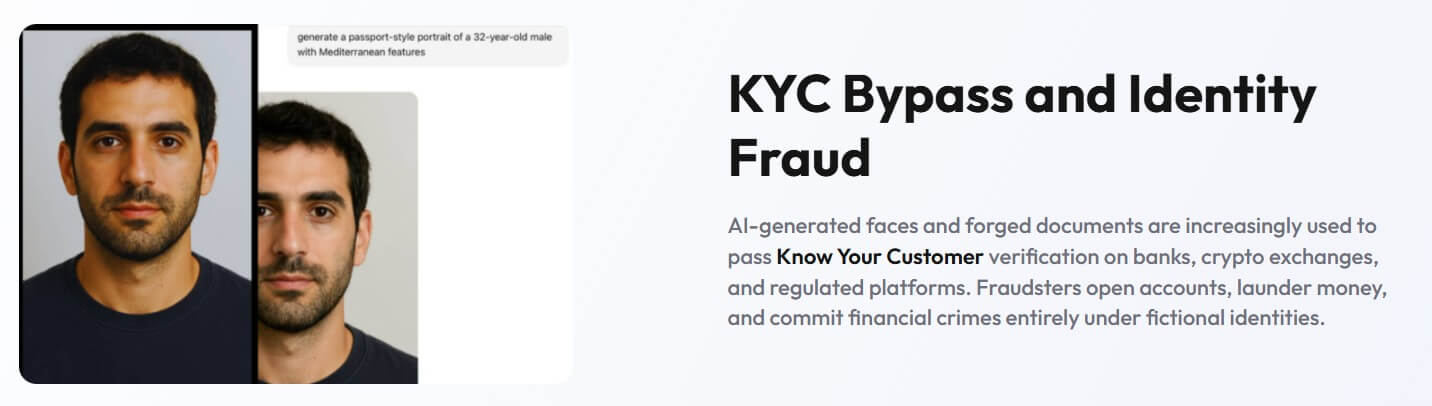

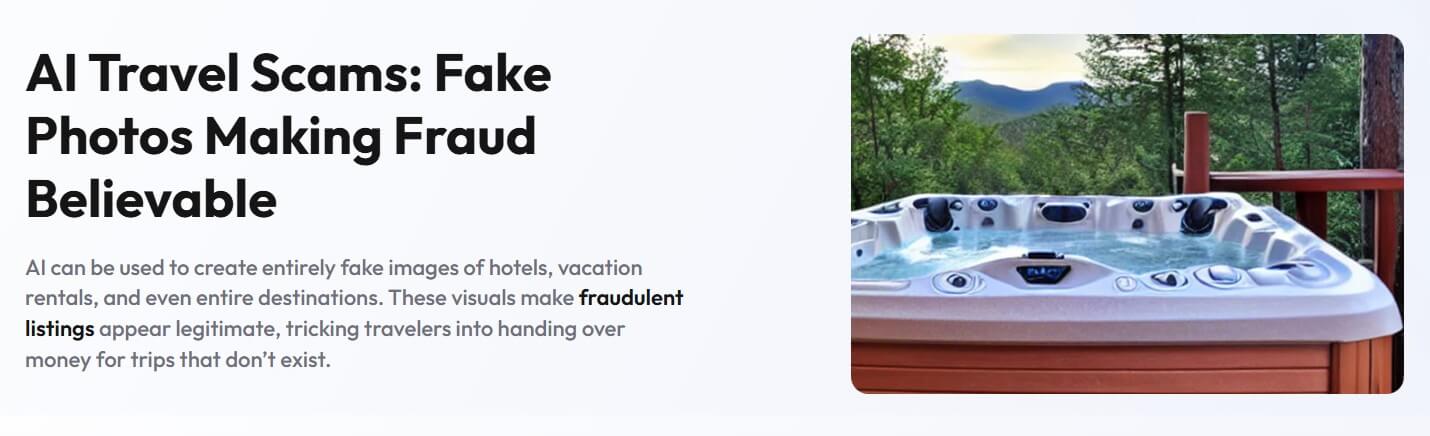
The public workflow is easy to understand: upload, analyze, review the result. That makes WasItAI accessible for non-technical users. You do not need prompts, settings, training data, or forensic experience to run a check.
The dashboard and API side make it more useful for businesses. For example, a marketplace could screen listing images. A trust-and-safety team could check suspicious uploads. A publisher could add image checks to an editorial review process. The official API page lists dashboard access, detailed reports, confidence scores, high-speed processing, integration support, and an option for on-prem installation for enterprise-style use cases.
Still, the tool should not become an automatic judge. The best workflow is to combine WasItAI with other checks: source tracing, reverse image search, metadata review, creator confirmation, publication context, and human review.
WasItAI’s privacy policy says submitted images are processed to return a detection result and are not stored beyond the time required to complete the analysis request. It also says images are not shared with third parties or used to train models without explicit consent.
That is a useful privacy stance, especially for artists and businesses checking sensitive images. Still, users handling confidential, legal, medical, or unreleased commercial material should review the terms directly before uploading anything important.
The main limitation is uncertainty. WasItAI can be wrong. The official terms state that accuracy can vary based on image content, resolution, source, post-processing history, and the specific AI generation method used.
This matters most in high-stakes settings. A detector result should not be used as the sole basis for accusing an artist, rejecting a student submission, firing a contractor, denying a claim, or publishing a serious allegation. WasItAI’s terms say users should not use service output as sole or primary evidence in legal, academic, employment, insurance, or disciplinary decisions without independent expert verification.
Another limitation is mixed-media editing. A photo may be real but retouched with AI. An image may combine human photography, AI inpainting, filters, compression, cropping, and reposting. A single “AI or human” label may not capture that messy middle.
WasItAI works best for quick authenticity checks on suspicious images, reviewing social media posts before sharing, screening marketplace visuals, helping artists respond to AI-generated image claims, and supporting trust-and-safety workflows.
It is less suited for final proof in disputes. For serious cases, treat it as one signal in a larger investigation.
WasItAI is best at giving users a fast, practical read on whether an image appears AI-generated.
Its simple upload workflow works well for everyday checks, while reports and API access make it more useful for teams.
The main caveat is reliability. WasItAI can help you question an image, but it should not be treated as final proof without context, source checks, and human judgment.
TAGS: AI Detection
Related Tools:

Verifies authenticity of online content
Compares photos to celebrity look-alike
Distinguish human-written and AI-generated texts
Detects plagiarism and identifies AI-generated text
Identifies AI-generated content on web pages

Verifies authenticity of audio files