
Share this tool:
 |
Description:
TwinMind is an AI memory assistant for people who want to capture what they hear, say, read, and discuss, then ask questions about it later. Its core value is not just meeting transcription. It is the combination of real-time capture, automatic notes, searchable memory, contextual AI chat, browser awareness, and privacy-focused local processing.
| Feature | What it does | Why it matters |
|---|---|---|
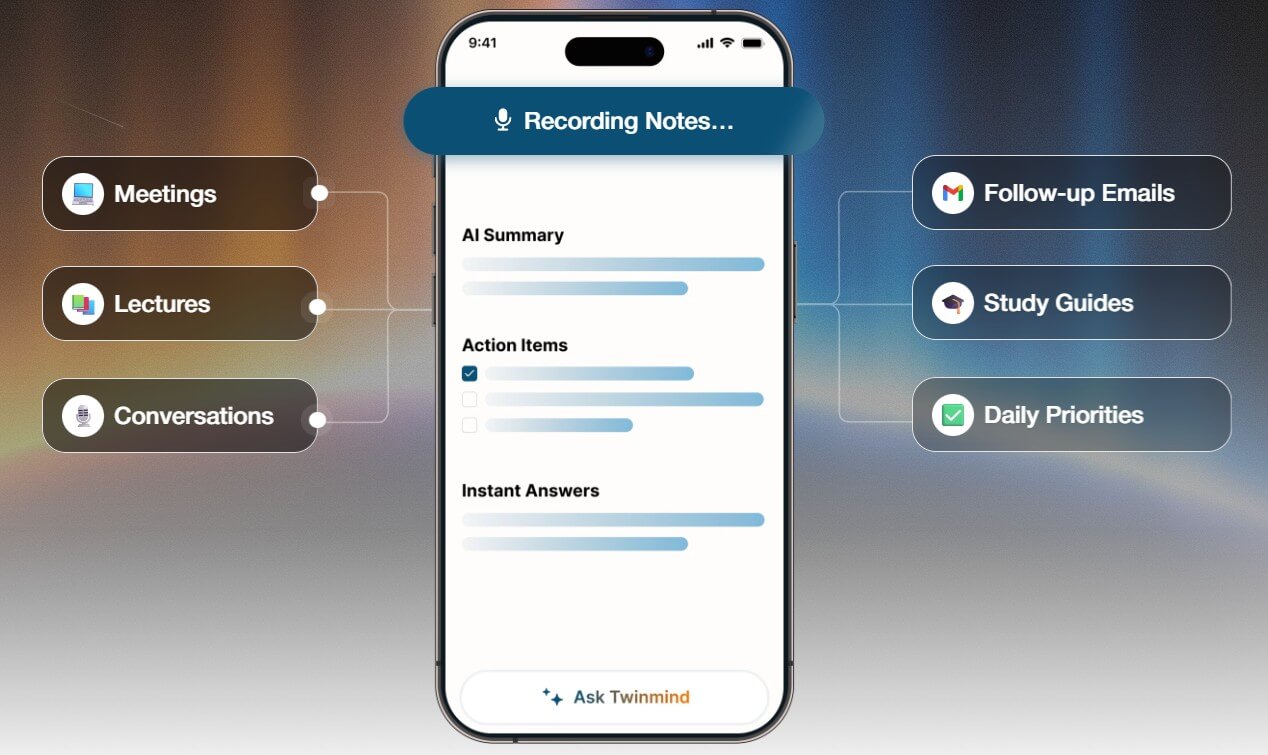
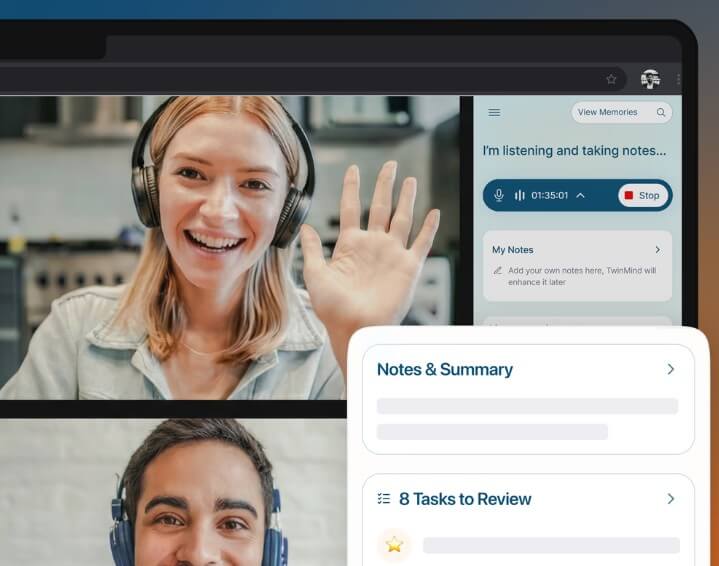
| Real-Time Transcription | Captures conversations and turns them into text as they happen | Reduces manual note-taking during meetings or lectures |
| Meeting Notes and Summaries | Converts transcripts into structured notes and summaries | Makes long conversations easier to review |
| Searchable Memory | Lets users ask questions about past meetings, notes, and captured context | Helps retrieve details without digging through files |
| Chrome Extension | Adds context from browser tabs, PDFs, YouTube videos, and notes | Useful for research, studying, and web-based work |
| Email Assistant | Drafts replies based on meeting notes and past emails | Helps turn captured memory into follow-up action |
| MCP Access | Connects meeting notes, transcripts, tasks, and decisions to compatible AI tools | Lets users query TwinMind context from other AI environments |
TwinMind sits somewhere between an AI meeting note-taker, a personal knowledge base, and a contextual assistant. You use it to capture conversations, meetings, lectures, calls, browser content, and notes. Then you can ask questions across that saved context, generate summaries, find action items, prepare follow-ups, or retrieve something you would otherwise forget.
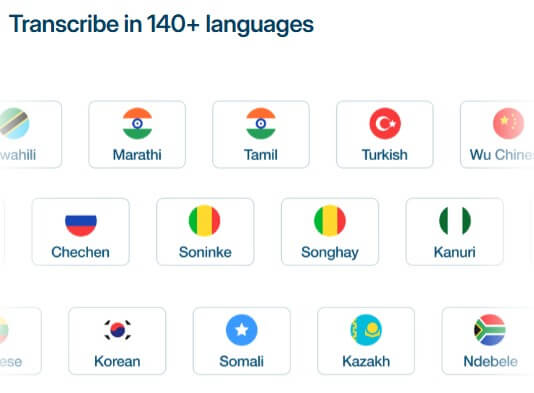
That makes it different from a basic transcription app. A normal transcription tool gives you text from audio. TwinMind is trying to turn that text into memory. The homepage emphasizes real-time transcription, meeting notes without bots, memory recall, 140+ language support, and the ability to ask TwinMind about past context.
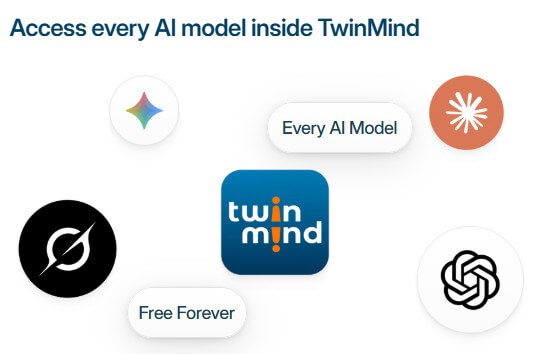
The product is especially interesting because it does not only live in meetings. The Chrome extension says it can answer questions and create study materials from notes, PDFs, YouTube videos, browser tabs, and meeting history. It also says TwinMind can add relevant memories and context to prompts, then route queries to models from OpenAI, Anthropic, Perplexity, and Google.
TwinMind is strongest for people whose work depends on remembering conversations. Meetings, lectures, client calls, interviews, brainstorming sessions, research tabs, and follow-up emails all create information that is easy to lose. TwinMind gives that information a second life by making it searchable and reusable.
The practical advantage is speed of recall. Instead of digging through call notes, Slack threads, email drafts, and browser bookmarks, you can ask a question like: “What did the client say about launch timing?” or “Summarize all my meetings about the hiring plan last week.” The homepage even shows this kind of memory use case with prompts such as summarizing meetings from a past week.
This is most useful when context compounds over time. A single meeting summary is helpful. A searchable memory of dozens of meetings, conversations, documents, and browser sessions is more valuable.
The capture layer is TwinMind’s foundation. Its transcription page says the product supports speaker tracking, time stamps, audio-event details, and multilingual transcription. That matters because messy transcripts are hard to reuse. If you cannot tell who said what or when a decision happened, the transcript becomes another document you avoid opening.
TwinMind also has a different posture from many meeting assistants because it promotes meeting notes without bots. That matters in real meetings. Bot-based note-takers can be awkward, especially in sensitive sales calls, interviews, executive meetings, or one-on-one conversations. A tool that captures locally or through the user’s own device can feel less intrusive.
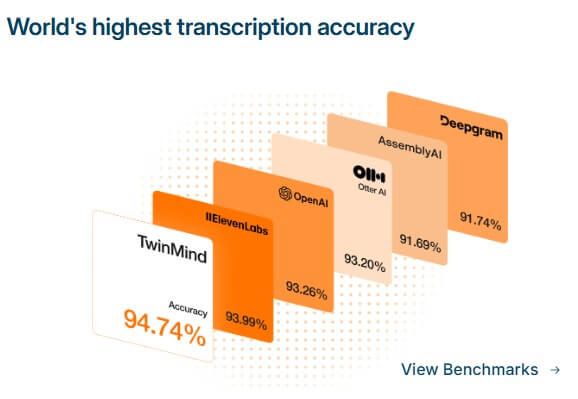
Still, transcription quality should always be tested with your real environment. Accents, background noise, speaker overlap, technical terms, poor microphones, and fast conversations can all affect results. TwinMind’s claims are strong, but the real test is your own meetings.
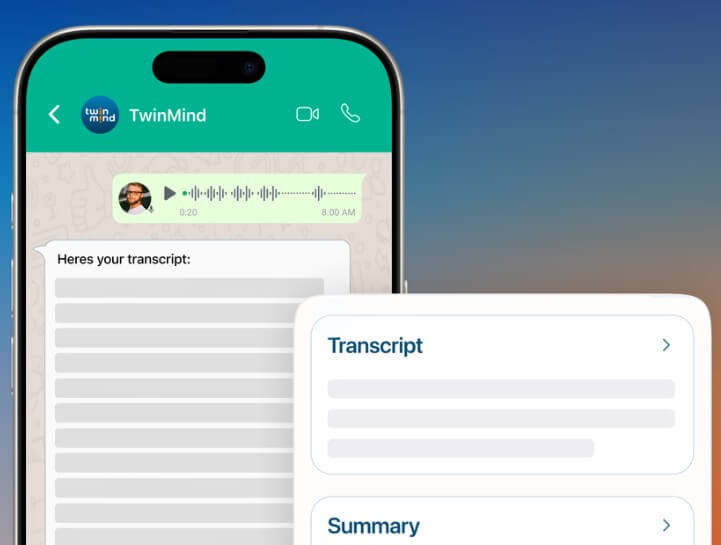
The memory layer is what gives TwinMind its identity. Captured conversations become material you can search, summarize, and question later. This is useful for people who move between many contexts: founders, students, consultants, researchers, product managers, recruiters, sales teams, and executives.
TwinMind’s MCP feature takes that further. The MCP page says users can connect compatible AI tools to TwinMind meeting notes, transcripts, and tasks, then search past notes, retrieve transcripts, review action items, check deadlines, and answer questions based on meeting history. It also notes that TwinMind sends only relevant meeting data for a query rather than the full archive.
That is a meaningful direction. It means TwinMind is not only a standalone app. It can become a memory layer that other AI tools can draw from. For technical users and AI-heavy workflows, that may be one of its more important features.
The Chrome extension makes TwinMind more useful outside meetings. It can work with browser tabs, PDFs, YouTube videos, notes, and past meetings, which makes it relevant for students, researchers, analysts, and anyone who learns from scattered sources.
This is where TwinMind can feel more like a second brain than a meeting recorder. You are not just capturing what people say. You are also connecting web research, documents, videos, and notes into a context layer that AI can use.
The best use case is not random browsing. It is focused research. For example, a student could ask for a study guide from lecture notes and PDFs. A founder could ask for the latest investor objections across meetings. A product manager could ask what customers have repeatedly requested.
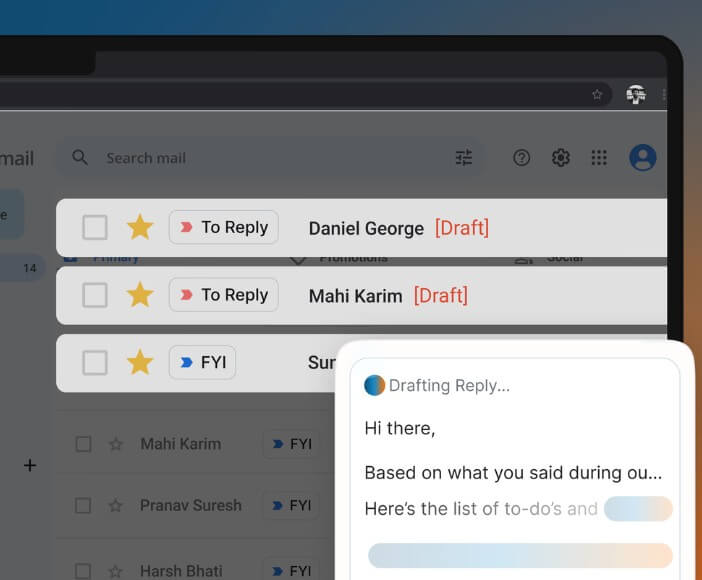
TwinMind also has an email assistant layer. Its email page describes automated email drafts based on meeting notes and past emails, plus email prioritization.
This is useful because meetings often create the next email. After a call, someone needs a recap, a next-step note, a proposal follow-up, a hiring update, or a customer response. TwinMind’s advantage is that it can draft from memory rather than from a blank prompt. That said, users should still review every outbound draft. Memory-based writing can save time, but it can also pull in the wrong context or phrase something too confidently.
Privacy is one of the most important parts of TwinMind because the product deals with conversations and personal memory. TwinMind’s privacy page says audio is not stored by default, raw audio is deleted after real-time transcription, and only transcripts are stored unless users enable audio saving. It also says the company does not sell personal information or use conversations, transcripts, or recordings for ad targeting.
The homepage also states that transcripts and chats are saved locally with optional encrypted cloud backups, and that data is not used to train AI models.
The key caveat is consent. TwinMind’s terms say users are responsible for complying with recording laws, including getting consent from all parties when required. That should not be treated as a footnote. If you capture meetings, calls, lectures, or in-person conversations, you need to understand the rules in your location and your workplace.
TwinMind is best for meeting-heavy professionals, students, researchers, consultants, founders, salespeople, recruiters, and product teams that need to remember details across many conversations. It is especially useful for lectures, client calls, interviews, research sessions, meeting follow-ups, YouTube learning, PDF review, and recurring project discussions.
It is less ideal for users who only need occasional transcription or people who are uncomfortable capturing conversations regularly. It may also be more tool than necessary if your notes are already clean, centralized, and easy to search.
The main limitation is trust. Any AI memory system needs review. Summaries can miss nuance. Action items can be assigned incorrectly. Search answers can sound more certain than the source supports.
The second trade-off is habit. TwinMind gets better as more context is captured, but that also means users need to build a capture routine and keep their memory organized.
The third issue is sensitivity. A tool that remembers conversations is useful precisely because it handles private context. That makes privacy settings, consent, and deletion controls important from day one.
TwinMind is best for people who want more than meeting notes. Its strongest value is turning conversations, browser context, notes, videos, and documents into a searchable AI memory that can support follow-ups, summaries, study materials, and recall. It is a strong fit for knowledge workers, students, founders, researchers, and teams that live in meetings and research. The main caveat is that an AI memory assistant needs careful use. Privacy, consent, and human review matter just as much as the convenience.
TAGS: Productivity
Related Tools:
Helps teams document access internal information

Automates the creation of detailed, easy-to-follow digital guides
Automates post-meeting tasks by listening to conversations
Streamlines the grading process for educators

Automates web tasks, summarizes content, monitors webpage changes
Turns your to-do list into a time-blocked schedule