
Share this tool:
 |
Description:
Sora 2 is OpenAI’s current flagship video-and-audio generation model, built to create short videos with synced sound from text or images. OpenAI positions it around stronger realism, better physics, sharper control, and higher instruction-following than earlier Sora systems, and the current model lineup also includes Sora 2 Pro as the higher-end option for more advanced generation.
Creates video with synchronized dialogue and sound effects instead of treating audio as a separate add-on.
OpenAI highlights more physically accurate motion, sharper realism, and better world behavior than prior Sora systems.
Can generate clips from natural language prompts or from uploaded images.
The Sora experience includes an editor for refining and iterating on videos in one place.
The current official model lineup includes Sora 2 and Sora 2 Pro, with Pro positioned as the more advanced option.
In the Sora editor, videos can be generated up to 20 seconds long, which makes it more naturally suited to short-form content than long narrative scenes.
Prompt used: A handcrafted ceramic mug sits on a wooden table beside a rainy window. Steam rises slowly from the coffee. The camera starts close on the rim of the mug, then gently pulls back to reveal the cozy room around it. Soft morning light, light rain on glass, calm ambient room tone.
This is a good opening test because it checks whether Sora 2 can handle subtle motion instead of relying on spectacle. Steam, rain, soft light, and a slow camera move are enough to show whether the model can make a scene feel lived-in rather than merely animated.
Prompt used: A female runner sprints along a coastal road at sunrise. The camera begins low near the pavement, then rises into a side-tracking shot as wind moves her hair and clothing. The ocean glows in the background. Natural footfalls, wind, distant waves, cinematic sports ad style.
This is the kind of prompt where the stronger model choice makes sense. Running motion, cloth movement, light, and a changing camera angle all need to work together. If the body mechanics and environment hold up, the output feels much more like a directed commercial shot.
Prompt used: A modern architect presents a small scale model of a luxury home on a desk. As she points to each section, the camera slowly moves around the model and subtle animated overlays appear above the rooms. Clean studio lighting, polished design presentation, quiet office ambience.
This is a useful business-style prompt because it tests whether Sora can handle clean presentation content rather than only cinematic fantasy. It is also a good prompt for checking whether the shot stays readable while the camera moves around a detailed object.
Prompt used: A chef in a high-end restaurant plates a dessert with tweezers under warm spotlighting. The camera starts overhead, then lowers into a close side angle as sauce is drizzled and powdered sugar falls in slow motion. Fine dining commercial style. Plate sounds, kitchen ambience, soft utensil contact.
Food prompts are good stress tests because they combine texture, hand motion, close-up detail, and timing. This one is especially useful because it is more delicate than a loud street-food scene. The question is whether the finesse survives the motion.
Prompt used: A children’s storybook illustration of a fox and a rabbit comes to life. The fox looks up, the rabbit hops across a painted hill, and clouds drift in the watercolor sky. Gentle storybook animation, paper texture visible, soft whimsical music-box feel.
This is a strong example because it tests stylization rather than realism. Sora is more useful when it can move between visual styles, not just mimic live-action footage.
Before using this prompt: Upload the sci-fi pilot character image first so Sora can use it as the visual reference.
Prompt used: Using the supplied character image, create a cinematic close-up of the same sci-fi pilot inside a dimly lit cockpit. Warning lights reflect across the visor. The camera slowly pushes in as the pilot turns toward the window and a distant planet glows outside. Keep facial structure, helmet details, and character identity consistent. Low mechanical hum, subtle radio static.
This is one of the more practical prompt types because it tests image-to-video consistency. A lot of tools can make one good-looking sci-fi shot. The harder question is whether the subject still feels like the same character when the clip starts moving.
Prompt used: A jewelry brand video showing a gold necklace displayed on black velvet. The camera slowly orbits the necklace while a narrow beam of light glides across the metal and gemstones. Luxury ad style. Soft room tone, delicate movement, refined pacing.
This is a good commercial test because product shots are easy to overdo. The motion should feel controlled, not flashy. The better the model, the more it understands restraint.
Prompt used: A storm rolls over a rural farmhouse at dusk. Dark clouds gather, wind bends the grass, and the camera tracks slowly toward the front porch as lightning flashes in the distance. Rain begins near the end of the shot. Deep thunder, rising wind, cinematic realism.
This is a strong environmental prompt because it checks large-scale atmosphere, weather behavior, and sound design together. If the storm progression feels believable, that says a lot about the model’s world simulation.
Prompt used: Create a vertical 9:16 social video of a small handmade soap business packaging an order. Show the soap being wrapped in paper, tied with string, placed into a branded box, and sealed with a thank-you sticker. Warm natural light, clean craft-business aesthetic, subtle packaging sounds.
This is the kind of prompt that matters in real use. Not every review example should be cinematic sci-fi or fantasy. Small-business content is one of the clearest practical use cases for short AI video.
Prompt used: A fantasy warrior walks through a ruined temple with a glowing sword. Dust drifts through beams of light. The camera starts behind the character, then swings around into a slow frontal reveal as the warrior stops and lifts the sword. Heavy atmosphere, epic trailer style, distant echo, low dramatic tone.
This is a classic cinematic stress test. It asks for character motion, particles, lighting, camera movement, and dramatic timing in one sequence. It is a good final prompt because it shows whether the model can hold a larger dramatic setup together.
- Short cinematic scenes: Strong fit for clips that need atmosphere, camera movement, and polished visual direction.
- Audio-led video generation: Useful when dialogue, ambience, or sound effects need to come with the generated clip.
- Image-to-video creation: Works for turning uploaded images into moving scenes with synced sound.
- Short-form social or ad content: The current Sora editor is built around short video generation rather than long-form films.
- Iterative video editing: The editor workflow makes it more practical to refine and build on generations instead of treating each clip as one isolated output.
- Use Sora 2 for general short-form generation and prompt testing. Use Sora 2 Pro when the shot depends more heavily on realism, precise motion, or more demanding scene control.
- Describe camera movement clearly. Phrases like “slow push-in,” “side-tracking shot,” “orbit,” or “frontal reveal” are more useful than vague words like “cinematic.”
- Include audio in the prompt when it matters. Synced sound is one of Sora 2’s defining strengths, so it is worth specifying ambience, dialogue, or scene effects directly.
- Keep the scene focused. Since the current editor workflow is built around short clips, one clean idea usually works better than trying to force too many beats into one generation.
Sora 2 is strongest in short-form clips, not long uninterrupted storytelling. The current editor experience generates videos up to 20 seconds long, so longer scenes still need to be broken into smaller pieces and assembled afterward. Also, OpenAI has announced that the Sora web and app experiences are scheduled to be discontinued on April 26, 2026, with the Sora API scheduled for discontinuation on September 24, 2026, so availability may depend on the platform or integration you are using.
Sora 2 is most useful when you want short video clips that feel controlled, atmospheric, and audio-aware instead of silent visual demos. The key strengths are synced sound, stronger realism and physics, image-based generation, and a cleaner edit-and-iterate workflow. For a prompt-first review, the best approach is to show a range of real use cases and label when Sora 2 Pro is the better choice, rather than treating every prompt as if the same model setting is ideal for everything.
TAGS: Text to Video
Related Tools:

Simplifies video editing and creative content production

Creates cinematic videos from text, images, and frames

Creates cinematic videos from text prompts and images

Turns text, images, and audio into stylized videos
Turns text, images, and clips into cinematic videos

Turns text or images into animated, cinematic video clips
Related Videos:
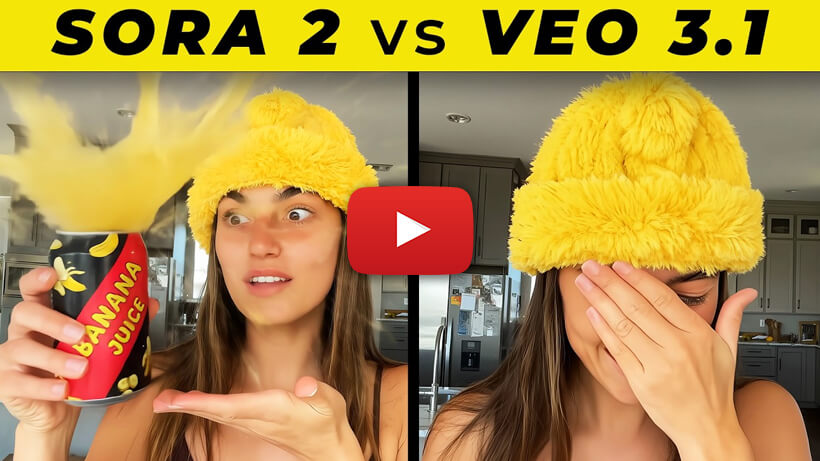
SORA 2 vs VEO 3.1 Comparison: AI Video Battle 2025
Watch a side-by-side comparison of Sora 2 and Veo 3.1 across different test categories to see how these AI video models compare in quality and performance.
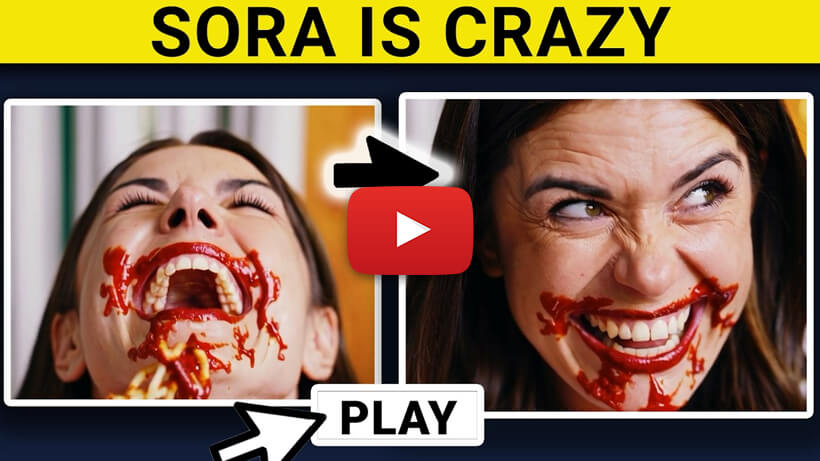
SORA Full Walkthrough & Prompt Battle Against The Best AI Video Tools
Watch a full Sora walkthrough with prompt tests and comparisons against other top AI video generators to see how it performs across different creative tasks.