

Share this tool:
 |
Description:
Pika Review
Turns text, images, and clips into short stylized videos with fast creative effects and editing workflows.
Introduction
Pika is an AI video platform built for fast, creative short-form generation. You can start from text, an image, or an existing clip, then use Pika’s feature-specific tools to animate, extend, transform, insert, swap, stylize, or add effects.
The core engine is Pika 2.5, while the broader toolkit includes Pikaframes, Pikascenes, Pikadditions, Pikaswaps, Pikatwists, Pikaffects, and Pikaformance. That is what makes Pika interesting. It is not just one text-to-video box. It is a more modular creative toolkit for different short-video jobs.
Sample Pika effects in motion
These sample clips show the kind of social-first visual effects, stylized transformations, and fast hook-style results that make Pika stand out for short-form video experiments and attention-grabbing content.
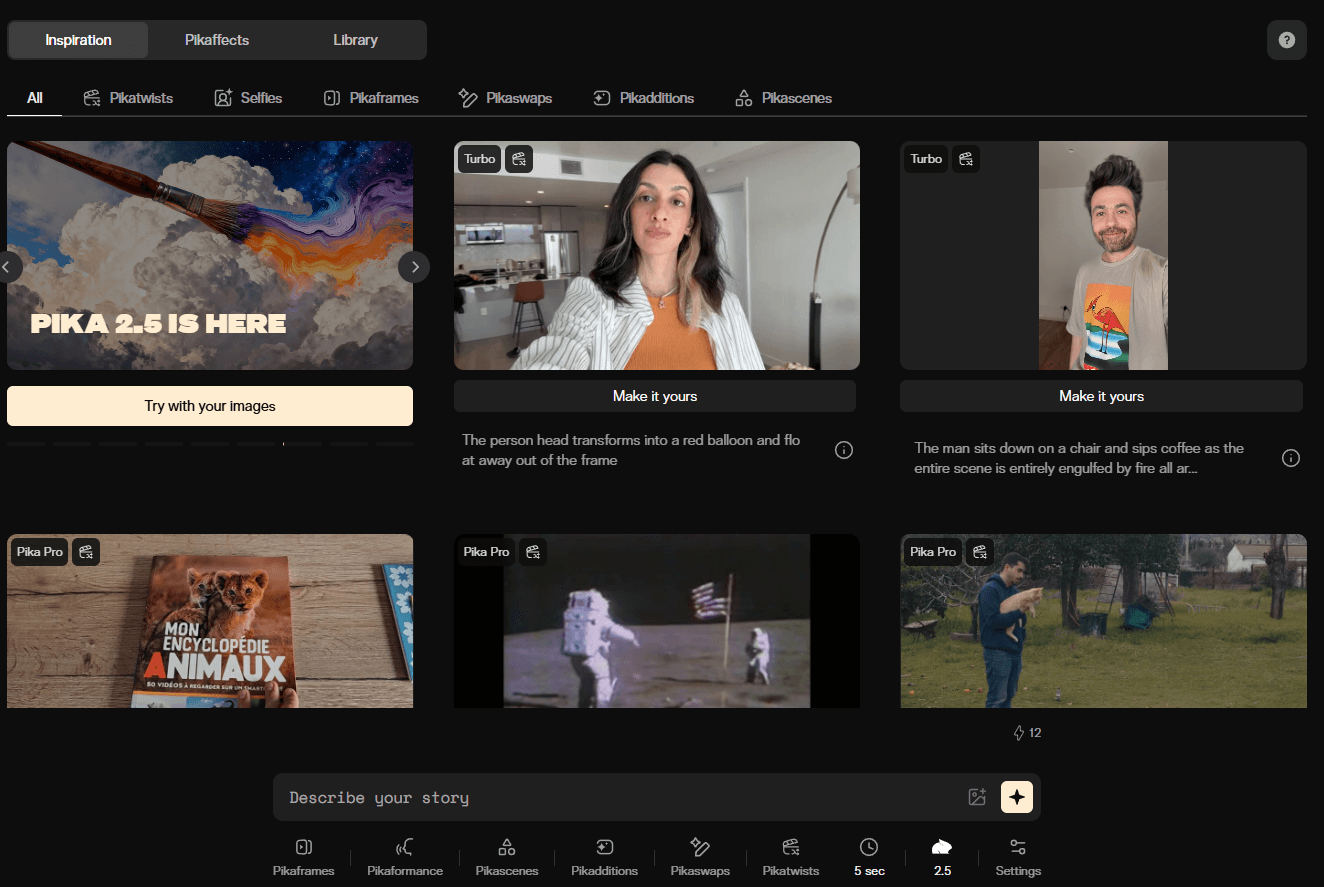
Pika homepage and main platform interface.
Strong Features and Capabilities
Feature-specific toolkit instead of one generic workflow
Pika separates different jobs into tools like Pikaframes, Pikatwists, Pikadditions, Pikaswaps, Pikaffects, Pikascenes, and Pikaformance instead of forcing everything through one workflow.
Fast short-form generation
Pika 2.5 is built around quick 5-second and 10-second video creation from text or images, which fits short cinematic moments, social clips, and fast idea testing.
Longer clip extension with Pikaframes
Pikaframes extends shots up to roughly 20–25 seconds depending on the plan and resolution, making it more practical for ambient sequences, establishing shots, and longer mood clips.
Creative editing and transformation tools
Pikadditions, Pikaswaps, and Pikatwists make it easier to add, replace, or strongly restyle visual content without rebuilding everything from scratch.
Audio-driven portrait animation
Pikaformance is one of the more distinctive features in the platform, giving you a workflow for lip sync, expressive facial motion, and audio-driven portrait animation.
API access for broader workflows
Pika’s API is available through Fal.ai, which matters for teams and builders who want to integrate generation into a broader creative or production workflow.
Sample Prompts You Can Try First
Prompt 1 — Cinematic Short Scene
Best model/version: Pika 2.5
“A lone detective walks through rain-soaked city streets at night, coat collar raised, glancing over one shoulder, neon signs reflected in puddles, cinematic film grain.”
This is one of the most natural Pika use cases. The platform is good at short cinematic moments where mood, lighting, and camera feel matter more than long-form continuity. In clips like this, you are watching for motion fluidity, atmosphere, and whether the scene holds together for five to ten seconds. That is where Pika usually performs best.
Prompt 2 — Image-to-Video Animation
Before using this prompt: Upload a still image.
Best model/version: Pika 2.5
“Animate this mountain landscape photo. Clouds move slowly across the sky. Light wind moves through the trees. Camera holds still.”
This remains one of Pika’s stronger workflows. When the motion is simple and controlled, the platform usually respects the original composition well. That makes it practical for photographers, designers, and social creators who want to animate still images without rebuilding the whole shot from scratch.
Prompt 3 — Pikadditions
Before using this prompt: Upload an image or video clip with a clean scene.
Best model/version: Pikadditions
“Add a small orange tabby cat sitting in the corner of the room, looking at the camera.”
Pikadditions is useful because it solves a very specific editing problem quickly: placing a new object or character into an existing scene. In practice, it works best when the scene is uncluttered and the new object does not have to fight a lot of overlapping detail.
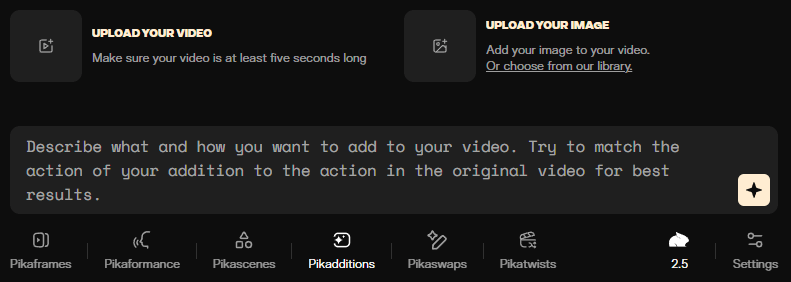
Pikadditions is built for inserting new objects or characters into an existing shot.
Prompt 4 — Pikaswaps
Before using this prompt: Upload an image or video clip with a clearly visible object to replace.
Best model/version: Pikaswaps
“Swap the red car parked on the left for a white vintage pickup truck. Keep everything else the same.”
Pikaswaps is the sibling workflow to Pikadditions. Instead of adding something new, it replaces an existing element while trying to preserve the rest of the shot. For mockups, scene variation tests, and quick creative revisions, that is genuinely useful.
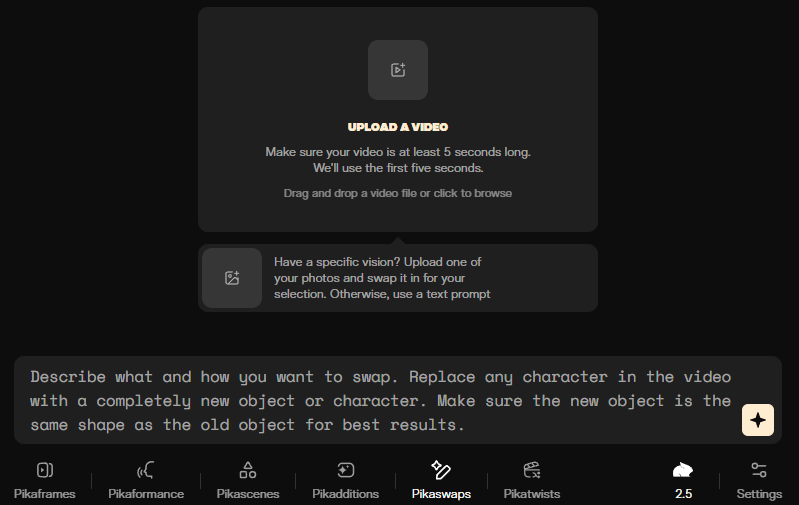
Pikaswaps works best when the object to replace is clearly visible and easy to isolate.
Prompt 5 — Pikatwists for Strong Style Changes
Before using this prompt: Upload an image or clip, or start from text if the style shift is the main goal.
Best model/version: Pikatwists
“Turn this street scene into a vintage 1970s film clip. Add film grain, color fade, light flicker.”
Pikatwists is one of the features that gives Pika more personality than many general video tools. It is designed for bigger stylistic transformation, not subtle cleanup. If your goal is a clear visual choice that feels intentional and fast to iterate, it is much more useful.
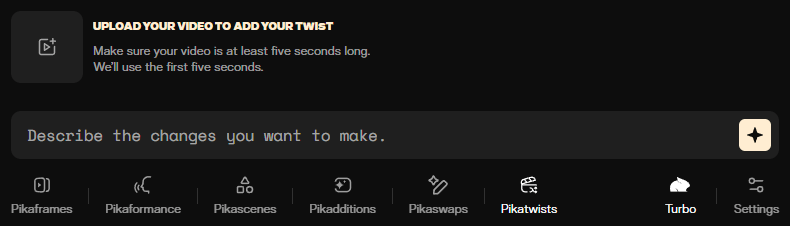
Pikatwists is better for bold visual restyling than subtle realism-first cleanup.
Prompt 6 — Pikaffects for Social Hooks
Before using this prompt: Upload an image or short clip.
Best model/version: Pikaffects
“Add a glitch effect to this video. Heavy digital distortion on the cuts, color channel separation.”
This is where Pika leans most directly into social-first editing. Pikaffects is built for quick, visible, hook-style effects rather than invisible compositing. For TikTok, Reels, and Shorts, that matters.
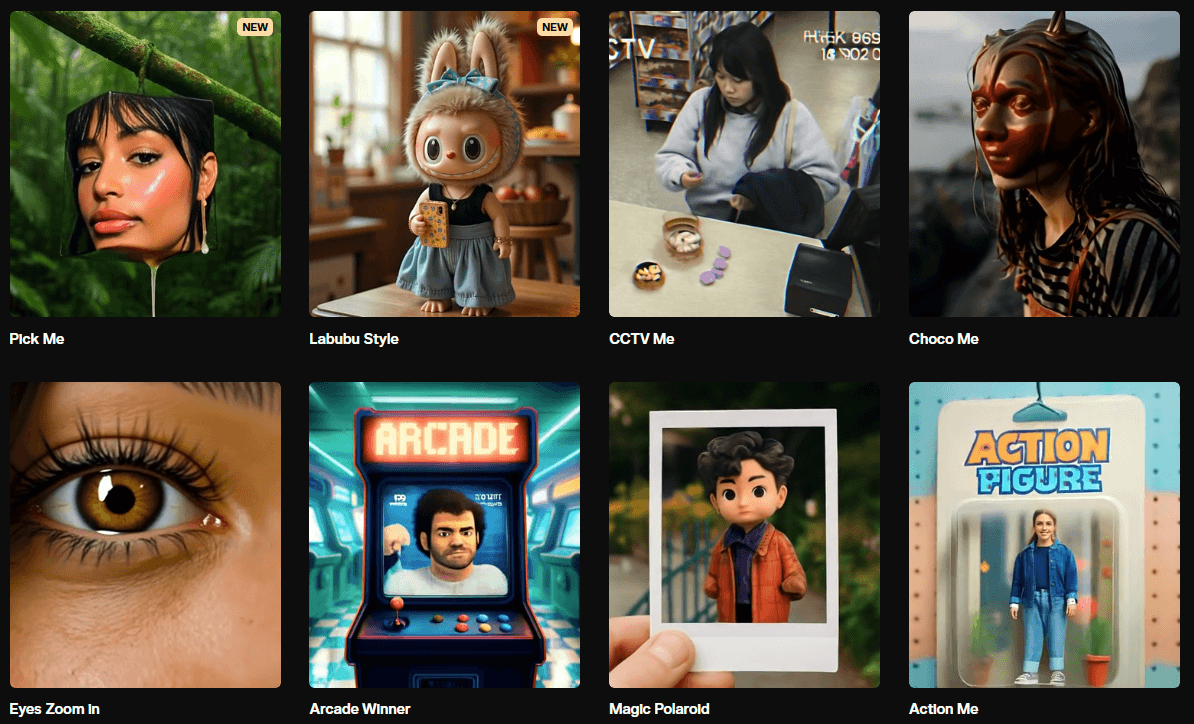
Sample Pika effects for faster social-first visual hooks.
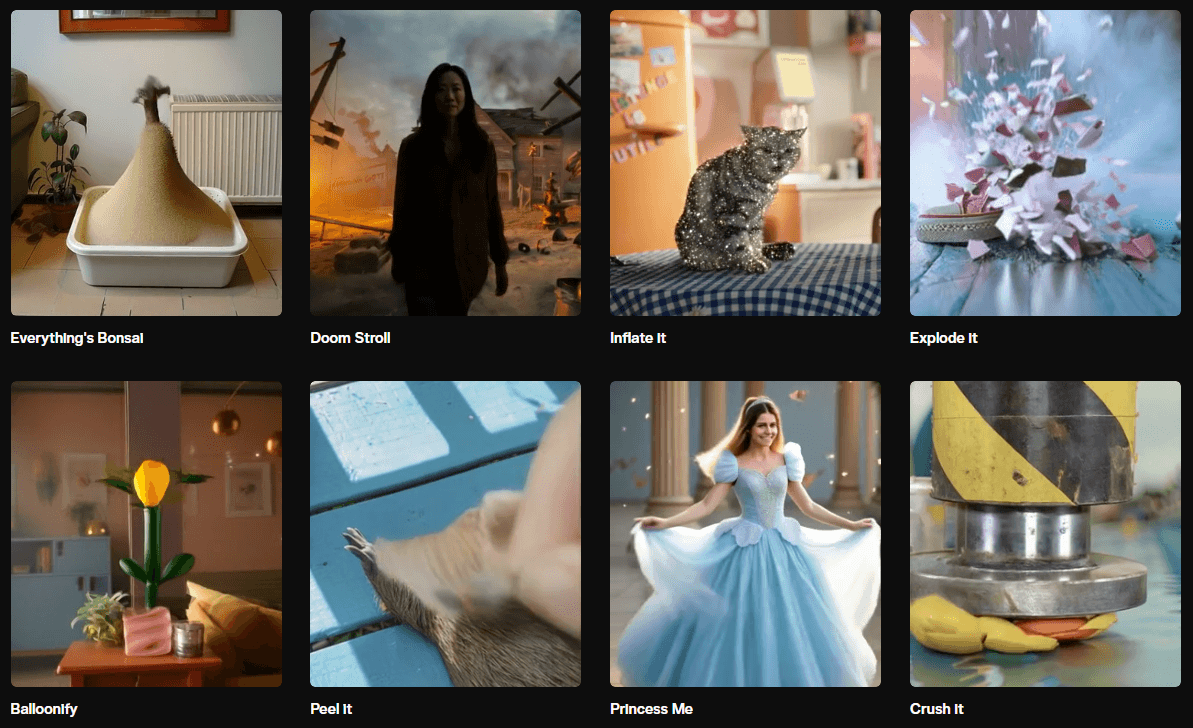
Effects workflows help Pika create more visible transformations quickly.
Prompt 7 — Pikaframes for Longer Clips
Best model/version: Pikaframes
“A slow drone shot over a misty forest at dawn. Light breaking through the trees. Gradual forward camera movement. Extend to 20 seconds.”
Pikaframes is the feature that stretches Pika beyond its normal short-clip window. That makes it useful for establishing shots, ambient sequences, and stock-style background footage. It does not suddenly turn Pika into a long-form narrative editor, though.
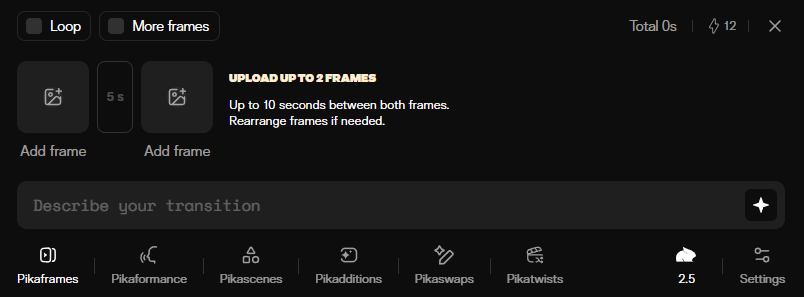
Pikaframes is designed for extending shots into longer atmospheric clips.
Prompt 8 — Pikaformance for Audio-Driven Portrait Animation
Before using this prompt: Upload a portrait image and a clean audio clip.
Best model/version: Pikaformance
“Animate this portrait to match the attached 15-second vocal clip. Use lip sync and expressive facial motion.”
Pikaformance is one of the more distinctive parts of the platform. It is a genuinely useful tool for portrait animation, talking-head experiments, lyric visuals, and stylized character content.
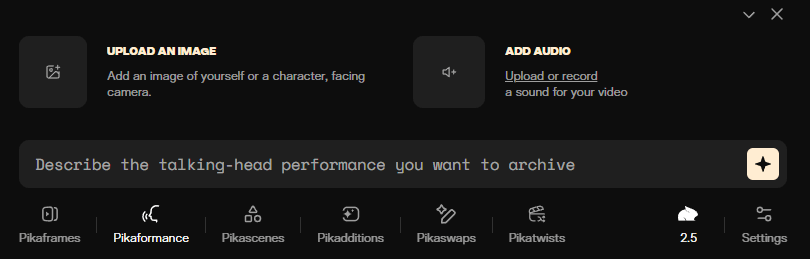
Pikaformance focuses on audio-driven portrait animation, lip sync, and expressive facial motion.
Prompt 9 — Playful Product Clip
Before using this prompt: Upload a clean product image if you want more control.
Best model/version: Pika 2.5 or Pikascenes depending on the workflow
“A bottle of perfume on a marble surface. Slow 360-degree rotation. Soft golden light from the left. Mist gently rising around the base. Luxury product feel.”
Pika is not a full product-CG pipeline, but it is very capable for short product-style clips where mood, camera movement, and quick polish matter more than perfect physical realism.
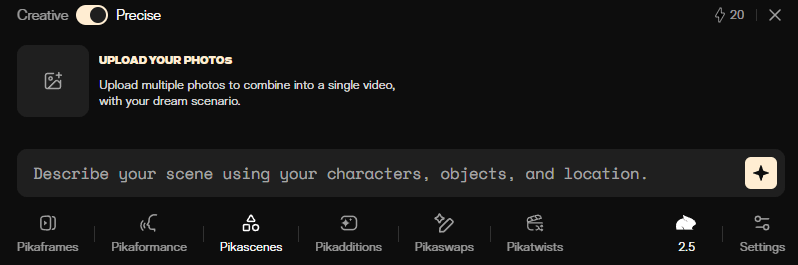
Pikascenes helps show how Pika breaks video work into more focused creative workflows.
Best Use Cases
Short-form creative content: Pika is strongest for cinematic mood clips, animated stills, stylized transformations, quick hooks, and short experimental edits.
Product marketing and e-commerce: It works well for short ad-like footage, product mood clips, and website hero visuals where style and speed matter more than full production realism.
Social media content: Pika fits creators making content for TikTok, Reels, and Shorts because its tools are designed for visible effects, fast motion, and quick iteration.
Creative direction testing: It also makes sense for designers, photographers, marketers, and creative teams who want a lower-friction way to test visual ideas quickly before committing to heavier production workflows.
Practical Tips
Be specific about the camera move: Phrases like “slow push in,” “static wide shot,” or “top-down view” usually help more than vague cinematic language.
Use the right tool for the right job: If you want to insert something, use Pikadditions. If you want to replace something, use Pikaswaps. If you want a stronger style shift, use Pikatwists.
Use cleaner source material for better results: For Pikaformance, cleaner isolated audio usually produces cleaner sync. For insertion and replacement workflows, cleaner scenes usually produce cleaner edits.
Explore rough ideas before spending more credits: Since pricing scales by resolution, duration, and tool type, a rough-to-final workflow is usually more efficient than rendering everything at maximum quality immediately.
Limitations Worth Knowing
Short durations still work best: Even with Pikaframes, longer clips are still limited and continuity can drift more as duration increases.
Character consistency across separate clips is still hard: That is not unique to Pika, but it matters if you want a recurring character across many shots.
Stylized output is usually stronger than strict realism: If your priority is extremely realistic close-up humans or very precise product detail, that is not where Pika feels strongest.
Complex scenes are harder for editing tools: Dense scenes with overlapping elements give tools like Pikadditions and Pikaswaps less room to work cleanly, and credits can disappear faster than expected if you combine higher resolution, longer duration, and repeated iteration.
Final Takeaway
Pika is one of the more usable AI video tools for fast creative short-form work. Its biggest strength is not just Pika 2.5 itself. It is the fact that the platform breaks different video jobs into clear tools like Pikaframes, Pikadditions, Pikaswaps, Pikatwists, Pikaffects, and Pikaformance.
That makes it easier to move quickly once you know what kind of result you want. It is not the tool I would pick first for the most realistic long-form cinematic work. But for short, stylized, feature-rich clips with a low barrier to entry, Pika is one of the stronger options in the category right now.
TAGS: Text to Video
Related Tools:

Simplifies video editing and creative content production

Creates realistic videos from text prompts and images

Creates cinematic videos from text, images, and frames

Creates cinematic videos from text prompts and images

Turns text, images, and clips into cinematic videos

Turns text or images into animated, cinematic video clips
Related Videos:
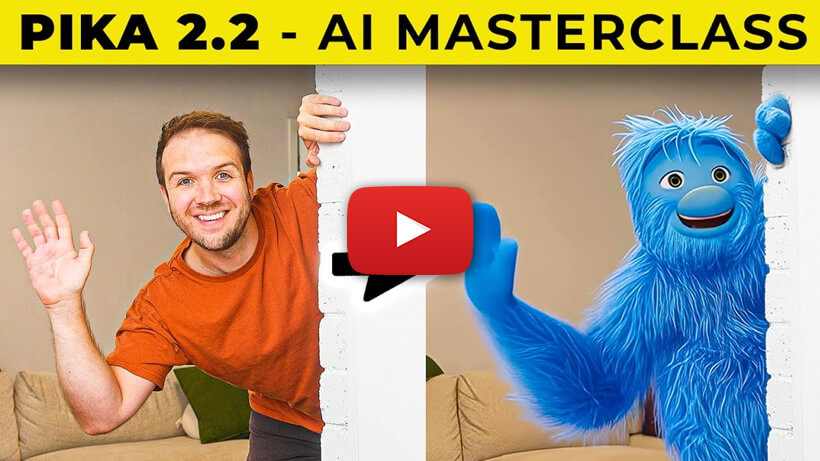
Create AMAZING Videos & Ai VFX | PIKA Ai 2.2 Tutorial | 5 Insane Techniques
Pika 2.2 has added some incredible features to easily help you create mind-blowing advanced looking videos.
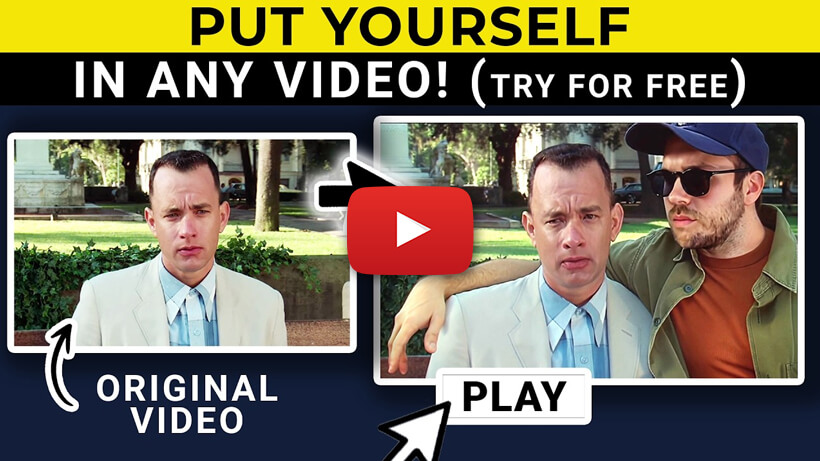
PikaAdditions Is Mind-blowing! Easily Add Anything Into Any Video
Want to create mind-blowing AI-generated videos in minutes? In this video, I’ll show you how Pika AI’s Pikaddition lets you insert anything into your videos
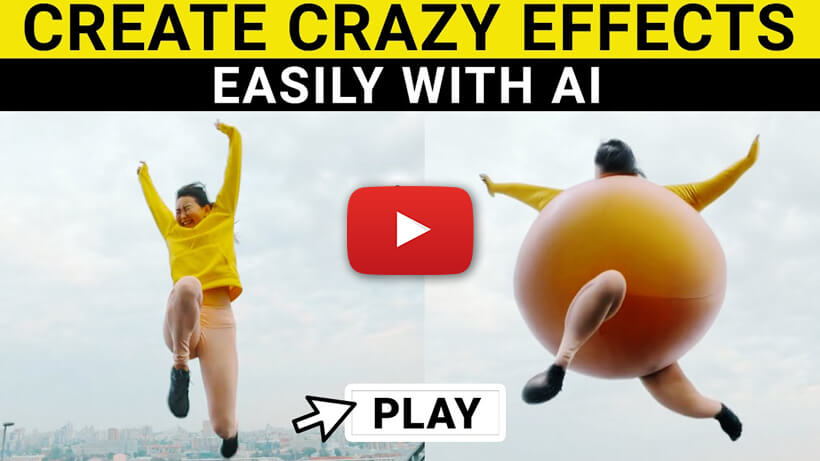
Create Viral Video Effects With Pika Ai | Full Tutorial
I will show you how to create amazing Ai VFX videos using Pika’s crazy effects.