

Share this tool:
 |
Description:
Nova AI is an online video editing platform built around fast browser-based editing, automatic subtitles, translation, voiceover tools, stock media, and AI-assisted video analysis. It is not mainly a cinematic generative video model. It is closer to an accessible editing workspace for creators, marketers, educators, social media teams, and businesses that need to cut, subtitle, translate, resize, and package videos without installing traditional editing software.
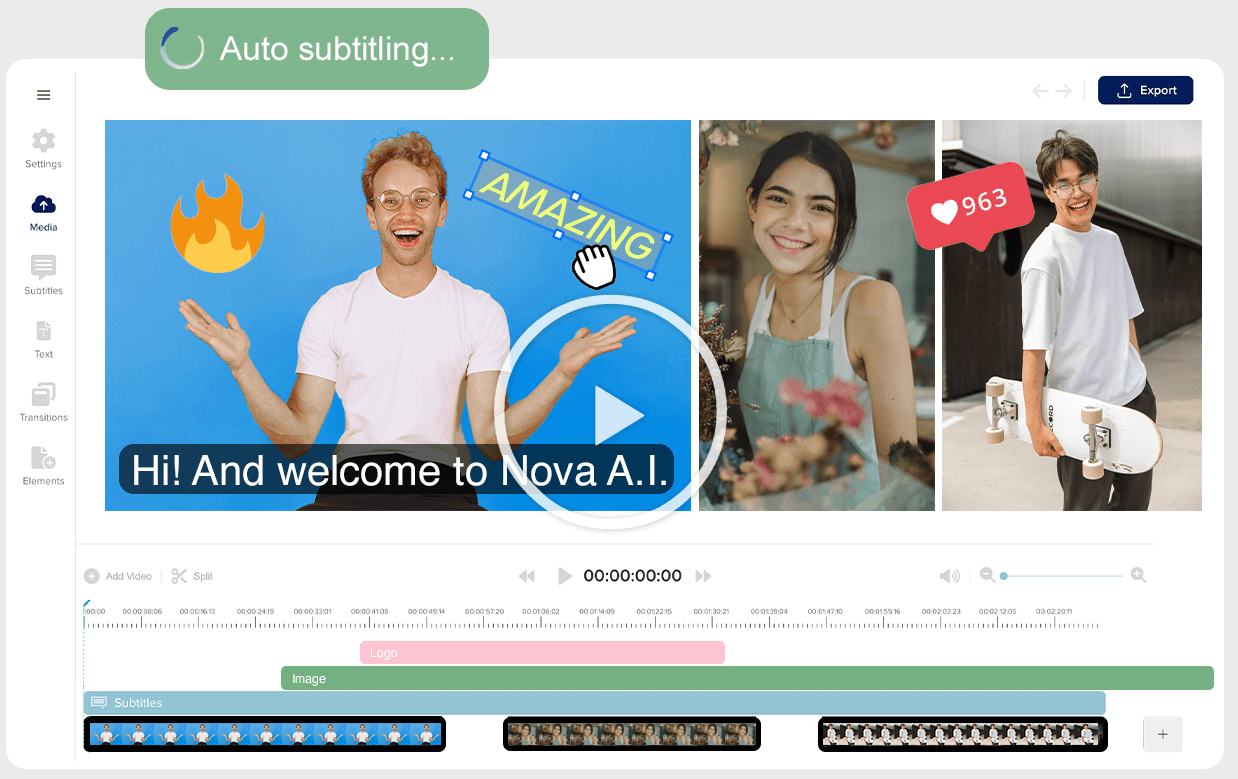
Cut, trim, merge, resize, add music, apply transitions, place text, and edit videos directly in the browser.
Generate captions and subtitles faster, then edit and hardcode them for social publishing.
Translate subtitles, audio, and video content for multilingual audiences.
Create AI voiceovers from pasted or typed scripts and add them to video projects.
Use stock video, images, audio, sound effects, and background music when original footage is not enough.
Search, categorize, index, and retrieve clips from larger video libraries using AI analysis.
The easiest way to understand Nova AI is to split it into four practical layers.
| Layer | What it does | Why it matters |
|---|---|---|
| Online video editor | Lets users cut, trim, merge, resize, crop, add effects, transitions, music, photos, and text. | Covers the basic editing work most creators need without desktop software. |
| Subtitle and translation system | Adds subtitles, captions, transcription, hardcoded subtitles, and subtitle translation. | Strong fit for social videos, accessibility, and multilingual publishing. |
| Audio and voice tools | Includes text-to-speech, AI voice generator, video audio translator, dubbing, audio cutting, and audio merging. | Helps creators add narration, localize videos, or fix audio workflows inside the same platform. |
| AI video analysis | Indexes, tags, searches, and retrieves clips from larger video libraries. | More useful for teams managing lots of footage than for one-off social posts. |
That combination makes Nova AI a practical video workflow tool. Its value is not just that it can edit clips. It is that it brings several common video production jobs into one browser-based system: editing, subtitling, translating, voiceover, stock media, social formatting, and content search.
Nova AI is strongest when the goal is fast, practical video production rather than high-end post-production.
The platform is especially useful for creators who need to turn raw clips into publishable social videos. Nova’s own pages emphasize cutting, trimming, resizing, merging, adding subtitles, adding music, using stock assets, and exporting from an online workspace without installing software.
The second major strength is subtitling and translation. Nova AI repeatedly positions subtitles as a core workflow, including automatic subtitle generation, subtitle styling, translation, and hardcoded subtitles. Its pages also describe subtitle support across 100+ languages in some creation workflows, while other pages describe subtitle generation and translation support for Facebook videos with specific language coverage.
The third strength is convenience. Nova AI is not asking users to manage separate apps for cutting, captions, translation, voiceover, and stock footage. For many creators, that matters more than maximum editing depth. A social media manager, educator, YouTuber, coach, podcaster, or small business owner usually needs a clean workflow more than a professional-grade timeline.
This is the core Nova AI workflow. You upload clips into Nova AI Creative Studio, use simple tools to cut, trim, resize, merge, add music, apply text, insert transitions, and export. Nova describes the product as an online editing tool that works directly from a laptop or computer without downloading heavy software.
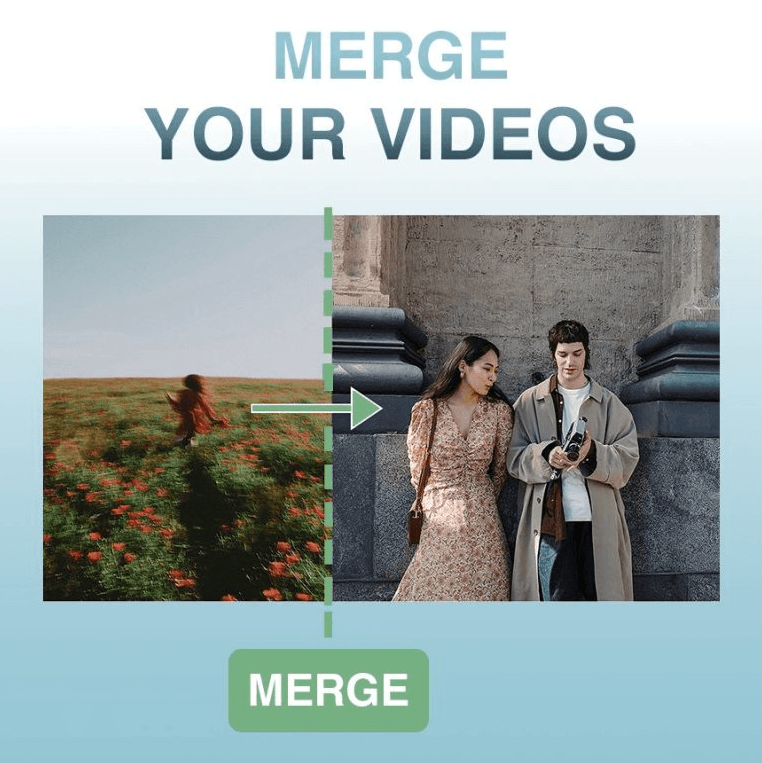
This makes the platform a strong fit for people who do not want to learn Premiere Pro, Final Cut Pro, or DaVinci Resolve just to produce everyday content. It is useful for short brand videos, social posts, explainers, intros, promos, educational clips, product videos, and repurposed webinar or podcast snippets.
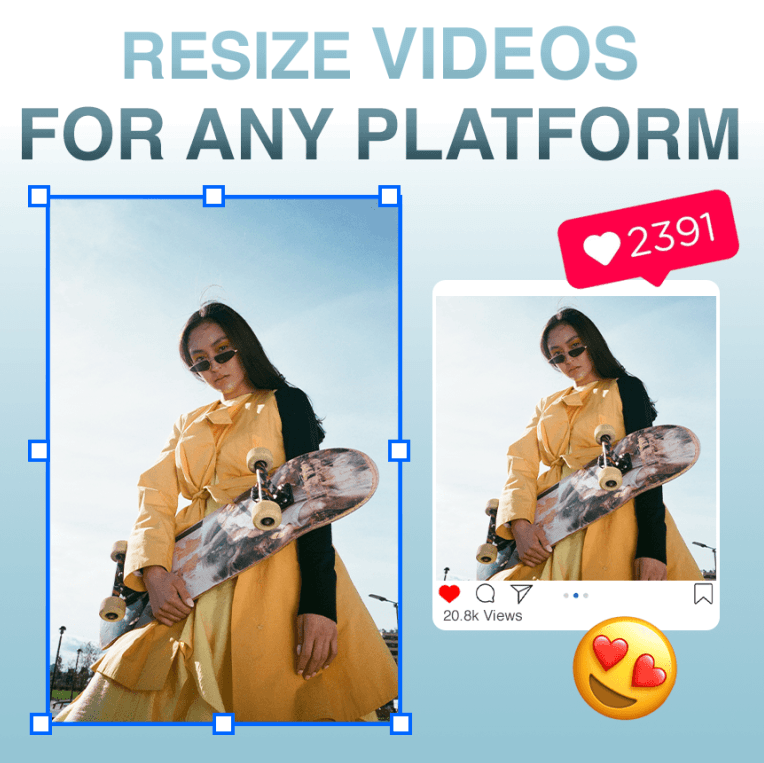
The workflow is simple enough for beginners, but it still covers the common editing tasks creators need: resizing for social platforms, trimming unwanted sections, merging multiple clips, adding visuals, adding music, and placing text or subtitles over the video.
Subtitles are one of Nova AI’s clearest use cases. The platform lists tools for subtitle generation, caption generation, subtitle editing, hardcoded subtitles, transcript generation, podcast transcript workflows, and translated subtitles.
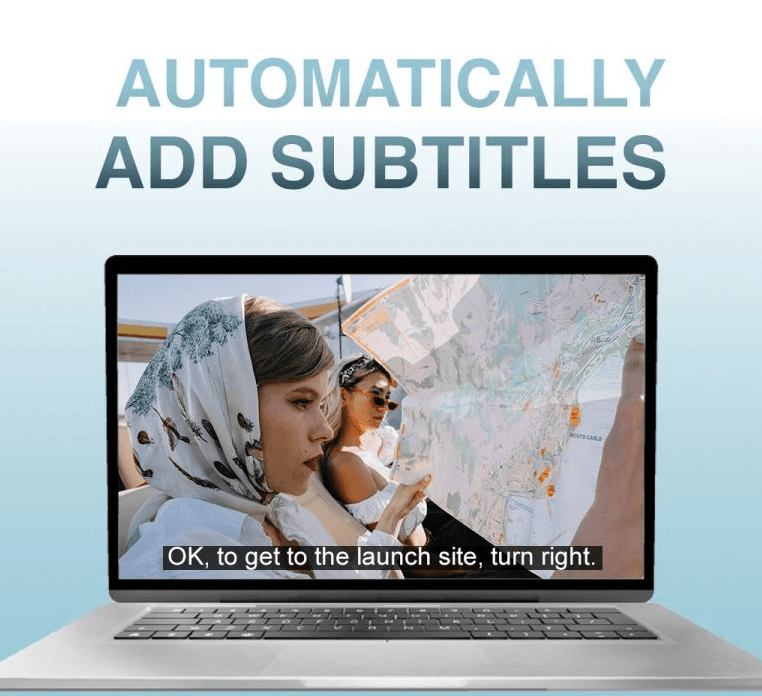
This is useful because subtitles are no longer optional for many types of content. Social videos are often watched on mute, educational videos are easier to follow with captions, and multilingual audiences may need translated subtitles before they can understand the content.
Nova AI’s subtitle tools are best treated as a fast first pass plus an editing layer. Automatic captions can save time, but names, acronyms, product terms, accents, background noise, and fast speech still need review before publishing.
Nova AI also supports translation and voice workflows. The platform can translate subtitles and video content for multilingual audiences, while text-to-speech tools let users turn typed scripts into voiceovers that can be added to a project.
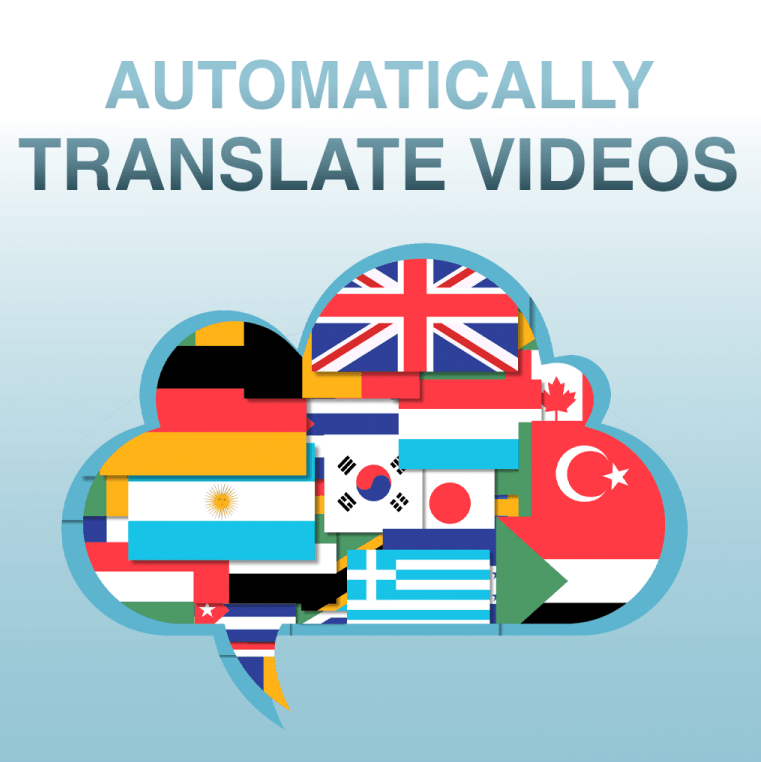
This matters for creators who want to turn one video into multiple language versions without rebuilding the whole project. Translation is especially useful for education, product explainers, YouTube videos, training content, and social clips that can reach a wider audience with localized subtitles or audio.
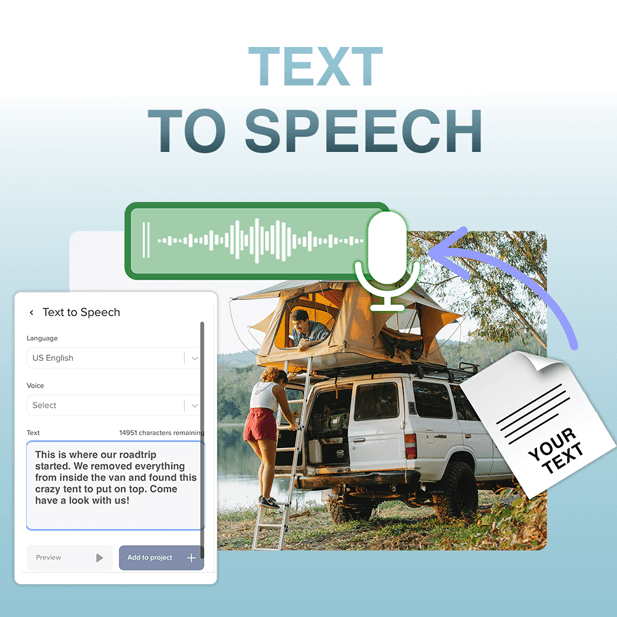
The best workflow is still review-first. AI translation and AI voiceover can produce a usable starting point, but brand terms, technical language, names, humor, and sensitive material should be checked before the final export.
The stock asset library makes Nova AI more useful when original footage is not enough. Users can pull in stock video, images, audio, sound effects, and background music to fill gaps, build intros, make explainers more visual, or turn a simple talking-head clip into something more polished.

This is not the same as a full design suite, but it reduces the friction of hunting for supporting visuals in another app. For quick explainers, social videos, and internal training material, that convenience is often enough.
Nova AI’s video analysis layer is more useful for teams managing lots of footage than for one-off social posts. The idea is to search, categorize, index, and retrieve clips from larger video libraries using AI analysis.
That becomes valuable when a team has webinars, interviews, podcasts, product footage, training videos, or social clips that need to be repurposed. Instead of manually watching every file again, the analyzer can help turn a video library into searchable material.
- Social media teams: Nova AI is useful for resizing, subtitling, merging, trimming, and packaging videos for different platforms.
- YouTubers and creators: It fits creators who need an accessible editor for captions, simple cuts, voiceovers, and multilingual versions.
- Educators and course creators: Subtitles, translation, voiceover, and stock assets are helpful for training videos, lessons, and explainers.
- Marketers and small businesses: Nova AI works well for product videos, promos, ads, short explainers, and content repurposing.
- Teams with video libraries: The video content analyzer is most useful when there is a large library of footage that needs to be indexed, searched, and reused.
- Nova AI is strongest as an accessible browser-based editor, not a full professional post-production suite. Users who need advanced color grading, motion graphics, deep audio mixing, multicam editing, or frame-perfect timeline control will still want a traditional editor.
- Automatic subtitles still need review. Caption accuracy depends on audio quality, speaker clarity, accents, background noise, and technical vocabulary.
- AI translation and voiceover are useful starting points, not final quality guarantees. Important multilingual content should still be reviewed by someone who understands the target language and context.
- Stock assets can make videos faster to assemble, but they can also make content feel generic if overused. Brand-specific visuals and original footage will still matter for polished campaigns.
- Browser-based convenience can come with performance limits. Very large files, long projects, or complex edits may still feel better in a dedicated desktop editor.
Nova AI is best understood as a practical online video editor for creators and teams that need fast editing, subtitles, translation, voiceover, stock assets, resizing, merging, and video repurposing in one browser-based workflow.
Its strongest value is convenience: it brings common video production steps together without forcing users into a heavy professional editing suite.
The main caveat is that Nova AI is strongest for everyday content production, social videos, educational clips, explainers, and repurposing workflows. For advanced post-production or cinematic editing, it should be treated as a fast creator tool rather than a full desktop editor replacement.
TAGS: Video Editing
Related Tools:

Simplifies creating and enhancing videos with easy tools

Creates and customizes captions for videos
Offers advanced tools for photo and video editing

Creates short clips from longer videos
Streamlines social media strategies

Simplifies editing profeessional-quality videos