

Share this tool:
 |
Description:
- Introduction
- What Facetune Actually Is
- What Facetune Does Best
- Core Features and Capabilities
- Workflow and Ease of Use
- Editing Quality and Control
- AI Transformation Tools That Matter Most
- Video Editing: More Useful Than It First Looks
- Best Use Cases
- Where Facetune Fits Compared With Other Editing Tools
- Practical Tips
- Limitations and Trade-Offs
- Final Takeaway
Facetune is a mobile-first editing app built for people who want fast, polished, social-ready photos and videos without learning a full professional editing suite. Its strongest value is not just smoothing skin or applying filters. It is the way AI retouching, face editing, outfit changes, background tools, makeup, video enhancement, and manual controls sit together in one easy phone workflow.
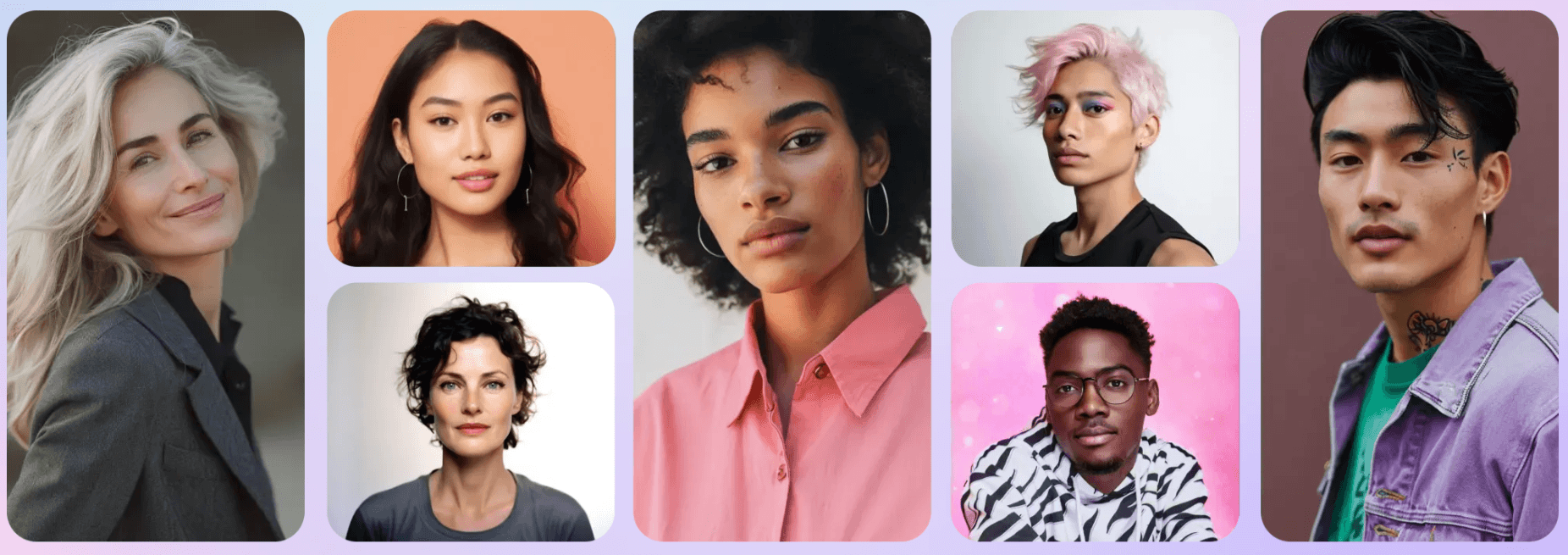
Facetune is a photo and video editor for iOS and Android that focuses heavily on selfies, portraits, creator content, profile images, and quick visual transformations. Lightricks describes it as a mobile photo and video editing app that gives users professional-level editing tools without the complexity, including one-tap selfie enhancement, makeup and hairstyle try-ons, background removal, and detailed retouching.
That positioning matters. Facetune is not trying to be Photoshop on a phone. It is not mainly a graphic design platform, a RAW photography editor, or a long-form video editor. It is built around the kinds of edits people make before posting: better lighting, cleaner skin, stronger eyes, smoother backgrounds, sharper profile pictures, updated outfits, subtle reshaping, and short-form video polish.
The product now has three main layers:
| Layer | What it does | Why it matters |
|---|---|---|
| Classic photo editing | Retouching, teeth whitening, blemish removal, crop, blur, filters, effects, makeup, reshape | Gives users fast control over portraits and social photos |
| AI transformation tools | AI photo editor, AI enhancer, AI clothes, AI headshots, hairstyle and eye color changes | Makes bigger visual changes easier without complex masking |
| Video editing | Face editing, makeup, skin smoothing, eye color, video filters, blur, enhancement, background-noise removal | Brings Facetune’s selfie-focused edits into motion |
The simple version: Facetune is best when the subject is a person and the goal is to make the image or video look more polished, expressive, flattering, or social-ready.
Facetune is strongest in four practical areas.
First, it is very good at quick portrait cleanup. The app’s photo retouching tools are designed for selfies, portraits, and images, with one-tap AI retouching as a major part of the experience. That makes it useful for everyday edits where the user does not want to manually mask every blemish, shadow, or skin detail.
Second, it is strong for creator-style transformations. The official photo editor page highlights hairstyle and hair color changes, clothing edits, background removal, object removal, makeup, filters, effects, blur, crop, flip, and rotation tools. That range makes it more flexible than a simple beauty filter app.
Third, Facetune is useful for profile and professional-image workflows. Its AI headshot generator is positioned for creating polished professional photos without a traditional photoshoot, and its LinkedIn headshot page describes turning ordinary selfies into professional-looking shots using uploaded photos.
Fourth, it has expanded meaningfully into video. Facetune’s video tools cover brightness adjustments, background blur, filters, overlays, layouts, retouching, makeup, AI video enhancement, and social sharing. That is important because many users now need the same “look good fast” workflow for Reels, TikToks, Stories, and short-form clips.
Conversational AI editing for requests like smoother skin, vintage styling, or new hairstyles.
One-tap brightening, smoothing, and overall selfie improvement for fast cleanup.
Blemish removal, under-eye cleanup, teeth whitening, skin smoothing, and portrait refinement.
Background removal or replacement plus Vanish for removing unwanted objects from images.
AI clothes, hairstyles, hair color, eye color, makeup, filters, effects, and reshape tools.
Makeup, eye color, skin smoothing, reshaping, whitening, tracking, and fine-tuning for recorded clips.
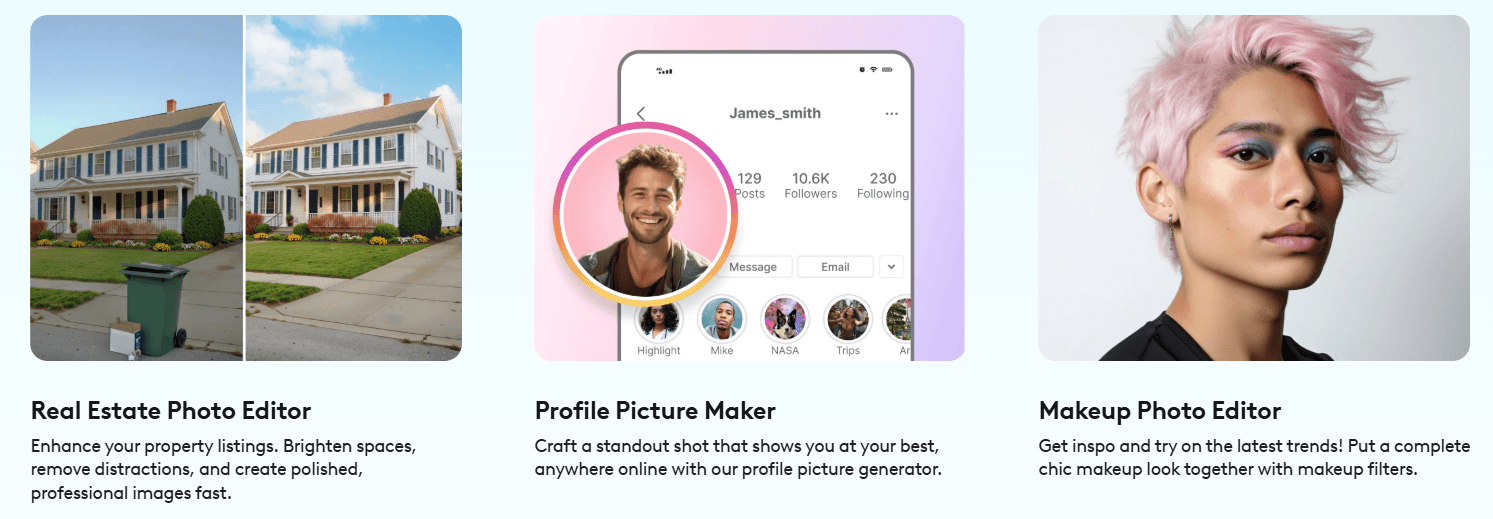
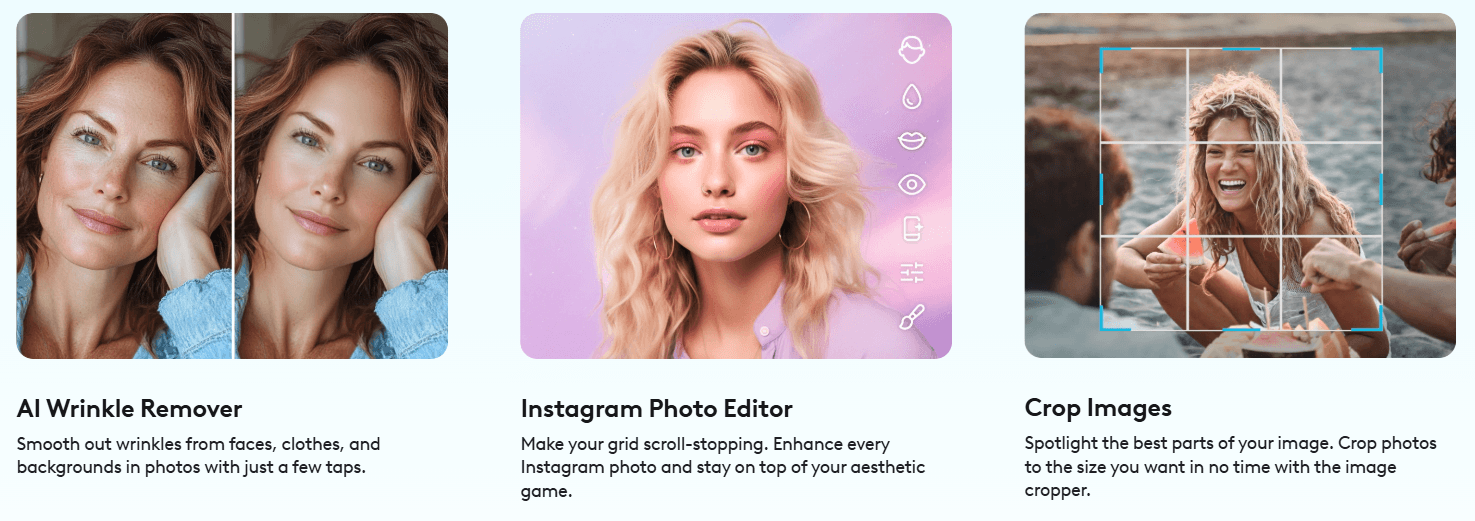
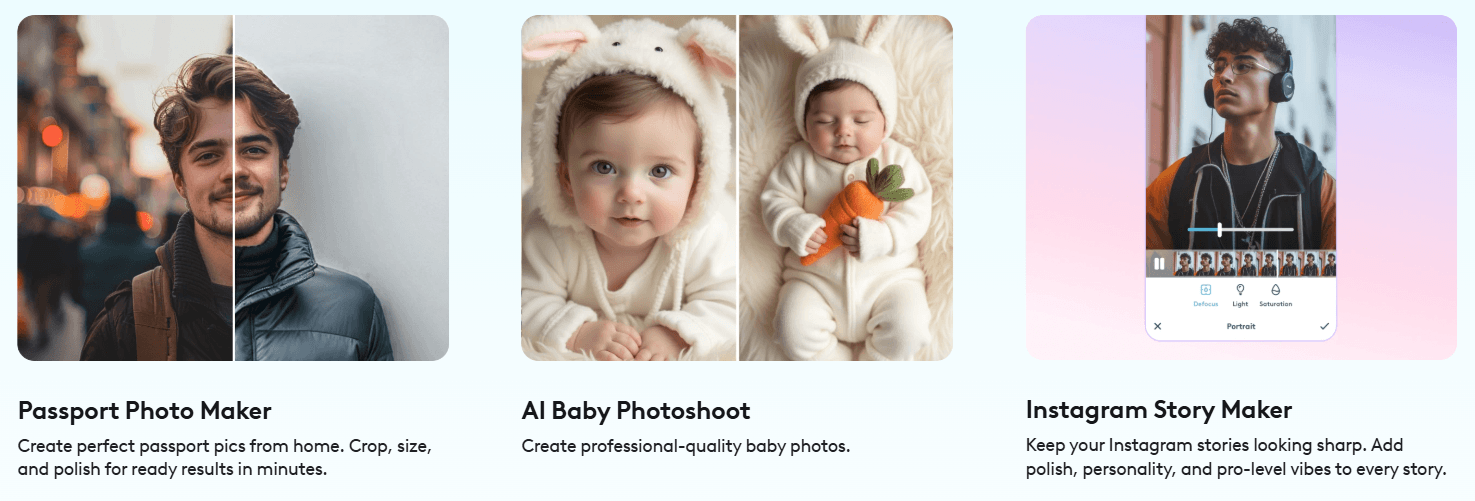
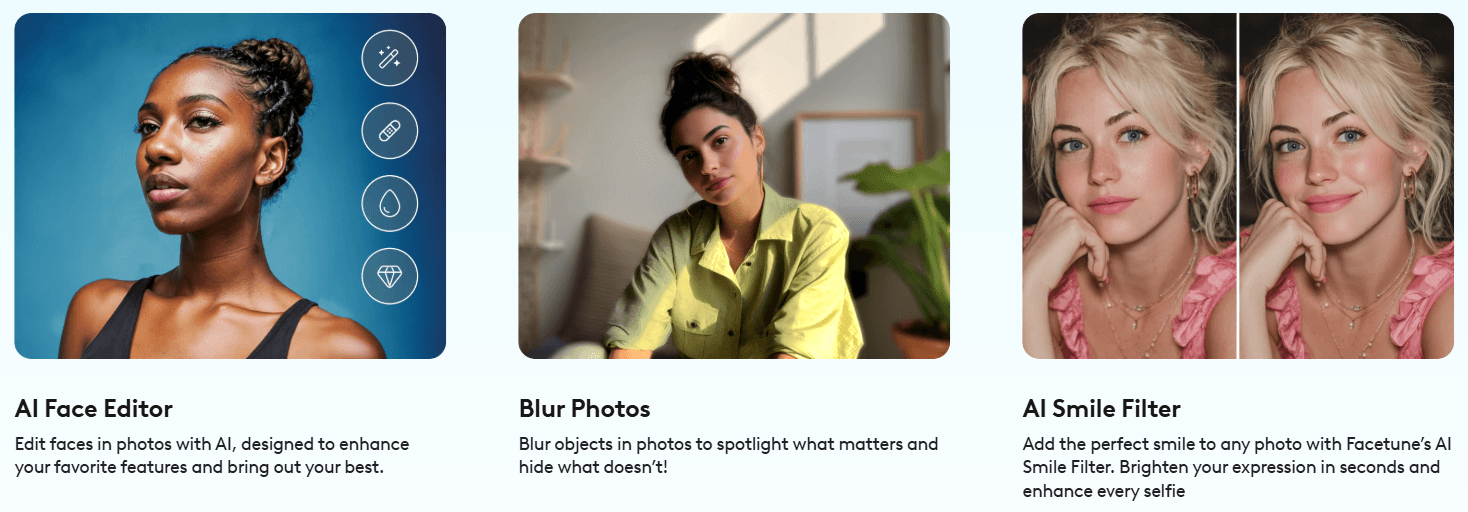
Facetune’s workflow is built around speed. You start with a photo or video, choose the kind of improvement you want, apply a one-tap edit or manual adjustment, then fine-tune the result before saving or sharing. That is the core reason the app works for casual users. It does not ask you to understand layers, curves, complex selections, or professional retouching language before getting a usable result.
The app is especially strong when you use it in stages.
Start with broad corrections first. If the lighting is weak, use enhancement or brightening before doing more detailed face edits. If the background is distracting, remove or blur it before spending time on skin and styling. If the photo is meant for a profile picture, crop early so the face and upper body are framed correctly.
Then move into appearance edits. This is where Facetune’s identity becomes clear. You can adjust makeup, try different hair looks, edit clothing, smooth skin, whiten teeth, reshape features, and use filters to land the final aesthetic. The official photo editor page frames this as a mobile app workflow for iOS and Android, with editing and direct social sharing from the phone rather than a computer-based workflow.
For video, the same logic applies, but the tolerance for errors is lower. A photo edit only has to look right in one frame. A video edit has to track movement, lighting changes, facial expression, and angle shifts. Facetune’s video face editor specifically describes smart tracking that keeps effects placed as the subject moves, with intensity adjustments after the AI applies the chosen effect.
That makes the video workflow more impressive, but also more important to review carefully before posting.
Facetune’s best results usually come from moderate edits. Subtle skin cleanup, improved lighting, slightly stronger eye detail, gentle teeth whitening, light background blur, and small outfit or hair changes can make a photo look more polished without making it obviously artificial.
The control depth is strongest when Facetune combines AI automation with manual intensity adjustment. The AI can do the first pass quickly, but users still need to decide how far the edit should go. That matters because selfie editing has a narrow sweet spot. Too little editing may not solve the problem. Too much editing can make the face look waxy, the teeth too bright, the skin too smooth, or the background too synthetic.
This is where Facetune’s appeal and risk sit side by side. It gives non-experts access to edits that used to require more skill. But because those edits are easy to apply, users can overdo them quickly. The best workflow is to treat AI Enhance and retouch tools as a starting point, not a final decision.
Facetune’s reshape tools need the most restraint. The official reshape page shows that the feature can be used beyond selfies, including clothing, background designs, warping backgrounds, and fisheye-style effects. That flexibility is useful, but any geometry-based edit can become noticeable if nearby lines, walls, clothing edges, or background patterns start bending unnaturally.
The AI Photo Editor is one of Facetune’s more important newer layers because it lets users describe edits in natural language. Facetune describes it as a conversational AI assistant where users can ask for changes like smoother skin, a vintage look, or a new hairstyle.
That makes Facetune more flexible than a menu-only editor. Instead of searching through tools, a user can move closer to “tell the app what I want.” But it still should not be judged like a pure prompt-based image generator. The app’s main value is not writing elaborate prompts. It is using AI inside an editing workflow where the subject, original photo, and final social use case are already clear.
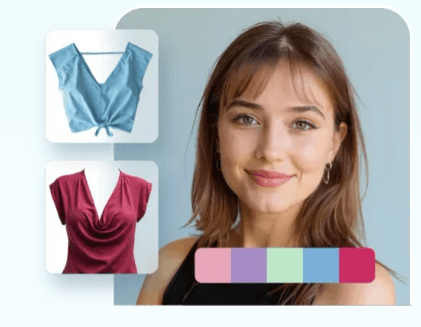
AI Clothes is another practical feature. The clothes editor page describes outfit changes, business and formal attire, color changes, tops, jackets, dresses, bottoms, materials, and custom prompts. It also gives useful guidance: well-lit outfits or close-ups tend to work better, while group shots, full-length images, or anything covering part of the face can interfere with results.
AI headshots are useful for profile photos, LinkedIn images, resumes, speaker bios, personal brands, and creator pages. Facetune’s headshot workflow asks users to upload multiple photos, which is important because AI identity-based results usually improve when the system has enough visual reference material.
The main thing to understand: Facetune’s AI transformations are best for personal-image use cases, not general visual generation. If you want a fantasy illustration, product mockup, ad campaign scene, or cinematic AI artwork, other tools are stronger. If you want to improve yourself in an existing photo or video, Facetune is much more directly targeted.
Facetune’s video editor is not just a basic clip trimmer. It includes visual correction, filters, background blur, retouching, makeup, AI video enhancement, and face-editing tools. The official video page emphasizes bad-lighting fixes, sharper visuals, background blur, filters, overlays, layouts, direct social sharing, and skin/makeup improvements.
That makes it a good fit for short-form creators who appear on camera. The most useful video features are the ones that solve common posting problems: tired skin, flat lighting, distracting backgrounds, inconsistent complexion, or a clip that looks too raw for a public feed.
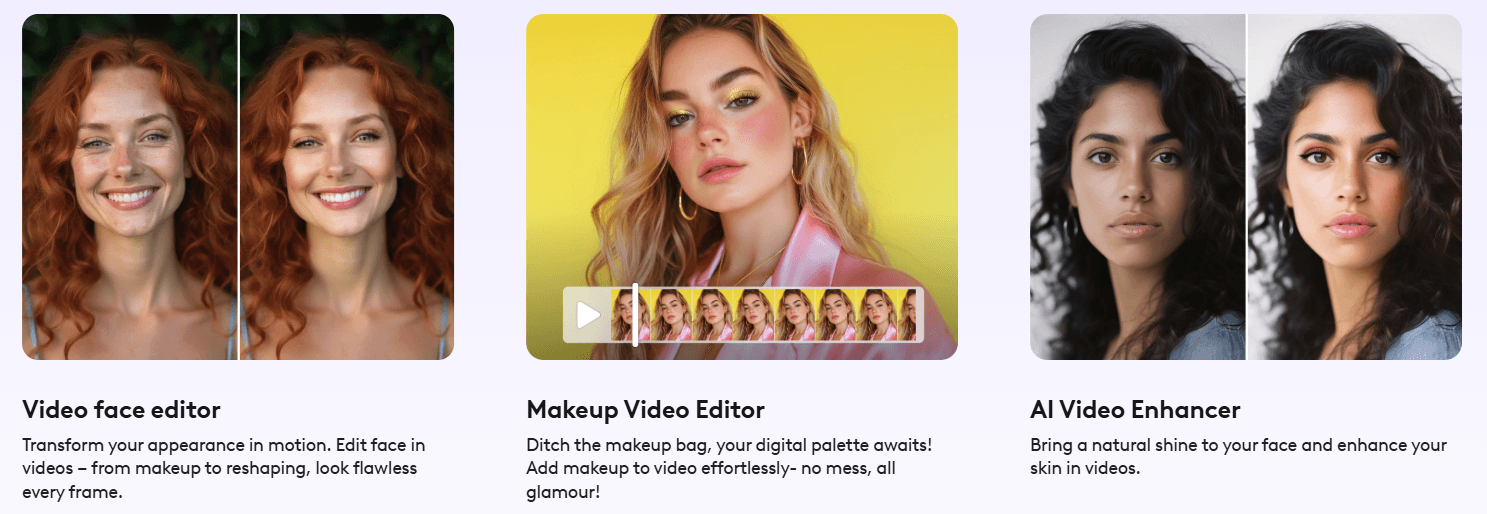
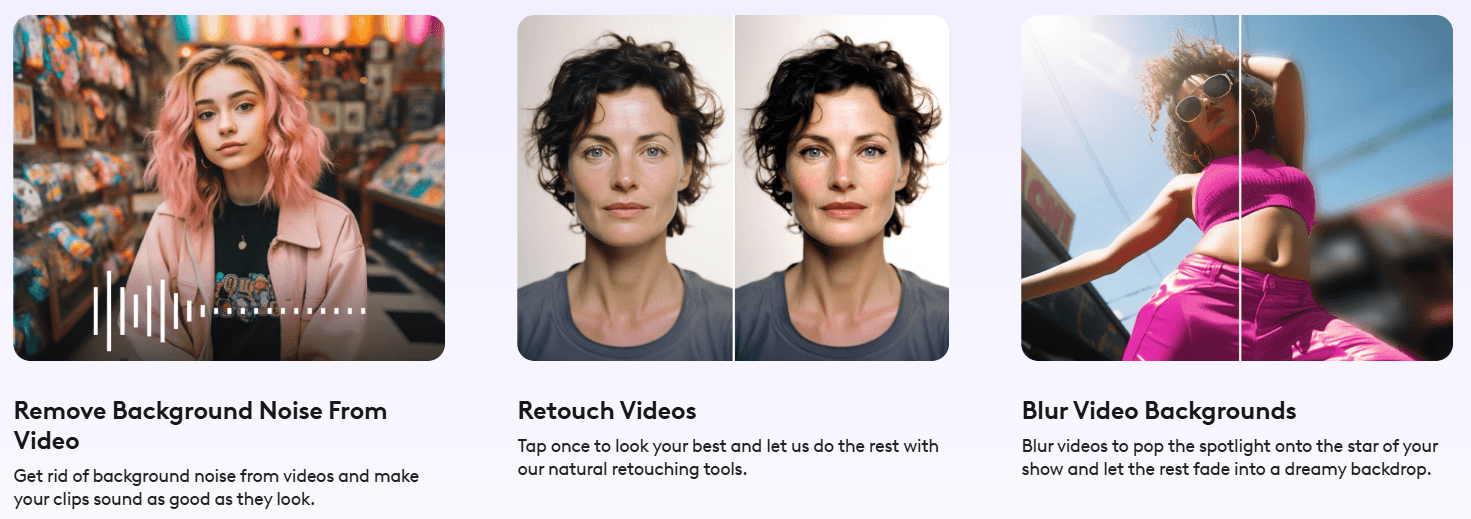
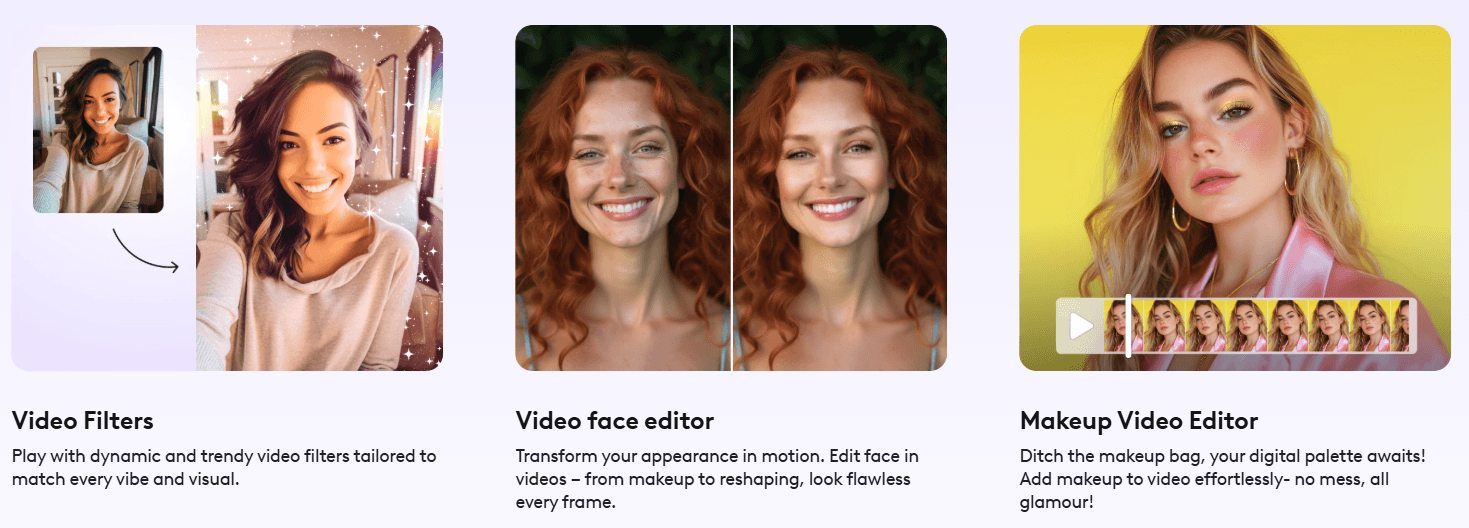
The dedicated video face editor goes deeper. It supports makeup in videos, eye color changes, skin smoothing, face reshaping, complexion retouching, teeth whitening, and smart tracking.
This is where Facetune becomes more than a selfie app. Many creators already have decent camera quality, but their video clips still suffer from lighting, skin inconsistency, or background clutter. Facetune gives them a fast way to polish that content without moving into a heavier editor.
The limitation is that video edits are easier to break. Movement, changing light, hair covering the face, hand gestures, and low-resolution clips can make effects less stable. Video retouching should always be checked from start to finish, not just previewed on one frame.
- Selfies and portraits: Facetune is at its strongest when cleaning up face-forward photos. Skin, eyes, teeth, lighting, and background edits are the natural center of the product.
- Profile pictures: Good fit for LinkedIn, Instagram, TikTok, dating apps, creator pages, speaker bios, and personal websites. The app’s profile and headshot tools are clearly aligned with this kind of use.
- Short-form creator content: Useful for people who record talking-head clips, lifestyle videos, outfit posts, beauty content, travel clips, or daily social media updates.
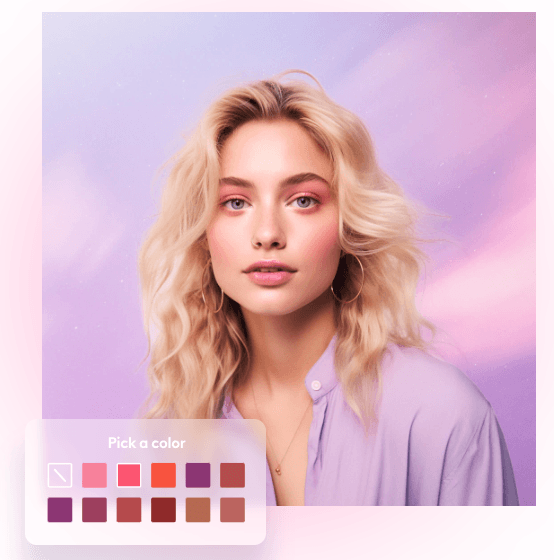
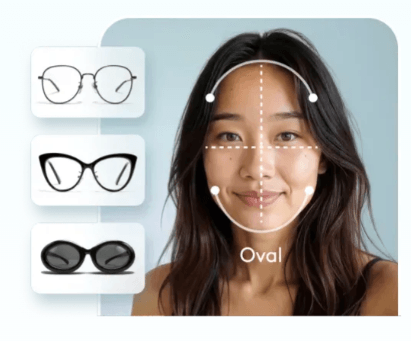
- Beauty, fashion, and styling experiments: Makeup, hair color, hairstyle, clothing, eye color, and color-analysis-style features make it useful for trying looks before committing to them.
- Quick cleanup before posting: Object removal, background replacement, blur, crop, filters, and AI Enhance are practical for turning a decent phone shot into a more polished post.
- Professional headshots on a tight schedule: Useful when someone needs a better-looking profile image and does not want to arrange a full shoot.
Facetune is strongest when compared against tools that are either too narrow or too broad.
Compared with a basic beauty filter app, Facetune has more depth. It gives users retouching, backgrounds, objects, clothing, makeup, AI headshots, and video tools instead of just presets.
Compared with professional editors, it is much easier and faster, but less exact. A professional workflow in Photoshop, Lightroom, or Capture One gives deeper control over color, texture, masking, file handling, and image fidelity. Facetune is better for speed and convenience, not high-end retouching precision.
Compared with broad creator tools like Canva or CapCut, Facetune is more focused on the person in the image or video. Canva is stronger for layouts and design. CapCut is stronger for timeline-based video editing. Facetune is stronger when the main subject is a face, outfit, profile image, or selfie-style clip.
The simple decision is this: choose Facetune when the edit is about improving a person’s appearance or presence in a photo or short video. Choose a broader design or video platform when the project is about graphics, text, templates, multi-scene editing, or brand layout.
- Use AI Enhance first, then reduce or refine. One-tap enhancement is a good starting point, but the best results usually come from adjusting intensity instead of accepting the strongest version.
- Keep skin texture. Completely smooth skin often looks artificial. A little unevenness usually makes the final image more believable.
- Fix lighting before makeup. Makeup and filters look better when the base image is already bright, clear, and balanced.
- Use AI Clothes on clean, well-lit images. Facetune’s own guidance for clothing edits points toward well-lit outfits or close-ups and warns against group shots, full-lengths, and face obstructions.
- Check backgrounds after reshaping. If a wall, doorframe, curtain, or horizon line bends, reduce the edit or avoid reshaping near that area.
- Review video edits all the way through. A face effect that looks good at the start can drift when the subject turns, smiles, moves, or passes through changing light.
- Use headshot tools with varied source photos. Multiple clear photos in different settings give AI more information to preserve identity while generating professional variations.
- Facetune’s biggest limitation is that it can make over-editing too easy. The tools are powerful, fast, and designed for transformation. That is useful, but it also means users can quickly move from polished to unnatural.
- The second limitation is that AI edits depend heavily on the source image. Low light, blur, heavy shadows, sunglasses, covered faces, group shots, cluttered scenes, and unusual angles can reduce quality. This is especially relevant for clothing changes, headshots, and video face tracking.
- The third limitation is precision. Facetune is excellent for mobile-friendly touch-ups, but it is not a replacement for professional retouching when exact skin work, color grading, print-quality output, or client-level image control is required.
- The fourth limitation is that video editing is more fragile than photo editing. Effects need to stay locked to the face across movement. Facetune’s smart tracking helps, but complex motion, poor lighting, or obstructed faces can still produce inconsistent results.
- The fifth limitation is platform shape. Facetune is built around mobile editing. Its own photo editor FAQ says the photo editor experience is currently focused on the iOS and Android app rather than a full online editor. That is fine for social creators, but less ideal for desktop-first professionals.
Facetune App is one of the most useful AI-assisted editing tools for selfies, portraits, profile pictures, beauty edits, outfit changes, and short-form personal video polish. Its biggest advantage is not one single feature. It is the way fast retouching, AI enhancement, background tools, makeup, clothes, headshots, and video face editing work together inside a simple mobile workflow.
It is best for creators, influencers, professionals, dating-profile users, beauty and fashion users, and anyone who wants polished personal content without learning complex editing software.
The main caveat is restraint. Facetune can produce clean, flattering, social-ready results, but the best edits are usually the ones that still look like a real person in a real photo.
TAGS: Photo Editing Video Editing
Related Tools:

Creates cinematic AI videos and polished images

AI video editing tool that automates cuts, captions, and B-roll

Relight and enhance photos or videos

Specializes in creating realistic product photos

Enhances photo quality

Creates professional videos from texts