
Share this tool:
 |
Description:
- Introduction
- What Monica Actually Does Best
- Image Tools Available on the Website
- PDF Tools Available on the Website
- Writing Tools Available on the Website
- Summary Tools Available on the Website
- Other Useful Parts of the Platform
- The Models Monica Publicly Shows
- Best Use Cases
- Limitations and Trade-Offs
- Final Takeaway
Monica is a broad AI workspace rather than a single-purpose chatbot. Its homepage positions it as an all-in-one assistant for AI chat, summary, writing, search, translation, art, a bot platform, and “AI PowerUP,” with access across browser, desktop, and mobile. That makes Monica less of a niche specialist and more of a bundled AI layer for everyday work.
What makes Monica interesting is not just that it offers chat. A lot of products do that. The more meaningful part is that Monica combines multiple model families with separate tool surfaces for image work, PDFs, writing, and summarization. If you want one place to compare models, summarize content, clean up writing, and do lightweight creative work, Monica’s product shape makes sense.
Monica is strongest as a convenience layer. The Learning Center says it supports browser extensions for Chrome and Edge, desktop apps for Windows and Mac, mobile apps for Android and iOS, and a code assistant for VSCode and JetBrains IDEs. The homepage also emphasizes that its AI sidebar is available from any web page. In practice, that means Monica is built to appear where you are already working instead of forcing you into one isolated tab.
Its second major strength is model variety. Monica’s public pages highlight that you can compare multiple model answers side by side, and the homepage specifically calls out GPT-5.2, Claude 4.5 Sonnet, and Gemini 3 Pro for comparison. That matters because Monica is not asking you to commit to one default model personality or strength. It is selling choice and workflow speed.
The third strength is breadth of built-in utilities. Monica does not stop at chat. Its site has dedicated surfaces for PDF interaction, AI writing, summaries across multiple media types, and a large image toolkit. That makes the product more useful for everyday knowledge work than a plain multi-model chat interface would be.
This is one of Monica’s busiest product areas. The Learning Center and toolkit pages show that Monica’s image stack includes AI Image Generator, AI Image to Image, AI Image to Animation, Anime AI Generator, AI Watermark Remover, AI Background Remover, AI Logo Generator, AI Image Enhancer, Photo to Cartoon, Photo to Sketch, AI Illustration Generator, AI LinkedIn Photo Generator, AI Image Extender, AI Wallpaper Generator, AI Poster Generator, AI Sketch Generator, AI Avatar Generator, and AI Headshot Generator.
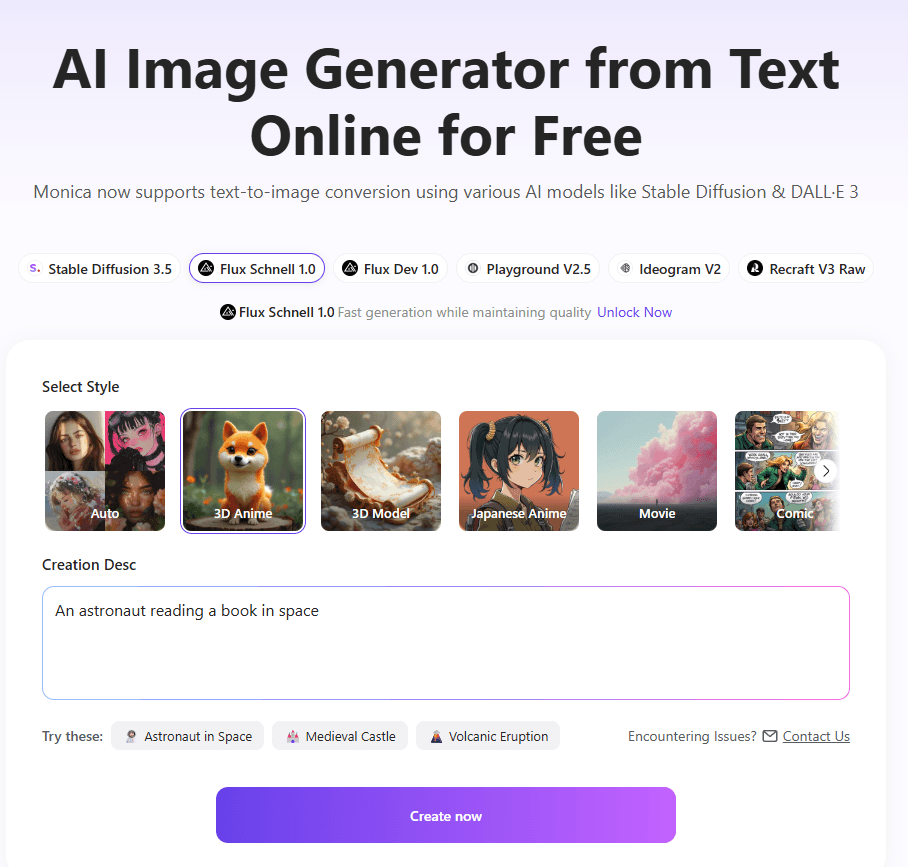
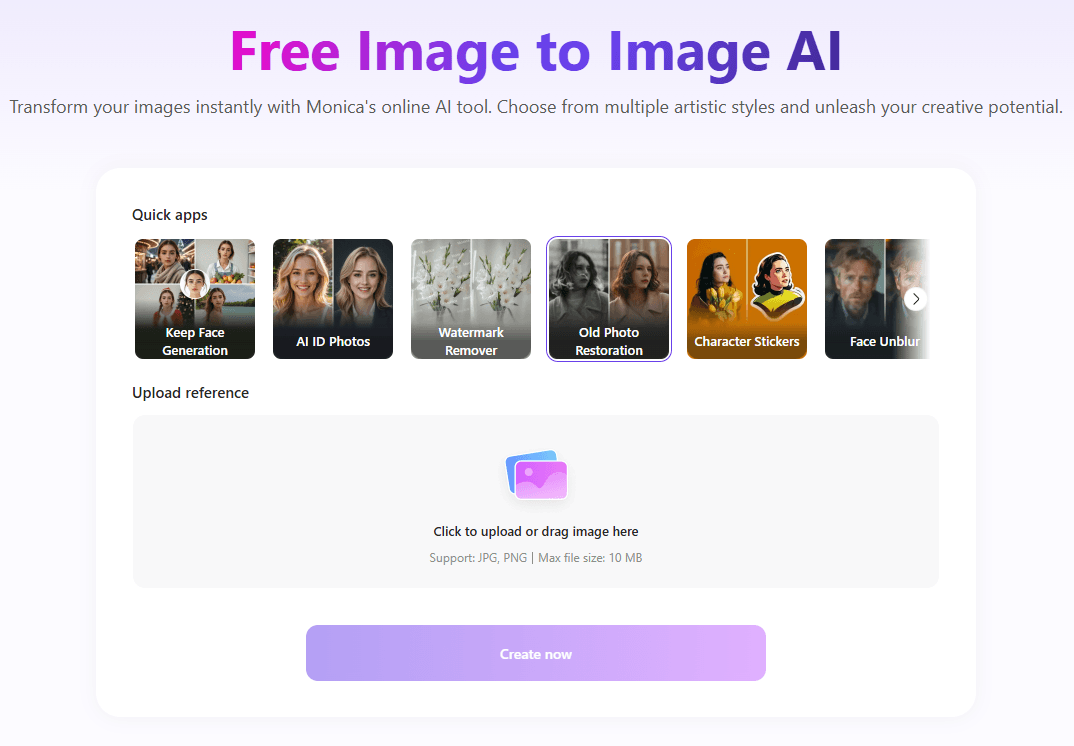
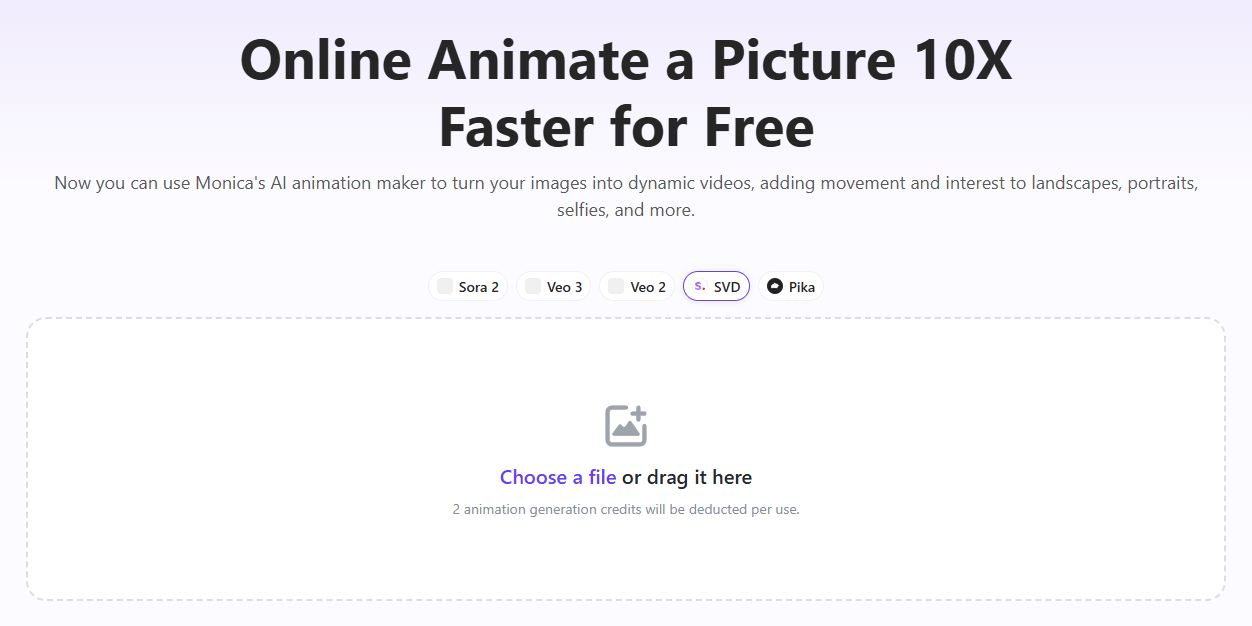
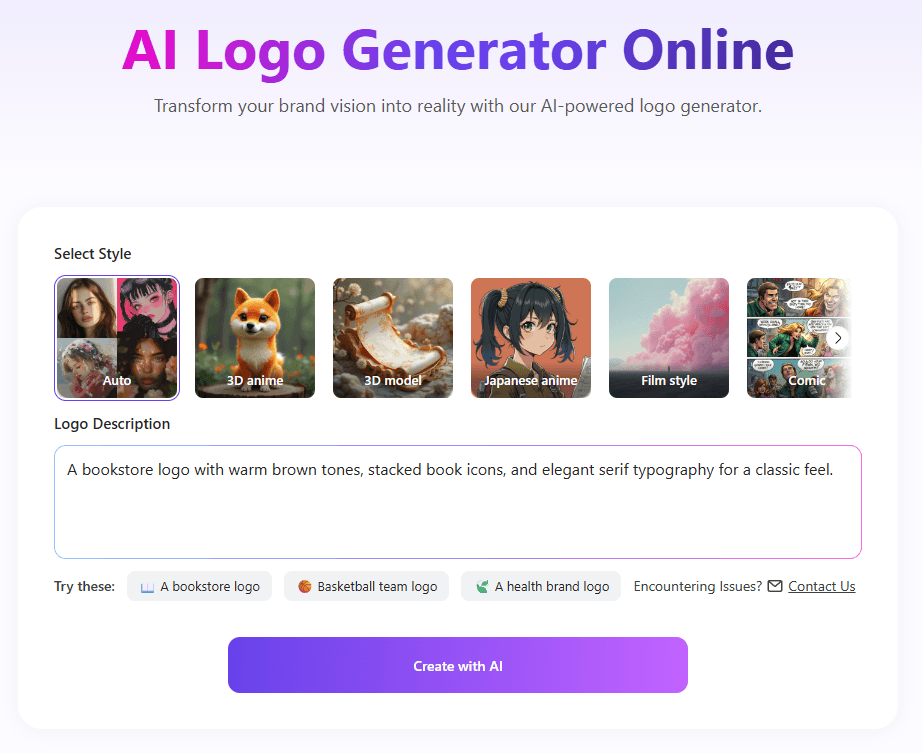
The tools page adds even more editing-style functions such as Remove Text, Remove Object, Remove Brushed Area, Change Background, AI Upscale Image, AI Image Editor, and AI Pixel Art Generator. Monica’s AI Image Generator page also says the text-to-image tool is powered by advanced models such as DALL·E 3, while the tools page notes that its image editor is enhanced by DALL·E 3 and Stable Diffusion.
In practical terms, Monica looks stronger here as a general-purpose creative toolkit than as a single flagship image generator. It gives you a lot of specific utilities in one place, which is useful for marketers, creators, and casual design work.
Monica’s PDF tooling is more substantial than a simple upload-and-summarize feature. Its ChatPDF page says Monica can summarize and analyze PDFs, let you chat with a PDF, answer screenshot-based questions, compare multiple AI models on a PDF task, and generate mind maps from the document structure. The same page also says it supports 50+ languages and has no page limit.
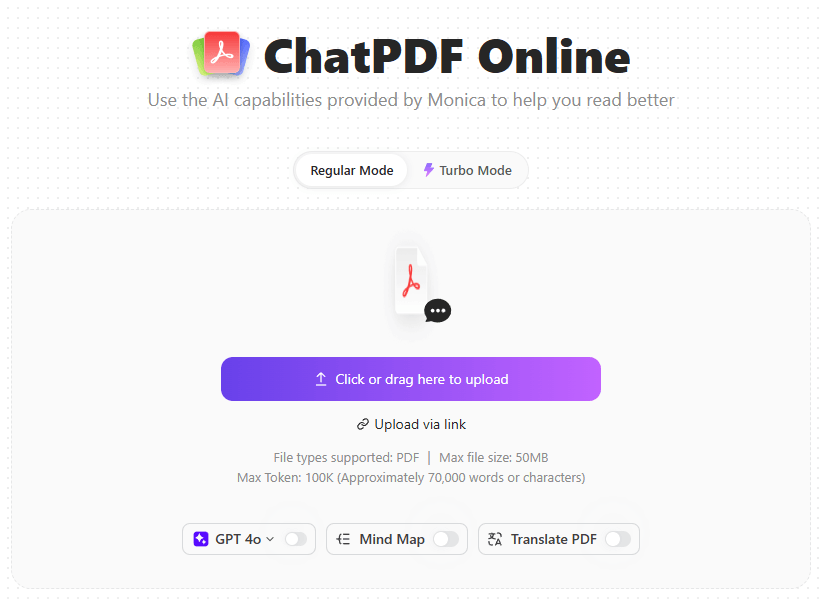
The Monica toolkit help page broadens that further. It says the PDF Toolkit can chat with PDFs, polish resumes, scan invoices, and transform PDF file types. That suggests Monica is treating PDFs as a work surface, not just a summarization input.
This is a meaningful strength for students, researchers, and office users. Monica’s PDF feature set looks designed for understanding, extracting, and reworking document content quickly, especially when combined with its model-comparison angle.
Monica’s writing layer is broad and practical. Its AI Writer page says the smart toolbar can translate, paraphrase, rewrite, summarize, shorten, expand text, create lists, generate outlines, check text, create paragraphs, and reply to English messages with one click. It also says users can customize the toolbar layout.
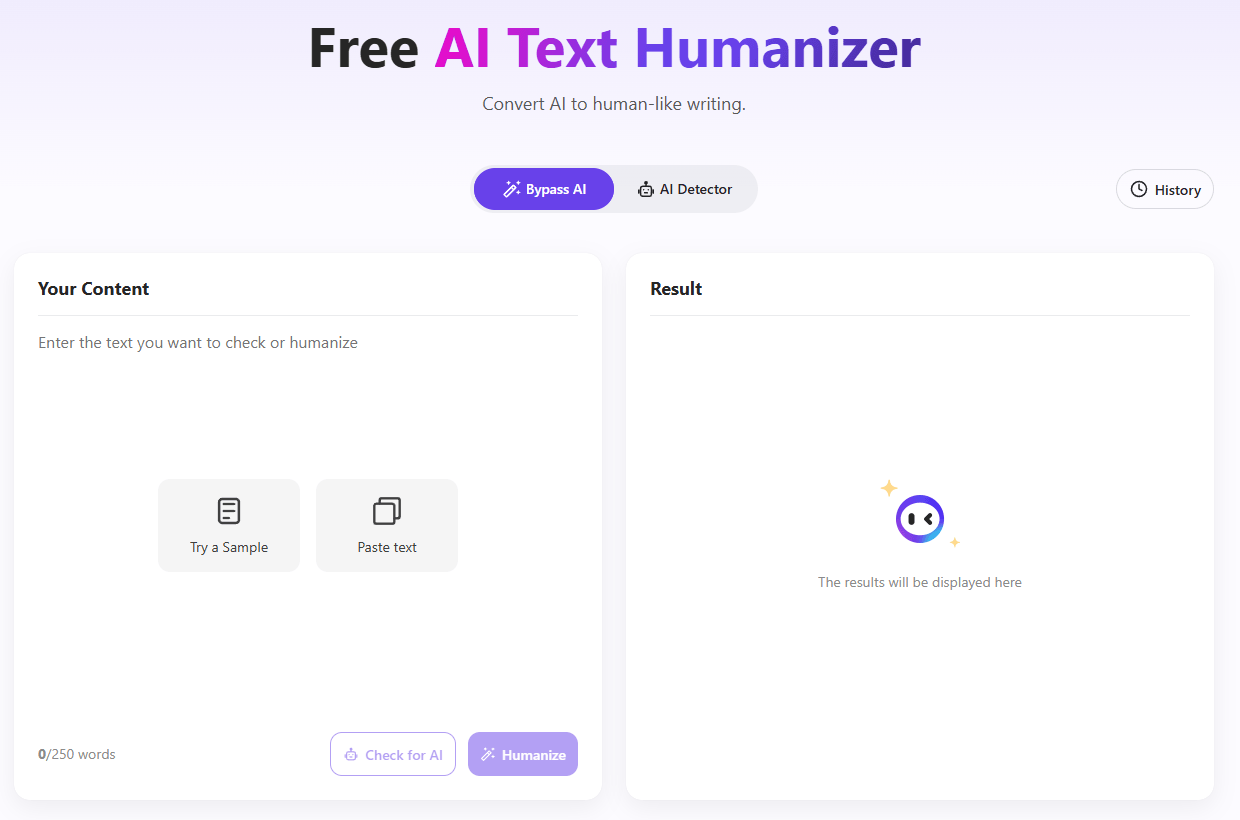
The same page says Monica offers 100+ AI writing templates covering blog posts, social content, ad copy, video scripts, and e-commerce descriptions, and that users can create their own AI writing bot without coding. Monica also offers a separate AI Humanizer page that positions the tool as a way to convert AI-generated text into more natural, human-like writing.
This makes Monica stronger as a writing utility suite than as a pure long-form writing platform. It looks especially useful for rewriting, polishing, shortening, expanding, and adapting text in place. That is often more valuable in day-to-day work than starting every task from a blank prompt box.
Summarization is one of Monica’s clearest core features. The homepage says Monica can instantly summarize web pages and videos, and its Summary Generator page says it can extract key insights from webpages, PDFs, images, and YouTube videos.
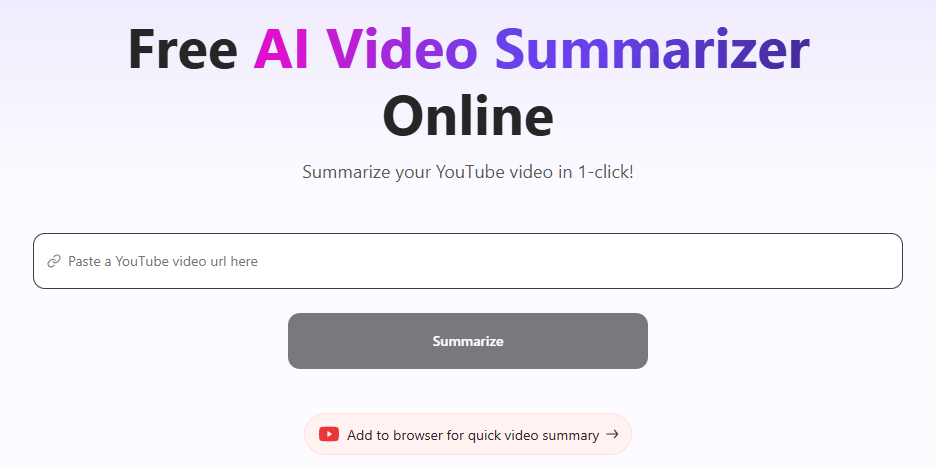
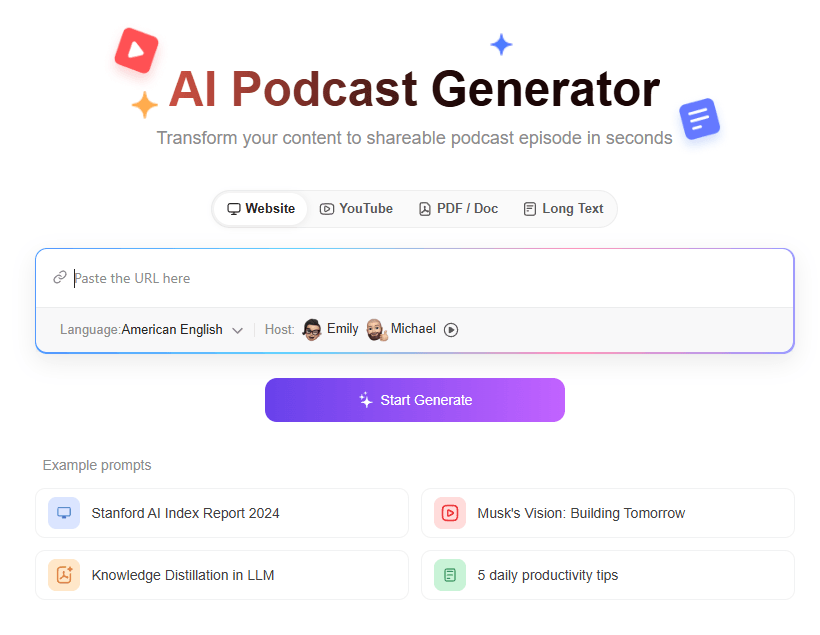
That range matters. Monica is not limiting summaries to pasted text. It is explicitly building summary workflows around several content types people actually deal with: articles, documents, images, and video. This makes the product particularly appealing for research-heavy users, students, and professionals who spend a lot of time triaging information.
A few supporting features make Monica feel more like a workspace. The Learning Center describes Memory, which lets Monica remember information across conversations, and Customized Prompt, which saves frequently used prompts. It also lists a BOT Platform for creating personalized AI bots without coding.
There is also Memo, which Monica describes as a personal AI knowledge base that can store web pages, AI chat logs, images, and PDF information, then let you chat with that material later. For users who want continuity rather than one-off sessions, this is one of the more interesting parts of the platform.
One thing worth noting is that Monica’s public pages do not present one perfectly consistent master list. The homepage highlights newer headline models, while the Learning Center exposes a broader directory. The safest reading is that Monica gives access to a wide mix of text, image, and video-capable models, but the exact surfaced list may vary by page and product area.
The homepage prominently mentions GPT-5.2, Claude 4.5 Sonnet, Gemini 3 Pro, Sora 2, and Nano Banana.
The Learning Center’s feature directory also lists GPT-5.1, GPT-5, Nano Banana Pro, Nano Banana, Gemini 2.5 Pro, Claude 3.7 Sonnet, Grok 3, Veo 2, Gemini 2.5 Flash, Mistral AI, GPT-4o, plus image and video generation models such as DALL·E 3, GPT-4o image, Stable Diffusion, Ideogram 2.0, Recraft AI, Playground AI, Flux AI, Imagen 3, Stable Video Diffusion, and Pika AI.
That is one of Monica’s clearest advantages. It is not only “an AI assistant.” It is also a model hub that lets users work across mainstream model families without constantly switching services.
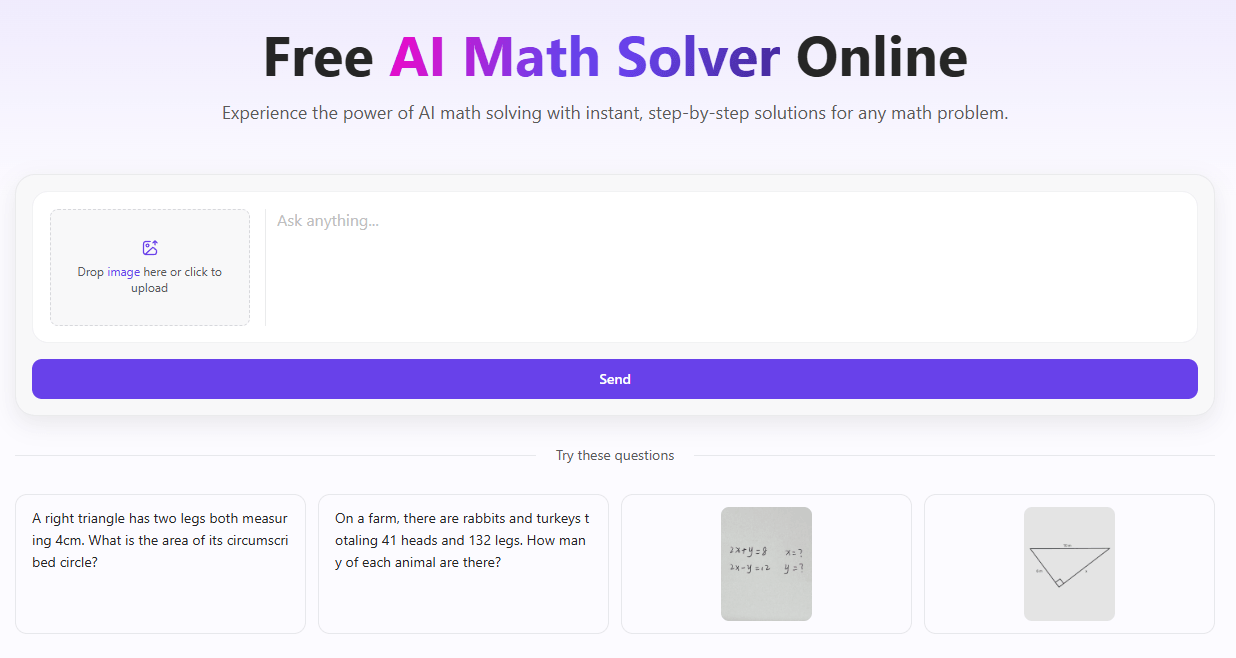
Monica looks strongest for users who want one account to cover several AI needs at once: multi-model chat, web and video summarization, quick writing support, image creation and cleanup, and PDF analysis. That makes it a good fit for general knowledge workers, students, creators, and users who dislike juggling multiple niche tools.
It also looks useful for people who care about comparing models before trusting an answer. Monica’s public messaging around side-by-side model comparison is one of its clearest differentiators versus tools that only expose a single assistant layer.
The main trade-off is sprawl. Monica has a lot of tools, which is great for coverage but can make the product feel more like a hub than a deeply opinionated specialist in any one category. Its strongest value is convenience and breadth. Users seeking the absolute best standalone image generator, PDF research environment, or writing platform may still prefer category-specific tools. This is an inference based on Monica’s broad tool catalog and product structure.
A second limitation is that Monica’s public pages are not perfectly synchronized. The homepage and Learning Center do not show exactly the same model list, so the platform clearly moves fast enough that public documentation can lag or differ by surface.
Monica is a strong all-in-one AI assistant for people who want broad capability more than specialization.
Its biggest strengths are model variety, accessible summaries, practical writing tools, surprisingly useful PDF features, and a large image toolkit on the website itself.
It is best for users who want one AI hub for everyday work across chat, reading, writing, documents, and visuals.
The main caveat is that Monica’s value comes from range and convenience, so it feels most compelling as a bundled AI workspace rather than as the single best tool in one narrow category.
TAGS: Copywriting Content Creation
Related Tools:
AI-powered academic writing tool

Creates high-quality and SEO-optimized content
Creates high-quality and SEO-optimized content

Provides personalized assistance for writing
Enhances content quality through real-time feedback
Generates marketing copy from simple prompts