

Share this tool:
 |
Description:
Miniflow.ai is an all-in-one AI platform for people who want fewer tabs, fewer separate tools, and a simpler way to combine AI models into practical workflows. It brings together text generation, image tools, video generation, AI search, model access, and a visual workflow builder, with the goal of making multi-step AI work easier for non-technical users.
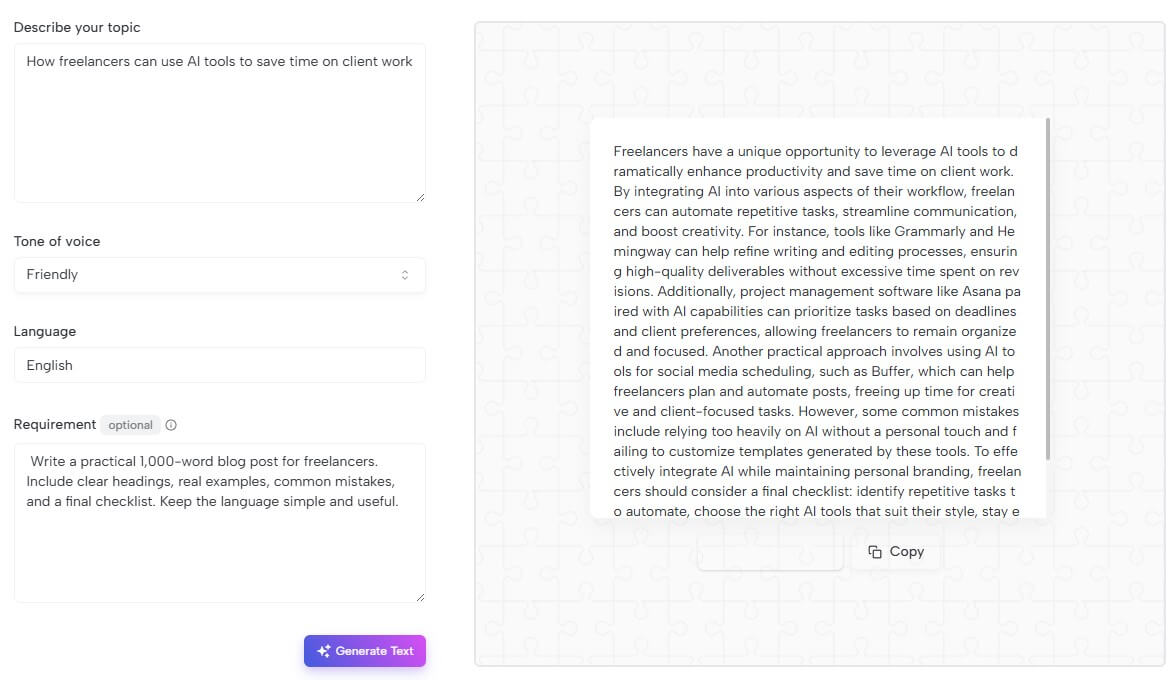
Describe your topic: How freelancers can use AI tools to save time on client work
Tone of voice: Friendly
Write a practical 1,000-word blog post for freelancers. Include clear headings, real examples, common mistakes, and a final checklist. Keep the language simple and useful.
Output: Freelancers have a unique opportunity to leverage AI tools to dramatically enhance productivity and save time on client work. By integrating AI into various aspects of their workflow, freelancers can automate repetitive tasks, streamline communication, and boost creativity. For instance, tools like Grammarly and Hemingway can help refine writing and editing processes, ensuring high-quality deliverables without excessive time spent on revisions. Additionally, project management software like Asana paired with AI capabilities can prioritize tasks based on deadlines and client preferences, allowing freelancers to remain organized and focused. Another practical approach involves using AI tools for social media scheduling, such as Buffer, which can help freelancers plan and automate posts, freeing up time for creative and client-focused tasks. However, some common mistakes include relying too heavily on AI without a personal touch and failing to customize templates generated by these tools. To effectively integrate AI while maintaining personal branding, freelancers should consider a final checklist: identify repetitive tasks to automate, choose the right AI tools that suit their style, stay engaged with clients to incorporate personal insights, and consistently evaluate the effectiveness of the tools they employ.
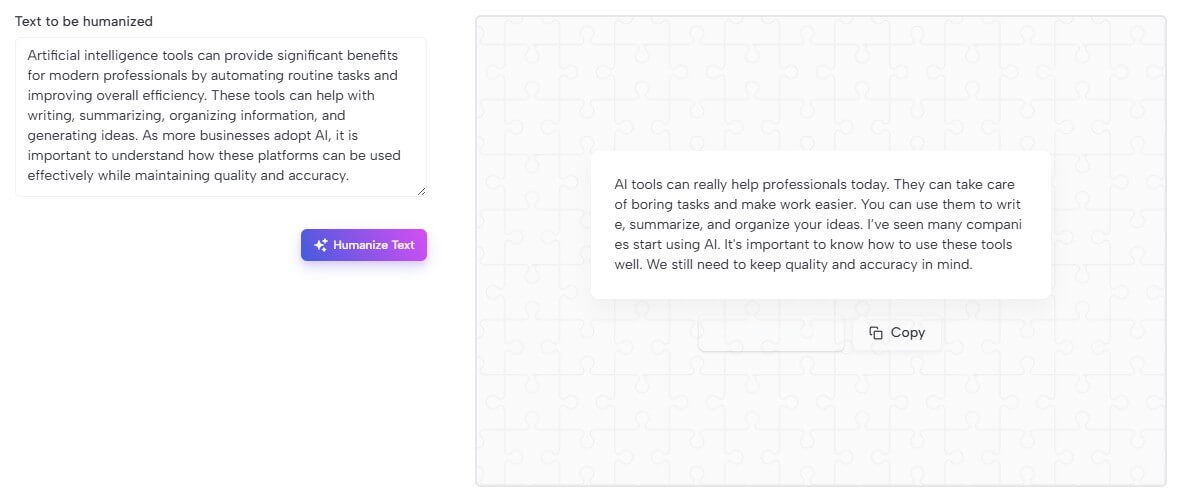
Input: Artificial intelligence tools can provide significant benefits for modern professionals by automating routine tasks and improving overall efficiency. These tools can help with writing, summarizing, organizing information, and generating ideas. As more businesses adopt AI, it is important to understand how these platforms can be used effectively while maintaining quality and accuracy.
Result: AI tools can really help today's workers. They can take care of boring tasks and make us more efficient. Think about writing, summarizing, and organizing information. These tools can even spark new ideas. As more companies start using AI, we need to know how to use these tools well. It's key to keep things accurate and high-quality.
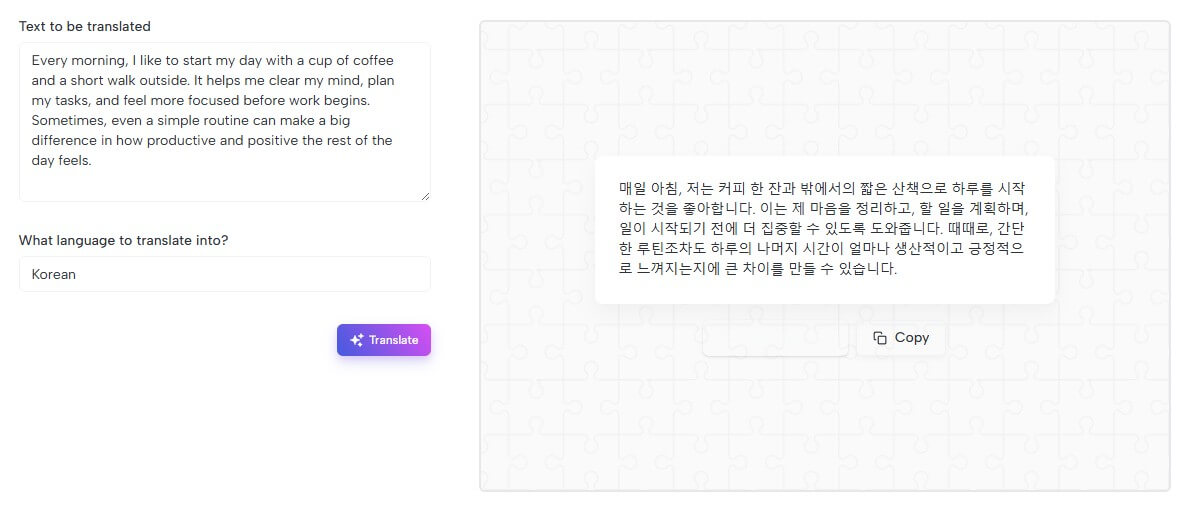
Text to Translate: Every morning, I like to start my day with a cup of coffee and a short walk outside. It helps me clear my mind, plan my tasks, and feel more focused before work begins. Sometimes, even a simple routine can make a big difference in how productive and positive the rest of the day feels.
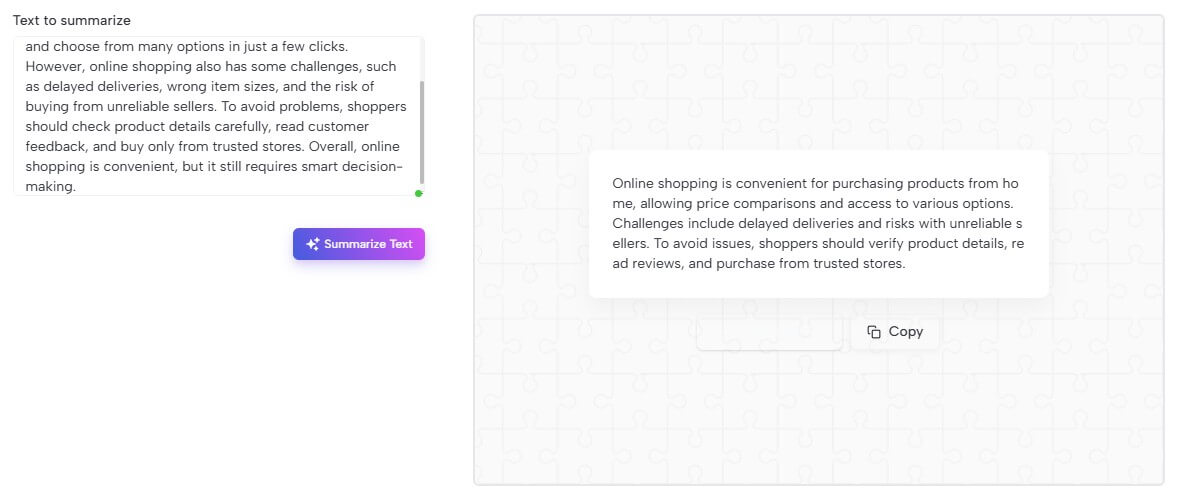
Text to Summarize: Online shopping has become a normal part of daily life because it allows people to buy products without leaving their homes. Customers can compare prices, read reviews, and choose from many options in just a few clicks. However, online shopping also has some challenges, such as delayed deliveries, wrong item sizes, and the risk of buying from unreliable sellers. To avoid problems, shoppers should check product details carefully, read customer feedback, and buy only from trusted stores. Overall, online shopping is convenient, but it still requires smart decision-making.
Summarized text: Online shopping is convenient for purchasing products from home, allowing price comparisons and access to various options. Challenges include delayed deliveries and risks with unreliable sellers. To avoid issues, shoppers should verify product details, read reviews, and purchase from trusted stores.
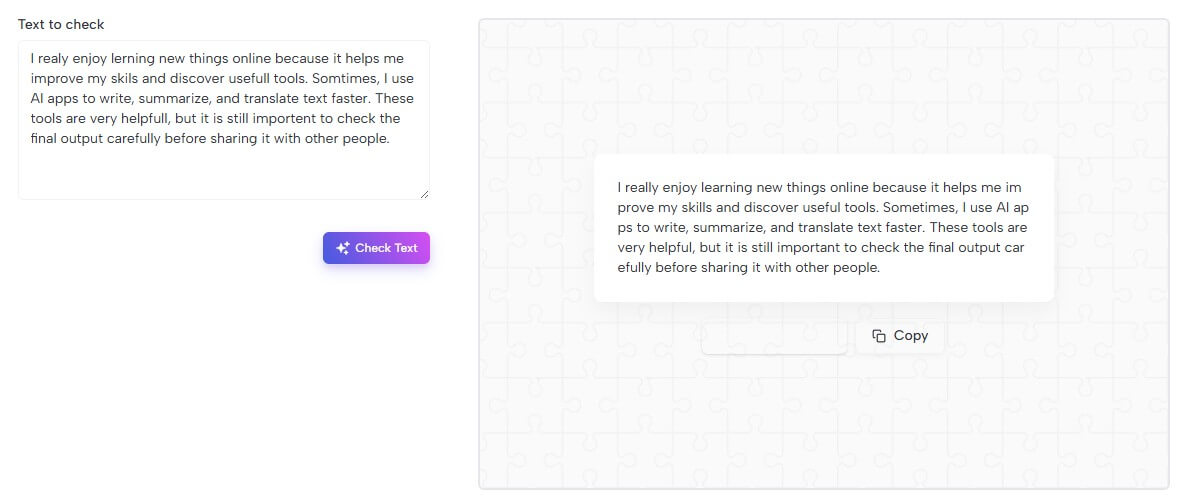
Text to Check: I realy enjoy lerning new things online because it helps me improve my skils and discover usefull tools. Somtimes, I use AI apps to write, summarize, and translate text faster. These tools are very helpfull, but it is still importent to check the final output carefully before sharing it with other people.
Corrected text: I really enjoy learning new things online because it helps me improve my skills and discover useful tools. Sometimes, I use AI apps to write, summarize, and translate text faster. These tools are very helpful, but it is still important to check the final output carefully before sharing it with other people.
Create a realistic image of a cozy coffee shop interior during a rainy afternoon. The room has warm lighting, wooden tables, plants near the windows, and a barista preparing coffee behind the counter. Outside the glass window, raindrops are visible, and the street looks slightly blurred. The mood should feel calm, warm, and inviting, with soft natural colors and realistic details.

Miniflow.ai is best understood as a combined AI toolkit and workflow automation builder. Its homepage describes access to more than 200 built-in AI tools across text, image, video, and audio generation, plus a visual workflow builder with 30+ practical AI nodes.
That means the product is not only a chatbot wrapper. It is trying to solve a broader problem: many users now rely on several AI tools for writing, images, summarization, translation, research, and creative work. Miniflow.ai puts those capabilities behind one interface, then adds workflows so users can chain tasks together instead of manually copying outputs between platforms.
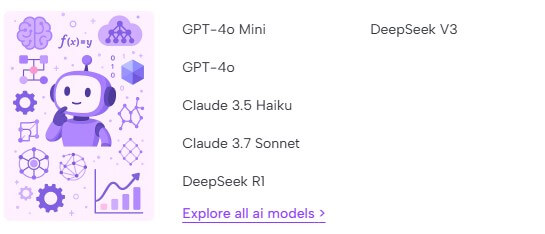
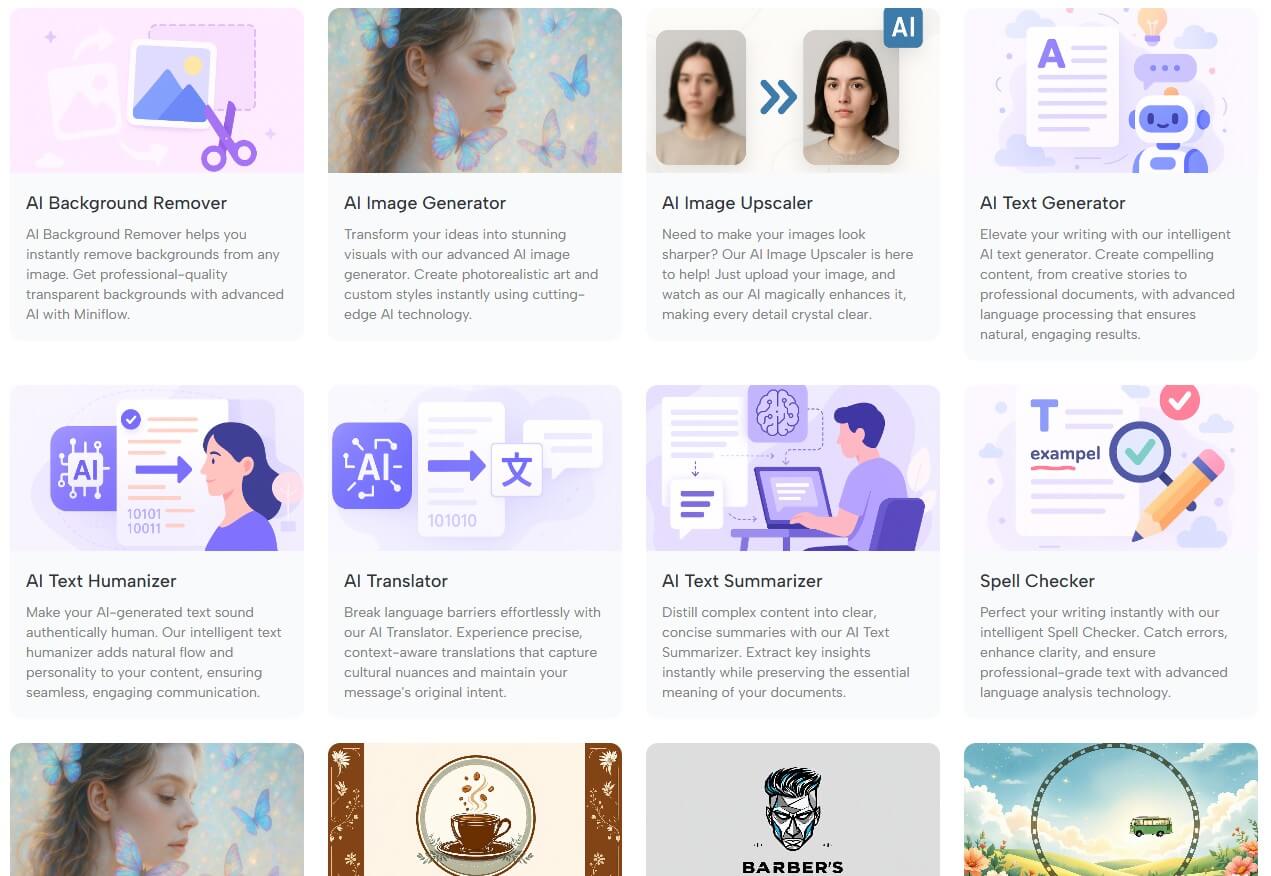
The platform’s identity is still broad. It lists individual tools such as AI text generation, text humanizing, translation, summarization, spell checking, image generation, background removal, and image upscaling. It also lists models such as GPT-4o, GPT-4o Mini, Claude 3.5 Haiku, Claude 3.7 Sonnet, DeepSeek R1, and DeepSeek V3 in its tools directory.
Miniflow.ai is strongest for users who do many small AI tasks across different formats. A marketer might need campaign copy, a product image, a translated caption, and a summary of research notes. A creator might need a video idea, an image prompt, a thumbnail concept, and social posts. A business owner might need customer replies, reports, lightweight research, and simple automations.
The workflow builder is the more interesting part. Miniflow.ai says users can create AI applications by combining multiple models through a visual workflow builder, with nodes for text generation, image generation, web scraping, file-to-text conversion, HTTP requests, image analysis, loops, conditions, upscaling, background removal, and AI search.
That matters because single AI tools are useful, but chained workflows are where time savings can become more meaningful. A user could create a workflow that turns a topic into research notes, turns those notes into a blog outline, generates image ideas, creates social captions, and formats the result for publishing. The value is not only one output. It is repeatability.
| Feature | What it does | Why it matters |
|---|---|---|
| Multi-model access | Gives users access to several major AI model families | Helps users choose different models for writing, reasoning, coding, or creative work |
| AI tools library | Offers pre-built tools for text, image, translation, summarization, and editing | Useful for quick tasks without building a full workflow |
| Visual workflow builder | Lets users connect AI nodes through a drag-and-drop interface | Helps automate multi-step work without coding |
| AI search and deep search | Supports research-style information gathering and insight extraction | Useful for summaries, competitive research, and content planning |
| Image and video tools | Supports visual creation and editing workflows | Makes the platform broader than a text-only assistant |
| No-code interface | Lets non-developers build AI processes visually | Lowers the barrier for creators, operators, and small teams |
The workflow layer is the clearest reason to look at Miniflow.ai instead of using a normal chatbot. Its workflow page says users can create, manage, and execute automated workflows, start from a blank workflow, or use pre-built templates. It also shows an AI Assistant option as coming soon, which is worth noting because not every promoted workflow feature may be fully mature yet.
The homepage gives a better sense of the node-based model. Nodes can handle image generation, text generation, web scraping, data extraction, API calls, image analysis, text splicing, file conversion, loops, conditions, and search.
This is useful for people who want to standardize repeated processes. For example, an ecommerce seller could generate product descriptions, translate them, and create image concepts. A student could summarize uploaded notes, extract key terms, and produce study questions. A marketer could turn a brief into ads, social posts, and email copy. The limitation is that workflow builders need planning. A casual user may find individual tools easier at first. The workflow builder becomes valuable when the same process happens often enough to justify setting it up.

Miniflow.ai’s tool library is broad. The tools page includes common utilities such as text generator, text humanizer, translator, summarizer, spell checker, image generator, background remover, and image upscaler.
This makes the platform accessible because users do not need to think in terms of models first. They can start with a task: summarize this, translate this, remove this background, generate this image, improve this text. That is helpful for beginners who may not know which model to use.
For more advanced users, model choice still matters. A writing task, code task, image task, research task, and reasoning task may not perform equally well across models. Miniflow.ai’s advantage is access and convenience. The trade-off is that users who love a model’s native interface, latest settings, or advanced controls may still prefer going directly to the original provider.


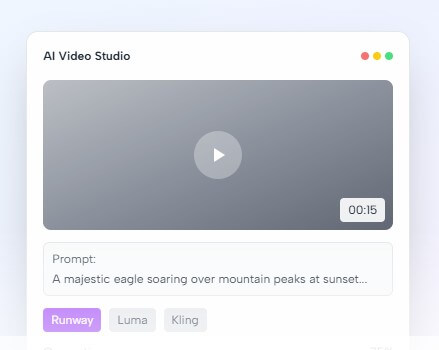
Miniflow.ai is most useful when work crosses content types. The homepage positions it around text, image, video, and audio generation, along with deep search and AI video generation.
For creators, that means brainstorming ideas, generating captions, creating images, and building repeatable content workflows. For marketers, it can support campaign drafts, social content, summaries, ad concepts, translation, and visual assets. For small businesses, it can help with customer communication, simple reports, product content, and internal task automation.
The platform’s own blog frames similar use cases: content creators automating publishing, business owners generating reports and presentations, students and researchers using deep search, and developers prototyping AI features without learning multiple APIs.
Miniflow.ai’s learning curve depends on how much of the platform you use. The single-purpose tools should be easy to understand. The workflow builder takes more thought because users need to decide the sequence, inputs, outputs, and conditions.
That is normal for automation tools. The first useful workflow is often simple: input text, summarize it, rewrite it, and format it. More complex workflows, such as research-to-content pipelines or image-plus-text publishing flows, need testing and cleanup. The platform is still labeled “beta” in its tools directory, so users should expect some rough edges, changing feature names, or uneven maturity across the toolset.
The first limitation is breadth versus depth. Miniflow.ai covers many categories, but specialist tools may still offer stronger control. A dedicated image editor may provide better visual refinement. A full automation platform may offer deeper business app integrations. A developer-focused AI platform may give better API control and logging.
The second trade-off is feature maturity. Some official homepage sections mention features such as output appearance modules, custom multi-model agents, and broader integrations as “Coming Soon.” Users should test the exact workflow they need instead of assuming every promoted capability is fully available.
The third issue is data handling. Miniflow.ai’s privacy policy says it collects personal information users provide, including email addresses, and also collects log, usage, device, and related technical data for security, operations, analytics, and service improvement. That is typical for web platforms, but users should be careful with sensitive business data, client files, or private documents.
Miniflow.ai is best for users who want a broad AI workspace that combines many tools, models, and automation options in one place. Its strongest value is the mix of pre-built AI utilities and a visual workflow builder that can connect tasks across text, image, video, research, and data processing. It is a strong fit for creators, marketers, students, freelancers, small businesses, and AI-curious operators who want to reduce tool switching and build repeatable AI workflows without code. The main caveat is that Miniflow.ai is a broad platform, not a deep specialist in every category. The best results will come from testing specific workflows, checking output quality carefully, and using specialist tools when a project needs tighter control.
TAGS: Productivity
Related Tools:
Turns Google Sheets into intelligent workflows

Travel planning tool that creates interactive maps

Helps users explore biomedical and life sciences research

Enhances productivity by automating task management

Automates email drafting and inbox organization

Generates quiz questions from slide content