

Share this tool:
 |
Description:
Integrately is a no-code automation platform built around a simple premise: connecting a few business apps should not require designing every workflow from the beginning.
The platform offers more than 20 million ready-made automations across over 1,500 apps. A custom builder is available when those templates do not provide enough control.
Ease of use is the main draw. Integrately leans heavily on predefined workflows, automatic field mapping, and guided setup. That makes it a sensible option for small businesses, marketers, sales teams, and operations staff who want to automate repetitive work without first studying workflow architecture.
Integrately’s defining feature is its large library of prebuilt workflows.
Choose the apps you want to connect, and the platform displays automations based on common trigger-and-action combinations. From there, you connect the required accounts, review the field mappings, and activate the workflow. Integrately calls these 1 Click Automations.
For familiar tasks, this cuts out a fair amount of setup.
You could send form leads to a CRM, post a Slack message when a record changes, copy customer information into Google Sheets, create tasks from incoming emails, or keep data synchronized between marketing systems.
SmartConnect handles more of the mapping by automatically matching fields between supported apps. That is useful because field mapping is one of those small jobs that quickly becomes tedious when several tools are involved.
Integrately gives users three main ways to begin:
| Method | Best for |
|---|---|
| AI Automation Builder | Describing the workflow you want in plain language |
| 1 Click Automations | Common workflows that already have a template |
| Custom Automation Builder | Multi-step processes requiring specific logic |
The AI Automation Builder is meant for situations where you know the result you want but do not want to assemble each step manually.
You might ask it to create a CRM contact whenever someone submits a form and then send that person an email. Integrately turns the description into an automation structure that you can review and configure.
The role of AI is fairly specific here. It helps build the workflow; it does not independently decide what work should be done. Integrately remains an automation platform rather than an autonomous agent system.
The one-click templates are only the starting point.
Users can connect several apps within one automation, add multiple actions, apply filters and conditions, and create different routes for different situations. Data Modifiers can adjust values before they reach the next app, including changes to text and dates.
An Iterator processes lists one item at a time. For example, an automation could retrieve several purchase orders and handle each record separately instead of passing the whole list along as one object.
These controls become necessary surprisingly quickly. Real business processes have exceptions, incomplete records, and different rules for different cases. “When this happens, do that” rarely stays that tidy for long.
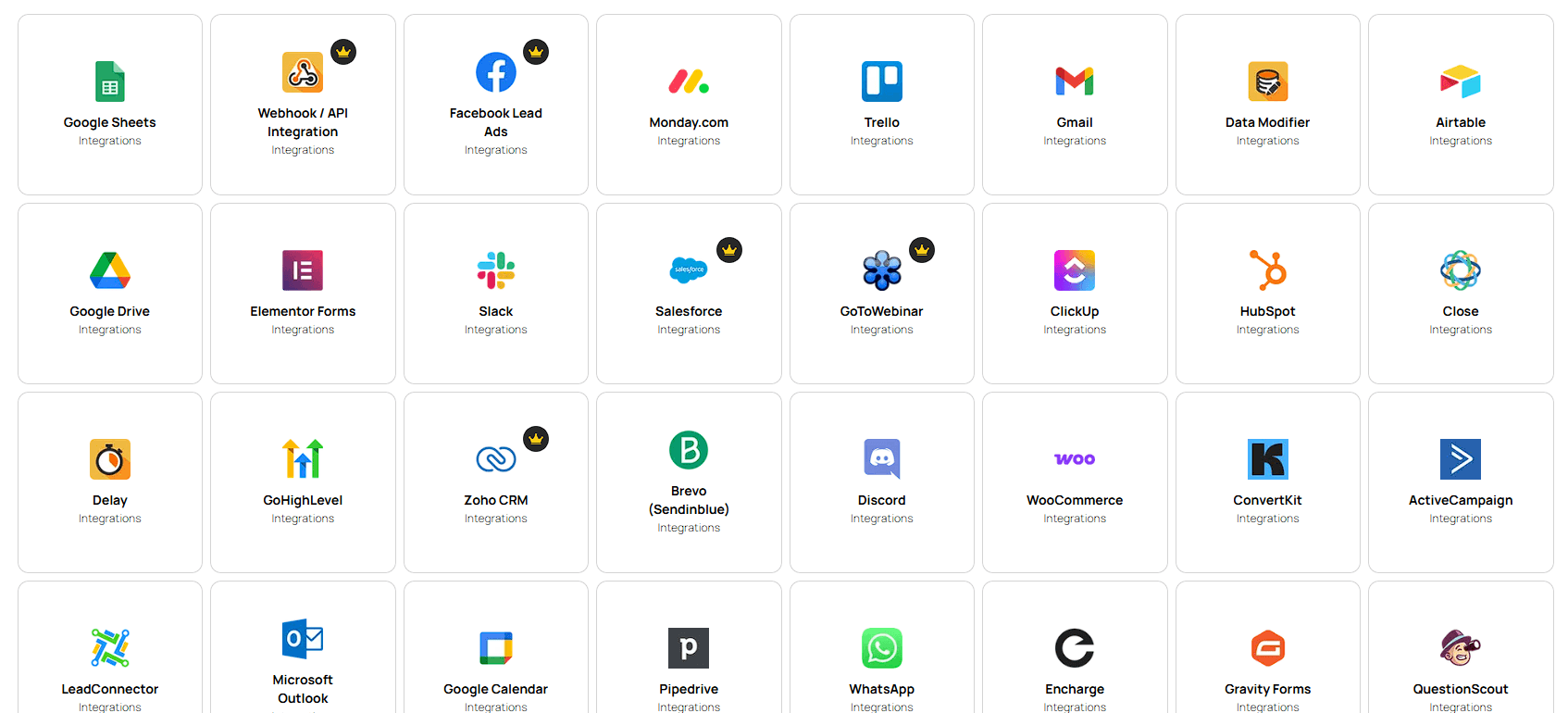
Integrately’s catalog covers more than 1,500 apps, including Salesforce, HubSpot, ActiveCampaign, Gmail, Google Sheets, Slack, Shopify, WooCommerce, Airtable, ClickUp, Notion, Trello, Zendesk, Asana, Google Drive, and WordPress.
When a service does not have a native connector, the Webhook/API Integration tool can exchange information with external applications that provide an API or webhook.
Technical users can also use Code by Integrately to run custom JavaScript for data transformations and workflow logic.
That gives the platform some room to grow with a team. A workflow can begin with a ready-made template, then gain custom logic or API connections as its requirements become more specific.
Integrately also provides an embedded automation option for software companies.
A SaaS provider can place Integrately’s automation widget inside its own product or website. Customers can then access relevant ready-made integrations without leaving the product to build workflows somewhere else.
The widget can be configured to show automations related to the provider’s application. It is not the most visible part of Integrately, but it gives software vendors a way to offer more connections without developing every integration themselves.
- Lead management: Move form submissions into CRMs, spreadsheets, mailing lists, and sales workflows.
- Marketing operations: Synchronize contacts, trigger campaigns, update audience data, and connect marketing tools.
- Sales workflows: Create records, assign follow-ups, send notifications, and keep systems synchronized.
- E-commerce: Connect stores with spreadsheets, email platforms, fulfillment systems, and customer-management tools.
- Internal operations: Automate notifications, task creation, data transfers, recurring updates, and administrative work.
Integrately works best when the process repeats frequently and the intended result is already clear.
Integrately’s simplicity comes with limits. Teams building large automation environments with complex branching, extensive debugging needs, or highly customized orchestration may eventually need deeper workflow-management tools.
The enormous template library can also make automation appear more effortless than it really is. Fields still have to match correctly. Conditions need testing. And when a connected app changes its API or data structure, a previously reliable workflow may stop behaving as expected.
Its AI features also need to be understood in context. The AI Automation Builder helps create automations, but it does not turn Integrately into an agent platform with memory, planning, and dynamic tool selection. That is a different category of product.
Integrately is designed for people who want to automate work without spending much time assembling workflows from scratch. Its ready-made automation library, AI-assisted setup, SmartConnect mapping, wide app catalog, and custom builder make common business connections relatively quick to deploy.
Depth is the trade-off. Integrately favors fast setup and predictable automation over advanced agent orchestration. For small and mid-sized teams that mainly want repetitive work to move reliably between their existing apps, that focus may be exactly what they need.
TAGS: AI Automation
Related Tools:

Automates content creation and data-driven processes

Answers business calls and books appointments,

Automates customer support and provides accurate responses

Lets you extract structured data from any website

Creates voice agents capable of handling real business phone calls

Creates custom browser extensions and web automations