

Share this tool:
 |
Description:
Aurora is an AI productivity workspace for teams that want to organize company knowledge, collaborate around AI-assisted documents, and standardize repeatable workflows. Its strongest pitch is not that it gives users another chatbot. It tries to give teams a shared system where AI can work with company context, reusable playbooks, permissions, docs, and guided workflows.
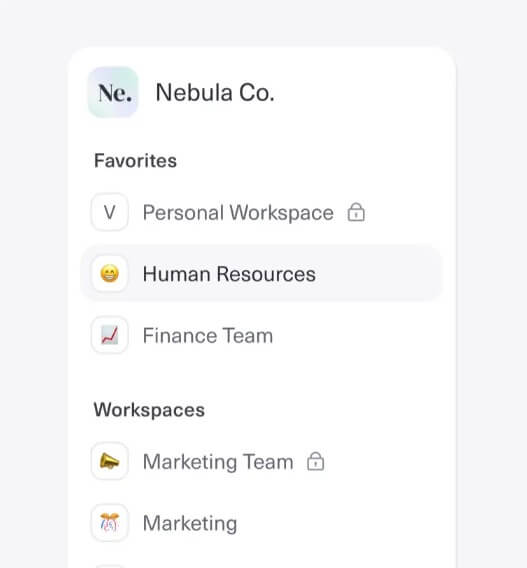
Aurora describes itself as an “Intelligent Team Workspace” fueled by company knowledge, with use cases across marketing, sales, strategy, and operations. The homepage frames the product around reducing siloed AI adoption, which is a useful way to understand the tool: Aurora is aimed at teams that do not want every employee using AI in a separate tab, with separate prompts, separate files, and inconsistent outputs.
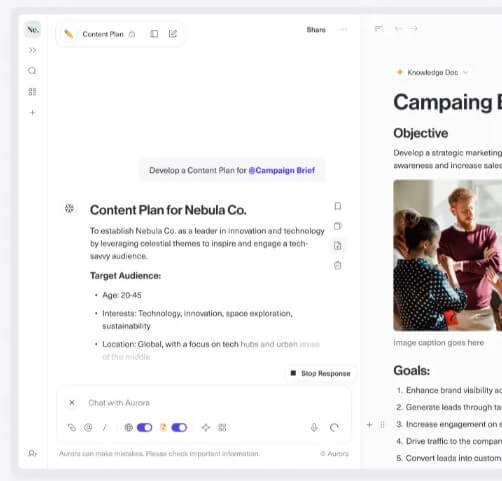
The platform is built around several connected parts: Workspaces, Knowledge Docs, Aurora Docs, Intelligence, SmartFlows, and Liquid Docs. That makes it closer to an AI work operating system than a simple writing assistant. A team can create shared spaces, store reusable knowledge, chat with that knowledge, turn drafts into knowledge docs, run repeatable workflows, and convert long-form content into presentation-ready material.
That structure matters. Aurora is trying to solve one of the real problems in business AI adoption: getting useful, consistent output from the same company knowledge instead of relying on one-off prompts.
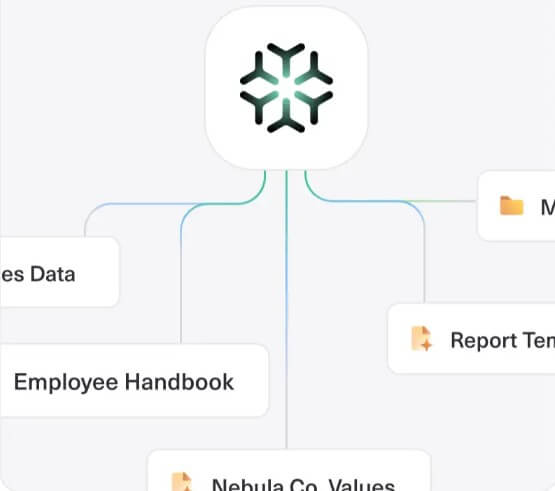
Aurora is strongest when a team needs shared AI habits, not just individual AI access. A solo user can still benefit from the workspace and document tools, but the platform makes more sense when several people need to work from the same brand rules, client context, sales material, strategy notes, research, or operating playbooks.
The best fit is marketing, sales, and strategy work where context shapes the quality of the output. Aurora’s public examples include sales scripts, writing style guides, case studies, homepage wireframes, positioning strategy, thought leadership content, and webinar planning.
That tells you a lot about the product. Aurora is not mainly built for raw brainstorming. It is built for turning internal knowledge into usable business assets with less manual setup each time.

| Feature | What it does | Why it matters |
|---|---|---|
| Workspaces | Organizes projects by team, department, or client | Keeps AI work from becoming scattered |
| Knowledge Docs | Stores reusable team expertise and resources | Gives AI better context than a blank prompt |
| Aurora Docs | Supports drafting, planning, and collaboration | Helps teams move from notes to usable work |
| Intelligence | Provides AI chat with workspace context | Makes answers more relevant to team material |
| SmartFlows | Creates guided, repeatable AI workflows | Helps teams standardize recurring tasks |
| Liquid Docs | Turns long-form content into presentation-ready output | Useful when reports or strategies need to become slides |
Aurora’s feature page describes Workspaces as dedicated spaces for organizing projects, sharing relevant information, and centralizing assets and communications. It also describes Knowledge Docs as reusable, searchable knowledge that can support AI chat with context-rich responses.

The most useful part of Aurora is its knowledge layer. Many AI tools produce generic answers because they know little about the company, team, customer, tone, project history, or preferred process. Aurora tries to fix that by letting teams create a library of context that the AI can refer to later. The homepage says users can centralize data for more context-rich AI responses and cite answers or find sources from knowledge with one click.
This is a practical advantage for teams that care about consistency. A marketing team can store brand voice rules. A sales team can store messaging, objections, and customer segments. A strategy team can store research, frameworks, and decision notes. The more the team reuses the same context, the less time they spend rebuilding instructions every time someone opens an AI chat.
The trade-off is that this only works well if the knowledge base is maintained. Outdated docs, duplicate materials, and vague internal notes will lead to weaker outputs. Aurora gives teams a place to store knowledge, but the team still needs to decide what belongs there.
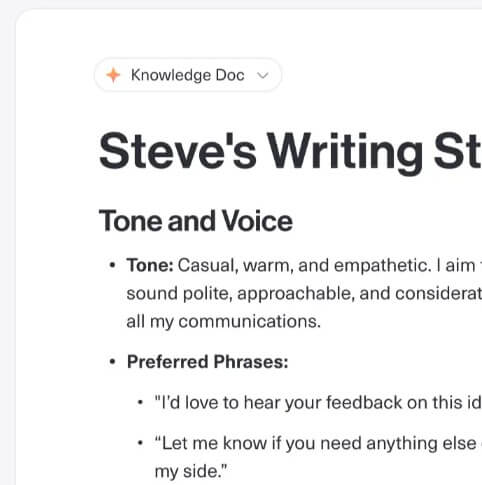
SmartFlows are Aurora’s clearest workflow feature. The feature page describes them as step-by-step workflows for repetitive tasks, with detailed instructions and knowledge extraction built into the process. Aurora’s Getting Started guide also explains that users can create SmartFlows, add tasks, reference knowledge, and publish a SmartFlow as a template.
This is useful because many business AI tasks are not one-step requests. A strong case study, sales script, positioning document, or webinar plan usually needs a sequence: gather context, define the audience, choose a goal, structure the output, refine the tone, and prepare the final asset. SmartFlows turn that sequence into a repeatable path.
Aurora’s playbook library shows how this works in practice. It includes guided workflows for sales scripts, writing style guides, case studies, problem solving with the 1-3-1 method, homepage wireframes, thought leadership content, positioning strategy, and webinar planning. For managers, this is one of the strongest reasons to consider Aurora. It helps reduce the gap between one employee who is good at prompting and a wider team that needs reliable output.
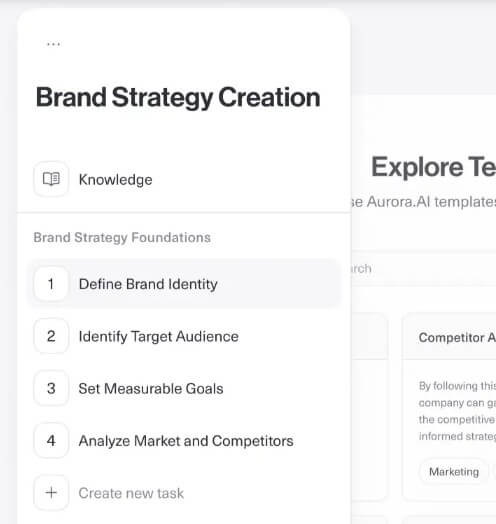
Aurora’s workflow is built around spaces, docs, chats, and reusable workflows. The Getting Started guide shows users how to create a workspace, manage sharing permissions, create Aurora Docs, turn Aurora Docs into Knowledge Docs, start an interactive chat, share chats, and create SmartFlows.
That setup is approachable, but it is not zero-effort. Aurora is more structured than a basic chatbot, which means teams need to think about workspace design. A messy setup can reduce the benefit fast. If every department creates its own naming system, knowledge docs overlap, or SmartFlows are built without clear ownership, the platform may become another content pile.
The best workflow is to start small. Build one workspace for a real team, add a few high-quality Knowledge Docs, create one or two repeatable SmartFlows, then measure whether output quality and speed improve.
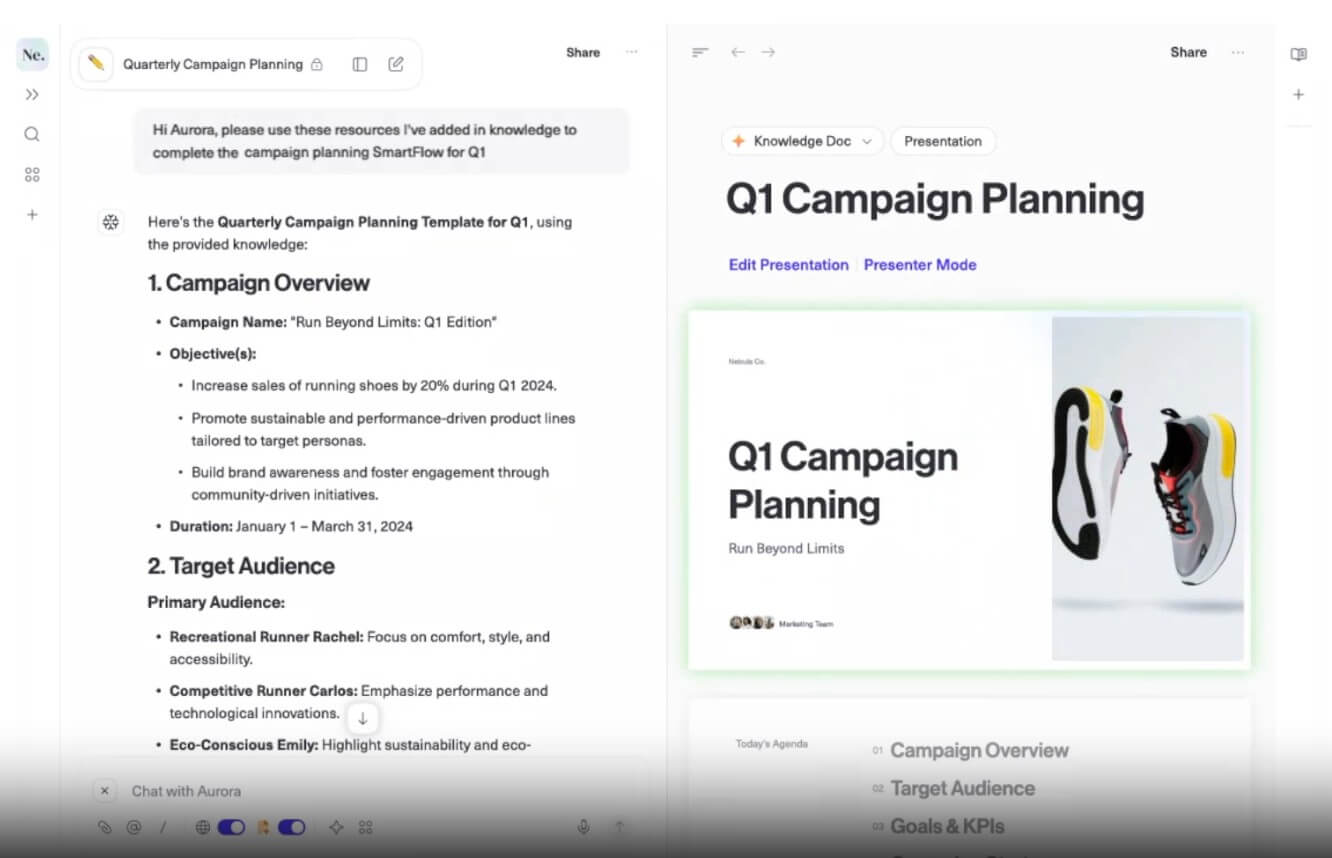
Liquid Docs are Aurora’s slide-oriented layer. The feature page says they can turn long-form content, strategies, or reports into polished, presentation-ready formats while staying connected to the source knowledge.
This is valuable for teams that turn thinking into deliverables often. Marketing plans become client decks. Strategy documents become leadership presentations. Research notes become workshop material. Aurora’s advantage here is not just slide creation. It is the connection between the source material, the knowledge base, and the finished document.
The caveat is that presentation quality still needs review. AI can speed up structure and formatting, but teams should check narrative flow, slide density, visual hierarchy, and whether the deck fits the intended audience.
Aurora is a strong fit for marketing teams that need brand-aligned content, campaign planning, case studies, homepage messaging, and thought leadership drafts.
It is also useful for sales teams that need reusable scripts, pitch material, objection handling, and customer-specific messaging built from shared context.
Strategy teams can use Aurora for positioning work, problem solving, planning documents, and turning research into structured recommendations.
Agencies and client-service teams may get strong value from separate workspaces for different clients, especially when each client has distinct brand rules, goals, and source material.
Operations teams can use SmartFlows for repeatable internal processes, onboarding guides, planning templates, and recurring documentation.
Aurora is less compelling for users who only want a fast personal chatbot. Its value depends on workspaces, knowledge setup, and repeatable workflows. Without those pieces, a simpler AI tool may feel faster.
There is also an adoption challenge. Teams need to agree on where knowledge lives, who maintains it, which SmartFlows matter, and how shared AI work should be reviewed. The platform can reduce inconsistency, but it cannot fix unclear team processes by itself.
Another limitation is that public model details are not the main focus of Aurora’s site. The tool is positioned more around workspace design, knowledge, and workflows than around specific model selection. That is fine for most business users, but technical buyers may want more clarity before standardizing on it.
Aurora is best for teams that want to move beyond scattered AI use and build a shared, knowledge-based workflow system. Its biggest strengths are Workspaces, Knowledge Docs, SmartFlows, AI chat with team context, and document-to-presentation workflows. It is a strong fit for marketing, sales, strategy, agencies, and operations teams that repeat similar knowledge-heavy tasks and want more consistent output. The main caveat is setup discipline. Aurora works best when teams treat company knowledge as a managed asset, not just a folder where every document gets dropped.
TAGS: Productivity
Related Tools:

Automates content creation and improves writing

Enables teams to capture, access, and verify information

Merges documents, spreadsheets, and apps to help teams collaborate
Helps teams plan, manage, and track their work

AI assistant that delivers real-time insights and transcription