
Share this tool:
 |
Description:
Rytr sits in a very specific part of the AI writing market. Its appeal is much simpler: fast, affordable AI writing help for everyday copy tasks like emails, product text, social content, rewrites, short paragraphs, and quick drafting. That positioning is still clear on the current site, which emphasizes 40+ use cases, tone control, plagiarism checking, and Chrome-extension-based writing across the web.
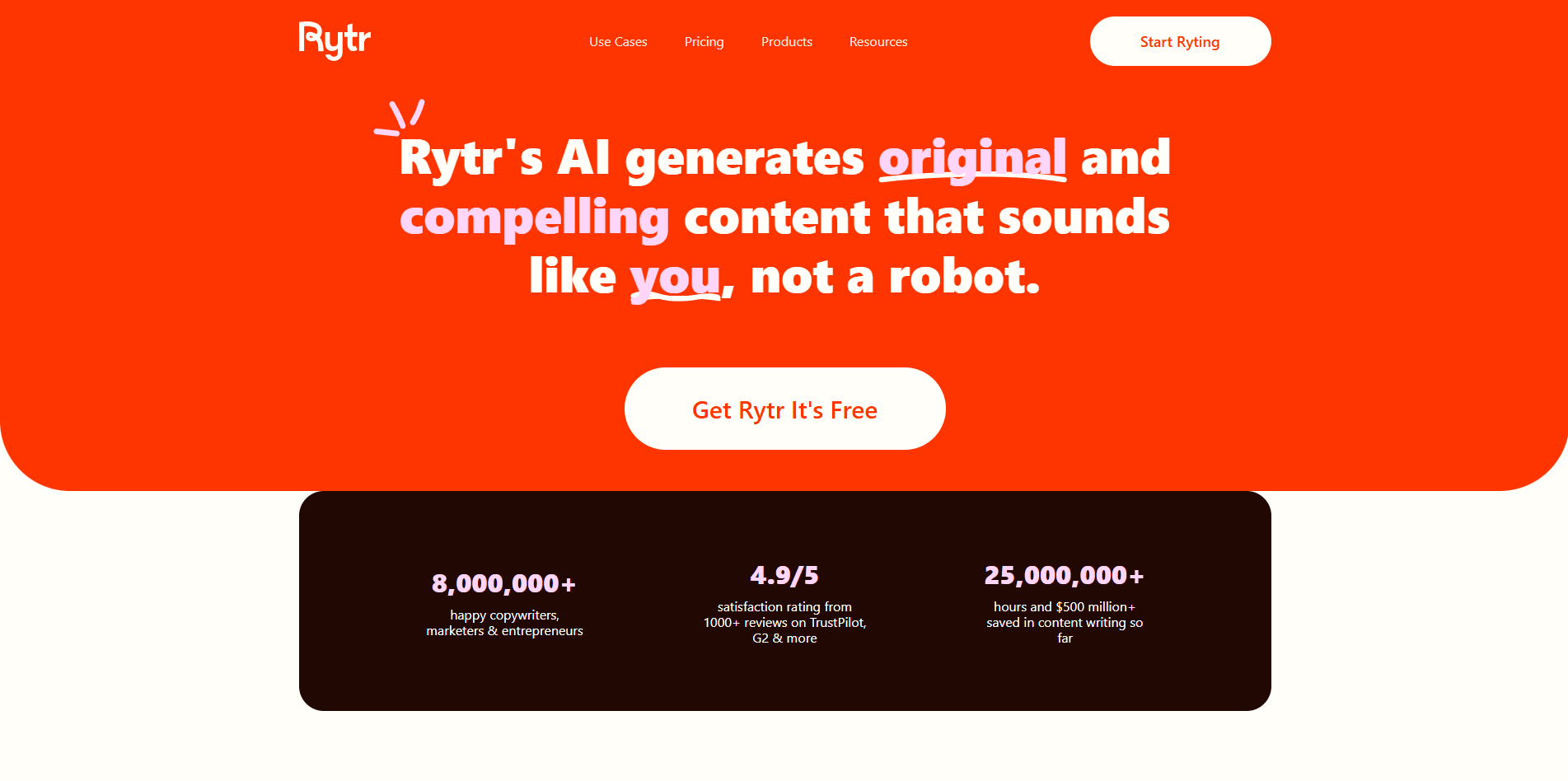
Rytr makes the most sense when you want a lightweight AI writer that is easy to pick up, cheap to keep, and built around templates and editing tools rather than around complex prompting or deep workspace orchestration. In other words, it is more “practical copy assistant” than “full AI writing platform.”
Template-style generation for common marketing, business, and editing tasks.
Supports preset tones and personalized tone matching on paid plans.
Includes rewording, sentence shortening, grammar improvement, and content expansion.
Lets users generate and edit text across websites and writing surfaces.
Included on paid plans with monthly limits.
Premium supports 35+ or 40+ languages depending on the page, so the broad takeaway is strong multilingual coverage on top plans.
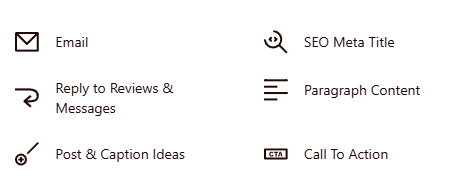
Rytr is strongest at fast, repeatable writing jobs. Its homepage and use-case pages center on short-form and utility writing tasks such as paragraph generation, rewording, autocomplete, grammar improvement, sentence shortening, calls to action, captions, and email-related copy. That makes it especially useful for marketers, founders, freelancers, and solo operators who need usable text quickly without building an elaborate workflow first.
Its second major strength is simplicity. Rytr does not appear to push users into a heavy document system or layered workspace. Instead, it organizes the product around use cases, tone selection, language selection, and inline editing. That is one reason it still has appeal despite a crowded AI writing market: you can get in, generate a draft, rewrite it, shorten it, or improve it without much setup.
The third strength is price-to-utility value. Rytr’s official pricing remains unusually aggressive compared with many AI writing tools. The Free plan includes 10,000 characters per month, the Unlimited plan is listed at $7.50 per month billed annually, and Premium is $24.16 per month billed annually. For users who mainly need everyday copy generation rather than a premium end-to-end writing system, that pricing is one of Rytr’s clearest advantages.
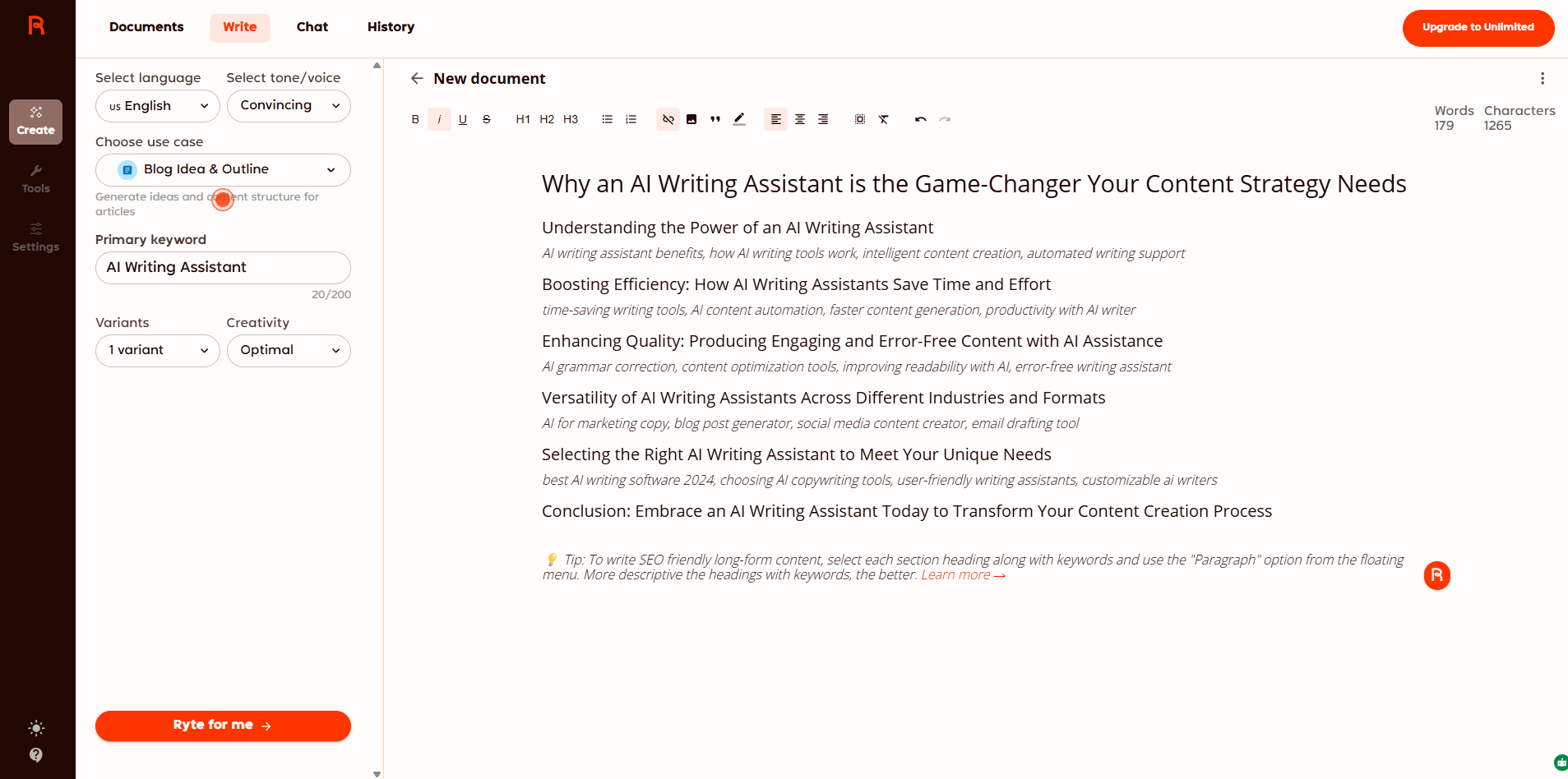
Rytr’s workflow looks intentionally lightweight. You generally pick a use case, choose a language and tone, provide the input, and generate. Its editing tools then let you expand, continue, rephrase, shorten, or improve text. That sounds basic, but it is also the point: Rytr is designed for people who want fast assistance without learning a complex interface.
This makes the product especially approachable for first-time AI writing users. The Free plan removes most of the risk of trying it, and the site consistently emphasizes that users can start without a credit card. For casual writers and small businesses, that ease of entry is part of the product’s value proposition, not just a pricing tactic.
The Chrome extension also matters more than it might seem. Rytr repeatedly highlights that it “works wherever you do,” which is important because many lightweight AI writing tools lose value if they require you to keep switching tabs. A browser-based assistive layer makes Rytr more practical for email, social, and everyday web writing than a tool that only works inside its own editor.
Write a clear and professional email.
State the purpose early.
Keep the tone polite and concise.
Use simple language and short paragraphs.
End with a clear next step or call to action.
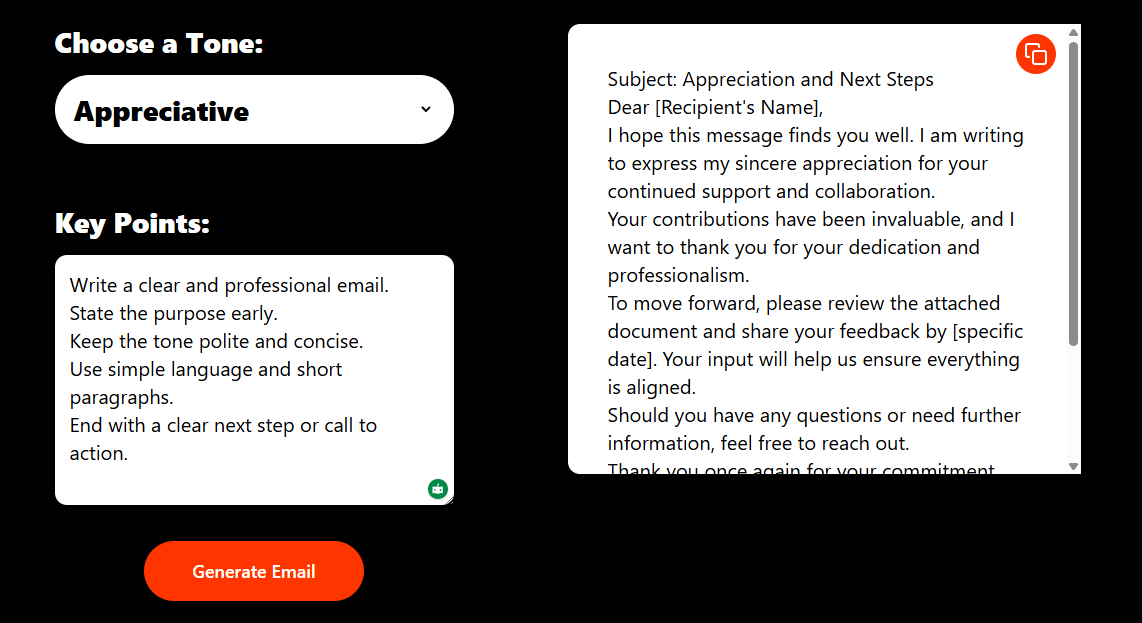
Rytr seems built for speed and usefulness more than for distinctive prose. Its current site leans heavily on efficiency, affordability, and everyday copy support. That suggests the product is best judged by whether it helps you move faster on normal writing tasks, not by whether it produces especially original long-form content.
That is not necessarily a weakness. For many users, especially small businesses and solo operators, the real need is not “write a brilliant 3,000-word article from scratch.” It is “help me draft this outreach email, improve this paragraph, tighten this product blurb, or generate social captions without wasting time.” Rytr looks well aligned to that kind of work.
Where it likely feels weaker is in more advanced writing environments. The current official positioning does not emphasize deep research, structured long-form document workflows, advanced SEO workspaces, collaboration layers, or complex brand governance. There is one comparison page that mentions a native SEO toolkit, but the core site messaging remains much more focused on lightweight writing assistance than on a broad content operating system.
Rytr looks strongest for short-form business and marketing writing: emails, website copy, captions, calls to action, paragraph generation, rewrites, and quick drafts. The product’s own use-case pages and solution pages reinforce that focus, especially for small businesses and practical day-to-day copy tasks.
It is also a good fit for users who want tone shaping without much complexity. Rytr’s tone feature is one of its more persistent differentiators, and paid plans add personalized tone matching for people writing for themselves, their company, or multiple clients.
Where it looks less ideal is for teams that need advanced collaboration, long-form content systems, serious editorial workflows, or deep AI research support. Nothing in the current official product positioning suggests that those are Rytr’s main priorities.
Rytr’s clearest market position is “budget-friendly practical AI writer.” Compared with more ambitious AI writing platforms, it appears lighter, cheaper, and easier to start using. Compared with generic chatbots, it offers a more guided workflow through use-case templates, tone controls, and inline editing tools.
That middle position is probably why it still makes sense. Rytr is not trying to out-reason general chatbots or out-platform enterprise writing suites. It is trying to be a fast, dependable writing utility with better structure than an open chat window and a lower cost than many specialized AI copy tools. That seems to remain true in the current product.
- The biggest trade-off is depth. Rytr looks useful, but it does not appear to be a deeply layered writing platform. If you need advanced research workflows, collaborative editorial systems, or premium long-form optimization, the product may feel too lightweight.
- The second limitation is that the public product language is still heavily template- and feature-driven. That is great for clarity, but it also suggests the tool is most comfortable in repeatable content formats rather than in highly original or structurally complex writing tasks.
- The third trade-off is that some details on the site vary slightly by page, especially around language counts and certain feature descriptions. The broad product shape is clear, but buyers should still verify the exact plan details that matter most to them on the pricing page before subscribing.
Rytr remains a strong option for users who want an affordable, low-friction AI writing assistant focused on short-form copy, rewrites, tones, and everyday business writing.
It is best for freelancers, marketers, founders, and solo operators who want practical output fast and do not need an elaborate content platform.
The main caveat is that Rytr’s strengths are simplicity and value, not depth, so it works best as a fast writing utility rather than as your entire AI writing stack.
TAGS: Copywriting Content Creation
Related Tools:

Simplifies copywriting on webpages

Generates digital marketing assets
AI designed to streamline content creation

Enhances creativity and streamlines content creation

Creates and edit videos with pre-made templates
Help you improve your writing for clarity and style