
Share this tool:
 |
Description:
- Introduction
- Strong Features and Capabilities
- What Grammarly Actually Does Best
- Workflow and Ease of Use
- Output Quality and How It Feels in Real Use
- Authorship, AI Detection, and Why That Matters
- Multilingual Support and Important Limits
- Privacy, Security, and Enterprise Trust
- Best Use Cases
- Limitations and Trade-Offs
- Final Takeaway
Grammarly is an AI writing layer that sits across email, docs, browsers, desktop apps, Microsoft Office, Google Docs, and Grammarly’s own newer writing surface, Docs. That broader shape matters because the main reason to use Grammarly today is not only that it catches mistakes. It is that it keeps you editing, rewriting, and drafting inside the tools you already use instead of pushing you into a separate chatbot tab.
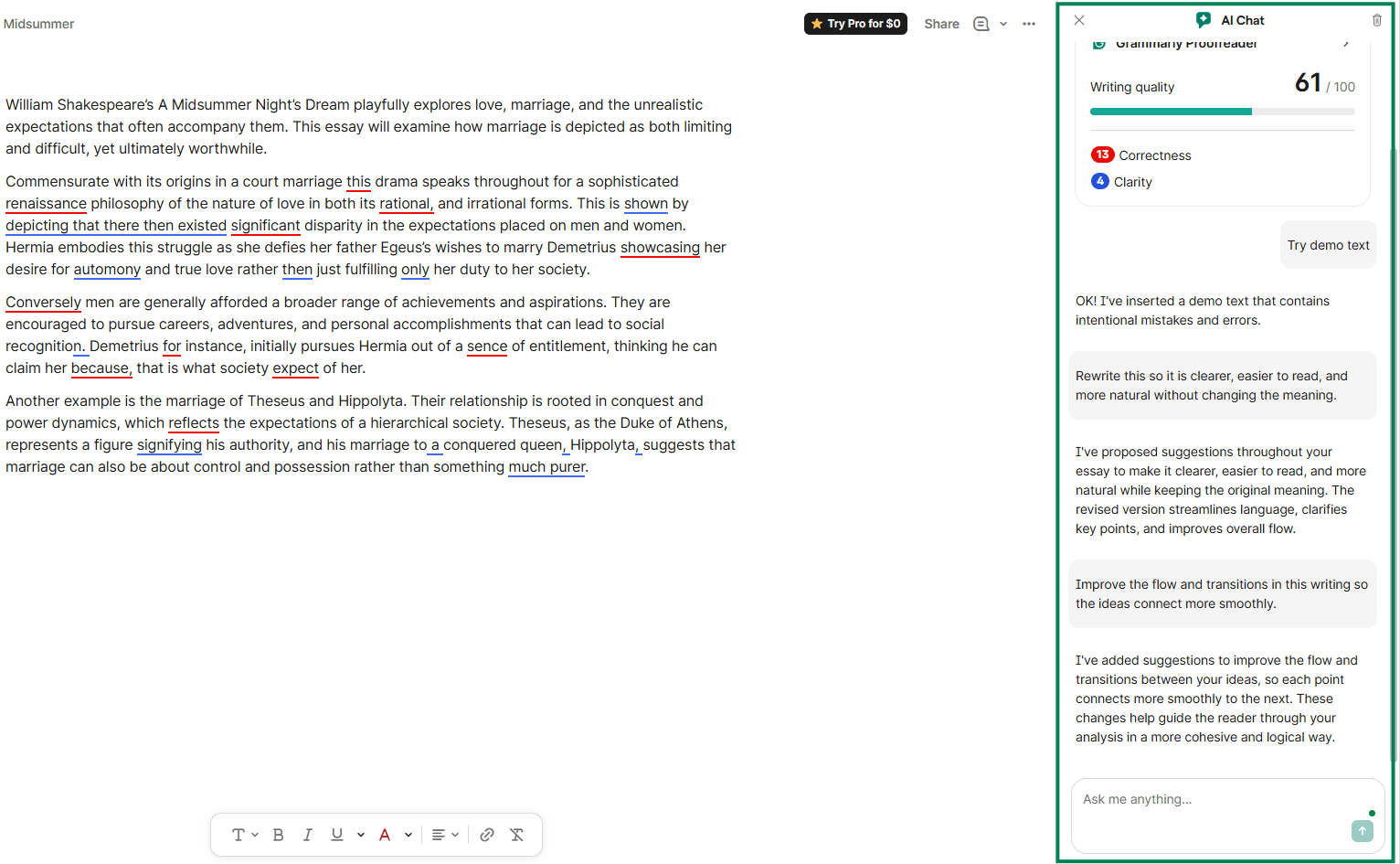
In practical terms, Grammarly is strongest when your work lives in everyday communication: emails, proposals, reports, academic writing, support replies, internal documentation, and team-facing content that needs to sound clear, professional, and consistent. It can generate text, but its real advantage is still the layer that sits between draft and final version: grammar, clarity, tone, sentence rewrites, and workflow-friendly suggestions that appear where you are already writing.
Real-time grammar, spelling, punctuation, and phrasing help across the places you already write.
Helps messages sound more confident, direct, friendly, or polished without fully rewriting from scratch.
Lets you generate text, expand ideas, and rewrite selected text with prompt-based assistance.
Grammarly’s own AI workspace supports brainstorming, composing, editing, and AI agents in one place.
Brand tones, style rules, and writing preferences help organizations keep communication consistent.
Lets users show whether text was typed by them, created with AI, or edited with Grammarly in supported surfaces.
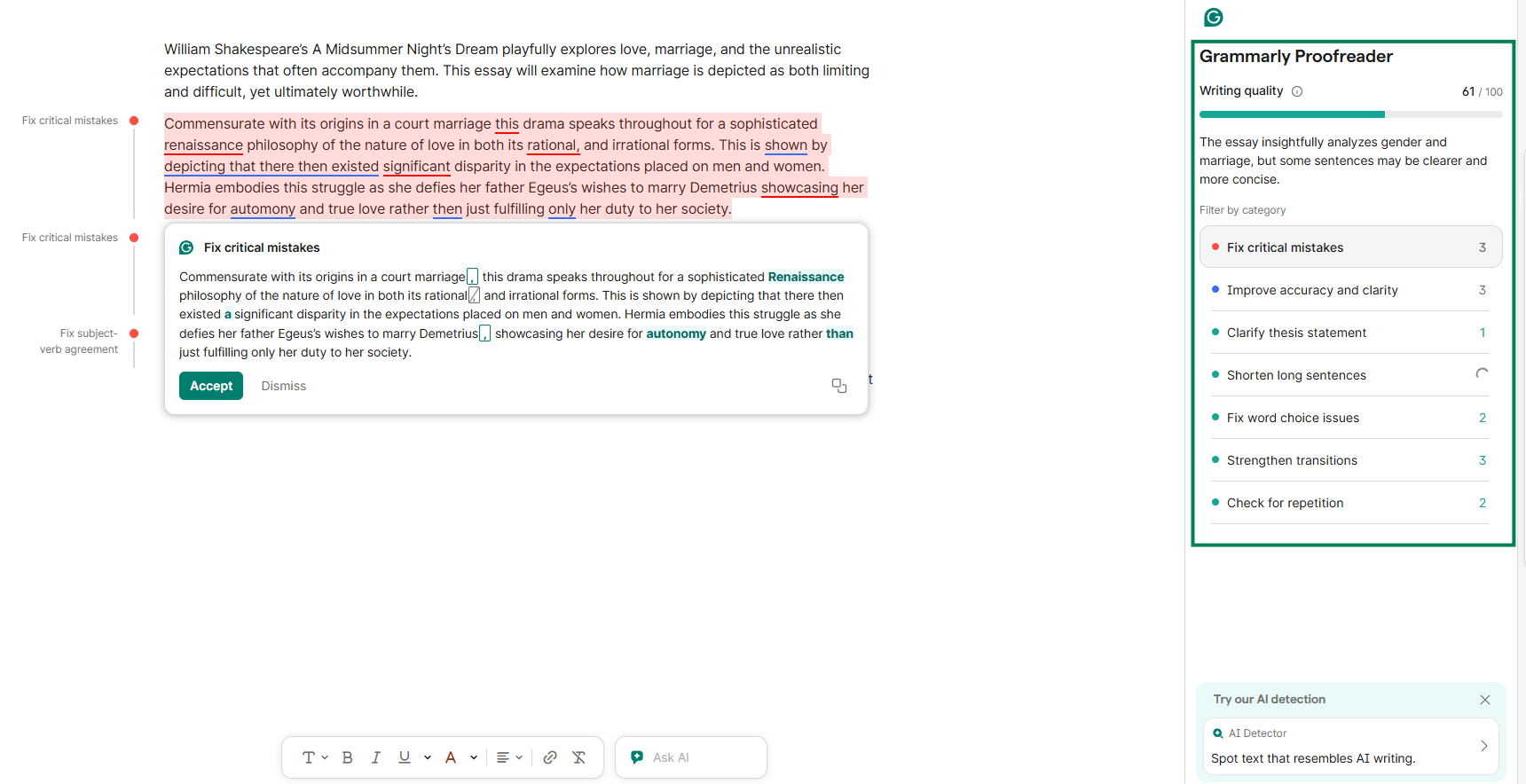
Grammarly is best at reducing friction in normal writing rather than replacing the writing process. If you want a tool that helps you move faster in Gmail, Google Docs, Word, Slack-like desktop apps, and other common work surfaces, Grammarly makes more sense than a standalone AI writer because it is built to operate in place. Grammarly says its desktop and browser products work across apps, websites, and word processors, including support for Gmail, Google Docs, Word, and native desktop apps through its Windows and Mac app.
Its second big strength is that it separates writing help into useful layers. First, there is the classic proofreading layer: spelling, grammar, punctuation, and basic correctness. Then there is the editorial layer: clarity, concision, and tone. Then there is the AI layer: drafting, rewrites, ideation, and on-demand prompts. That stack is more practical than tools that jump too quickly from “write for me” to a full generated draft. Grammarly is often better when you already have text and want it improved, shortened, softened, clarified, or made more professional.
A third strength is team consistency. Grammarly’s business-oriented features now include brand tones, style rules, and customizable writing preferences, which let teams push suggestions toward house style instead of relying only on generic grammar advice. That is a real difference between Grammarly as a personal assistant and Grammarly as a communication system for companies.
Grammarly is very easy to start using and harder to fully outgrow. For individual users, the basic workflow is still one of its best qualities: install the extension or desktop app, start typing, and accept or reject suggestions inline. That low-friction setup remains one of the strongest arguments for Grammarly over more advanced AI writing tools.
Where Grammarly becomes more useful is when you stop thinking of it as a red-underline tool and start using it as a revision layer. Highlight text, ask it to improve, rephrase, or adjust tone, and it becomes a lightweight editor rather than just a checker. This is especially good for emails, status updates, cover letters, and reports where the structure already exists but the language needs tightening.
Docs is the next layer. Grammarly describes Docs as an AI-powered writing surface for brainstorming, composing, editing, and refining documents with AI agents. That makes it more comparable to lightweight AI writing workspaces, not just browser correction. Still, Docs is not the main reason most people buy Grammarly. It is better viewed as a useful extension of the core product rather than the product’s center of gravity. The center is still writing help everywhere else.
For teams, the workflow gets more valuable once admins configure brand tones, style rules, and writing preferences. At that point Grammarly stops being only “helpful AI” and starts becoming a communication governance tool. That is where it gets especially useful for support teams, sales orgs, marketing teams, and any company that cares about consistent language across many writers.
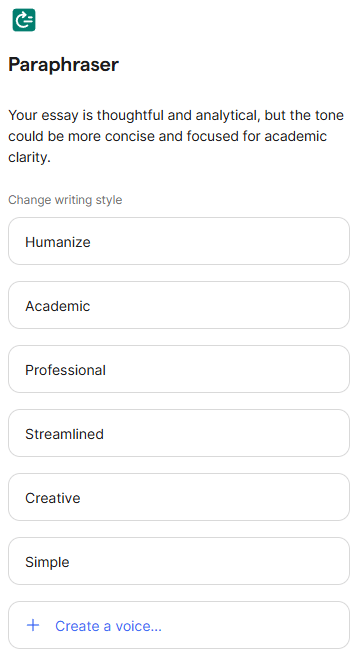
Grammarly’s quality is strongest in revision, not invention. It is good at spotting awkward phrasing, softening tone, removing clutter, and pushing writing toward a cleaner business style. It is less distinctive when you ask it to generate something highly original or deeply voice-driven from scratch. In other words, Grammarly is usually better at making your writing more usable than making it more memorable. That trade-off is fine for most workplace writing and often exactly what people want.
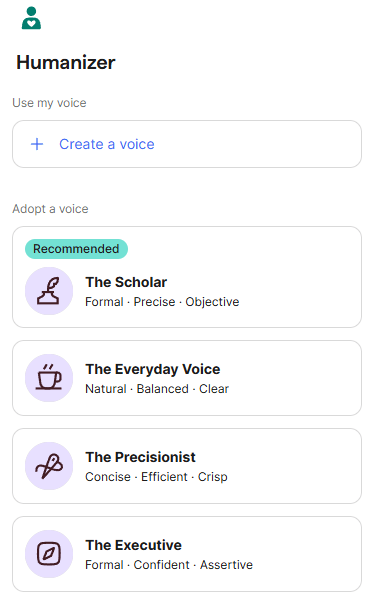
Its tone system is one of the most practically useful parts of the product because tone problems are common in everyday communication and harder to self-edit than grammar mistakes. Grammarly’s tone adjustments and tone suggestions are a big reason the product still feels relevant even as generic chat tools get stronger. A grammar checker can catch an error; Grammarly can also help a message sound less abrupt, more confident, or more aligned with a role or audience.
The AI drafting side is useful, but you should view it as assistive rather than best-in-class generative writing. Grammarly’s generative AI works well for outlines, first-pass drafts, replies, and rewrites inside your workflow. It is not the strongest choice for long-form creative generation, heavy research synthesis, or advanced prompt chaining. Its advantage is convenience, not frontier-model depth.
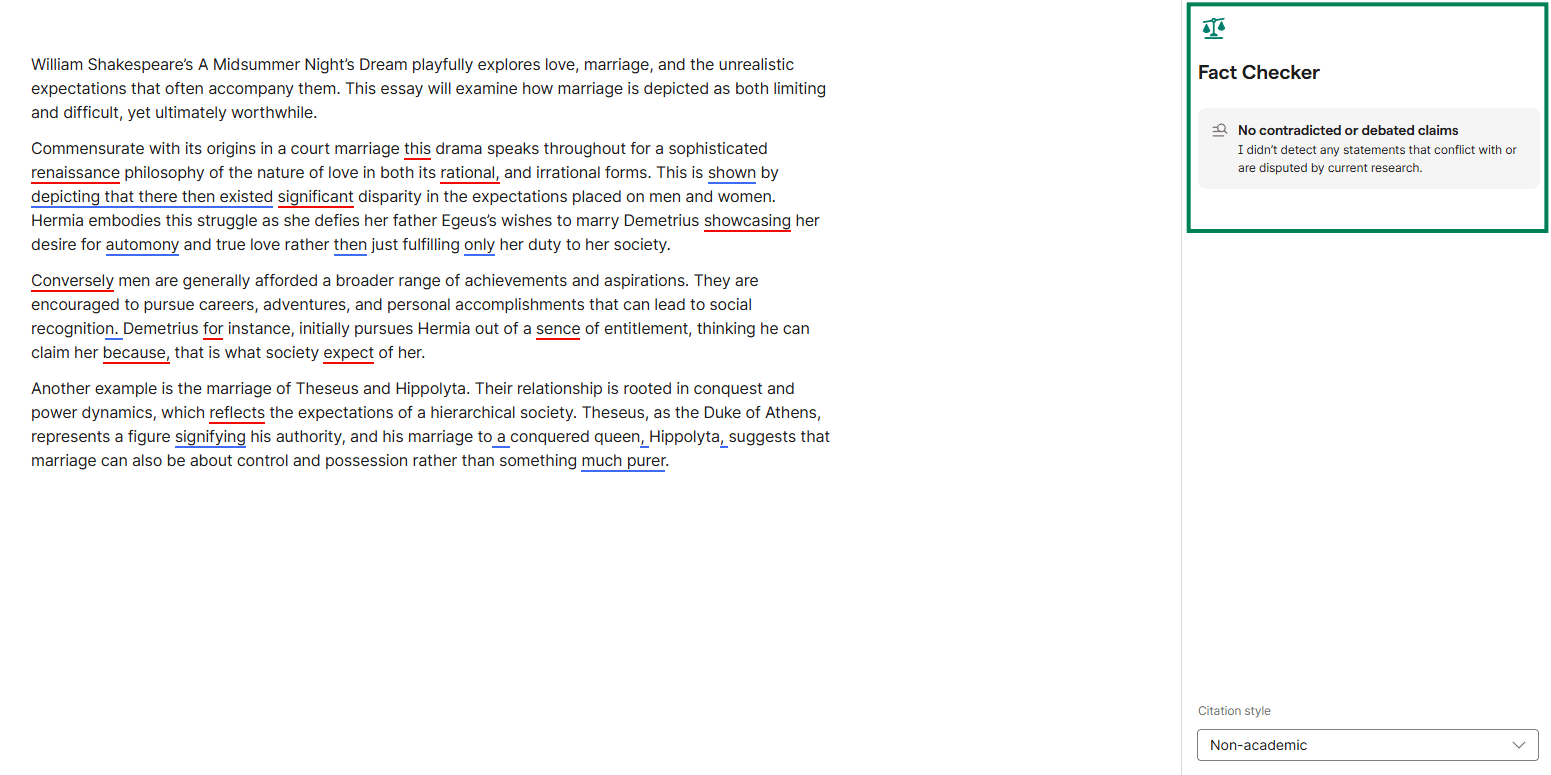
One of Grammarly’s more distinctive additions is Authorship. Grammarly frames it as a transparency feature, not an AI detector. It tracks how text was produced in supported environments and labels text as written by you, created with AI, or edited with Grammarly. Authorship is available in Google Docs, Microsoft Word, and Grammarly Docs, with tracking enabled through the relevant Grammarly integrations.
That matters because many schools and workplaces are worried about AI use, but post-submission AI detection remains unreliable and controversial. Grammarly’s approach is different: document the process rather than infer it afterward. For academic and professional users, that is one of the most interesting parts of the current product, even if it is not the main reason most users sign up.
Grammarly also offers an AI Detector for some paid users inside Docs or related surfaces, but Authorship is the more meaningful feature because it is evidence-oriented rather than guess-oriented.
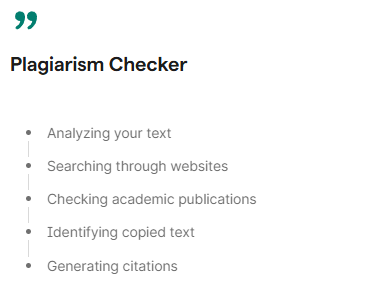
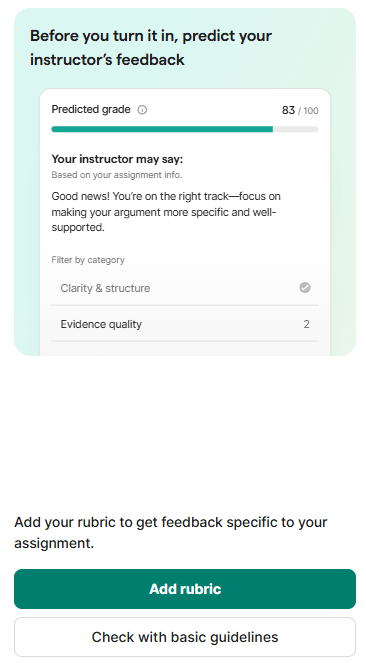
Grammarly has expanded beyond English. Its support materials say it now offers suggestions in 22 languages in addition to English, and its multilingual support pages position the product as offering real-time help in more than 20 languages.
That said, the experience is uneven across features. Grammarly’s generative AI features are still tied mainly to English input, while multilingual paragraph-level rewrites are supported in a smaller set of languages. So if your main reason for subscribing is AI generation in non-English writing, Grammarly is still more limited than its marketing headline might suggest.
For business buyers, Grammarly’s trust profile is fairly mature. Grammarly publicly lists SOC 2 Type 2 and ISO/IEC 27001:2022 on its compliance page, and it has also announced ISO 27701 certification and compliance with regulations and frameworks such as GDPR, CCPA, and HIPAA in its trust and security materials.
That does not automatically make Grammarly the right tool for every highly sensitive workflow, but it does mean the product is much more enterprise-ready than consumer AI writing tools that only talk loosely about privacy. For large organizations, this is a meaningful buying point, especially paired with Enterprise controls like confidentiality mode, permissions, and DLP.
- Professionals who write constantly: Grammarly is a strong fit for users who do not want to become prompt engineers.
- Email-heavy roles: It works especially well for client communication, proposal writing, and internal documentation.
- Job applications and academic drafting: It helps with faster revision, clearer structure, and cleaner tone.
- Support and sales teams: It is useful for faster, cleaner messaging at scale.
- Organizations that care about communication quality: Brand tones, style rules, and writing preferences make more sense in real companies than in solo use.
- Editing layer alongside other AI tools: Users who mainly want deep long-form AI generation or high-creativity writing support may prefer other tools first, then use Grammarly afterward as an editing layer.
- The AI layer is useful but not especially deep: It is convenient because it is everywhere, but it is not the most powerful environment for advanced content generation.
- Some newer features are surface-dependent: Authorship works in specific environments. AI support is strongest in English. Multilingual capabilities are expanding, but not every Grammarly feature is equally available across every language.
- Value depends on usage volume: Grammarly Pro makes sense if you write a lot, but lighter users may not get enough from the paid tier if they only need occasional proofreading.
Grammarly is still one of the most practical AI writing tools because it solves a very real problem well: most people do not need a giant writing model first. They need better writing where they already work.
Grammarly is best for professionals, students, and teams who want faster revision, cleaner tone, fewer mistakes, and more consistent communication across everyday apps.
Its main caveat is that the AI generation side is helpful rather than exceptional, so the product is strongest as a writing improvement layer, not as your only AI writing system.
TAGS: Copywriting Content Creation
Related Tools:

Easily produce engaging videos using templates
Transforms video content into polished, SEO-friendly blog posts
Streamlines content creation process

Generates SEO-friendly articles for niche websites
Transforms video content into concise summaries and articles

Helps quickly develop content marketing plans