
Share this tool:
 |
Description:
MyMind is a private visual bookmarking and personal knowledge tool built around one clear promise: save anything, organize nothing. Instead of asking you to build folders, databases, tags, boards, or dashboards, it uses AI to analyze what you save so you can search for it later in a more natural way. That makes it feel less like a productivity system and more like a quiet personal memory layer.
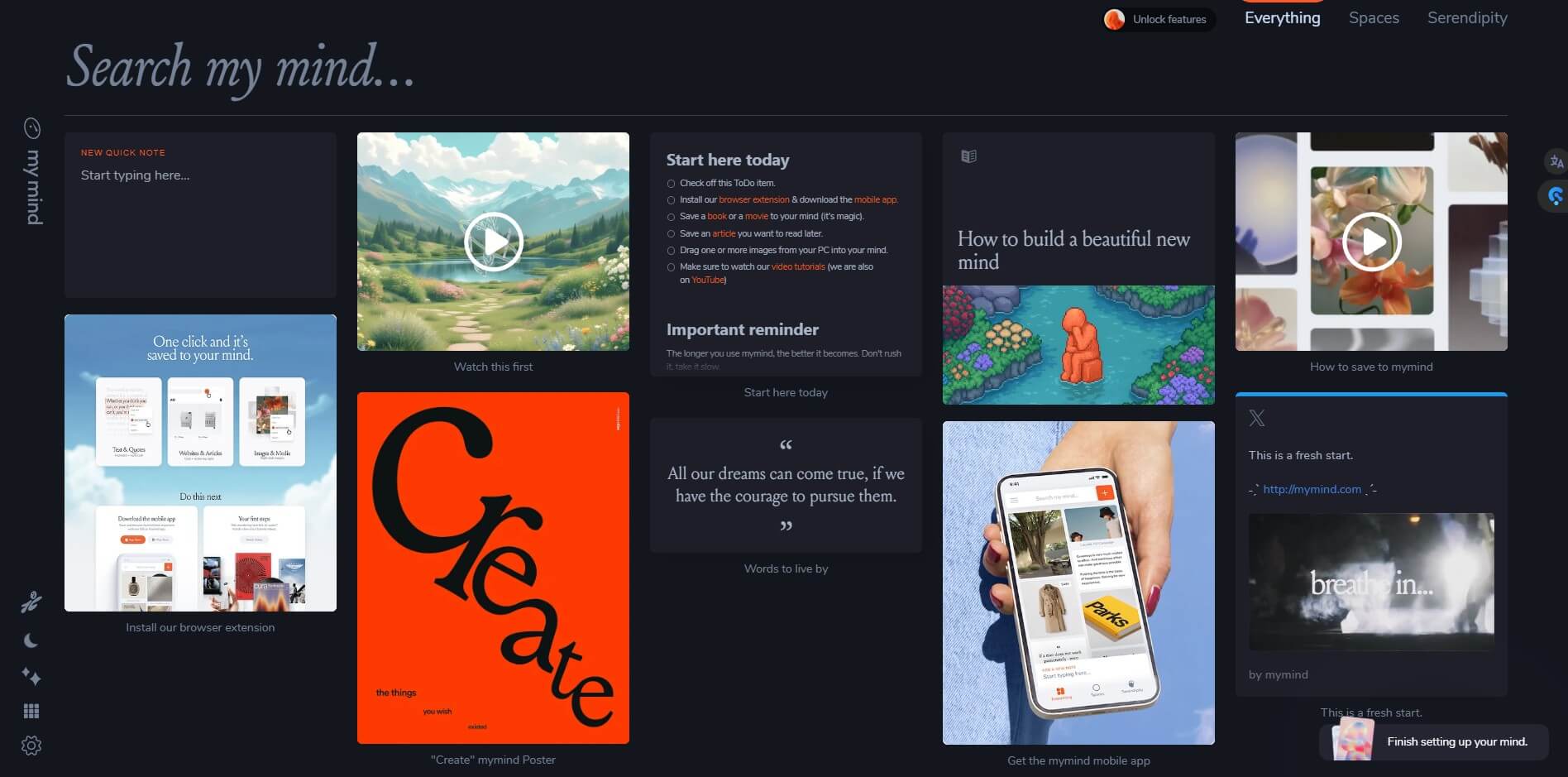
MyMind is a place to collect digital things you want to remember: notes, bookmarks, images, quotes, highlights, articles, screenshots, products, recipes, books, videos, and other web finds. Its official positioning is direct: “Remember everything. Organize nothing.” The product stores those items in one private space, then uses AI and machine learning to categorize, analyze, and make them searchable.
That distinction matters. MyMind is not trying to be Notion, Evernote, Pinterest, or a classic read-it-later app. It is less about building a system and more about removing the system. You save something because it matters. MyMind handles much of the structure behind the scenes.
The result is a tool that appeals to people who collect ideas but hate maintaining tools. Designers, writers, researchers, founders, and visually driven thinkers will understand the appeal quickly.
MyMind is strongest when you need a low-friction place to capture things before they disappear. A quote from an article, a product page, a design reference, a recipe, a PDF, a quick note, a screenshot, or an image can all live in one place. The official site says it can save with a browser extension or mobile app, and that MyMind categorizes and analyzes items so they can be found again later.
The best use case is not heavy project management. It is personal recall. You remember a color, a phrase, a date, a rough concept, or the feel of an image, then search for that instead of digging through folders.
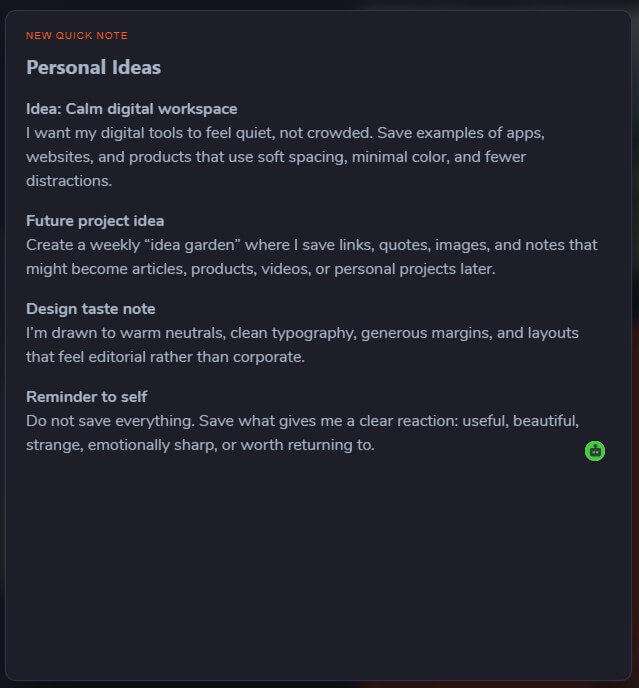
That is why MyMind’s “no folders” philosophy is more than branding. It changes the product’s whole shape. If you enjoy organizing, this may feel too hands-off. If organizing is what stops you from saving ideas in the first place, MyMind solves a real problem.
MyMind automatically tags and categorizes what you save, including images, websites, and PDFs, so manual tagging becomes optional rather than required.
You can search by keywords, colors, phrases, dates, objects, or other remembered details, which fits the way people often recall things imperfectly.
MyMind can analyze images for objects, colors, brands, and text, including optical character recognition for text inside images.
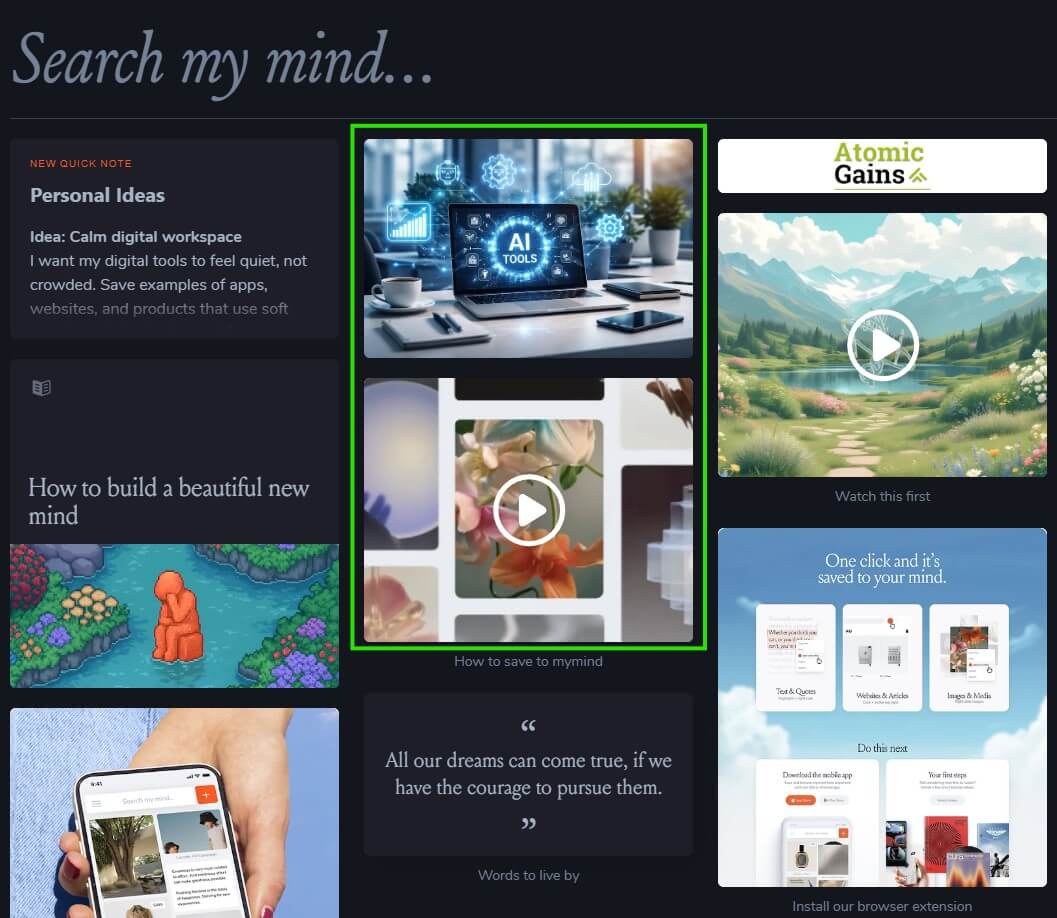
Links are treated differently depending on what they are, such as articles, products, books, or recipes, so saved items are displayed in a more useful card format.
Articles can be read inside MyMind in a cleaner, distraction-free format, with excess page clutter removed.
Smart Spaces can auto-sort saved items for special projects, while Serendipity resurfaces forgotten items so your archive does not become a dead storage pile.
The workflow is intentionally simple. Save first, think later. On desktop, you can use the browser extension or drag and drop. On mobile, you can save through the app and share sheet. MyMind says items sync across devices, so something saved on iOS or Android can appear on desktop too.
This is where MyMind feels different from more structured productivity apps. There is no pressure to pick the correct folder, create a page hierarchy, design a database, or decide whether something belongs in “research,” “inspiration,” or “ideas.” The card goes into your mind, and the AI adds structure in the background.
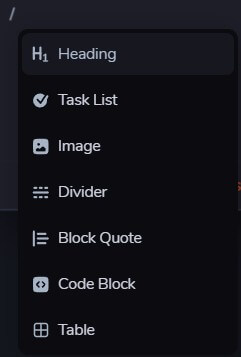
That makes onboarding easy, but it also means you have to trust the product’s philosophy. MyMind works best when you stop trying to manage it like a traditional filing cabinet.
The AI layer is the main practical reason to use MyMind. It automatically analyzes images, extracts concepts from articles, adds tags to PDFs, generates PDF summaries, creates automatic PDF titles, and indexes summary content for later search.
This is useful because most saved-content tools fail in the same way: they collect too much and make retrieval painful. MyMind tries to solve retrieval at capture time. Instead of asking you to predict future organization needs, it enriches the item as it enters your collection.
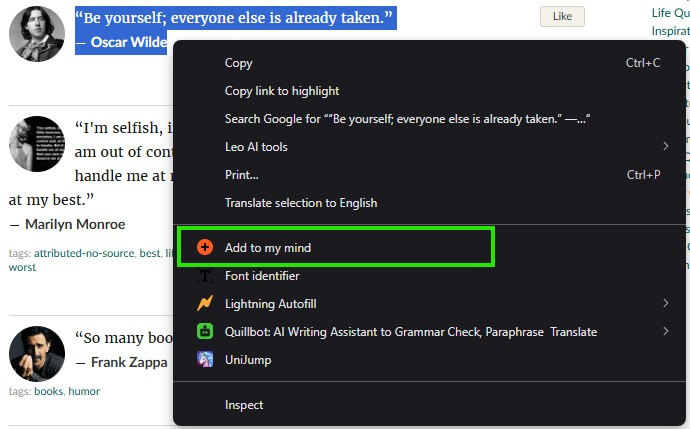
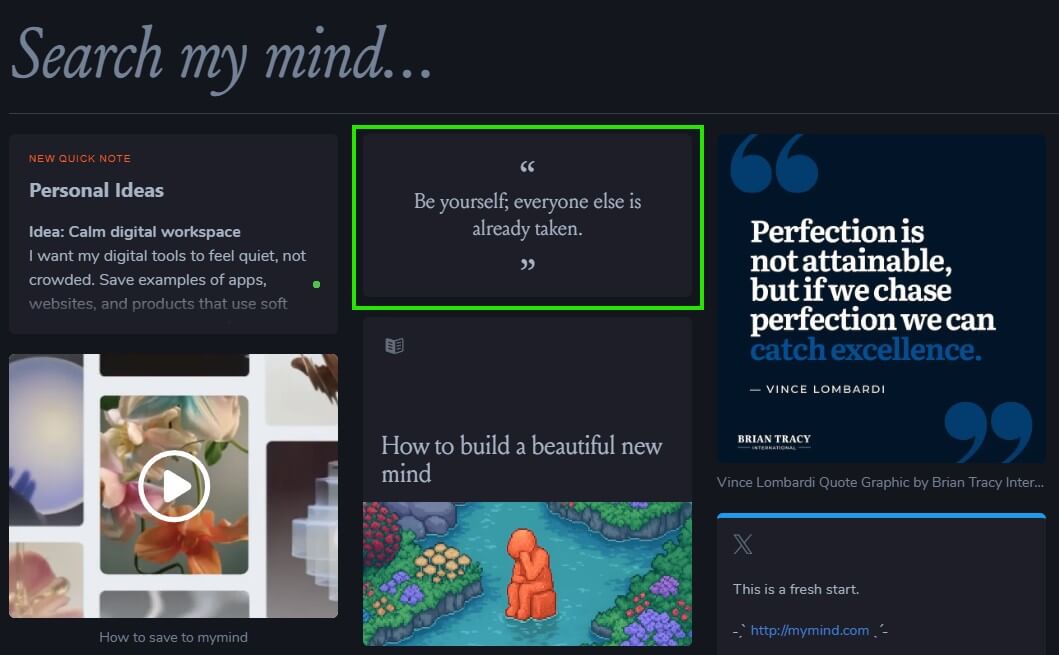
The limitation is that AI organization is not the same as perfect organization. Automatic tags can be too broad, too literal, or miss the personal reason you saved something. The tool may know an image contains a chair, a lamp, and a warm color palette, but it may not know you saved it because the corner layout would work for a client mood board. For those special cases, Spaces, linking, and manual notes still matter.
MyMind’s privacy positioning is unusually central to the product. Its official pages say MyMind is “for your eyes only,” and state that the company does not track user activity or use intrusive ads.
That matters because the product is meant to hold personal thoughts, references, notes, and saved material. A personal knowledge tool becomes less appealing if it feels social, noisy, or optimized for engagement. MyMind’s decision to avoid feeds, vanity metrics, and social pressure fits its purpose. Still, privacy-conscious users should review MyMind’s current policies before saving sensitive client work, confidential research, or private documents.
MyMind is especially useful for visual research, personal inspiration, lightweight note capture, article saving, quote collection, product research, reading lists, recipes, design references, and long-term idea storage.
Designers can use it as a private inspiration archive. Writers can save fragments, quotes, and source material. Founders and marketers can store product examples, landing pages, screenshots, and positioning ideas. Students and researchers can use it for articles and PDFs, especially now that PDF tagging and summaries are part of the workflow.

The best fit is someone who saves a lot but does not want to maintain a formal knowledge system.
MyMind’s biggest strength is also its main limitation: it resists heavy structure. If you want databases, nested folders, team workspaces, custom fields, detailed task management, or shared documentation, MyMind will feel too minimal.
It also depends on search habits. Users who remember visual or conceptual clues may love it. Users who prefer rigid taxonomies may feel less in control.
The AI features are helpful, but they do not remove the need for judgment. Important notes, sensitive PDFs, and project-specific research may still need manual context.
MyMind is best for people who want a calmer way to save and rediscover digital material without building a complex organization system. Its strongest value is the combination of fast capture, AI tagging, visual search, reader mode, PDF analysis, and private cross-device storage.
The main caveat is control: if you need a structured workspace, MyMind may feel too light. If you want a private memory tool that stays out of the way, it is one of the more thoughtful options in this category.
TAGS: Productivity
Related Tools:

Integrates Chat-GPT into web browsing

Travel planning tool that creates interactive maps

AI search engine for research
Simplifies creation of visual content for marketing
Transforms screen recordings into high-quality product videos

Unify team knowledge and automate workflows