
Share this tool:
 |
Description:
MonoBot is a platform for building AI agents that communicate through voice and chat. Businesses can use these agents to handle routine customer interactions, including appointment booking, reservations, product questions, lead qualification, account support, and internal service requests.
The platform brings together an AI Agent Builder, knowledge base, workflow tools, integrations, analytics, and human supervision.
MonoBot goes beyond the usual question-and-answer chatbot. Its agents are designed to take action during a conversation. They can look up information, collect customer details, trigger another system, transfer a call, or hand the conversation to a person when the situation becomes too complicated.
The Agent Builder lets teams set an assistant’s name, greeting, personality, communication style, and voice without writing code. MonoBot lists support for more than 20 languages, over 30 voices, and a choice of several language models.
That gives businesses more control than they would get from a basic chatbot that simply reads uploaded documents. Voice is built into the product rather than treated as an extra feature, so the same type of agent can work through web chat and phone calls.
This is particularly relevant for contact centers, healthcare operations, booking-based businesses, transport companies, and other organizations where customers still prefer to call.
Straightforward conversations are easy to automate. The harder part is managing requests that can take several different paths.
MonoBot’s Flow Builder handles that with visual nodes, variables, actions, debugging tools, automatic layout, and flexible connections between steps. Recent updates added timeout and error events, a larger action library, and more options for passing data through a conversation.
Instead of leaving the language model to improvise the entire exchange, a business can build a controlled process around it. A support agent might answer a question from the knowledge base, collect account information, check an external system, and escalate the case if it still cannot solve the problem.
That structure matters when the conversation involves customer records, payments, bookings, or any other process where mistakes are difficult to shrug off.
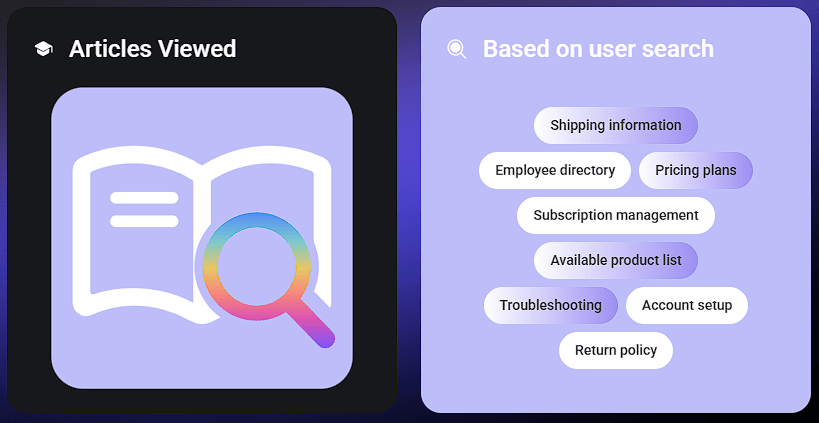
Each assistant can connect to a knowledge base containing the company information it needs to answer questions. MonoBot also has a Create From Web option that crawls a website and uses its content to assemble an initial knowledge base.
It is a convenient way to get started, but the result still needs inspection. Websites often contain outdated pages, duplicated information, and marketing copy that was never written with customer support in mind.
A team should check what the agent has learned, test unusual questions, and correct weak answers before putting it in front of customers.
MonoBot connects with other systems through built-in integrations, APIs, webhooks, and an SDK. Its Flow 2.0 release expanded the library to more than 50 actions, with examples covering Google Maps, WooCommerce, Instagram, email, web scraping, Google Analytics and Ads, and external API calls.
These connections allow an agent to do more than talk. Depending on the workflow, it could make a booking, retrieve an order, capture lead information, send a notification, or route a request to the right team.
That is where much of MonoBot’s practical value lies. A polished conversation is useful, but completing the task is usually what the customer actually cares about.
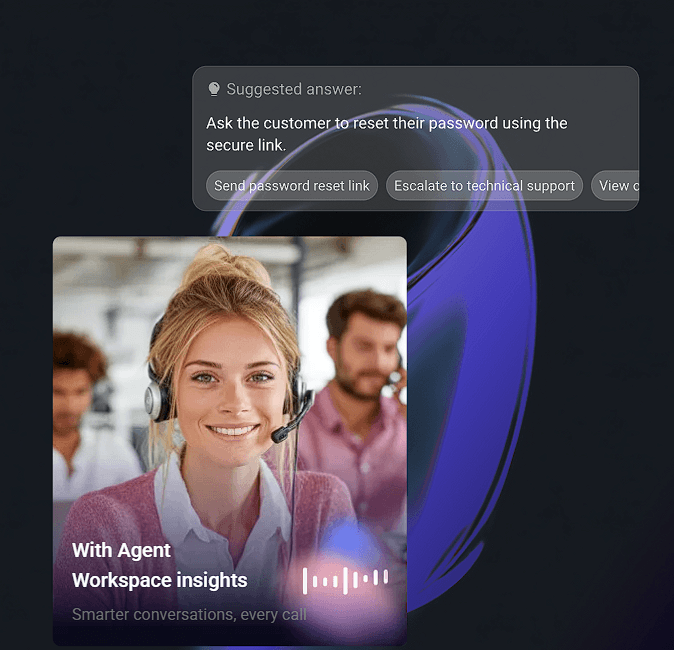
MonoBot gives supervisors a live view of active calls. They can listen to a conversation or use Barge In to interrupt the agent and take control when necessary.
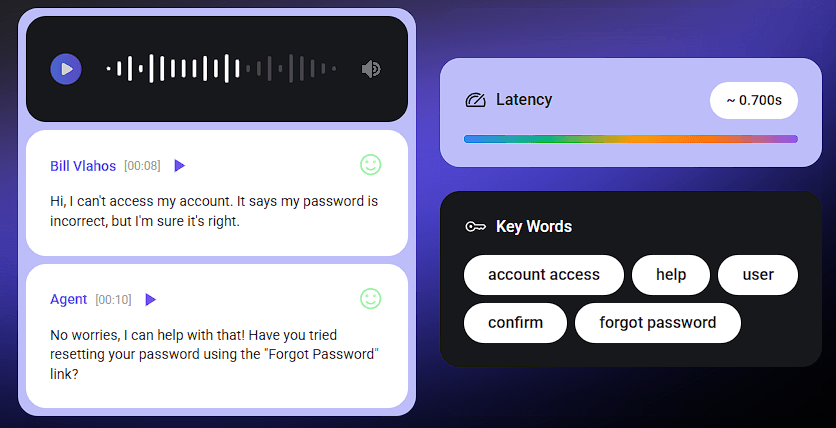
Afterward, interaction records show transcripts, sentiment, execution timing, tool results, and latency across speech recognition, the language model, and text-to-speech. This gives teams more to work with than a simple call recording when they are trying to understand why an interaction went wrong.
Fallback chains provide another layer of protection. If the primary language, speech-to-text, or text-to-speech model fails, MonoBot can switch to another configured model instead of abruptly ending the conversation.
MonoBot is a good fit for customer support teams that want to automate common requests while keeping a clear route to human help. It can also support appointment booking, lead qualification, IT help desks, BPO operations, HR processes, and businesses dealing with a steady volume of routine calls.
It is most useful when voice, structured workflows, external systems, and live supervision all need to work together. A company looking for nothing more than an FAQ widget may find much of the platform unnecessary.
MonoBot has more moving parts than a lightweight chatbot. A dependable deployment requires accurate company information, carefully designed flows, tested integrations, sensible fallback rules, and regular monitoring.
The website-import feature can produce a quick first version of an agent, but it cannot determine whether every page is accurate or suitable for customer support. Someone still needs to review the material and test how the agent responds.
Multi-step workflows introduce their own risks. An external service may be unavailable, customer data may arrive in an unexpected format, or one failed action may disrupt everything that follows. Those possibilities need to be accounted for before the agent begins handling important conversations.
MonoBot makes the most sense for businesses that want AI agents to carry out real customer-service tasks rather than simply answer questions.
Voice automation, visual workflows, outside integrations, company knowledge, live supervision, and detailed interaction records give teams considerable control over how those agents behave. But that control comes with setup work.
For teams prepared to design, test, and monitor their workflows properly, MonoBot can handle considerably more than a basic chatbot builder. Businesses looking for a quick, hands-off FAQ bot may be taking on more platform than they need.
TAGS: AI Chat/Assistant
Related Tools:

Analyze information, generate code, and complete complex tasks

Helps you write, create, analyze, and automate tasks
AI platform for building chatbots and automating workflows
Creates autonomous AI agents that connect with your systems
Utilize long-term memory data for smarter interactions.

Answers questions, generates content, and analyzes information