
Share this tool:
 |
Description:
Glarity is best understood as an AI reading and translation layer for the browser. It is not a standalone writing studio, research database, or full chatbot replacement. The core experience happens inside websites: open a YouTube video, Google result, PDF, article, Gmail page, or supported platform, then use Glarity to summarize, translate, ask questions, or draft a response.
The official site describes it as an open-source ChatGPT summary extension for YouTube, Google, Twitter, and any webpage, with support for videos, searches, PDFs, emails, webpages, side-by-side translation, writing assistance, and web content Q&A.
That broad scope is the appeal. Glarity is not trying to solve one narrow problem. It is trying to sit beside your normal browsing and make online reading less slow.
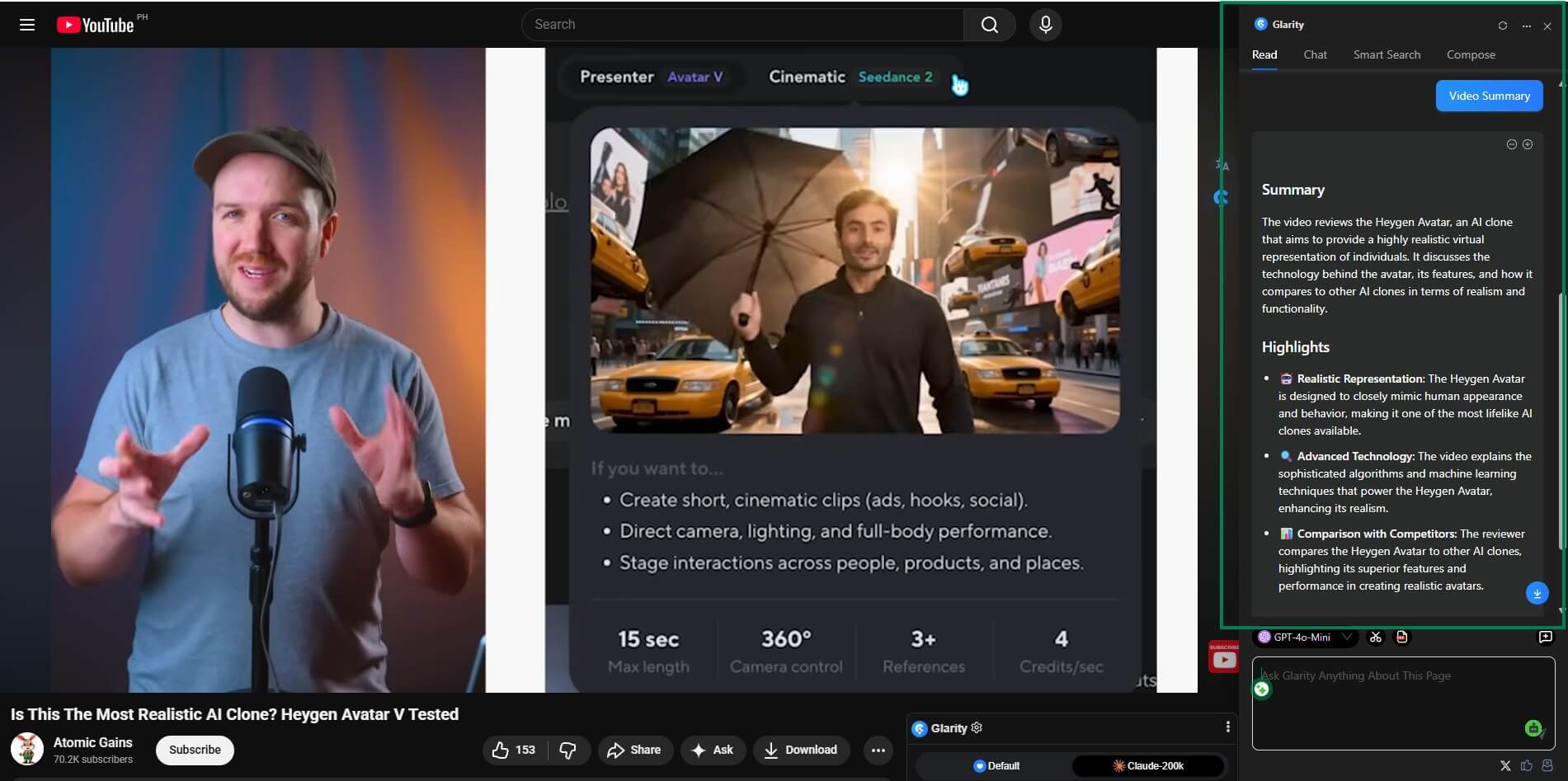
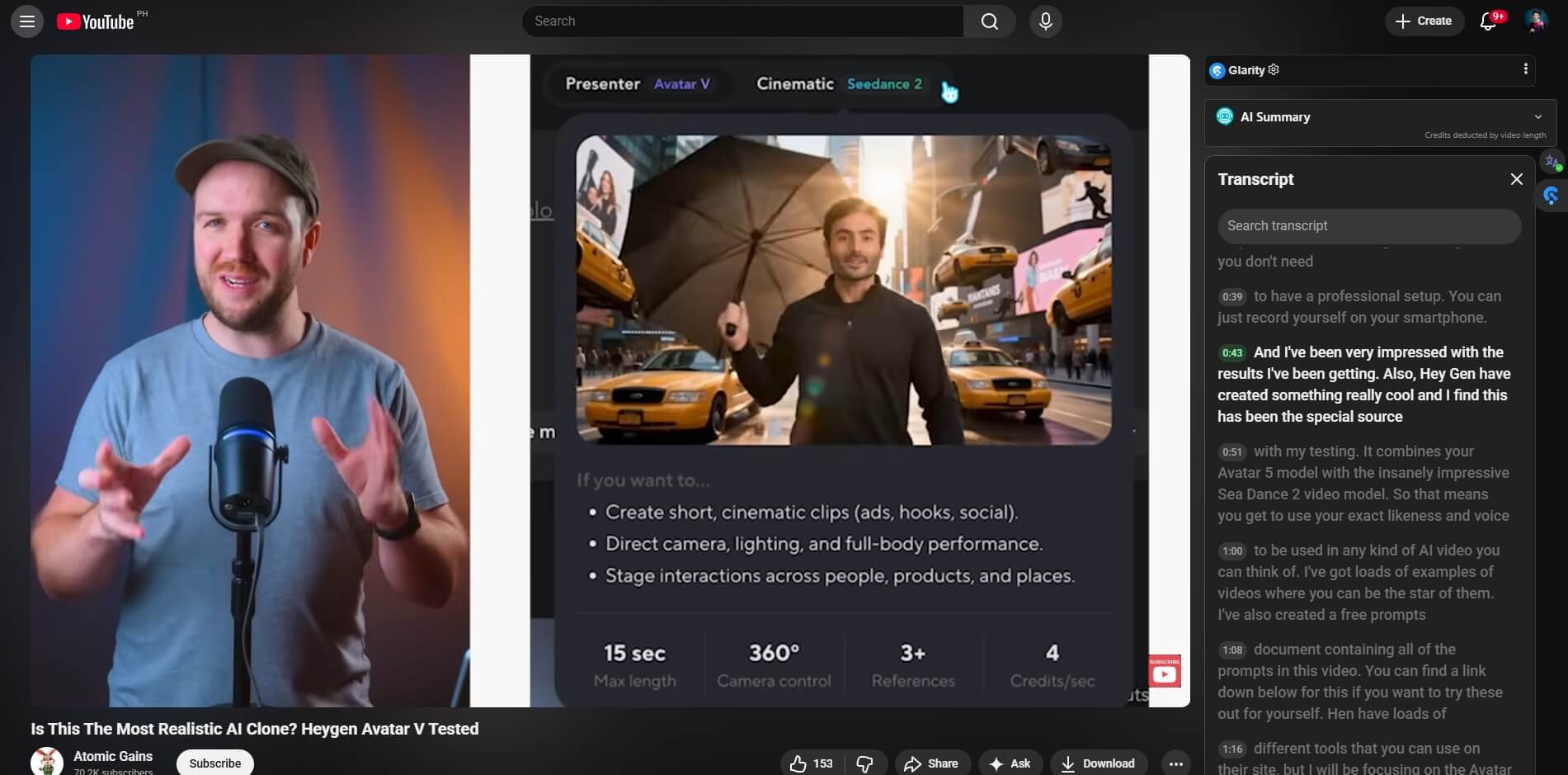
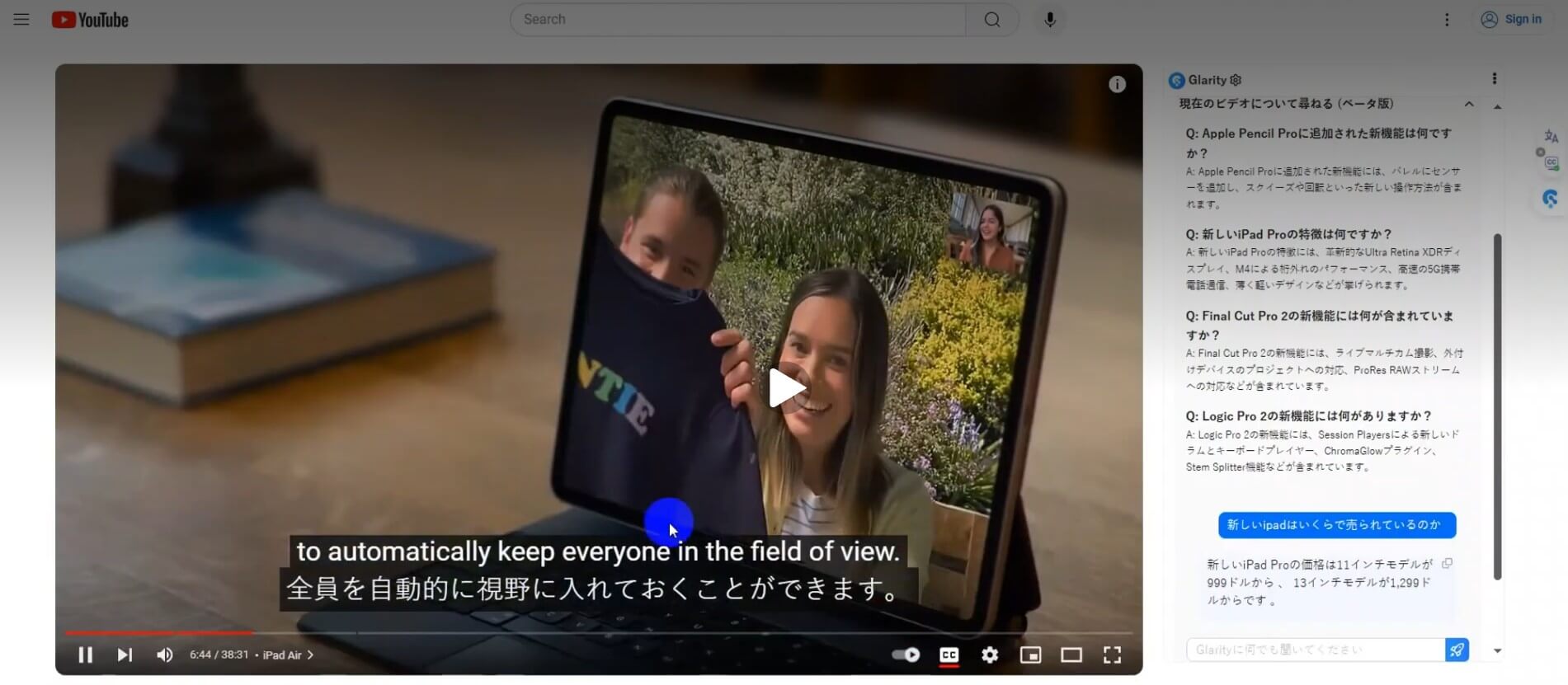
Glarity can summarize YouTube videos, generate timestamped highlights, create FAQs, translate subtitles, and support chat-style questions about video content.
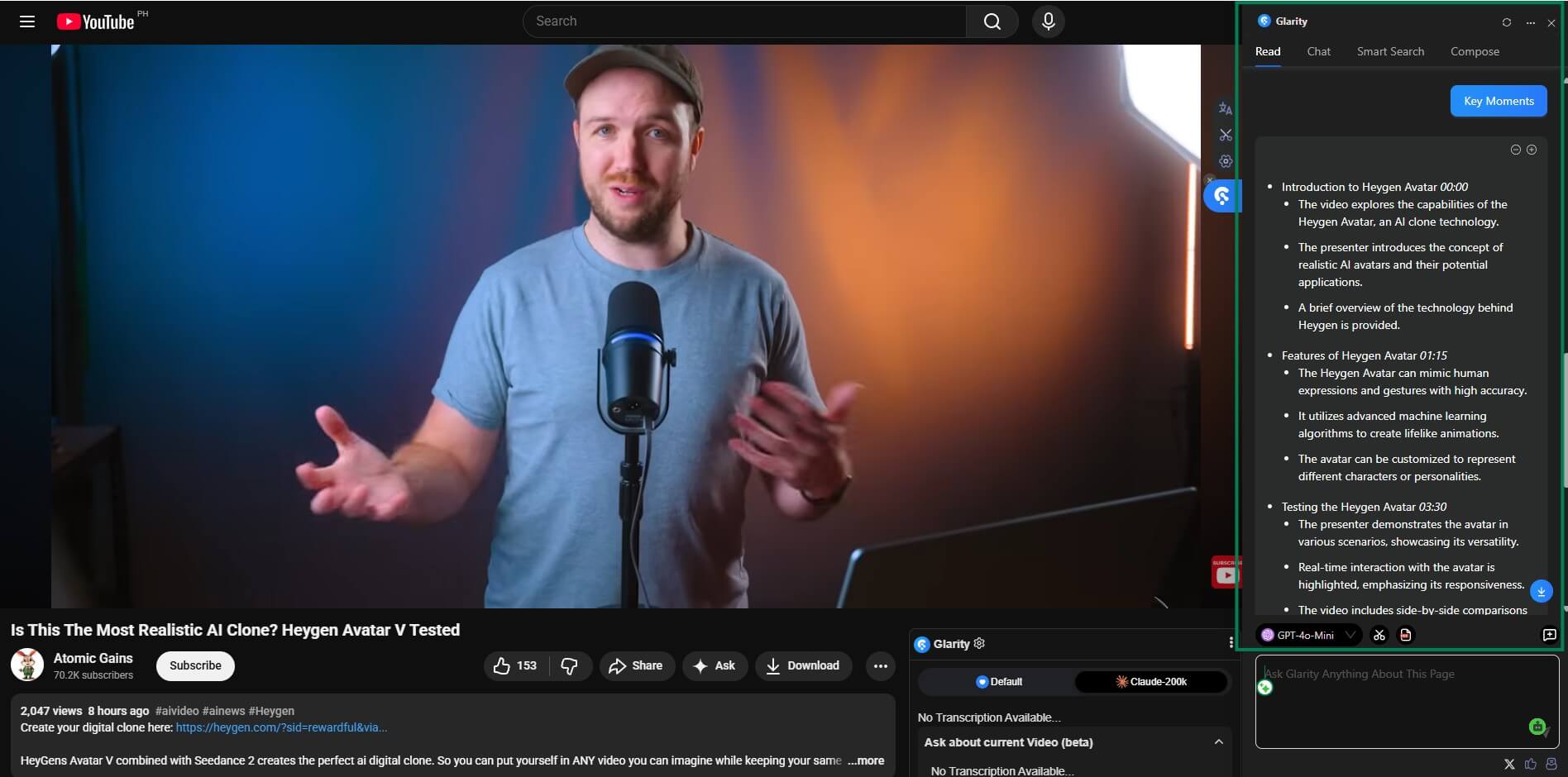
It can summarize general webpages and lets users ask questions about page content instead of manually scanning the full page.
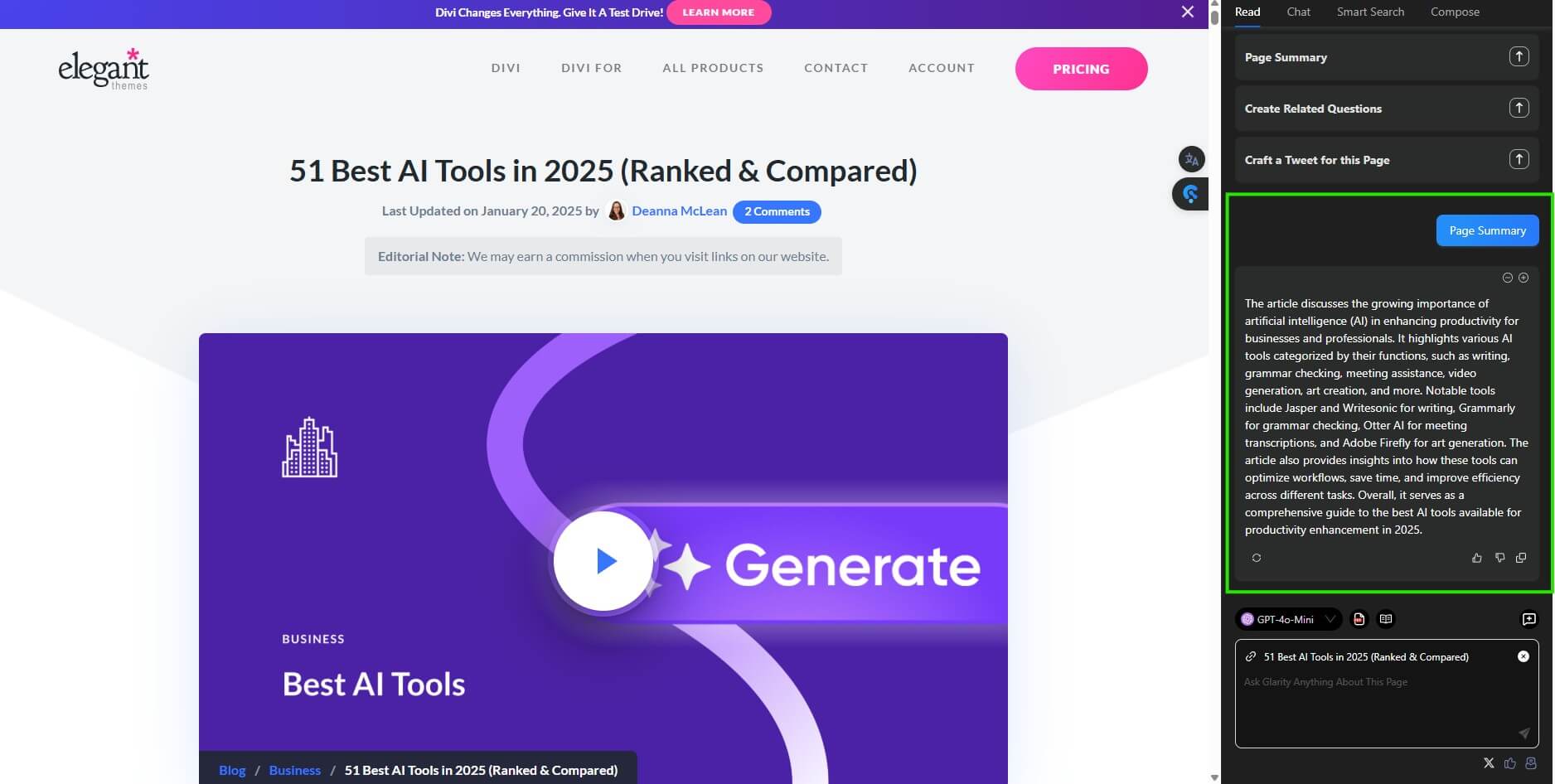
Glarity supports PDF summaries, PDF chat, selected-text analysis, and PDF translation, which makes it useful for reports, papers, guides, and long documents.
The translation workflow shows original and translated text together, which is useful when you want understanding without losing context.
Glarity includes Gmail reply support, webpage rewriting, and social post composition, so it can help with light writing tasks inside the browser.
Glarity’s public pages mention support for ChatGPT/OpenAI Key, Claude 3.5, GPT-4o, and Gemini Pro, while the Chrome listing notes switching between ChatGPT-4o and 4o-mini.
Glarity works best when the content is long, foreign-language, search-heavy, or time-consuming to scan. A long YouTube lecture, a dense article, a PDF, a technical GitHub page, a PubMed result, or a foreign-language webpage is where the tool makes the most sense.
Its strongest use case is quick understanding. You use it to get the shape of a page before deciding whether to read the whole thing. That matters for students, researchers, marketers, analysts, journalists, creators, and anyone who spends much of the day moving between sources.
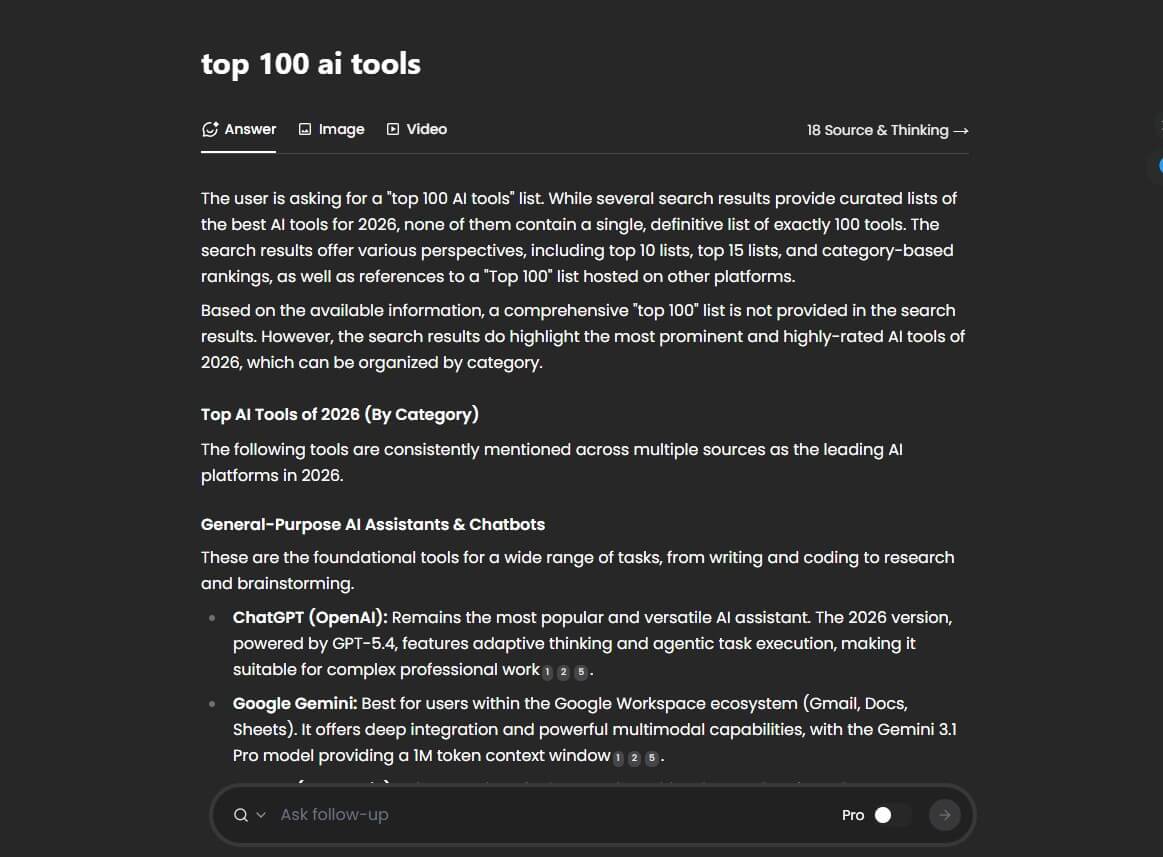
The tool is less about perfect final output and more about reducing the first layer of friction: What is this about? Is it worth my time? What are the key points? Can I read this in my language? What should I reply?
The workflow is simple because Glarity follows the page you are already on. For YouTube, it can sit beside the video and generate key points. For Google, it can summarize search results. For webpages, it can produce a summary or answer questions about the page. For PDFs, it can help summarize or translate selected text.
That makes it easier than a general chatbot for quick reading tasks. With ChatGPT or Claude, you often copy text, paste it into a chat, explain what you want, wait for the result, then return to the original page. Glarity removes much of that back-and-forth.
The trade-off is that Glarity’s usefulness depends on how well it can read the page structure. Clean articles, transcripts, PDFs with selectable text, and standard webpages are better fits than messy layouts, image-only documents, blocked pages, or pages that hide content behind scripts or permissions.
Translation is one of Glarity’s most practical features. The side-by-side format matters because it helps you compare meaning instead of blindly trusting a rewritten version. This is useful for research, international news, product documentation, social posts, and academic reading.
The Chrome listing says Glarity supports mirror translation, webpage translation, selected-text translation, YouTube bilingual subtitles, and multiple translation engines, including LLM-enhanced, Google, DeepL, and Microsoft options.
The main caution is that translation should still be reviewed when accuracy matters. For casual reading, Glarity can make foreign-language content much easier to approach. For legal, medical, technical, or contractual content, the output should be treated as assistance, not final authority.
Glarity is not tied to one simple model name. It works more like a browser layer that can connect to different AI options.
| Layer | What it means in practice |
|---|---|
| Glarity extension | The browser interface for summaries, translation, Q&A, and writing help |
| ChatGPT/OpenAI modes | Useful for common summarization, rewriting, and page Q&A |
| Claude support | Helpful for long text summarization when available in the user’s setup |
| GPT-4o / 4o-mini support | Useful for general AI assistance and faster everyday tasks |
| Translation engines | Gives users flexibility when LLM translation is not the best fit |
This flexibility is a strength, but it can also confuse new users. People who expect one clear “Glarity model” may need a little time to understand modes, model switching, and which setup works best for their browsing habits.
Glarity is a good fit for students who need to understand articles, videos, and PDFs faster. It is also useful for researchers who scan many sources before deciding which ones deserve full attention.
For multilingual readers, Glarity is especially practical. It can turn foreign-language webpages, subtitles, and selected text into something easier to read while keeping the original nearby.
For professionals, the best use cases are market research, competitor scanning, technical documentation, email replies, and quick summaries of long content. It is also useful for creators who want to review YouTube videos, source material, or social discussions without watching or reading everything from start to finish.
The main difference is location. A chatbot waits in a separate window. Glarity works inside the browsing flow.
That makes Glarity better for quick summaries, side-by-side translation, YouTube scanning, PDF reading, and page-specific Q&A. A full chatbot is still better for deep planning, original long-form writing, complex reasoning, and tasks where you want a long conversation rather than page-based help.
In practice, Glarity works best as a companion to a chatbot, not a replacement for one.
Glarity can save time, but it should not be treated as a perfect reading substitute. Summaries can miss nuance, especially when the source is technical, argumentative, poorly structured, or missing context.
YouTube summaries depend on available transcript data. PDF performance can vary depending on whether the document contains selectable text or image-based pages. Webpage Q&A is also limited by what the extension can access and parse.
There is also a privacy consideration. Any browser extension that reads page content deserves careful review, especially for sensitive work. Glarity’s Chrome listing says it focuses on privacy and does not sell user data, but users should still be cautious with confidential documents, private emails, client materials, and internal business pages.
Glarity is best for people who spend a lot of time reading, watching, translating, and scanning information across the web. Its biggest strength is not one feature. It is the way summaries, translation, PDF support, YouTube highlights, webpage Q&A, and light writing help sit inside the browser.
It is strongest for students, researchers, multilingual readers, creators, and professionals who need faster first-pass understanding. The main caveat is that summaries and translations still need human review when accuracy matters. For quick comprehension across messy web content, Glarity is a practical tool worth testing.
TAGS: Productivity
Related Tools:
AI-driven scriptwriting software
Prioritizes important emails, summarizes less critical emails
Email tool that summarizes long threads and offers smart reply
Turns your to-do list into a time-blocked schedule
Automatically plans and organizes your schedule

Transforms voice recordings into organized notes