

Share this tool:
 |
Description:
If you write a lot during the day — emails, replies, messages, forms, quick documents — Compose AI is easy to understand. It is a browser-based AI writing assistant built around one main goal: helping you write faster without leaving the page you are already working on. It does that through autocomplete, AI drafting, rewriting, tone adjustment, and email-focused writing tools that appear directly inside browser-based writing fields.
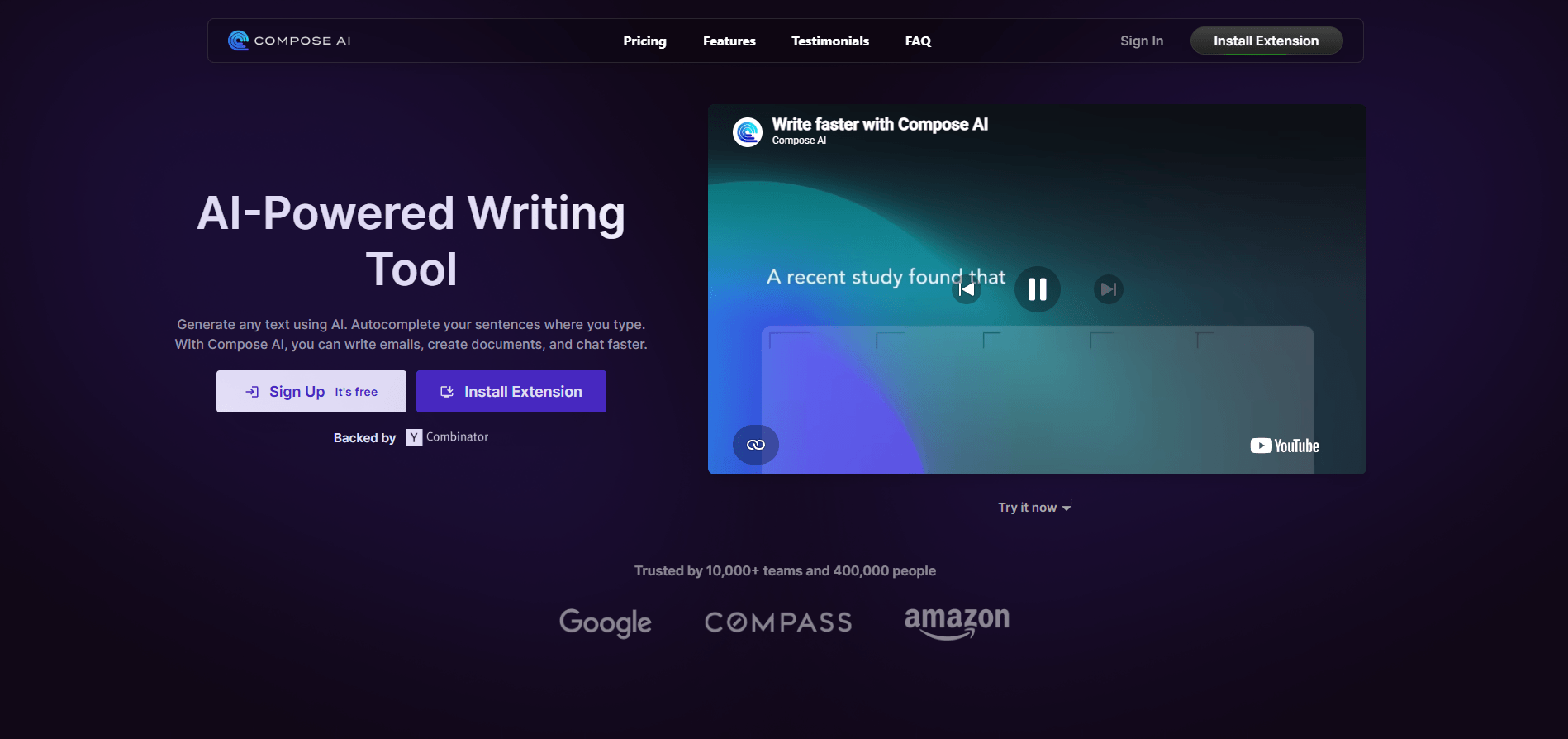
Compose AI’s main feature is in-line autocomplete that appears directly where you type and can be accepted with Tab.
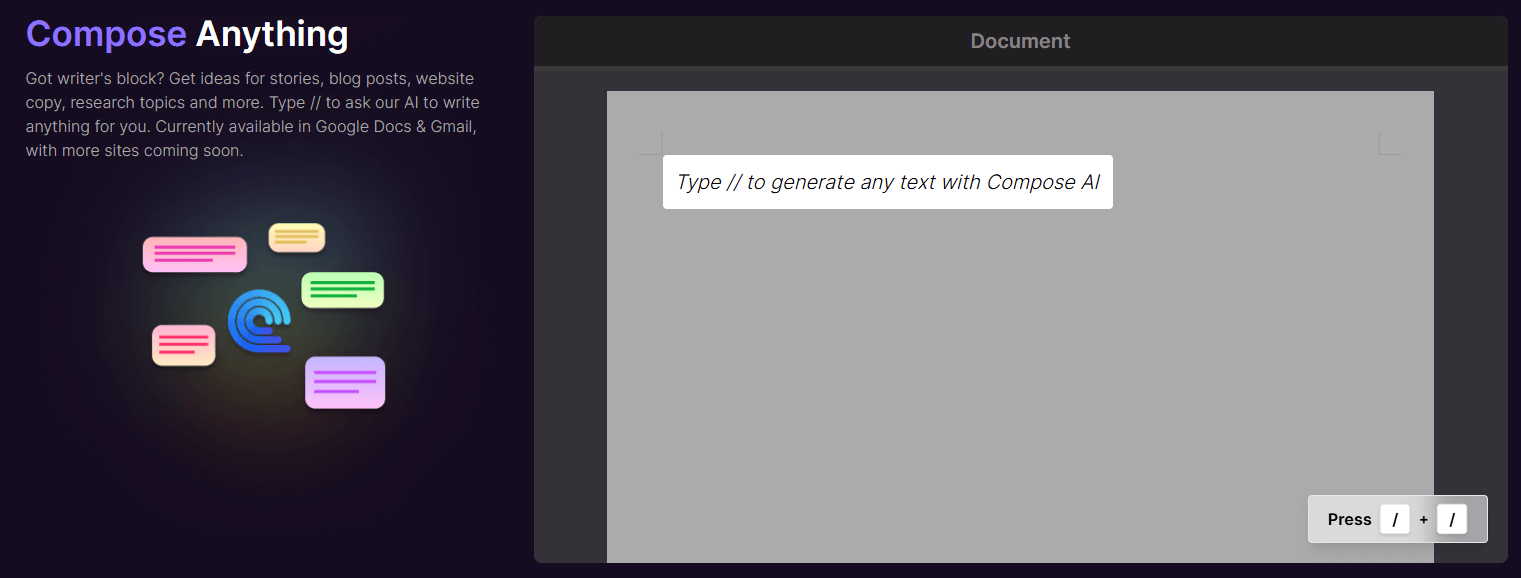
You can type // to generate content directly in the same writing surface instead of opening a separate chat tool.
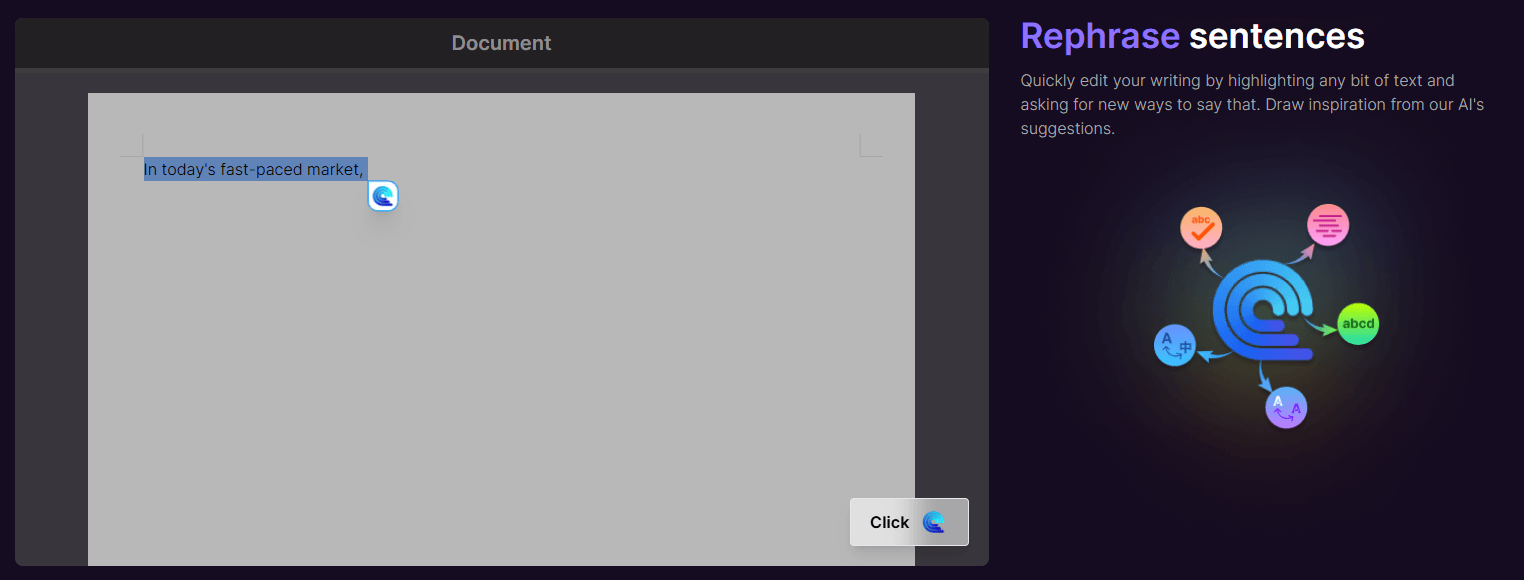
Highlight text and quickly make it friendlier, more professional, shorter, longer, or otherwise reworded.
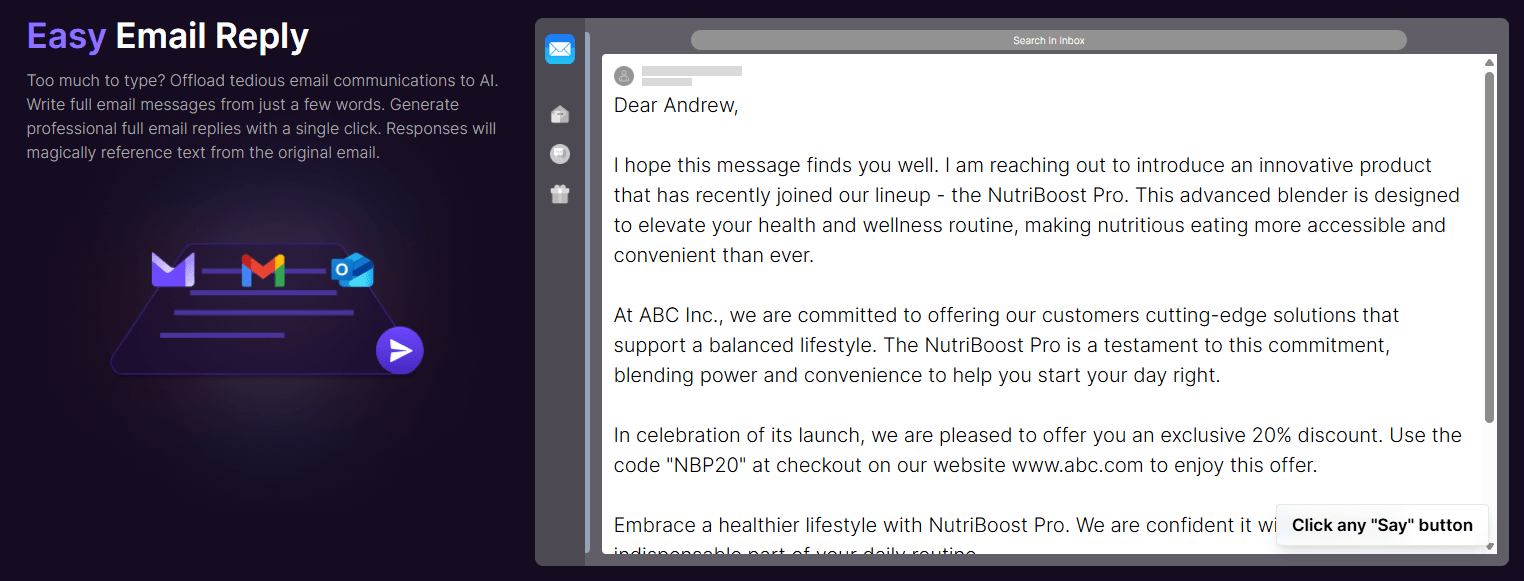
Compose AI is especially strong in email-heavy work because quick drafting and response support are built directly into the extension workflow.
Compose AI markets itself as usable across Gmail, Google Docs, LinkedIn, and many other browser-based tools.
The platform says it learns your writing style and suggests more personalized phrases as you use it.
Compose AI is not a research assistant, not a deep writing studio, and not mainly a chatbot. It is a browser-native writing acceleration tool.
That distinction matters.
The core value is not that it writes long-form content better than every other AI tool. The core value is that it removes friction from everyday writing by staying inside the exact text field where you are already working. That means:
- no copying and pasting into a separate AI tab
- no switching out of Gmail or Docs
- no stopping your workflow to open another tool
That is the real pitch, and it is different from how chatbot-style AI tools are normally used.
Autocomplete is the feature most people notice first, and it is still the clearest reason to use Compose AI.
As you type, the extension predicts how your sentence might continue and shows the suggestion in lighter gray text. If it is useful, you hit Tab and keep moving. If it is not, you ignore it and keep typing. Compose AI’s homepage explicitly frames this as autocomplete across all of your tools.
This sounds simple, but the real value is cumulative. When you write many messages a day, shaving seconds off sentence after sentence adds up. It is not a dramatic workflow change. It is a quiet speed improvement that compounds over a full workweek.
What this reveals about the tool: autocomplete is best for high-frequency practical writing, especially email and messaging.
Compose AI also supports AI drafting directly inside the writing field. The public product pages and Chrome Web Store listing describe typing // to tell the AI what you want written and getting a draft back in place.
This is useful when the slowest part of the task is getting a first version on the page.
The drafts are best treated as structured starting points:
- follow-up emails
- short bios
- internal updates
- sales messages
- lightweight blog or copy blocks
What this reveals about the tool: AI-assisted writing is useful when you need to get unstuck quickly, not when you need a deep or research-heavy long-form drafting environment.
Rewriting is one of Compose AI’s most practical tools because it turns clunky phrasing into cleaner options without forcing you to manually rewrite each sentence yourself. The Chrome Web Store listing specifically describes rephrasing text to make it friendlier, more professional, shorter, or longer.
This is useful when:
- the draft is accurate but awkward
- the message is repetitive
- the tone is off
- the writing feels rushed
What this reveals about the tool: rewriting is one of the stronger everyday productivity features because the use case is frequent and the time savings are immediate.
Tone control is one of the more useful quality-of-life features. You can rewrite the same content to sound more formal, more casual, more friendly, more concise, and so on. Compose AI’s public pages repeatedly frame rephrasing around tone and style adjustment.
This matters because the same message often needs different delivery depending on where it is going:
- colleague vs client
- customer support vs internal note
- proposal vs follow-up
- casual check-in vs formal ask
What this reveals about the tool: tone adjustment is especially useful for people switching between different communication contexts all day.
Email is where Compose AI probably makes the most immediate sense. Your script is right to emphasize this. The Chrome Web Store page explicitly describes drafting full emails from a short phrase and replying to emails with one click.
This is useful because email work is usually repetitive in the exact ways AI can help with:
- follow-ups
- scheduling notes
- intros
- clarifications
- polite declines
- customer replies
- quick summaries
What this reveals about the tool: for anyone with heavy email volume, email drafting is one of the clearest reasons to try Compose AI.
This is one of the most important parts of the product. Compose AI is not trying to be a separate writing destination. It is trying to appear where you already work.
The public welcome pages explicitly highlight usage in:
- Gmail
- Google Docs
- and other browser-based tools.
That matters because it removes the copy-paste loop that slows down general AI tool usage.
What this reveals about the tool: browser integration is the main reason Compose AI feels more like a workflow enhancer than a separate writing app.
Autocomplete is the main visible version of this, but the bigger point is that Compose AI keeps offering context-aware help while you work instead of forcing you into a full request-response loop every time. The official homepage calls this unobtrusive universal integration, and that is a fair summary of the experience.
This kind of assistance works best when it stays lightweight. That is part of the product’s design value.
What this reveals about the tool: Compose AI is strongest when it reduces friction without turning writing into a tool-management task.
Compose AI is a strong fit for:
- professionals with high email volume
- customer support and success teams
- founders and solo operators writing across many contexts
- office workers filling forms, status notes, and short internal docs
- anyone who finds routine writing mentally draining.
It is a weaker fit for:
- long-form research-heavy writers
- users wanting deep ideation or planning assistance
- people who mostly work outside the browser
- teams wanting a full writing workspace instead of a browser extension
That fit matters. Compose AI is not trying to be everything. It is trying to be good at speeding up short and medium practical writing tasks.
The workflow benefits are mostly about speed and consistency.
You write faster because autocomplete reduces how much you type manually. AI drafting reduces blank-page friction. Rewriting and tone controls let you improve text quickly without redoing it from scratch.
There is also a real cognitive-load benefit here. The tool takes some of the mechanical pressure out of writing, which matters more than it sounds when the workday is full of repetitive written communication.
Compose AI is a focused tool, and that is both a strength and a limitation.
- It is better for short and medium writing tasks than for long-form, research-heavy writing.
- The quality of suggestions improves when there is more context.
- It is primarily a speed and productivity tool, not a complex thinking or research tool.
- You still need to review what it writes.
- Chrome-centric browser workflows benefit the most.
Those are reasonable trade-offs, but they define where the tool actually fits.
This is one of the most important distinctions.
General chatbot tools work through conversation. You leave what you are doing, open a chat, ask for help, refine the result, then move it back into your email or doc.
Compose AI works inside the text field itself. There is no real context switch. That is the product difference.
That makes Compose AI better for:
- quick replies
- in-flow writing help
- fast sentence completion
- everyday browser writing
Chatbot tools are still better for:
- brainstorming
- research
- deep thinking
- longer drafting with more guidance
Both are useful. They just solve different parts of the workday.
Compose AI is a writing speed tool, and that is exactly where it makes the most sense. If your day involves lots of browser-based writing — emails, messages, forms, light documents, quick replies — it reduces friction in a way that general chatbot tools usually do not, because it works directly where the writing happens.
Its clearest strengths are:
- in-place autocomplete
- quick AI drafting
- easy rephrasing and tone shifting
- strong fit for email-heavy work
- browser-native workflow
If you want a tool that helps you write faster without turning writing into another app you have to manage, Compose AI is worth testing.
TAGS: Productivity Content Creation
Related Tools:

Transcribes audio and video into accurate text

Offers advanced visual effects and 3D capabilities

Enhances focus and efficiency in work or study

Transforms video content into polished, SEO-friendly blog posts

Automates email drafting and inbox organization

Corrects data-entry errors