

Share this tool:
 |
Description:
Wonderslide is not trying to be the AI that writes your whole deck for you. Its current positioning is much narrower and, for many professional users, much smarter: you bring the content, and Wonderslide makes it look polished fast. The homepage explicitly says the product focuses on transforming drafts into polished slides, supports PPTX, PDF, and DOCX input, and emphasizes that the user stays in control of the content while the tool handles the visual design layer.
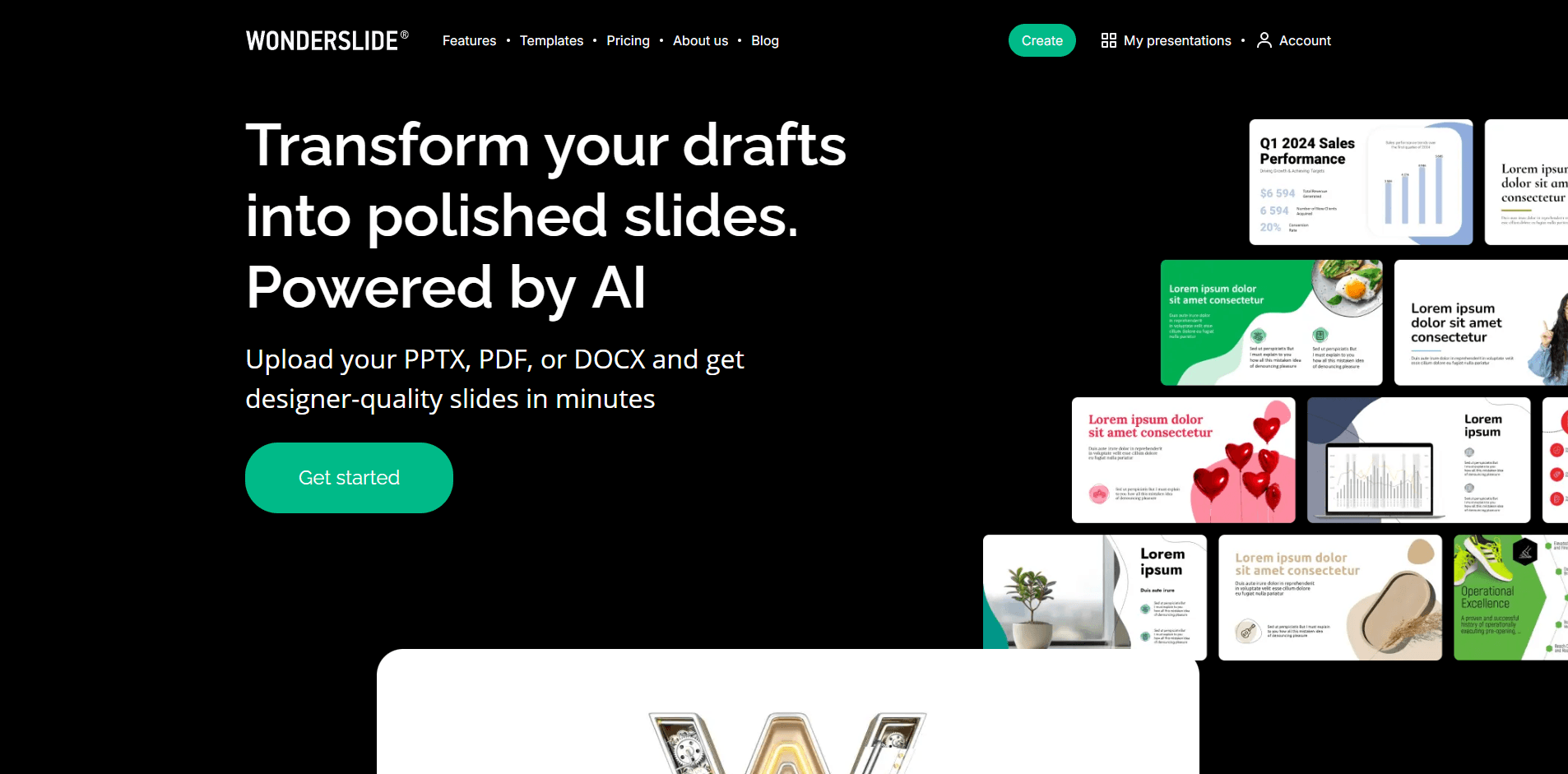
That distinction matters because it puts Wonderslide in a different category from “idea to deck” tools that generate structure, copy, and visuals all at once. Wonderslide looks strongest for people who already know what they want to say and mainly need help with layout, theme consistency, fonts, graphics, and export-ready presentation design.
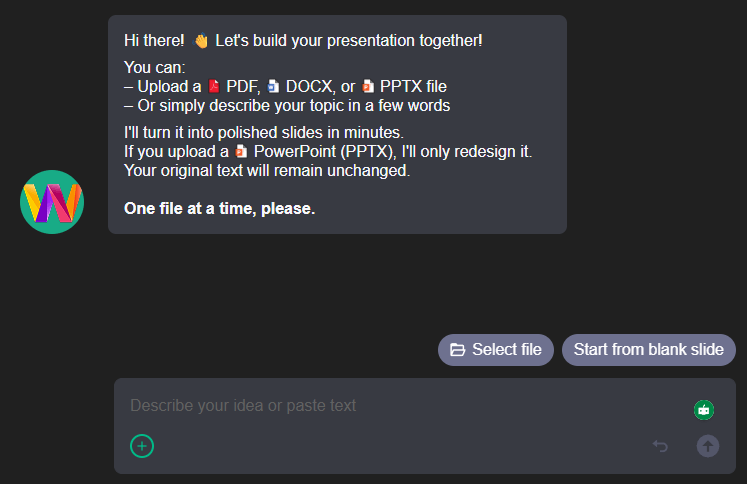
Upload PPTX, PDF, or DOCX drafts and convert them into polished slides.
Pro and Pay-As-You-Go users can export fully editable PPTX files.
Wonderslide highlights built-in icon and image selection from its media library.
Users can choose themes, colors, stylistic shapes, and upload logos on paid plans.
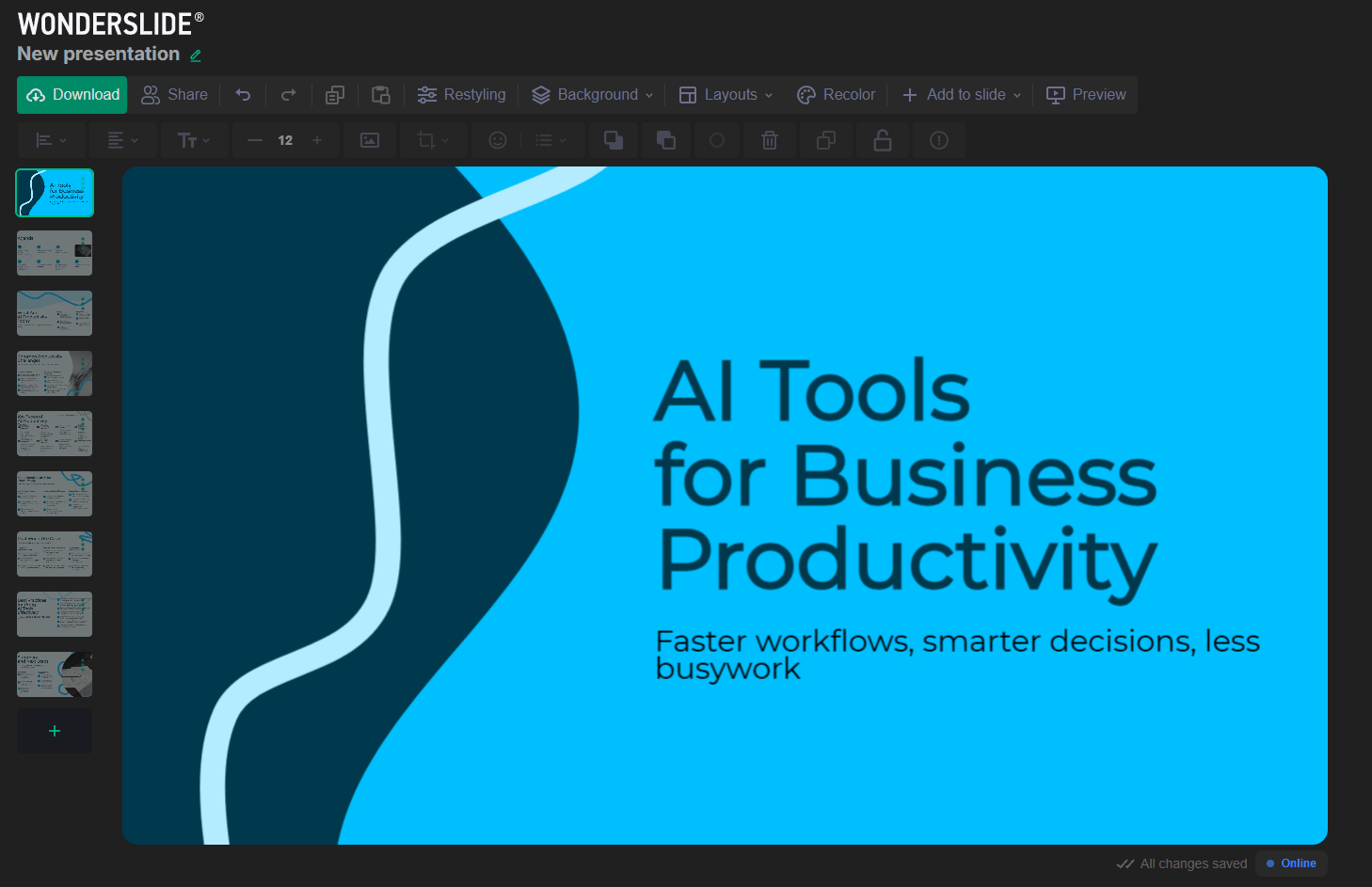
Individual slide layouts can be swapped quickly if the first version is not right.
Slides can be edited inside the app and shared by link, with optional PIN protection mentioned on the features page.
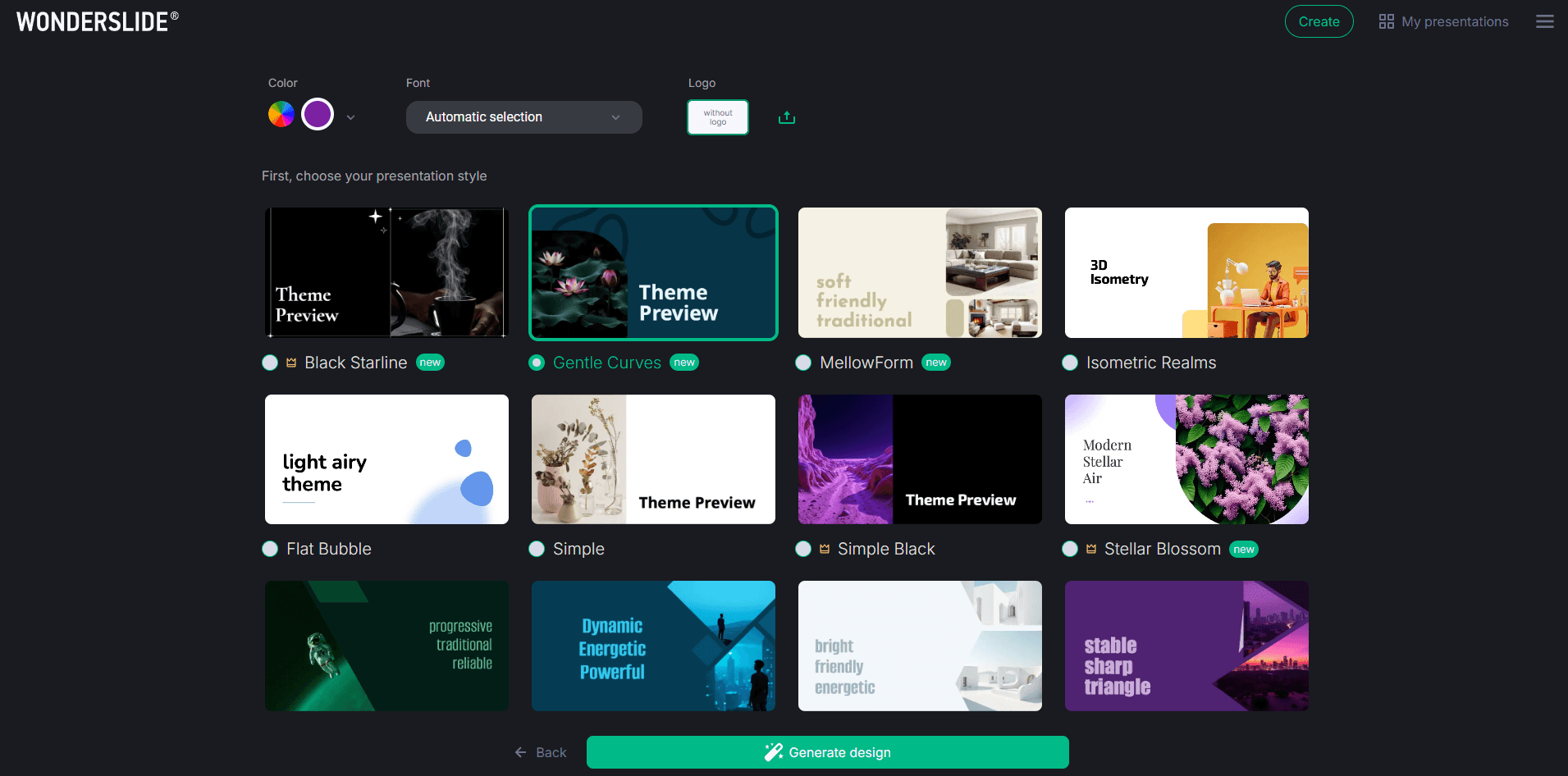
Wonderslide is best at slide beautification rather than presentation thinking. Its main value is taking existing content and quickly turning it into something cleaner, more branded, and more presentable without forcing you to rebuild everything manually in PowerPoint. The official site repeatedly emphasizes speed, visual quality, and compatibility with PowerPoint and Google Slides.
Its second strength is that it appears genuinely design-first. Wonderslide says its AI is trained on thousands of professionally designed in-house templates, and the platform highlights automatic icon and image selection, font and color choice, layout switching, and branded design controls. That gives it a stronger story for visual refinement than for strategy, narrative structure, or research-heavy content generation.
The third strength is editable output. Wonderslide’s official materials put a lot of emphasis on PPTX export and “full PowerPoint integration,” with claims that imported elements remain editable and compatible. For many business users, that is more important than flashy generation because it means the deck can still live in normal team workflows after the AI design pass.
The product workflow looks straightforward. The homepage frames it as uploading a draft, letting AI redesign it, then customizing and exporting. The feature pages add the practical details: integrated editing, one-click layout changes, automatic styling, and the ability to continue editing in PowerPoint or Google Slides afterward.
That makes Wonderslide appealing for users who do not want a blank-canvas presentation tool. It is not asking you to learn a complex design system. It is giving you a faster path from rough material to finished slides. The product seems especially well suited to people who already have outlines, bullet points, or early deck drafts and just need to get to a client-ready or meeting-ready version quickly. This is an inference from the product workflow and official positioning.
The usability story also looks strong because the company keeps the interface promise simple: fast, minimal, and design-focused. That likely lowers friction for non-designers compared with traditional presentation software, where layout cleanup can easily become the whole job. This is an inference, but it is supported by the official emphasis on speed, simplicity, and visual polish.
Wonderslide looks strongest when the goal is professional polish rather than novel visual experimentation. The official copy leans heavily into “designer-quality slides,” curated templates, curated fonts, and automatic visual harmony. That suggests the product is aiming for reliable business-presentable output rather than highly original slide art direction.
This is a meaningful distinction. Some AI presentation tools try to generate the entire story, visuals, and layout in one step, but the results can feel generic or structurally weak. Wonderslide’s narrower promise may actually be the better one for real work: keep the messaging with the user, and let the AI improve the design layer. The homepage explicitly says, “You’re in control” and positions Wonderslide against tools that generate the content for you.
Where it may feel less strong is in deeper slide intelligence. There is some AI assistance for text-to-bullet conversion and AI content/design suggestions on Pro, but the product’s identity is still much more about improving how slides look than building the underlying argument for you.

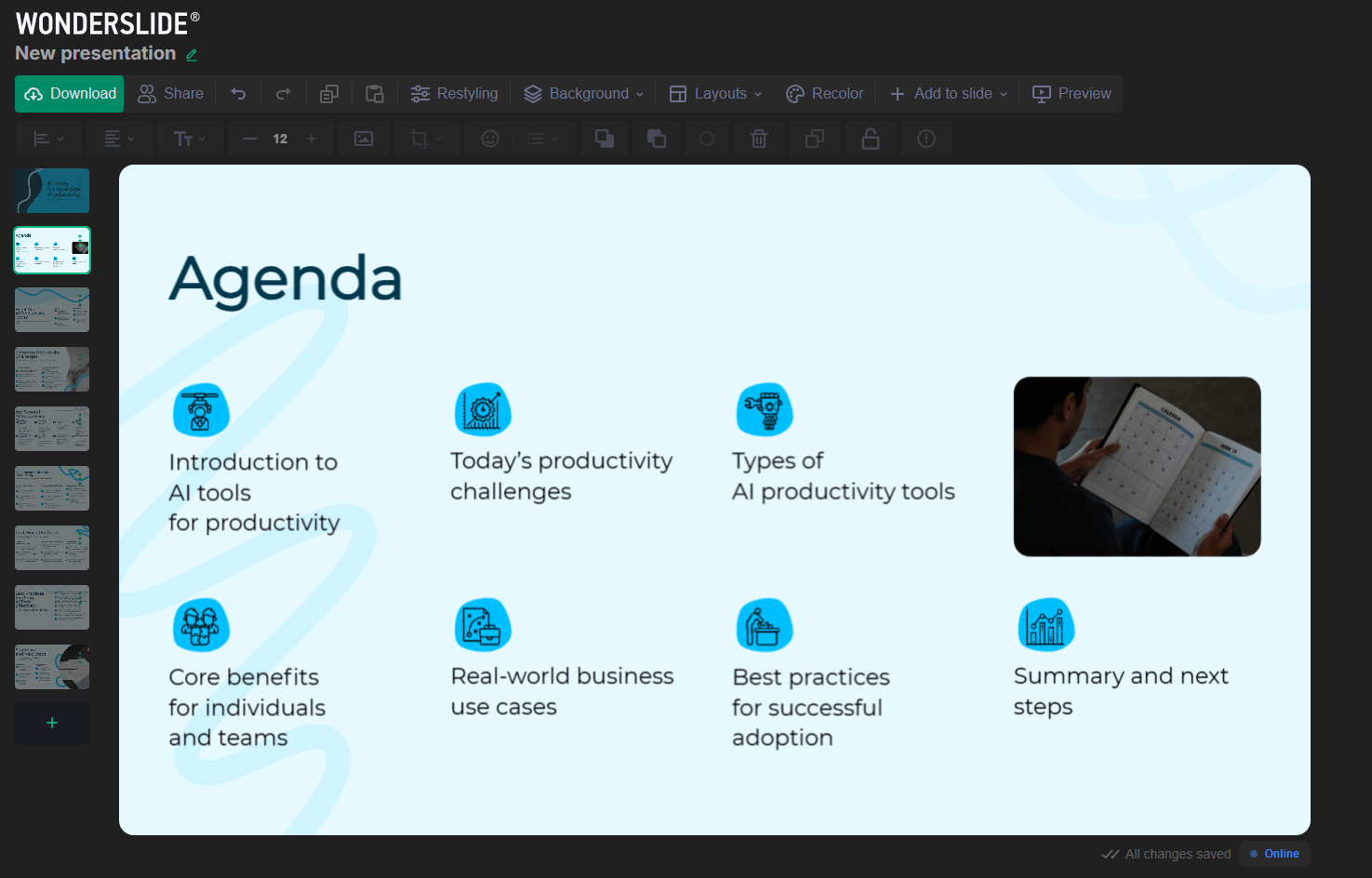
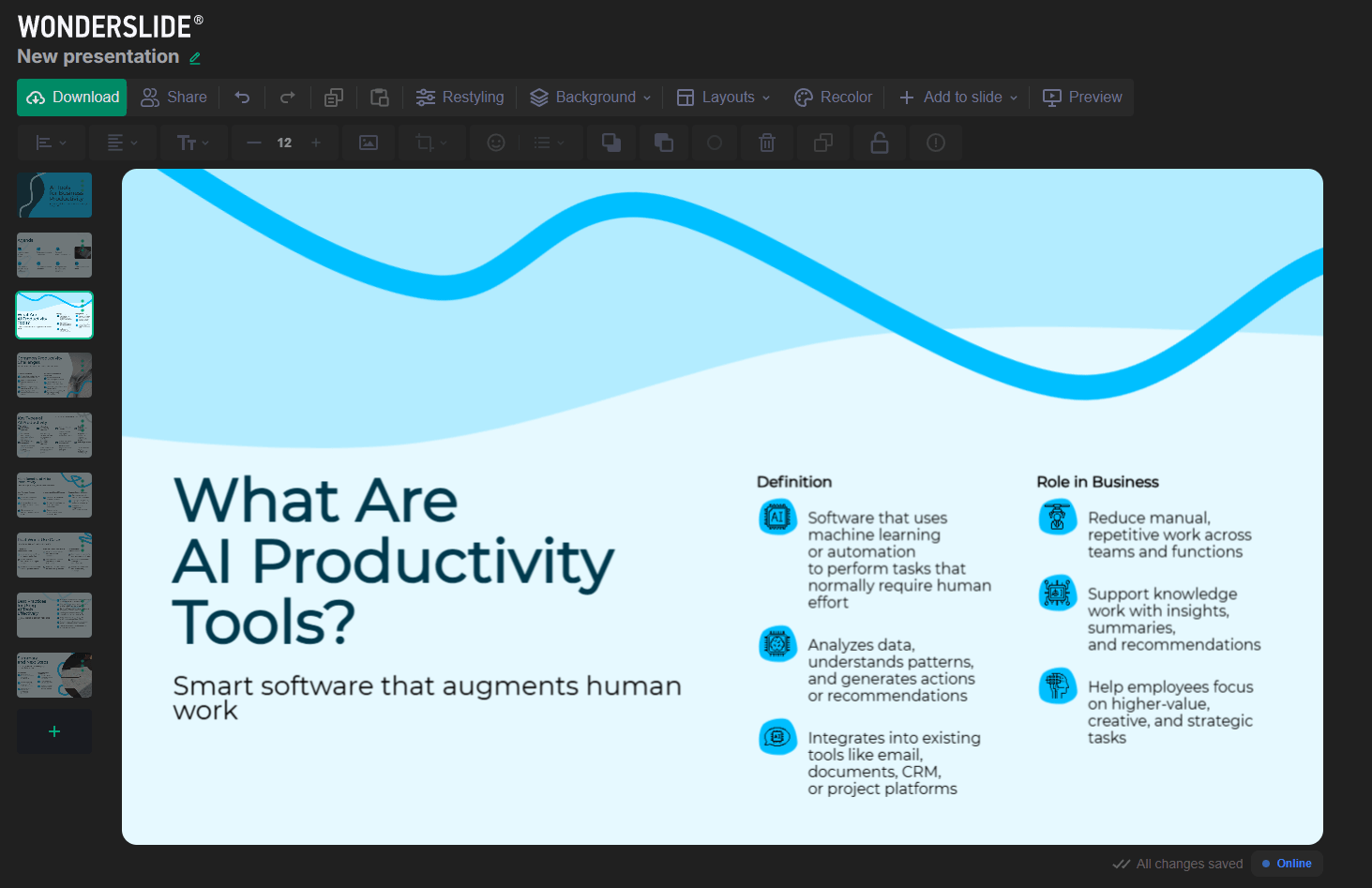
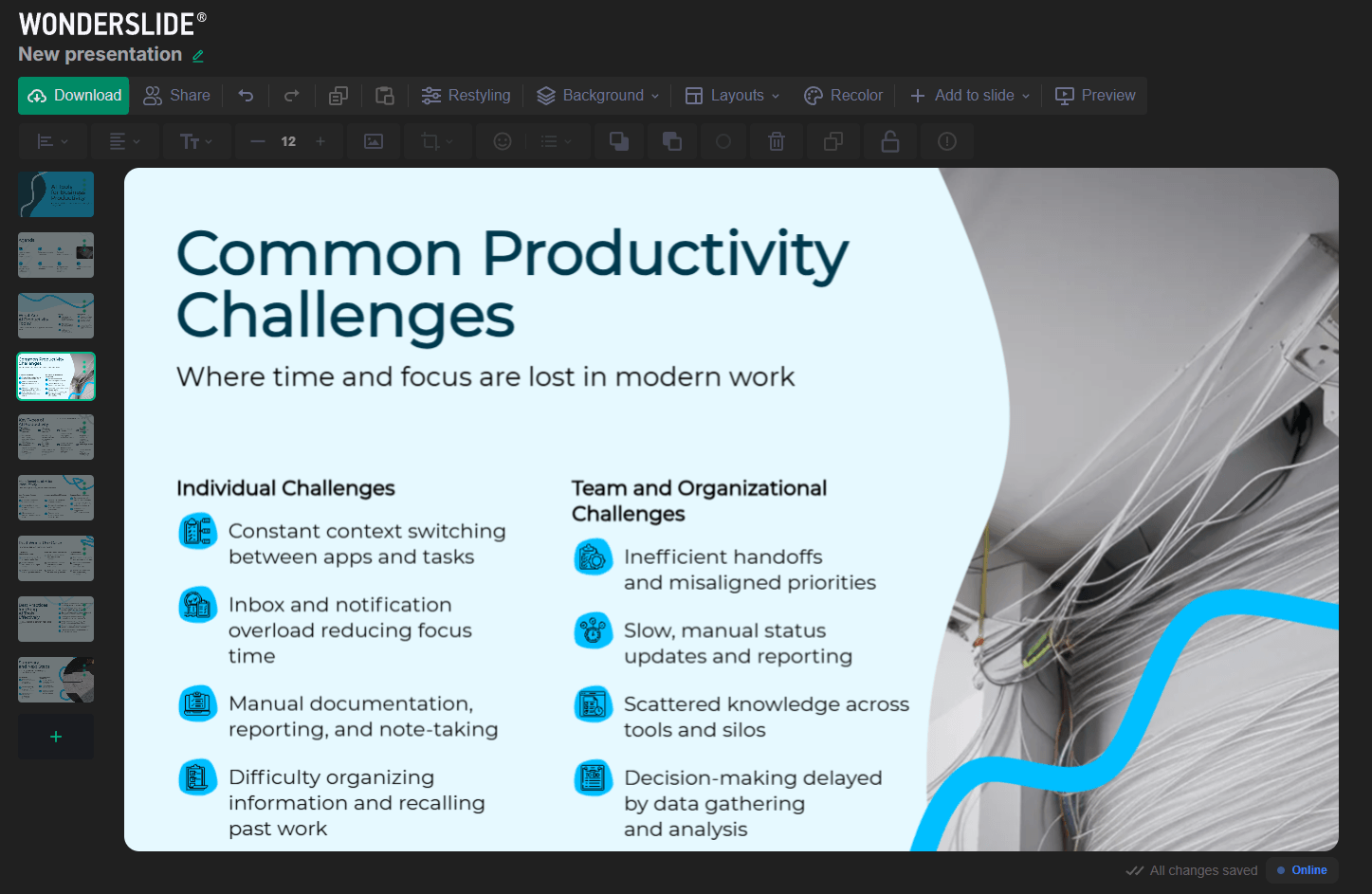
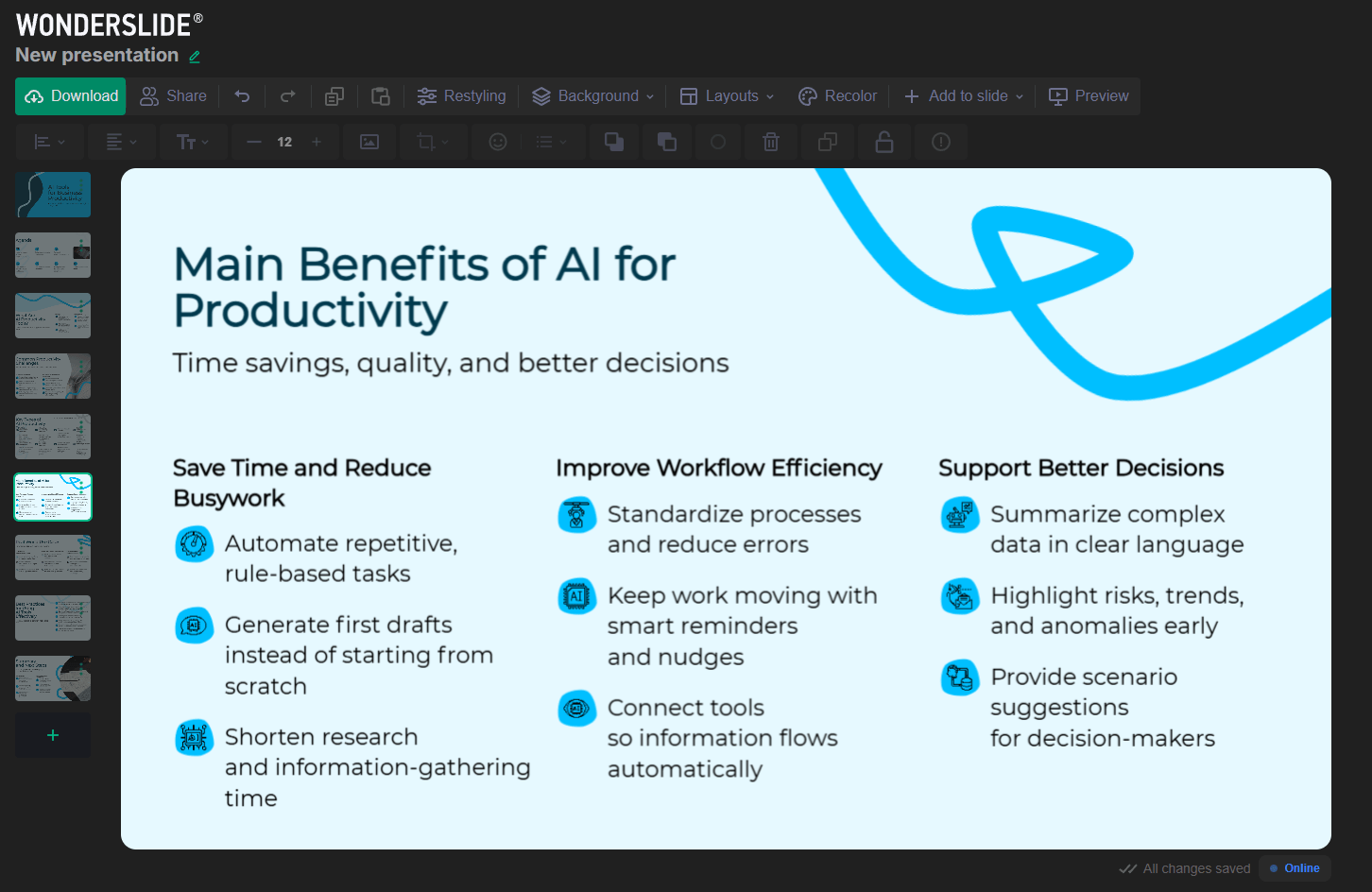
Wonderslide looks like a strong fit for sales, marketing, management, and education workflows, which are the categories the homepage explicitly highlights. It positions itself for customized sales decks, marketing presentations, stakeholder updates, internal meetings, and educational content.
More specifically, it seems best for:
- people who already have rough slide content but need better design fast
- teams that still need editable PowerPoint output after AI assistance
- consultants, marketers, founders, and operators making frequent client-facing decks
- users who care more about visual cleanup and brand consistency than AI-written slide copy
Wonderslide’s clearest differentiator is that it appears more design-centric than content-centric. The company openly positions it against AI deck builders that try to write the presentation for you. That means it sits closer to the “AI presentation designer” end of the market than the “AI presentation author” end.
That is a real advantage for professional users who do not want hallucinated strategy slides or generic AI business copy. But it also means users expecting deep idea-to-deck generation may find it narrower than some competitors. This is an inference from the official product framing.
- The biggest limitation is that Wonderslide does not appear to be the strongest option for building a presentation from zero thinking. It has some AI assistance, including text-to-bullet conversion and AI content/design suggestions on Pro, but the product is clearly optimized for design enhancement rather than full presentation generation.
- The second trade-off is export gating. Editable PPTX export is not included in the free trial, so the real value of the tool is partly locked behind paid access or Pay-As-You-Go downloads.
- The third is scale limits. The free trial caps decks at 10 slides, while Pro allows up to 50 slides per presentation. That will be fine for most normal decks, but it is still a defined ceiling users should know about.
Wonderslide looks like a smart, design-first AI presentation tool for users who already know their message and mainly need the slides to look far better, far faster.
It is best for consultants, marketers, founders, sales teams, and business users who want rough material turned into polished, editable decks without wrestling with layout for hours.
The main caveat is that it is more of a presentation designer than a presentation thinker, so it shines most when you bring the substance and let it handle the visual finish.
TAGS: Presentations
Related Tools:

Provides tools for audio editing and mixing

Create, record, and edit music on iOS devices

Enables creation and production of music

Combines full suite of virtual instruments and samplers

Transforms text into professional presentations
Transforms simple text into branded presentations