

Share this tool:
 |
Description:
Presentations.AI sits in the part of the market that tries to do more than “generate a few slides from a prompt.” Its current product pitch is about turning ideas, documents, and rough content into professional presentations while keeping design quality, brand consistency, sharing, and export practicality intact. The homepage highlights features like Brand Sync, sharing, analytics, and collaboration rather than only one-shot generation.
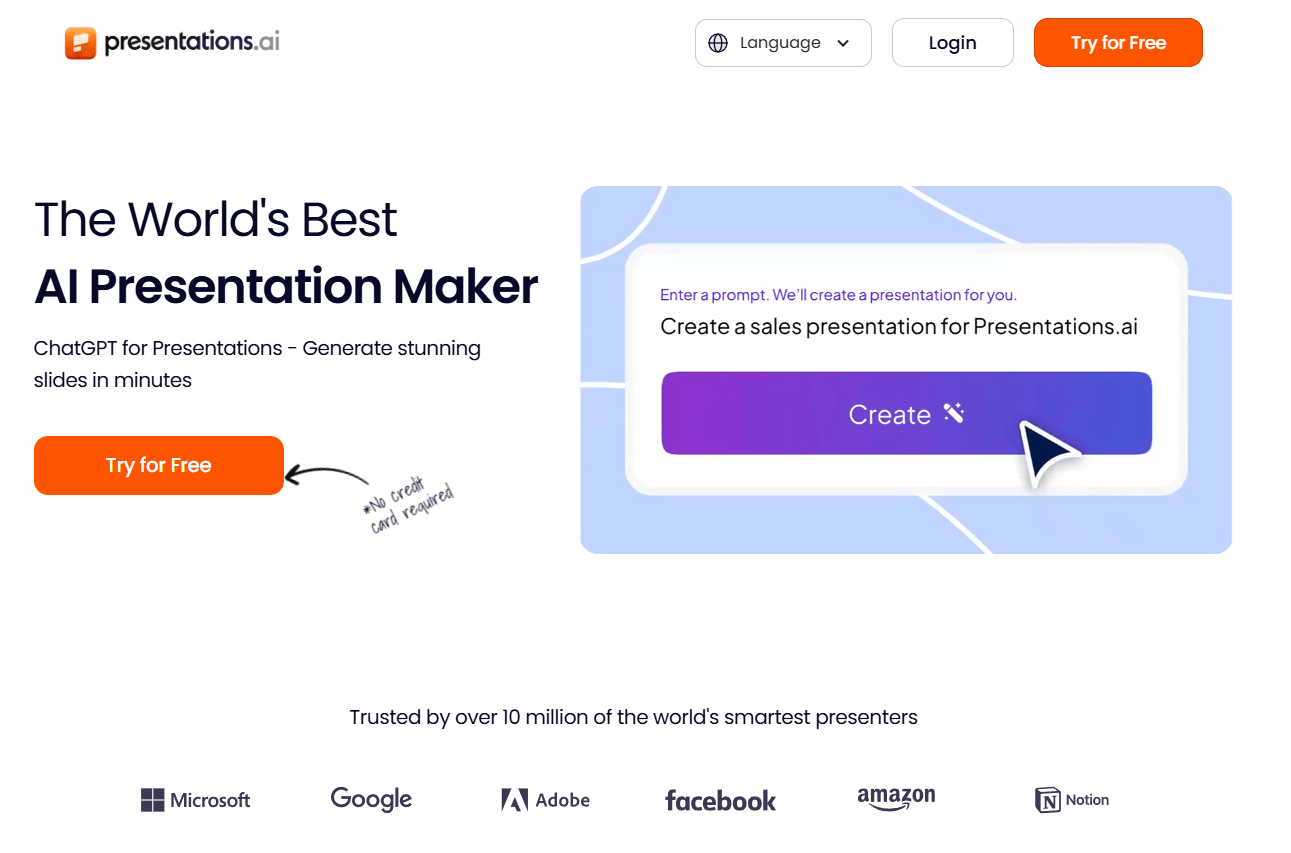
Many AI presentation tools are good at producing a first draft but weaker at the things that make a deck usable in real work: keeping slides on-brand, editing collaboratively, exporting to PowerPoint cleanly, and handling business-style presentation formats. Presentations.AI appears to be aiming directly at that gap. Its official materials emphasize Idea-to-Deck creation, Doc-to-Slides conversion, 100+ templates, real-time collaboration, and PPTX export fidelity.
Build full presentations from a topic or prompt.
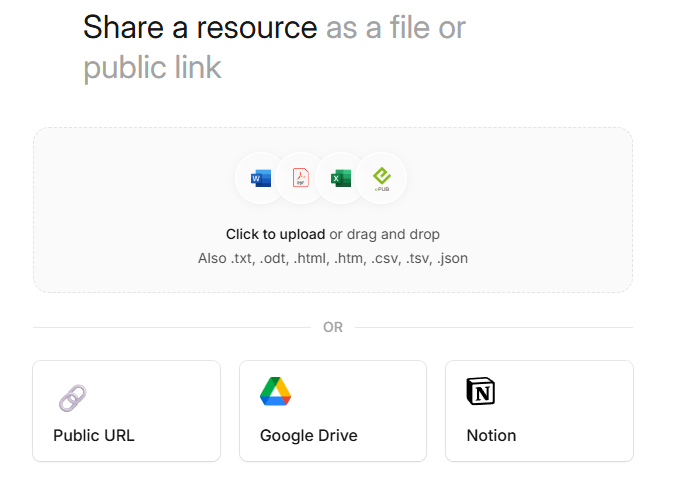
Convert PDFs, Word docs, Google Docs, text, links, and spreadsheets into decks.
Automatically applies brand identity across slides for consistent business output.
Supports co-editing, sharing, and access control for team workflows.
Includes engagement and performance tracking for shared decks.
Official pages repeatedly highlight PPTX export and editable deck handoff.
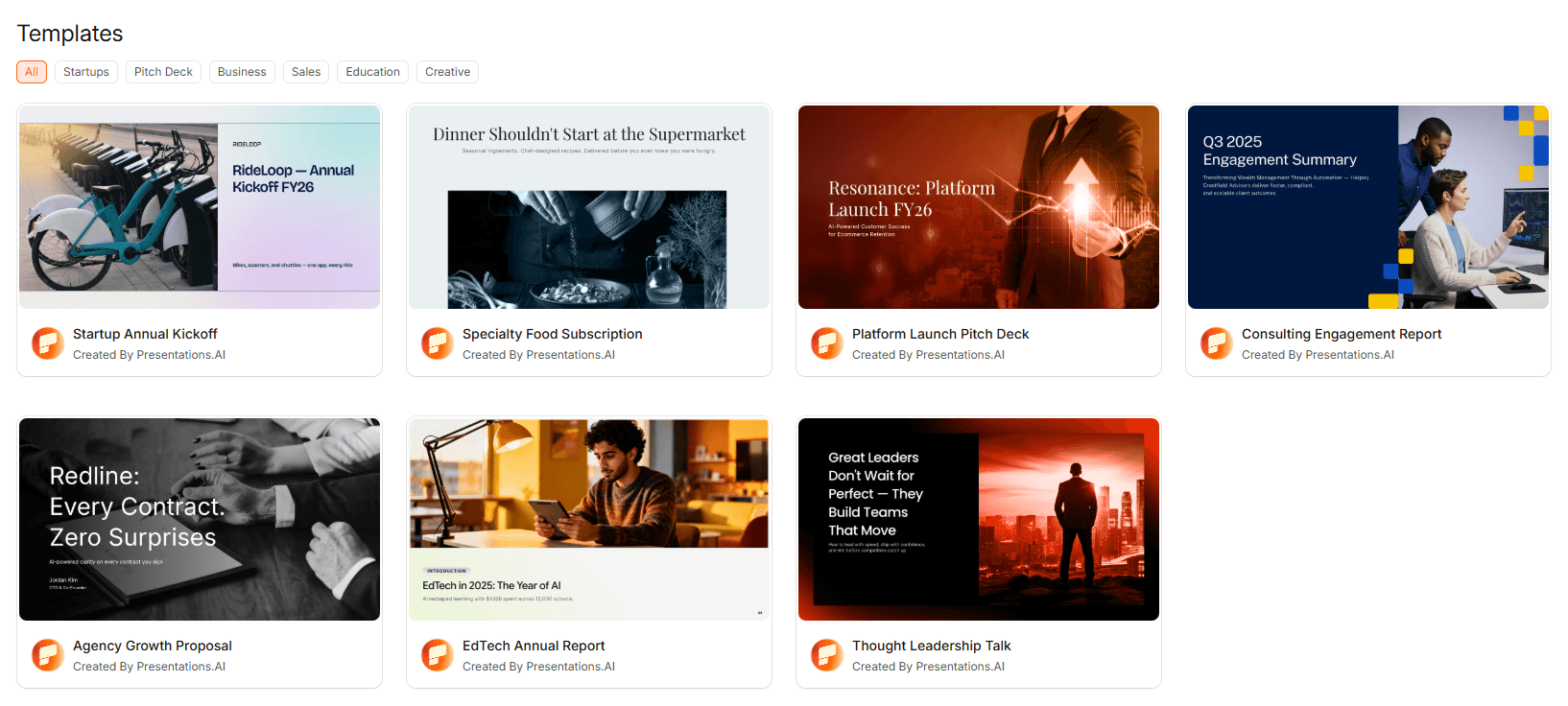
Presentations.AI is strongest when you want the speed of AI generation without giving up the normal expectations of a business presentation workflow. The official product pages describe it as a tool that can generate full decks from prompts or documents, while also supporting brand consistency, team collaboration, sharing, analytics, and PowerPoint export.
Its clearest differentiator is brand handling. The platform repeatedly emphasizes its proprietary Brand Sync feature, which automatically aligns presentations to your fonts, colors, logos, and visual identity. That is a more business-relevant promise than generic “beautiful AI slides,” because deck-making inside companies is often less about imagination than consistency.
The second major strength is format flexibility. Presentations.AI says it can create decks from prompts and also convert source materials such as Word docs, PDFs, Google Docs, links, text, and spreadsheets into slides. The official tools pages specifically include PDF-to-PPT and Excel-to-PPT converters, which suggests the product is designed for converting existing working materials into presentation form, not just brainstorming from zero.
The third strength is collaboration and delivery. Real-time co-editing, link sharing, analytics, access control, and PPTX export are all presented as core features. That makes Presentations.AI feel less like a novelty generator and more like a presentation workspace for teams.
The product workflow looks built around speed first, then controlled refinement. Presentations.AI’s official copy says you can describe an idea and get a deck in seconds, or upload source content and have it turned into slides. After that, the platform leans on templates, brand controls, remix-style variations, and collaboration features to refine the deck rather than forcing users to start over.
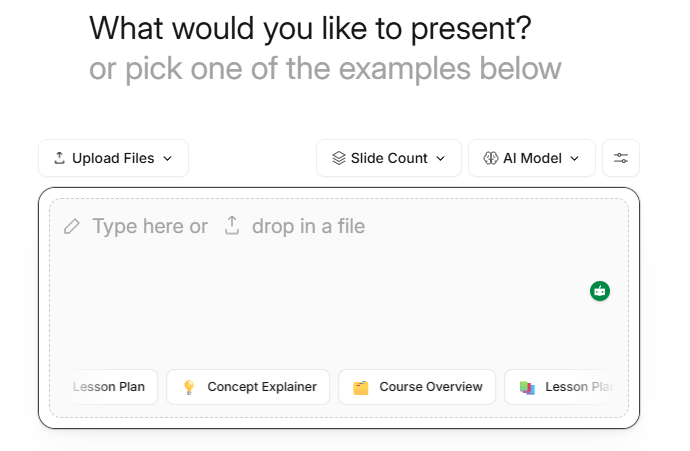
That is a good fit for business users because it mirrors how presentations are usually made in real life. Most decks do not begin as pure inspiration. They begin as notes, docs, spreadsheets, old presentations, PDFs, or rough talking points. Presentations.AI appears designed for exactly that kind of source material.
The real usability win is that the platform does not stop at generation. Brand Sync, anti-fragile templates, remixing, and PowerPoint export all point to a product that expects iteration. That is important because many AI slide tools produce something flashy, but fragile. Presentations.AI is clearly trying to be the opposite: something polished enough for work and stable enough to keep editing.
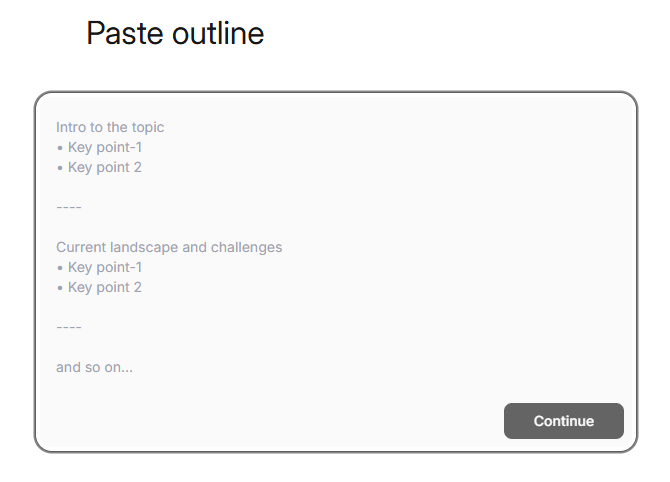
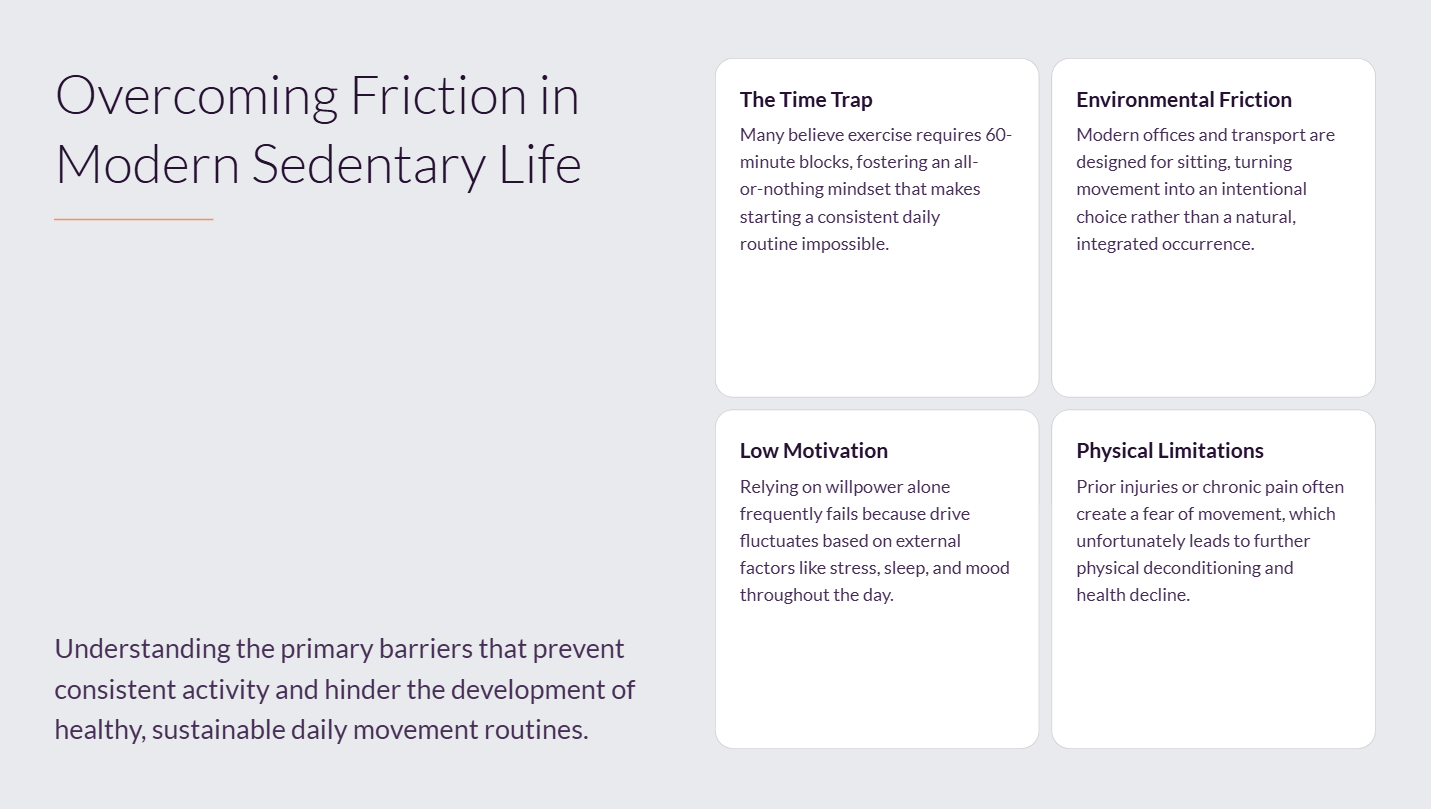
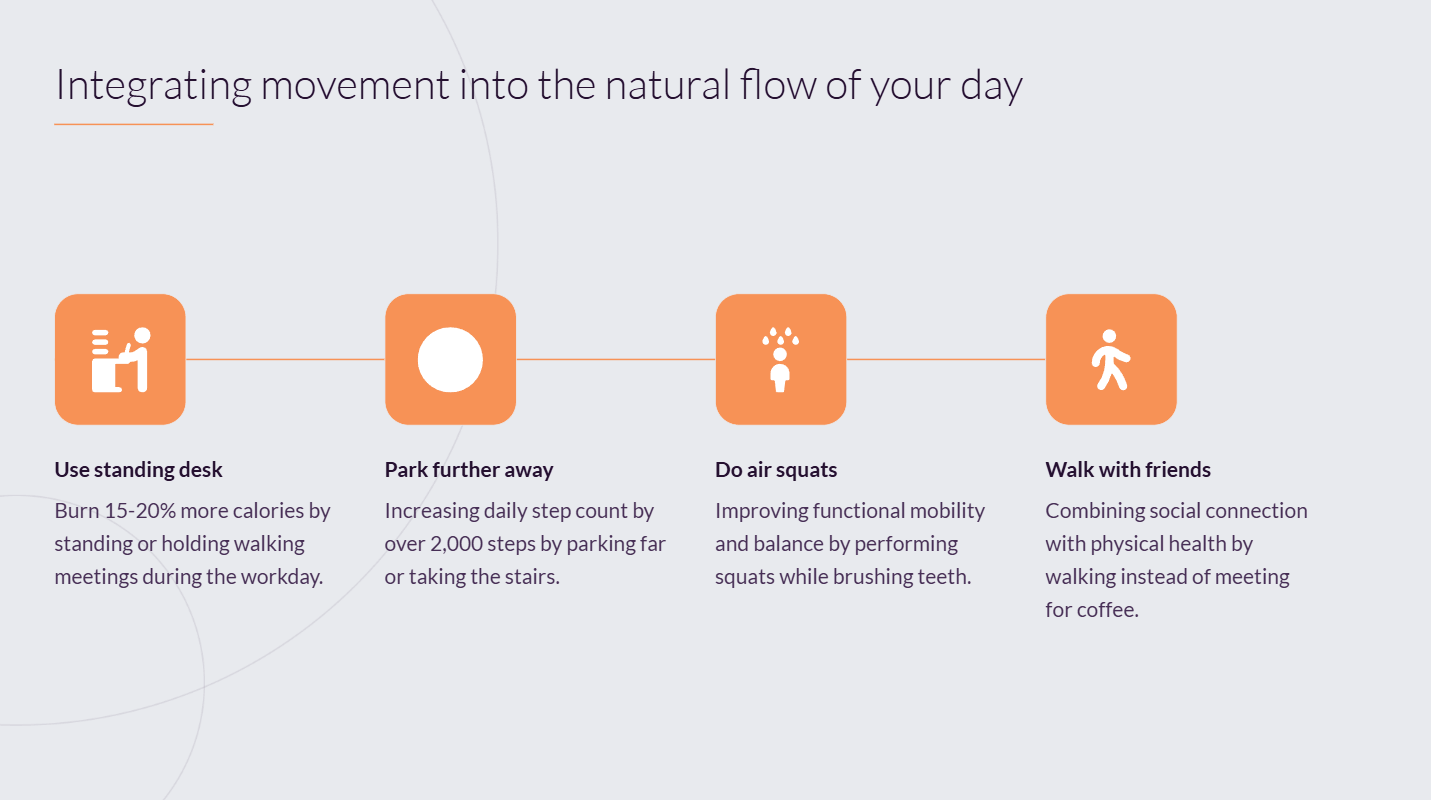
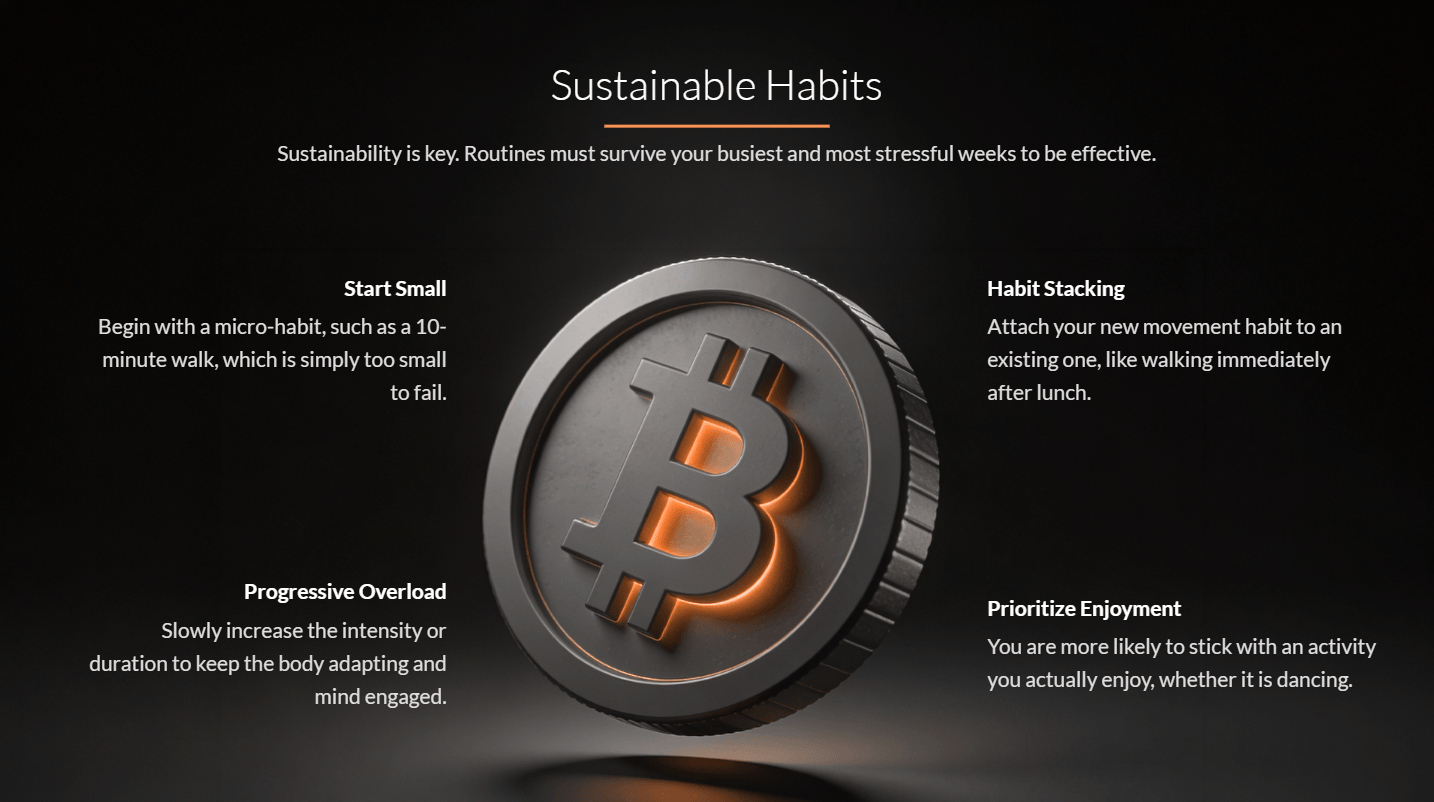
Create a modern, professional presentation about The Benefits of Exercise and Daily Movement. The presentation should explain how regular physical activity supports physical health, mental well-being, energy levels, and long-term wellness. Make the slides motivating, easy to understand, and visually polished with a healthy lifestyle presentation style.
Design direction:
- fresh and energetic
- clean modern layouts
- strong visual hierarchy
- balanced use of icons, photos, and simple charts
- motivational but professional
- not too busy
Include these slides:
1. Title slide
2. Why movement matters
3. Physical benefits of regular exercise
4. Mental and emotional benefits
5. Common barriers to staying active
6. Easy ways to move more every day
7. Building a sustainable routine
8. Long-term health impact
9. Key takeaways
10. Closing slide
Content style:
- concise and motivating
- short headlines
- easy-to-read bullet points
- practical and encouraging
- avoid heavy text blocks
Visual suggestions:
- active lifestyle imagery
- icons for heart health, strength, mood, and energy
- simple wellness charts
- daily routine visuals
- clean infographic elements
Presentations.AI looks most compelling for business-presentable output rather than open-ended creative storytelling. The official site highlights professional slides, template structure, brand consistency, and presentation polish. Recent comparison content published by the company also leans heavily on practical business features like reliable PowerPoint export, brand application, and deck quality for teams.
That suggests a fairly clear product identity. This is not mainly a tool for experimental visual essays or narrative-first web presentations. It looks better suited to sales decks, board reports, investor presentations, marketing decks, internal updates, and other formats where consistency and editability matter more than novelty. This is an inference from the product’s official positioning and feature emphasis.
The presence of remixing and anti-fragile templates is also notable. Those features imply that the system is meant to survive content changes without the layout falling apart, which is one of the most annoying problems in both PowerPoint and AI-generated decks.
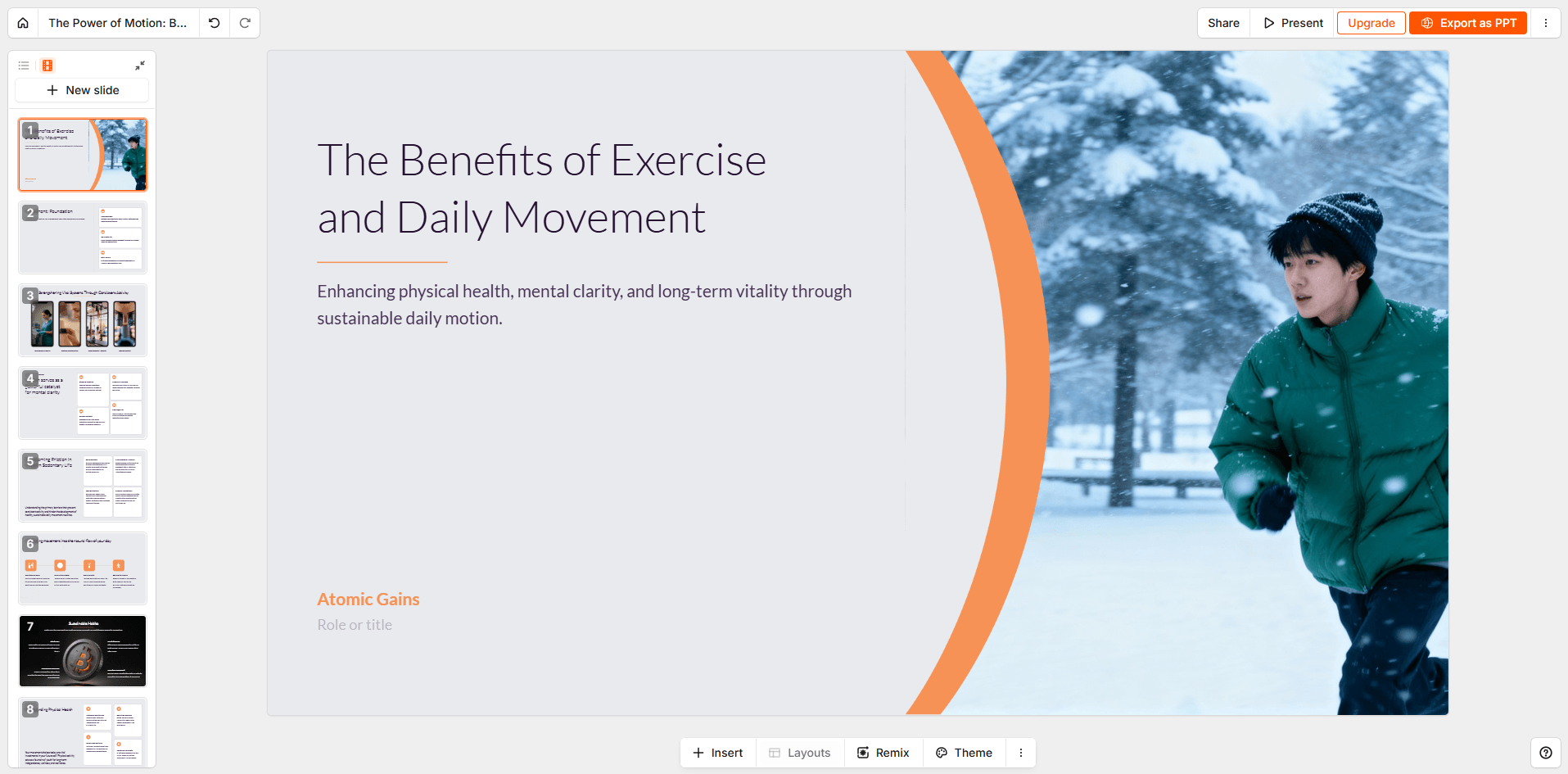

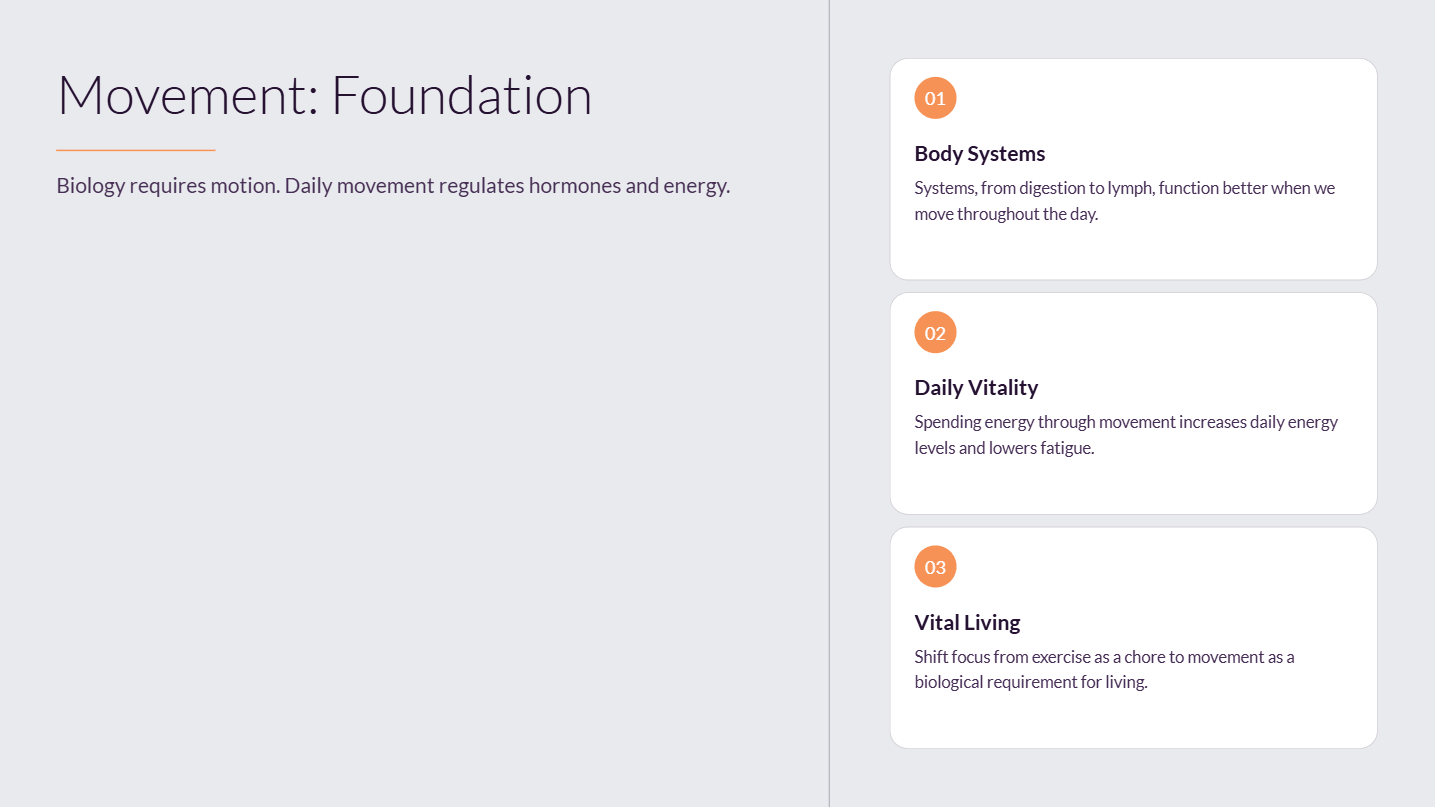

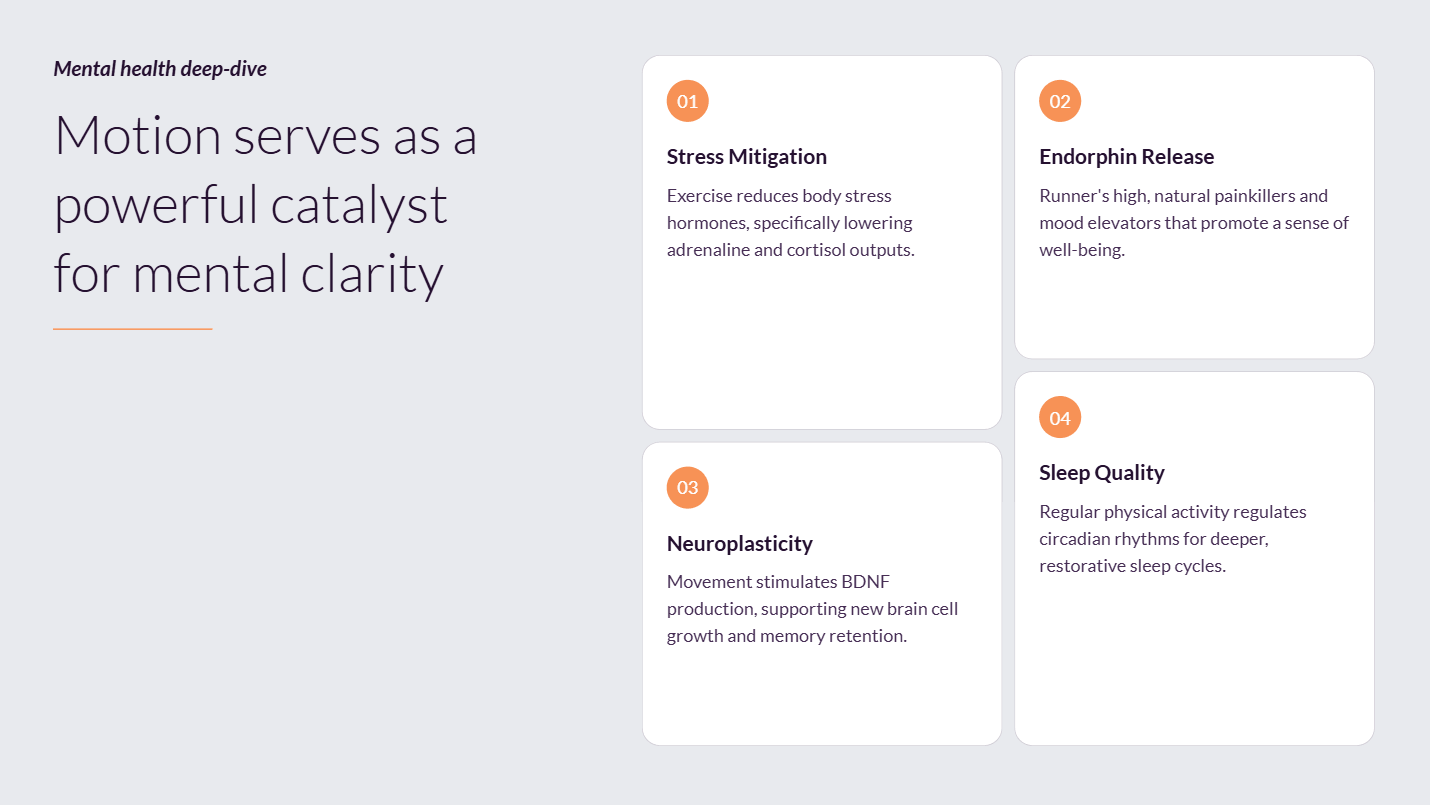
This is one of the stronger parts of the product. Presentations.AI’s official materials describe real-time collaboration, seamless sharing, access control, and analytics as first-class capabilities, not add-ons. That positions it more as a team presentation platform than a solo slide toy.
For companies, that matters a lot. Presentation work is rarely isolated. Sales wants decks, marketing wants brand compliance, leadership wants consistency, and teams often need to review or adapt the same materials. Brand Sync plus co-editing plus analytics is a sensible combination for that environment.
The company’s own comparison pages also stress that difference, especially against tools that are faster at one-shot generation but lighter on brand management and business controls. Since those pages are obviously self-serving, I would not treat them as neutral market analysis, but they do reveal what Presentations.AI sees as its strongest selling points: on-brand business decks, collaboration, and export reliability.
Presentations.AI looks strongest for:
- sales and go-to-market teams building frequent branded decks, because Brand Sync and PPT export are central to the workflow.
- consultants, founders, and operators who need to turn docs, notes, or reports into client-ready slides quickly.
- teams that collaborate on presentations and want sharing plus analytics inside the same platform.
- organizations that still rely on PowerPoint downstream and need AI-generated decks to survive that handoff.
It looks less ideal for users who mainly want infinite visual freedom, presentation-as-website publishing, or highly unconventional storytelling formats. The product’s official positioning is much more about professional presentation output than experimental presentation media. This is an inference from the feature set and site language.
Presentations.AI seems positioned between raw AI deck generators and manual slide tools like PowerPoint or Google Slides. Compared with old-school slide software, it automates deck creation, brand application, and content-to-slide conversion. Compared with lighter AI deck apps, it appears more focused on business requirements like brand compliance, collaboration, analytics, and PPTX export.
That middle position is probably its main appeal. It is trying to automate the painful parts of presentation work without breaking the normal enterprise expectation that the deck must still be editable, sharable, on-brand, and reviewable.
- The biggest trade-off is pricing complexity. Presentations.AI does not just ask whether you are on Free or Pro; it also uses credits for slide creation and PPT export. That means power users need to watch usage more carefully than with flat-rate tools.
- The second is that some of the strongest positioning claims come from the company’s own comparison and blog pages. Those are useful for understanding the product strategy, but less trustworthy than neutral third-party testing. So the broad shape is clear, but some comparative superiority claims should be treated as vendor framing rather than hard proof.
- The third is that the product appears optimized for professional slide workflows more than narrative creativity. That is a strength for business use, but users wanting a more freeform storytelling canvas may prefer a different category of presentation tool. This is an inference from the official feature emphasis.
Presentations.AI looks like one of the more business-ready AI presentation tools because it focuses not just on generating slides, but on making them usable in real work.
Its strongest advantages are Brand Sync, document-to-deck workflows, collaboration, analytics, and PowerPoint-friendly output.
It is best for teams and professionals who create presentations often and care about polish, speed, and consistency more than novelty. The main caveat is that the pricing model is credit-based enough that frequent creators should pay attention to slide volume and export behavior before committing.
TAGS: Presentations
Related Tools:
Creates professional slides from simple prompts

Streamlines the creation of presentations

Provides tools for music production

Online music studio for editing music

Creates customizable slide decks from prompts

Allows users to create, edit, and collaborate on music and podcasts