

Share this tool:
 |
Description:
- Introduction
- What Topview.ai Actually Is
- Where Topview.ai Is Strongest
- Strong Features and Capabilities
- The Main Workflow: From Product Page to Video
- Reference Video Cloning: The Most Distinctive Angle
- AI Avatars and Product Avatars
- Editing and Control
- AI Video, Image, and Motion Tools
- Platform Layers That Matter
- API and Automation
- Output Quality and Creative Quality
- Best Use Cases
- Practical Tips
- Limitations and Trade-Offs
- Final Takeaway
Topview.ai is an AI video creation platform built mainly for ecommerce sellers, DTC brands, affiliate marketers, agencies, and social media teams that need more product videos without filming every asset from scratch. Its strongest value is not plain text-to-video. It is the way it combines product URL extraction, viral reference-video cloning, AI avatars, product demos, short-form ad formats, localization, and editing into one workflow.
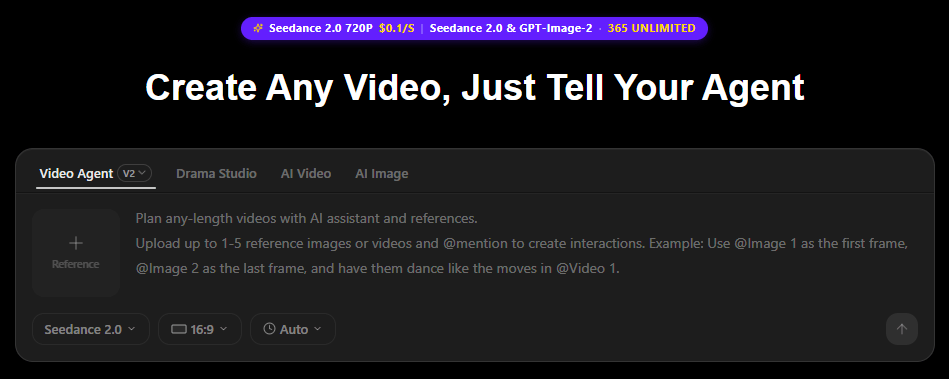
Topview.ai is best understood as an AI marketing video system, not just a generic video generator.
At the center is the AI Video Agent. You can upload a product, paste a product URL, or provide a reference video. Topview then analyzes the product and the reference format, builds a script, assembles scenes, adds voiceover or avatar delivery, and creates a short-form product video for channels like TikTok, Reels, Meta ads, ecommerce pages, and email campaigns.
That makes the product more practical than a blank prompt box. Many users do not want to invent a video concept from scratch. They already have a product page, an Amazon listing, a Shopify page, or a winning ad format they want to adapt. Topview is built around that reality.
The platform also includes broader AI tools: image-to-video, text-to-video, Omni Reference, video character swap, video upscale, motion control, URL-to-video, AI avatars, product avatars, AI voiceover, instant voice clone, AI image generation, virtual try-on, product photography, and AI Board as a combined creative workspace.
Topview.ai is strongest when the goal is fast product creative, not cinematic storytelling.
The tool is built around the kind of videos brands need repeatedly: product demos, UGC-style ads, short TikTok-style clips, social ad variants, marketplace videos, localized product explainers, and avatar-led promotions. That is a narrower use case than “make any video,” but it is also what makes the platform useful. It gives ecommerce and performance marketing teams workflows that match how they already produce and test creative.
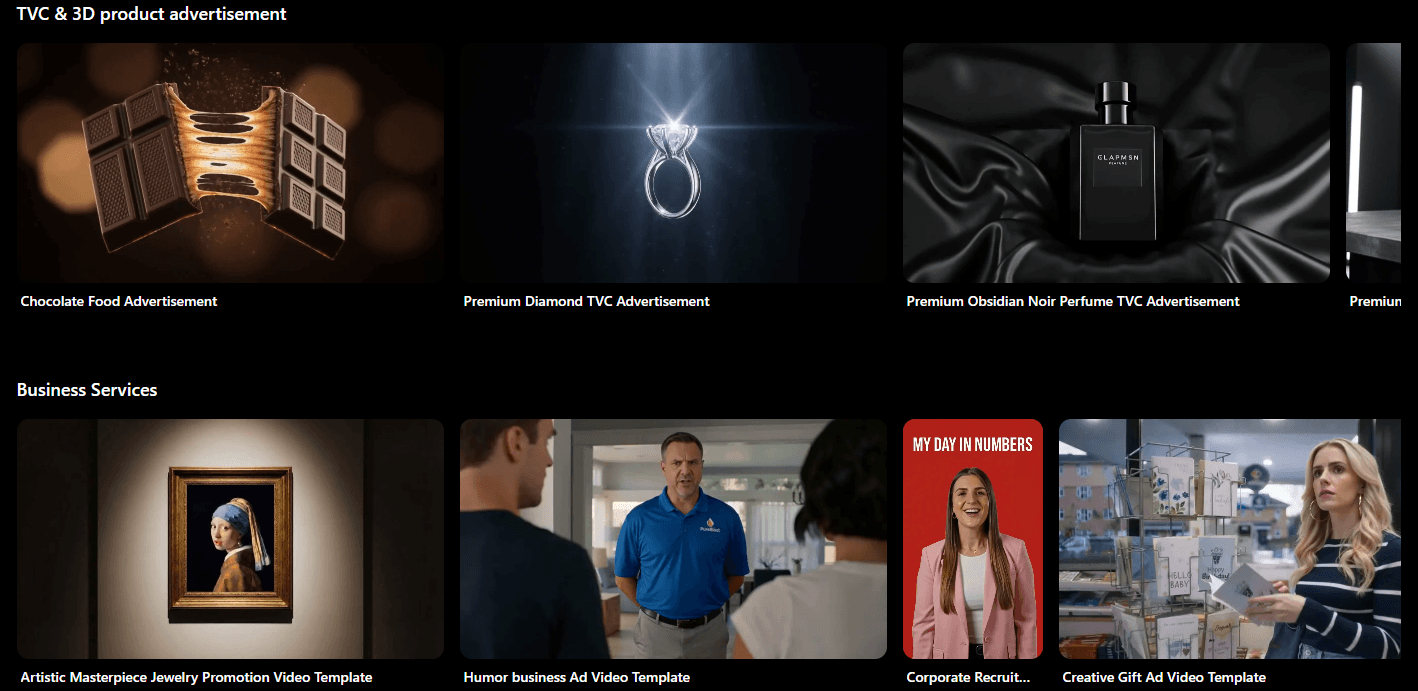
The reference-video workflow is especially important. Topview lets users upload a viral or high-performing reference video, then recreate the structure around their own product. The platform says the AI Video Agent analyzes style, pacing, hooks, and shot structure before producing a new product-centered video.
That is a strong fit for marketers who think in formats, not isolated videos. A good ad is often a pattern: opening hook, product proof, demo, objection answer, offer, call to action. Topview is built to reuse those patterns quickly.
Recreates video concepts around a product using product inputs, URLs, or reference videos.
Turns product pages into marketing videos by extracting assets, generating scripts, and producing video styles automatically.
Lets users mirror the structure, pacing, and style of a reference video instead of starting from a blank prompt.
Creates presenter-style and product-holding avatar videos for UGC-style ads, demos, and product promotion.
Includes image-to-video, text-to-video, Omni Reference, character swap, video upscale, motion control, and URL-to-video.
Provides REST endpoints for URL-to-video, materials-to-video, video avatars, product avatars, and product lifestyle visuals.
The best first workflow to understand is URL-to-video.
Topview’s guide describes a practical process: enter a product URL, let the AI obtain images and videos, add product details such as the name, description, selling points, or keywords, generate scripts, edit the script, change the voiceover if needed, and export the final video. It can also work from local uploads, with MP4 support for uploaded videos under the stated limits.
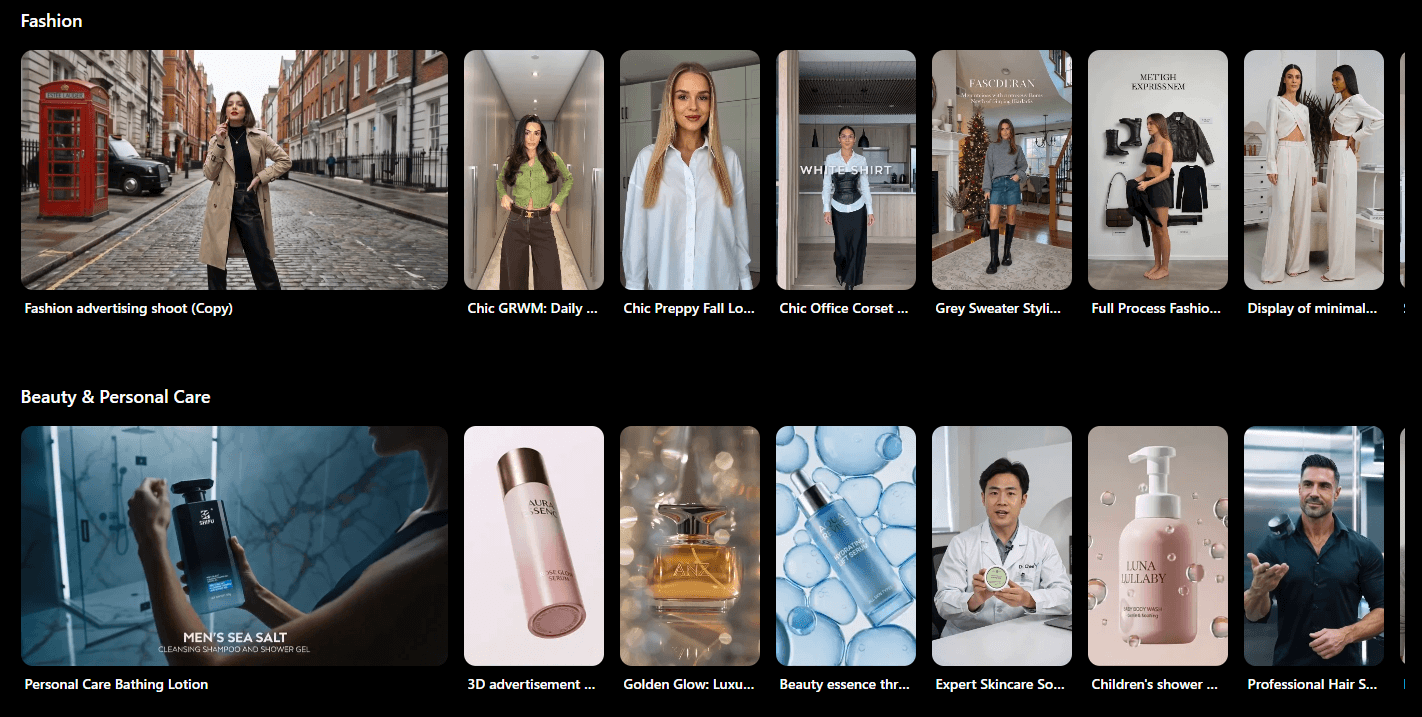
This is where Topview feels most useful. A seller does not need to prepare a full creative brief. The product page already contains a lot of the raw material: product images, descriptions, benefits, use cases, and sometimes video clips. Topview turns that into the starting point for video creative.
The important detail is that Topview generates multiple scripts and videos in different styles during the URL-to-video flow. That matters because ad creative is rarely won on the first version. Marketers need variants: different hooks, different angles, different opening visuals, different presenter types, and different pacing.
Topview’s reference workflow is the feature that makes the platform stand out from many AI video tools.
Instead of asking users to describe everything manually, Topview lets them upload a reference video and have the AI analyze the style, pacing, hooks, and shot structure. The output is not meant to copy the original product. It is meant to recreate the format around the user’s own product.
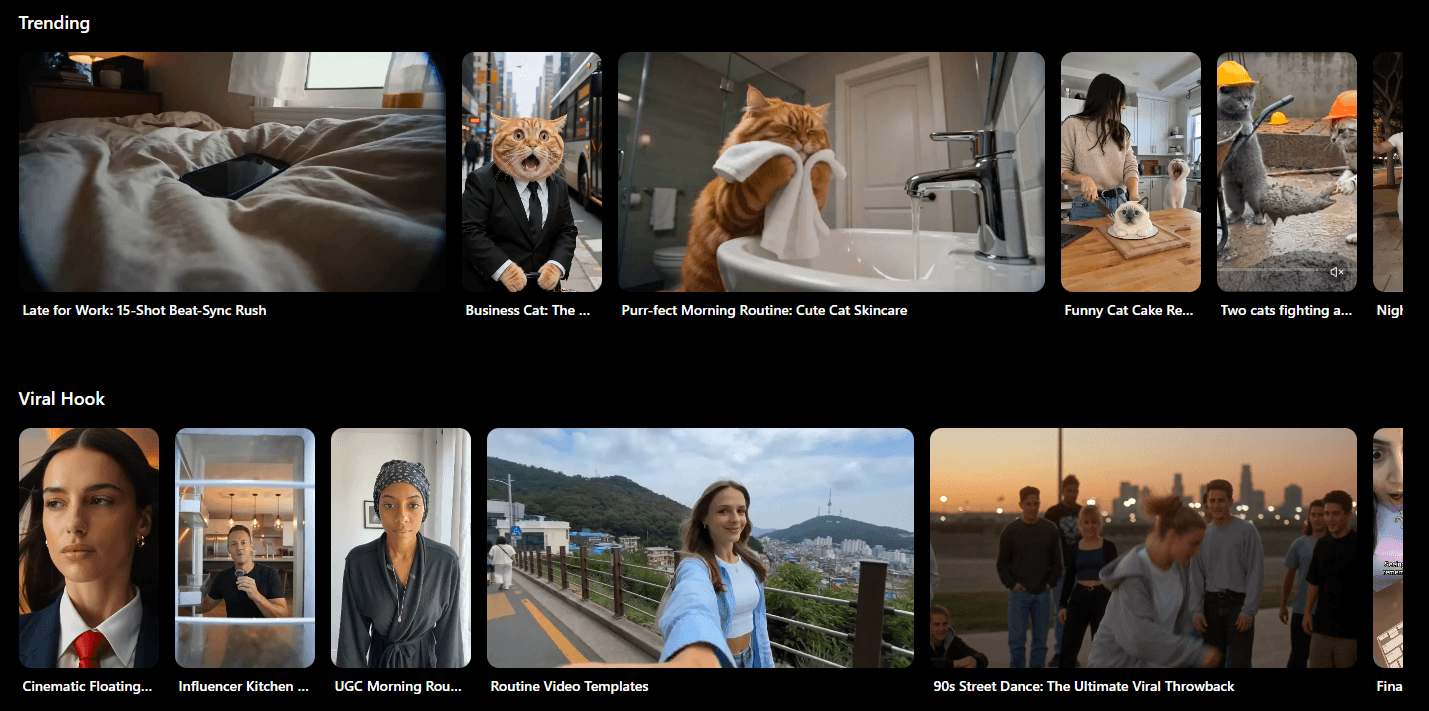
That is useful for ecommerce because many short-form ads follow recognizable patterns. A skincare brand may want a “problem, demo, result” style. A gadget seller may want a “you didn’t know you needed this” style. A supplement brand may want a fast hook, testimonial-style delivery, and benefit captions. Topview’s approach lets teams start from a known creative format rather than forcing them to storyboard every scene.
There is still a judgment layer here. Users should avoid copying protected creative too closely and should review claims, visuals, voiceover, and compliance before publishing. But as a workflow for structured inspiration, it is one of Topview’s clearest strengths.
Topview’s avatar system has several layers.
Avatar 4 is its flagship talking-avatar technology. Topview describes it as supporting hyper-realistic talking avatars with custom motion control, including a standard mode, a faster mode, and an off-peak business mode. The current AI Avatar guide says Avatar 4 can support videos up to 120 seconds in standard mode.
Product Avatar is more ecommerce-specific. It lets an avatar hold, showcase, or interact with a product image, which is useful for UGC-style demos when a brand does not have footage of a real creator holding the product. Users can choose an avatar, upload a product image, adjust the product placement manually or use auto mode, then create a video with a script and voiceover.
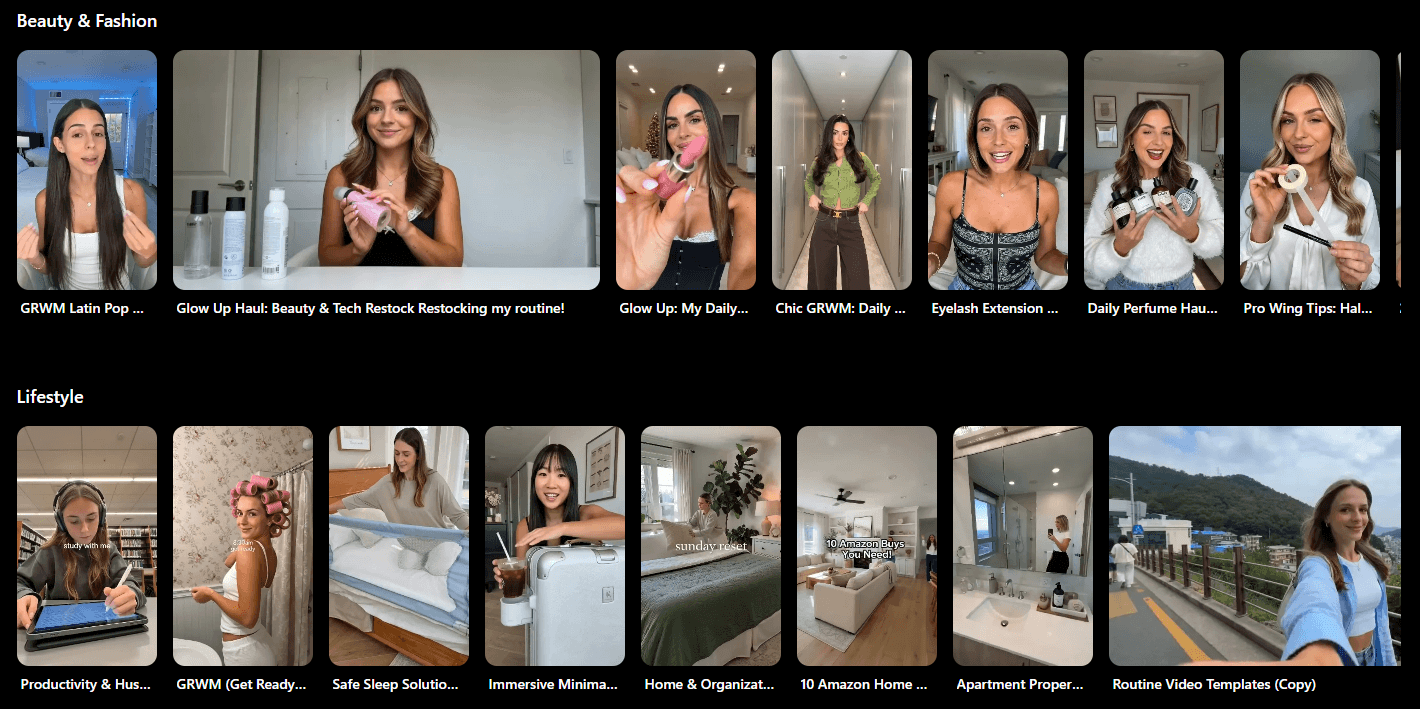
This is a smart direction because many AI avatar tools feel detached from the product. The presenter talks, but the product is just shown beside them. Product Avatar is more useful for ecommerce because it puts the product into the presenter’s hands or scene.
There are limits. Avatar-led content can still feel artificial if the script is stiff, the product interaction looks unnatural, or the voice does not match the market. The best use is not to replace every creator video. It is to produce quick variants, explainers, demos, and localized presenter clips that can be reviewed and refined.
Topview is not just a generator. Its URL-to-video guide notes that users can enter editing mode to adjust subtitle positioning, replace video clips, change background music, replace characters, and make other changes before export.
That matters because fully automatic video creation can be messy. The AI may choose the wrong product angle, miss a key benefit, use a weak hook, or pick a voiceover that does not fit the brand. Editing tools give users a way to keep the parts that work and fix the weak parts.
The character-swap workflow also shows that Topview is thinking beyond simple generation. Users can upload a target video, mark the area to modify, mark protected product areas, preview the selected region, adjust if needed, and then generate the replacement. Topview says this can replace a character while retaining body language and facial expressions, while keeping the product in the person’s hand unchanged.
That is useful, but it also needs careful review. Human replacement, avatar usage, and product protection are areas where small visual errors are easy to miss at a glance. For paid campaigns, every output should be checked frame by frame before publishing.
Topview’s broader creative toolkit gives the platform more range.
The AI Video guide lists image-to-video, text-to-video, Omni Reference, video character swap, video upscale, motion control, and URL-to-video. Image-to-video lets users upload an image, add a prompt, choose duration, and generate a moving clip. Text-to-video works from a prompt and selected model. Omni Reference lets users upload references and mention them inside prompts using “@” references.
The image/text-to-video guide also lists quality options across Lite, Pro, Plus, and Best, with higher options positioned for better visual quality, body movement, and physical realism. It also supports 5-second and 10-second durations in that workflow.
For product visuals, Product AnyShoot lets users place product images into lifestyle scenes, model scenes, or backgrounds. It supports Product + Model and Product + Background modes, with a large template library described by Topview.
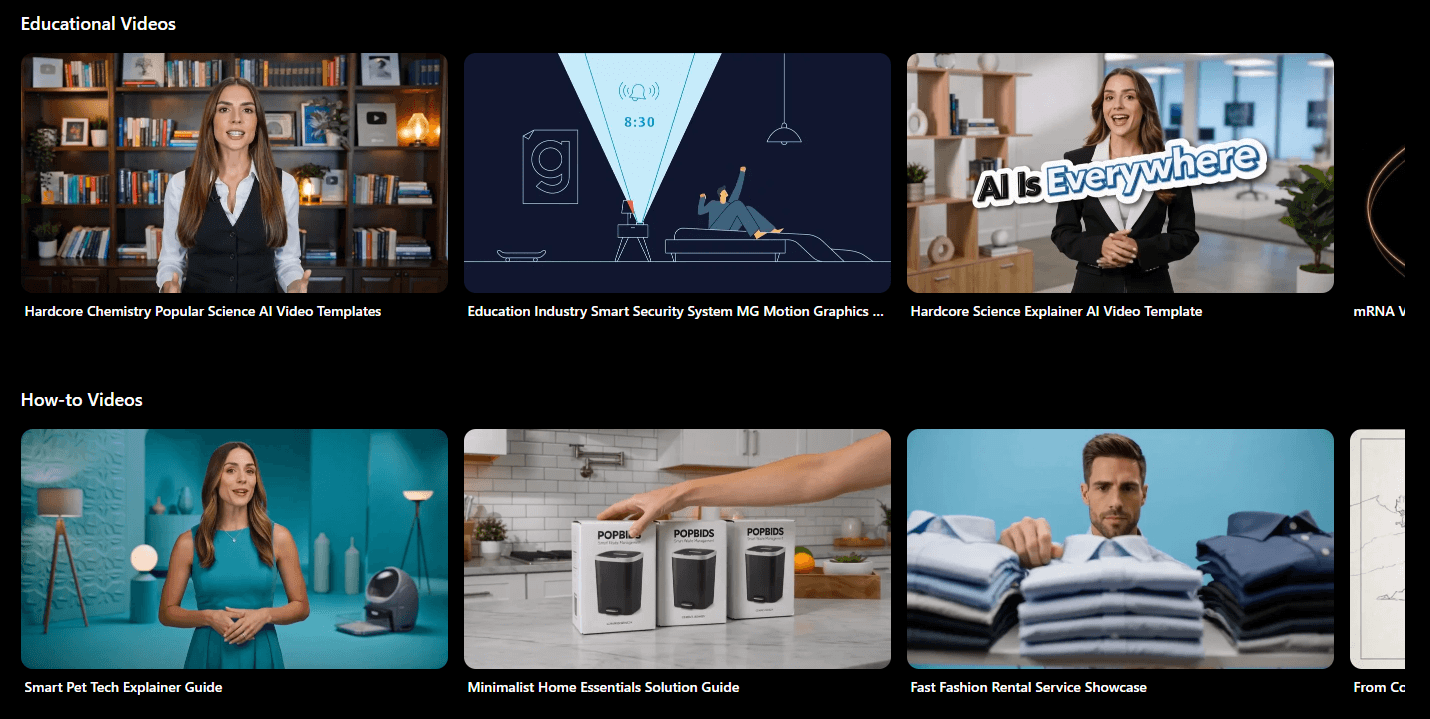
The practical takeaway: Topview is not only for final videos. It can also help make supporting assets: product scenes, lifestyle visuals, avatar images, short moving clips, and campaign variations.
| Layer | Best For | What To Watch |
|---|---|---|
| AI Video Agent | Product ads, UGC-style clips, reference-based creative | Strongest when you already have a product and a target format |
| URL-to-Video | Ecommerce listings, Amazon products, Shopify pages, DTC stores | Product page quality affects the starting material |
| AI Avatar / Avatar 4 | Presenter videos, demos, localized campaigns | Scripts and voice choice matter a lot |
| Product Avatar | UGC-style product demos with a person holding the item | Product placement and hand interaction need review |
| AI Video Tools | Text-to-video, image-to-video, upscale, motion, character swap | Outputs vary by model, prompt, and source material |
| AI Board | Mixed creative work across image, video, voice, and avatar tools | Best for teams that need a shared production space |
| API | Catalog-scale video and avatar workflows | More useful for teams with technical resources |
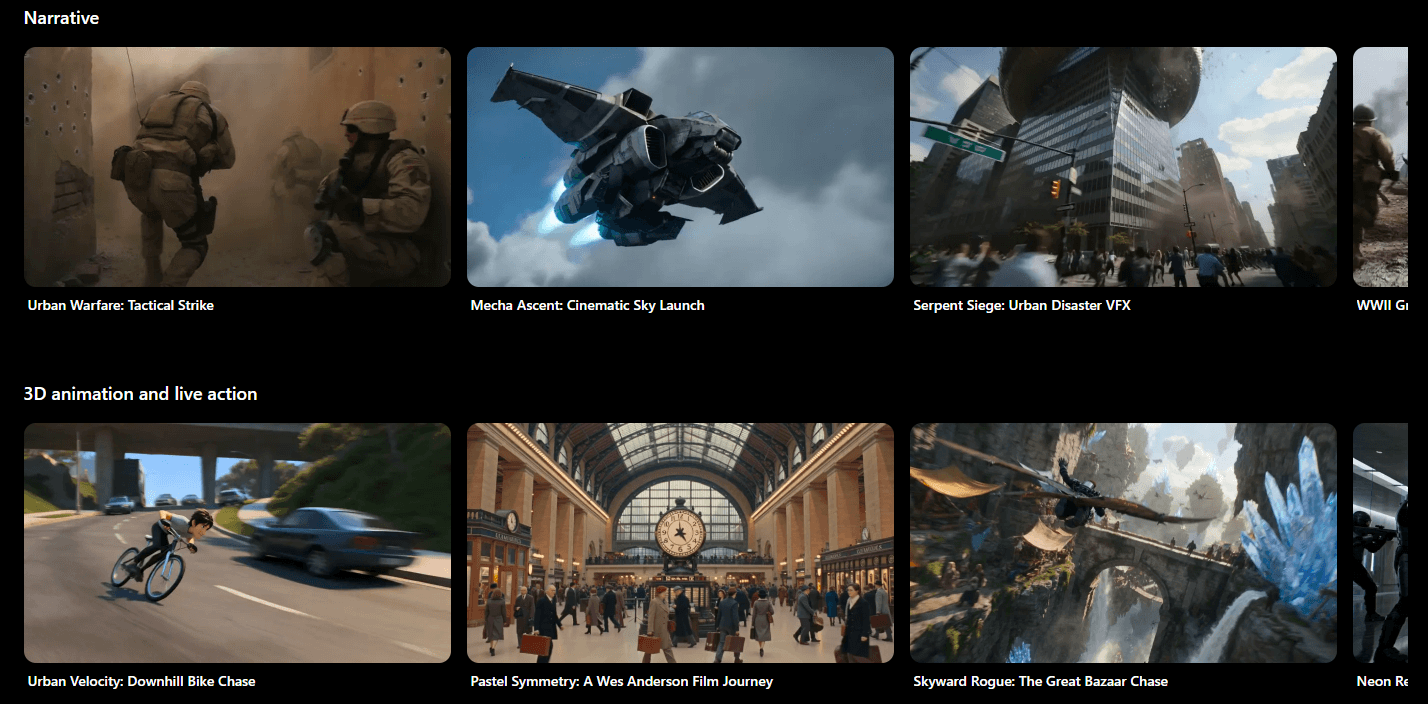
Topview’s API is worth noting because it changes who the platform is for.
The API page says Topview provides a single REST endpoint system for models and workflows including Veo, Sora, Seedance, Wan, Kling, Higgsfield, Flux, Topview Avatar, URL-to-Video, Product Avatar, and Product Anyshoot. It also lists native endpoints for URL-to-video, materials-to-video, video avatar, product avatar, and product lifestyle visuals.
That makes Topview more interesting for marketplaces, agencies, and ecommerce teams with many SKUs. A small seller may use the web app manually. A larger team may want programmatic generation from product feeds, campaign briefs, or internal systems.
The API page also describes an async workflow with task IDs, polling, signed file URLs, retries, and rate-limit headers. That is the kind of detail developers need for production media generation, because long-running video tasks do not behave like instant text responses.
Topview’s output quality will depend heavily on the input.
A clean product page, strong images, clear selling points, and a good reference video will usually give the AI more to work with. Weak product assets will show. If the only available image is low-resolution or the product description is vague, the generated video may look generic.
The platform’s strength is structure: hooks, scripts, scenes, avatars, captions, product placement, and campaign formats. It is less about giving users total film-director control over camera language. For ecommerce teams, that trade-off makes sense. They usually need many usable ad variants more than one handcrafted cinematic piece.
The best results will likely come from treating Topview as a creative production assistant, not a final judge. Let it generate the first pass. Then edit the script, choose a better voice, refine subtitles, replace weak clips, and test multiple versions.
- Ecommerce product ads: Topview is a strong fit for product videos built from Shopify pages, Amazon listings, product images, and product descriptions. The URL-to-video workflow is designed for exactly this type of input.
- UGC-style ad testing: AI avatars and product avatars help teams create creator-like videos without filming each version. This is useful for early-stage testing, localization, and high-volume creative rounds.
- Affiliate marketing: Affiliates can use product URLs and reference formats to create short-form clips faster, especially when testing multiple hooks and angles. Topview explicitly lists affiliate marketers as one of the platform’s target groups.
- DTC and social brands: The platform fits brands that need TikTok, Reels, and Meta-style creative across regions. Topview highlights 30+ languages for voiceover and captions in its AI Video Agent workflow.
- Agencies: Agencies can use the platform to create more campaign drafts, client variations, product demos, and short-form concepts without building every asset by hand.
- Catalog-scale production: The API and batch-style workflows make sense for teams managing many products, variants, or marketplaces. Topview’s batch link-to-video guide says users can generate up to 3,000 videos at once from bulk product links.
- Start with a strong product page. Topview can extract assets and copy, but it cannot magically fix unclear positioning.
- Use reference videos carefully. Pick references for structure, not for copying another brand’s identity too closely.
- Edit scripts before export. AI-generated ad scripts often need sharper hooks, cleaner benefit language, and more accurate product claims.
- Check product handling in avatar videos. Hands, packaging, labels, and scale can make or break trust.
- Create variants by angle, not just by style. Test problem-solution, demo, comparison, testimonial-style, offer-led, and educational versions.
- Review localized videos with native speakers. AI voiceover and captions are useful, but campaign language still needs human judgment.
- Use Product AnyShoot for missing lifestyle assets. If your product page lacks good lifestyle photos, generate supporting visuals before building the full video.
- Topview is strongest for marketing videos, especially ecommerce and short-form social creative. It is less ideal for narrative filmmaking, deep editing, documentary work, or videos that need precise human direction across long scenes.
- Reference cloning is useful, but it also creates a review burden. Teams need to make sure the output is inspired by a format, not too close to another creator’s or brand’s protected work.
- Avatar quality can vary by script, motion, product placement, and source image. Topview’s own guide advises broad motion prompts for Avatar 4 because overly detailed prompts may make the result look forced or unnatural.
- URL-to-video depends on the source material. A good listing can give the AI useful images, benefits, and product context. A weak listing may produce a bland or inaccurate draft.
- The platform has many tools, which is useful but can also feel scattered. AI Video Agent, AI Board, URL-to-video, Avatar 4, Product Avatar, Product AnyShoot, image tools, and API workflows all serve different jobs. New users should start with one workflow instead of trying everything at once.
Topview.ai is best for ecommerce teams, DTC brands, agencies, affiliates, and social marketers who need fast product video creation at scale.
Its main strength is the workflow: paste a product URL, upload a product image, use a reference video, add avatars or product demos, edit the script and visuals, then create short-form assets for ads and social platforms.
The main caveat is that Topview is not a magic final-video button. It is strongest when users bring clear product inputs, strong reference formats, and enough editorial judgment to review scripts, claims, captions, avatar realism, and product accuracy before publishing. For product-led marketing video, though, it is one of the more practical AI platforms to test.
TAGS: Video Editing
Related Tools:

Simplifies personalized video creation

Automatically edits videos by detecting highlights

AI video editing tool that automates cuts, captions, and B-roll

Transforms long videos into engaging clips
Offers advanced tools for photo and video editing

Helps users create branded social media videos