
Share this tool:
 |
Description:
- Introduction
- What Rewriteit AI Actually Is
- Sample Texts You Can Rewrite First
- Strong Features and Capabilities
- Where Rewriteit AI Is Strongest
- Rewrite Quality and Control
- Best Use Cases
- How Rewriteit AI Compares to Other Writing Tools
- Practical Tips for Better Results
- Limitations and Trade-Offs
- Who Should Use Rewriteit AI
- Final Takeaway
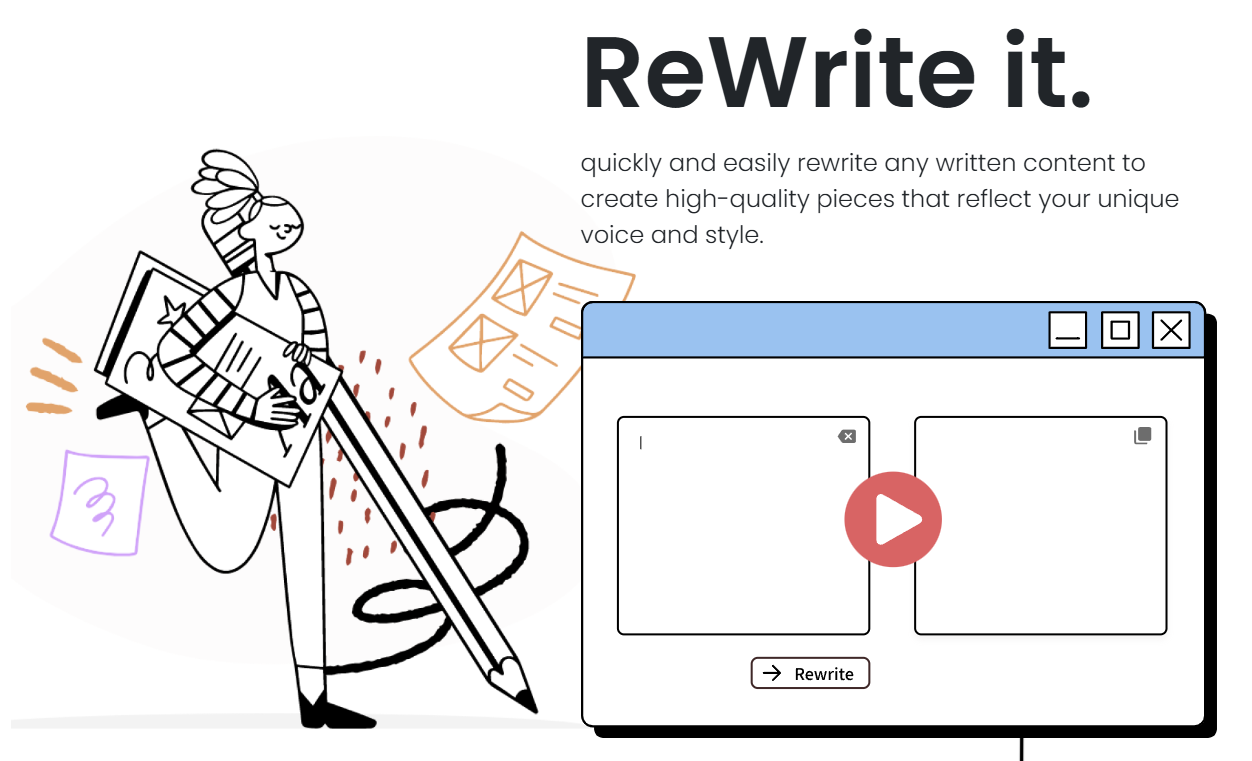
Rewriteit AI is a focused AI rewriting assistant built around one main job: taking existing text and making it clearer, smoother, and easier to use. The official site describes it as a tool for quickly rewriting written content into higher-quality pieces that reflect a user’s voice and style, while public listings consistently frame it around emails, papers, summaries, English learning, grammar, and sentence improvement.
Rewriteit AI is not a full writing suite in the way Grammarly, QuillBot, Wordtune, Jasper, or ChatGPT can be. It is closer to a lightweight rewriting layer. You bring text that already exists, then use the tool to improve how that text reads.
That distinction matters. Rewriteit AI is strongest when the problem is not “write everything from scratch.” The better use case is: “I already know what I want to say, but this needs to sound cleaner.”
That can mean:
- A direct email that sounds too blunt.
- A student paragraph that needs better flow.
- A non-native English draft that needs grammar and sentence help.
- A blog intro that feels repetitive.
- A summary that needs to be more concise.
- A message that needs to sound more confident without changing the meaning.
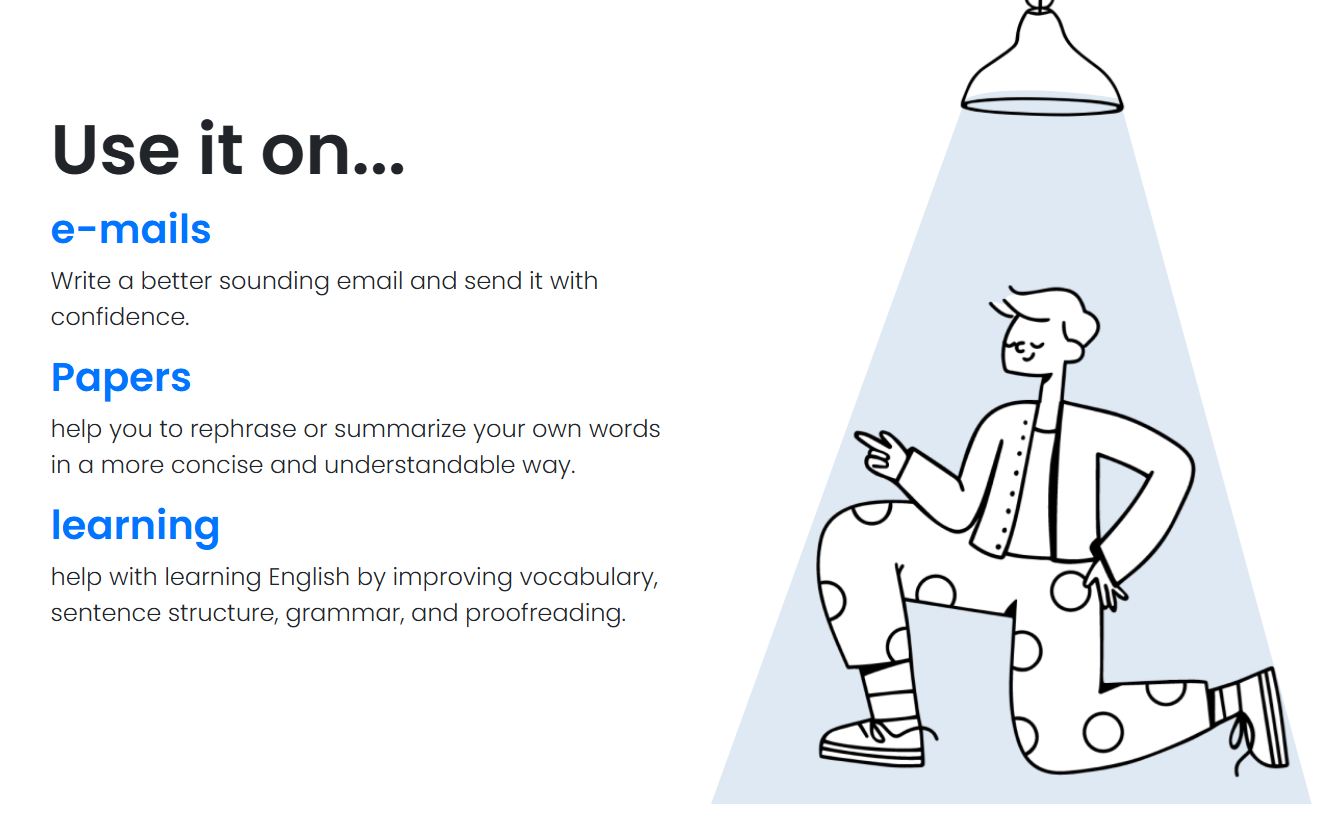
Public listings describe Rewriteit AI as useful for emails, papers, learning materials, rephrasing, summarizing, vocabulary improvement, sentence structure, grammar, and proofreading.
The useful way to think about it is simple: Rewriteit AI is a text improvement tool, not a deep research assistant.
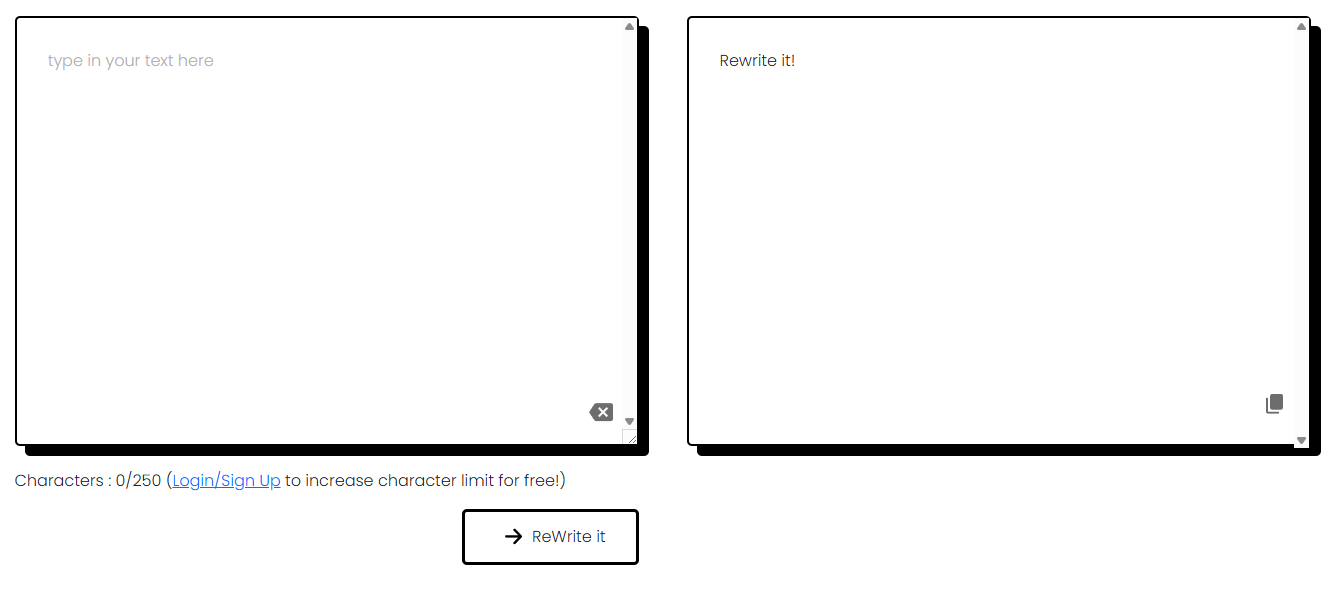
These examples show the kinds of writing Rewriteit AI is most useful for. The point is not to generate new content from nothing. It is to take rough text and make it clearer, more natural, or more suitable for the situation.
Original text:
“Hi Mark,
I still haven’t received the files. I need them today or the project will be delayed. Send them as soon as possible.”
Rewritten Text:
Hi Mark,
I still haven't received the files. I need them today to avoid delaying the project. Please send them as soon as possible. Thank you.
Why this is a good first test: Email improvement is one of the most natural use cases for Rewriteit AI. The original message is clear, but it sounds tense. A good rewrite should keep the urgency while making the tone more professional and less sharp.
Original text:
“Our company is trying to make the onboarding process better because many new employees are confused during the first week and they ask the same questions many times.”
Rewritten Text:
Our company is working to improve the onboarding process, as many new employees feel confused during their first week and frequently ask the same questions.
Why this is useful: This checks whether Rewriteit AI can improve sentence structure without changing the meaning. The idea is fine, but the wording is clunky. A useful rewrite should make the paragraph cleaner, smoother, and easier to scan.
Original text:
“Remote work has caused many changes in business communication. Some teams are more productive, but others have problems with collaboration, meeting schedules, and employee connection.”
Rewritten Text:
Remote work has significantly impacted business communication. While some teams have become more productive, others face challenges with collaboration, scheduling meetings, and maintaining employee connections.
Why this matters: Rewriteit AI can help make academic writing more readable. The tool is best used here for clarity, flow, and structure, not for adding unsupported claims or replacing proper research.
Original text:
“The implementation of cross-functional communication protocols may facilitate improved operational alignment between internal departments.”
Rewritten text:
"Implementing cross-functional communication protocols can enhance operational alignment among internal departments."
Why this is a strong rewrite test: A good rewriting tool should not only make text sound more formal. In many cases, the better result is simpler. This example tests whether Rewriteit AI can turn dense business language into plain English.
Original text:
“I am writing to ask if you can give me informations about the meeting because I am not sure what I need prepare before tomorrow.”
Rewritten text:
I am writing to request information about the meeting, as I am unsure what I need to prepare before tomorrow. Thank you.
Why this is useful: Rewriteit AI can be helpful for non-native English speakers who want better grammar, vocabulary, and sentence structure. A good rewrite should correct the mistakes while keeping the sentence natural.
Original text:
“I wanted to reach out to you today because I was thinking it might be a good idea for us to possibly schedule a meeting sometime next week so we can talk through the upcoming campaign plans in more detail.”
Rewritten text:
"I wanted to reach out to discuss the possibility of scheduling a meeting next week to go over the upcoming campaign plans in more detail."
Why this belongs here: Rewriting tools are often most useful when they cut clutter. This example has a clear message buried inside too many softeners. A strong rewrite should make the ask direct without sounding rude.
Original text:
“The client sent feedback. They like the new design but want the pricing section changed. Need to update by Friday and send new version Monday.”
Rewritten text:
The client provided feedback. They like the new design but would like changes to the pricing section. We need to make the updates by Friday and send the new version on Monday.
Why this is practical: This is the kind of everyday writing task where Rewriteit AI makes sense. The original note has the right information, but it needs cleaner structure before being sent to a team.
Original text:
“Our app helps businesses save time and improve productivity with AI-powered tools for better work.”
Rewritten text:
Our app utilizes AI-powered tools to help businesses save time and enhance productivity.
Why this matters: This checks whether Rewriteit AI can improve weak marketing copy without making it more generic. The best rewrite should sound more specific, natural, and useful without adding hype.
Original text:
“Customer retention can be influenced by several factors, including perceived value, customer support, onboarding effectiveness, pricing expectations, communication frequency, and how well the product continues to solve the user’s original problem.”
Rewritten text:
Customer retention is influenced by several factors, including perceived value, customer support, onboarding effectiveness, pricing expectations, communication frequency, and the product's ability to continue solving the user's original problem.
Why this is a useful test: This is where rewriting and summarizing overlap. A good output should compress the idea into fewer words while keeping the main point intact.
Original text:
“I don’t wanna make this a huge deal, but I think we should fix this before it becomes confusing for customers.”
Rewritten text:
I don't want to make this a big issue, but I believe we should address it before it confuses our customers.
Why this is important: Some rewriting tools over-polish casual writing. This example tests whether Rewriteit AI can fix grammar and improve clarity while keeping the tone close to the original.
Rewriteit AI is built for quick rewriting rather than long setup or complex project creation.
The tool is a practical fit for turning rough emails into clearer, more confident messages.
It can help rephrase papers, improve flow, and make academic writing easier to read, though users still need to handle sources and originality responsibly.
Public listings describe it as useful for vocabulary, sentence structure, grammar, and proofreading support.
Rewriteit AI can help turn longer or clunky text into more concise and understandable wording.
The public positioning is centered on speed and simplicity, which makes it approachable for users who do not want a full writing platform.
Rewriteit AI is strongest when the writing already has a purpose, but the wording is not quite right.
That sounds modest, but it is a common problem. Most people do not need help writing a five-page essay or a full campaign from zero every day. They need help making a message sound less stiff, a paragraph less repetitive, or an email less awkward.
The tool works best in short-to-medium writing tasks:
- Emails
- Short professional messages
- Student paragraphs
- Learning materials
- Blog paragraphs
- Summaries
- Basic marketing copy
- Cover letter sections
- Casual writing that needs cleanup
The strongest use case is not “replace a writer.” It is “clean up a draft faster.”
That also makes Rewriteit AI useful for people who feel confident about their ideas but less confident about phrasing. Non-native English speakers, students, professionals, and casual writers can all get value from a tool that suggests cleaner sentence structure without asking them to learn a complex editor.
The main quality question with Rewriteit AI is whether it preserves meaning.
For any rewriting tool, that is the real test. A rewrite that sounds polished but changes the point is not helpful. It may even create problems, especially in academic, legal, business, or client-facing writing.
Rewriteit AI’s public positioning emphasizes rewriting content while reflecting the user’s voice and style. That is the right promise for this category. The output should not sound like a different person wrote it. It should sound like a better version of the original writer.
The practical limitation is control. Public information does not show a deep document editor, brand voice system, citation workflow, research assistant, or advanced collaboration layer. There is also no meaningful public model lineup to compare. That keeps the tool easy to understand, but it also means users should not expect the same depth they would get from a broader writing platform.
The best way to use it is to give it a clear job:
- Make this shorter.
- Make this more professional.
- Keep my tone casual.
- Fix grammar only.
- Rewrite for a non-technical audience.
- Do not add new claims.
- Keep the meaning the same.
Vague rewriting usually gives vague output. Direction helps.
Rewriteit AI is a natural fit for people who send many emails and want them to sound clearer, calmer, or more professional. It is especially useful when the original message is accurate but too blunt, too long, or poorly structured.
Students can use it to improve flow, grammar, sentence structure, and readability. The important caveat is academic integrity. It should support your writing, not hide copied work or generate unsupported claims.
This may be one of the best fits. Rewriteit AI can help users see cleaner sentence structure, stronger word choice, and more natural phrasing. Used well, it becomes a learning aid rather than just a shortcut.
Bloggers and content writers can use Rewriteit AI to rework intros, transitions, summaries, and repetitive sections. It is less suited for building a full content strategy, but useful for improving rough blocks of text.
Resume bullets, cover letter paragraphs, and outreach messages often need careful tone. Rewriteit AI can help make these pieces cleaner, but users should still check that the final version sounds honest and specific.
Teachers can use a rewriting tool to simplify passages, rephrase instructions, or show students alternate versions of the same idea. It is more useful for clarity than for deep lesson planning.
Rewriteit AI sits in a crowded category, but its position is narrower than many of the bigger names.
| Tool Type | Better Fit | Where Rewriteit AI Fits |
|---|---|---|
| Rewriteit AI | Fast rewriting, simple text cleanup, emails, papers, grammar and clarity support | Best when you want quick improvement without a large writing workspace |
| Grammarly-style tools | Grammar, tone checks, writing suggestions across apps | Better if you want ongoing correction while writing |
| QuillBot-style paraphrasers | Multiple paraphrase modes, rewriting options, fluency changes | Better if you want more paraphrase controls |
| Wordtune-style tools | Rewriting, tone shifts, sentence alternatives, AI writing help | Better if you want a broader writing companion |
| ChatGPT or Claude | Planning, brainstorming, long-form drafting, rewriting with detailed instructions | Better if you need deeper reasoning or multi-step writing help |
Grammarly, QuillBot, and Wordtune all position themselves around broader writing assistance, paraphrasing, grammar, tone, or rewrite workflows, while Rewriteit AI appears more focused on quick rewrite tasks.
That narrower focus can be a strength. Not every user wants a large tool. Some just want to paste text, improve it, and move on.
- Start with a decent draft. Rewriteit AI can improve weak writing, but it cannot always fix unclear thinking. If the original text is vague, the rewrite may still be vague.
- Tell it what not to change. For important writing, add instructions like “keep the meaning the same” or “do not add new details.”
- Use tone words carefully. “Professional,” “friendly,” “clear,” “concise,” and “plain English” are useful. Overloaded tone requests can confuse the output.
- Review every rewritten sentence. Do not assume the rewrite is accurate. This matters for academic work, business communication, and anything factual.
- Use it as a learning tool. Compare your original with the rewrite. Look at sentence order, word choice, and grammar changes. That is where the long-term value is for English learners.
- Avoid using it to disguise copied work. Rewriting does not remove the need for originality, citation, or permission. A paraphrased version of someone else’s idea may still need attribution.
Rewriteit AI’s biggest limitation is scope. It looks useful for rewriting, but public documentation does not show a deep writing environment, advanced editing controls, brand memory, team collaboration, or a clear model system. That is not a deal-breaker, but it defines the product.
The second limitation is output judgment. Rewritten text can sound better while becoming less precise. This is a common issue with AI rewriting tools. Users should watch for softened claims, changed emphasis, missing details, or wording that sounds polished but less accurate.
The third limitation is originality. Rewriting tools can help express an idea more clearly, but they should not be treated as plagiarism shields. Students, researchers, and content teams still need to cite sources and maintain ethical writing standards.
There is also limited public detail around deeper product layers. One third-party listing notes no clear public API mention, no visible user reviews on the homepage, and limited public trial or demo information. That makes Rewriteit AI harder to evaluate as a serious team platform than as a lightweight individual writing aid.
Finally, simple tools can become repetitive. If every rewrite is made “professional,” the text may start to sound generic. The best results come when users ask for a specific outcome, not just “make this better.”
Rewriteit AI is a good fit for:
- People who write frequent emails and want them to sound better.
- Students who need help improving clarity and grammar.
- Non-native English speakers working on sentence structure and vocabulary.
- Professionals who want quick cleanup for messages, notes, and short documents.
- Bloggers or creators who need to refresh rough paragraphs.
- Job seekers polishing cover letters, resumes, and outreach messages.
It is a weaker fit for:
- Writers who need full long-form drafting.
- Researchers who need citations, source checking, and evidence support.
- Teams that need brand voice systems or collaboration tools.
- Users who want deep controls over multiple rewrite styles.
- Anyone expecting the tool to replace editing judgment.
Rewriteit AI is best understood as a fast rewriting assistant for people who already have text and want it to read better. Its strongest fit is short-to-medium writing: emails, academic paragraphs, learning materials, summaries, and everyday professional messages.
It is best for students, non-native English speakers, professionals, and casual writers who want cleaner wording without learning a complex writing platform.
The main caveat is that Rewriteit AI appears narrower than larger writing assistants. It can help improve phrasing, clarity, grammar, and confidence, but users still need to review accuracy, preserve their own meaning, and avoid treating rewriting as a substitute for original thinking.
TAGS: Copywriting Content Creation
Related Tools:

Helps organize and share web content

Offers advanced color grading and editing
Helps you write polished, and effective content
Generates compelling headlines
Helps users quickly polish professional emails

Creates and improves press releases