

Share this tool:
 |
Description:
Retool Agents is Retool’s platform for building, testing, deploying, evaluating, and monitoring AI agents that can perform work across business systems. Instead of limiting an agent to conversation, Retool lets it call workflows, functions, other agents, saved resources, and external tools.
That makes it a better fit for operational agents than lightweight chatbots. A Retool agent could research information before a meeting, manage scheduling, review a chargeback using internal data, update systems after a conversation, or coordinate a process that touches several company tools.
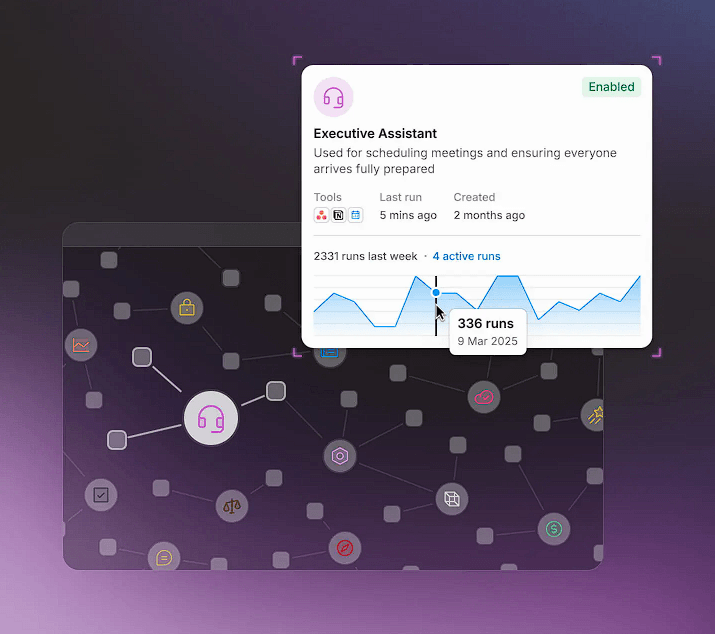
Agents can be created from scratch or from templates. Each agent has instructions that define its role, objectives, boundaries, and behavior, alongside a selected language model and tools it is allowed to use. Retool also provides a Configuration Assistant that can suggest tools while you build.
This is where Retool’s existing platform becomes important. The agent is not operating in isolation. It can use Retool resources and workflows that a company may already have in place.
Retool also supports multiple AI providers. Its current documentation includes OpenAI and Anthropic through Retool-managed connections, plus options for Google Gemini, Google Vertex AI, Azure OpenAI, Amazon Bedrock, and custom compatible providers.
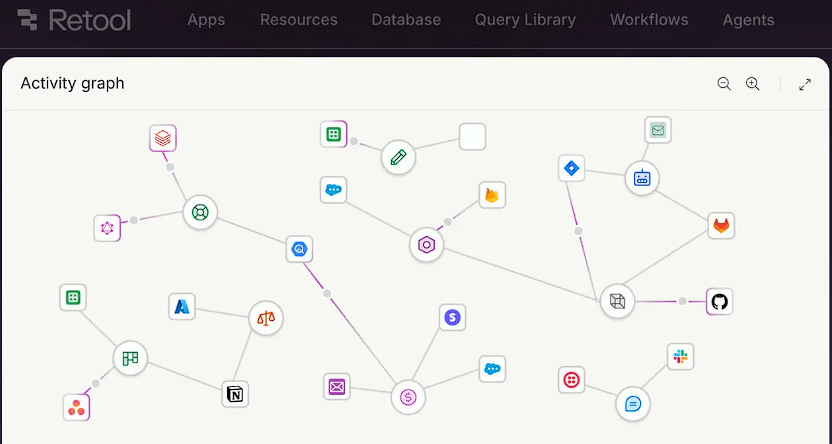
Tools are arguably the most important part of Retool Agents. An agent can use Retool core tools, custom functions, existing workflows, another agent, or tools exposed through a Model Context Protocol (MCP) server.
Custom tools use typed parameters, which helps make agent actions more structured than letting a model invent arbitrary calls. MCP support also opens access to external systems such as GitHub, Slack, Stripe, Cloudflare, and other services with compatible remote MCP servers. Retool currently documents support for remotely hosted MCP servers rather than local ones.
This is one of the platform’s strongest areas. Retool already focuses heavily on databases, APIs, internal applications, and business workflows, so Agents can sit close to the systems where the work needs to happen.
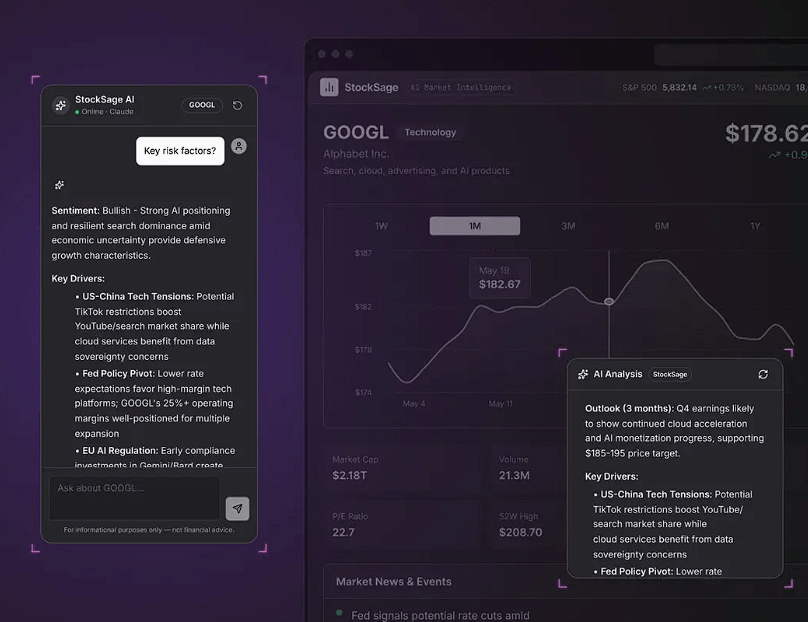
Agents currently support chat, email, and Agent-to-Agent (A2A) triggers. They can also be invoked from Retool apps through an Agent Chat component or from a Retool Workflow.
One limitation matters here: an agent cannot directly schedule itself to run automatically. For scheduled or webhook-driven automation, you create a Retool Workflow and use it to invoke the agent.
That adds an extra layer, but it also keeps scheduled automation separate from the agent’s reasoning process.
Production AI needs more than a successful demo, and Retool puts considerable emphasis on visibility.
The Monitor interface shows agent activity and lets teams drill into individual runs. Logs record the steps an agent takes, including tool calls, inputs, statuses, and execution details. Retool also includes datasets, test cases, and Evals for comparing runs and checking whether an agent selected the expected tool or produced an acceptable final response.
Agents also have deployment versions with major, minor, and patch releases, plus version history. Source Control protection is available as well.
For enterprise teams, these controls may matter more than flashy first-run agent behavior.
| Use Case | Why Retool Agents Fits |
|---|---|
| Operations automation | Agents can act across internal data, APIs, and workflows |
| Support operations | Combines reasoning with controlled internal tools |
| Meeting preparation | Can gather context and coordinate related actions |
| Finance workflows | Useful for structured reviews involving several systems |
| Internal assistants | Works alongside existing Retool apps and resources |
| Multi-agent processes | Agents can use other agents as tools |
Retool Agents makes the most sense for organizations with real systems to connect. It may be excessive for someone who only needs a public-facing FAQ bot or personal assistant.
There is also technical depth behind the no-code-friendly interface. Good production agents still require careful instructions, tool permissions, test cases, workflow design, and monitoring. As tool counts and connected systems grow, debugging becomes more important.
The need to use Workflows for scheduled automation is another extra step compared with agent platforms that expose scheduling directly.
Retool Agents is strongest as an enterprise agent layer connected to real business infrastructure. Its main advantage is not the chatbot itself, but the combination of governed tools, production data, workflows, MCP connections, monitoring, testing, and deployment controls.
It is best suited to engineering, operations, data, and business teams already thinking beyond AI demos. The main caveat is complexity: Retool gives teams substantial control over what agents can do, but production-quality automation still requires deliberate setup and testing.
TAGS: AI Chat/Assistant
Related Tools:

Ad-free AI Search engine
Allows users to create chatbots for websites

AI platform for building chatbots and automating workflows
Generates descriptive narratives from images

Facilitates task management and time tracking

Transforms website into a 24/7 smart assistant