

Share this tool:
 |
Description:
- Introduction
- Strong Features and Capabilities
- What Pionex GPT Does Best
- Pionex GPT vs Signal Bot vs Built-In Bots
- Strategy Quality and Control
- Backtesting and TradingView Dependence
- Automation Through Signal Bot
- Risk Controls and Bot Settings
- Best Use Cases
- Practical Tips
- Limitations and Trade-Offs
- Final Takeaway
Pionex GPT is part of the broader Pionex crypto trading ecosystem. Its role is to help users turn trading ideas into strategy logic that can be tested in TradingView and connected to Pionex’s Signal Bot for automated execution. The main value is not that it “predicts” the market. It lowers the technical barrier between having a trading idea and building a working automation flow. That is useful, but also risky if users treat generated strategy code as proof that the strategy is good.

Pionex GPT helps convert written trading ideas into Pine Script-style TradingView strategy code for testing.
The workflow sends users into TradingView’s Strategy Tester so they can review how the script behaved historically before automation.
Pionex Signal Bot can receive TradingView alerts through webhooks and turn those alerts into automated trades.
Pionex describes its TradingView automation as using webhook messages directly, which avoids the common third-party bot setup where users connect exchange API keys to another platform.
Pionex also supports bot types such as Grid Bot, Smart Trade, Reverse Grid, DCA/Martingale, and Signal Bot, giving users both template-style automation and custom signal automation.
Pionex support pages describe take-profit, stop-loss, trigger price, and related settings across several bot and futures workflows.
Pionex GPT is strongest for traders who know what they want to test but do not want to write Pine Script from scratch. Many retail traders can describe a strategy in plain English, but they get stuck when it is time to turn that idea into working TradingView code. Pionex GPT shortens that first step.
The second strength is workflow continuity. Pionex already has a bot ecosystem, and Signal Bot gives users a way to automate TradingView alerts into trades on Pionex through webhooks. Pionex’s Signal Bot help page explains that traders can connect TradingView strategies to Pionex through webhooks so alerts can become live trades when conditions trigger or reverse.
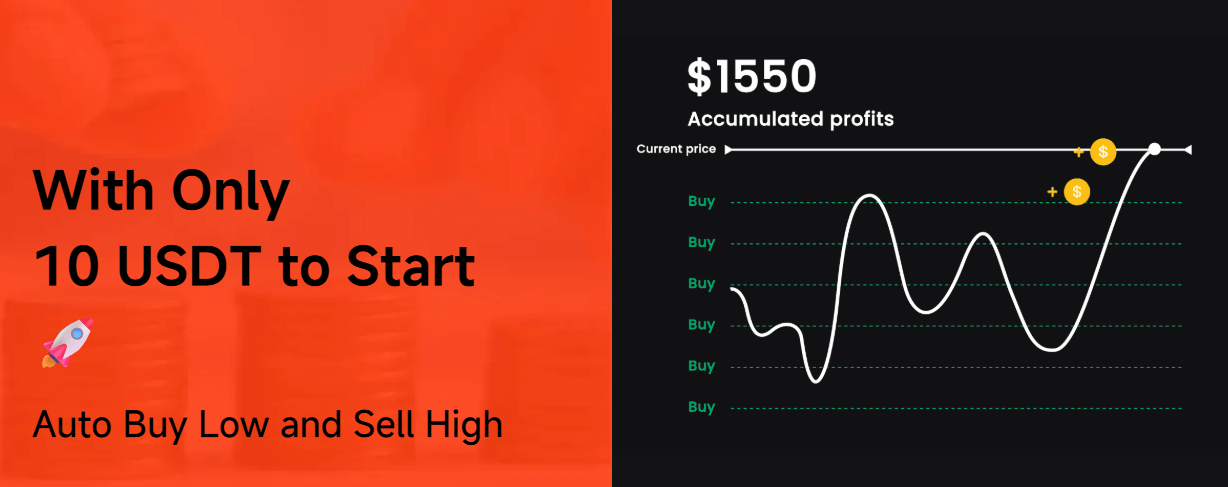
The third strength is discipline. Automation can help a trader follow predefined rules instead of reacting emotionally to every price move. That only works when the rules are sound. If the strategy is weak, automation just executes weak logic faster.
Pionex GPT, Signal Bot, and built-in bots solve different problems. Mixing them together can make the product sound more confusing than it is.
| Layer | What it does | Best for |
|---|---|---|
| Pionex GPT | Helps create strategy logic or Pine Script-style code | Users who want custom rules |
| TradingView | Displays charts, runs scripts, and creates alerts | Testing and signal generation |
| Pionex Signal Bot | Receives TradingView alerts and automates trades | Executing external strategy signals |
| Grid Bot | Buys and sells inside a defined price range | Range-bound markets |
| Smart Trade | Supports planned trades with take-profit and stop-loss settings | Manual ideas with automation controls |
| DCA/Martingale Bot | Buys after price drops using preset rules | Accumulation-style strategies with high risk if price keeps falling |

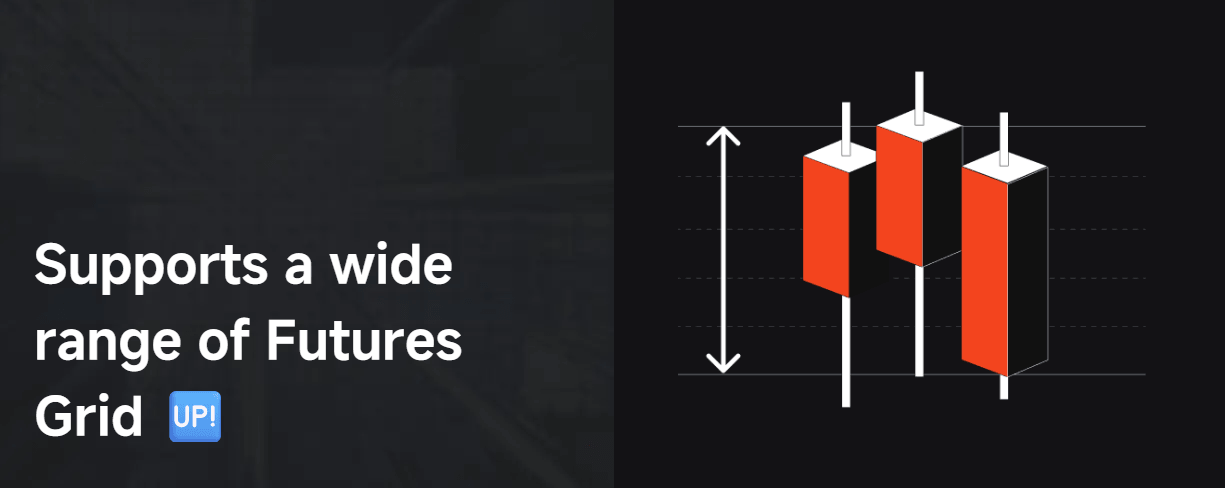
The built-in bots are easier to understand because the structure is already defined. Pionex GPT is more flexible, but it also asks more from the user. You need to know what you are trying to build, what market condition it is meant for, and how to test it before connecting it to live automation.
The quality of a Pionex GPT workflow depends on the quality of the strategy idea. This is the part users often underestimate.
A generated script can compile and still be a poor strategy. It can produce good-looking historical results and still fail live. It can enter too often, exit too late, ignore volatility, or behave well on one coin and badly on another. AI generation helps with speed, not market truth.
Good control comes from how the strategy is structured. Stronger scripts should expose adjustable settings for indicator length, stop-loss level, take-profit level, position sizing assumptions, and signal conditions. They should also include clear comments so the user can understand what each rule does.
The best practical use of Pionex GPT is not “make me a profitable bot.” It is closer to: “Turn this exact rule set into code I can inspect, test, and refine.” That mindset keeps the tool in the right place. It is a coding assistant inside a trading workflow, not a replacement for strategy research.
TradingView is central to the workflow. Pionex GPT creates the strategy logic, but TradingView is where users inspect the script, run it on charts, and create alerts. Pionex’s official guide tells users to paste the generated code into TradingView’s Pine Editor, add it to the chart, and review it in Strategy Tester.
Backtesting is helpful, but it is easy to misuse. A strong-looking backtest can hide several problems:
- overfitting to one period
- poor performance in a different market regime
- missing fee and slippage assumptions
- unrealistic fills
- too few trades to judge properly
- bad behavior during high volatility
- false confidence from one coin or timeframe
This is why Pionex GPT is better for prototyping than for final decision-making. It helps you get to a testable version faster. It does not tell you whether the strategy deserves real capital.
Signal Bot is where the workflow becomes operational. Pionex’s support page describes Signal Bot as a way to automate TradingView alerts into live trades through webhooks, giving traders flexibility to design or import strategies. It also distinguishes Signal Bot from Grid Bot and Moon Bot by positioning it around external signals rather than predefined range or volatility-capture structures.
This is the part that will appeal to more advanced users. Instead of choosing only from built-in bot templates, they can use TradingView as the signal engine and Pionex as the execution layer.
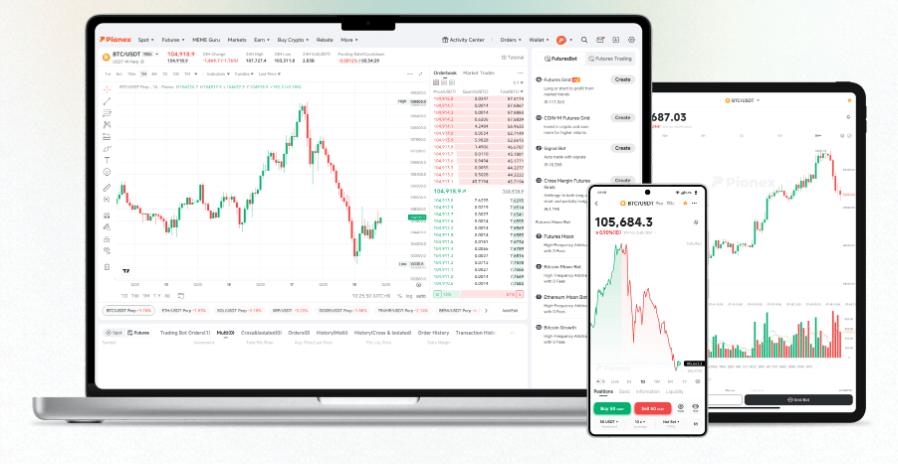
That said, Signal Bot also raises the risk level. When alerts become orders, errors matter more. A typo, duplicated alert, wrong strategy version, wrong order size, or bad webhook setup can create trades the user did not intend. Automation should be tested slowly, ideally with conservative settings, before it becomes part of a live routine.
Pionex supports several risk-control concepts across its trading and bot features. Its futures TP/SL guide explains take-profit and stop-loss as trigger-based tools that can close positions when a defined price is reached. It also says TP/SL can be set when placing an order or on an existing position.
The Grid Bot support page describes take-profit and stop-loss prices, grid modes, investment types, and trailing-up behavior. It also notes that a Grid Bot may stop operating when the price moves outside the set range and that the grid strategy terminates if the user-defined take-profit or stop-loss price is reached.
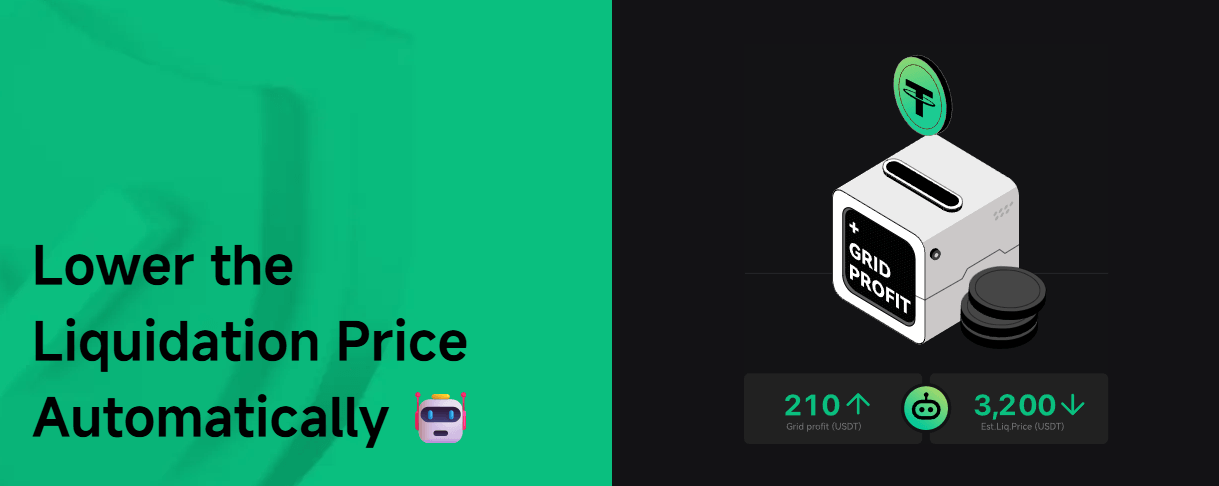
These controls are useful, but they are not insurance. A stop-loss can reduce exposure, but execution may still depend on market conditions. A take-profit can lock in gains, but it can also exit before a larger move. A grid range can work in a sideways market, then struggle when price trends sharply beyond the range.
For Pionex GPT users, the lesson is simple: strategy code and bot settings need to match. If the script assumes one risk model and the bot is configured with another, the live behavior may not match the backtest.
Pionex GPT works best when the strategy can be written as clear rules. Examples include moving-average crossovers, RSI reversals, MACD filters, Bollinger Band range entries, breakout systems, or trend filters.
The Signal Bot workflow is useful for people already using TradingView charts and alerts. Pionex’s current support material centers the setup around TradingView webhooks and Signal Bot execution.
This is the cleanest audience for Pionex GPT. The tool helps convert strategy ideas into code that can be inspected and tested.
Pionex GPT can help users test whether a custom strategy makes more sense than a Grid Bot, DCA Bot, or Smart Trade setup.
For users trying to understand how alerts, strategy scripts, and execution bots connect, Pionex GPT gives a practical path into the workflow.
- Start with simple logic. A two-indicator strategy is easier to inspect than a script with six conditions and multiple hidden assumptions.
- Make every key setting adjustable. Indicator length, stop-loss, take-profit, and signal filters should be inputs whenever possible, not fixed numbers buried in code.
- Backtest more than one market condition. A strategy that works in a strong trend may fail in a range. A range strategy may get hurt during breakouts.
- Check the alert message carefully. TradingView and Pionex need to send and receive the right signal. Pionex’s tutorial specifically includes checking the alert log and Signal Log after setup.
- Do not skip risk controls. Pionex supports take-profit and stop-loss tools in several workflows, but users still need to decide where those controls belong and how they interact with the strategy.
- Use Signal Bot only after the script is stable. If the strategy is still changing every few minutes, automation can create confusion fast.
- Be cautious with leverage. Pionex’s terms warn that digital asset services are used at the user’s own risk, that Pionex does not provide investment, tax, or legal advice, and that automated transactions are filled based on user instructions.
The first limitation is that Pionex GPT depends on the user’s strategy quality. If the trading idea is vague, the generated output may fill in gaps in ways the user did not intend.
The second limitation is code trust. AI-generated Pine Script can contain syntax errors, logic mistakes, or hidden assumptions. Users should inspect the code before relying on it.
The third limitation is backtest risk. TradingView backtests are useful, but they are not proof of live performance. Fees, slippage, liquidity, missed alerts, volatility, and changing market regimes can all affect results.
The fourth limitation is workflow complexity. Pionex GPT may remove some coding friction, but the full path still crosses Pionex, TradingView, Pine Script, alerts, webhooks, Signal Bot settings, and trade monitoring.
The fifth limitation is that the clearest official Pionex GPT guide is older than the newer Signal Bot support material. The Signal Bot workflow is current in Pionex’s 2025 support docs, but the main Pionex GPT article itself is from 2023. That does not make the workflow unusable, but it does mean users should verify the current interface before following older screenshots step by step.
The final limitation is financial risk. Pionex’s disclaimer says users should trade or invest in digital assets only after reviewing relevant information, and its terms state that users are responsible for deciding whether any trading strategy or transaction is appropriate for their own objectives, financial circumstances, and risk tolerance.
Pionex GPT is best for crypto traders who want to turn custom trading ideas into testable TradingView strategies and connect those signals to Pionex automation. Its strongest value is the workflow bridge: idea to script, script to backtest, backtest to alert, alert to Signal Bot.
The main caveat is that automation does not validate a strategy. Pionex GPT can help users build faster, but the user still has to review the code, test the logic, control risk, and decide whether the strategy deserves live execution.
TAGS: Finance
Related Tools:

Designed for creative team collaboration

Offers comprehensive tax assistance

Simplifies financial analysis

Helps businesses verify international trade compliance

Provides answers to tax-related questions

Streamline workflows, manage resources, and collaborate efficiently