
Share this tool:
 |
Description:
Leonardo AI is a full creative platform for image generation, video generation, prompt-based editing, Canvas tools, Realtime Canvas, upscaling, enhancement, model selection, and custom training. That makes it more useful for end-to-end visual workflows than for one isolated prompt test. The strongest way to review Leonardo is to show how each major feature actually gets used.


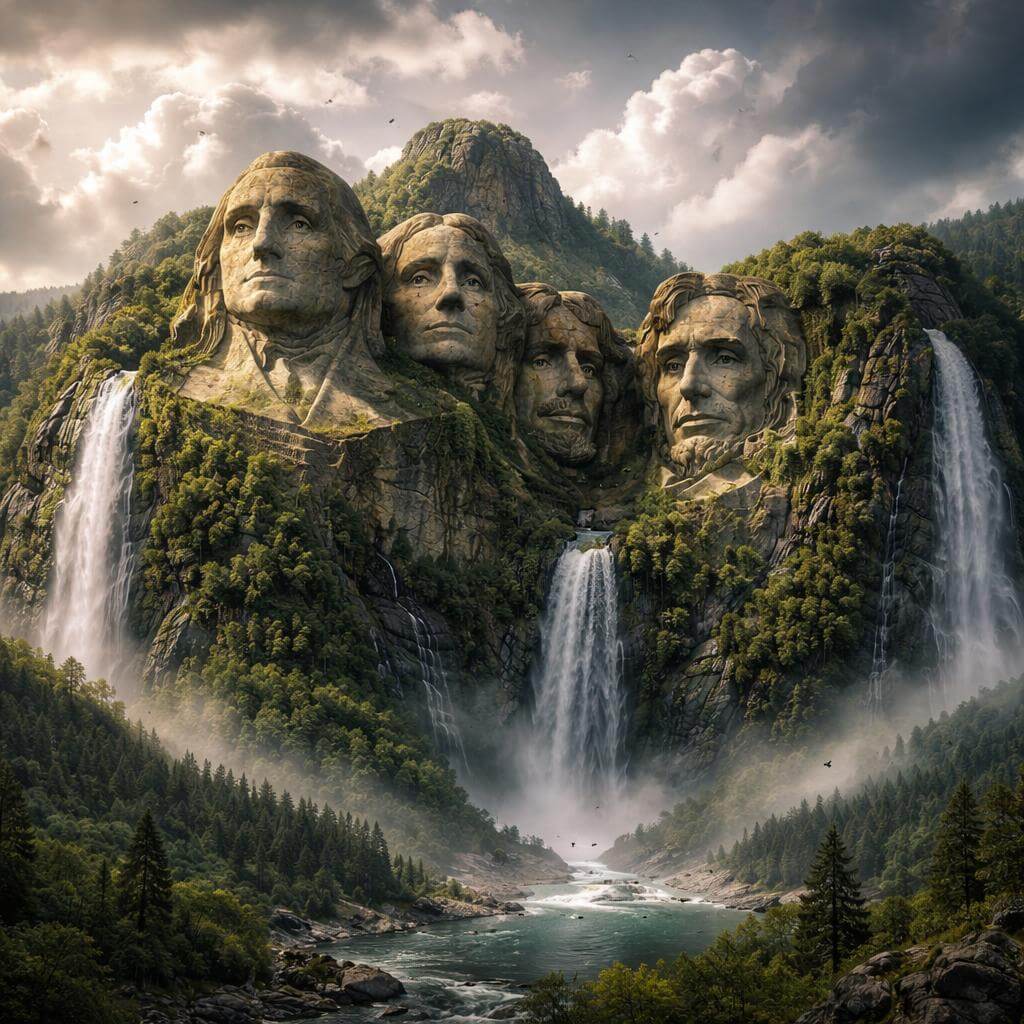



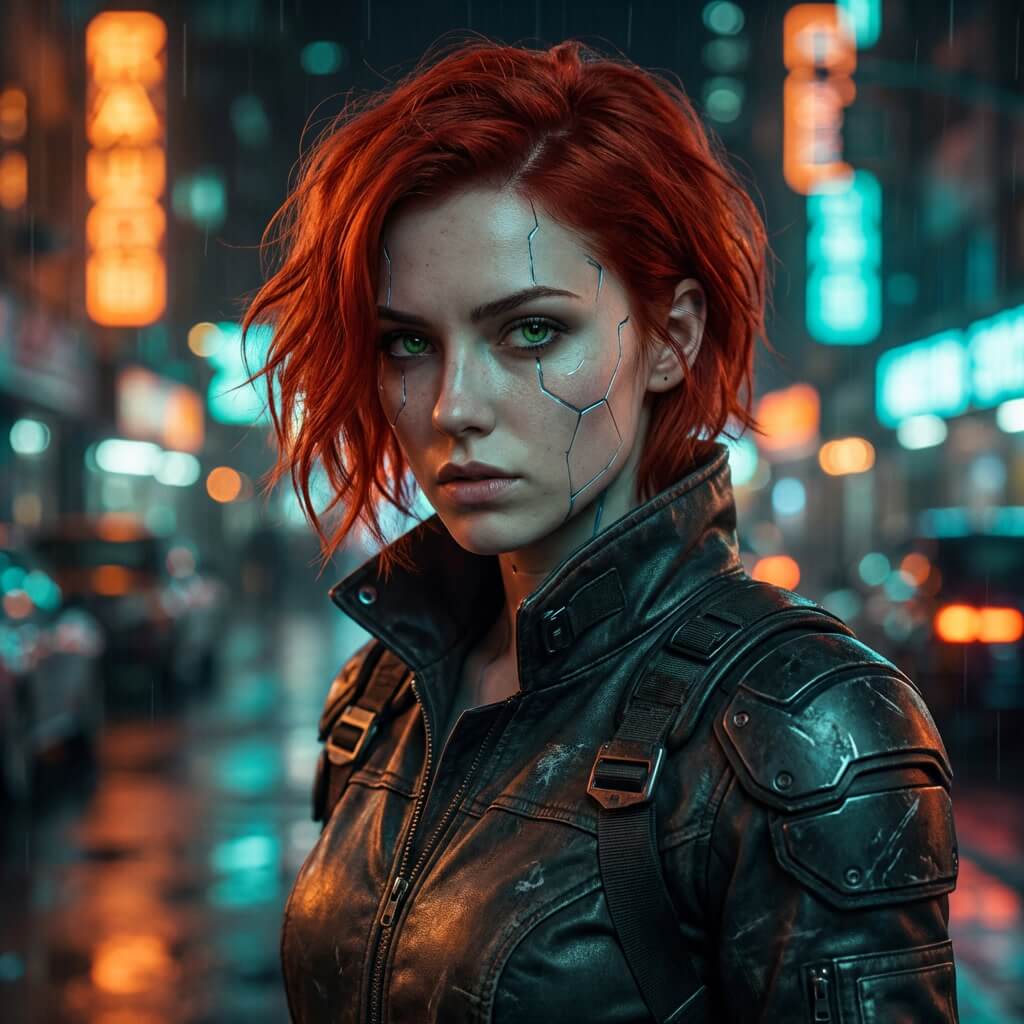

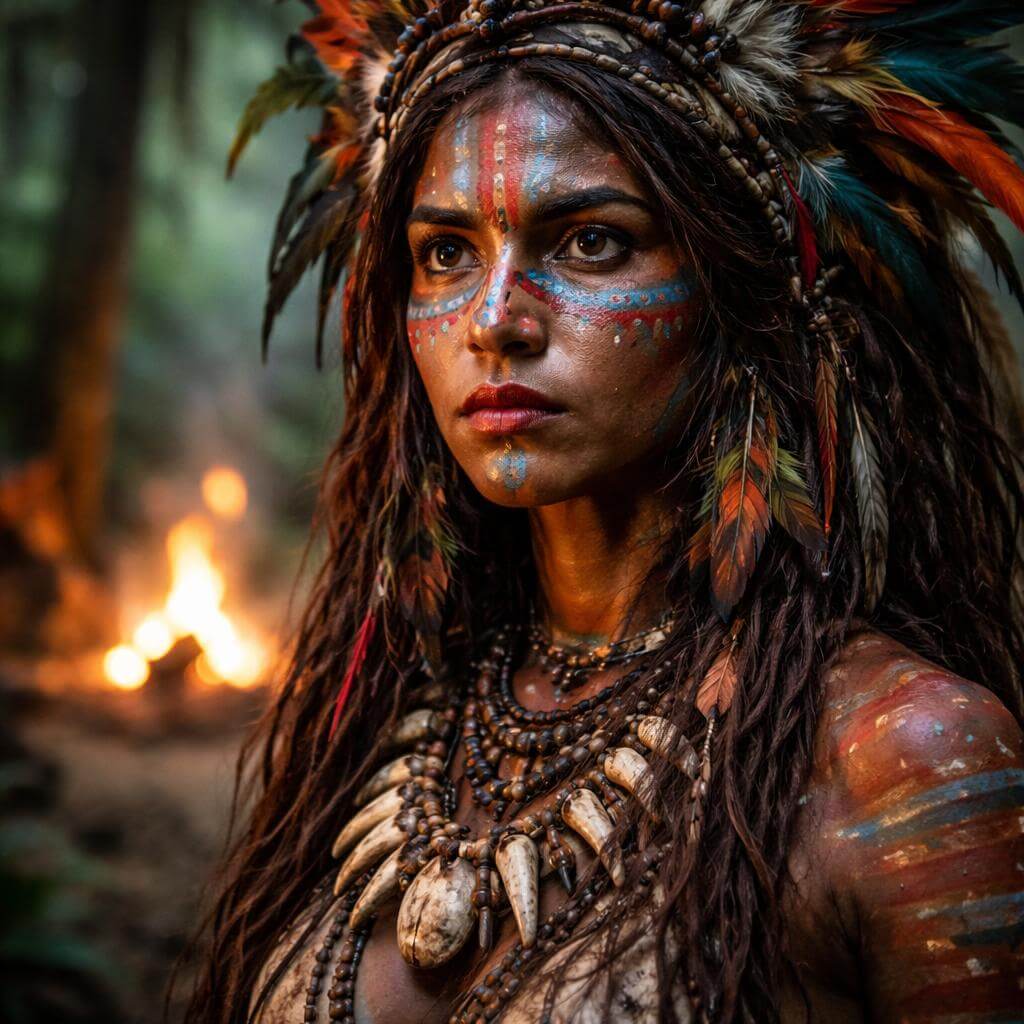
Those examples show why Leonardo is easier to think of as a creative workflow platform than a single generator. The real value is not just making one image. It is being able to move from generation to editing, enhancement, sketch-based ideation, video, and custom training inside the same system.
Creates images from text or image inputs, with strong control for commercial, creative, and concept work.
Turns text prompts or uploaded images into short motion content for social media, storytelling, and product visuals.
Lets you edit specific parts of an image without regenerating the whole thing.
Turns rough sketches and layout ideas into polished visuals live.
Improves clarity, sharpness, and resolution for higher-quality final output.
Supports training workflows for more consistent branded or repeated visual generation.
Leonardo includes different models and tools inside the platform, so the best setup depends on the task.
Prompt used: A premium skincare bottle on a cream stone pedestal, soft leaf shadows, beige editorial background, elegant reflections on glass, luxury beauty campaign, polished commercial product photography.
This is a good starting prompt because it checks whether Leonardo can create a clean, high-end commercial image without needing extra editing first. It is also more useful than a random fantasy prompt because it looks like something a real brand might actually use.
Before using this prompt: Upload a photo of a café interior.
Prompt used: Transform this uploaded café photo into a warm editorial-style interior image with softer natural light, refined wood textures, premium lifestyle styling, and a more minimal modern composition.
This is much clearer as an image-to-image workflow when the upload step is stated directly. It is a practical prompt because it tests whether Leonardo can restyle an existing image instead of only generating from scratch.
Prompt used: A ceramic artist shapes a vase on a spinning wheel. The camera moves from a side close-up to an overhead angle. Wet clay texture catches soft earthy studio light. Calm documentary pacing.
This is a strong video test because it is grounded, visual, and motion-based without being overloaded. It checks whether Leonardo can create a simple but polished motion scene from text alone.
Before using this prompt: Upload a still image of a luxury perfume bottle on a black reflective surface.
Prompt used: Animate this uploaded perfume image with drifting smoke, a slow camera push-in, and subtle moving highlights across the glass. Premium beauty ad style.
This works better when the reader knows they need a starting image first. It is one of the more useful Leonardo prompts because it tests a real commercial workflow: turning a still product image into a short ad-style video.
Before using this prompt: Upload or open an image of a table scene with a white mug on it.
Prompt used: Replace the plain white mug on the table with a matte black ceramic mug, keep the lighting direction the same, preserve the shadows, and do not change the rest of the scene.
This is a strong Canvas prompt because it focuses on targeted editing. It tells the reader exactly what kind of base image they need before the prompt will make sense.
Before using this prompt: Upload or open a portrait image where the hands need improvement.
Prompt used: Refine the hands and fingers of the subject, keep the pose unchanged, preserve the original face and outfit, and maintain the same lighting and background.
This is another useful edit prompt because hand repair is a real issue in image workflows. It is clearer now because the user knows they need an existing portrait first.
Before using this prompt: Draw a rough fashion silhouette in Realtime Canvas.
Prompt used: Editorial studio photo of a female model wearing an oversized structured blazer, wide-leg trousers, muted beige palette, clean luxury styling, soft shadow, premium fashion campaign look.
This is one of the better Leonardo-specific workflows because Realtime Canvas is meant for sketch-to-image ideation. Separating the sketch step from the prompt makes the process easier to understand.
Before using this prompt: Sketch a rough sneaker outline in Realtime Canvas.
Prompt used: Modern sports shoe product design, sleek sole geometry, breathable mesh upper, clean white studio background, premium footwear concept render.
This shows that Realtime Canvas is not only for character work. It can also be used for product direction and concept development.
Before using this prompt: Upload a low-resolution poster image.
Prompt used: Upscale this uploaded poster image for print, improve text edge clarity, recover fine texture in the background, and keep the original composition and colors intact.
This is clearer because it tells the user exactly what file they need first. Upscaling prompts work better when the input asset is stated directly.
Before using this prompt: Upload a low-resolution ecommerce product image.
Prompt used: Enhance this uploaded ecommerce product image for website and ad use, sharpen label details, improve edge definition, and keep the product shape and branding unchanged.
This is another practical upscale example because it matches the kind of real use Leonardo is suited for: cleaning up product images for better final presentation.
Before using this prompt: Upload a set of product images from the same brand or product line for training.
Prompt used: Train a custom element from these uploaded brand product images, then generate a clean hero shot of the same product line arranged on a studio surface with consistent branding, packaging form, and material finish.
This needed clarification the most. Without the upload step, the prompt sounds abstract. With the setup included, it reads like a real custom training workflow.
Prompt used: Generate a stream of premium interior design concepts for a boutique hotel lobby, warm wood and stone palette, soft natural daylight, elegant furniture layout, quiet luxury aesthetic.
This kind of prompt is useful for exploration workflows where the goal is volume and direction-finding rather than one exact final output.
- Image generation for commercial and creative work: Strong for product shots, editorial images, concept art, and branded visuals.
- Prompt-based image editing: Useful when you need to replace, refine, or correct parts of an existing image instead of starting over.
- Sketch-to-image ideation: Realtime Canvas is especially useful for fashion, concept art, and product direction.
- Short video generation from text or stills: Useful for simple storytelling, motion content, and product videos.
- Upscaling and delivery prep: Good for improving image quality for print, web, and advertising.
- Custom branded workflows: Training and custom elements matter when consistency is more important than one-off experimentation.
- Use the Image Generator for first-pass creation, then move to Canvas Editor when the image is mostly right but needs specific corrections.
- For prompts that refer to a photo, portrait, product image, or poster, make the setup step explicit so the user knows they need to upload a file first.
- Use Realtime Canvas when you want to discover a direction from a rough sketch instead of writing everything from text alone.
- Use Universal Upscaler at the end of the workflow when the composition is already good and the main need is better detail, clarity, or larger output.
- If you need consistent branded results, use custom training instead of depending only on prompt wording.
Leonardo is broad, which is both a strength and a trade-off. Because it includes many tools and workflows, the results depend a lot on choosing the right feature for the job. It is less useful to think of it as one model with one behavior and more useful to think of it as a workspace where generation, editing, sketching, motion, and upscaling each solve a different problem.
Leonardo AI is strongest when used as a full creative workflow platform instead of just an image generator. The most practical way to review it is to show how each major feature actually works, and to make the setup steps clear whenever a prompt depends on an uploaded image, sketch, or training set. That makes the review easier to follow and much more useful in real use.
TAGS: Photo Editing Generative Video Generative Art
Related Tools:
Turns images and audio into lifelike talking head videos

Provides a variety of adaptable templates and robust email automation tools
Transforms text prompts into videos, images, and avatars

Creates cinematic videos from text and images
Offers tools for logo creation and video making
Transforms room spaces with different styles