

Share this tool:
 |
Description:
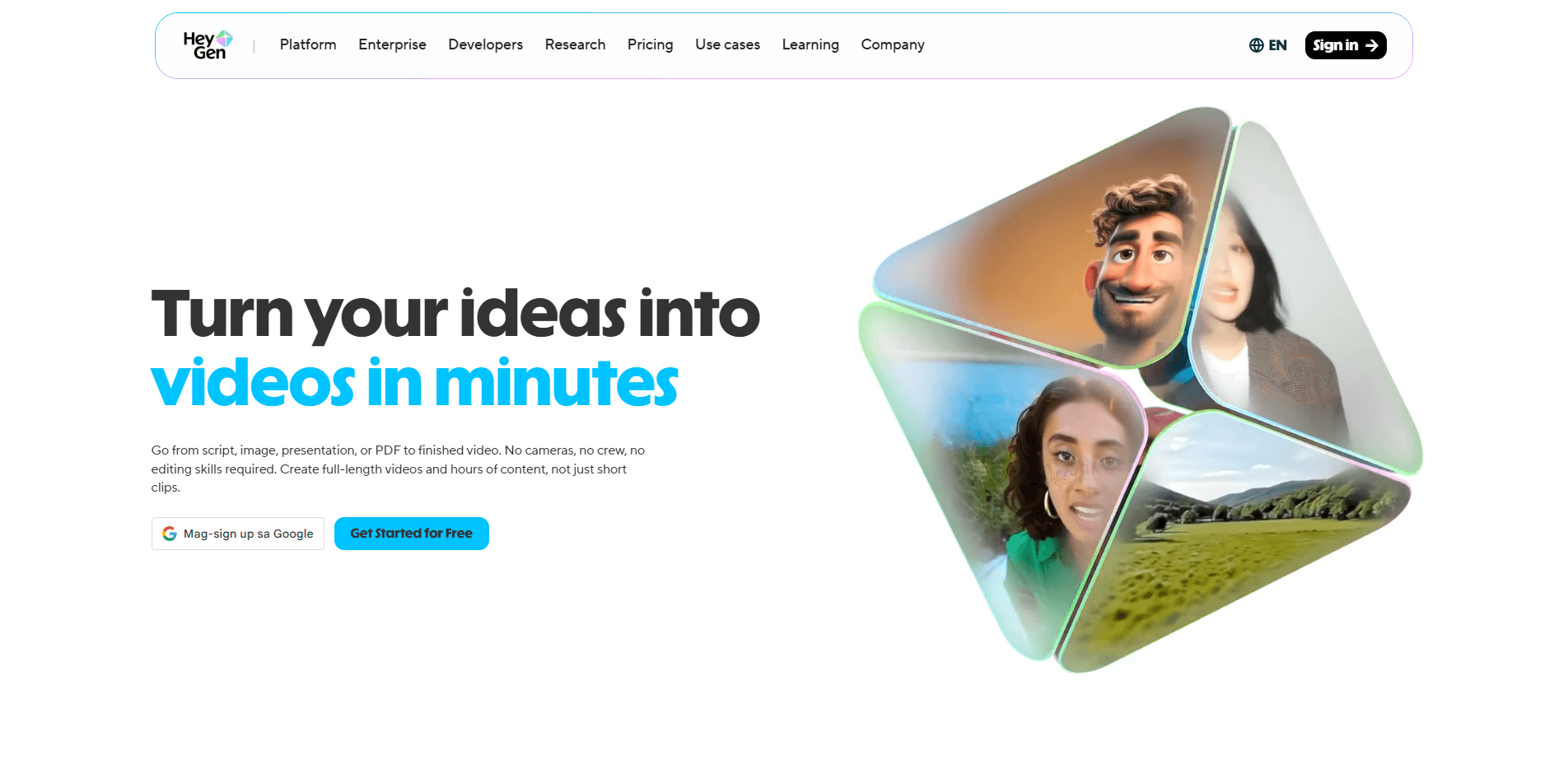
HeyGen is an AI video platform built around one very specific strength: turning scripts, images, audio, and existing videos into polished talking-avatar content without filming.
That is the core use case. You pick an avatar, voice, language, and format, and HeyGen handles the video generation layer for you.
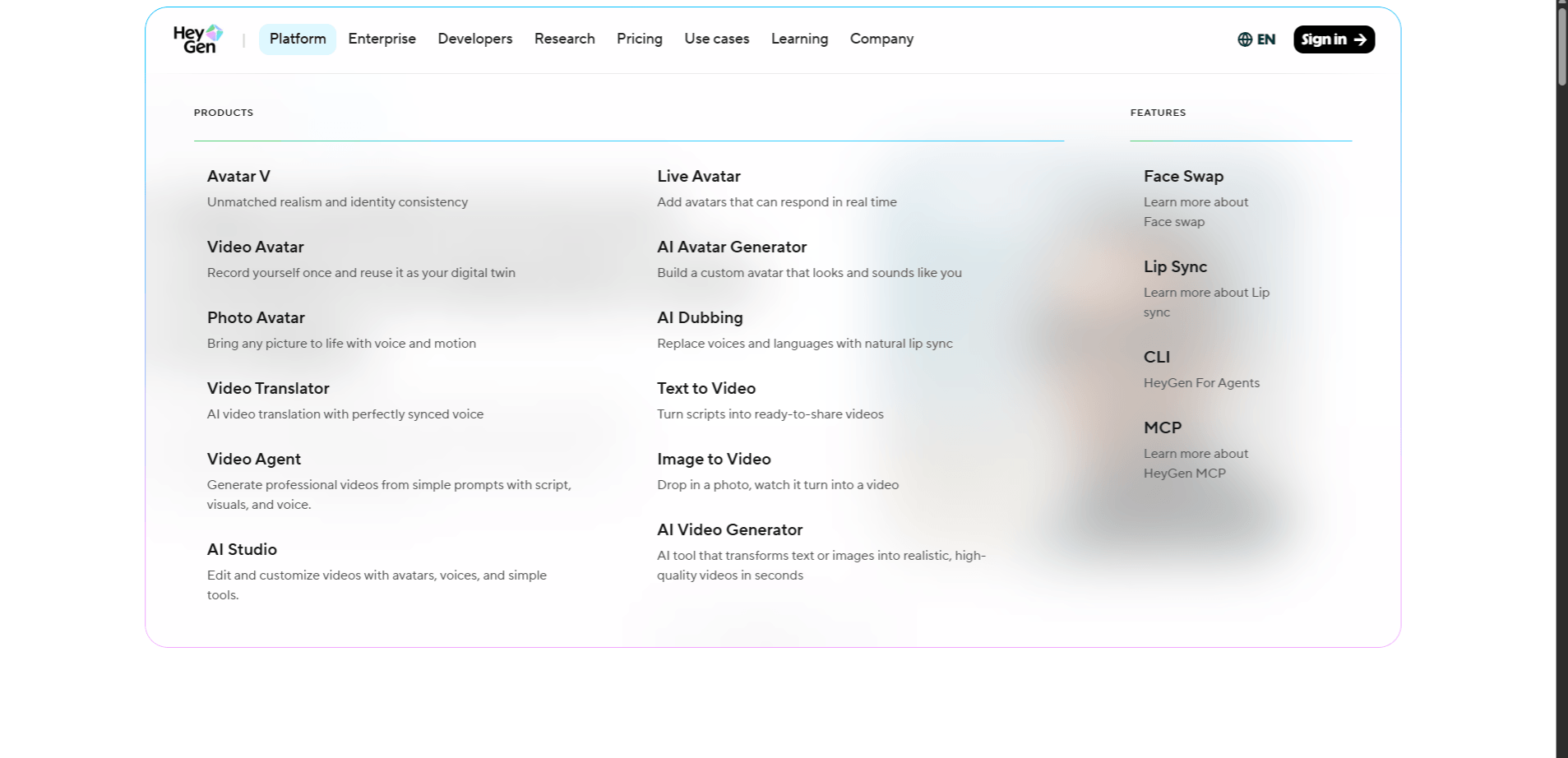
The platform now spans stock avatars, custom digital twins, voice cloning, video translation, real-time interactive avatars, API workflows, and multiple avatar engines including Avatar III, Avatar IV, and the newer Avatar V. It is one of the strongest tools in this category when the goal is scalable presenter-style video, localization, or repeatable branded content.
Prompt:
“Create a 60-second explainer video where an AI avatar explains how cloud storage works. The avatar should be in business casual attire, use natural hand gestures, speak clearly at a comfortable pace, and have a friendly but authoritative tone. Include lower-third text captions. Use Avatar IV.”
This is the kind of task HeyGen is built for. Presenter-style explainers are still the platform’s most reliable output. Avatar IV is designed for more natural lip sync, stronger expressions, and more lifelike gesture timing, so it makes sense for customer-facing content where quality matters more. It is not spontaneous human performance, but it is polished enough for marketing, onboarding, and educational use.
Prompt:
“Create a 45-second B2B product demo video. Use a female avatar in a modern office setting. She presents three product features—search, mix, and automate—with a clear transition between each point. Use Avatar IV. The voice should be professional with a touch of enthusiasm, not overly salesy.”
This is another strong fit because HeyGen handles structured, point-by-point delivery well. The real thing to watch here is the voice. The avatar may look right, but the wrong voice can flatten the whole video. That is where newer controls like Voice Director help, because HeyGen now lets you shape tone, pacing, and emotional delivery more directly instead of settling for a generic read.
Prompt:
“Create a 3-minute course module where an instructor avatar teaches conflict resolution in the workplace. The avatar should use varied hand gestures, maintain forward-facing camera presence, and speak at a paced, measured rate suitable for learning. Use Avatar III. Include text overlays for key concepts.”
This is a good example of where Avatar III still makes sense. Not every video needs the highest-end engine. For training modules, internal explainers, and large batches of course content, the lower-cost workflow can be the smarter choice. Avatar III is more about dependable output than maximum realism. If you are producing many videos at scale, that trade-off matters. HeyGen’s official API and platform materials still separate Avatar III and Avatar IV generation, which tells you the engine choice is a real workflow decision, not just a branding detail.
Prompt:
“Take the 60-second cloud storage explainer from Prompt 1 and translate it into Spanish, German, and Japanese. Keep the same avatar. Localize the on-screen captions and preserve lip sync quality across all three versions.”
This is one of HeyGen’s biggest practical advantages. Video translation is where the platform stops feeling like a simple avatar generator and starts feeling like a real localization tool. HeyGen officially says its translator can turn existing videos into 175+ languages, preserving the original speaker’s voice, lip movements, and expressions. That changes the economics of international content fast. One source video can become many market-ready versions without reshoots.
What to provide first: Record a clean source video for avatar creation and provide a clean voice sample if you also want voice cloning.
Prompt:
“Create a custom digital twin of our CEO, then use that avatar and a cloned version of her voice to generate a 90-second company announcement video. The tone should be approachable and professional.”
This is where HeyGen becomes much more brand-specific. Stock avatars are fast, but a custom digital twin gives you something much more recognizable and scalable for executive messages, internal announcements, and thought-leadership style content. The result still depends heavily on the source material. A clean recording with good lighting and audio will produce a much better avatar than a casual webcam clip. That part matters more than people think. HeyGen’s newer avatar stack also now includes Avatar V, which the company positions as its most advanced avatar model for realism and identity consistency from a short source video.
Prompt:
“Create an interactive customer service avatar that handles product return questions. The avatar should accept text or voice input, acknowledge the customer’s question, and deliver a response from a return-policy knowledge base. Include fallback responses for unsupported questions.”
This is a different product category from standard video generation. HeyGen now positions LiveAvatar as its real-time avatar layer for two-way interaction. That means you are not just generating a finished video file. You are creating a live interface that listens, responds, and speaks back. For onboarding, support, product guidance, and website engagement, that opens up a very different use case than pre-rendered videos. The trade-off is that real-time interaction always brings some latency and setup complexity.
Prompt:
“Generate the same 30-second product introduction using Avatar IV and Avatar V. Same source identity, same script, same voice. Compare realism, lip sync precision, facial expression range, and overall delivery quality.”
This is now the more useful comparison than Avatar III versus Avatar IV alone, because Avatar V is HeyGen’s newest flagship avatar model. Officially, HeyGen describes it as the company’s most realistic model so far, built for stronger identity consistency, better motion quality, and more convincing long-form performance from a short video source. Avatar IV is still very relevant, especially for photo-driven workflows and polished talking-avatar videos, but Avatar V is clearly where the realism push is going.
Prompt:
“Using the HeyGen API, generate 50 product videos across five languages. Use the same avatar across all versions, swap the product copy by variant, send completed videos to our CDN, and track generation status and credit usage in real time.”
This is where HeyGen stops being just a creator tool and starts looking like production infrastructure. Official API materials show support for video generation, video translation, text-to-speech, photo avatars, template workflows, avatar and voice libraries, MCP server access, and Skills integrations. That makes it viable for agencies, SaaS companies, and teams building large-scale video pipelines rather than one-off clips.
HeyGen works best when the job is repeatable, avatar-led, multilingual, and process-driven.
- Explainer videos: one of the platform’s cleanest and most reliable use cases.
- Product demos: strong fit for structured, presenter-led walkthroughs.
- Training modules: useful when you need scalable lesson or onboarding content without filming.
- Localized marketing content: especially strong when the same message needs to exist in many languages.
- Executive messages: more compelling when paired with a digital twin workflow.
- Interactive website avatars: relevant when you want support or onboarding to feel more human than plain chat.
- High-volume branded content: especially useful for teams publishing many similar videos on a repeatable schedule.
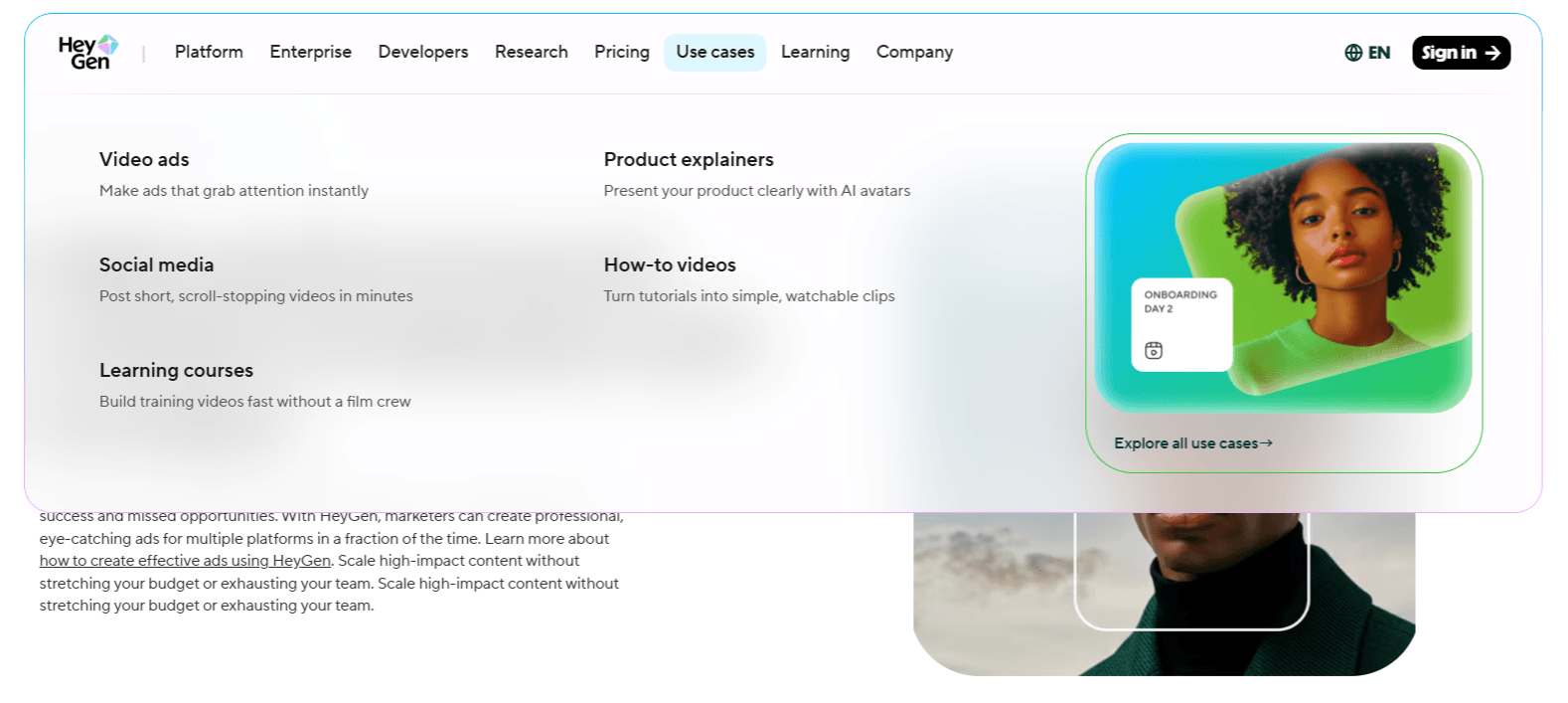
If the content needs to exist in many languages, across many products, or on a regular publishing schedule, HeyGen becomes much easier to justify. That is where the platform’s speed and consistency matter most.
- Write the script the way a person would actually say it out loud. HeyGen avatars usually perform better with short, spoken-sounding sentences than with long corporate copy.
- Use Avatar IV or Avatar V for customer-facing content. Internal videos, course modules, and draft content can often stay on a lighter workflow, but the quality gap becomes more visible in public-facing videos.
- Test the voice before generating the full video. A 10-second preview is often enough to tell whether the delivery fits the script.
- If you are creating a digital twin, treat the source recording like a real production setup. Good lighting, clean audio, and a stable shot make a real difference.
- Preview translated videos before publishing. Even strong translation and lip sync systems can still mis-handle brand names, acronyms, or odd phrasing across languages.
- For batch content, lock your avatar, voice, styling, and caption format early. That keeps the series more consistent and makes iteration easier.
- Avatar realism still has a ceiling: even with newer engines, the videos can still read as AI-generated, especially on larger screens or when viewers focus closely on facial movement.
- Emotional nuance is narrower than real human performance: HeyGen is good at professional, clean, controlled delivery. It is much less convincing when the content depends on subtle emotion, spontaneity, or high-personality performance.
- Gesture variety is still system-driven: it looks more natural than older avatar tools, but it is not the same as a real presenter improvising naturally.
- Real-time avatar workflows add latency: Live interaction can work well for support and guided conversations, but it does not feel as instant as a purely text-based assistant.
- Costs can add up: premium engines, long videos, and multilingual output at scale can become expensive quickly, so workflow planning matters.
HeyGen is one of the strongest AI video tools for a very specific kind of work: scalable avatar-driven video production. That includes presenter videos, localized explainers, training content, digital twins, and interactive avatar experiences.
It is not the right tool for every kind of video, and it is not a replacement for real human performance when nuance matters most. But if the goal is speed, repeatability, multilingual reach, and a clean talking-avatar workflow, HeyGen is one of the more capable platforms in the category right now.
The strongest way to evaluate it is still the practical one: generate one video with a standard avatar workflow, test one translation job, and compare one higher-end avatar model before deciding how far you want to build with it.
TAGS: Generative Video
Related Tools:
Facilitates creation of animated stories

Marketing automation platform that orchestrates cross-channel campaigns

Enhances email campaign efficiency with robust automation
Automates email marketing campaign

Generates videos and 3D models
Generates realistic marketing videos using AI avatars
Related Videos:
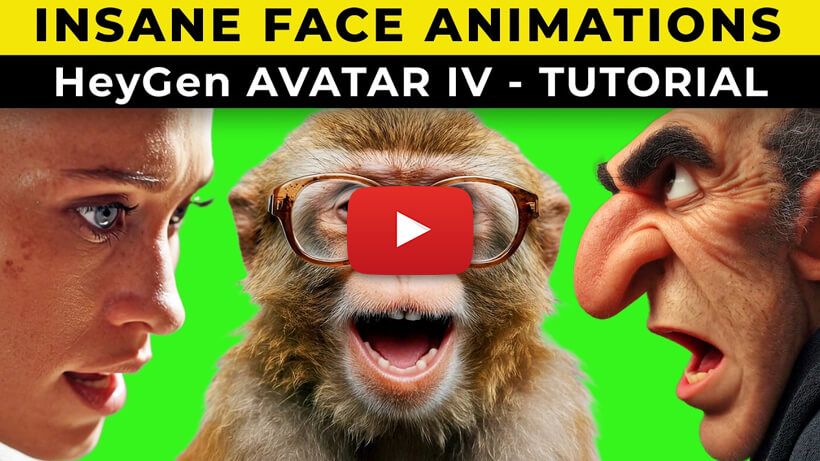
The BEST AI Face Animation I’ve Seen Yet! How To Use HeyGen Avatar IV
I’ll show you how to use HeyGen Avatar IV and how you can create incredible animated stories using this amazing tool.