
Share this tool:
 |
Description:
RunDiffusion is a cloud platform for running generative AI tools that would normally require a capable local GPU and a fair amount of setup. Instead of installing Stable Diffusion interfaces, models, extensions, and dependencies on your own computer, you launch a cloud session and work through familiar open-source applications in the browser.
That makes RunDiffusion quite different from a straightforward text-to-image generator. It gives you an environment for building your own AI image and video workflow, with access to tools such as ComfyUI, Automatic1111, Fooocus, ReForge, and Kohya.
The trade-off is complexity. RunDiffusion can give experienced creators far more control than a simple prompt box, but getting the most from it means understanding models, LoRAs, nodes, extensions, and generation settings.
One of RunDiffusion's biggest advantages is that you aren't locked into one generation interface.
Fooocus is the approachable option. It keeps the interface relatively simple while still offering controls for resolution, styles, models, LoRAs, guidance, negative prompts, inpainting, and upscaling.
Automatic1111 gives you a more traditional Stable Diffusion workspace with extensive configuration and extension support. RunDiffusion provides workflows for txt2img, img2img, ControlNet, inpainting, outpainting, upscaling, checkpoint merging, face tools, LoRAs, and more.
Then there's ComfyUI, which takes a node-based approach. Instead of relying on a fixed interface, you connect model loaders, prompts, samplers, conditioning, image inputs, ControlNet tools, and other nodes into reusable workflows. RunDiffusion maintains an extensive library of ComfyUI guides and workflow resources.
For advanced users, ComfyUI is arguably where RunDiffusion becomes most interesting.
The name might suggest a platform centered entirely on Stable Diffusion, but its model support has expanded considerably.
RunDiffusion's published model resources cover Stable Diffusion, SDXL, SD3, FLUX, image editing, video generation, and 3D-oriented workflows.
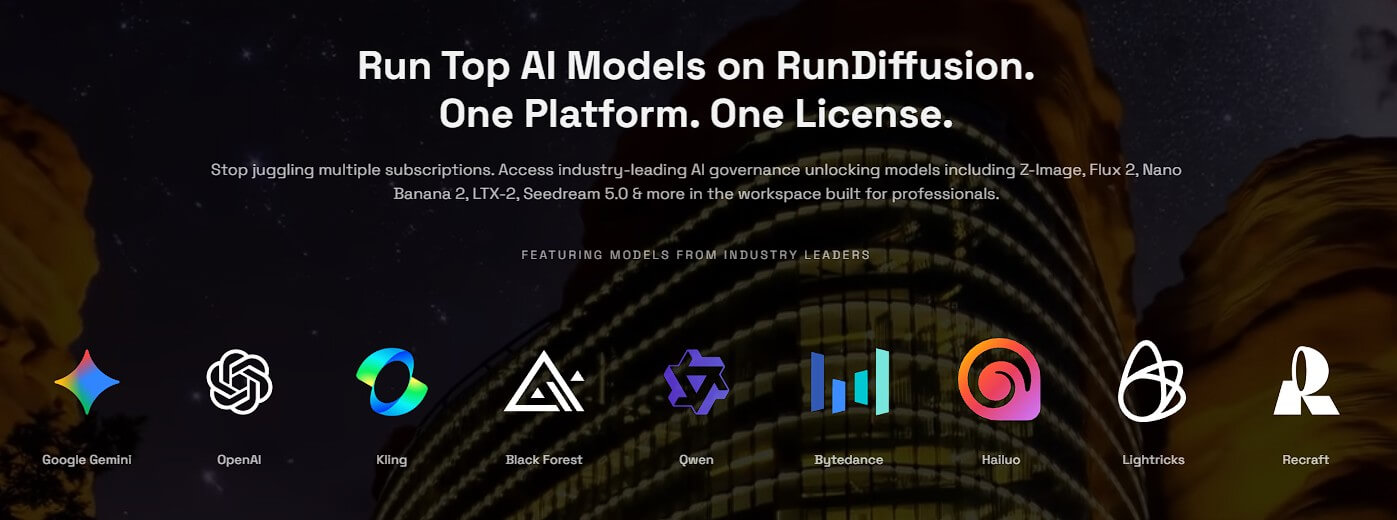
The practical advantage isn't just having a long model list. RunDiffusion lets creators combine models with open-source applications and custom workflows.
You could use one workflow for a controlled image generation, another for image editing, and a ComfyUI graph for animation or video. This is a different experience from platforms where the provider decides which generation controls you're allowed to see.
Although RunDiffusion is feature-led, prompts remain important once you start generating.
A useful first image test could be:
“Editorial photograph of a brutalist concrete house surrounded by tall pine trees, early morning fog, warm interior lights visible through floor-to-ceiling windows, subtle film grain, architectural photography, natural muted colors.”
In Fooocus, you could concentrate mainly on the prompt and style. In Automatic1111, you could experiment with negative prompts, models, samplers, LoRAs, and ControlNet. In ComfyUI, the same idea could become part of a much more structured workflow.
That's a useful way to understand RunDiffusion: the prompt may stay similar, but the amount of control around it can change dramatically depending on the application you launch.
RunDiffusion becomes more useful when generic generation isn't enough.
The platform supports uploading and using custom LoRAs, allowing creators to introduce specific characters, objects, products, or visual styles into their workflows.
It also provides cloud-based model training. Its training tools are designed to reduce the technical setup normally associated with LoRA creation: you provide training images, configure the training process, and produce a model that can then be used in supported RunDiffusion workflows.
For commercial creative work, this is a significant capability. A team can move beyond generic prompting and build repeatable visual assets around a particular subject or aesthetic.
RunDiffusion's open-source applications also provide much deeper image control than basic prompt-only generators.
Automatic1111 supports img2img workflows where an existing image becomes the starting point. Denoising strength determines how far the result moves away from that source, while inpainting can target specific regions.
ControlNet adds another level of guidance, while ComfyUI can combine multiple conditioning methods inside a reusable graph.
RunDiffusion also hosts workflows for segmentation, face manipulation, upscaling, image editing, lip-syncing, portrait animation, and other specialized jobs.
Video isn't treated as a separate product here. It can become part of the same open-source workflow environment.
RunDiffusion's ComfyUI resources cover tools and models for text-to-video, image-to-video, character animation, lip syncing, and stylized motion, including workflows involving Wan, Hunyuan Video, LTX Video, ToonCrafter, and LivePortrait.
This flexibility is attractive for creators who want to experiment with emerging open models without repeatedly rebuilding a local installation.
| Use case | Why RunDiffusion fits |
|---|---|
| ComfyUI workflows | Run complex node graphs on cloud hardware |
| Stable Diffusion users | Avoid maintaining a local installation |
| Custom AI art | Use LoRAs, models, ControlNet, and extensions |
| Model training | Train custom visual concepts in the cloud |
| AI video experiments | Access several open-source video workflows |
| Creative teams | Share models, assets, and workflows |
| Advanced image editing | Combine inpainting, img2img, upscaling, and conditioning |
RunDiffusion isn't the easiest option for someone who only wants to type a prompt and receive an image. Fooocus lowers the learning curve, but Automatic1111 and especially ComfyUI expose concepts that beginners will need time to understand.
Its flexibility also creates more opportunities for workflow problems. Custom nodes, missing models, incompatible dependencies, and broken ComfyUI graphs can require troubleshooting. RunDiffusion maintains dedicated guidance for these issues, which itself shows how technical advanced workflows can become.
The other consideration is choice overload. Having multiple interfaces, models, extensions, and workflow approaches is useful, but you'll get more from RunDiffusion once you know what you're trying to build.
RunDiffusion is best viewed as a cloud workstation for open-source generative AI, not another simple AI image generator.
Its strongest advantage is control. You can move from beginner-friendly Fooocus into Automatic1111, build sophisticated ComfyUI graphs, use custom LoRAs, train models, edit images, and experiment with video workflows without relying on your own GPU.
That makes it best for AI artists, ComfyUI users, designers, technical creators, and teams that want open-source flexibility without maintaining local hardware and installations.
The main caveat is the learning curve. If you want one model and a simple prompt box, RunDiffusion may offer more machinery than you need. If you want to build and control the machinery yourself, that's exactly where it becomes useful.
TAGS: Generative Video Generative Art
Related Tools:
Creates unique digital artworks
Predicts how a person's face might age over time
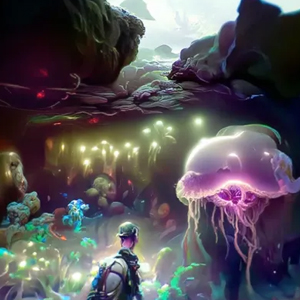
Generates realistic and complex visuals

Automates storytelling, storyboarding, and editing

Email and SMS marketing platform
Transforms text prompts into videos, images, and avatars