

Share this tool:
 |
Description:
Gliglish is an AI language tutor built around one simple idea: you improve by speaking out loud. Instead of making users work through long textbook lessons first, it puts them into live voice conversations with an AI teacher, roleplay situations, and practical listening practice. That makes it most useful for learners who understand more than they can confidently say.
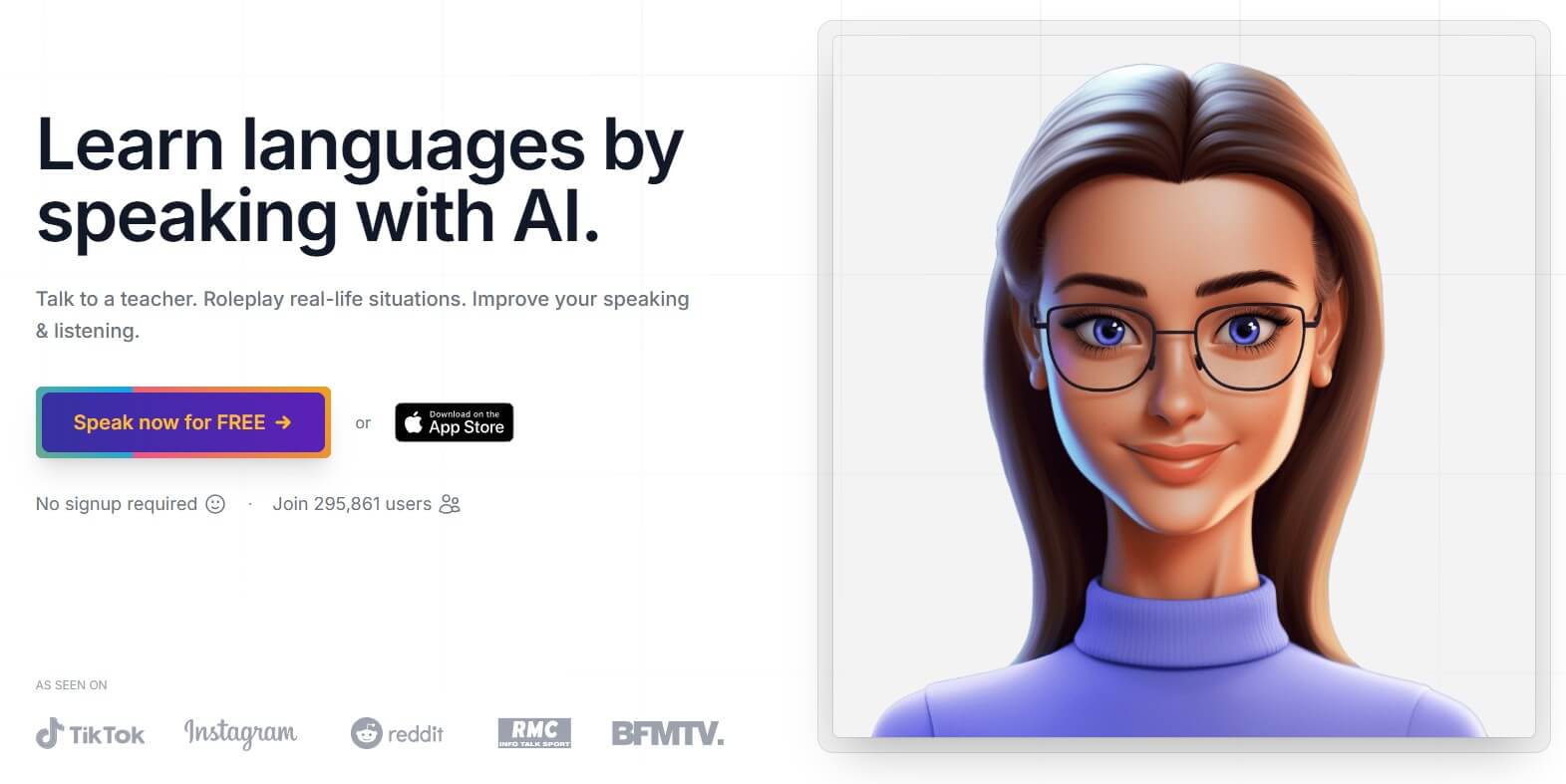
Gliglish is a browser-based and mobile-friendly language practice tool focused on speaking and listening. The core experience is conversational: choose a language, pick a scenario or topic, speak into your microphone, listen to the AI reply, and keep the exchange going. Its official site frames the product around talking to a virtual teacher and roleplaying real-life situations to improve speaking and listening.
The important thing is that Gliglish is not trying to be a full language-learning course in the Duolingo or Babbel sense. It is narrower. It is a speaking gym. You use it to get more reps, reduce hesitation, and practice the kinds of exchanges that feel uncomfortable with a real person too early.
That narrow focus is also its strength. Many language apps teach vocabulary and grammar well, but they leave speaking practice until later. Gliglish starts there.
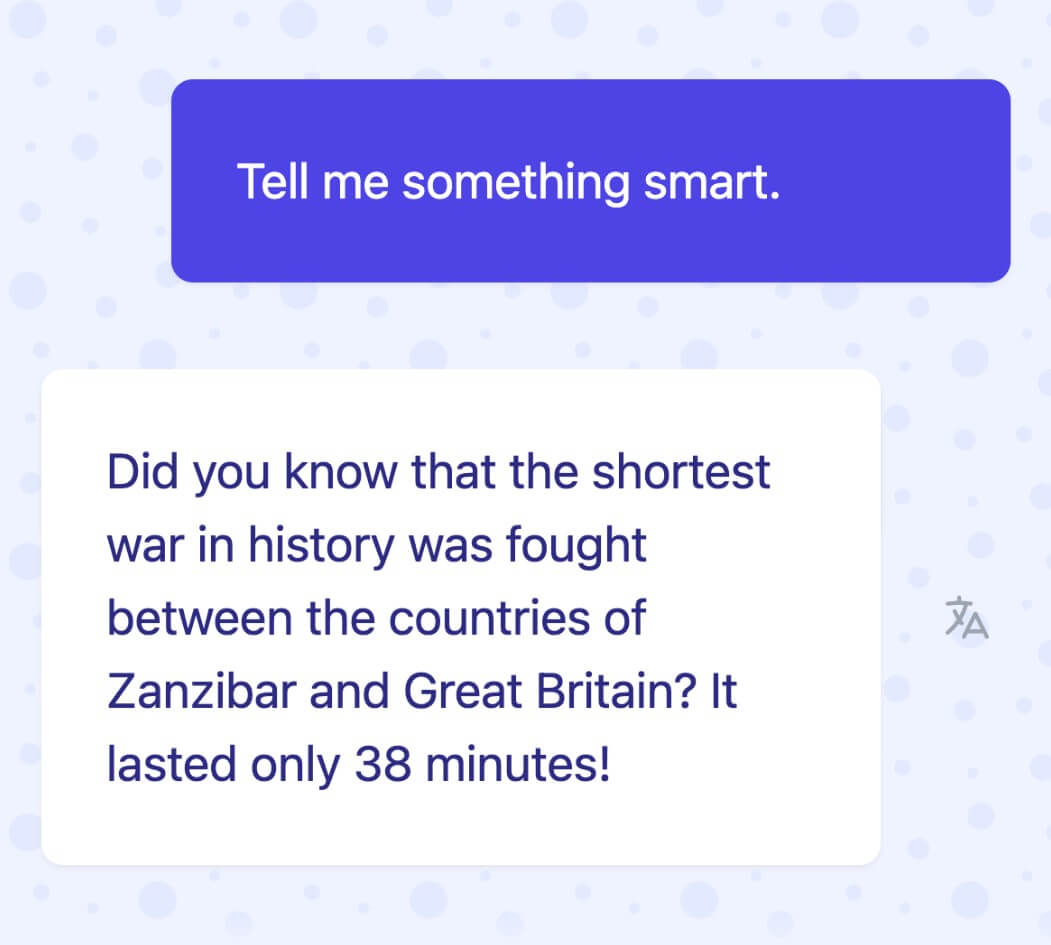
Gliglish is strongest in low-pressure speaking practice. The AI tutor can talk back, respond in context, and keep a conversation moving without the social pressure of a human tutor. That is useful for shy learners, self-taught learners, and people who freeze when they need to speak.
It also handles practical roleplay well. Gliglish’s education page lists ready-made scenarios for daily life, travel, work situations, restaurant conversations, job interviews, meeting someone new, and mini-classes for skills like greetings and telling the time.
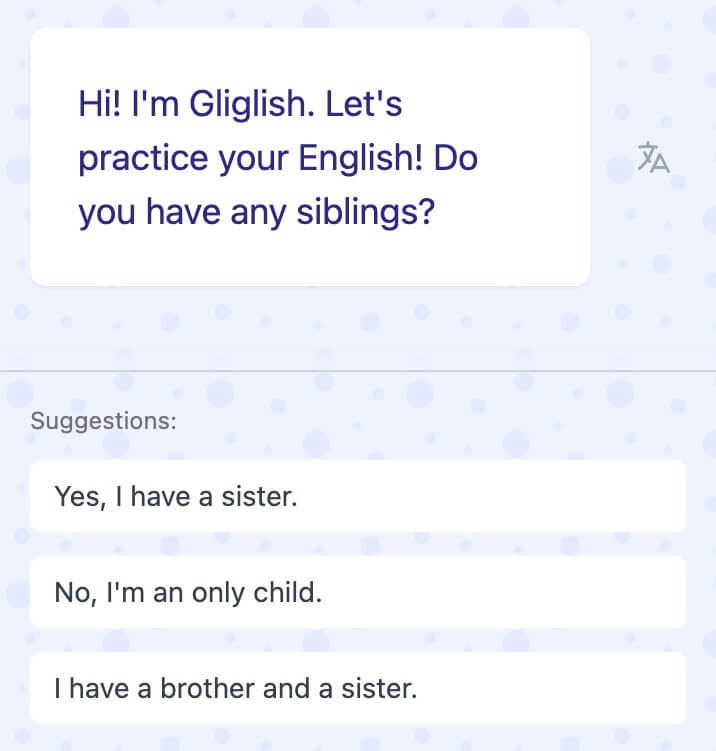
The other strong area is beginner support. Gliglish includes reply suggestions, adjustable speaking speed, word explanations, translations, and multilingual speech recognition, so learners can ask a question in their native language while still practicing the target language.
| Feature | Why it matters |
|---|---|
| AI speaking tutor | Lets learners practice conversation without scheduling a human teacher. |
| Roleplay scenarios | Good for travel, interviews, restaurants, introductions, and real-world situations. |
| Reply suggestions | Helps users avoid getting stuck mid-conversation. |
| Adjustable speed | Useful when listening feels too fast or when learners want a harder challenge. |
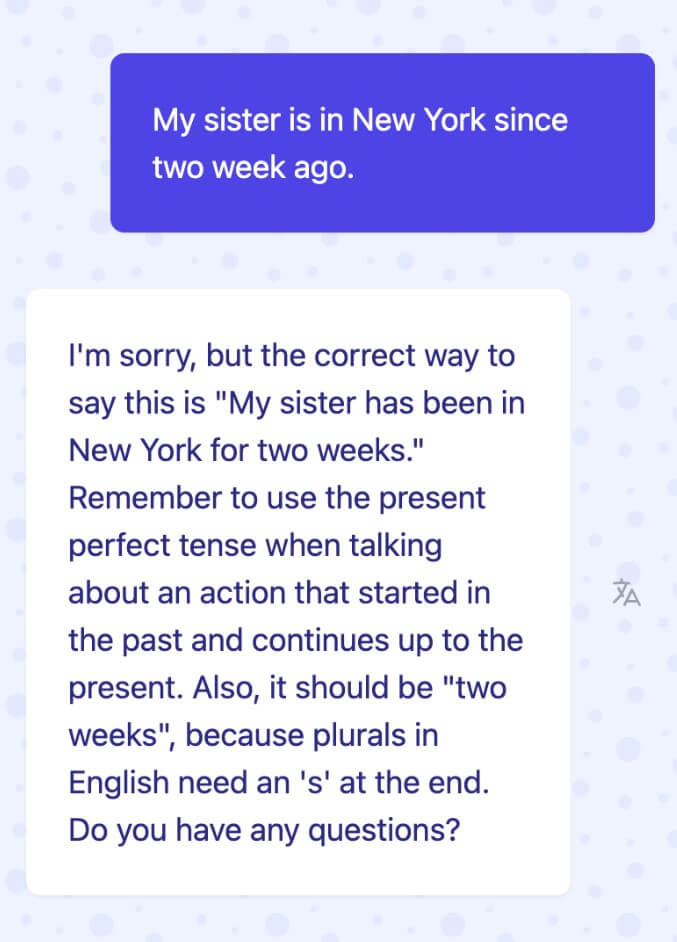
| Grammar feedback | Flags issues while keeping the speaking flow intact. |
| Word explanations and translations | Helps learners understand the conversation without leaving the app. |
| Pronunciation feedback | Gives sentence, word, or sound-level feedback, though this feature is still limited. |
The feature mix is practical rather than flashy. Gliglish is not packed with dashboards, games, streak systems, or complex lesson maps. It cares more about getting you to talk.
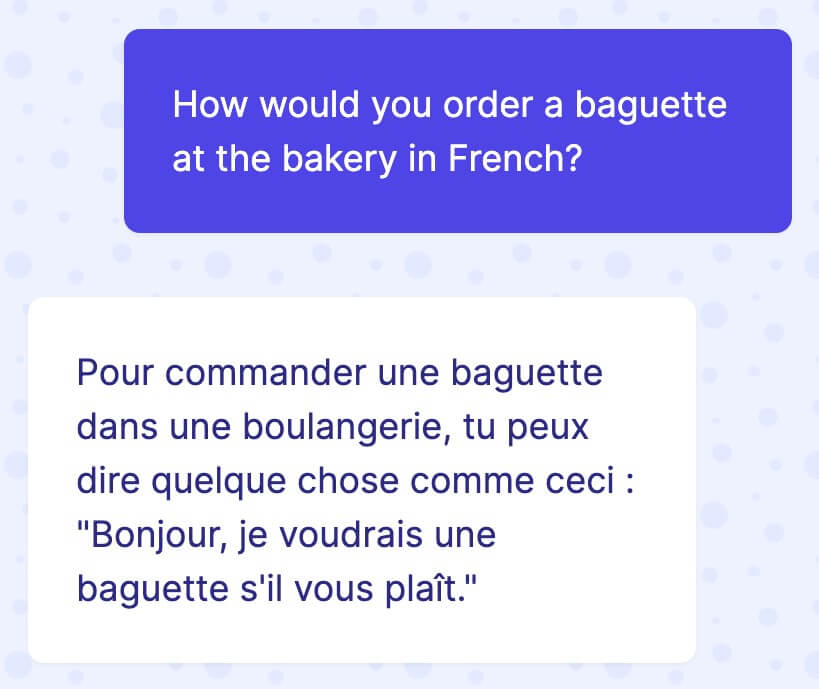
Gliglish supports a wide set of language variations, including English variants, French, Spanish, German, Italian, Portuguese, Japanese, Korean, Filipino, Thai, Turkish, Vietnamese, and others. The official site lists more than 30 language variations, which makes it useful for learners who want one speaking tool across several languages rather than a separate app for each one.
That said, not every feature appears equally mature across every language. The clearest example is pronunciation feedback. Gliglish says pronunciation feedback is in beta and currently available for American English, with more languages coming later.
That matters. If you are learning American English, Gliglish gives you a stronger pronunciation loop. If you are learning another language, the conversation practice may still be useful, but the speech-quality feedback may not be as complete.
The basic workflow is easy: open Gliglish, choose a language, choose a scenario, then start speaking. The free practice page shows the product pushing users straight toward a spoken conversation rather than a long setup flow.
This is one of Gliglish’s better design choices. Speaking practice already has enough friction. If the app also required a complicated onboarding process, many learners would quit before the first sentence.
The experience works best when you treat it like daily practice, not a one-off lesson. Ten minutes of spoken practice on a narrow situation, such as ordering food or introducing yourself, will usually be more useful than jumping between random topics. Gliglish’s reply suggestions help keep the exchange going, but users still get better results when they choose scenarios close to their real goals.
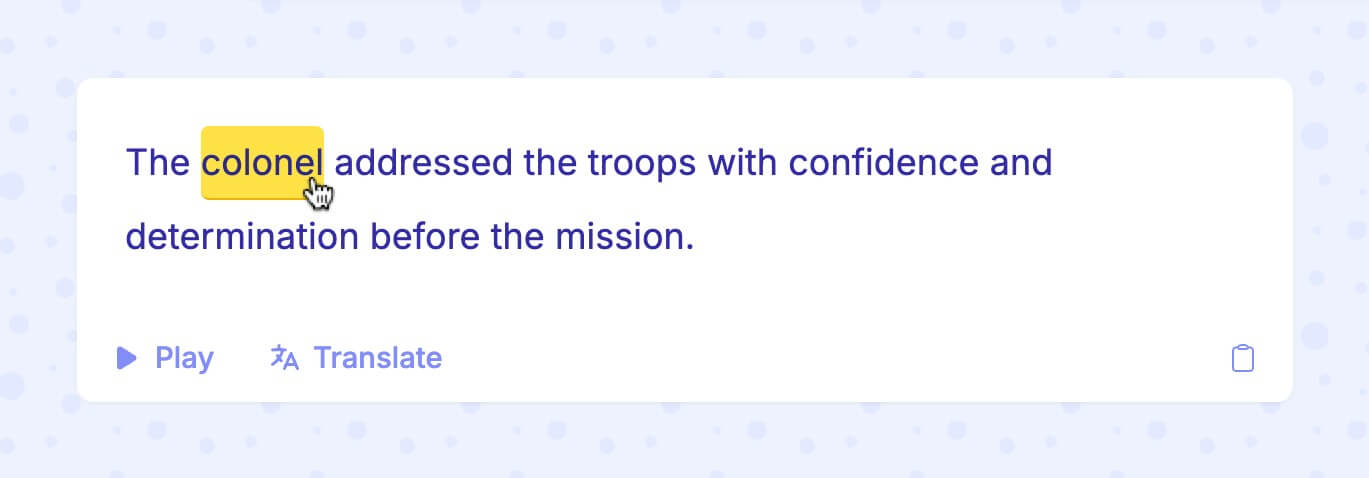
Gliglish is strongest for learners who need more confidence than theory. That includes people who can read or understand some of a language but hesitate when speaking. It is also useful for learners preparing for predictable situations: travel, job interviews, introductions, workplace small talk, restaurant ordering, hotel check-ins, or everyday social conversation.
It is also a good classroom supplement. The education page positions Gliglish as a safe speaking environment for students, with teacher-facing tools for usage monitoring, user management, and activity reports.
For businesses, the same idea applies to workplace communication. The business page describes professional conversation practice, practical scenarios, grammar feedback, focused mini-sessions, speaking pace control, and pronunciation guidance for team members.
Gliglish has more research framing than many small AI language tools. Its education page cites multiple studies from 2024 and 2025 around speaking fluency, confidence, pronunciation, vocabulary, and grammar improvement. One summarized 2025 study says students practicing with Gliglish improved VSTEP-aligned fluency scores over an eight-week program, while a control group showed much smaller gains.
That does not mean Gliglish replaces a teacher or a full curriculum. It does suggest the product is aimed at a real learning problem: students need more speaking time than most classrooms can provide.
- Use Gliglish for specific speaking goals: “Practice English” is too broad. “Practice introducing myself in a job interview” is better.
- Repeat the same scenario more than once: Fluency improves when you can say common things with less effort.
- Slow the AI down at first, then raise the speed later: The adjustable speed feature is useful for moving from comprehension to real-time response.
- Click unknown words instead of stopping the whole conversation: Gliglish’s word explanations and translations are most useful when they keep you inside the speaking flow.
- For pronunciation work, know the current limitation: American English gets the most direct pronunciation-feedback support right now.
- Gliglish is not a complete language curriculum: It can support grammar, vocabulary, listening, and pronunciation, but its main value is speaking practice. Learners who need structured courses, exams, writing correction, or deep grammar sequencing may need another resource alongside it.
- The AI can also feel less natural than a real tutor in subtle ways: It can respond well enough for practice, but it cannot fully replace human nuance, culture, humor, or correction style.
- The biggest limitation is uneven feature depth across languages: Broad language support is useful, but pronunciation feedback is not equally available everywhere yet. For learners outside American English, that makes Gliglish more of a conversation tool than a full pronunciation coach.
Gliglish is best understood as an AI speaking-practice partner, not a full language school in an app.
Its strongest value is helping learners speak more often, with less fear, through AI conversations, roleplays, suggestions, grammar feedback, and listening practice.
It is best for self-learners, students, teachers, and teams that want more real speaking time without the pressure or scheduling friction of live tutoring. The main caveat is that Gliglish works best as a speaking supplement, especially while pronunciation feedback remains limited outside American English.
TAGS: Self Improvement
Related Tools:
Analyzes skin health and provides assessments for various skin conditions.
Enables teams to capture, access, and verify information

Enhances emotional well-being through interactive AI chatbot
AI-based language learning application
Records and organizes your ideas, notes, and memories

AI-powered mental health companion