
Share this tool:
 |
Description:
Glasp is a reading and learning workflow tool, not just a highlighter. Its core job is still simple: capture useful passages from articles, PDFs, YouTube transcripts, and Kindle, then organize, revisit, and export them. But the current product is broader than that. It now layers in AI summaries, PDF chat, audio transcription, mobile apps, note-app exports, and an unusual social graph where your highlights can become part of a public learning profile. That combination is what makes Glasp distinct.
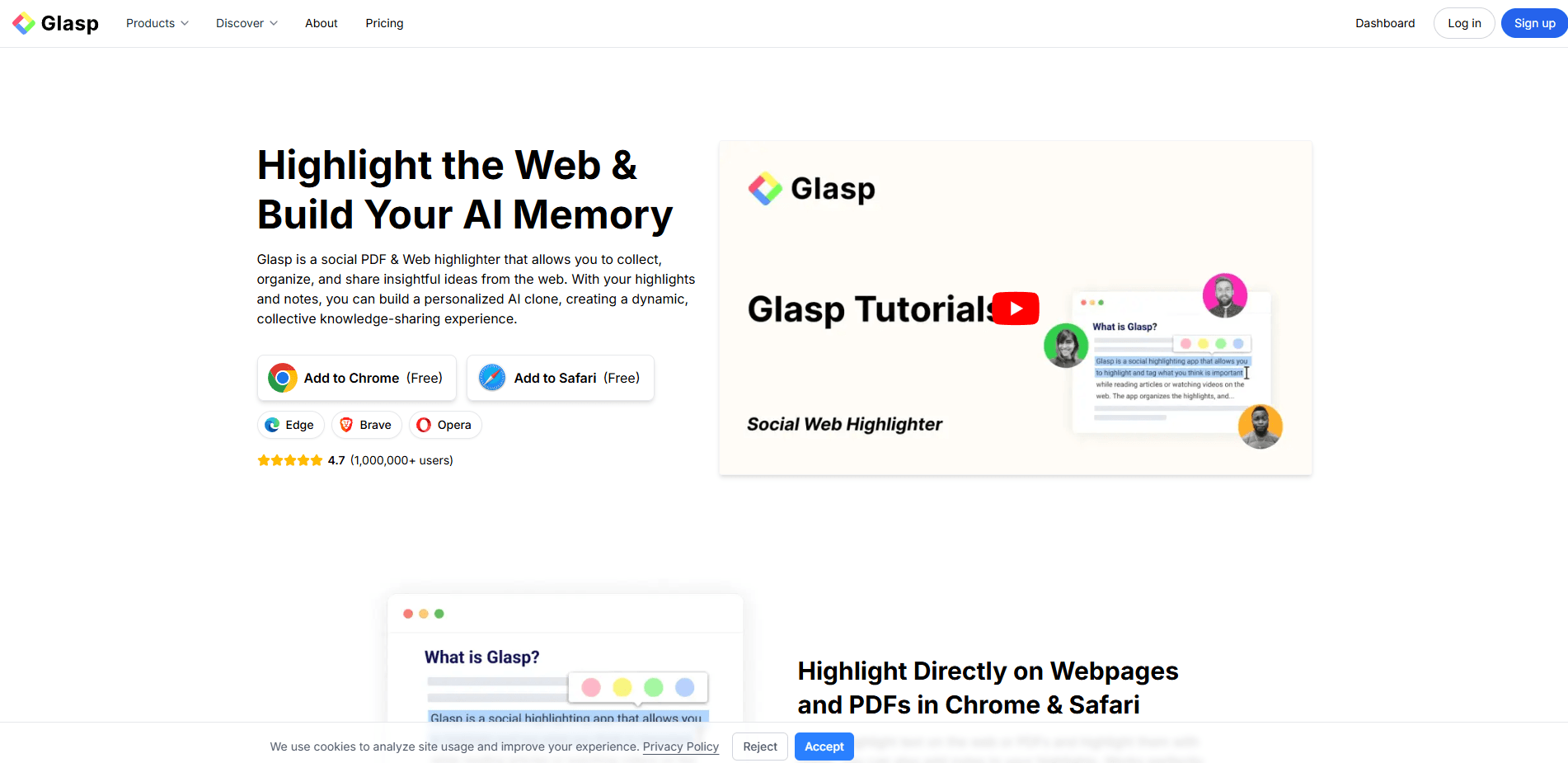
The easiest way to understand Glasp is to split it into four product layers. First, it is a web and PDF highlighter. Second, it is an AI-assisted summarizer for web pages, PDFs, YouTube videos, and audio. Third, it is a knowledge-organizing system with tags, notes, exports, and cross-device sync. Fourth, it is a social learning network where highlights are public by default and other people can browse what you read, follow your learning, and even interact with your AI Clone.
That last layer matters more than it first sounds. Plenty of tools can store highlights. Far fewer treat those highlights as a public knowledge graph. Glasp’s own welcome page still describes it as a social PDF and web highlighter, and that framing changes how you should judge the product. If you want a private research vault first and foremost, Glasp will feel different from private-by-default read-later or note tools. If you like learning in public, discovering what others are reading, and turning your reading history into a visible profile, the product makes much more sense.
| Layer | What it does | Why it matters |
|---|---|---|
| Web & PDF highlighting | Highlight articles and PDFs, add notes, tag them, and search later | This is still the foundation of the product. |
| AI summary stack | Summarizes webpages, PDFs, YouTube videos, and audio files | This is what pushes Glasp beyond a normal highlighter. |
| Knowledge follow-up | Chat with PDFs and with your own highlights through AI Clone | This is Glasp’s most interesting AI layer. |
| Export and workflow integrations | Export to Notion, Obsidian, Readwise, Roam, and more | This makes Glasp much easier to fit into an existing PKM system. |
| Kindle and audio extensions | Import Kindle highlights, get daily review emails, transcribe audio | These are practical extras, not filler features. |
| Social discovery | Public profiles, shared highlights, quoteshots, and community discovery | This is the clearest reason Glasp feels different from traditional note apps. |
Glasp is strongest when your problem is not “I need an answer,” but “I keep reading useful things and losing them.” The product is built around capture plus retrieval: highlight while reading, attach notes, organize with tags and authors, then search, export, summarize, or chat over that material later. That is a very practical workflow for students, researchers, writers, and people building a personal knowledge base over time.
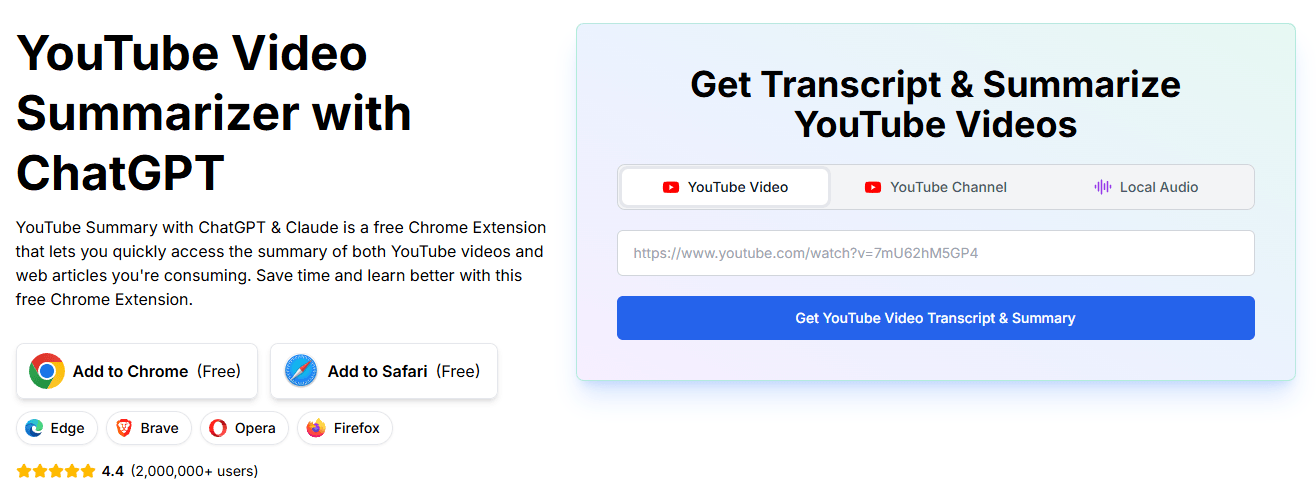
Its second major strength is YouTube. Glasp’s YouTube layer is more developed than many people expect from a reading tool. It can generate transcripts in multiple languages, summarize with several AI models, show on-page summaries with timestamps, and let you highlight transcript lines and export them to note apps. That makes it useful not just for passive watching, but for turning long videos into structured notes.
The third real strength is that Glasp does not trap your notes. Export support to Notion, Obsidian, Roam Research, Readwise, Logseq, and others is a meaningful advantage. A lot of lightweight consumer tools are pleasant until you try to move your knowledge elsewhere. Glasp clearly understands that export and sync are part of the value, not an afterthought.
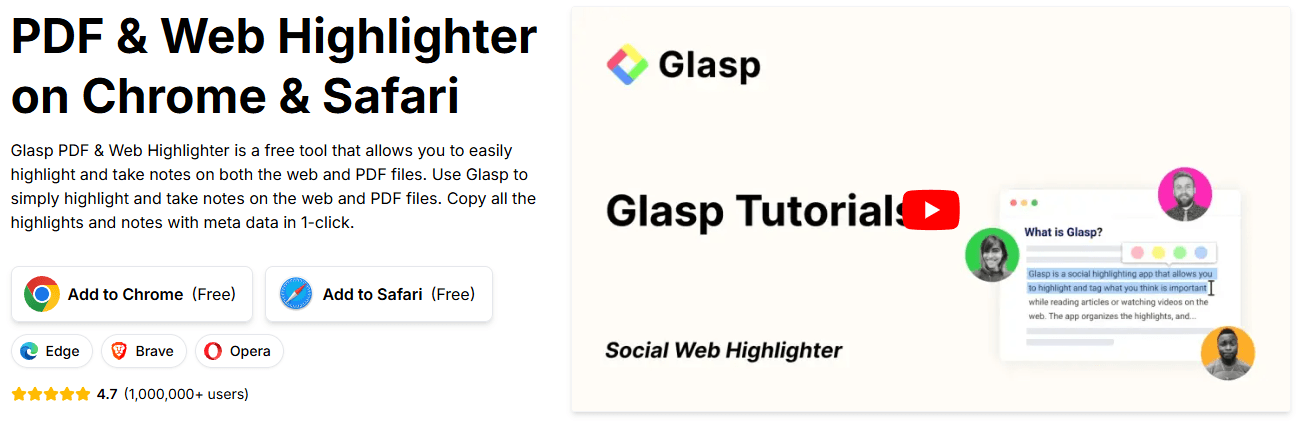
The core workflow is straightforward. You install the browser extension, highlight text directly on webpages or PDFs, add notes, and Glasp stores everything in your account. The current product supports Chrome, Safari, Edge, Firefox, iOS, and Android, with sync across devices when you use the same Glasp account. That low-friction capture layer is still one of the product’s best qualities.
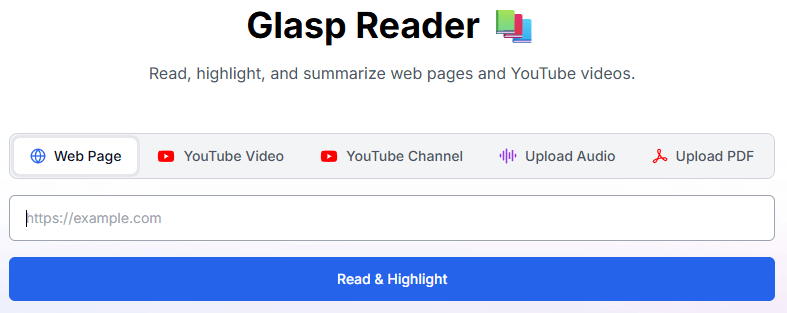
Where Glasp gets more interesting is after capture. Your highlights can be searched by tag and author, exported to external tools, turned into summaries, or fed into AI Clone and PDF chat workflows. There is also Glasp Reader, which now acts as a unified place to read and summarize webpages, YouTube videos, YouTube channels, uploaded audio, and uploaded PDFs. That makes the product feel more like a lightweight learning hub than just an annotation extension.
The Kindle workflow is especially practical. Glasp can import Kindle Cloud Reader highlights in one click, store them under a Kindle tab, export them as TXT, CSV, or Markdown, and send daily review emails for spaced repetition. That is one of the most useful parts of the product for serious readers, because Kindle highlights are valuable but often annoyingly trapped.
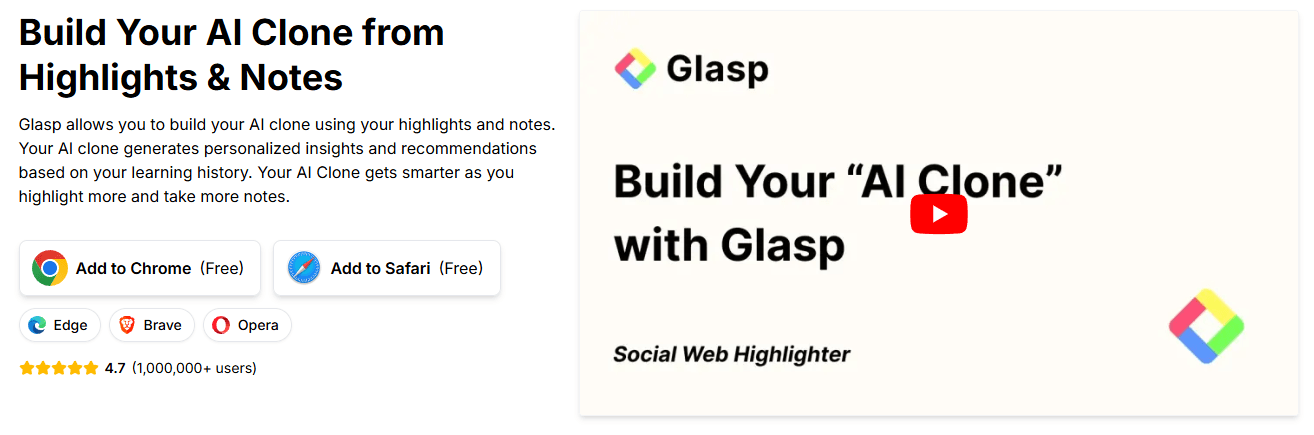
Glasp’s AI layer is useful because it stays close to material you already captured. That is a better fit than generic chat for this kind of product. The AI Summary feature creates personalized summaries from your highlights and notes. AI Clone lets you chat with a digital model built from your past learning, so the responses reflect your saved interests and knowledge graph instead of a blank-session assistant.
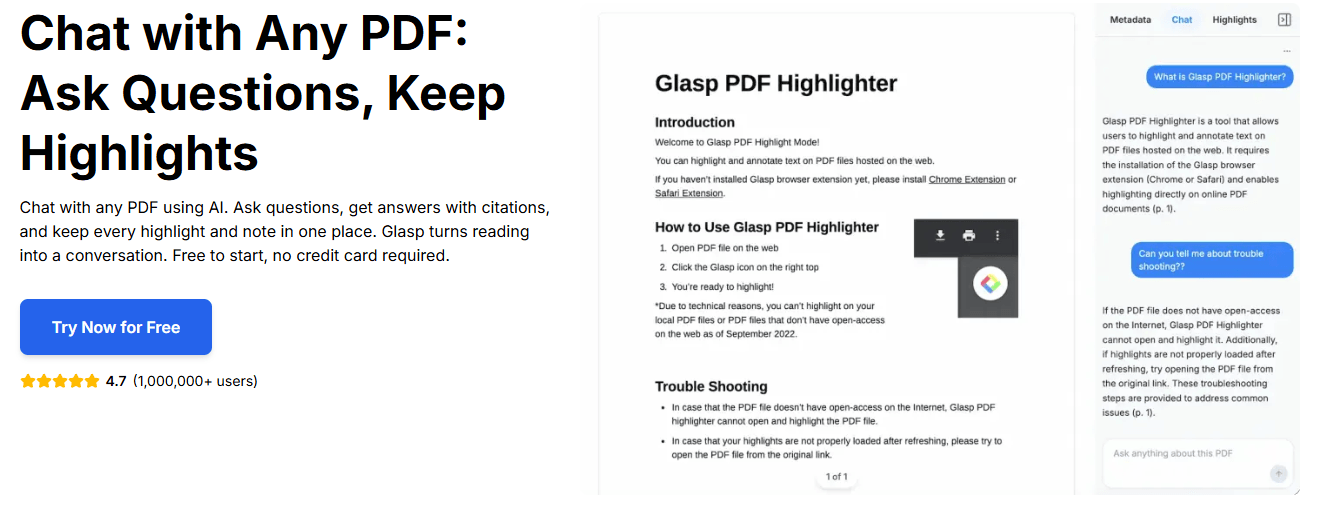
PDF Chat is probably the most practical AI feature for many users. Glasp describes it as an AI tool that lets you ask questions about any PDF you open in your browser, with answers that stream in real time and cite the pages they come from. That is the right kind of AI for a highlighter product: not general-purpose chat for its own sake, but AI tied to the document you are already studying.
The YouTube AI stack is also better than a simple one-paragraph summary tool. Glasp supports ChatGPT, Claude, Gemini, Google AI Studio, and Mistral for YouTube summaries, lets you customize prompt and summary length, and supports multiple languages. That level of model choice is one of the few places where model selection really matters inside the product.
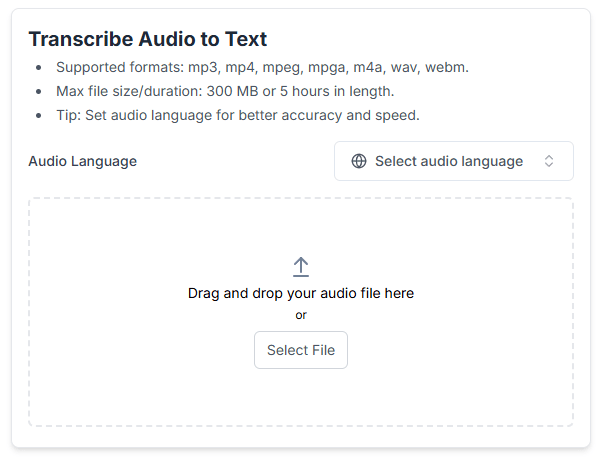
Audio transcription is the newest-feeling practical layer. Glasp supports MP3, MPEG, MPGA, M4A, WAV, and WEBM, with onboarding guidance listing a maximum file size of 300 MB or up to 5 hours. It can transcribe audio, generate summaries, highlight key points, and export transcripts or SRT files. This is a useful addition if your “reading” now includes recorded lectures, interviews, and voice notes.
Glasp’s main quality advantage is not raw AI brilliance. It is workflow alignment. The tool works best because its AI features sit directly on top of the sources you already care about: the PDF you opened, the video you are watching, the highlights you made, the Kindle notes you imported. That usually creates more useful output than copying information into a blank chatbot window and starting over each time.
The real trade-off is privacy versus community. Glasp’s welcome page explicitly says highlights are public by default and warns users not to highlight sensitive information. Paid plans add unlimited private highlights, but the product’s identity is still public-first. That is great if you want visible learning, knowledge-sharing, and discovery. It is less great if your default assumption is that everything you read and mark up should stay private unless explicitly shared.
The second trade-off is that Glasp is broadening into many adjacent jobs. Highlighting, YouTube summaries, PDF chat, Kindle export, audio transcription, mobile reading, AI clone, and post generation all make sense individually, but they also make the platform feel less singular than it used to. For many users that is a plus. For others, it can start to feel like a second-brain utility growing into a wider content-and-learning suite.
Glasp is best for students, researchers, writers, knowledge workers, and heavy readers who actively annotate what they consume and want those annotations to become searchable, reusable assets. It is especially strong for people who read across formats: articles, PDFs, YouTube, Kindle, and audio. That multi-format reach is one of the clearest reasons to choose it.
It is also a strong fit for people building a personal knowledge management workflow in Notion, Obsidian, Readwise, Roam, Logseq, or similar systems. Glasp’s export layer makes it much more useful as an input tool for a broader PKM stack than as a closed destination.
It is a weaker fit for users who want everything private by default, who do not highlight regularly, or who mostly want a frontier-model chat assistant rather than a reading companion. Glasp’s value comes from accumulation and retrieval. If you do not capture much, a lot of the product’s best features have nothing to work with.
- Use Glasp as a capture layer first and an AI layer second. The product gets much better once it has your highlights, notes, and imported material to work with. AI Clone and personalized summaries are far more useful after you have built up a real history.
- If you watch a lot of long YouTube content, use Glasp there early. The transcript highlighting plus model-based summaries are some of the most immediately valuable features on the platform, and they require much less habit change than building a full PKM system overnight.
- If you rely on Kindle, import those highlights as soon as possible. The daily review emails and easy export are among the clearest practical benefits in the current product, and they solve a problem many readers already have.
Glasp is best understood as a social learning and highlighting platform with an increasingly capable AI layer around it.
Its strongest value is not that it can summarize one document, but that it can turn your ongoing reading, watching, annotating, and note-taking into a reusable knowledge system across web pages, PDFs, YouTube, Kindle, and audio.
It is best for learners and knowledge workers who actually annotate what they consume.
The main caveat is that the product is public-first by design, so privacy-minded users need to be comfortable with that model or plan to pay for more private use.
TAGS: Content Creation
Related Tools:

Enhances creativity and streamlines content creation

Enhances video editing efficiency
Generates marketing copy from simple prompts
Creates and edit videos with pre-made templates
Simplifies the creation of high-quality blog content
Simplifies copywriting on webpages