

Share this tool:
 |
Description:
Embeddable.co is an AI-powered no-code builder for creating interactive website assets. You describe what you want, the platform generates an embeddable widget or page, then you edit, publish, and place it on your website. It can be used for forms, surveys, calculators, product selectors, chat-style tools, ecommerce widgets, landing pages, and lightweight AI agents.
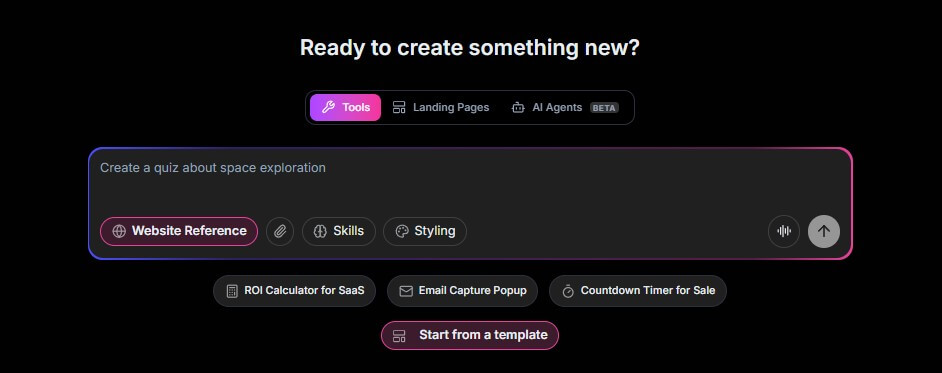
The easiest way to demo Embeddable.co is to show how quickly it can turn a plain-language idea into something interactive. These prompts are designed to show different sides of the tool: lead capture, calculators, quizzes, product selection, booking, and lightweight AI-assisted workflows.
Here are the sample results from this prompt.

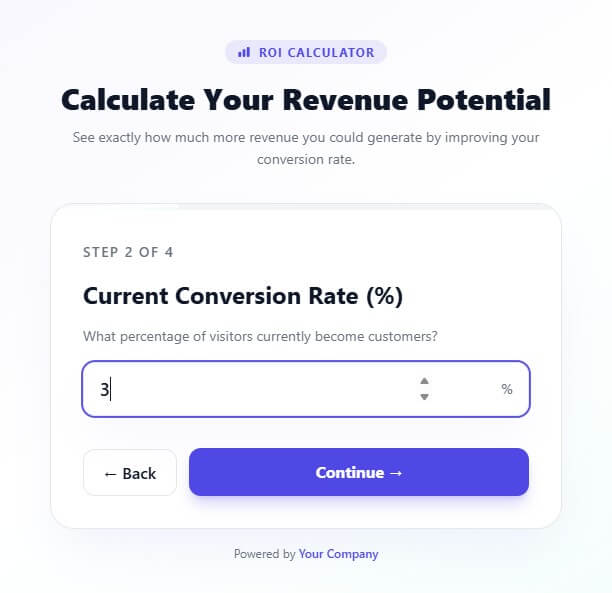
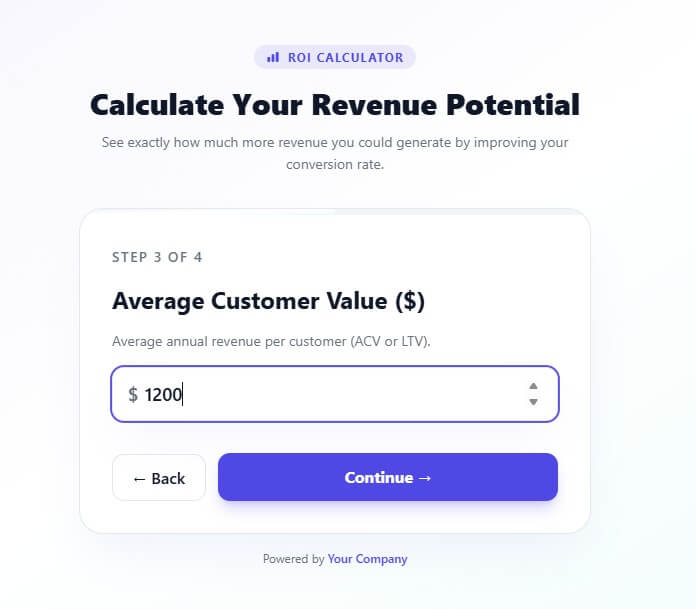
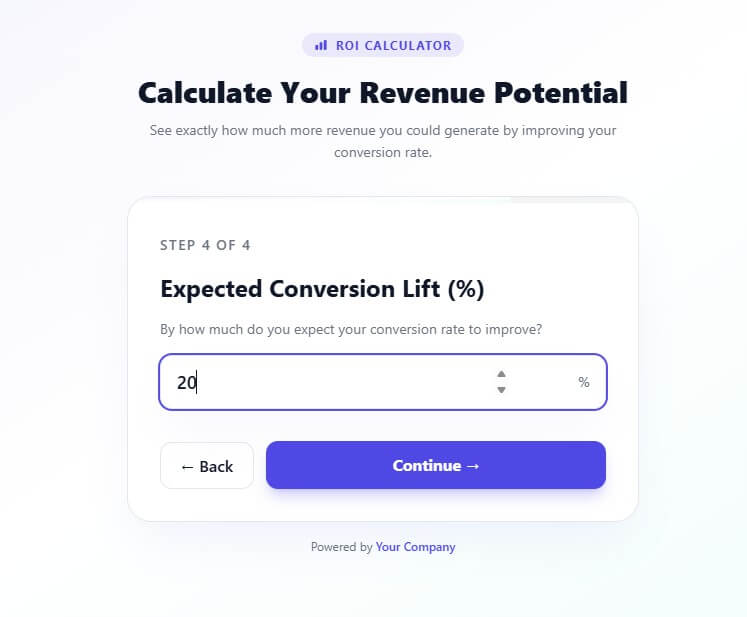
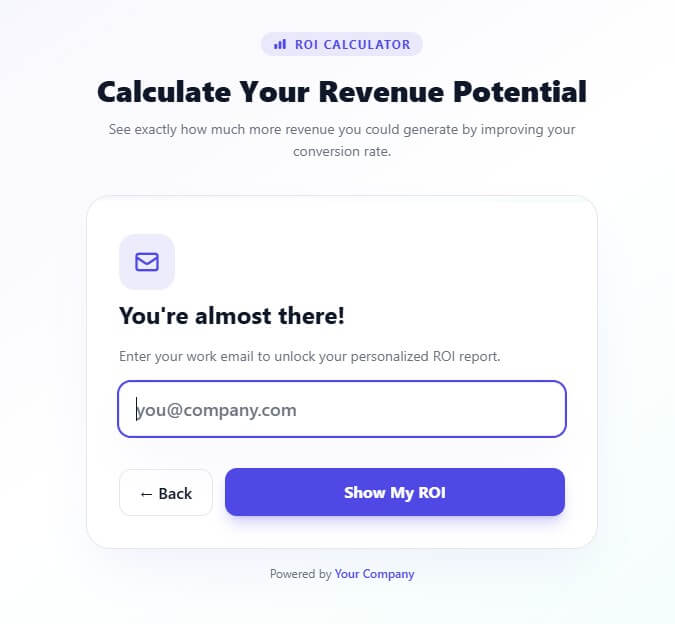
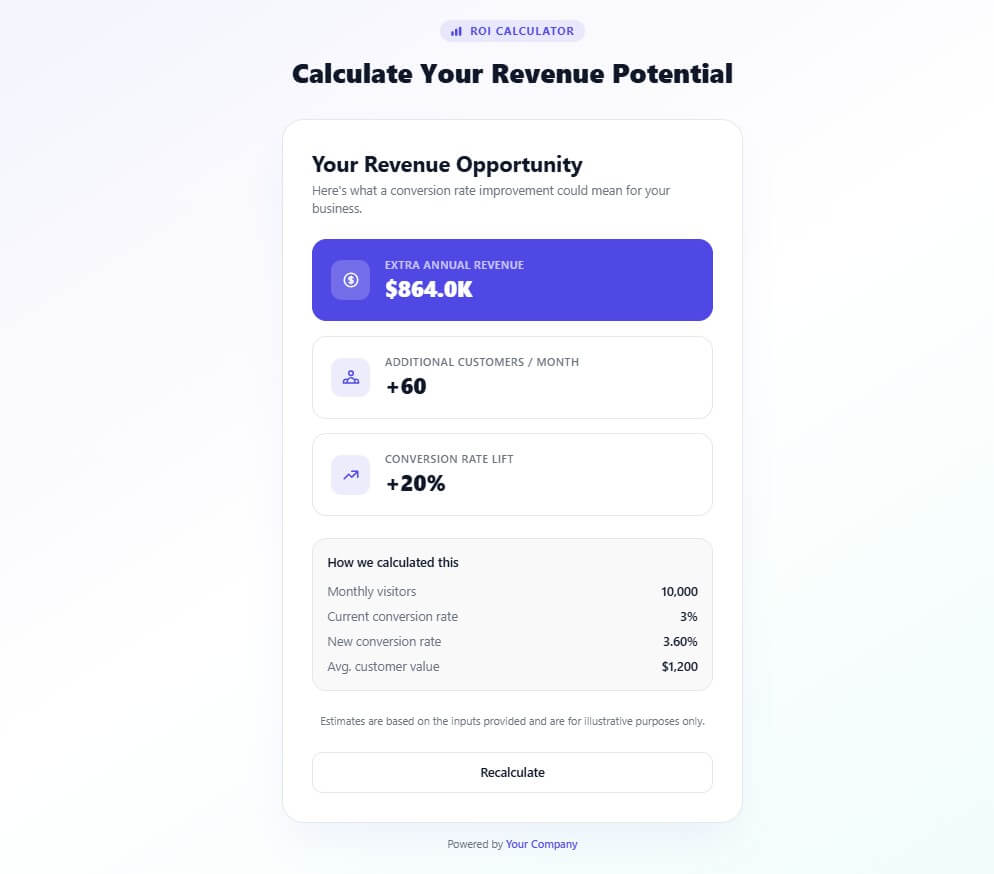
Here are the sample results from this prompt.

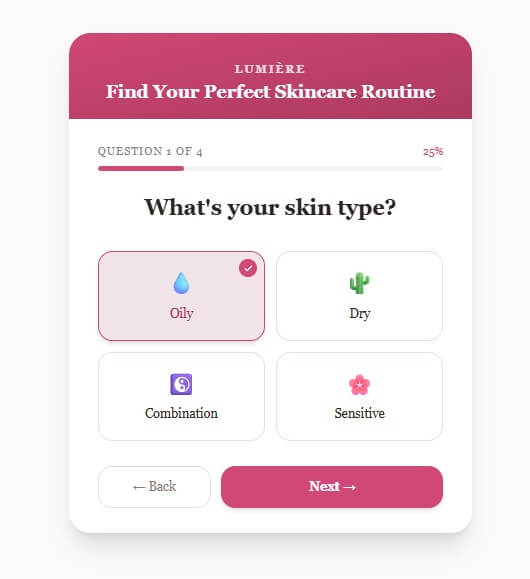
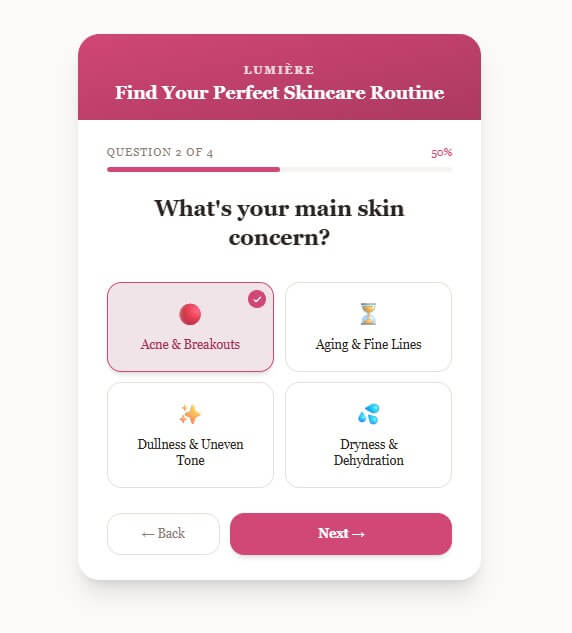



Here are the sample results from this prompt.
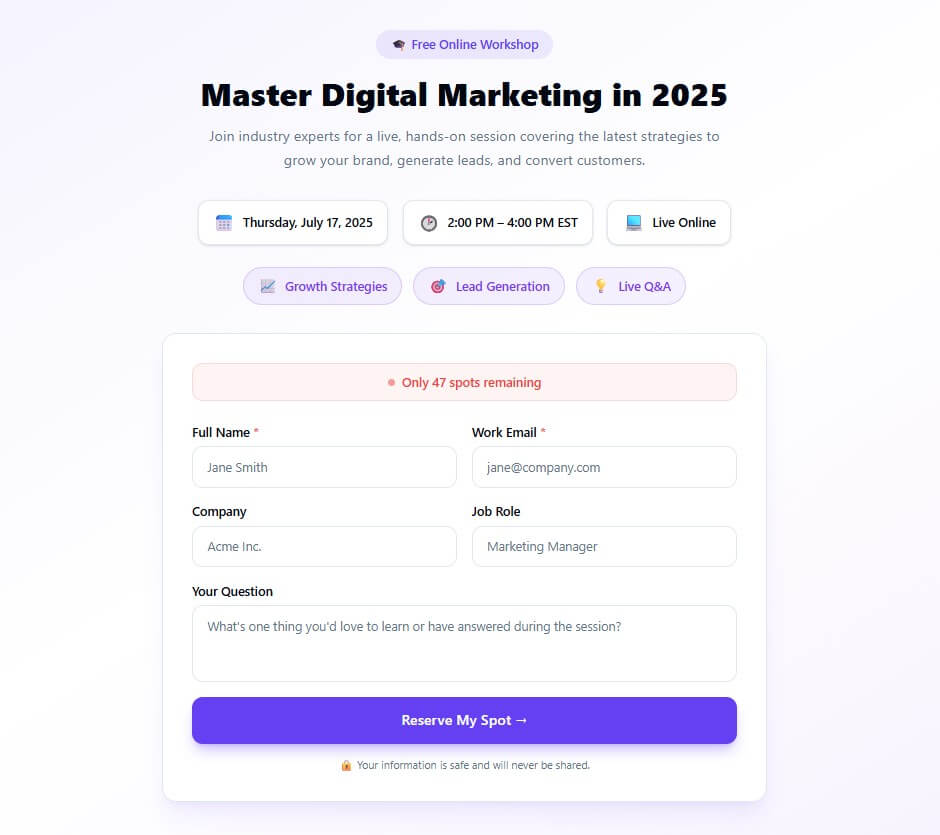

Here are the sample results from this prompt.
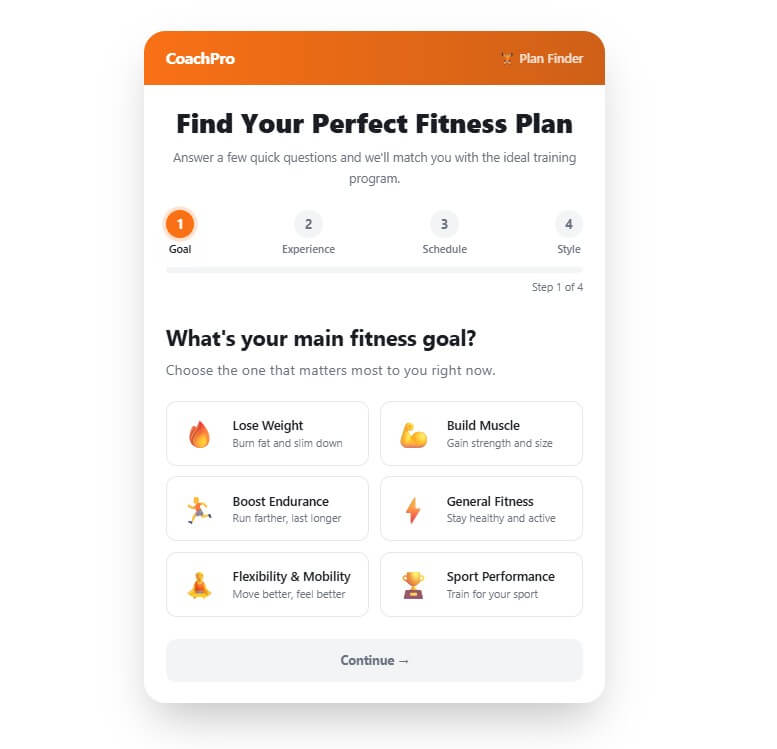
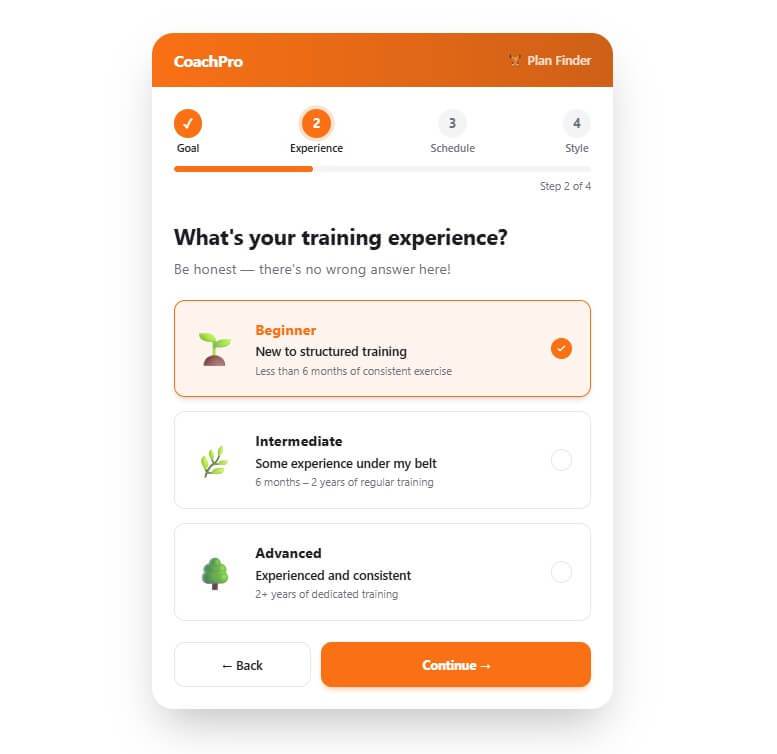
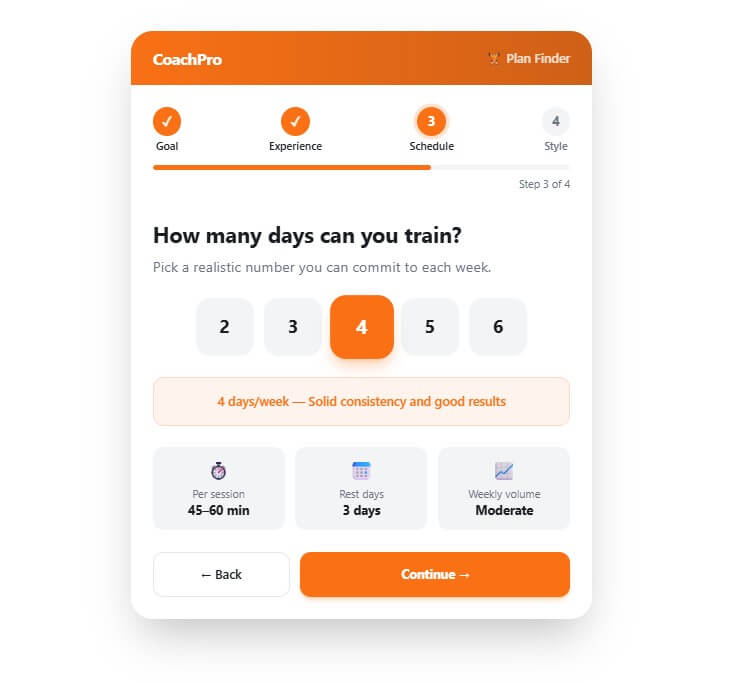
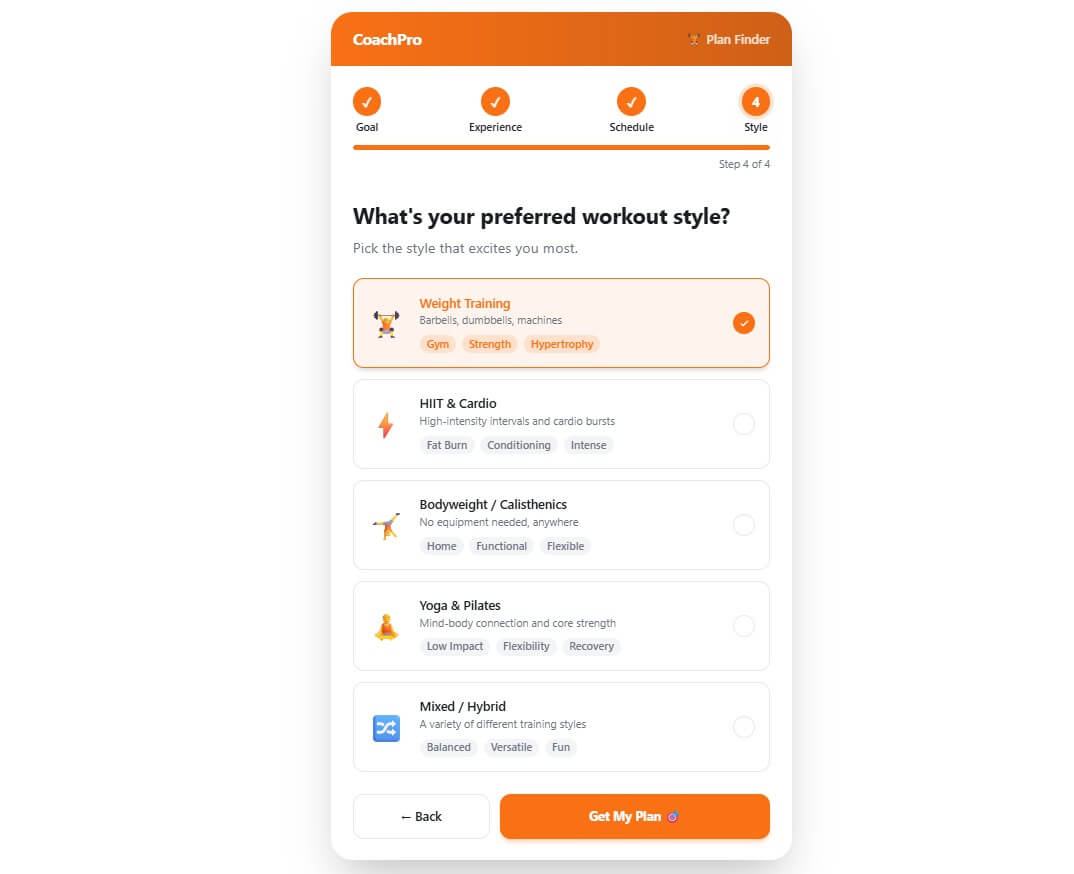
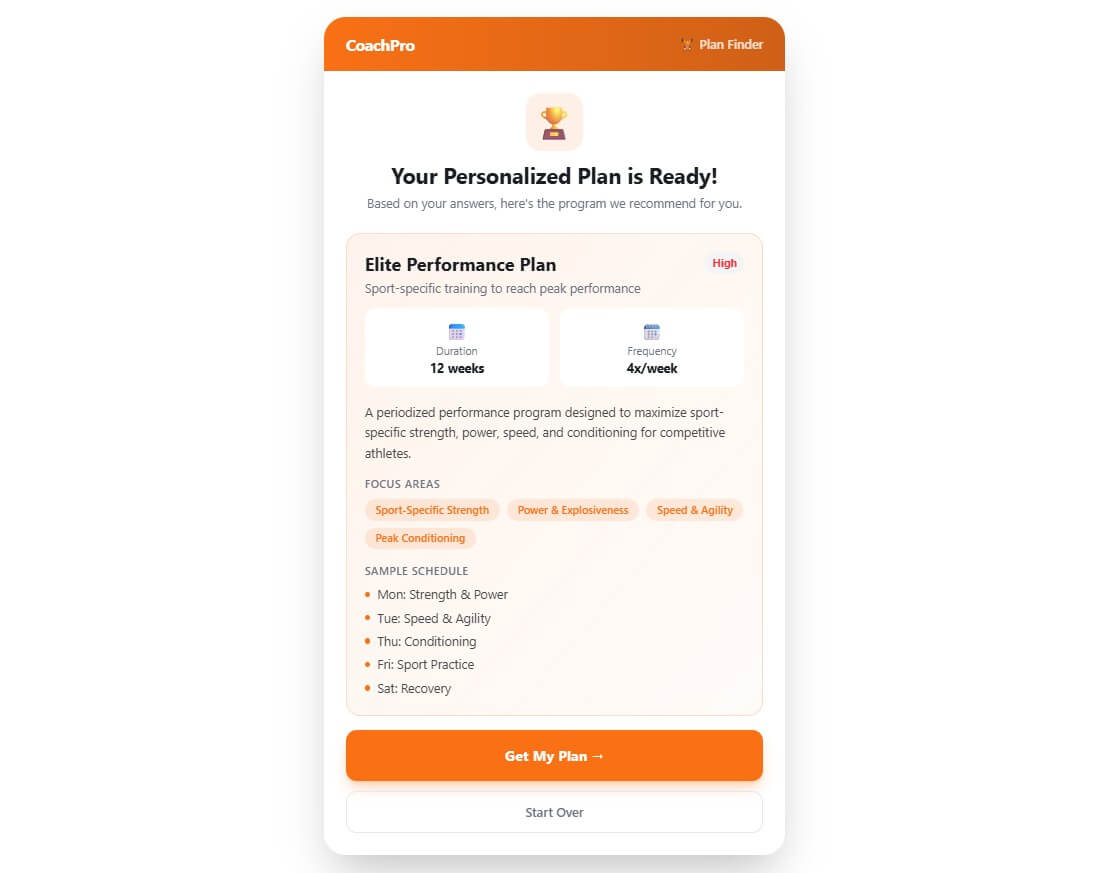
Embeddable.co is most useful when a static website needs something interactive. A regular landing page can explain an offer, but a calculator, quiz, product finder, booking flow, or custom form can help visitors take action.
That is where the product fits. It is not only a popup builder or a form builder. It is a prompt-based creation tool that can produce different kinds of web experiences from natural language. The docs describe “Embeddables” as interactive widgets built using natural language and integrated into any website or application. Examples include contact forms, surveys, polls, calculators, configurators, and utilities.
The best way to think about it: Embeddable.co helps users create small web tools without starting from blank code.
The workflow starts in AI Chat. You explain the widget, page, or agent you want. Then the AI builds a first version. From there, you can refine through follow-up prompts or use the Editor Panel to change text, labels, settings, design, and behavior without starting over.
Good prompts should include the goal, audience, fields, logic, design style, and what should happen after a user submits information.
| Use Case | Example Prompt |
|---|---|
| Lead capture calculator | “Create an ROI calculator for a SaaS landing page. Ask for monthly visitors, conversion rate, average order value, and target lift. Show the estimated revenue gain and collect email before showing results.” |
| Product quiz | “Build a skincare product finder quiz. Ask about skin type, budget, routine length, and main concern. Recommend one of four product bundles.” |
| Service booking widget | “Create a consultation request widget for a web design agency. Ask for business type, project goal, budget range, timeline, and preferred contact method.” |
| Landing page | “Create a waitlist landing page for a productivity app. Include a headline, benefits, email signup, FAQ, and social proof section.” |
The prompt quality matters. A vague prompt may produce a usable draft, but a detailed prompt is more likely to produce something close to publish-ready.
One of the stronger parts of Embeddable.co is that editing does not depend only on more AI prompts. The Editor Panel acts like a dynamic CMS generated around the widget you created. If the widget has a title, button text, labels, placeholders, or settings, the editor can expose those controls so you can adjust them directly.
This matters for practical work. Prompt-only builders can feel frustrating when you need to change one label or toggle one setting. Embeddable.co gives users a cleaner path: use AI for creation, then use the editor for smaller changes.
The platform also supports reverting to earlier versions. Each successful AI modification creates a saved snapshot, so users can roll back an embeddable if a later change breaks the flow or takes the design in the wrong direction.
| Feature | What It Does | Why It Matters |
|---|---|---|
| AI Chat Builder | Creates widgets and pages from natural language. | Makes the first draft much faster. |
| Editor Panel | Lets users edit content, design, and settings without new prompts. | Gives better control after generation. |
| Script-Based Embedding | Adds widgets to websites through a script tag. | Works across common site builders and custom sites. |
| SEO-Friendly Landing Pages | Uses pre-rendered static HTML for landing pages. | Helps search engines crawl page content more easily. |
| Media Manager | Stores uploaded files and images for reuse. | Useful for branded widgets and content-based tools. |
| Version Revert | Restores earlier generated states. | Reduces risk during experimentation. |
Embeddable.co also lists custom domains, meta tags, Open Graph controls, mobile-ready layouts, built-in email notifications, Stripe-powered payments, usage tracking, A/B testing, structured data, collaboration, and integration management among its platform features. Some items are described as platform features while others are marked as coming soon, so users should confirm availability inside the product before building around a specific capability.
A useful feature is website analysis. Users can add their website URL, and Embeddable.co says the AI can suggest widget ideas based on the business, apply brand styling, and use the website context in future prompts.
This is helpful for non-designers. A generic widget may work, but a widget that matches the site’s colors, fonts, and offer will feel more natural. It also speeds up brainstorming. A yoga studio may get booking-widget ideas. A financial site may get calculator suggestions. An ecommerce store may get product finder ideas.
Publishing is simple. Once the embeddable is ready, users publish it, copy the script tag, and paste it into the website where the widget should appear. After that, future published edits update automatically without replacing the code again.
That “install once, update later” model is important. It means marketers and site owners can keep improving the widget without asking a developer to paste new code each time.
Embeddable.co works best for lead magnets, interactive calculators, product quizzes, quote request forms, polls, surveys, waitlists, FAQ tools, landing pages, and simple AI-assisted workflows.
Agencies can use it to build campaign widgets for clients. Ecommerce stores can use it for product finders and offer quizzes. SaaS teams can build ROI calculators, signup flows, onboarding forms, and demo request tools. Creators and service businesses can use it to make static pages more useful.
The main limitation is quality control. AI can create the structure, but users still need to review the wording, logic, form fields, mobile layout, branding, and data flow.
It is also better for small interactive tools than complex web applications. A calculator, quiz, or lead form fits well. A deeply custom product with complex backend rules may still need a developer.
There is also a temptation to overuse it. Too many widgets can clutter a site. The best approach is to build one useful tool that supports the visitor’s next step.
Embeddable.co is best for marketers, agencies, founders, ecommerce teams, and website owners who want to create interactive website tools without coding.
Its strongest value is the mix of AI chat creation, editable controls, script-based publishing, website personalization, landing page support, media handling, and version rollback.
The main caveat is that AI-generated widgets still need human review before they go live.
TAGS: Marketing Website/App Builders
Related Tools:

Transforms text prompts to website designs
Creates professional websites

Create professional websites with content

Creates and optimizes Google Ads campaigns

Creates and customizes fully responsive websites

Automate sales outreach and workflow management