
Share this tool:
 |
Description:
Aragon AI is an AI headshot generator for professionals, teams, founders, job seekers, creators, and companies that need polished profile photos without organizing a traditional photoshoot. The main value is speed and convenience, but the better reason to consider it is the full workflow: choose attire and backgrounds, upload a small set of selfies, receive many headshot options, then edit the best ones for outfit, background, hair, pose, and other visual details.
Aragon AI is a portrait and headshot generation platform. You upload a few clear photos of yourself, choose attire and background options, and Aragon generates personalized AI headshots. The official homepage says six uploads are enough, and it recommends focusing on photo quality over quantity. Once the images are ready, users can view, edit, and download their favorites.
That makes Aragon different from a general image generator. You are not typing a prompt like “make a professional portrait” and hoping the model invents a usable person. The tool is built around your likeness. The goal is to create polished versions of you, not an idealized stock-photo stranger.
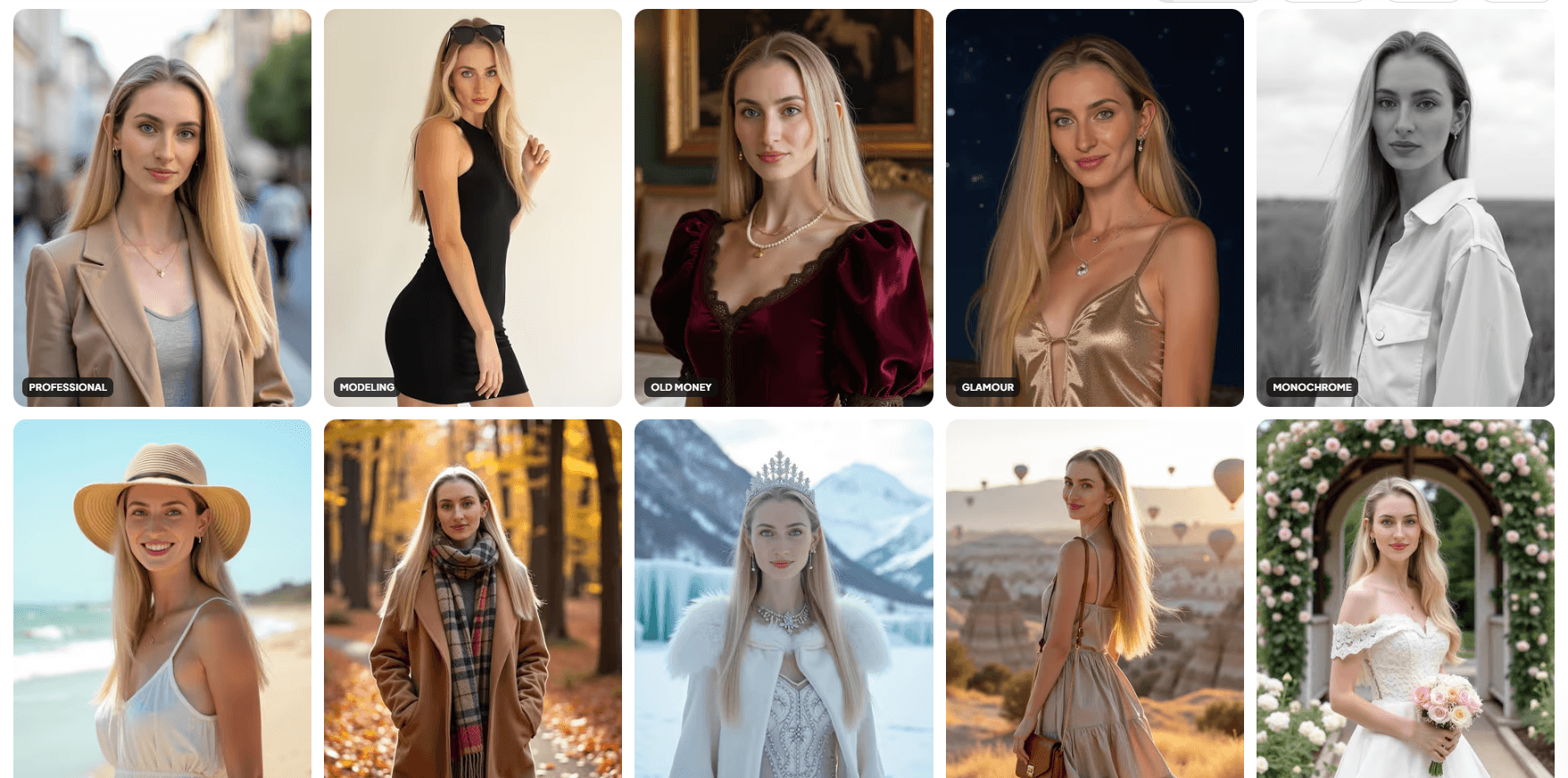
Aragon has also expanded beyond standard business headshots. Its homepage now points to broader AI photo packs, including professional, travel, graduation, modeling, monochrome, old money, seasonal, and other themed photo styles. That matters because Aragon is no longer just a LinkedIn headshot tool. It is moving toward a wider AI photography platform built around identity-based photo generation.
Aragon AI is strongest when someone needs a credible professional image quickly and does not want to coordinate a photographer, studio, wardrobe, lighting, schedule, and retouching process.
That includes LinkedIn photos, company profile pages, speaker bios, resume photos where appropriate, pitch decks, founder pages, business websites, internal directories, sales team pages, and conference materials. Aragon’s LinkedIn headshot page specifically frames the tool around LinkedIn, X, business profiles, and professional networking, with industry-specific poses, outfits, and backgrounds.
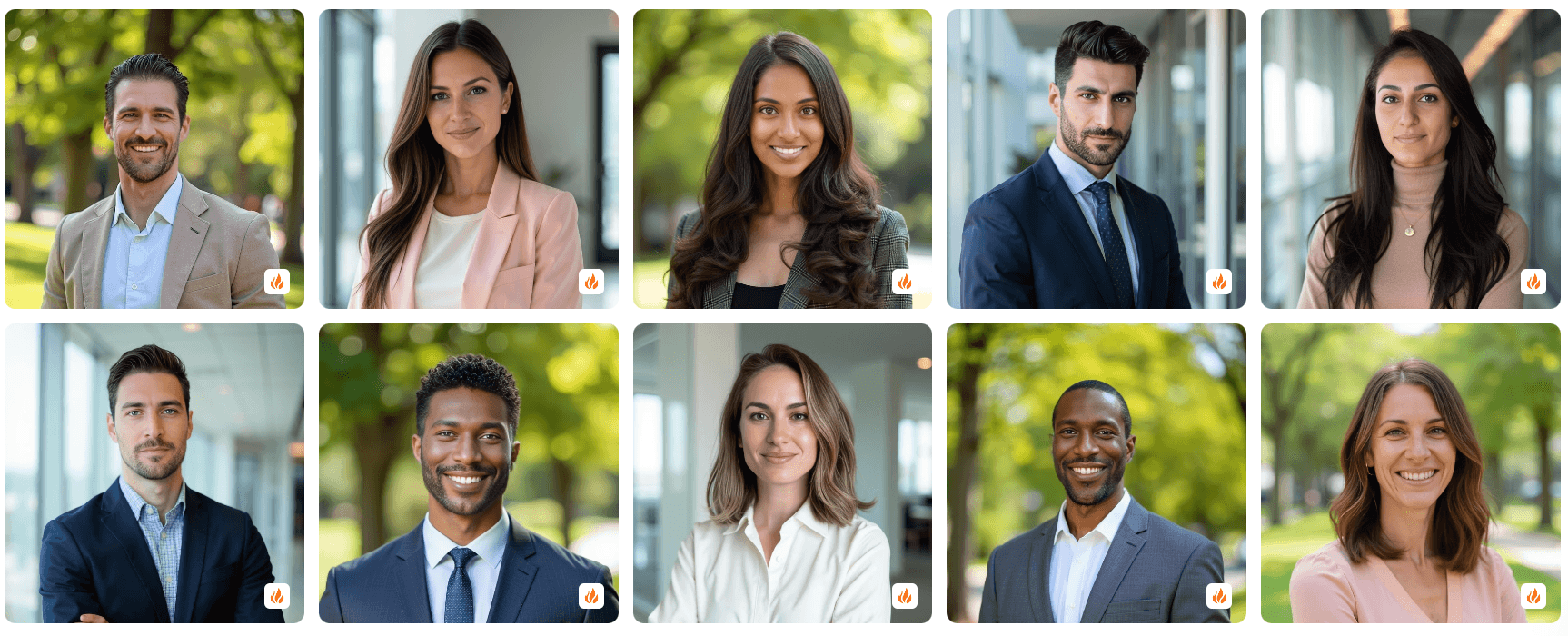
The strongest team use case is consistency. A company can struggle to make everyone’s headshots look like they belong together, especially when employees are remote, distributed, or hired over time. Aragon’s homepage says teams can use it for uniform headshots across team members, company websites, and marketing assets, with brand customization and integrations.
That is the real business angle. Individual users care about looking polished. Teams care about visual consistency at scale.
Users upload a few photos, select attire and backgrounds, and receive AI-generated headshot options.
Aragon says users can receive up to 100 high-quality headshots depending on the selected workflow or package.
Aragon includes tools for background changes, clothing changes, hair edits, pose edits, blemish removal, image extension, upscaling, unblurring, text removal, and photo restoration.
Companies can create more consistent headshots for team pages, marketing assets, conferences, and internal directories.
Aragon supports broader themed photo generation beyond headshots, including professional, travel, graduation, modeling, monochrome, and other styles.
Aragon says it uses AES-256 encryption, allows users to manage privacy settings and delete account data, and is SOC 2 Type II certified.
Aragon’s workflow is intentionally simple. You choose attire and backgrounds, upload a few photos, wait for the AI to generate headshots, then review and edit the results. The homepage describes this as a four-step process: select attire and backgrounds, upload a few photos, let the AI generate headshots, then view, edit, and download favorites.
This workflow matters because AI headshot tools are only as good as the input they receive. Aragon says selfies work, but it also stresses quality over quantity. That is a fair warning. The best results will usually come from clear, well-lit photos with varied angles, natural expressions, and no heavy filters or obstructions.
The selection step is also important. AI headshot generation is not about getting one perfect image. It is about receiving enough options that you can pick the few that look most like you, fit your role, and feel natural enough to use in public.
| Step | What To Focus On |
|---|---|
| Upload | Use clear, recent, varied photos with good lighting |
| Generate | Let the tool create enough variety to compare |
| Review | Reject anything that changes your identity too much |
| Edit | Adjust background, outfit, hair, or pose if the image is close |
| Final check | View the photo small, large, and cropped for LinkedIn or profile use |
That last step matters. A headshot can look good at full size but feel strange as a small circular profile photo.
Aragon’s editing tools are one of the reasons it feels more useful than a one-pass headshot generator. Instead of forcing users to accept whatever the initial generation produces, the platform supports common fixes around clothing, background, face cleanup, pose, and overall presentation.
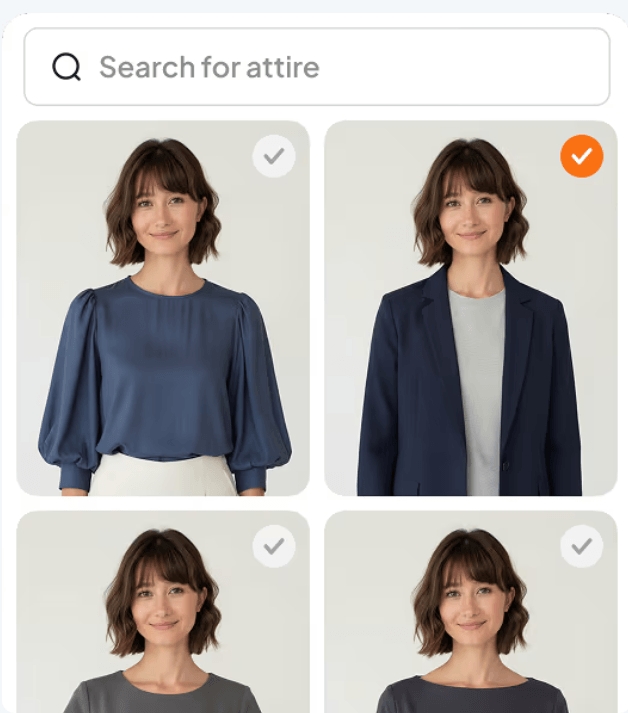
The attire changer is useful when the face and expression work, but the outfit does not match the intended use. A casual shirt may be fine for a creator profile but too informal for a company bio or executive page.
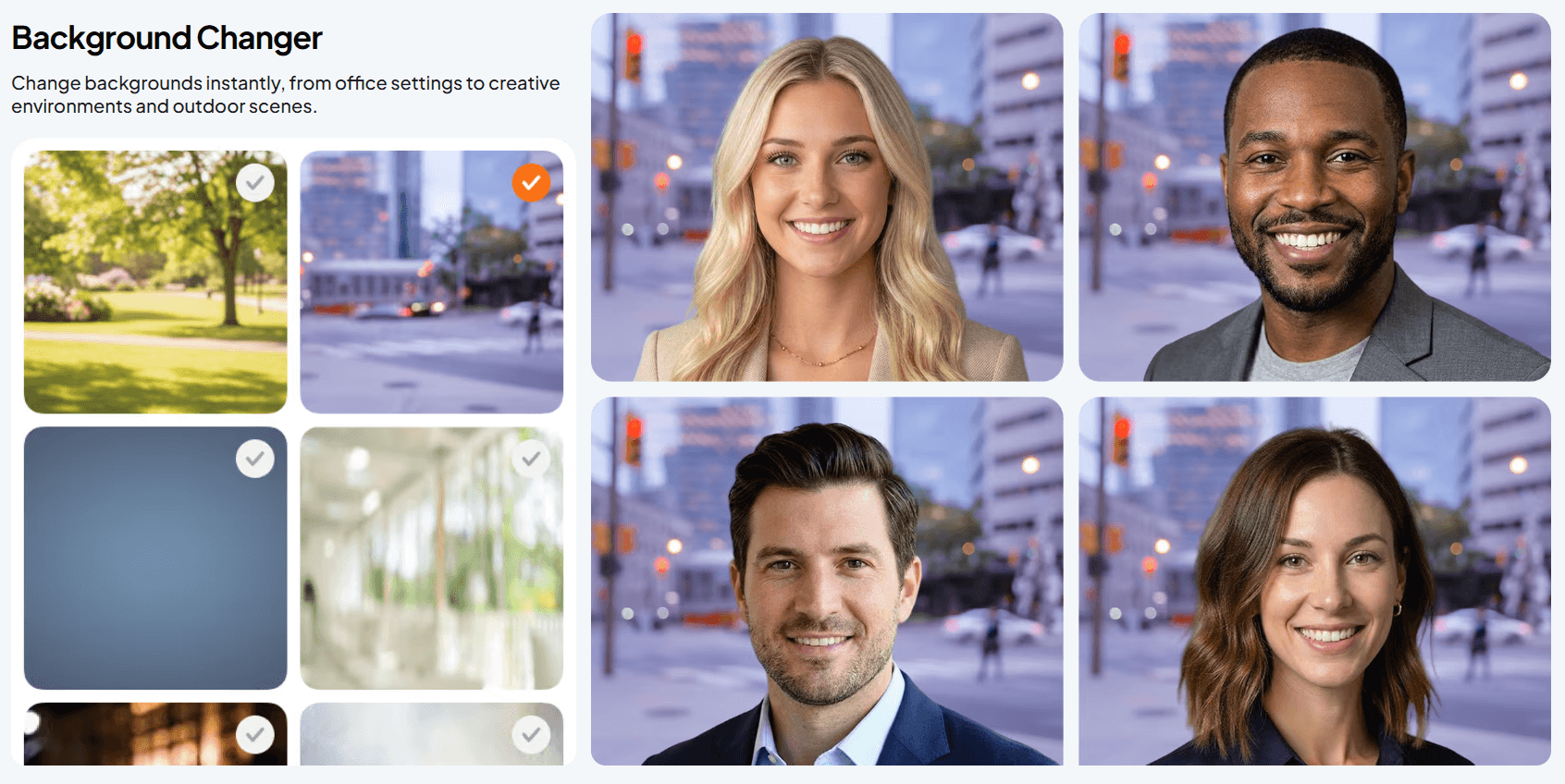
The background changer helps adapt the same portrait to different contexts. A clean studio look may suit LinkedIn, while an office or outdoor background may feel more natural for a team page.
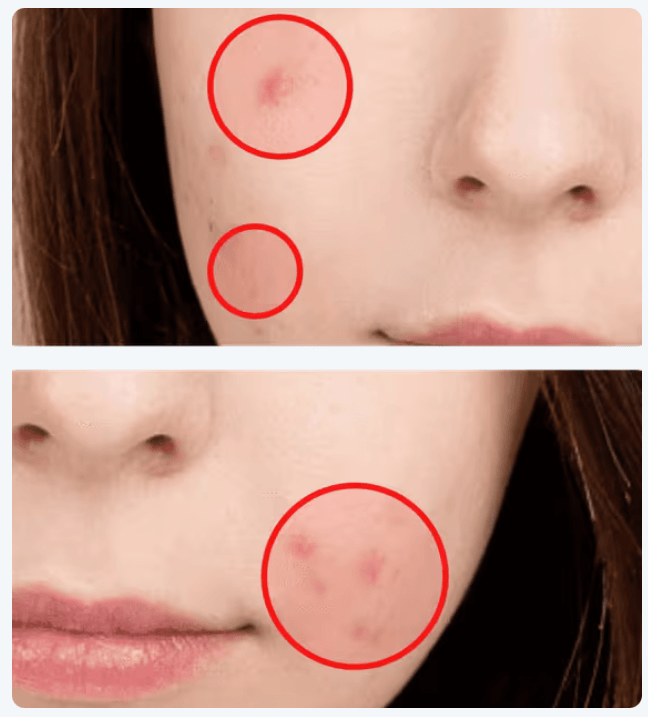
Blemish removal is useful for small cleanup, but it should be used carefully. The best professional headshots usually still look natural instead of overly smoothed or artificial.
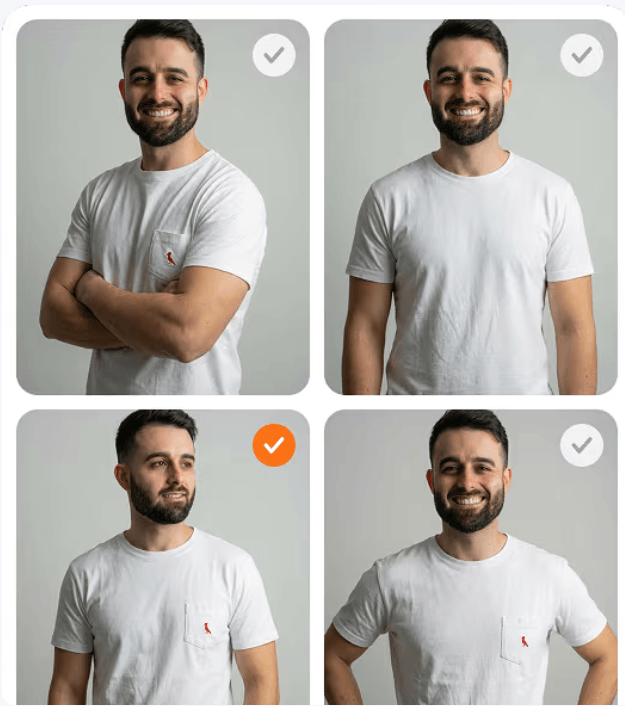
The pose editor is useful when the generated face is strong but the body angle, shoulder position, or presentation feels less confident than the user wants.
Aragon’s team use case is about consistency. Remote teams often have inconsistent profile photos because every employee submits a different image taken in different lighting, different rooms, different clothing, and different framing. Aragon can help create a more unified visual system for company pages, sales teams, speaker pages, and internal directories.

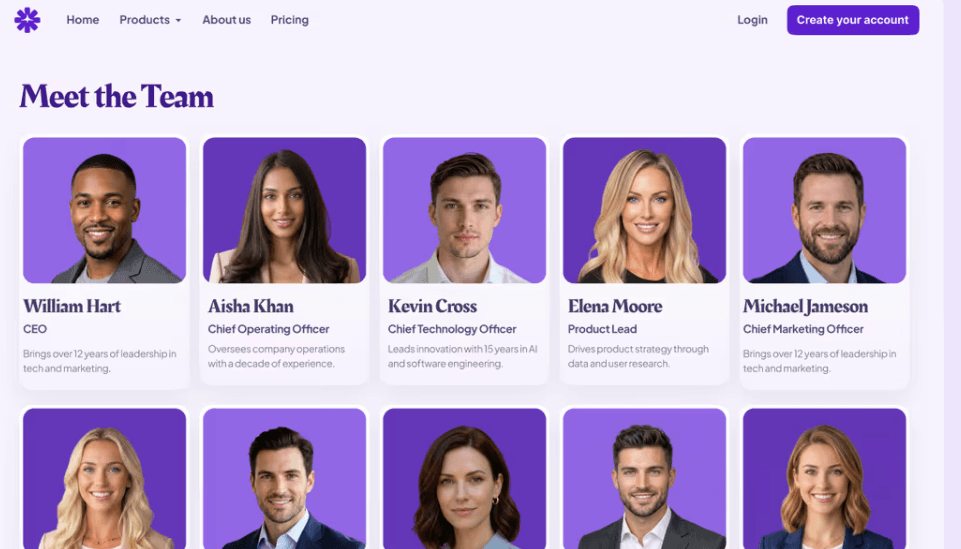
This matters for brand trust. A team page with inconsistent cropped selfies can feel less polished than a page where everyone has a similar visual standard. Aragon is useful when the company wants a studio-like look without bringing everyone into the same physical studio.
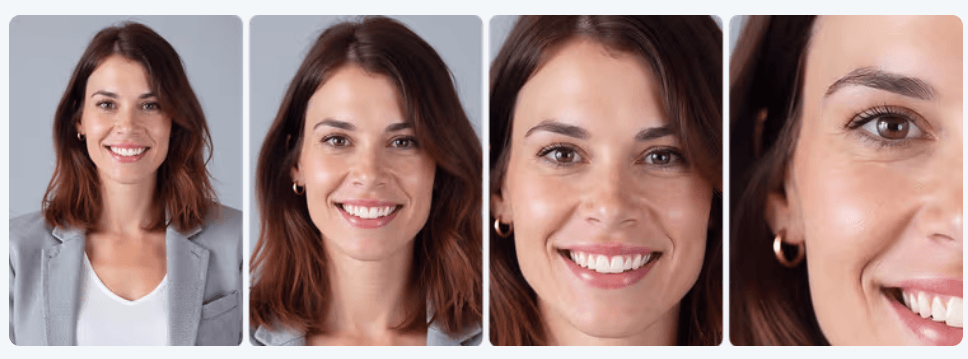
The main review step is likeness. Team photos should look polished, but they should still clearly represent the real people on the team.
Aragon is useful for professional headshots, but its photo pack direction also supports broader personal branding. Users can generate different visual styles for different public contexts without arranging several separate shoots.
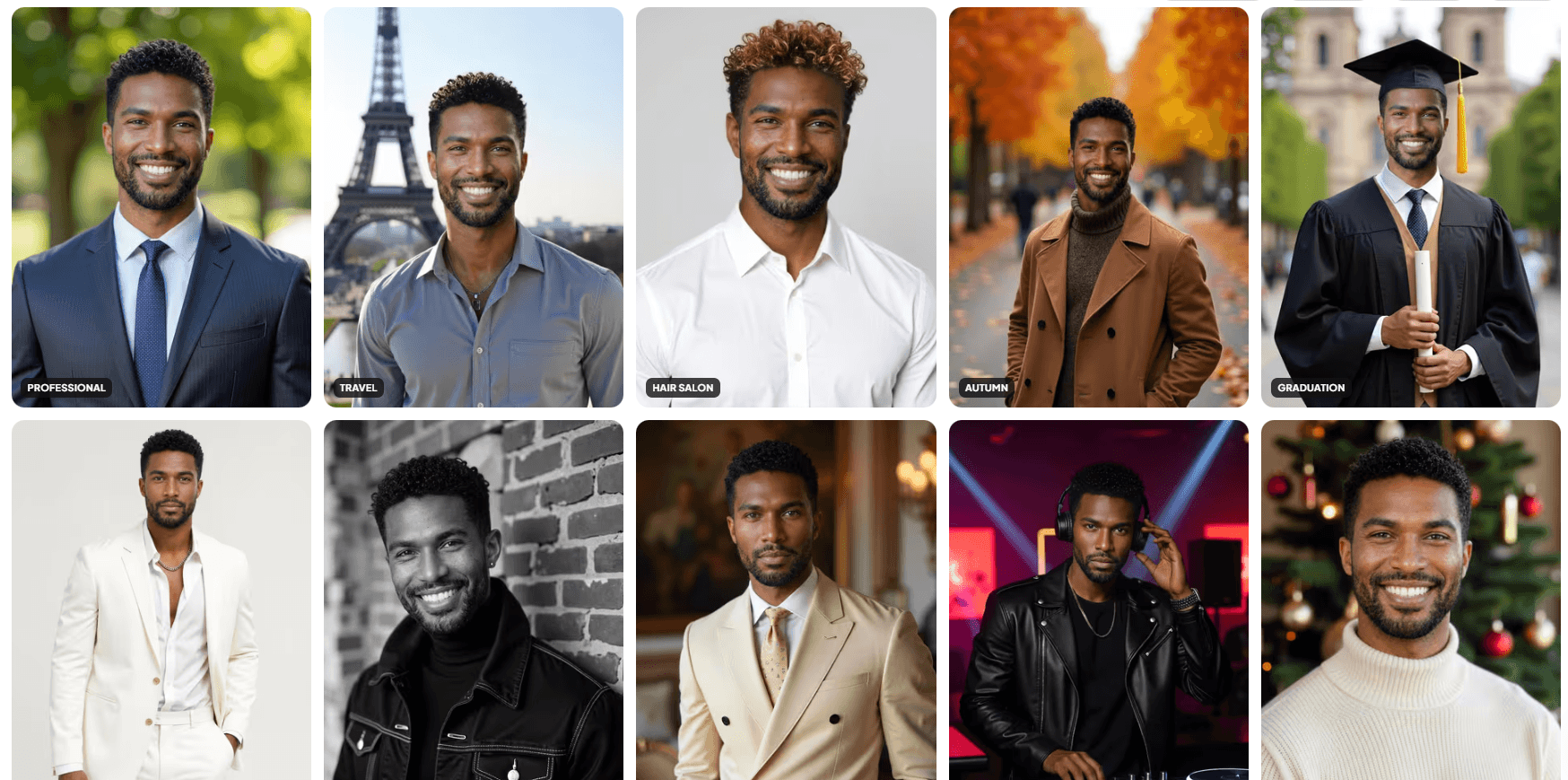
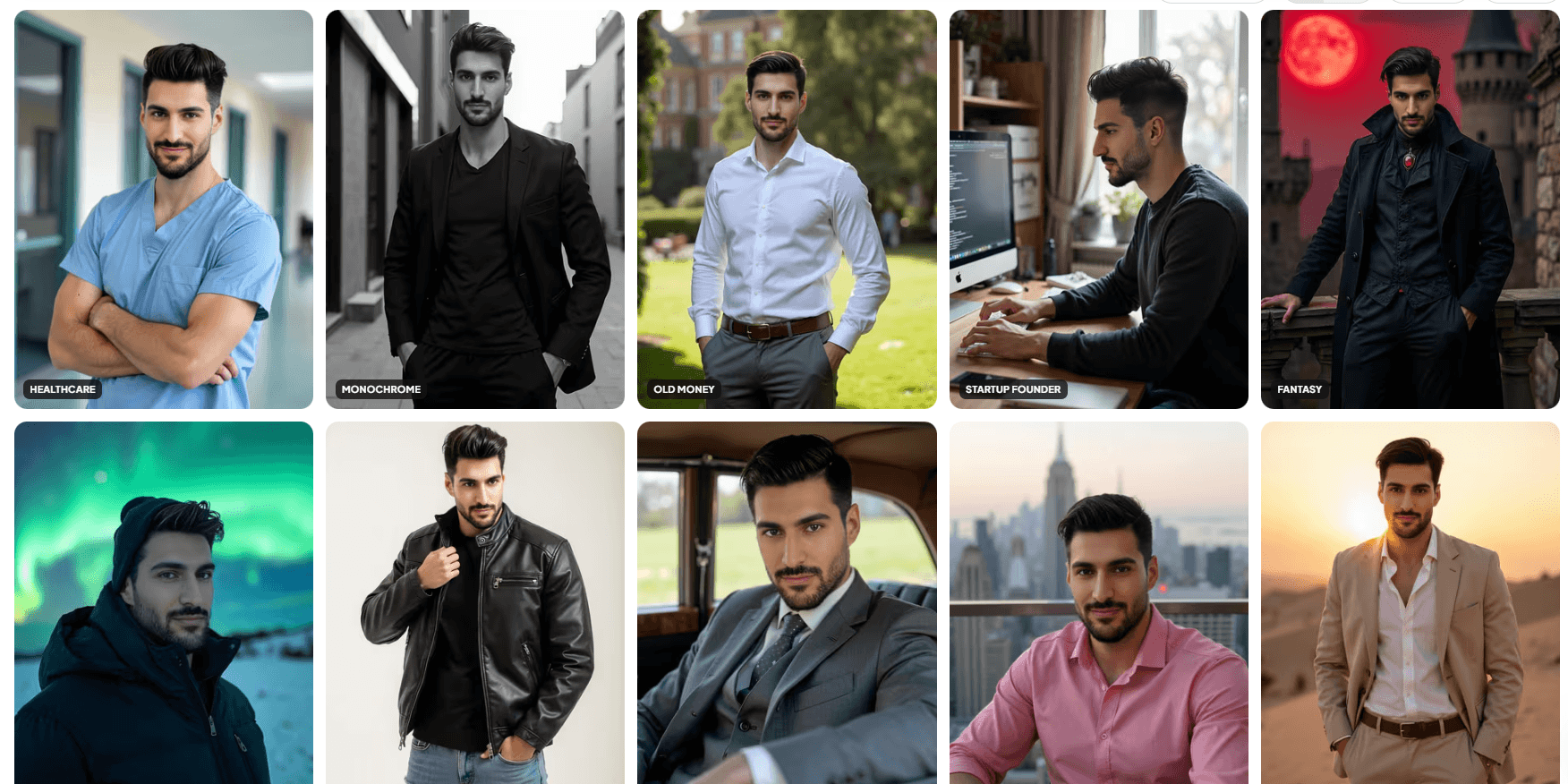
The practical takeaway is simple: use the most realistic and identity-accurate images for business use, and reserve more stylized photo packs for personal branding, social profiles, or creative presentation.
Aragon AI is best for professionals, teams, job seekers, founders, creators, and companies that need polished headshots without coordinating a traditional photoshoot.
Its strongest advantages are the selfie-to-headshot workflow, large output variety, editing tools for attire and backgrounds, team consistency, broader AI photo packs, and privacy-focused positioning.
The main caveat is review. AI headshots should look polished, but they also need to look like the real person. The best workflow is to generate several options, reject anything that changes identity too much, lightly edit the strongest images, and choose the headshots that feel credible in real professional settings.
TAGS: Photo Editing
Related Tools:

Create fashion models and backgrounds from simple descriptions
Streamlines business processes across financial management

Swaps faces in photos, videos, and GIFs
Improves, sharpens, and colorizes photos

Enhances product photography
Offers invoicing and payroll management