

Share this tool:
 |
Description:
Adobe Podcast is one of the easiest AI audio tools to understand because its pitch is simple: record, clean up, transcribe, and edit spoken content in the browser. Adobe has gradually turned it into a broader spoken-audio workflow with Studio for remote recording and transcript-based editing, Enhance Speech for cleanup, captioning and transcription tools, and newer premium controls for separating speech, noise, and music more precisely. The result is a tool that feels especially strong for podcasters, solo creators, interview content, and video teams that need cleaner dialogue without learning a full DAW first.
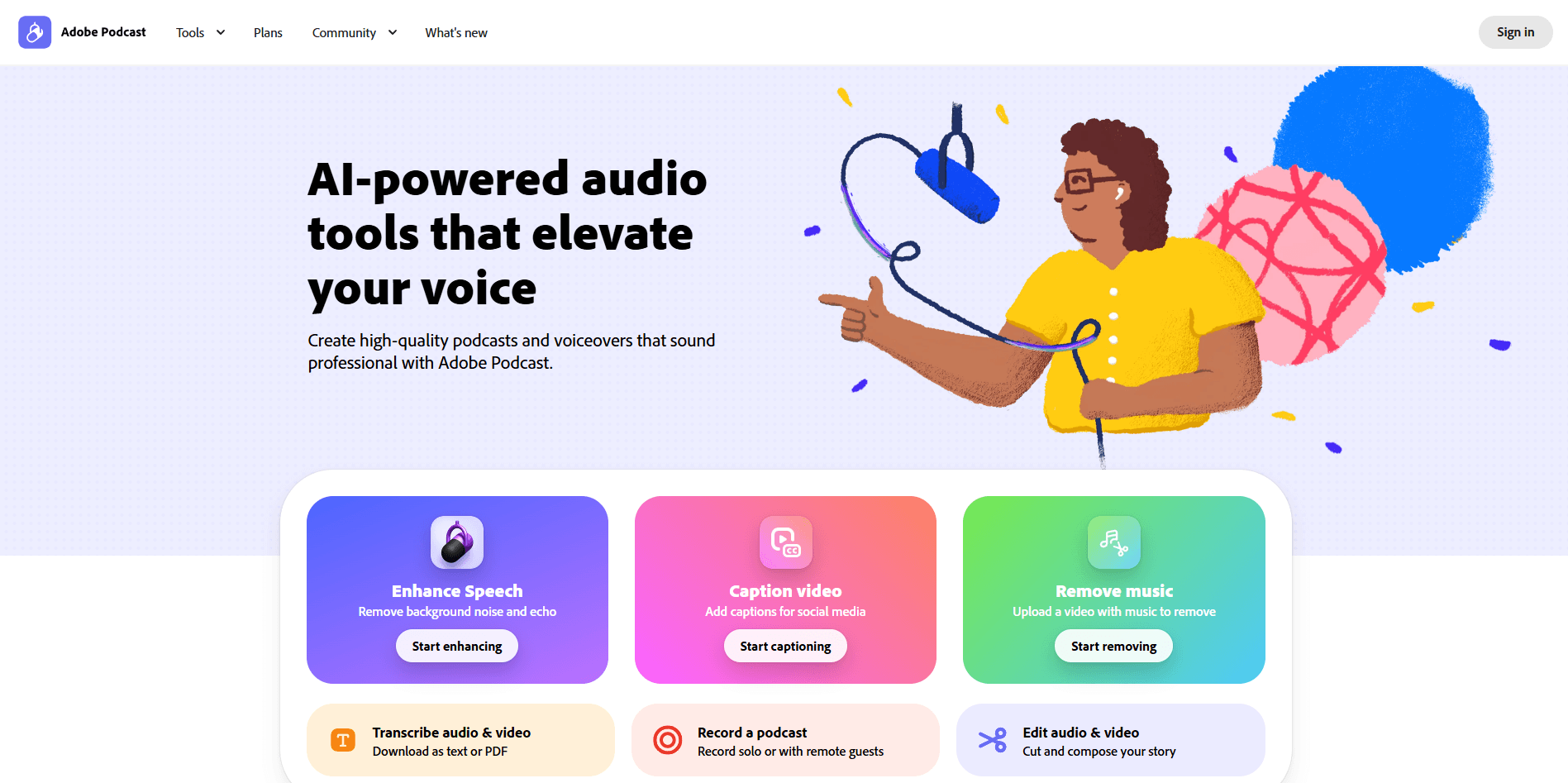
Adobe Podcast is strongest when the source material is voice-first and the user wants speed more than surgical post-production. The core value is not that it replaces a full audio suite. It is that it removes a lot of the friction between “I recorded something usable” and “this is clean enough to publish.” Adobe’s current product stack centers on six public workflows: Enhance Speech, Caption Video, Remove Music, Transcribe Audio & Video, Record a Podcast, and Edit Audio & Video, all accessible from the same browser-based environment.
That makes the product especially practical for four jobs.
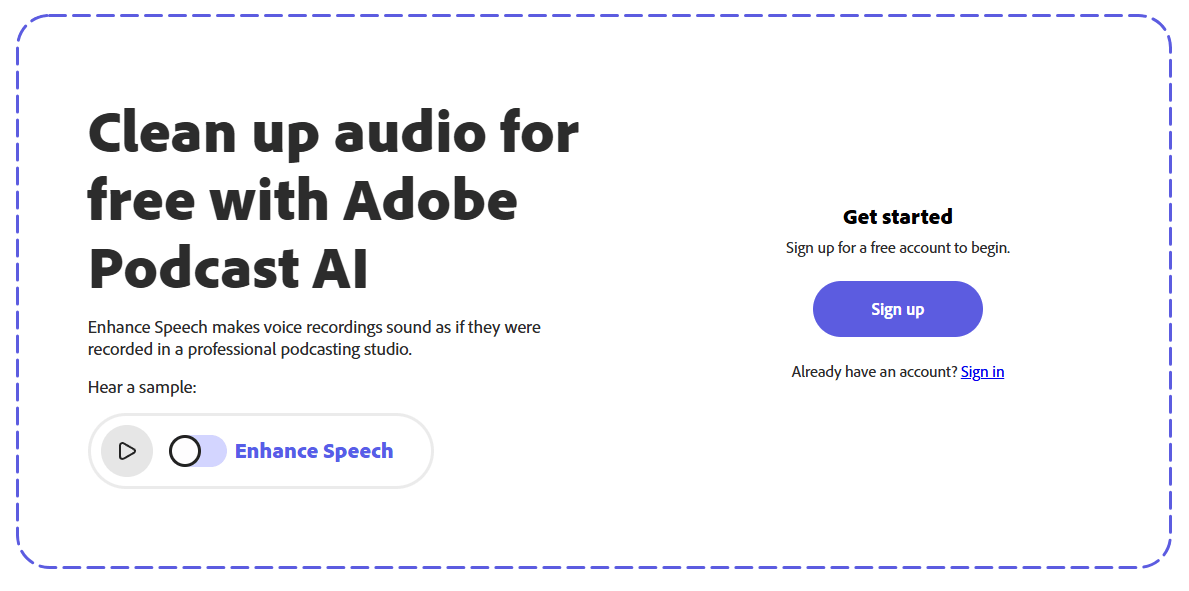
First, it is very good at rescuing mediocre spoken recordings. Enhance Speech remains the main reason many people try Adobe Podcast at all, and Adobe still positions it as the fastest path to cleaner dialogue by removing background noise and echo.
Second, it is unusually approachable for transcript-based editing. Adobe Podcast Studio transcribes your recording, highlights words as they play, and lets you cut and rearrange content as if you were editing a text document. That is still one of the cleanest onboarding experiences in AI audio.
Third, it is useful for remote spoken-content capture. Adobe says Studio supports solo recording or remote guests and captures individual tracks in 16-bit 48k WAV, which matters because separate tracks are much easier to clean and rebalance later than a flattened call recording.
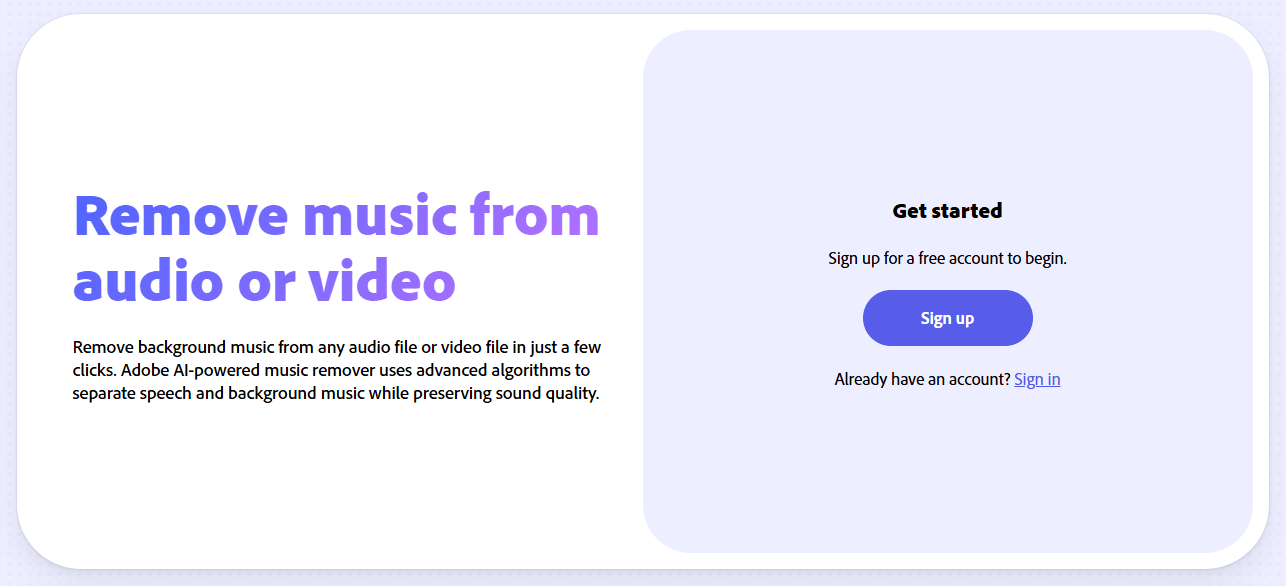
Fourth, it has become more relevant for video creators, not just podcasters. Adobe now publicly surfaces captioning, transcription, music removal, and video editing/caption workflows alongside traditional podcast recording. Premium Enhance Speech also supports video files such as MP4 and MOV.
Cleans voice recordings by reducing noise and echo, and Premium adds more control plus video support.
Record solo or with remote guests directly in the browser with automatic transcription and project-based editing.
Edit spoken audio and video by cutting text instead of manually moving clips on a timeline.
Transcribe audio or video and export the transcript as text or PDF.
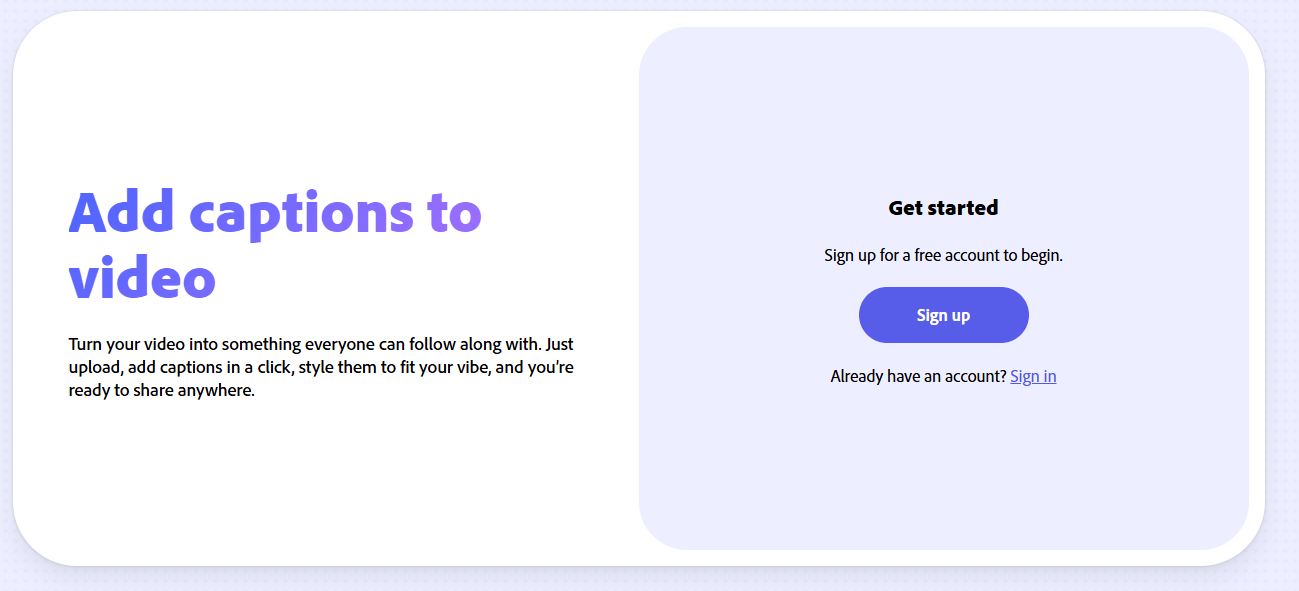
Add captions for social content and create audiograms, with more customization on Premium.
The March 2026 update added premium source separation controls for speech, noise, and music, plus downloadable stems.
The product’s headline feature is still Enhance Speech, but it is worth understanding what that means in practice. Adobe Podcast works best when the underlying audio is understandable but imperfect. If your recording has room echo, HVAC noise, street rumble, laptop fan wash, or an underwhelming microphone, Enhance Speech can often push it closer to the “decent studio mic in a decent room” zone. That is a very valuable middle ground. It is not magic, but it is often enough to save a clip that would otherwise sound amateur. Adobe still markets this as a one-click cleanup tool, and that remains accurate for basic use.
What makes the current version more serious is the added control. In March 2026, Adobe introduced advanced source separation for Premium users, including separate control over speech, background noise, and music, along with downloadable stems. That is a meaningful upgrade because older “AI cleanup” tools often forced you to accept one processed output whether or not it flattened the ambience too aggressively. Adobe now gives users a better chance to keep speech clear without destroying all environmental realism.
Studio is the second feature that matters. This is where Adobe Podcast stops being just a utility filter and becomes an actual creation environment. Adobe describes Studio as a browser-based place to record, transcribe, edit, and share audio, and its transcript-first editing remains the most important part of the experience. For interview shows, lecture edits, internal explainers, social clips, and voiceover-heavy content, editing by removing words and sentences instead of scrubbing waveforms is still one of Adobe Podcast’s clearest practical strengths.
The third important feature is the widening of the platform beyond pure audio. Adobe now positions Adobe Podcast as a tool for audio and video, including captioning, music removal, and editing uploaded media. That matters because many creators no longer separate “podcast” and “video” cleanly. A talking-head clip for YouTube, Instagram, LinkedIn, or a course platform often needs the same things a podcast episode does: cleaner speech, a transcript, captions, and a simple edit path. Adobe Podcast fits that trend well.
Adobe Podcast is easy to start and intentionally light on setup. That is one of its biggest advantages over stronger but more intimidating tools. Adobe’s FAQ describes it as a web-based tool for recording, transcribing, editing, and sharing audio in the browser, and that browser-first design is central to the product identity. You do not need to install a DAW, build an effects chain, or understand much audio terminology to get value from it.
The easiest workflow is still the cleanup path: upload a file to Enhance Speech, let Adobe process it, and download the result. This is the fastest reason to use the product and the one most likely to win over first-time users.
The next layer is recording plus transcript editing. You record in Studio, Adobe transcribes the material, and you edit by cutting text. For many users, this is dramatically less intimidating than a traditional multitrack editor. It also suits interview cleanup and social clipping well because you can quickly find the sentence you want instead of scrubbing blindly through waveforms.
The more advanced layer is where Premium starts to matter. That includes longer usage limits, more flexible exports, access to original speaker-separated recordings, brand-free audiograms, video support in Enhance Speech, bulk enhancement, and the newer source-separation controls. This does not make Adobe Podcast a high-end post-production environment, but it does make it much more workable for repeat publishing rather than occasional cleanup.
Adobe’s public features page makes the free/premium split fairly clear.
| Area | Free | Premium |
|---|---|---|
| Enhance Speech | Audio only, one file at a time, no strength adjustment, max 30 minutes per file, 1 hour/day | Video support, bulk upload, strength adjustment, up to 4 hours/day, files up to 1 GB |
| Studio | Up to 30-minute project downloads, 2 projects/day, no original recording downloads, branded audiograms | No download limits on Studio projects, original speaker-separated downloads, unbranded/customized audiograms |
| Mic Check | Included | Included |
These limits matter because the free tier is good for trial use, occasional cleanup, and understanding the workflow, while Premium is where Adobe Podcast starts feeling like a tool you can actually build a recurring content process around.
Adobe’s Podcast pages consistently advertise a 30-day free trial for Premium. Adobe also states that Premium includes Adobe Express Premium features, so the broader value proposition is partly tied to the Express ecosystem as well. Adobe’s Express pricing page currently lists Adobe Express Premium at US$9.99 per month billed monthly in the US, but pricing can vary by region, so buyers should check their local Adobe pricing page rather than assume the US number applies everywhere.
Adobe Podcast’s output quality is best judged by asking a simple question: does it make spoken content more publishable, faster, for non-specialists? Usually, yes. The product is clearly optimized for intelligibility, clarity, and convenience. That makes it strong for spoken-word cleanup, but it also creates its main trade-off: the more aggressively you process weak source audio, the more you may hear the familiar “AI-polished” sound that can feel slightly smoothed, flattened, or less natural than a real good-mic recording.
That trade-off is not unique to Adobe Podcast, but it matters here because the marketing language can make “studio quality” sound more literal than it is. In practice, Adobe Podcast is better understood as a strong rescue-and-polish tool, not a total substitute for good recording habits. Premium’s newer strength and source controls help because they let users back off the processing and preserve more of the original environment when needed.
The transcript-based editor also feels good in the way many AI tools do when they remove the wrong kind of complexity. It does not make editing itself disappear. You still need judgment. But it does remove a lot of the mechanical friction that makes spoken-content editing slower than it needs to be.
Adobe Podcast is a very good fit for solo podcasters who want their voice to sound cleaner without spending time in Adobe Audition or another full editor.
It is also a strong fit for video creators making webcam, interview, tutorial, commentary, and course content, especially when the main problem is dialogue clarity rather than cinematic sound design. Adobe now explicitly supports captioning, music removal, transcription, and video-oriented Enhance Speech workflows.
It works well for marketers, educators, and internal teams that need clean voice tracks, transcripts, and quick edits but do not want a full production stack. The browser workflow and transcript exports are well suited to this kind of operational content.
It is less ideal for producers who need deep multiband control, highly detailed restoration, complex sound design, or nuanced final mastering. Adobe Podcast has moved forward on source separation and multitrack workflows, but its value still comes from simplicity first.
- Use Enhance Speech as a polish step, not a replacement for basic recording discipline. A decent mic position and quieter room still improve results noticeably.
- Use the free tier to test your own voice and environment before paying. Adobe’s free limits are enough to judge whether the cleanup character matches your taste.
- If the enhanced version sounds too processed, Premium’s adjustment controls and newer source separation tools are the reason to upgrade. They give you a better balance between clarity and natural ambience.
- Use Studio when you want transcript editing and remote recording in one place. Use Enhance Speech alone when you just need fast cleanup on existing files.
- If you publish social clips, the caption and audiogram features add more value than people expect, especially once you want consistent outputs without moving between several tools.
- Adobe Podcast is not a full replacement for professional audio post-production. It is a fast browser tool with increasingly useful controls, not a complete mixing environment.
- The best-known issue is the processed sound signature. On badly recorded clips, the output can become cleaner but also less natural.
- The free plan is genuinely useful, but the meaningful workflow upgrades are concentrated in Premium: longer limits, video support, better export options, bulk processing, and enhanced control.
- The product is most compelling for spoken content. If your work is music-heavy, sound-design-heavy, or creatively mix-driven, Adobe Podcast is not where its strengths are centered.
- Because it is browser-based, it is also best for users comfortable with web workflows rather than heavyweight local production pipelines.
Adobe Podcast is best thought of as one of the easiest serious AI audio tools for voice-first content. Its biggest strength is not any single feature in isolation, but the way cleanup, recording, transcription, transcript editing, captioning, and lightweight publishing workflows sit together in one browser-based system.
The standout use cases are podcasts, interviews, voiceovers, talking-head videos, courses, and internal content where cleaner dialogue and faster editing matter more than deep audio engineering.
The main caveat is that it still works best as a smart polish-and-workflow tool, not as a substitute for strong source audio or a full professional post-production setup.
TAGS: Voice/Audio Modulation
Related Tools:
Text-to-Speech and Voice Cloning

Enables users to create 2D games quickly and easily
Enhances audio recordings by removing unwanted sounds

Allows developers to create and publish 2D and 3D games
Create high-quality games with integrated online features

Converts text to speech